
How to Animate an Anime Still Without Breaking the Line Art
A practical anime image-to-video guide: source still checks, motion choices, line-art stability and a repeatable prompt structure.
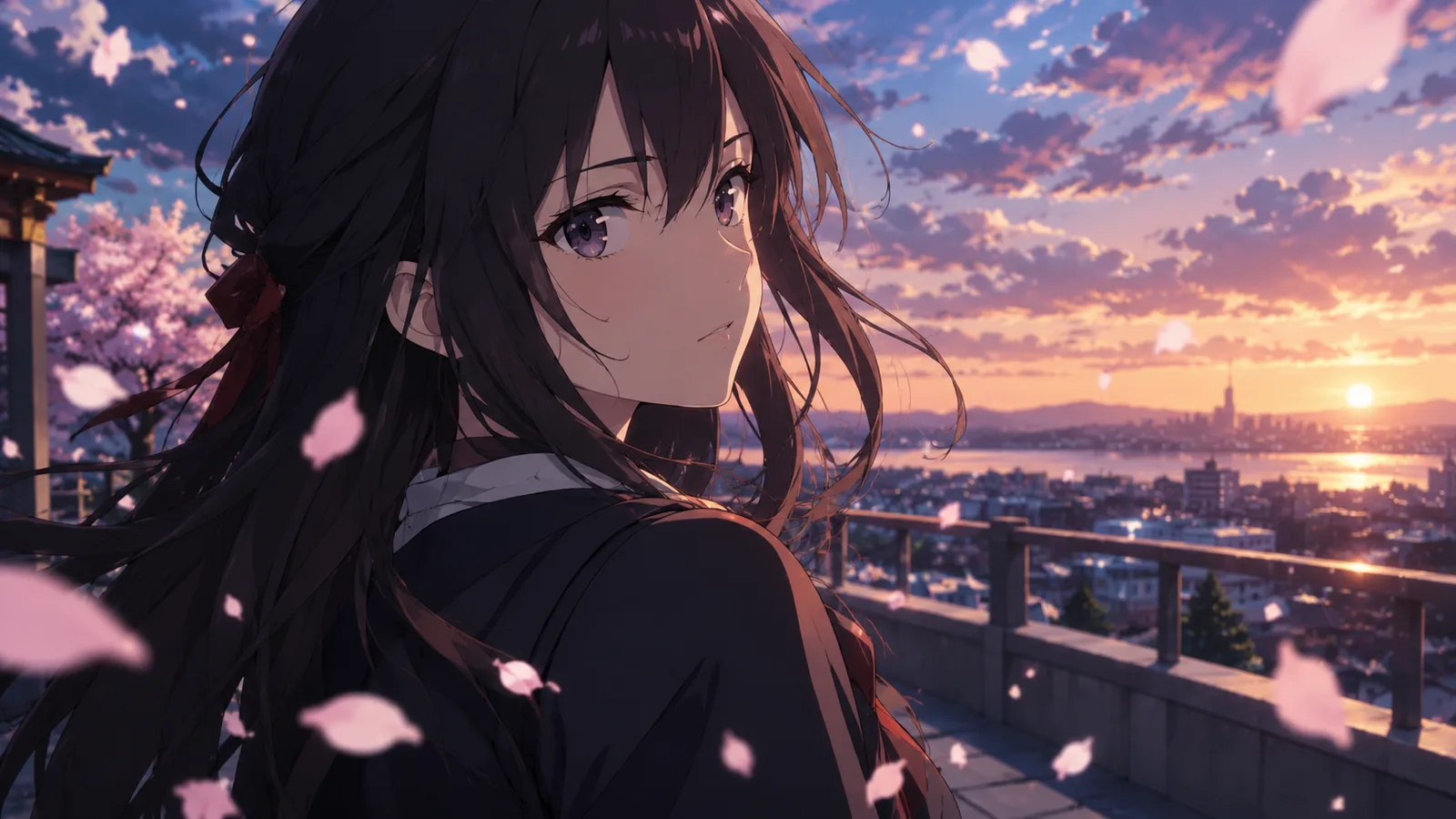
Anime line art is less forgiving than photographic texture. A small warp in a face is noticeable. A hand with six fingers is obvious. A hair strand that changes thickness looks wrong. That is why anime image-to-video works best when the still is already finished and the motion is small.
This guide covers the workflow behind the AI anime video generator. The goal is a five-second clip that protects the character design, the line style and the palette.
Start with a still that already works
A good anime still has:
- A clear character silhouette.
- A readable face, even at thumbnail size.
- A simple background.
- Clean line art without heavy compression.
- A consistent light direction.
If the character is small in the frame, crop before animating. If the background is crowded, simplify it. The video model has to track every object; fewer objects means fewer chances to melt.
Keep the highest resolution you have. The model will resize the image, but a clean source preserves line quality.
Pick one motion that respects line art
Anime models handle these motions well:
- A slow head turn.
- A blink and a small expression change.
- Hair moving in the wind.
- Petals, rain or dust drifting.
- A slow camera push-in or lateral pan.
- A cape or fabric edge moving.
These motions are harder:
- Full-body running.
- Fight choreography.
- A character turning 180 degrees.
- Multiple characters interacting.
- A costume transformation.
Start with a head turn or a camera move. If the result is stable, add one environmental motion. Do not add a second character.
Try an anime motion preset
Prompt lab
6 tested directions
Pick a preset, edit the prompt, then copy it or open the workspace with the prompt already loaded.
371 characters · Generation uses purchased credits
The lab above loads a five-second cherry blossom prompt. Edit the motion, copy the prompt, or open the workspace with the prompt applied. The workspace accepts an anime still and shows the credit estimate before generation.
The four-part anime prompt
- Reference lock. “Use the provided anime still as the exact starting frame. Keep the face, hair, outfit, line style and color palette consistent.”
- Motion. “The character slowly turns their head toward the camera.”
- Environment. “Cherry blossom petals drift past. A gentle breeze moves the hair.”
- Stability. “Stable anatomy and clean line art. No cuts, no text, no watermarks.”
The reference lock should mention line style, not just the face. Anime identity lives in the line weight and the color palette as much as in the facial features.
Six motion prompts
1. Cherry Blossom Turn
Use the provided anime still as the exact starting frame. Create a five-second cinematic animation. The character slowly turns their head toward the camera while cherry blossom petals drift past. Keep the face, hair, outfit and line style consistent. The camera performs a gentle push-in. Maintain stable anatomy and clean line art. No text, no watermarks, no scene cuts.
2. Neon City Pan
Use the provided anime still as the starting frame. Animate a slow lateral camera pan across a neon city at night. Rain falls, reflections shimmer and distant signage flickers. Keep the character and line style consistent. No cuts, no text, no new characters.
3. Battle Stance
Use the provided anime still as the starting frame. Animate subtle battle tension: hair and fabric move in the wind, dust drifts, and the character holds a stable stance. Add a slow camera push-in. Keep the face and costume consistent. No cuts, no new characters, no text.
4. Rainy Rooftop
Use the provided anime still as the starting frame. Animate gentle rain, rippling puddles and a slow camera drift across a rooftop. The character stands still and blinks. Keep the line style, colors and proportions consistent. No cuts, no text, no extra characters.
5. Manga Speed Lines
Use the provided anime still as the starting frame. Add a dramatic manga-style push-in with subtle speed lines in the background. The character's hair moves and their expression shifts slightly. Keep the line art and costume stable. No cuts, no text, no watermarks.
6. Sunset Walk
Use the provided anime still as the starting frame. Animate a slow tracking shot at sunset. The character walks forward while warm light shifts across the scene. Keep the face, outfit and line style consistent. Add gentle wind and floating dust. No cuts, no text, no new characters.
When the line art shimmers
Line shimmer usually means the motion is too large or the source is too compressed. Fix it in this order:
- Reduce the motion.
- Shorten the clip.
- Use a higher-resolution source.
- Add a line-art stability rule.
- Remove background objects.
Do not add more adjectives. “Ultra-detailed 8K anime masterpiece” will not stabilize a warped hand. A shorter, simpler shot will.
Consistent characters across clips
If you need several clips of the same character:
- Use the same still as the reference.
- Keep the prompt structure identical.
- Change only the motion sentence.
- Keep the same resolution and aspect ratio.
- Generate one shot at a time.
A shared still is the cheapest character consistency tool. It carries the design, the palette and the line style. The video model only adds motion.
Publishing checks
- The face and line style are consistent.
- Hands and props are plausible.
- No invented text or logos.
- The clip follows the platform's synthetic-media rules.
- You have the rights to the character and the source image.
- The clip is readable on a phone screen.
The acceptable use policy applies. For original characters, you control the design and the usage rights. For fan art, check the rights before publishing or monetizing.
Frequently asked questions
Does this create anime from text?
You can use text-to-video, but image-to-video from a finished anime still is more consistent because the still carries the design.
Why does the line art shimmer?
Large motion can warp line art. Reduce the motion, shorten the clip and add a stability rule.
Can I keep the same character across clips?
Use the same still as the reference and change only the motion sentence. That gives the best consistency.
Can I animate a copyrighted character?
Only if you have the rights. The acceptable use policy applies. For original characters, you control the design and usage.
What duration should I use?
Start with five seconds. Short clips are cheaper to iterate and easier to keep stable.
The bottom line
Anime video is a line-art problem before it is a motion problem. Start with a clean still, lock the line style, choose one small motion, and keep the clip short. The AI anime video generator has six presets to start from; the AI Halloween video generator has seasonal motion ideas if you want a darker look.
Was this guide useful?
AI Anime Video Generator
Animate a finished anime still with a small, controlled motion that protects the character design and line art.
Read guide