Seasonal preset pack

Halloween AI Prompts

Copy a tested prompt for selfies, costumes, pets, couples, backgrounds or short videos, then edit one variable at a time.

Copy tested Halloween AI prompts for selfies, costumes, pets, couples, backgrounds and five-second videos. Edit one variable and generate.

  • Browser-based, no install
  • Secure checkout
  • No watermark on paid exports

Generation uses purchased credits

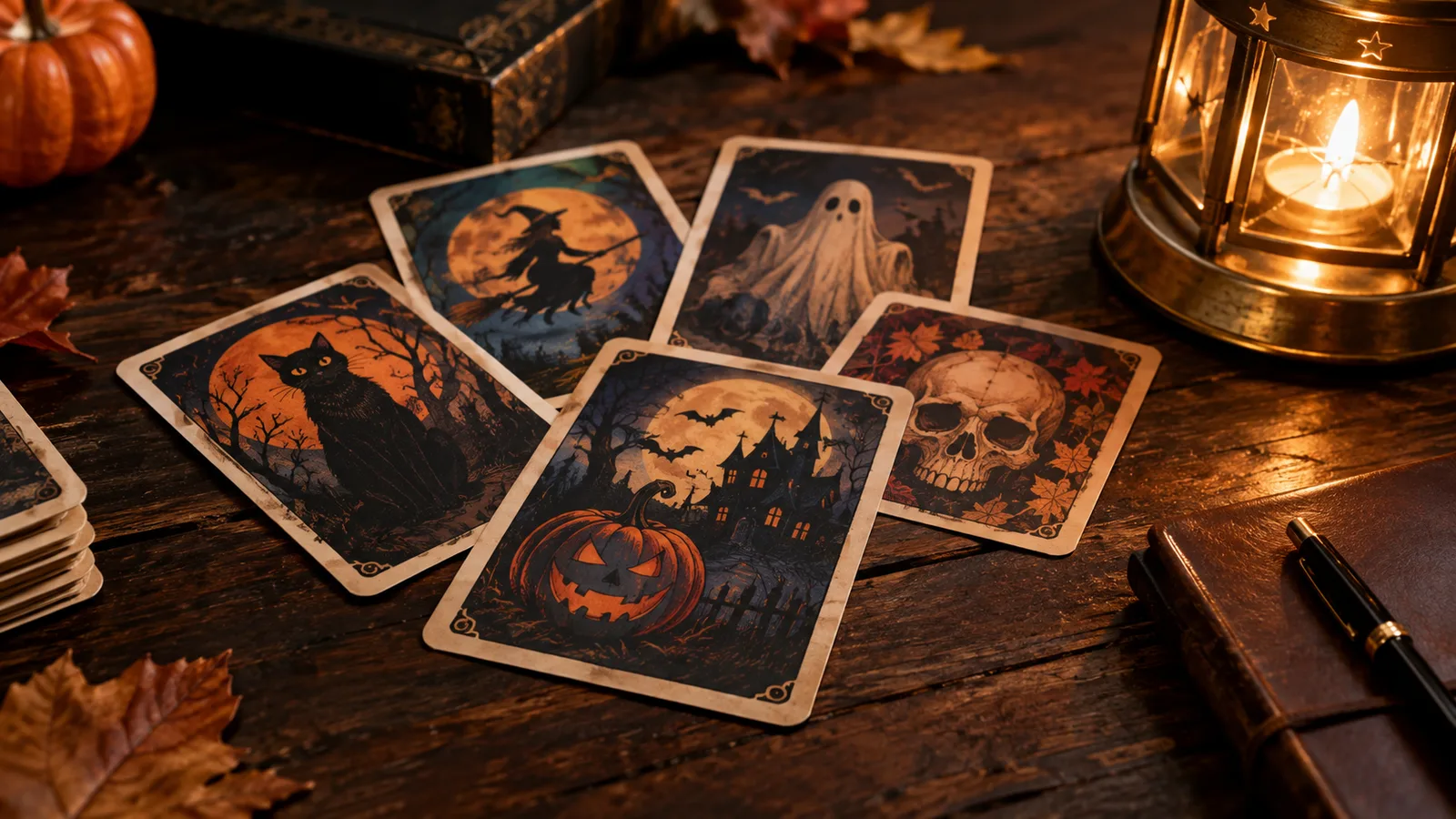
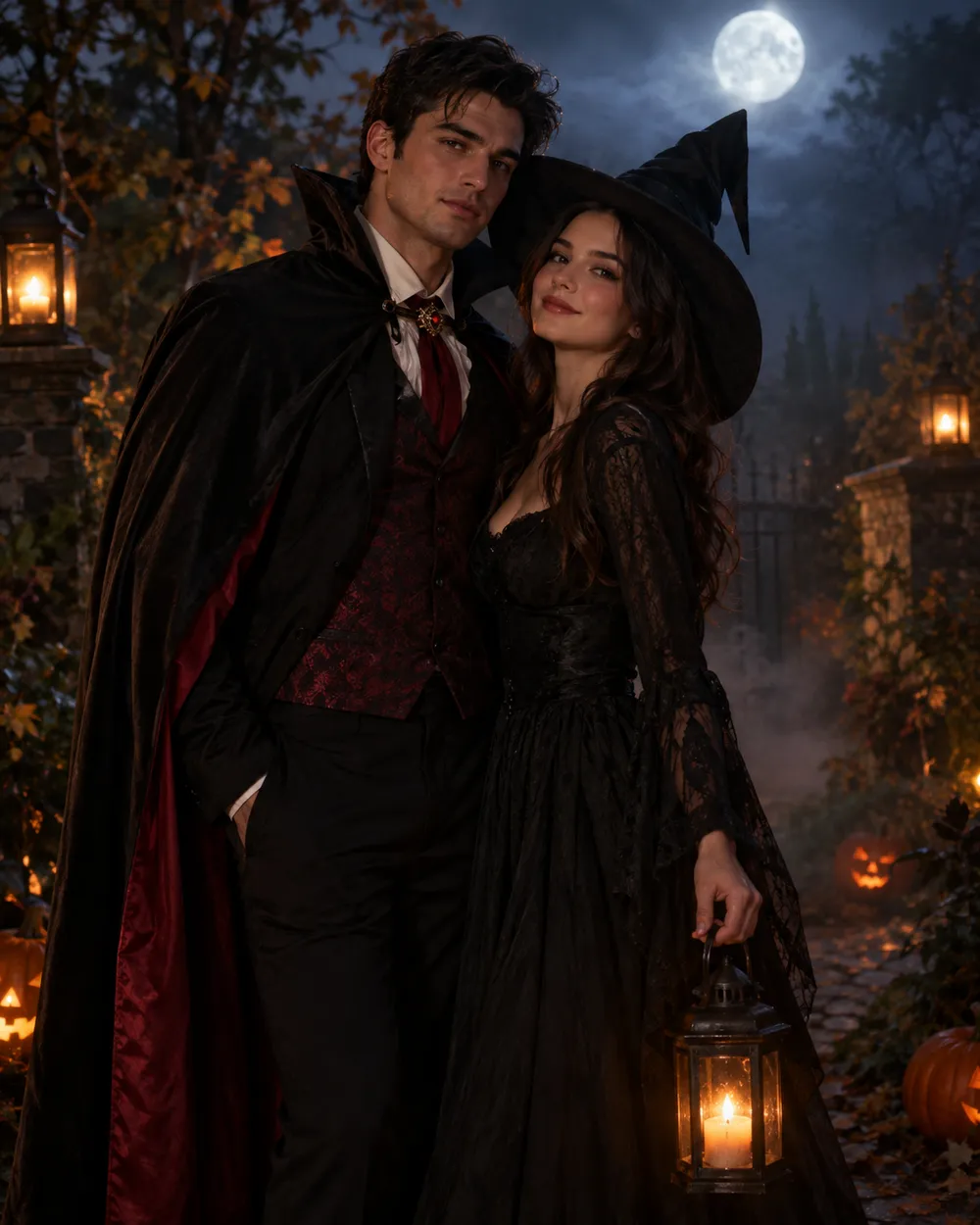
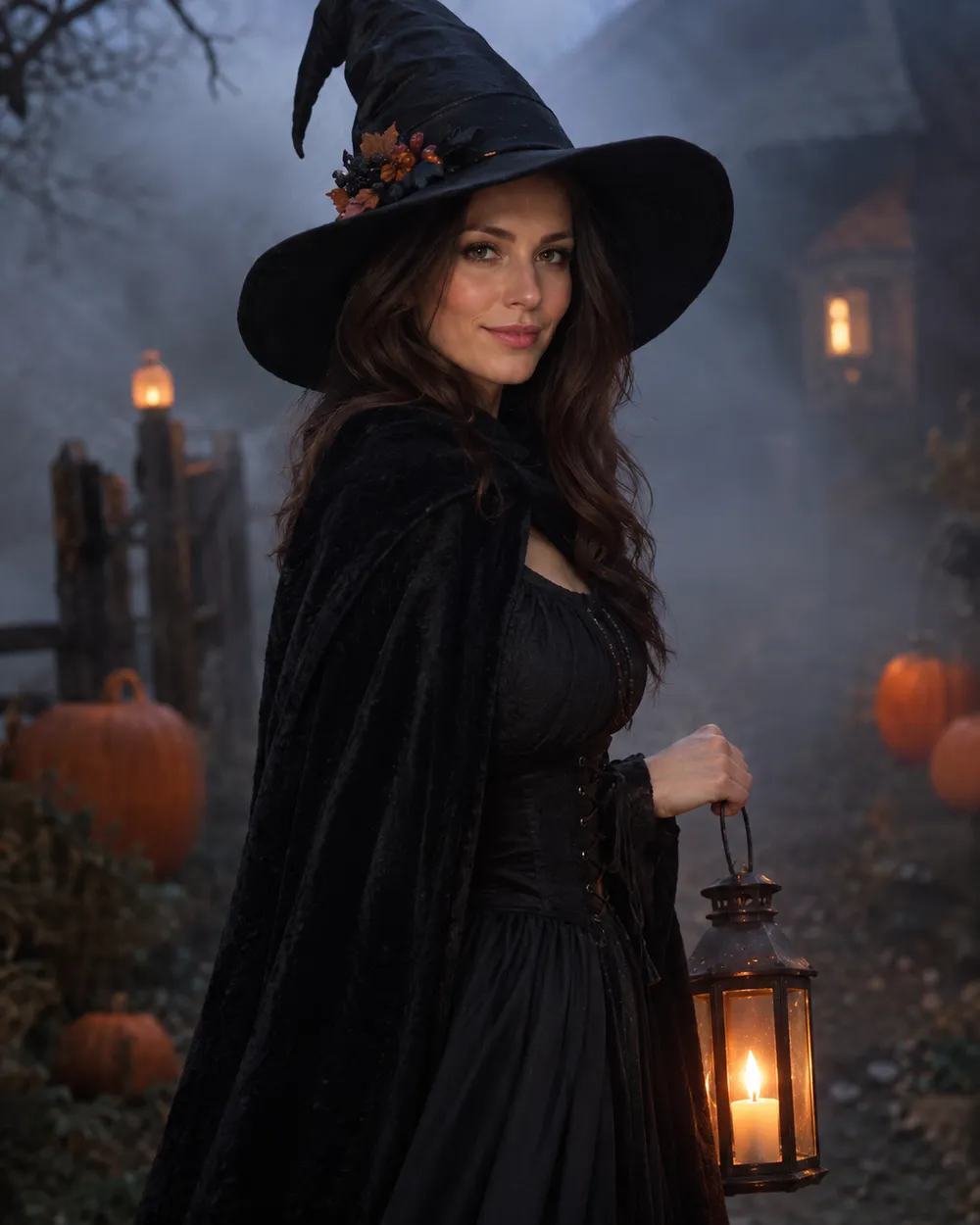
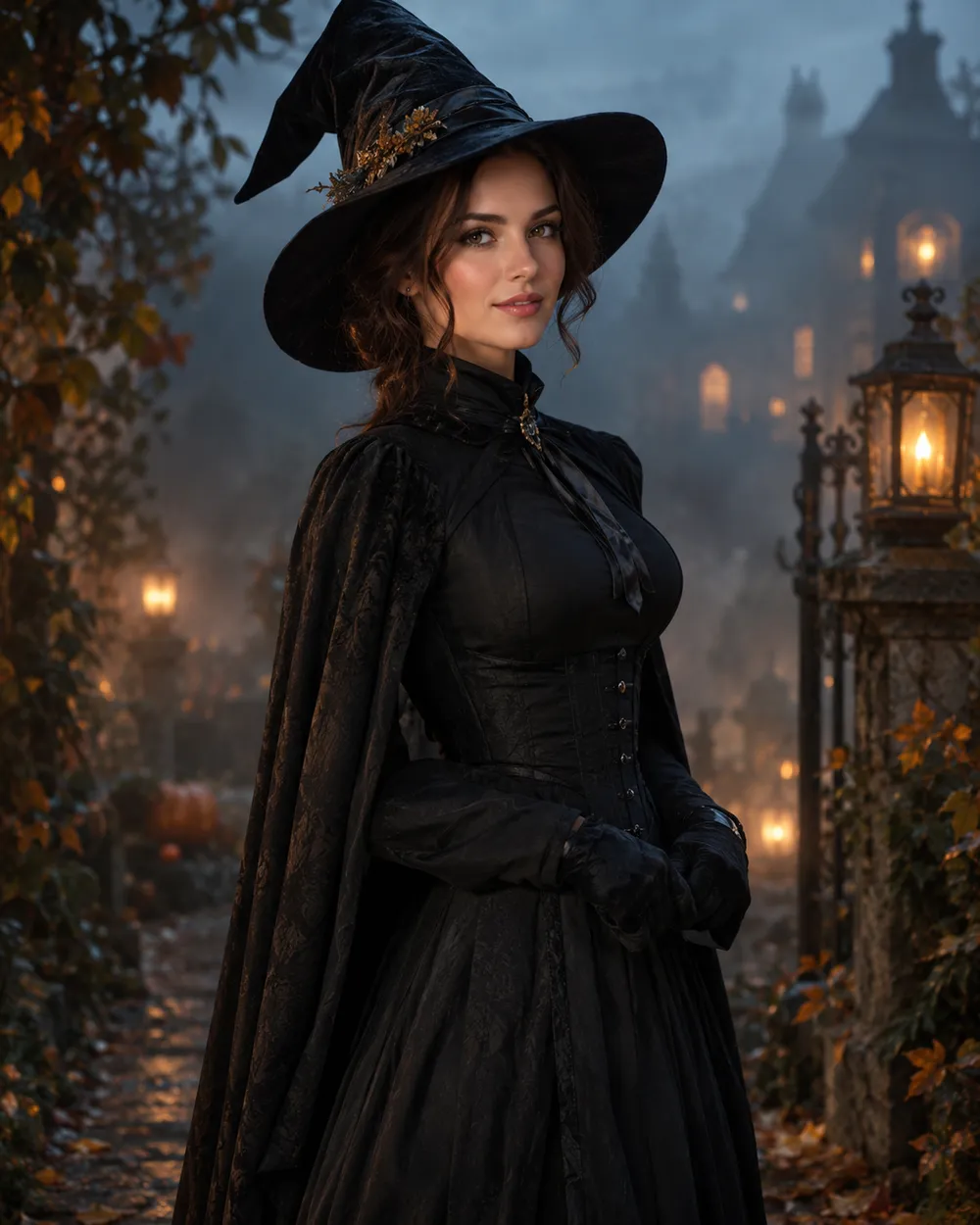
Halloween AI prompt library with costume, pet and couple prompt cards
6 presets

Choose a preset

Pick a direction, apply the prompt to the workspace, then edit one detail at a time.

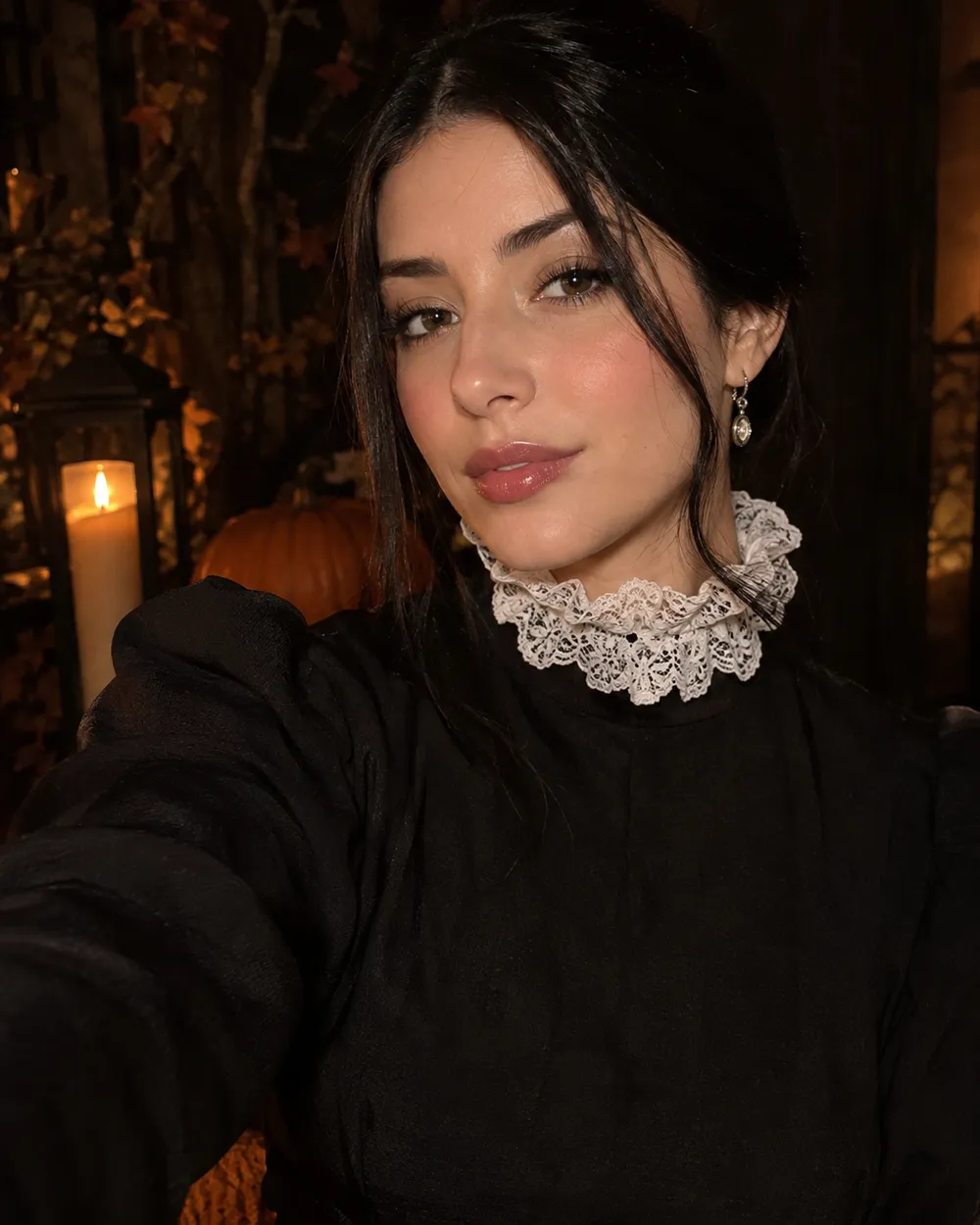
  • Halloween selfie AI prompt example

    Halloween Selfie

    A clean portrait prompt with identity rules.

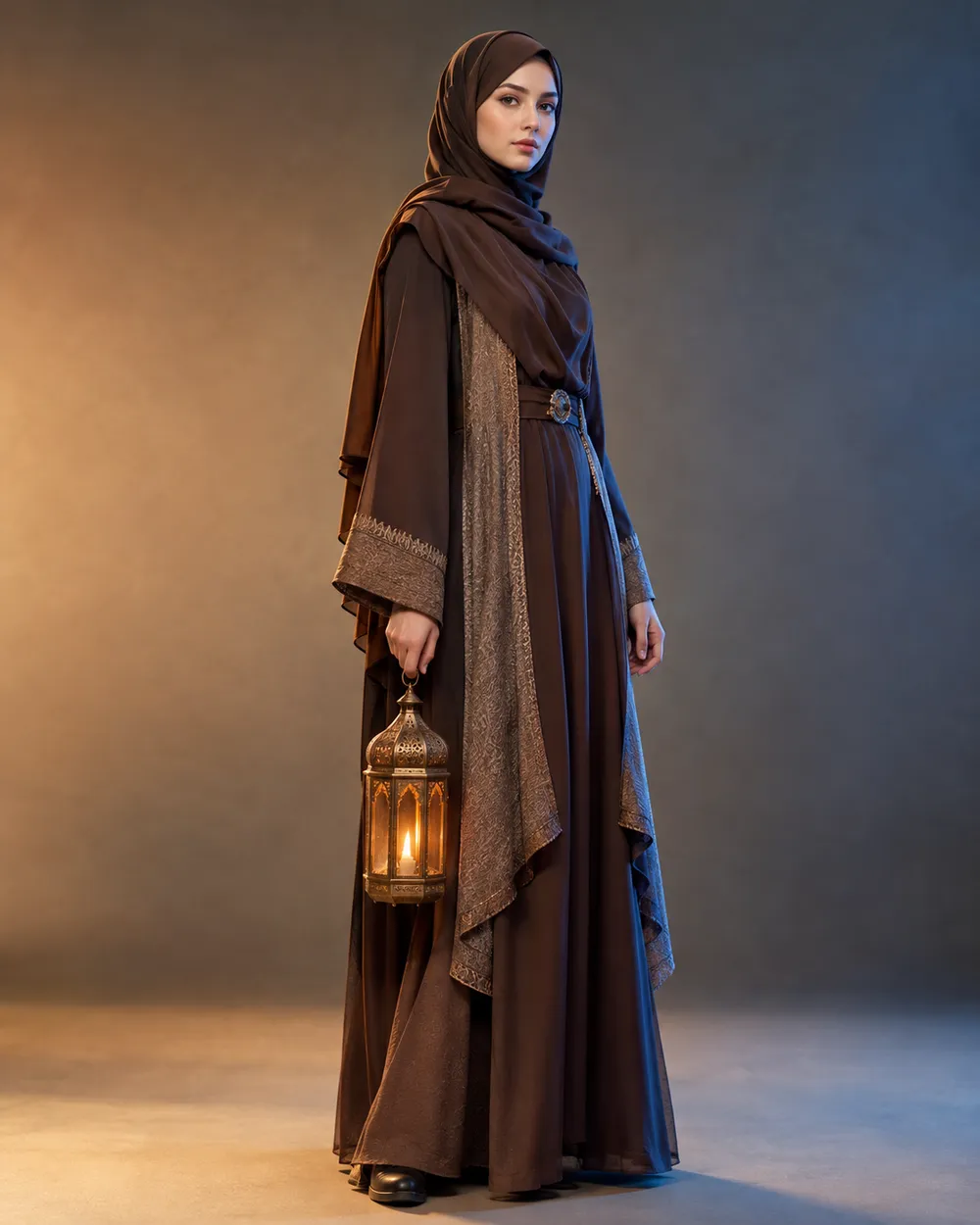
  • Halloween costume AI prompt example

    Costume Portrait

    Full costume, one clear silhouette.

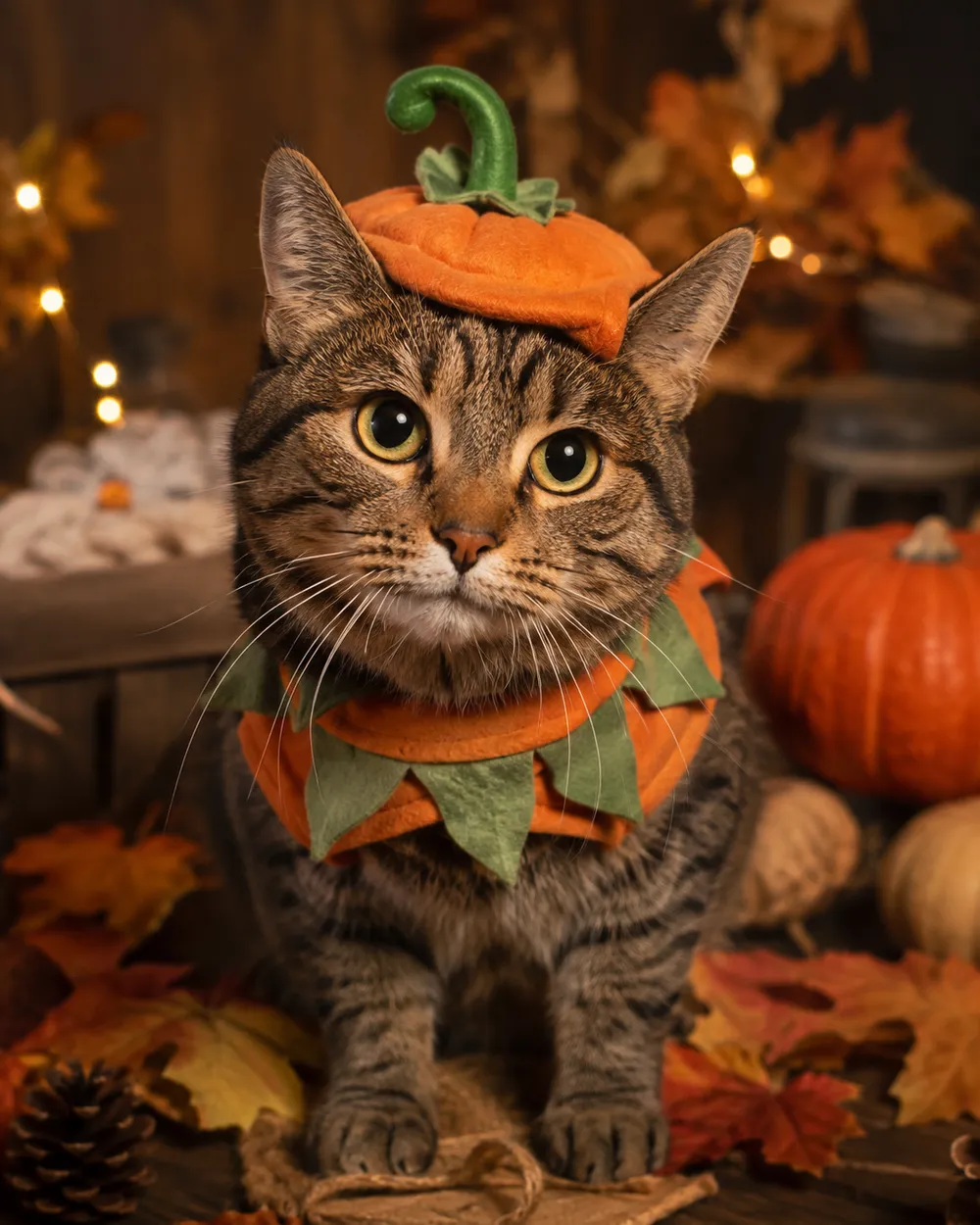
  • Halloween pet costume AI prompt example

    Pet Costume

    Preserve breed, fur and markings.

  • Halloween couple AI prompt example

    Couple Portrait

    Two people, two identities, one scene.

  • Halloween image to video AI prompt example

    5-Second Motion

    A subtle head turn and drifting fog.

  • Halloween background AI prompt example

    Haunted Background

    Replace only the scene, keep the subject.

Model

Quick Select

Cost 1 credits

0 / 4000

Resolution

Aspect Ratio

Output Format

Web Search

Allow the provider to call web search for current information when supported.

Please enter a prompt before generating.

Cost 5 creditsRemaining 0 credits
Preview
SampleSample Animate AI still

A sample image stays here until you run your first generation.

How it works

  1. 1

    Choose a look

    Start from a preset or write your own direction.

  2. 2

    Upload a photo

    Use a clear, front-facing photo that you have permission to edit.

  3. 3

    Generate and refine

    Run the job, review the result, and change one variable per retry.

The four-part Halloween prompt

Part one is the identity lock: who is in the photo and what must not change. Part two is the costume: garment, hair, accessories and silhouette. Part three is the scene: location, time of day, practical lights and weather. Part four is the camera and negative rules: lens, grade, anatomy, text and watermark exclusions.

If you are prompting a model without image input, replace the identity lock with a character description. Keep the rest of the structure. The model still needs a subject, an outfit, a place and a camera.

Prompts for Gemini and ChatGPT

Gemini and ChatGPT can rewrite a prompt, but they do not always know which details matter for an image model. Give them the four-part structure and ask them to preserve the identity sentence. Do not ask for a “viral” prompt; ask for a specific scene with a clear light source.

When you paste a prompt into a chat model, ask it to return only the final prompt. That makes it easier to copy into the image workspace without commentary. If the model adds extra characters or props, remove them before generating.

How to iterate without starting over

Change one variable per run. If the face is wrong, fix the identity sentence. If the costume is wrong, change the garment sentence. If the mood is wrong, change the light or grade. Keeping a short prompt log helps you see which change actually helped.

Save the prompt that worked. Seasonal pages are reused every year, and a tested prompt is more valuable than a long list of untested ones.

Frequently asked questions

  1. 1

    Can I use these prompts in Gemini or ChatGPT?

    Yes. Paste the prompt into the chat and ask for the final prompt only. If you are using an image model, paste the same text into the image workspace. Results differ by model.

  2. 2

    Do I need to upload a photo?

    Only for the image-edit prompts. The text-to-image prompts work from a written description. For identity preservation, upload a clear photo.

  3. 3

    Why do the prompts repeat the identity rule?

    Image models can drift toward a generic face. Repeating the identity rule at the start and end of the prompt reduces that drift. It is not a guarantee, but it helps.

  4. 4

    Can I translate a prompt into another language?

    Yes, but test the translated prompt. Some models are more reliable in English. If the result changes, keep the scene description in English and translate only the UI.

  5. 5

    Are these prompts free to copy?

    Yes. Copy and adapt them for your own projects. Review the model provider’s terms before commercial use.

  6. 6

    Which prompt should I start with?

    Start with the Halloween Selfie prompt. It has the fewest variables and gives you a clean baseline for judging identity retention.

Guides and prompt breakdowns

Related workflows

Start with a tested preset

Open the workspace, apply a preset, and see the credit estimate before you generate.