
AI Hug Video: Fix the Arms Before You Regenerate
Hug clips fail at the arms and shoulders. Source-photo rules, an arm-by-arm prompt, and the order to fix each failure so a retry actually changes something.
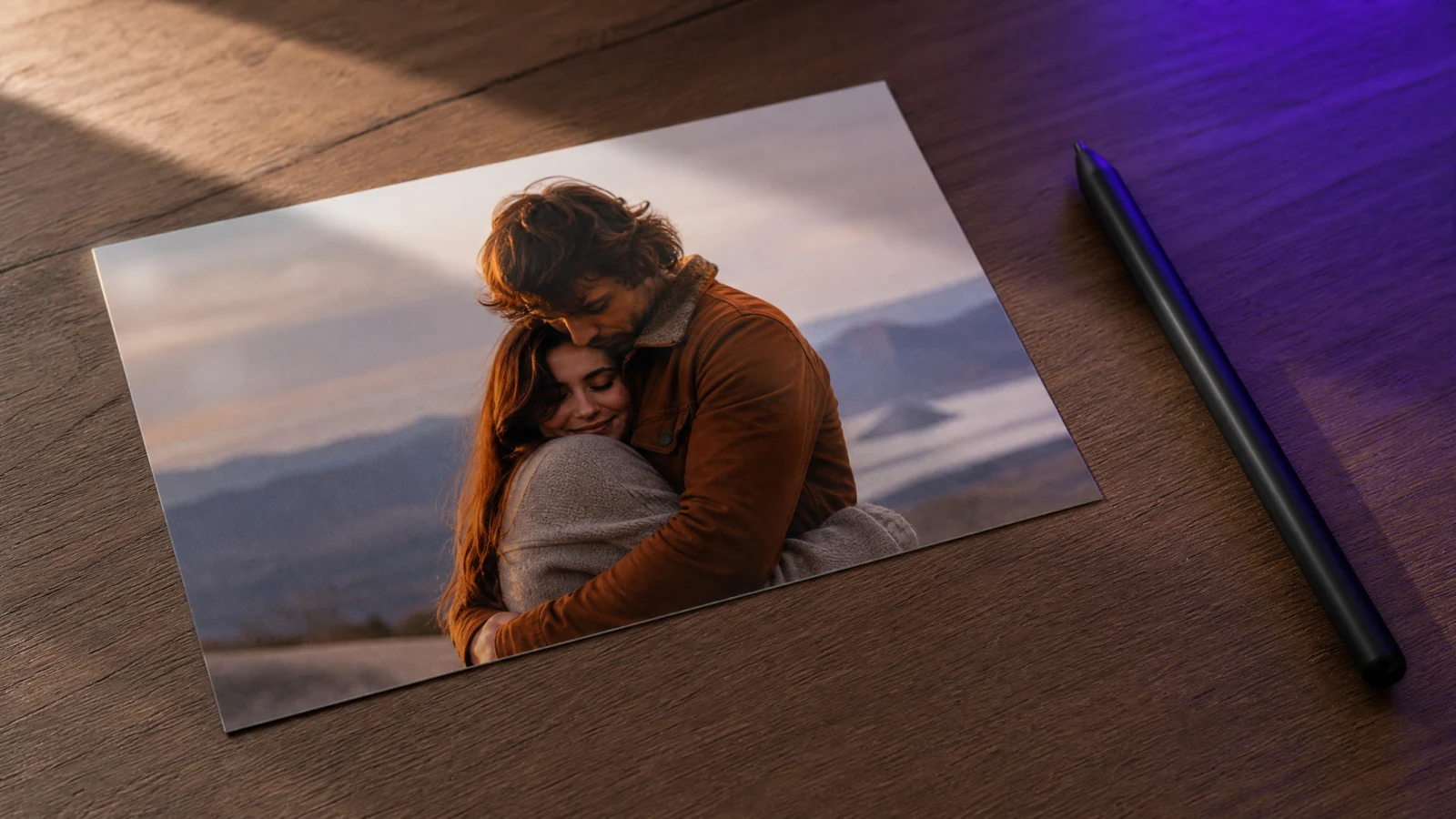
A hug is the hardest everyday gesture for an image-to-video model: two bodies, four arms, hands hidden behind a back, faces close enough to swap. When it fails you get one torso with three shoulders, or a hand that grows through a jacket.
Almost all of these failures are decided before generation, by the photo you start from. This is the checklist. The motion presets are in the AI hug video guide.
The source photo decides the outcome
Use a photo where:
- Both people are fully in frame. All four arms visible, or clearly implied.
- There is a visible gap between the shoulders. Two heads, two necklines.
- Both faces are unobstructed. No cheek pressed into a shoulder.
- The two people are roughly the same scale. A distant child and a close adult breaks the depth order.
- Light comes from one direction. Mixed light on two faces reads as two photos pasted together.
Do not start from a selfie where one person is cropped at the shoulder. The model has to invent the missing body, and it will invent it in the wrong place.
Prompt phrasing that keeps hands where you can see them
Describe the hug as contact points, not as an emotion:
Animate the two people slowly leaning into a warm embrace. The person on the left wraps one arm over the other's shoulder, the right hand resting visibly on the upper back. The person on the right holds the left person's waist with both hands visible. Keep faces, hair and clothing exactly as in the photo. Natural anatomy, no extra limbs, no merging bodies, no text.
The parts that matter:
- Arm by arm. "One arm over the shoulder, hand visible" is checkable. "A loving hug" is not.
- Two contact points. More than two and the geometry collapses.
- Slow. A gradual lean gives the model frames to resolve the arms.
- Explicit anti-merge guard. "No merging bodies" is a real instruction, not superstition.
Prompt lab
Edit a tested prompt before you generate
Pick a direction, change the details to match your source, then copy it or open the workspace with the prompt already loaded.
Two people, one natural hug.
Browsing and copying prompts is free. Generation uses purchased credits, and the workspace shows the credit cost before you run a job.
If you only have separate photos
Two options, in order of quality:
- Compose first, animate second. Put both people into one image with an image editor — correct scale, correct light direction, a natural gap — then animate that composite. You review the still before spending video credits.
- Generate a two-person still, then animate it. Ask for both people fully visible with a visible gap, reject anything with fused silhouettes, and only then run the hug motion.
Never describe two separate uploads and hope the model merges them: reference-to-video holds identity, it does not stage a scene.
Fix order when it still merges
- Shorter clip. Four seconds, one motion.
- One arm moves. Keep the second arm static to reduce occlusions.
- Slower lean. "Very slowly" instead of "leans in".
- Simpler clothing. Patterned fabric hides limb edges.
- New source. If the still has overlapping shoulders, no prompt fixes it.
Honest limits
- Faces touching cheek-to-cheek usually degrades both faces.
- Hands behind a back will be invented; ask for a visible hand or accept the risk.
- Long clips drift; the embrace reads best in five seconds.
- Two people with near-identical clothing confuse the model — dress them differently.
Frequently asked questions
Can I make a hug video from one photo of one person?
No. The second person has to exist in the source (or in a composed image) before the motion makes sense. Otherwise the model invents a body, and invented bodies are where the three-shoulder results come from.
Why do the two people look like the same face?
Because they are close together and the model shares identity across a small region. Widen the gap in the source, keep both faces visible, and avoid identical hairstyles in the prompt.
Is a hug video allowed if the other person is a public figure?
No. Using a real person's likeness without consent is exactly what the acceptable use policy prohibits.
Was this guide useful?