
3D-Style Product Animation From One Photo
A convincing 3D-style product clip from one still: the photo that survives an orbit, camera and lighting lines that sell depth, and the four tells that give it away.
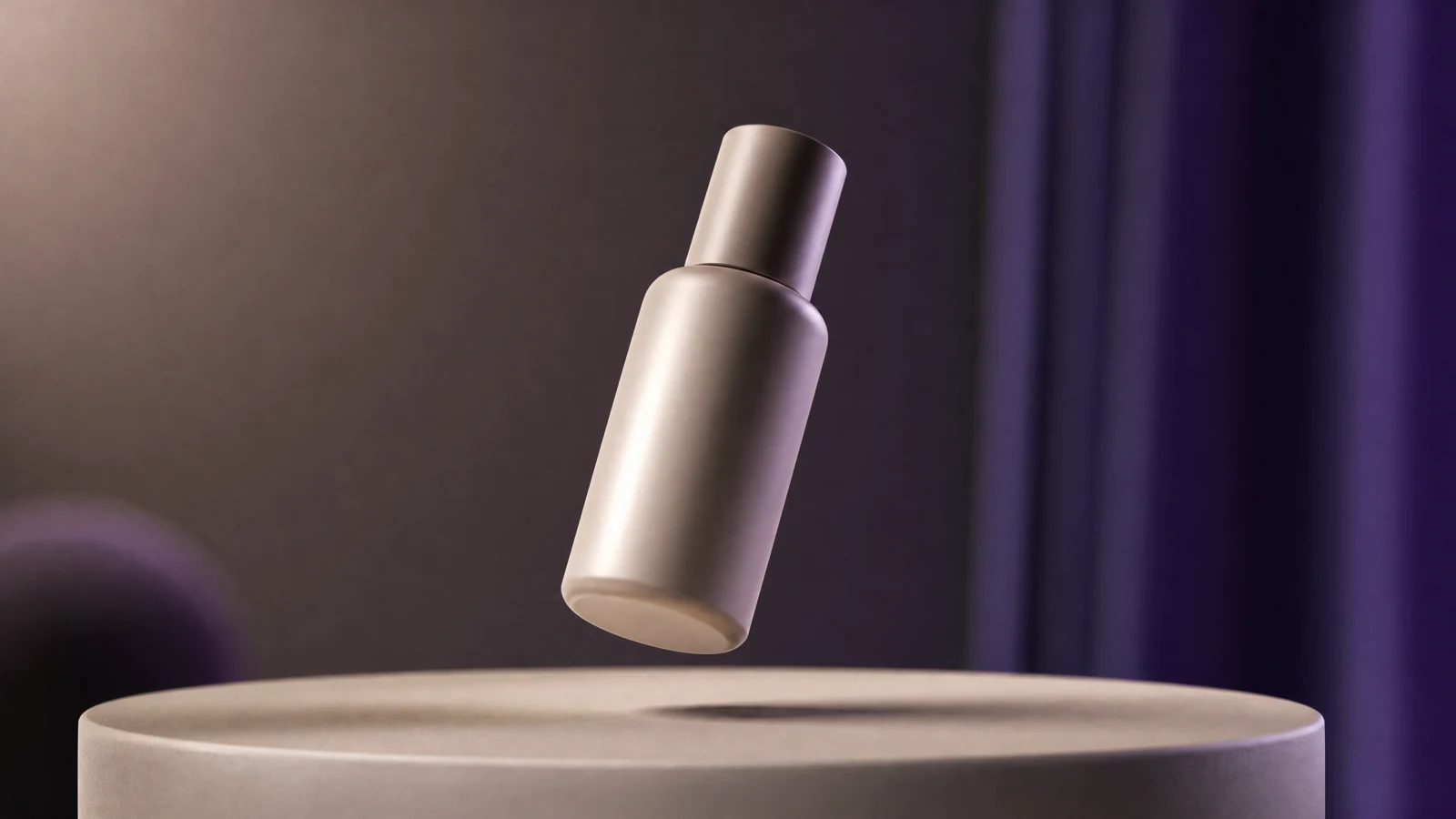
A "3D product animation" in a product page or an ad is usually not a rendered model. It is a still photo with a camera move that makes it read as solid: an orbit, a slow arc, a tilt that reveals the top surface.
Done well, nobody asks how it was made. Done badly, the product warps and the listing looks cheap. The difference is almost entirely the source photo and two prompt lines.
The photo has to survive an orbit
The camera move will invent whatever is not in the photo. So choose a source that already answers the question "what is on the other side":
- Three-quarter angle. Front-on shots give the model nothing to rotate into.
- Even, soft light. One strong highlight becomes a smear once the camera moves.
- A clean edge. Product silhouette against a simple background; cluttered backgrounds morph.
- Genuine detail. Labels, buttons, seams and texture are what sell the object as real.
- No reflection or shadow baked into the background. They will swim.
Cut the product out and place it on a plain background before animating if the original is busy.
The two lines that sell depth
Everything else is decoration. These two do the work:
- One camera move, named precisely. "A 30-degree orbit to the right at a constant speed" beats "rotating camera".
- The lighting relationship. "The key light stays fixed in world space, so highlights slide across the surface as the camera moves."
That second line is what separates a 3D look from a flat video. If highlights move with the camera, the object reads as flat cardboard.
Animate the product photo with a smooth 30-degree orbit to the right at constant speed. The product stays fixed in place, centred, and its shape, proportions, label, colours and materials remain identical throughout. The key light is fixed in world space, so reflections and highlights slide across the surface as the camera moves. Studio background with a soft contact shadow. No cuts, no zoom, no text, no extra objects.
Motion vocabulary that reads as 3D
| Move | Reads as | Use for |
|---|---|---|
| Orbit | Solid object in space | Hero clip, packaging |
| Slow arc + tilt up | Reveals top surface | Bottles, boxes, devices |
| Push-in with parallax | Depth separation | Close-up detail |
| Turntable on a pedestal | Product showcase | E-commerce galleries |
| Floating with light rotation | Premium, weightless | Cosmetics, jewellery |
Avoid: fast spins, morphing, hands entering the frame, and anything that changes the product's proportions. A bottle that gets wider as it turns is the single most common tell.
Duration and frame
- Four to six seconds for one orbit. A full 360° rarely stays coherent; 30–60° looks better and is shorter.
- 1:1 or 4:5 for a product grid, 9:16 for a story ad, 16:9 for a landing page hero.
- Pick the frame first: an orbit that fits a square crops badly to 9:16.
The four tells that break the illusion
- Proportions drift. The product changes width mid-orbit. Fix: shorter arc, fewer degrees.
- Label distortion. Text on the packaging bends. Fix: keep the lettering area away from the strongest part of the rotation, or blur it deliberately.
- Sliding shadow. The contact shadow travels with the camera instead of staying on the ground.
- Light that follows. Highlights stay glued to the same spot on the surface, which flattens the object.
Build the prompt before you spend a credit
Camera, lighting and format decisions are the whole job here, and they can be written without generating anything. The free 3D product animation prompt builder assembles those choices in the browser so you can reuse the same prompt across a whole catalogue.
For the full workflow — source preparation, presets and export — see the AI 3D animation generator.
When you need a real 3D model
If the customer must rotate the product themselves, or see it in their own room, that is a different deliverable: a textured model and a viewer, not a video. AI video gives you a convincing fixed camera path; it does not give you a mesh.
Frequently asked questions
Can I animate a product from a front-on photo?
You can, but the orbit will invent the sides. Shoot or source a three-quarter angle instead; the result stops looking like a cut-out.
Why does the product look flat?
Two causes: the camera move is too small to create parallax, and the highlights follow the camera. Add degrees and fix the light in world space.
How long should a product orbit be?
Four to six seconds. Longer clips drift in proportion and shape, which is the failure buyers notice first.
Can I use this for Amazon or Etsy listings?
Check the marketplace's rules on AI-generated imagery first. Many require the product to be accurately represented, which rules out any clip where the label or proportions change.
Was this guide useful?