
본문으로 건너뛰기
시즌 프리셋 팩

AI 비디오 생성기 블랙 프라이데이 2026

6가지 모션 프리셋, 명확한 크레딧 예상치, 실제 가격으로 세일 전에 제품 클립을 준비하세요.

6가지 모션 프리셋, 투명한 크레딧 가격, Seedance 작업 공간으로 블랙 프라이데이와 사이버 먼데이 제품 영상을 준비하세요.

  • 브라우저 기반, 설치 불필요
  • 안전한 결제
  • 유료 내보내기 워터마크 없음

생성에는 구매한 크레딧이 사용됩니다

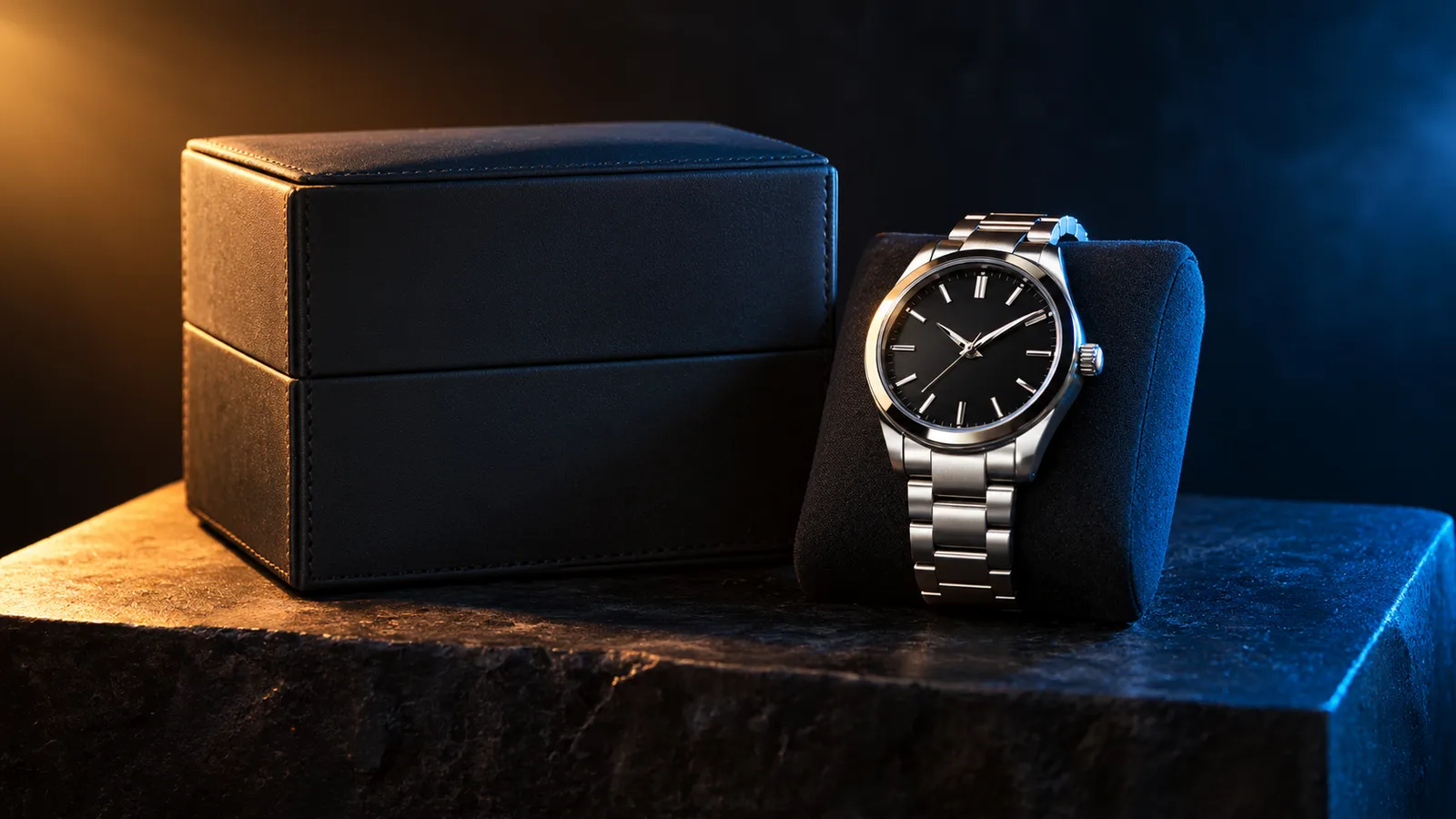
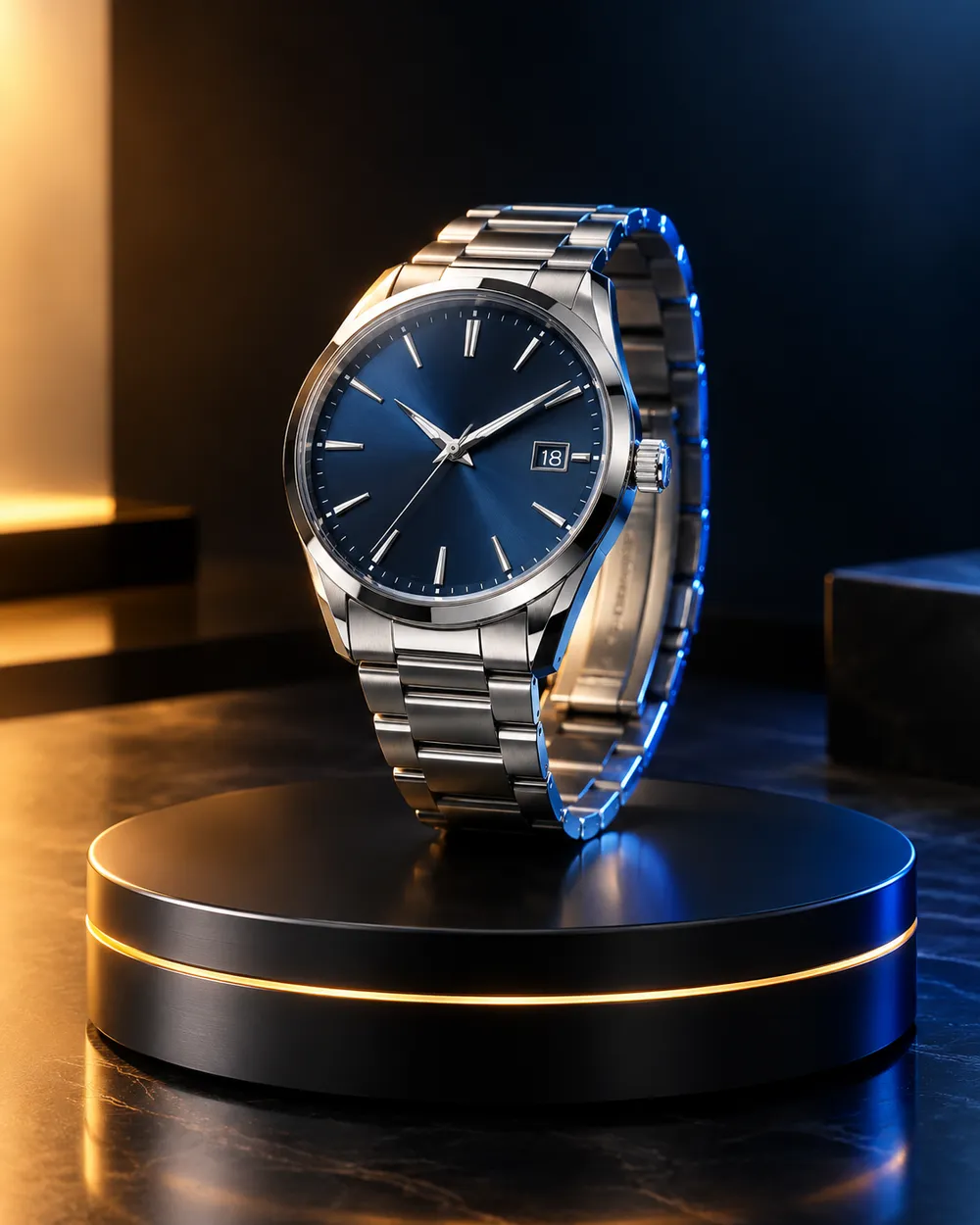
Black Friday product video storyboard with a dark studio and warm rim light
6 presets

프리셋 선택

방향을 고르고 프롬프트를 작업 공간에 적용한 뒤 한 번에 하나의 세부 사항만 수정하세요.

  • Black Friday deal teaser AI video preset

    Deal Teaser

    A five-second product tease with a slow push-in.

  • Black Friday countdown AI video preset

    Countdown

    A dramatic light sweep for a launch post.

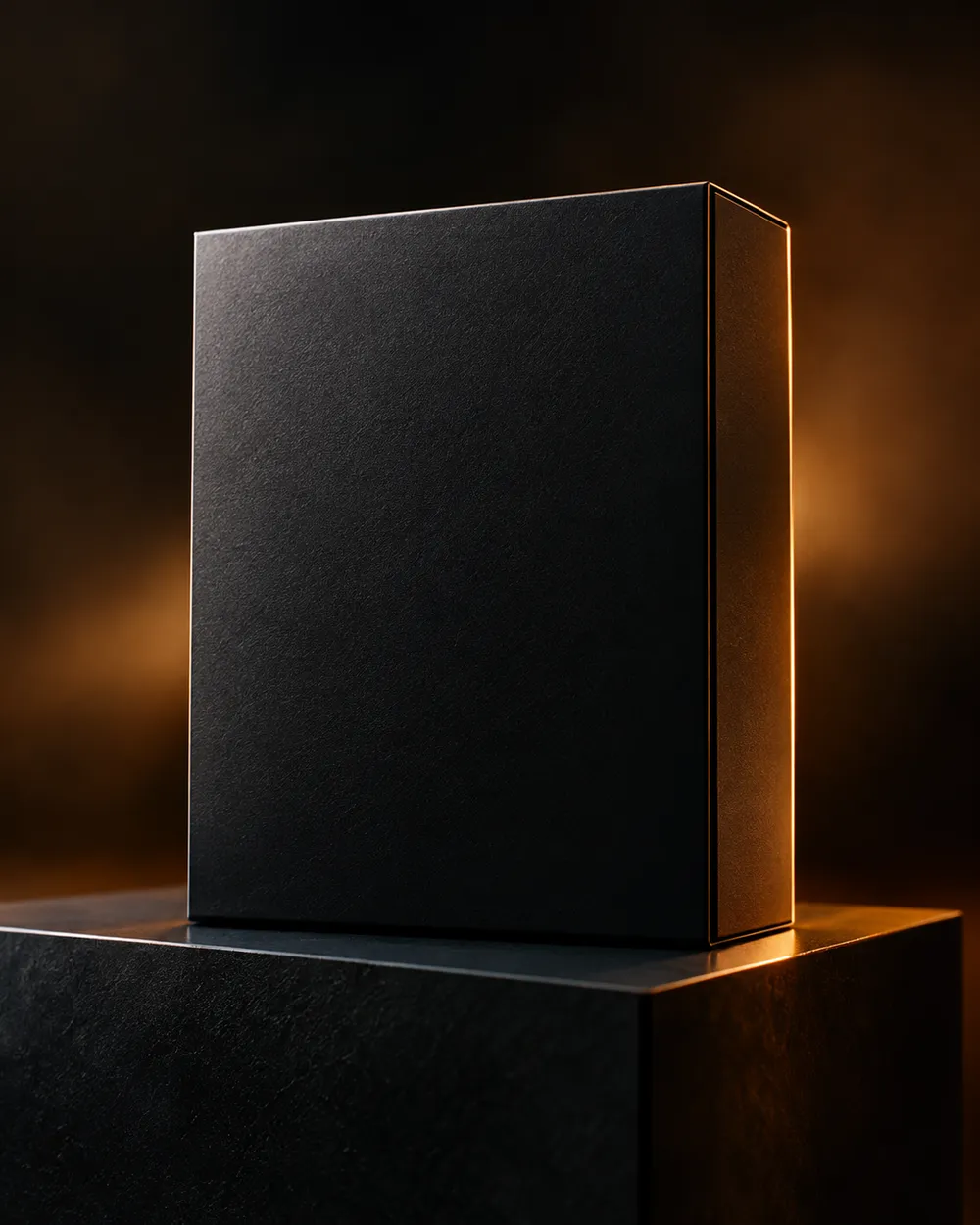
  • Black Friday unboxing AI video preset

    Unboxing

    A clean open-box reveal without hands.

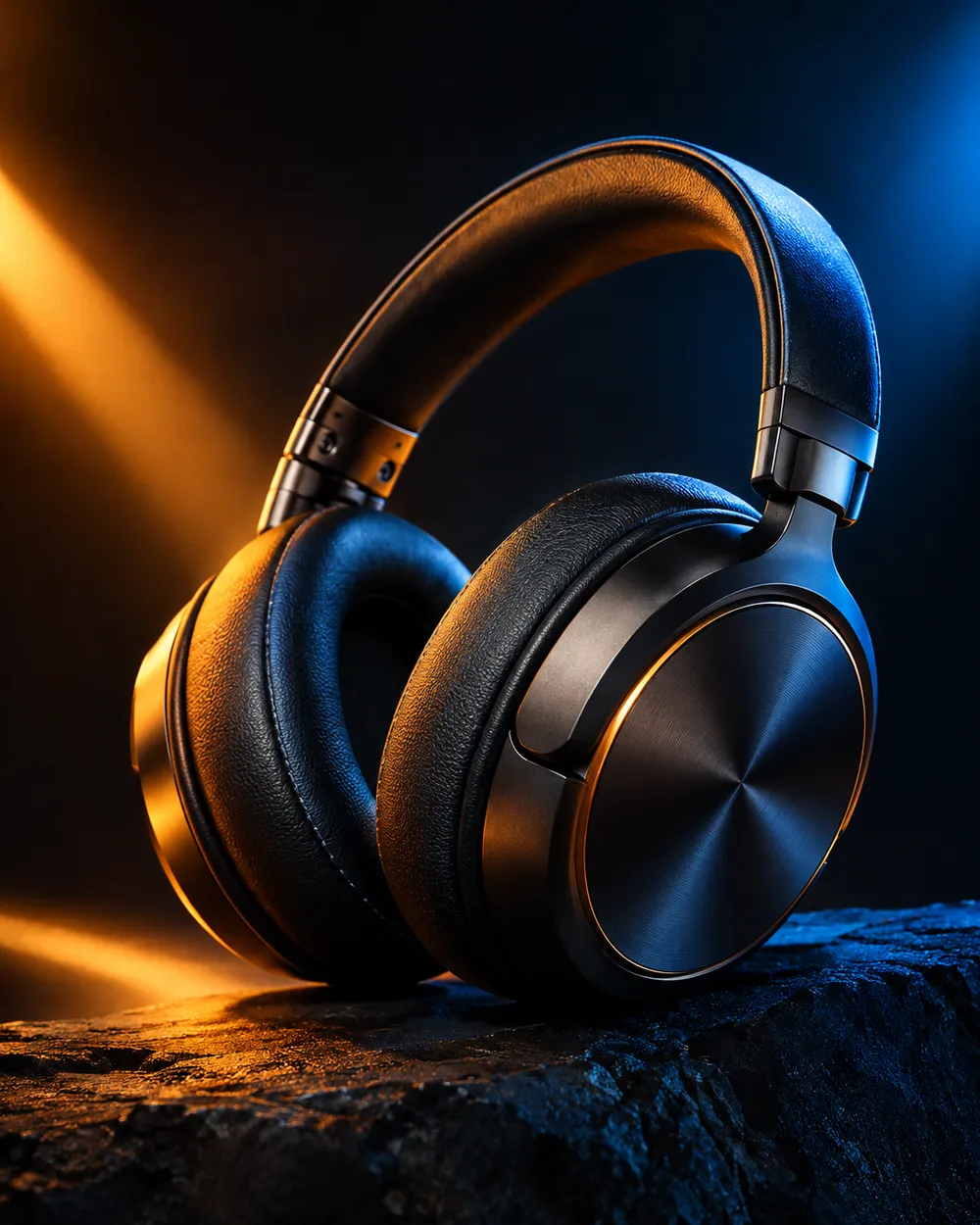
  • Black Friday hero ad AI video preset

    Hero Ad

    A slow turntable for a premium product.

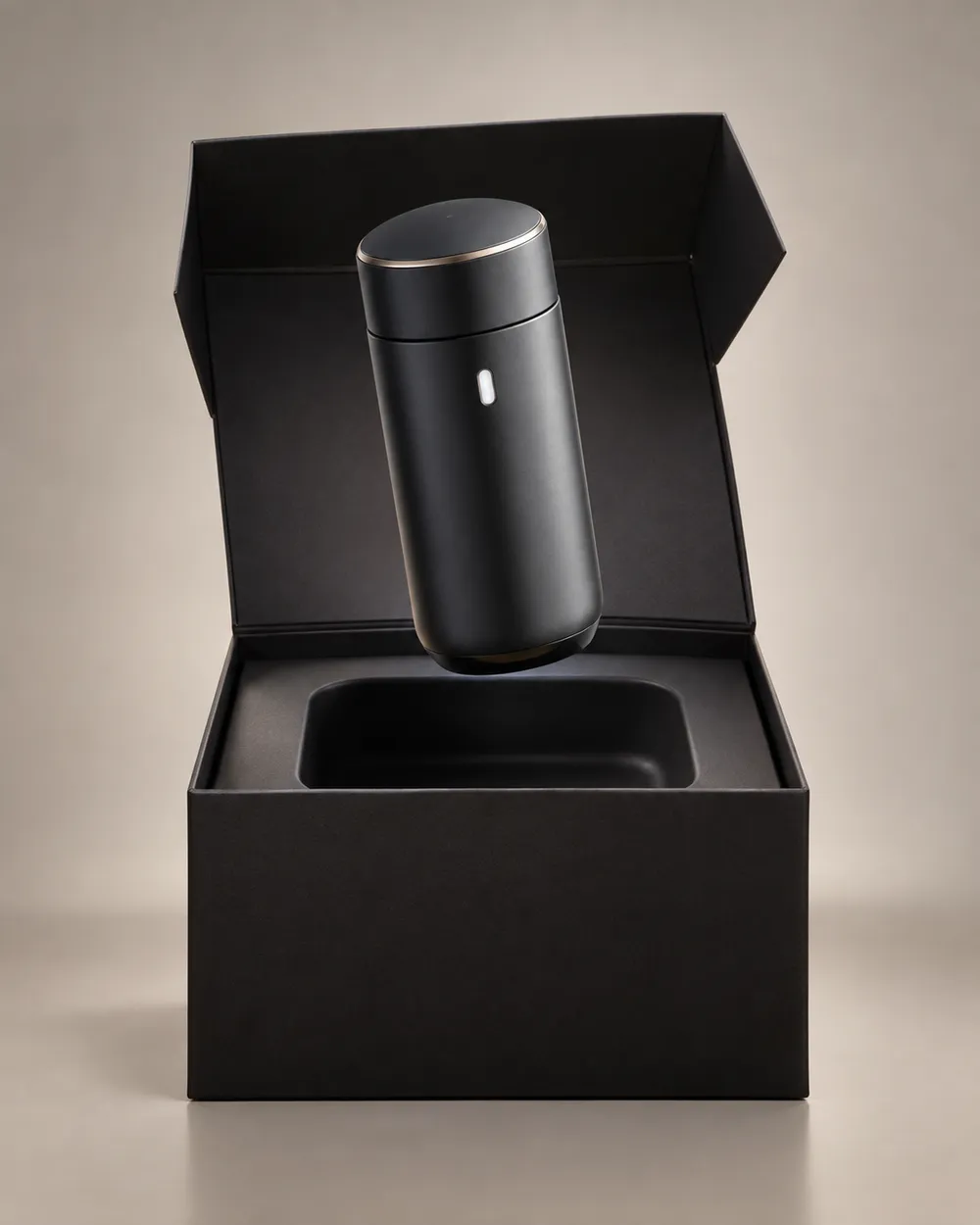
  • Black Friday gift guide AI video preset

    Gift Guide

    A soft floating product for a gift roundup.

  • Cyber Monday AI video preset

    Cyber Monday

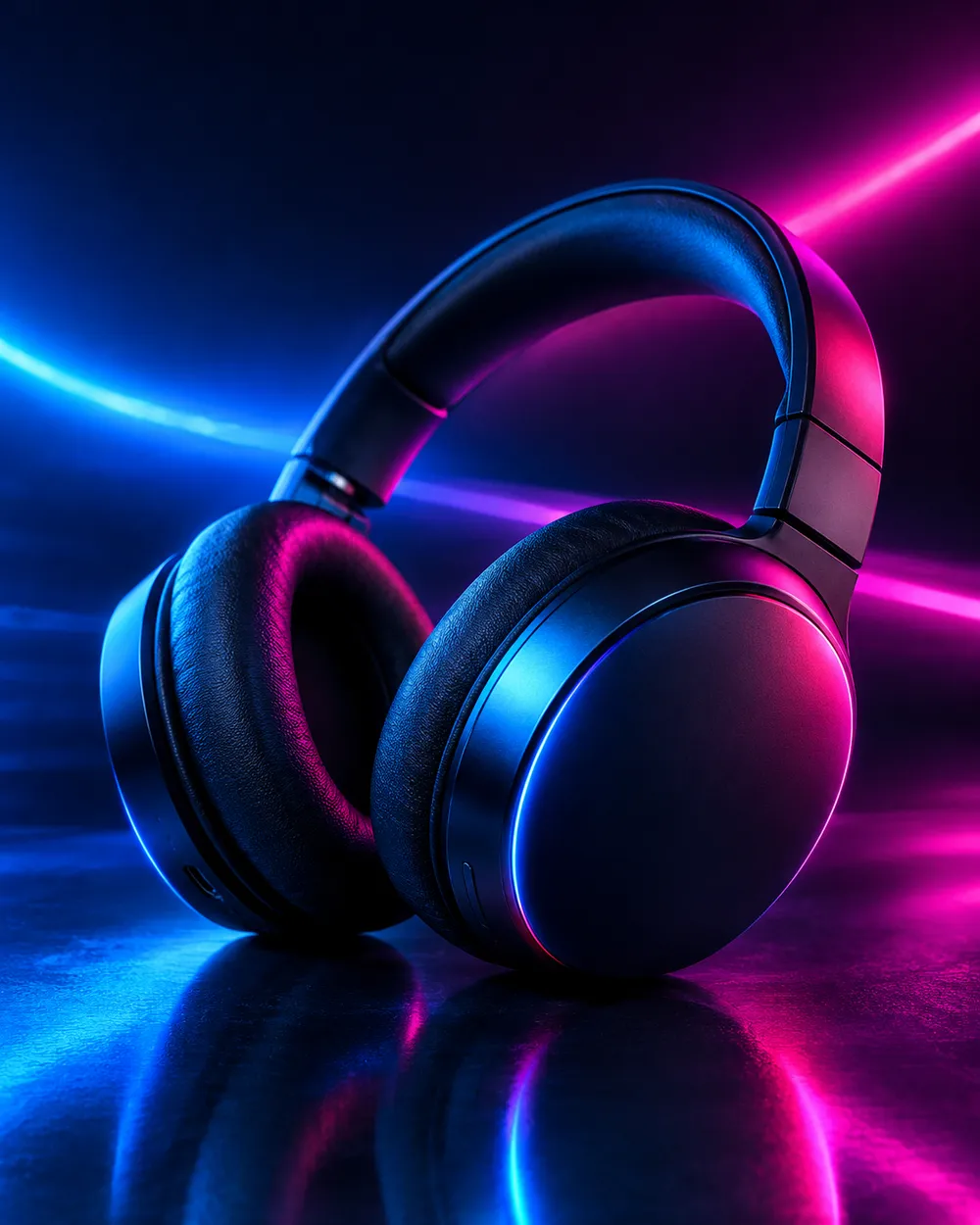
    Cool neon light for a digital offer.

비디오 생성기

첫 프레임을 업로드하거나 공개 이미지 URL을 붙여넣으세요. 비공개나 공유 페이지 링크는 실패합니다.

(선택 사항)

모션이 목표 샷으로 마무리되게 하려면 끝 프레임을 업로드하거나 공개 이미지 URL을 붙여넣으세요.

비용 1 크레딧

0 / 2000

카메라 프리셋

프롬프트에 카메라 방향을 추가합니다. 별도 3D 모델 모드가 아니라 프롬프트 조각입니다.

15s
4s15s

생성 옵션

이 설정들은 세 가지 워크플로우 전반에서 공유되는 제어 항목입니다.

2 옵션
Fast

가능한 경우 더 빠른 경로를 사용합니다.

사운드 생성

제공자가 지원할 경우 동기화된 오디오를 포함합니다.

비용 150 크레딧남은 크레딧 0
미리보기

아직 생성된 결과가 없습니다

비디오 생성에는 구매한 크레딧이 사용됩니다. 제출 전에 작업 공간에서 예상치를 확인할 수 있습니다.

사용 방법

  1. 1

    룩 선택

    프리셋으로 시작하거나 직접 방향을 작성하세요.

  2. 2

    사진 업로드

    편집 권한이 있는 선명한 정면 사진을 사용하세요.

  3. 3

    생성 및 다듬기

    작업을 실행하고 결과를 확인한 뒤 재시도마다 변수 하나만 바꾸세요.

What to prepare before Black Friday

Prepare the product still first. A clean cutout on a neutral background is easier to animate than a lifestyle photo with many objects. Then choose one motion per product: push-in, orbit, turntable, light sweep or unboxing. Do not put three motions in one five-second clip.

Write the offer copy separately from the video. The video should show the product; the caption, landing page and checkout should explain the price. Do not ask the video model to render price text. Text rendering is unreliable and a wrong price is worse than no price.

Seven clip formats that fit a sale

Deal teaser, countdown, unboxing, hero ad, gift guide, category roundup and cyber Monday neon. Each format has a different job. A teaser creates curiosity. A hero ad makes the product look premium. A gift guide helps a shopper compare. A cyber Monday clip signals a digital offer.

Keep one format per product and one product per clip. If you need a category roundup, create separate clips and edit them together. That gives you control over pacing and avoids a crowded generation.

Honest seasonal pricing

Seasonal pages often promise a discount that does not exist. This page avoids that. The pricing page is the source of truth for plans, credits and billing. If you need a small entry point, the Try pack is the lowest one-time purchase currently listed; check the pricing page for the current amount and credit total.

If you are comparing providers, compare the cost per usable clip, not the headline discount. A cheap clip that needs five retries is more expensive than a clean clip that works once.

자주 묻는 질문

  1. 1

    Is there a Black Friday discount on Animate AI?

    Any active seasonal offer is stated on the pricing page with its dates and conditions. This page does not invent a discount. The current plans and credit totals are always visible on the pricing page.

  2. 2

    When is Black Friday 2026?

    Black Friday falls on November 27, 2026. Cyber Monday falls on November 30, 2026. Search demand usually starts weeks earlier, so prepare the product stills and clips before the date.

  3. 3

    Do I need a product photo?

    A clean product still produces the most consistent clip. You can also use text-to-video, but product shape and label consistency are harder to control without a reference image.

  4. 4

    Can the video include the price?

    Do not rely on the video model to render price text. Add the price in your editor, caption or landing page. That avoids wrong or distorted numbers.

  5. 5

    How many clips can I make from one credit pack?

    It depends on duration, resolution and audio. A five-second 720p fast clip starts at about 50 credits. The Try pack includes 500 credits, so it covers roughly ten short clips before retries. Check the workspace estimate before each run.

  6. 6

    Can I use the clips in paid ads?

    Review the Terms of Service and the model provider’s usage rules. Also follow the ad platform’s disclosure rules for synthetic media.

가이드와 프롬프트 분석

관련 워크플로

검증된 프리셋으로 시작하세요

작업 공간을 열고 프리셋을 적용한 뒤 생성 전에 크레딧 예상치를 확인하세요.