본문으로 건너뛰기
시즌 프리셋 팩

AI 할로윈 비디오 생성기

할로윈 스틸 이미지를 고개 돌리기, 안개 또는 느린 푸시인 같은 하나의 명확한 동작으로 5초 클립으로 만드세요.

할로윈 스틸 이미지를 5초 클립으로 만드세요. 고개 돌리기, 안개, 느린 푸시인 등 6가지 모션 프리셋을 제공합니다.

  • 브라우저 기반, 설치 불필요
  • 안전한 결제
  • 유료 내보내기 워터마크 없음

생성에는 구매한 크레딧이 사용됩니다

Cinematic Halloween portrait animated with fog and a slow camera push-in
6 presets

프리셋 선택

방향을 고르고 프롬프트를 작업 공간에 적용한 뒤 한 번에 하나의 세부 사항만 수정하세요.

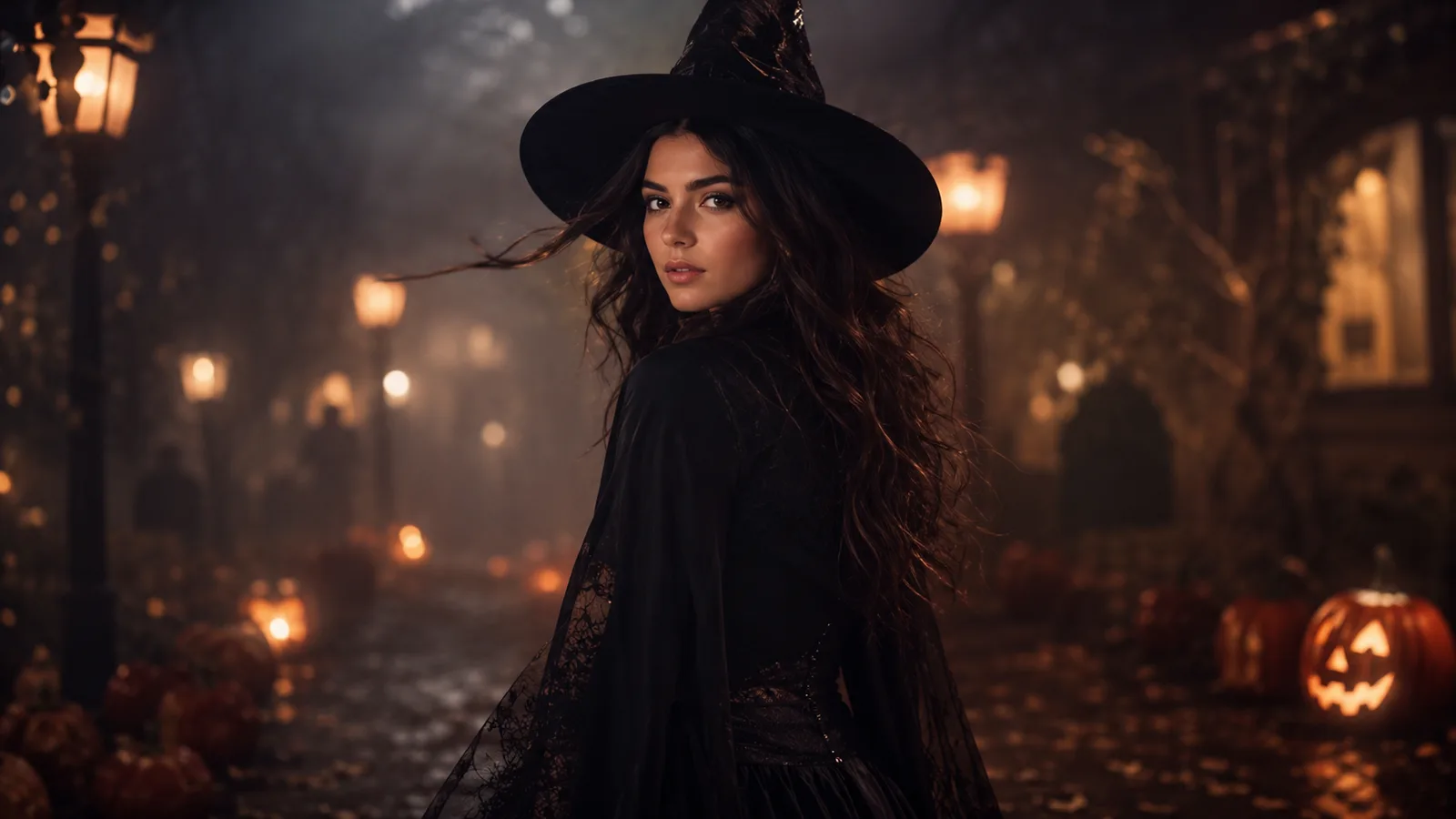
  • Midnight turn Halloween AI video preset

    Midnight Turn

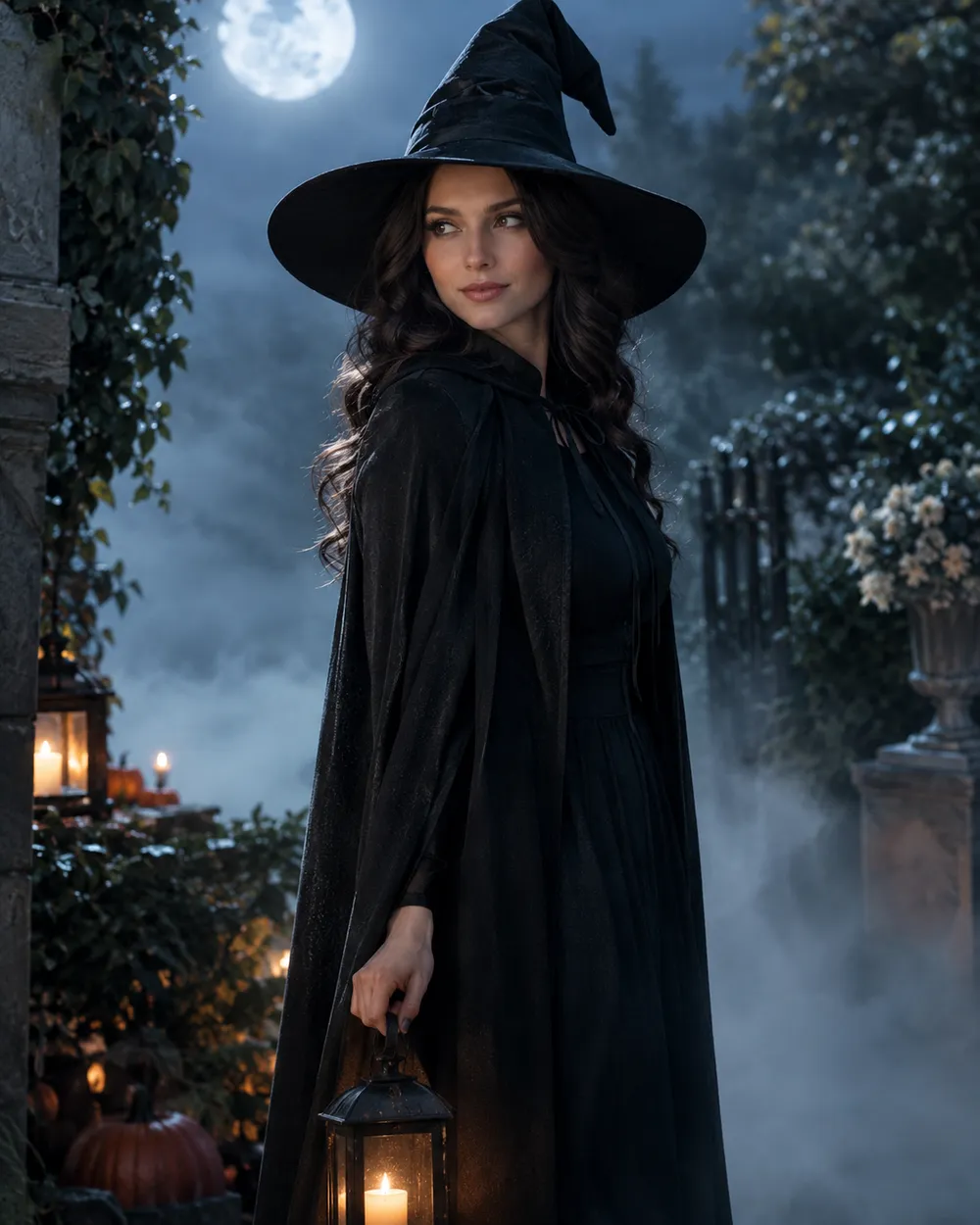
    A slow head turn with drifting fog.

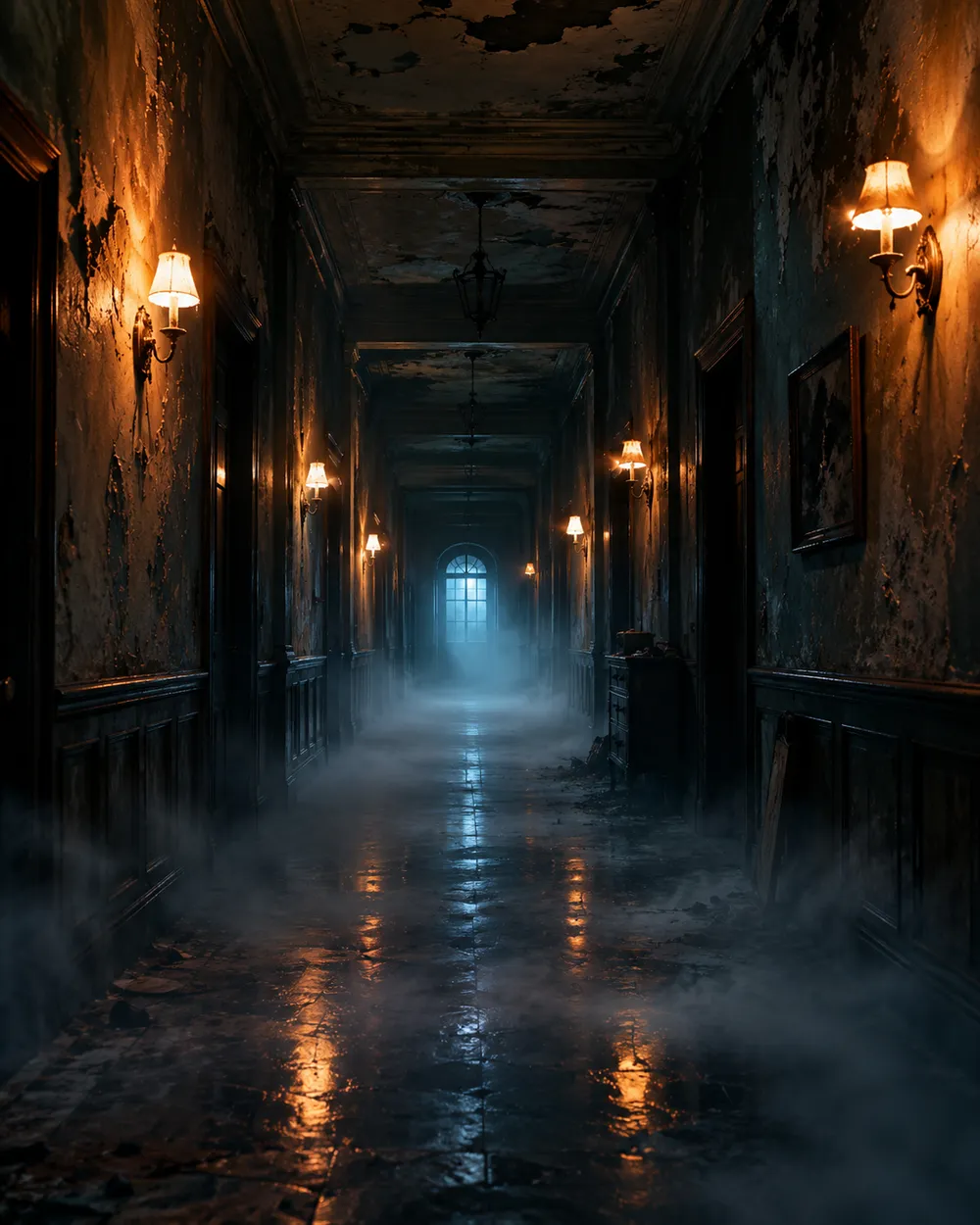
  • Haunted hallway Halloween AI video preset

    Haunted Hallway

    Fog rolls in; the camera glides forward.

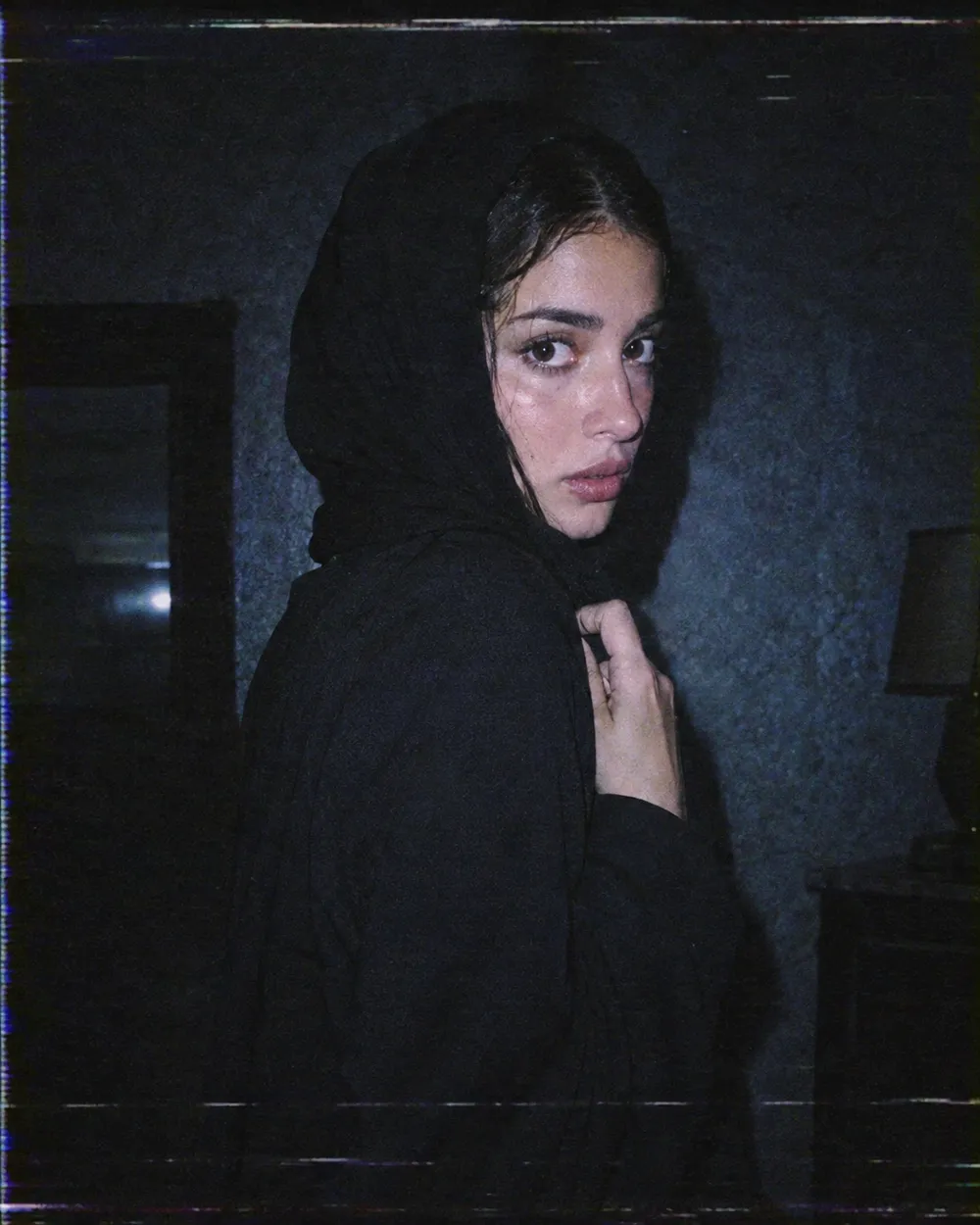
  • VHS horror Halloween AI video preset

    VHS Horror

    Analog tracking wobble and a cold flash.

  • Pumpkin glow Halloween AI video preset

    Pumpkin Glow

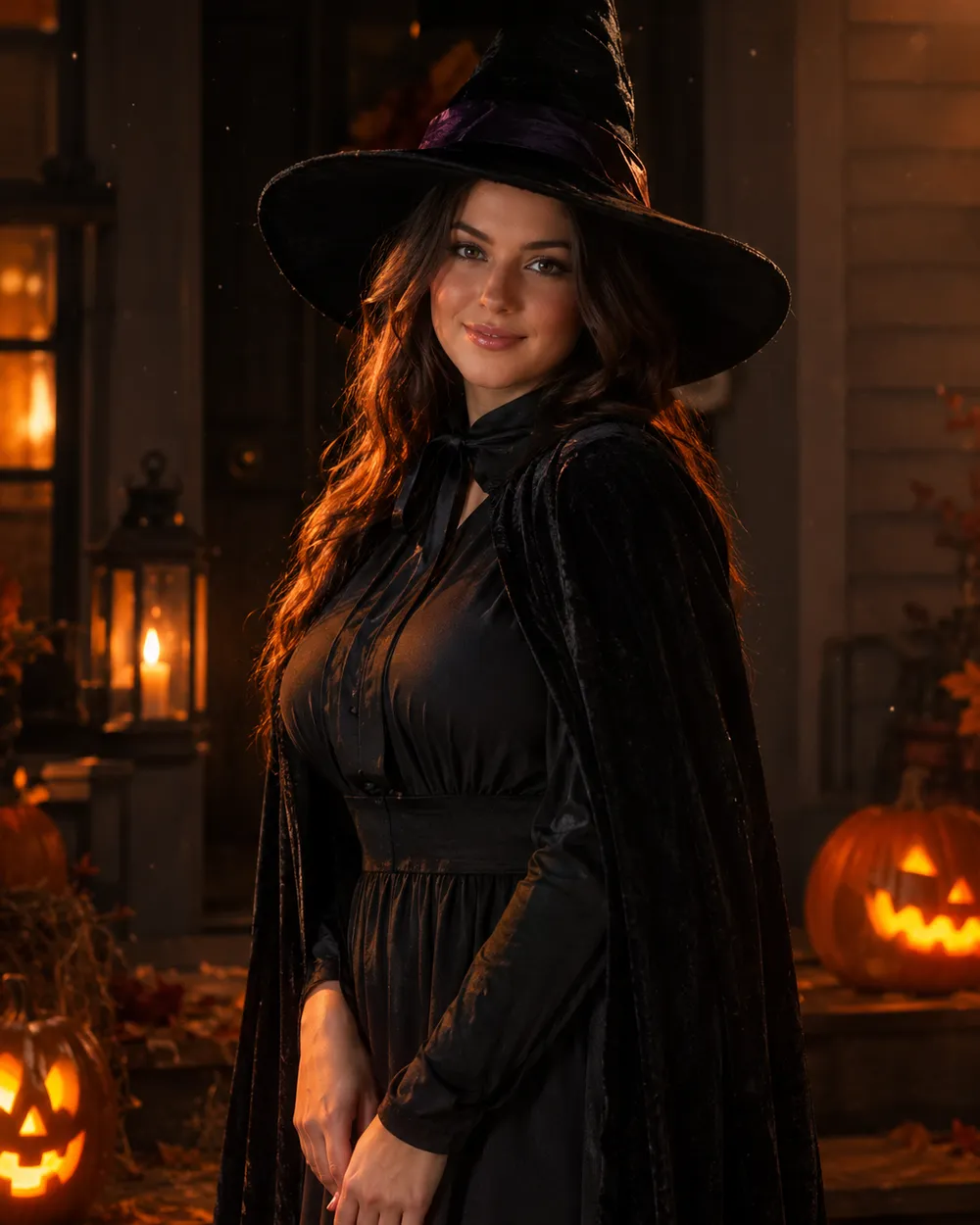
    Warm light flickers; the subject smiles.

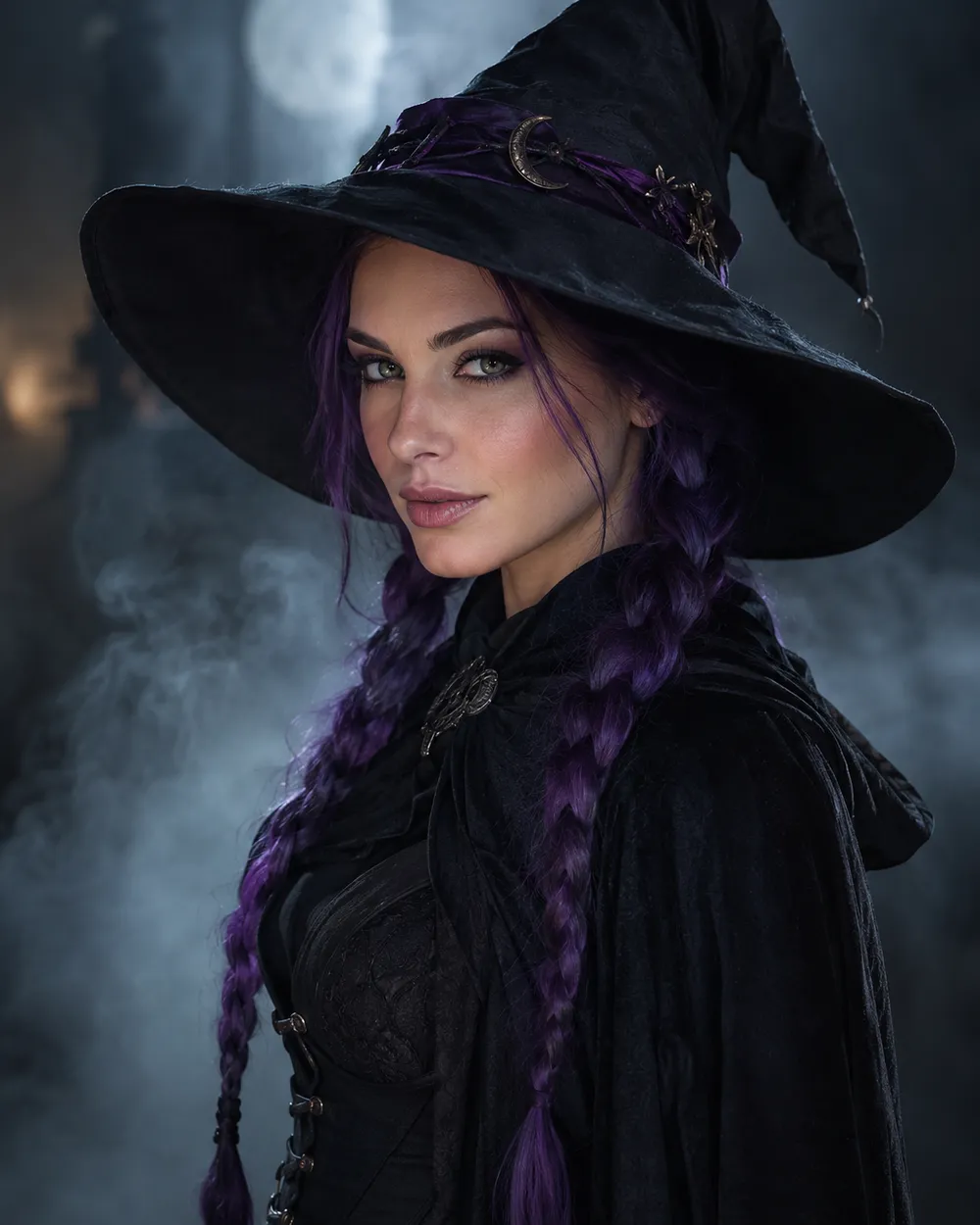
  • Floating fog Halloween AI video preset

    Floating Fog

    A slow orbit around a still portrait.

  • Candle reveal Halloween AI video preset

    Candle Reveal

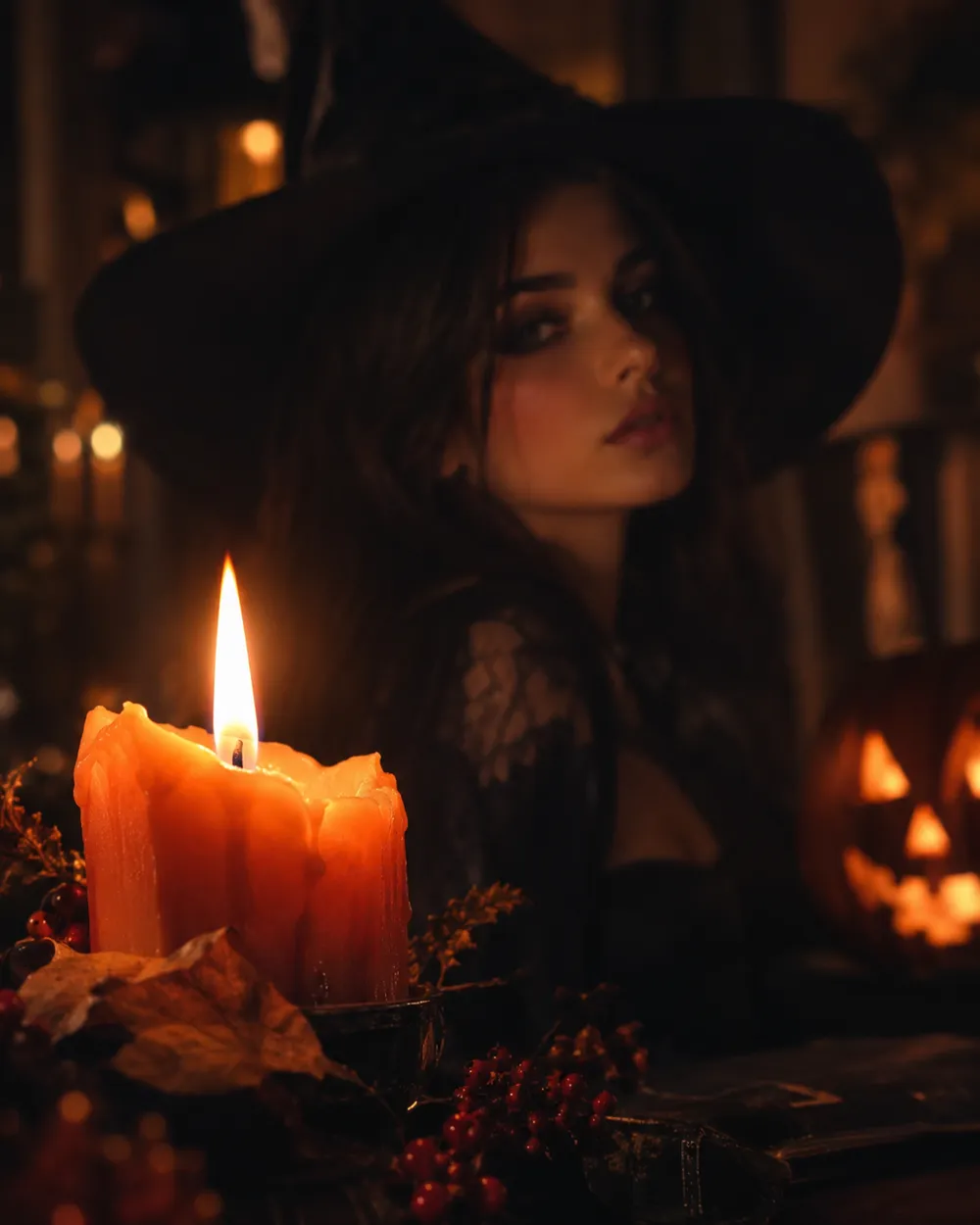
    Start on a detail, end on the face.

비디오 생성기

첫 프레임을 업로드하거나 공개 이미지 URL을 붙여넣으세요. 비공개나 공유 페이지 링크는 실패합니다.

(선택 사항)

모션이 목표 샷으로 마무리되게 하려면 끝 프레임을 업로드하거나 공개 이미지 URL을 붙여넣으세요.

비용 1 크레딧

0 / 2000

카메라 프리셋

프롬프트에 카메라 방향을 추가합니다. 별도 3D 모델 모드가 아니라 프롬프트 조각입니다.

15s
4s15s

생성 옵션

이 설정들은 세 가지 워크플로우 전반에서 공유되는 제어 항목입니다.

2 옵션
Fast

가능한 경우 더 빠른 경로를 사용합니다.

사운드 생성

제공자가 지원할 경우 동기화된 오디오를 포함합니다.

비용 150 크레딧남은 크레딧 0
미리보기

아직 생성된 결과가 없습니다

비디오 생성에는 구매한 크레딧이 사용됩니다. 제출 전에 작업 공간에서 예상치를 확인할 수 있습니다.

사용 방법

  1. 1

    룩 선택

    프리셋으로 시작하거나 직접 방향을 작성하세요.

  2. 2

    사진 업로드

    편집 권한이 있는 선명한 정면 사진을 사용하세요.

  3. 3

    생성 및 다듬기

    작업을 실행하고 결과를 확인한 뒤 재시도마다 변수 하나만 바꾸세요.

Why subtle motion works better

Image-to-video models are good at small, continuous changes. They are less reliable when a single shot has to contain a costume change, a walk, a new character and a camera cut. A subtle head turn keeps the identity stable and gives the viewer enough motion to stop scrolling.

Start with a five-second clip. If the result is stable, extend the duration or add one more motion. If it is unstable, remove motion instead of adding more instructions. A clean blink is better than a distorted wave.

The Halloween video trend, without the hype

Seasonal AI video trends usually combine a recognizable costume, a practical light source and one uncanny motion. The effect works because the scene feels almost normal. You do not need a jump scare or a complex transformation. A portrait that slowly turns toward the camera in a foggy garden is enough.

If you are making a TikTok or Shorts cover, generate a vertical still first, then animate it. Keep the face in the upper third so the platform UI does not cover it. Export a clean version without text and add captions in the editor.

Prompt structure for image-to-video

Use four parts: reference lock, motion, environment, stability rules. The reference lock says to keep the face, costume and proportions. The motion says what moves and how fast. The environment says what changes in the background. The stability rules exclude cuts, extra characters, warped hands and text.

If the model supports audio, decide whether you need it before generating. Audio can increase cost, and most social clips are muted anyway. A clean silent clip is usually the better first version.

자주 묻는 질문

  1. 1

    How long should a Halloween AI video be?

    Start with five seconds. A single clear motion is easier to control and cheaper to iterate than a longer scene. Extend only after the short clip is stable.

  2. 2

    Do I need a source image?

    Image-to-video produces the most consistent results when you start from a still. You can also use text-to-video, but identity and costume consistency are harder to control.

  3. 3

    Which video model does Animate AI use?

    The hosted video workspace uses Seedance 2.0 through the configured provider. The workspace exposes duration, resolution, audio and motion options before you submit.

  4. 4

    How much does a clip cost?

    The cost depends on duration, resolution and whether you use audio or video references. The workspace shows the credit estimate before generation. A five-second 720p fast clip starts at about 50 credits.

  5. 5

    Can I use the video on TikTok or YouTube?

    Review the Terms of Service and the model provider’s usage rules. Also follow the platform’s disclosure rules for synthetic media.

  6. 6

    Why does the face change during the clip?

    Long or complex motion gives the model more chances to drift. Use a shorter duration, a smaller motion and a stronger reference lock. Keep the camera move simple.

가이드와 프롬프트 분석

관련 워크플로

검증된 프리셋으로 시작하세요

작업 공간을 열고 프리셋을 적용한 뒤 생성 전에 크레딧 예상치를 확인하세요.