본문으로 건너뛰기
시즌 프리셋 팩

AI 애니메이션 비디오 생성기

완성된 애니메이션 스틸 이미지를 캐릭터 디자인과 선화를 보호하는 작고 통제된 움직임으로 애니메이션화합니다.

애니메이션 스틸 이미지를 5초 클립으로 만드세요. 고개 돌리기, 카메라 팬, 꽃잎 등 6가지 모션 프리셋으로 선화를 유지합니다.

  • 브라우저 기반, 설치 불필요
  • 안전한 결제
  • 유료 내보내기 워터마크 없음

생성에는 구매한 크레딧이 사용됩니다

Anime-style still animated with a slow camera pan and falling petals
6 presets

프리셋 선택

방향을 고르고 프롬프트를 작업 공간에 적용한 뒤 한 번에 하나의 세부 사항만 수정하세요.

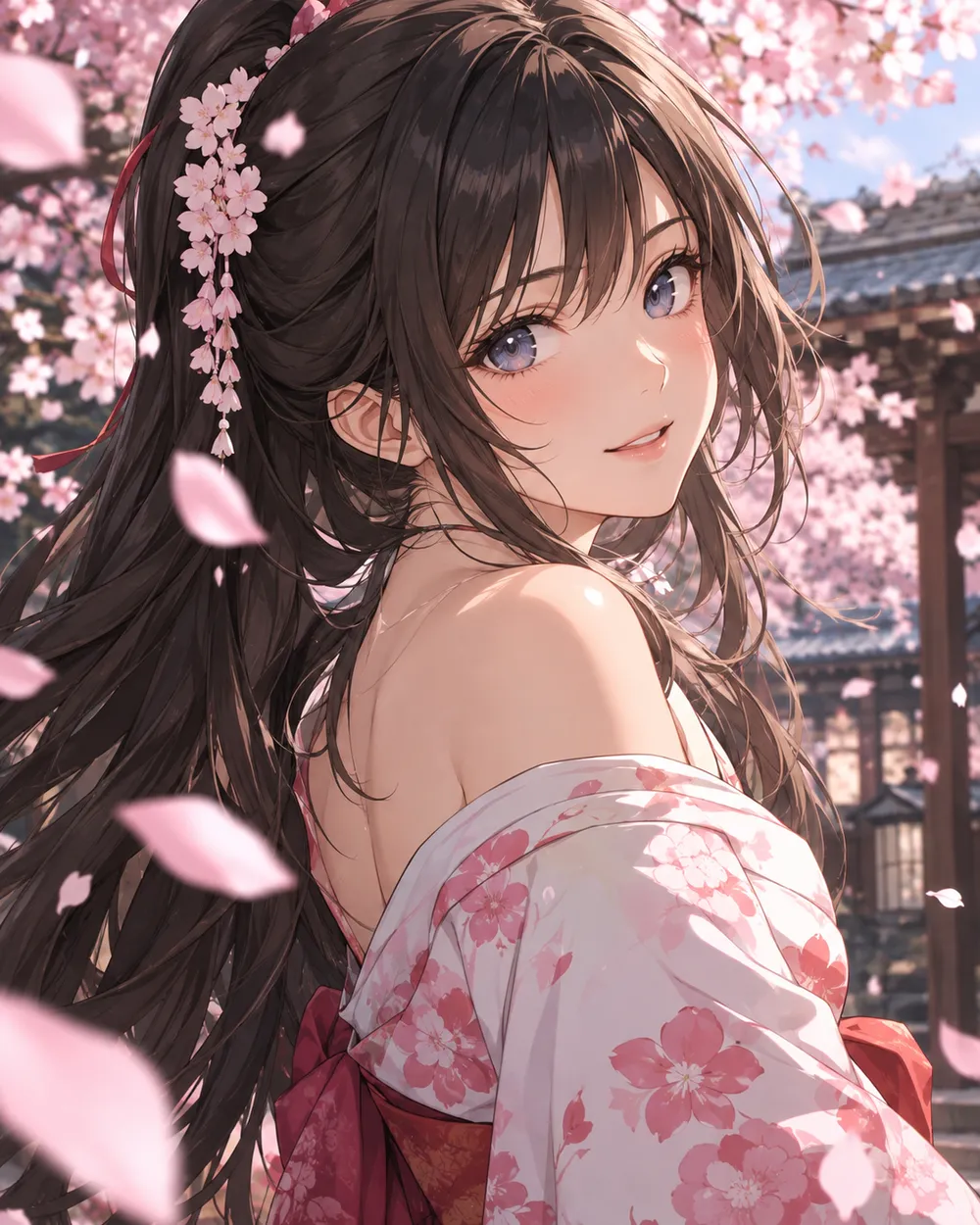
  • Cherry blossom anime AI video preset

    Cherry Blossom Turn

    A slow turn with falling petals.

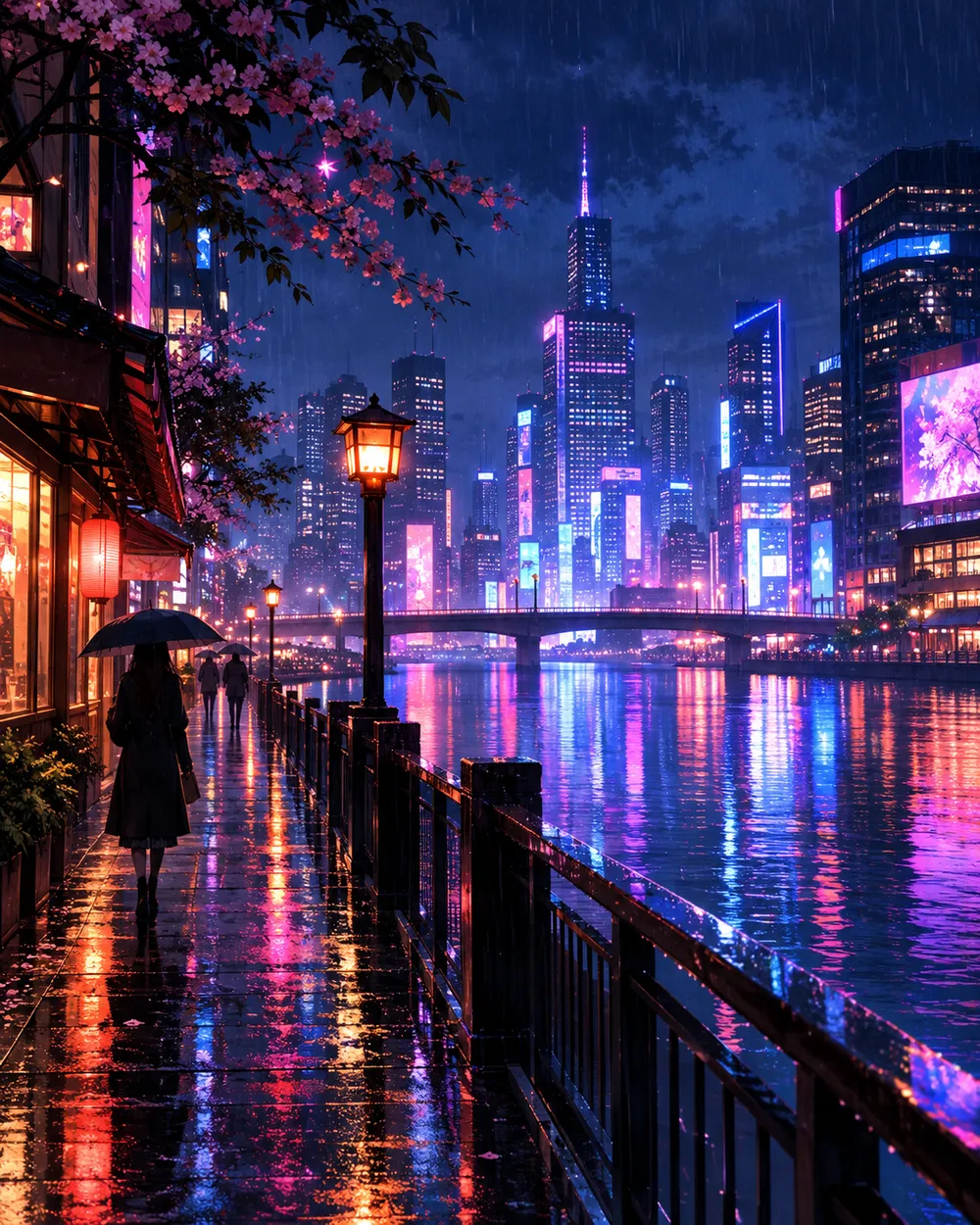
  • Neon city anime AI video preset

    Neon City Pan

    A lateral pan across a rainy skyline.

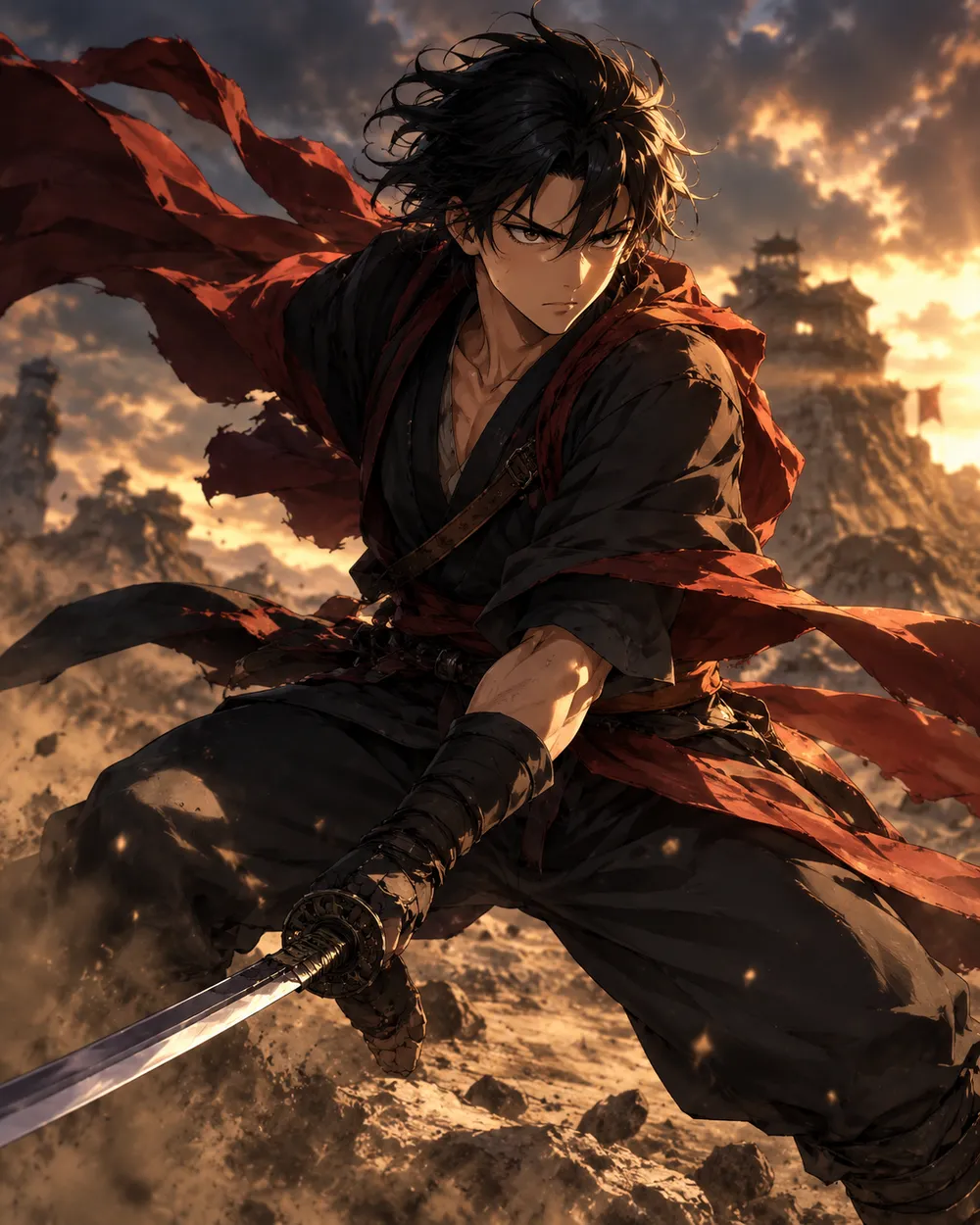
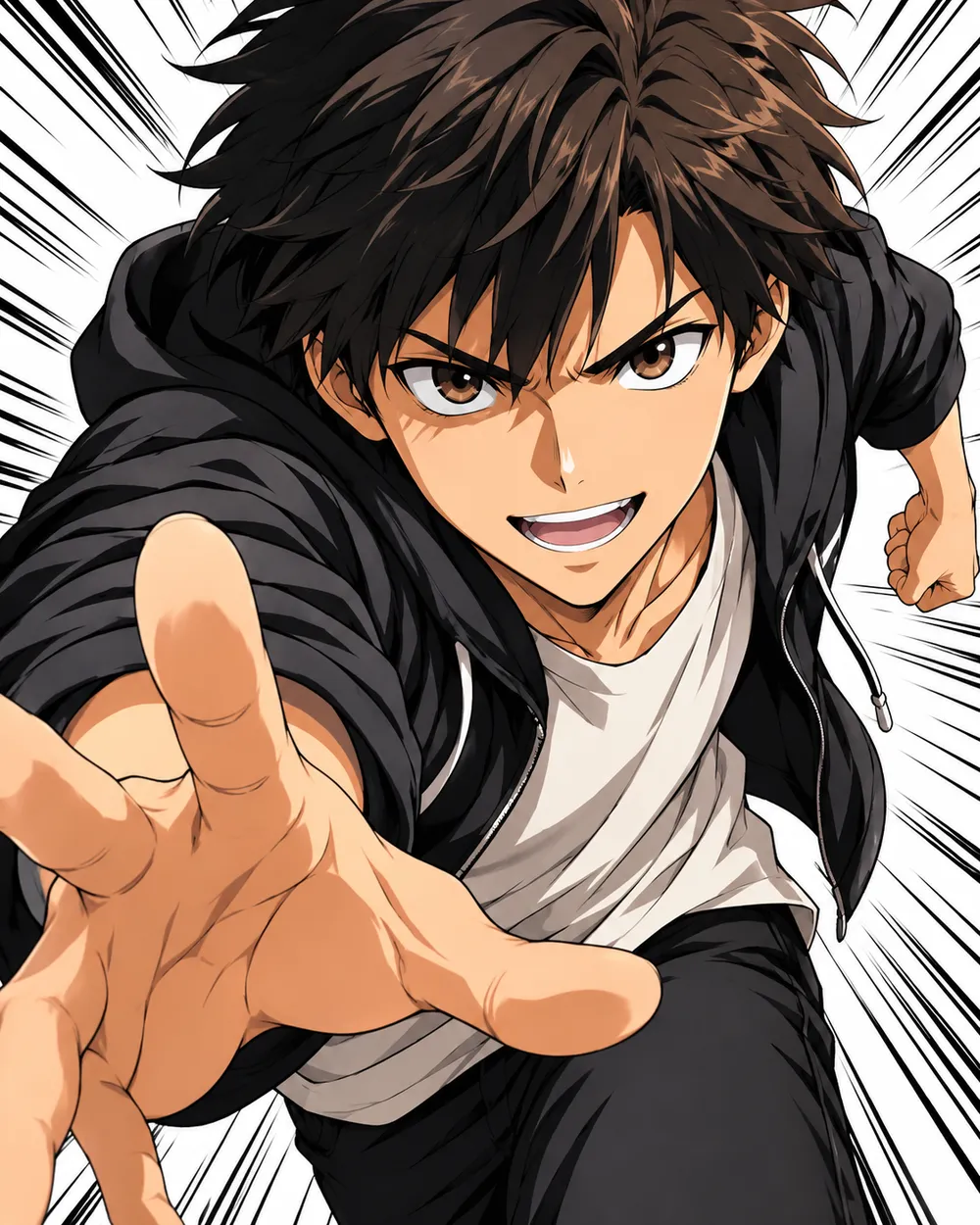
  • Battle stance anime AI video preset

    Battle Stance

    Hair and fabric move; the pose holds.

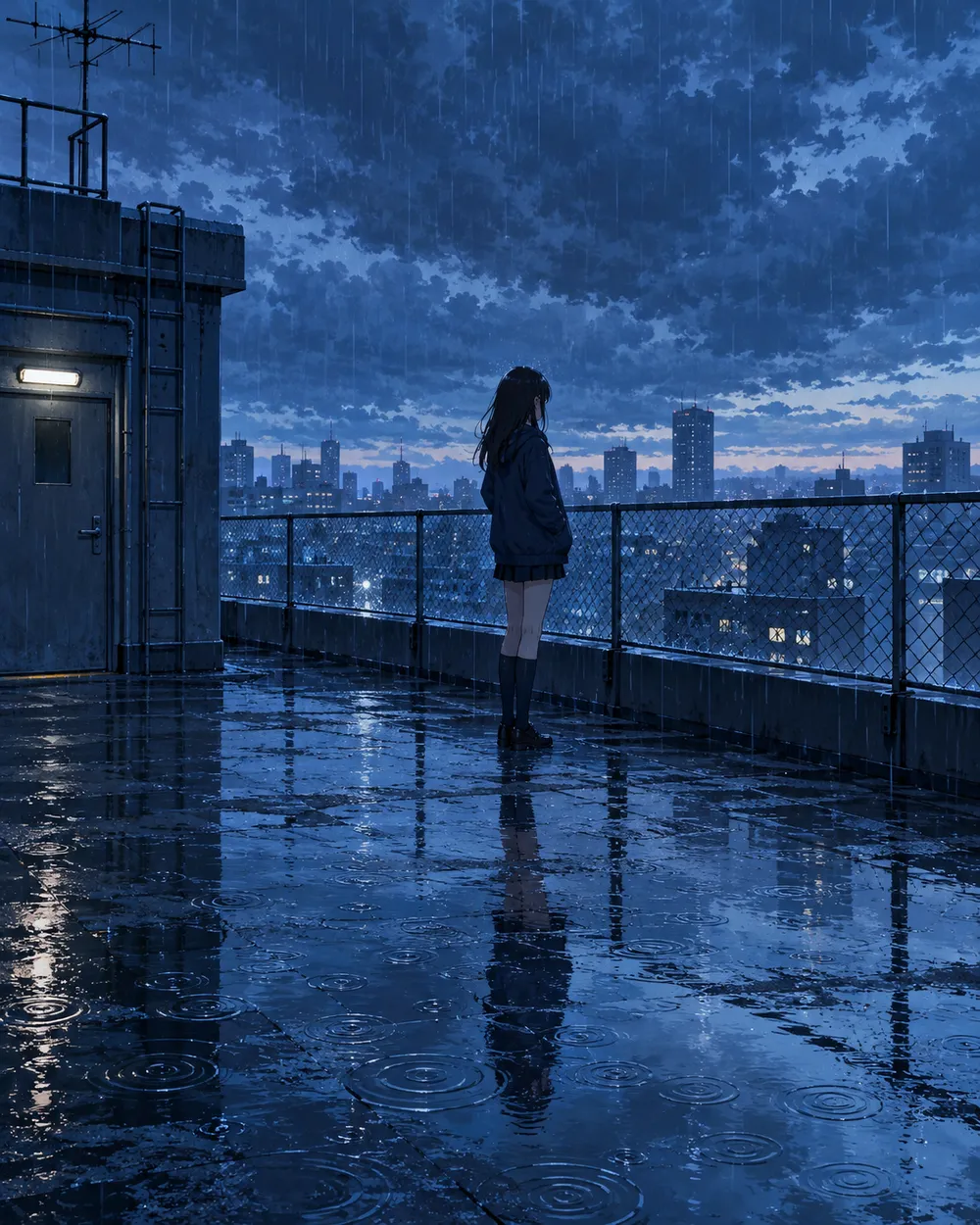
  • Rainy rooftop anime AI video preset

    Rainy Rooftop

    Rain, reflections and a still character.

  • Manga speed lines anime AI video preset

    Manga Speed Lines

    A dramatic push-in with speed lines.

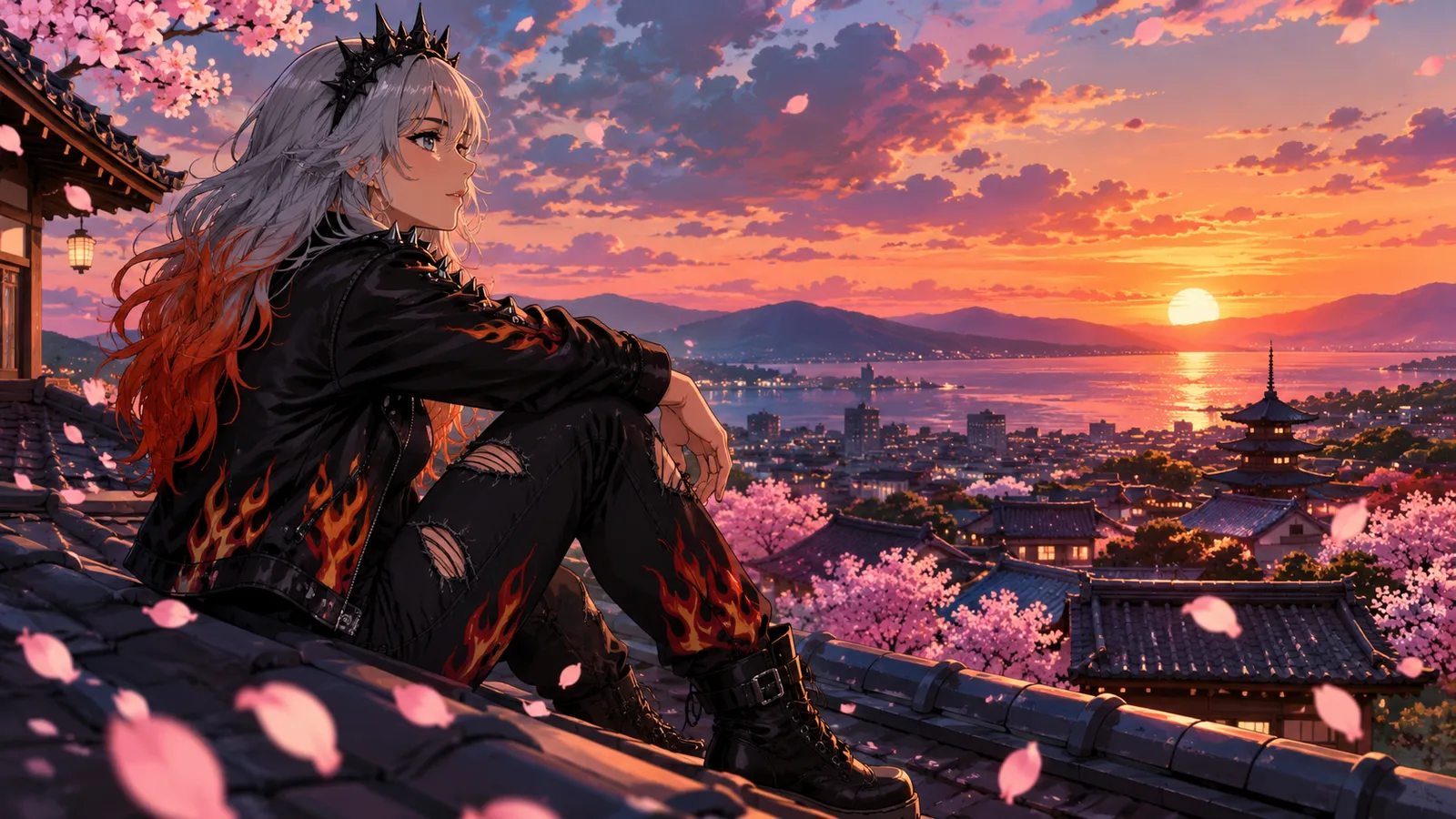
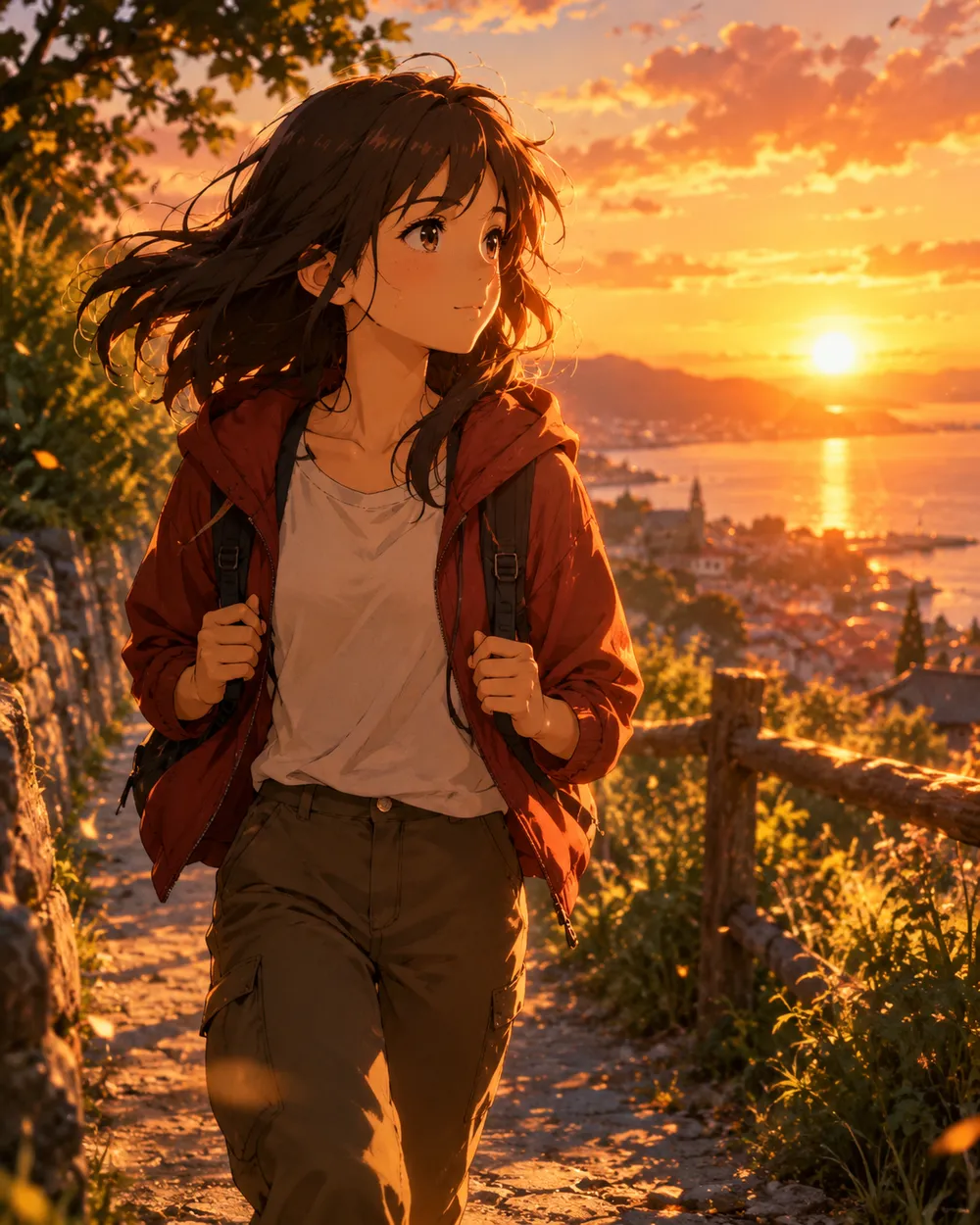
  • Sunset walk anime AI video preset

    Sunset Walk

    A slow tracking shot at golden hour.

비디오 생성기

첫 프레임을 업로드하거나 공개 이미지 URL을 붙여넣으세요. 비공개나 공유 페이지 링크는 실패합니다.

(선택 사항)

모션이 목표 샷으로 마무리되게 하려면 끝 프레임을 업로드하거나 공개 이미지 URL을 붙여넣으세요.

비용 1 크레딧

0 / 2000

카메라 프리셋

프롬프트에 카메라 방향을 추가합니다. 별도 3D 모델 모드가 아니라 프롬프트 조각입니다.

15s
4s15s

생성 옵션

이 설정들은 세 가지 워크플로우 전반에서 공유되는 제어 항목입니다.

2 옵션
Fast

가능한 경우 더 빠른 경로를 사용합니다.

사운드 생성

제공자가 지원할 경우 동기화된 오디오를 포함합니다.

비용 150 크레딧남은 크레딧 0
미리보기

아직 생성된 결과가 없습니다

비디오 생성에는 구매한 크레딧이 사용됩니다. 제출 전에 작업 공간에서 예상치를 확인할 수 있습니다.

사용 방법

  1. 1

    룩 선택

    프리셋으로 시작하거나 직접 방향을 작성하세요.

  2. 2

    사진 업로드

    편집 권한이 있는 선명한 정면 사진을 사용하세요.

  3. 3

    생성 및 다듬기

    작업을 실행하고 결과를 확인한 뒤 재시도마다 변수 하나만 바꾸세요.

Start with a still that already works

A good anime still has a clear character silhouette, a readable face and a simple background. If the still is crowded or the character is small, the video model has less information to work with. Crop to the character before animating.

Keep the still at the highest resolution you have. The video model will resize it, but a clean source preserves line quality. Avoid images with heavy compression artifacts or text.

Motion that respects line art

Anime line art is less forgiving than photographic texture. Large motion can warp the face and hands. Start with a head turn, a blink, moving hair or a camera move. Avoid full-body running or fighting unless you are prepared to retry.

If the line art shimmers, reduce the motion and add a stability rule. A slow push-in with moving hair is usually cleaner than a fast action shot. Keep the camera move in one direction.

Style consistency across clips

If you need several clips of the same character, use the same still as the reference and keep the prompt structure identical. Change only the motion sentence. That gives you a consistent set without retraining a character model.

For a longer sequence, generate each shot separately and edit them together. A five-second clip per shot is easier to control than a single long generation.

자주 묻는 질문

  1. 1

    Does this generate anime from text?

    You can use text-to-video, but image-to-video from an existing anime still is more consistent. The still carries the character design and line style.

  2. 2

    Can I keep the same character across clips?

    Yes. Use the same still as the reference and keep the prompt structure identical. Change only the motion sentence. That gives you the best chance of a consistent set.

  3. 3

    Why does the face warp?

    Large or fast motion gives the model more chances to drift. Reduce the motion, shorten the duration and add a stability rule. A slow head turn is easier than a run cycle.

  4. 4

    Can I use a copyrighted character?

    Only if you have the rights. The acceptable use policy applies. For original characters, you control the design and the usage rights.

  5. 5

    What duration should I use?

    Start with five seconds. Short clips are cheaper to iterate and easier to keep stable. Extend only after the motion works.

  6. 6

    Can I add sound later?

    Yes. Most social clips are edited with sound in a separate editor. Generating a silent clip first gives you more control over the final mix.

가이드와 프롬프트 분석

관련 워크플로

검증된 프리셋으로 시작하세요

작업 공간을 열고 프리셋을 적용한 뒤 생성 전에 크레딧 예상치를 확인하세요.