본문으로 건너뛰기
시즌 프리셋 팩

AI 제품 비디오 생성기

통제된 카메라 이동과 깔끔한 조명 스윕으로 제품 스틸 이미지를 5초 모션 클립으로 만드세요.

제품 스틸 이미지를 5초 모션 클립으로 만드세요. 턴테이블, 궤도, 돌리인, 히어로 리빌. 3D 모델 내보내기는 없습니다.

  • 브라우저 기반, 설치 불필요
  • 안전한 결제
  • 유료 내보내기 워터마크 없음

생성에는 구매한 크레딧이 사용됩니다

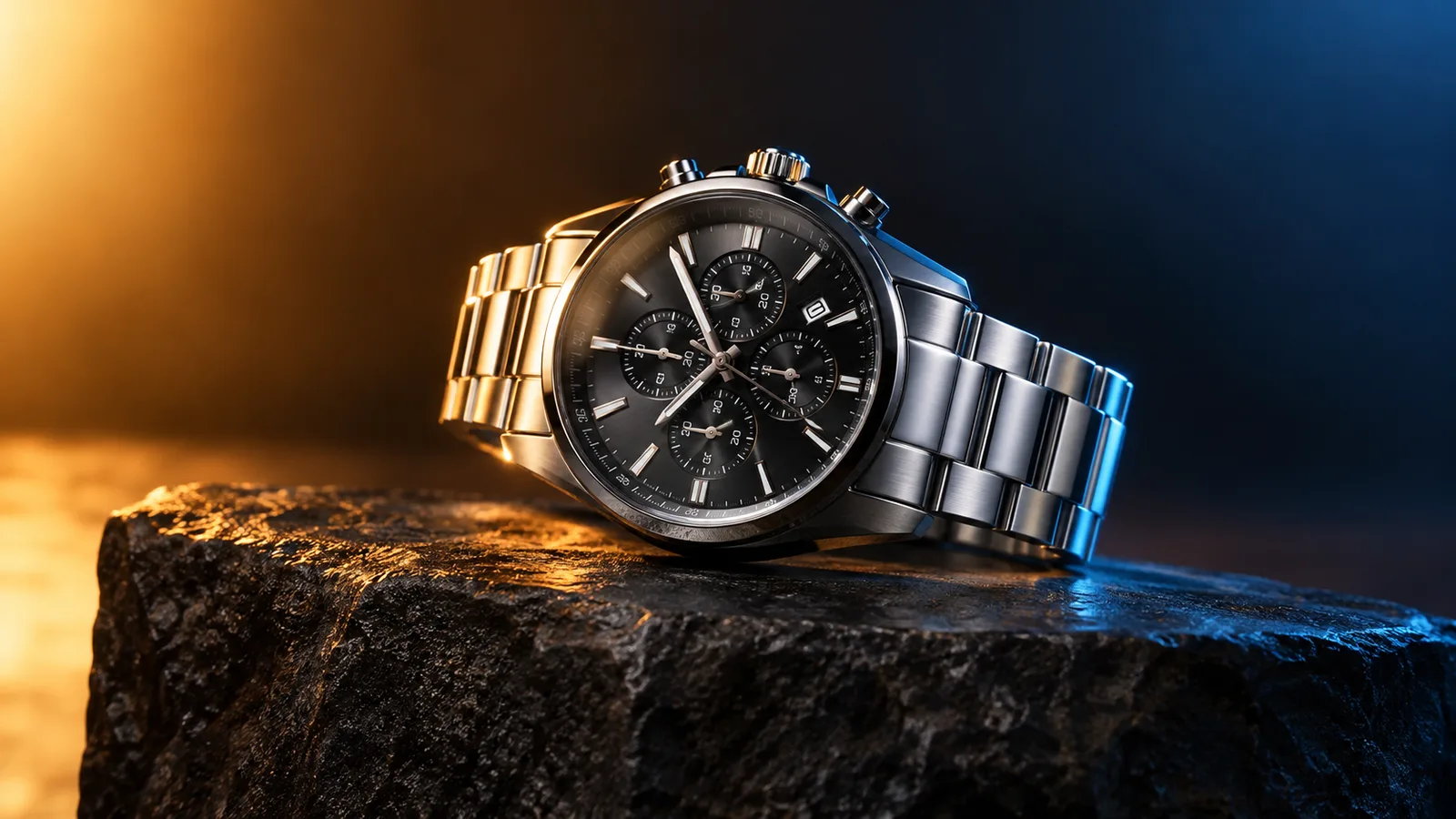
Product motion video still with a watch on a dark stone plinth and rim light
6 presets

프리셋 선택

방향을 고르고 프롬프트를 작업 공간에 적용한 뒤 한 번에 하나의 세부 사항만 수정하세요.

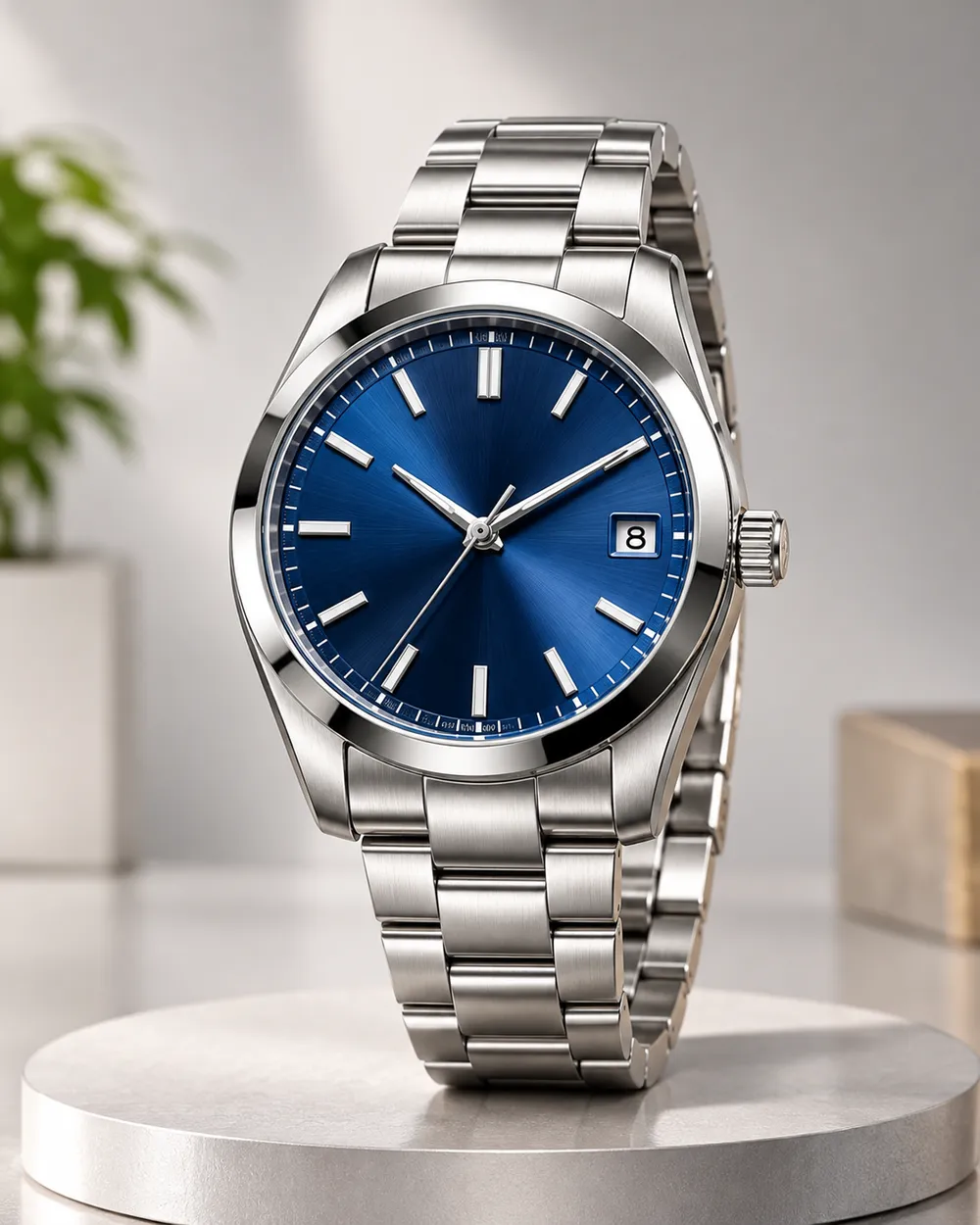
  • Turntable product motion video preset

    Turntable

    A controlled showroom rotation.

  • Orbit left product motion video preset

    Orbit Left

    Move around the product without warping it.

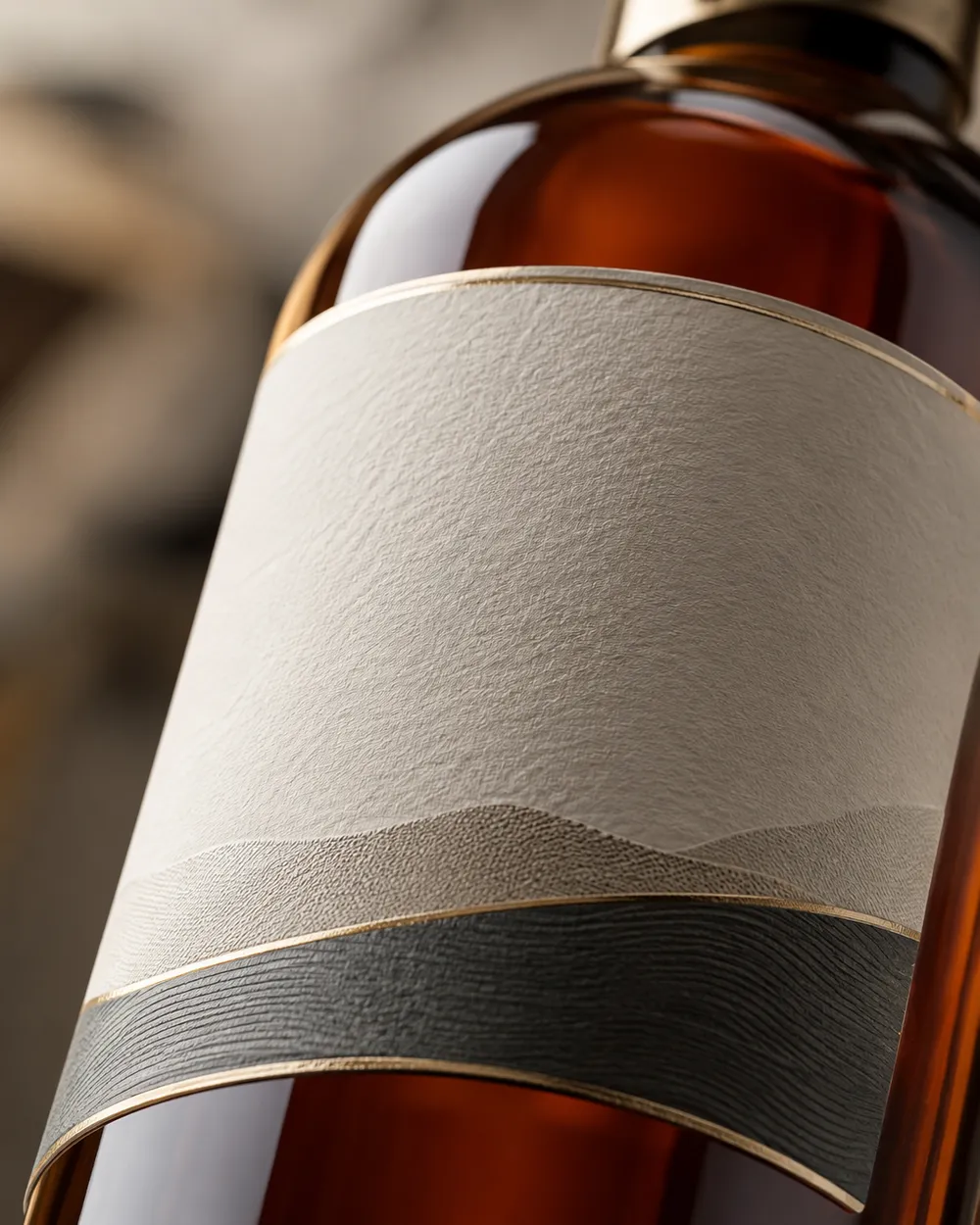
  • Dolly in product motion video preset

    Dolly In

    A premium push toward the label.

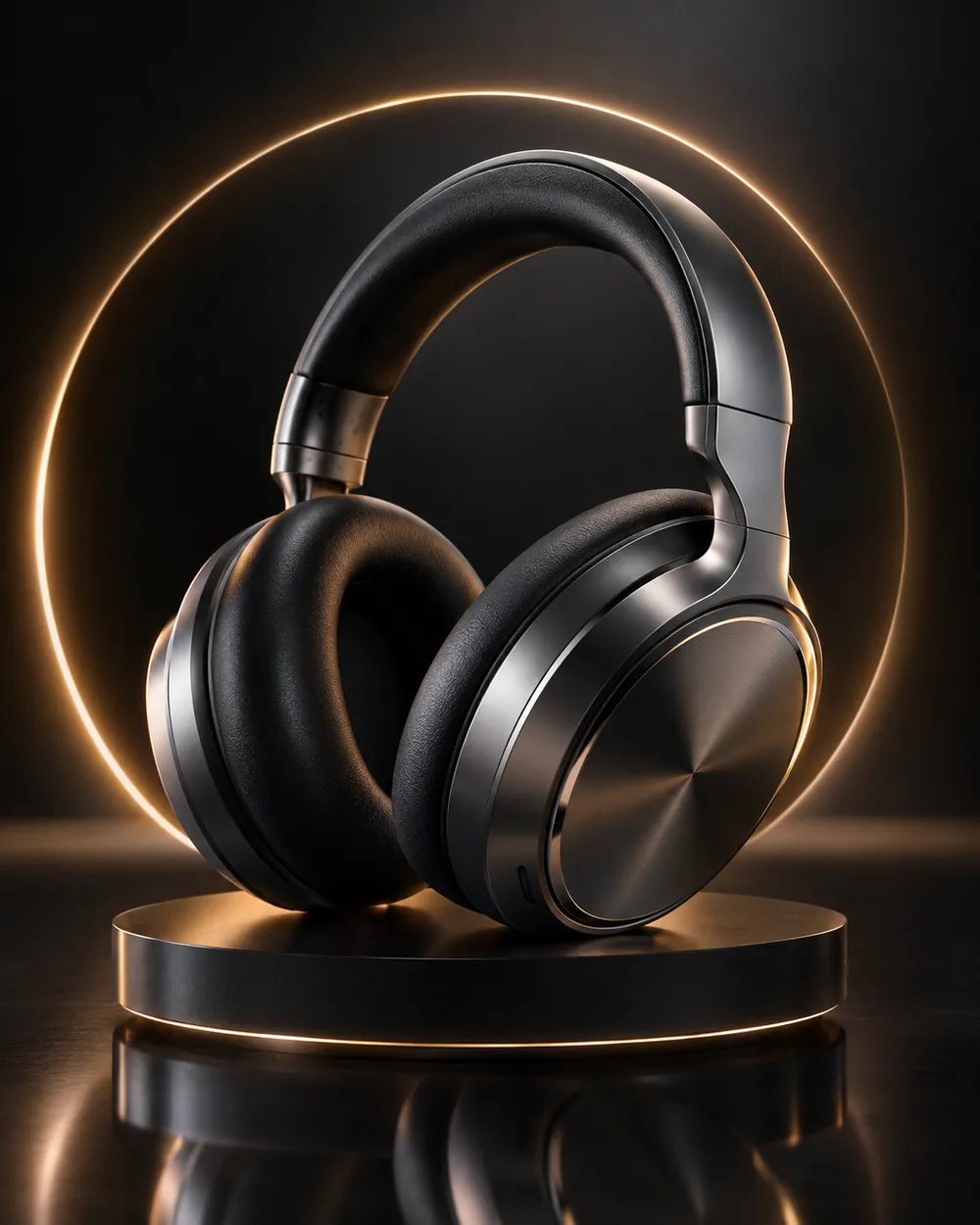
  • Floating product motion video preset

    Floating

    A subtle lift with gentle parallax.

  • Hero reveal product motion video preset

    Hero Reveal

    Start on a detail, end on the full product.

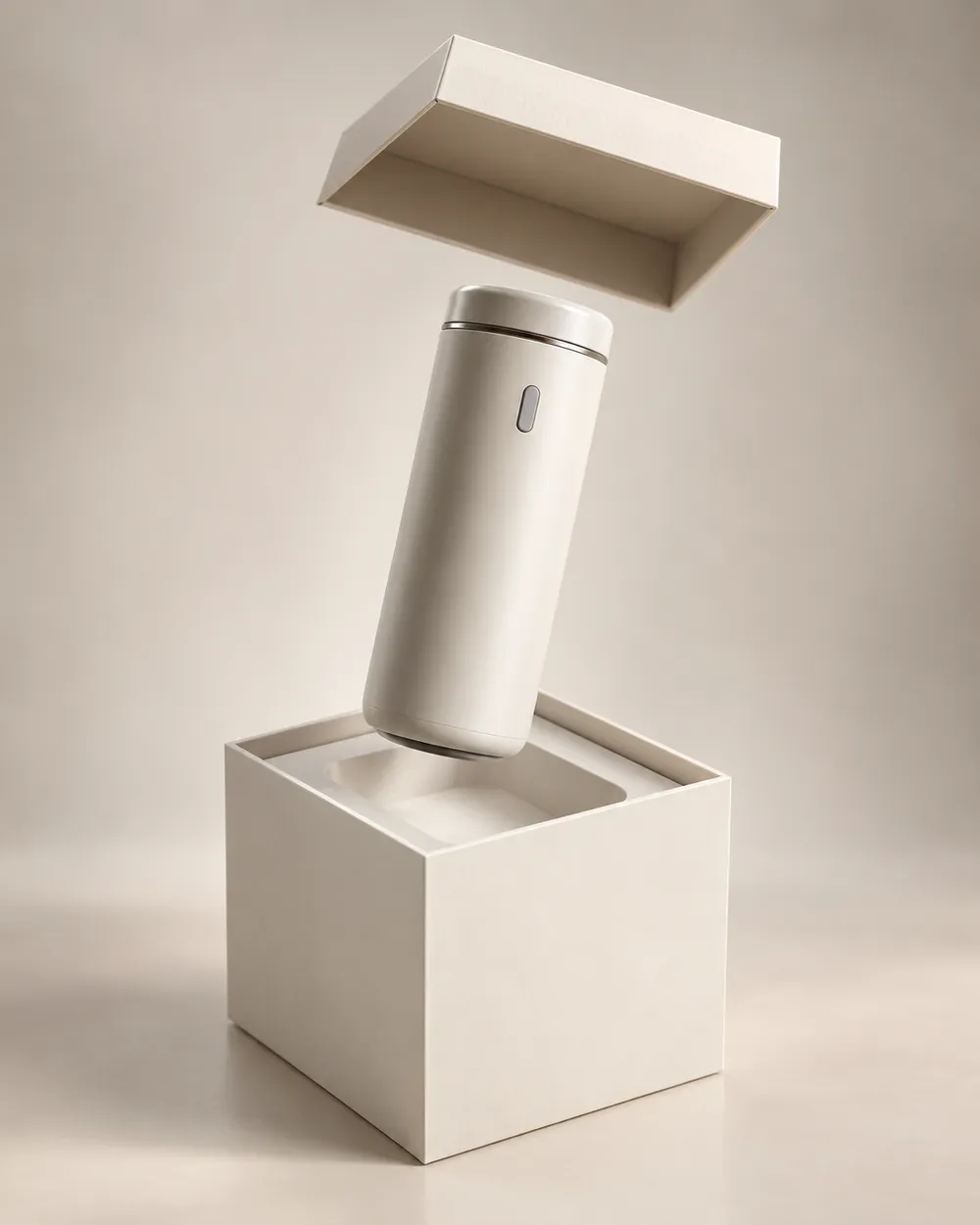
  • Unbox reveal product motion video preset

    Unbox Reveal

    A clean box opening without hands.

비디오 생성기

첫 프레임을 업로드하거나 공개 이미지 URL을 붙여넣으세요. 비공개나 공유 페이지 링크는 실패합니다.

(선택 사항)

모션이 목표 샷으로 마무리되게 하려면 끝 프레임을 업로드하거나 공개 이미지 URL을 붙여넣으세요.

비용 1 크레딧

0 / 2000

카메라 프리셋

프롬프트에 카메라 방향을 추가합니다. 별도 3D 모델 모드가 아니라 프롬프트 조각입니다.

15s
4s15s

생성 옵션

이 설정들은 세 가지 워크플로우 전반에서 공유되는 제어 항목입니다.

2 옵션
Fast

가능한 경우 더 빠른 경로를 사용합니다.

사운드 생성

제공자가 지원할 경우 동기화된 오디오를 포함합니다.

비용 150 크레딧남은 크레딧 0
미리보기

아직 생성된 결과가 없습니다

비디오 생성에는 구매한 크레딧이 사용됩니다. 제출 전에 작업 공간에서 예상치를 확인할 수 있습니다.

사용 방법

  1. 1

    룩 선택

    프리셋으로 시작하거나 직접 방향을 작성하세요.

  2. 2

    사진 업로드

    편집 권한이 있는 선명한 정면 사진을 사용하세요.

  3. 3

    생성 및 다듬기

    작업을 실행하고 결과를 확인한 뒤 재시도마다 변수 하나만 바꾸세요.

The product motion prompt formula

Use six parts: product lock, motion, camera, lighting, background and stability. The product lock preserves shape, label and color. The motion says what moves. The camera says how the viewer moves. The lighting says where the reflections come from. The background keeps the scene clean. The stability rules exclude warping, extra objects, text and cuts.

A good product prompt is short. Long prompts often add conflicting instructions. If the result warps the label, remove background details and add a label-stability rule.

What this workflow is not

This is not a 3D model generator. It does not export GLB, OBJ or STL files, and it does not create editable topology, PBR maps or rigging. If you need a 3D asset, use a 3D tool. If you need a short motion clip from a still, this workflow is the right fit.

It is also not a replacement for a product photographer. A clean source still with controlled lighting produces a better clip than a messy lifestyle photo. Garbage in, garbage out still applies.

Where product clips fit in a funnel

Use a teaser clip at the top of a landing page, a hero clip on a product page, and a short loop in a paid ad. Keep the clip silent and add captions in the editor. A five-second loop is usually enough for a product card.

If you are preparing a seasonal sale, generate the clips before the sale starts. The Black Friday planning page includes a separate set of sale-specific formats.

자주 묻는 질문

  1. 1

    Does this export a 3D model?

    No. The workflow produces a short video clip from a still image. It does not export GLB, OBJ, STL or editable 3D assets.

  2. 2

    What product photo works best?

    Use a clean, well-lit still with the product centered and the label readable. A neutral background makes the motion and lighting easier to control.

  3. 3

    Can I animate a logo or text?

    Avoid asking the model to render text or logos. Text often warps. Add the logo and copy in an editor after the clip is generated.

  4. 4

    How long should a product clip be?

    Five seconds is a good starting point for a product card or ad. Longer clips cost more and give the model more chances to drift.

  5. 5

    Can I use the clip in a paid ad?

    Review the Terms of Service and the model provider’s usage rules. Also follow the ad platform’s disclosure rules for synthetic media.

  6. 6

    Which preset is best for a first attempt?

    Start with Turntable or Dolly In. Both have a simple camera move and a clear product lock, which makes the result easy to judge.

가이드와 프롬프트 분석

관련 워크플로

검증된 프리셋으로 시작하세요

작업 공간을 열고 프리셋을 적용한 뒤 생성 전에 크레딧 예상치를 확인하세요.