


Vai al contenuto principale
Pacchetto preset stagionali

Generatore video IA Black Friday 2026

Prepara clip di prodotto prima della vendita con sei preset, stime chiare e nessuno sconto inventato.

Prepara video prodotto per Black Friday e Cyber Monday con sei preset, prezzi in crediti trasparenti e workspace Seedance.

  • Nel browser, senza installazione
  • Pagamento sicuro
  • Nessuna filigrana sugli export a pagamento

La generazione usa crediti acquistati

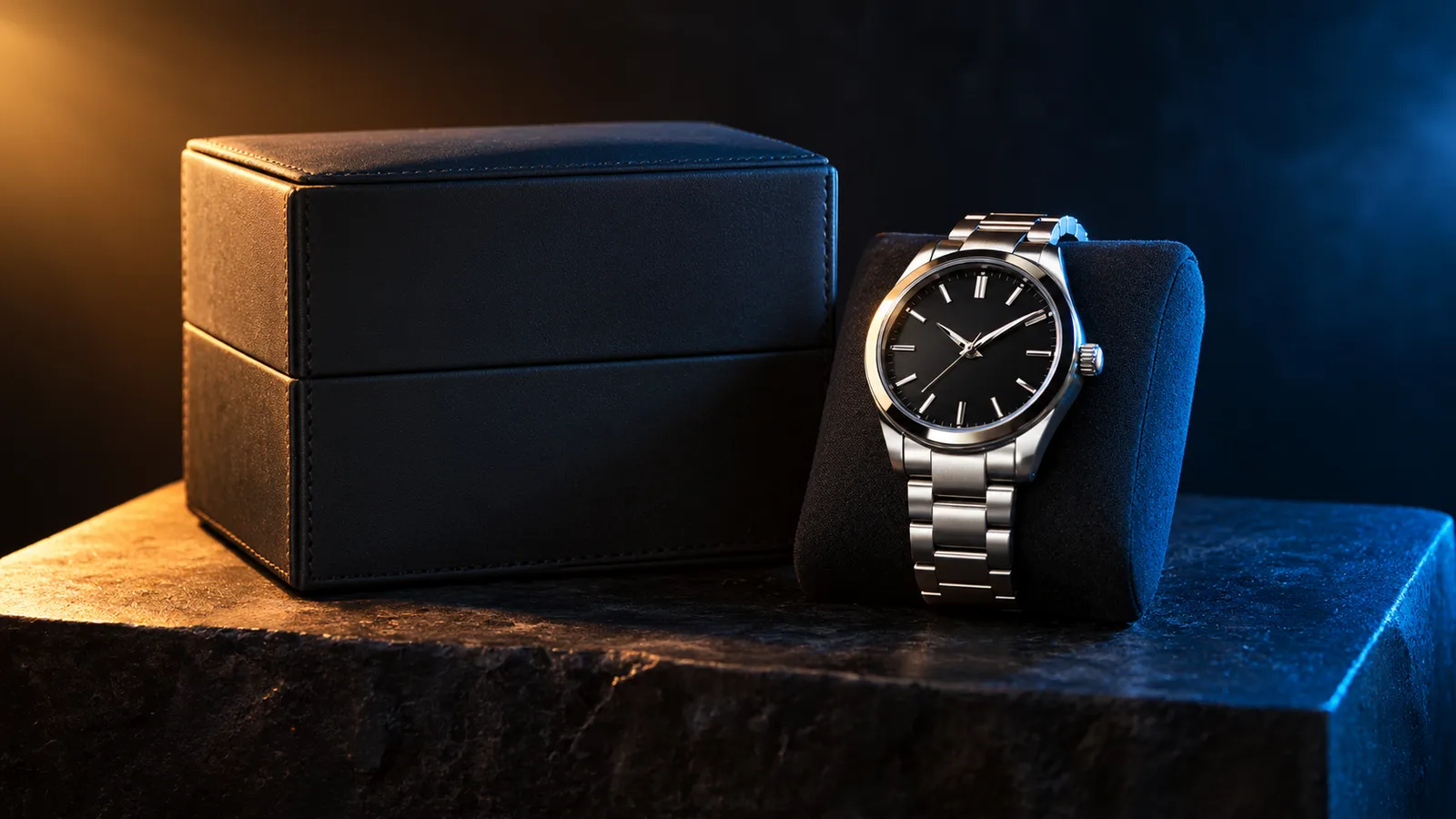
Black Friday product video storyboard with a dark studio and warm rim light
6 presets

Scegli un preset

Scegli una direzione, applica il prompt allo spazio di lavoro e modifica un dettaglio alla volta.

  • Black Friday deal teaser AI video preset

    Deal Teaser

    A five-second product tease with a slow push-in.

  • Black Friday countdown AI video preset

    Countdown

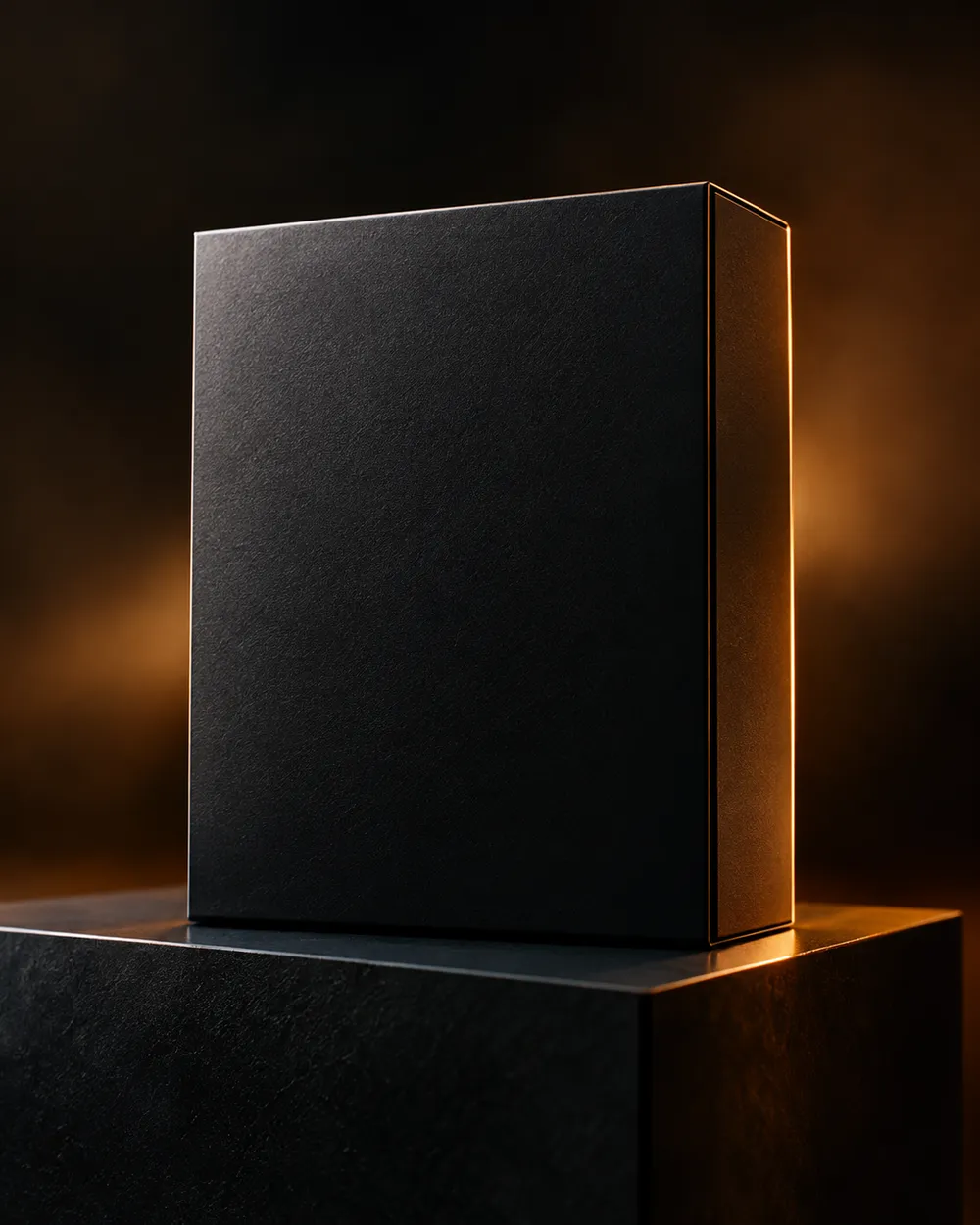
    A dramatic light sweep for a launch post.

  • Black Friday unboxing AI video preset

    Unboxing

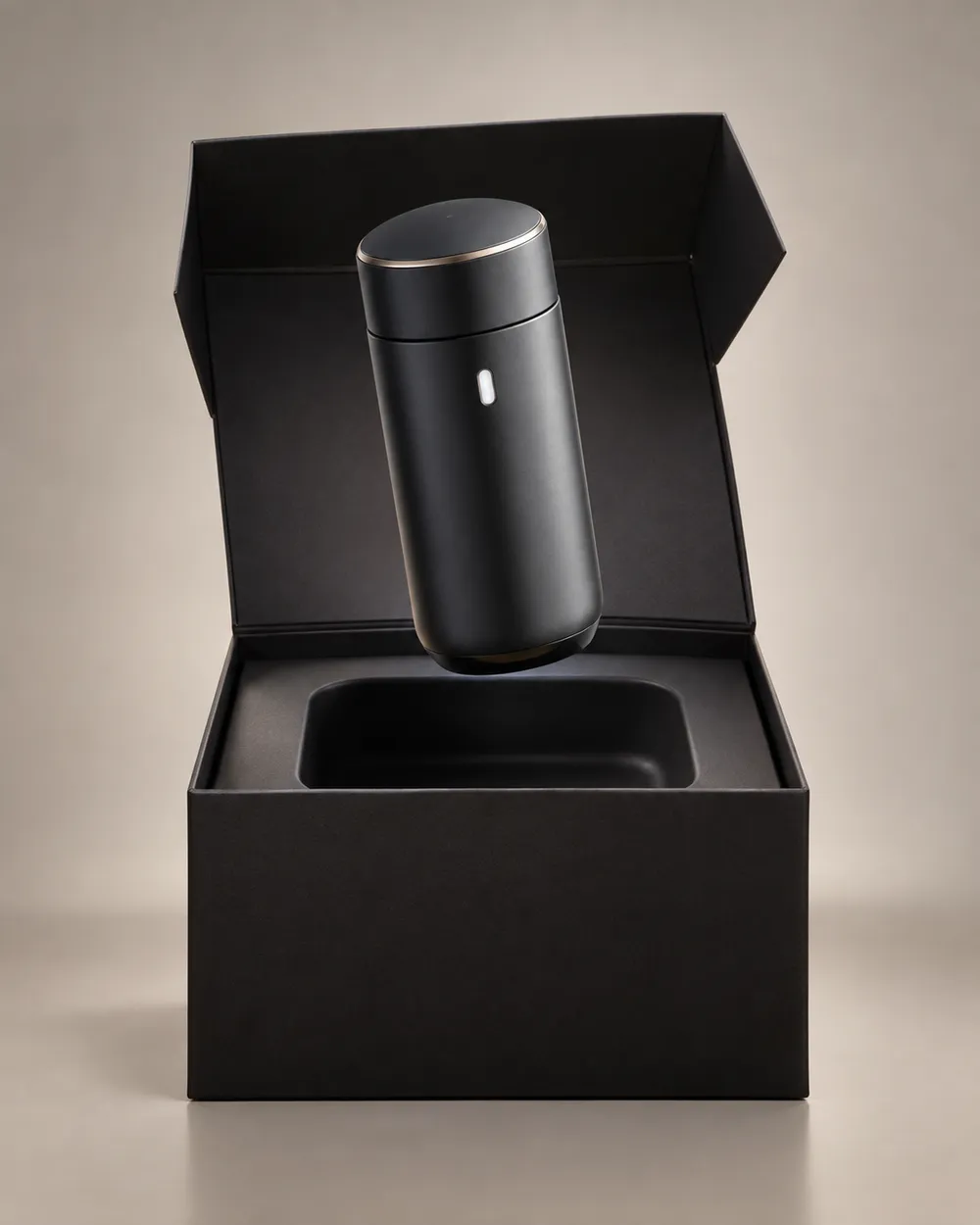
    A clean open-box reveal without hands.

  • Black Friday hero ad AI video preset

    Hero Ad

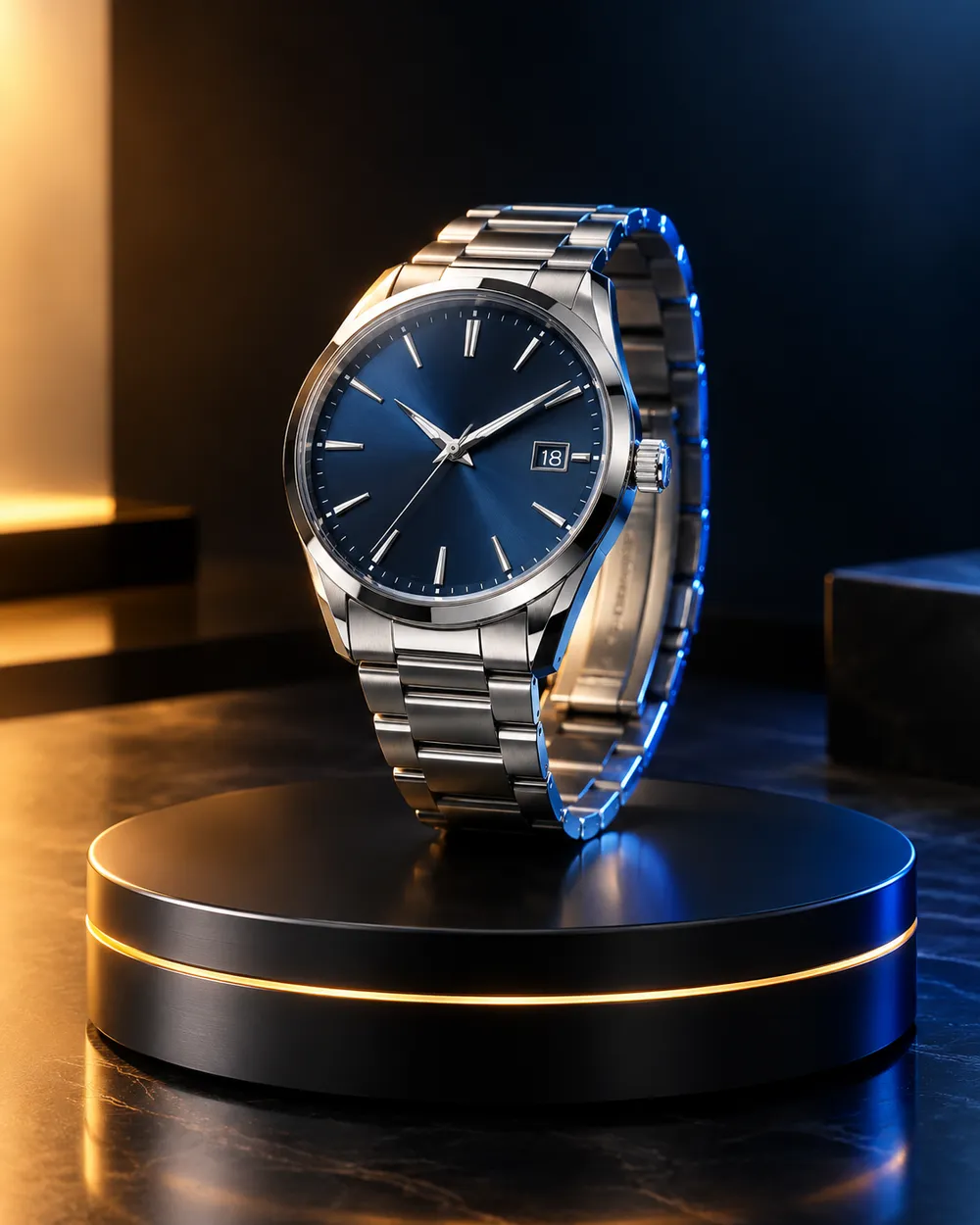
    A slow turntable for a premium product.

  • Black Friday gift guide AI video preset

    Gift Guide

    A soft floating product for a gift roundup.

  • Cyber Monday AI video preset

    Cyber Monday

    Cool neon light for a digital offer.

Generatore video

Carica un primo fotogramma o incolla un URL pubblico di un'immagine. Link privati o di condivisione non funzioneranno.

(Opzionale)

Carica un fotogramma finale o incolla un URL pubblico di un'immagine se vuoi che il movimento finisca su una inquadratura specifica.

Costo 1 crediti

0 / 2000

Preset camera

Aggiungi una direzione camera al prompt. Sono snippet di prompt, non una modalità modello 3D separata.

15s
4s15s

Controlli di generazione

Queste sono le impostazioni condivise per tutte e tre le corsie del workflow.

2 opzioni
Fast

Usa la modalità Fast quando disponibile.

Genera audio

Includi audio sincronizzato quando il provider lo supporta.

Costo 150 crediti0 crediti rimanenti
Anteprima

Nessun risultato generato

La generazione video usa crediti acquistati. Lo spazio di lavoro mostra la stima prima dell’invio.

Come funziona

  1. 1

    Scegli un look

    Parti da un preset o scrivi la tua direzione.

  2. 2

    Carica una foto

    Usa una foto frontale nitida che hai il permesso di modificare.

  3. 3

    Genera e perfeziona

    Avvia il job, controlla il risultato e cambia una sola variabile per tentativo.

What to prepare before Black Friday

Prepare the product still first. A clean cutout on a neutral background is easier to animate than a lifestyle photo with many objects. Then choose one motion per product: push-in, orbit, turntable, light sweep or unboxing. Do not put three motions in one five-second clip.

Write the offer copy separately from the video. The video should show the product; the caption, landing page and checkout should explain the price. Do not ask the video model to render price text. Text rendering is unreliable and a wrong price is worse than no price.

Seven clip formats that fit a sale

Deal teaser, countdown, unboxing, hero ad, gift guide, category roundup and cyber Monday neon. Each format has a different job. A teaser creates curiosity. A hero ad makes the product look premium. A gift guide helps a shopper compare. A cyber Monday clip signals a digital offer.

Keep one format per product and one product per clip. If you need a category roundup, create separate clips and edit them together. That gives you control over pacing and avoids a crowded generation.

Honest seasonal pricing

Seasonal pages often promise a discount that does not exist. This page avoids that. The pricing page is the source of truth for plans, credits and billing. If you need a small entry point, the Try pack is the lowest one-time purchase currently listed; check the pricing page for the current amount and credit total.

If you are comparing providers, compare the cost per usable clip, not the headline discount. A cheap clip that needs five retries is more expensive than a clean clip that works once.

Domande frequenti

  1. 1

    Is there a Black Friday discount on Animate AI?

    Any active seasonal offer is stated on the pricing page with its dates and conditions. This page does not invent a discount. The current plans and credit totals are always visible on the pricing page.

  2. 2

    When is Black Friday 2026?

    Black Friday falls on November 27, 2026. Cyber Monday falls on November 30, 2026. Search demand usually starts weeks earlier, so prepare the product stills and clips before the date.

  3. 3

    Do I need a product photo?

    A clean product still produces the most consistent clip. You can also use text-to-video, but product shape and label consistency are harder to control without a reference image.

  4. 4

    Can the video include the price?

    Do not rely on the video model to render price text. Add the price in your editor, caption or landing page. That avoids wrong or distorted numbers.

  5. 5

    How many clips can I make from one credit pack?

    It depends on duration, resolution and audio. A five-second 720p fast clip starts at about 50 credits. The Try pack includes 500 credits, so it covers roughly ten short clips before retries. Check the workspace estimate before each run.

  6. 6

    Can I use the clips in paid ads?

    Review the Terms of Service and the model provider’s usage rules. Also follow the ad platform’s disclosure rules for synthetic media.

Guide e analisi dei prompt

Workflow correlati

Inizia con un preset testato

Apri lo spazio di lavoro, applica un preset e controlla la stima dei crediti prima di generare.