Vai al contenuto principale
Pacchetto preset stagionali

Generatore video prodotto IA

Trasforma un’immagine prodotto in un clip di cinque secondi con movimento di camera controllato e luce pulita.

Trasforma un’immagine prodotto in un clip di cinque secondi: giostra, orbita, dolly-in o hero reveal. Nessun export 3D.

  • Nel browser, senza installazione
  • Pagamento sicuro
  • Nessuna filigrana sugli export a pagamento

La generazione usa crediti acquistati

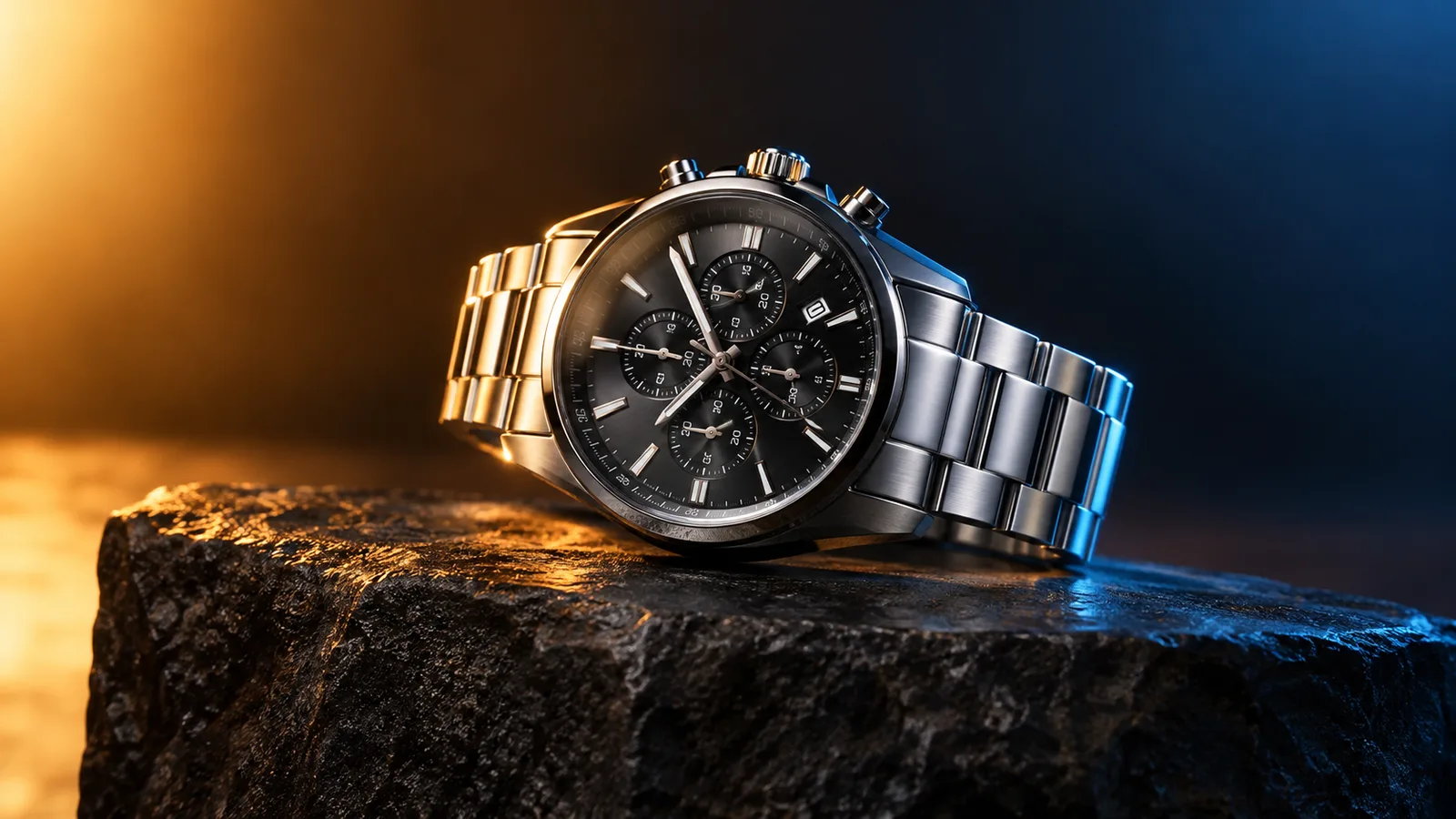
Product motion video still with a watch on a dark stone plinth and rim light
6 presets

Scegli un preset

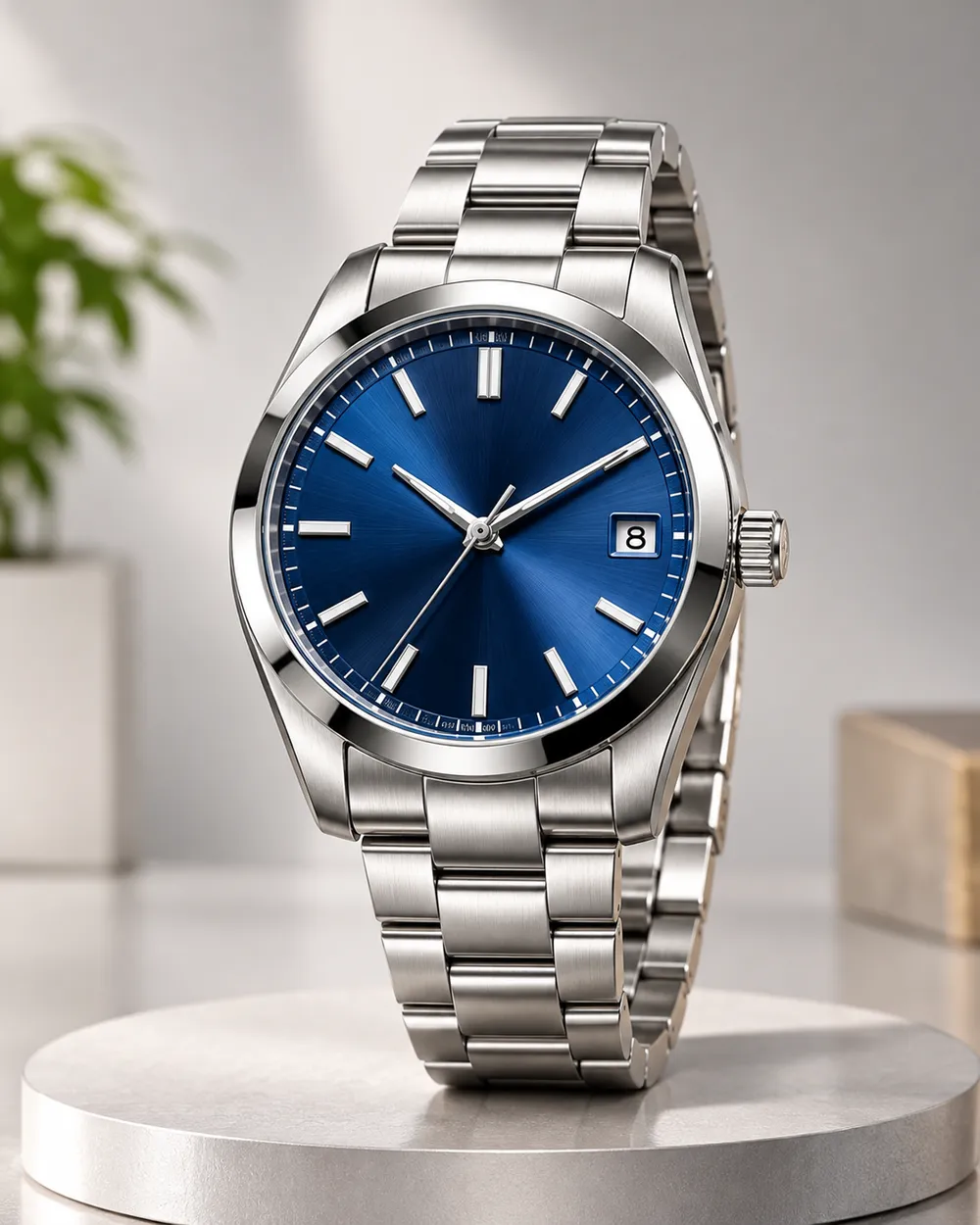
Scegli una direzione, applica il prompt allo spazio di lavoro e modifica un dettaglio alla volta.

  • Turntable product motion video preset

    Turntable

    A controlled showroom rotation.

  • Orbit left product motion video preset

    Orbit Left

    Move around the product without warping it.

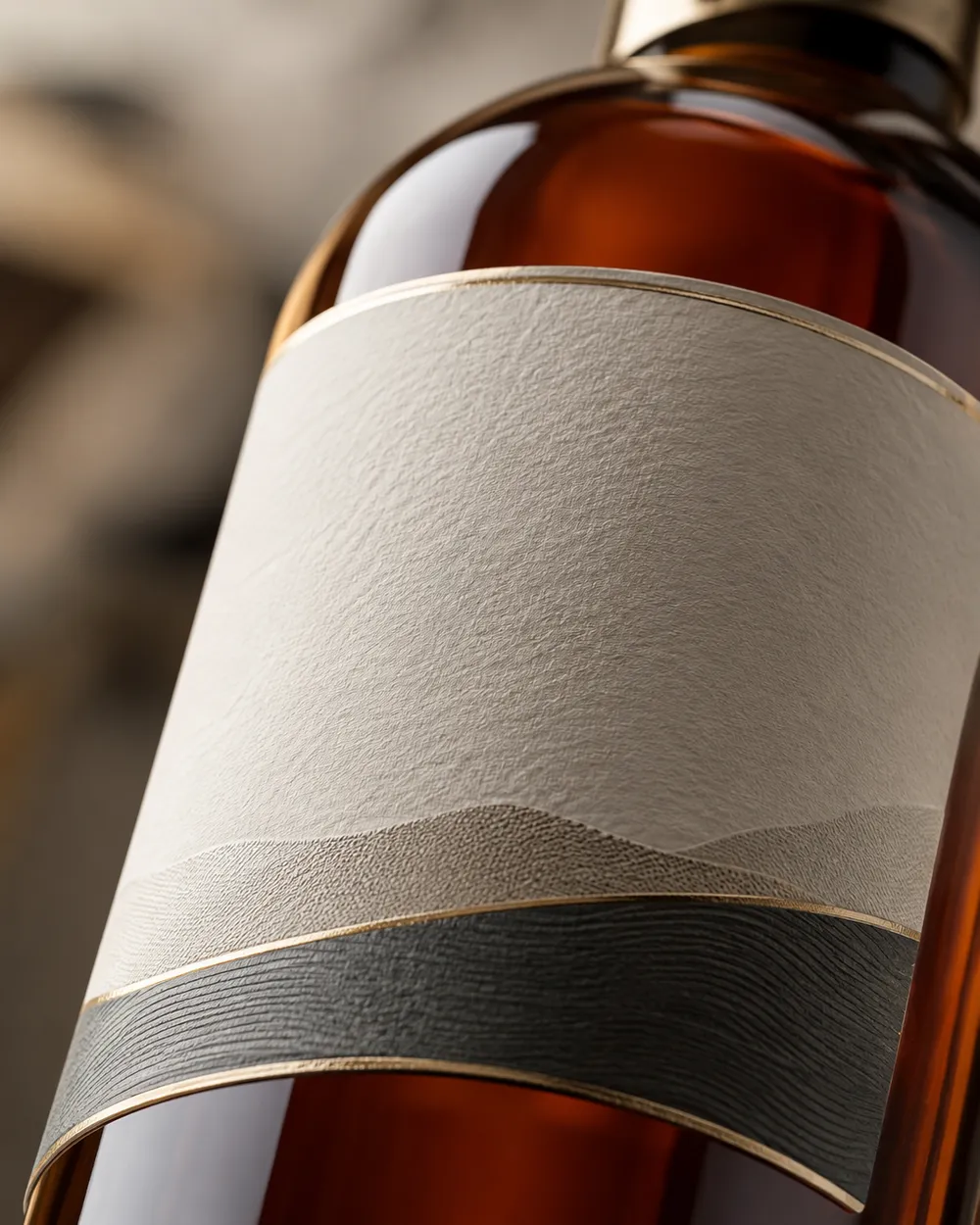
  • Dolly in product motion video preset

    Dolly In

    A premium push toward the label.

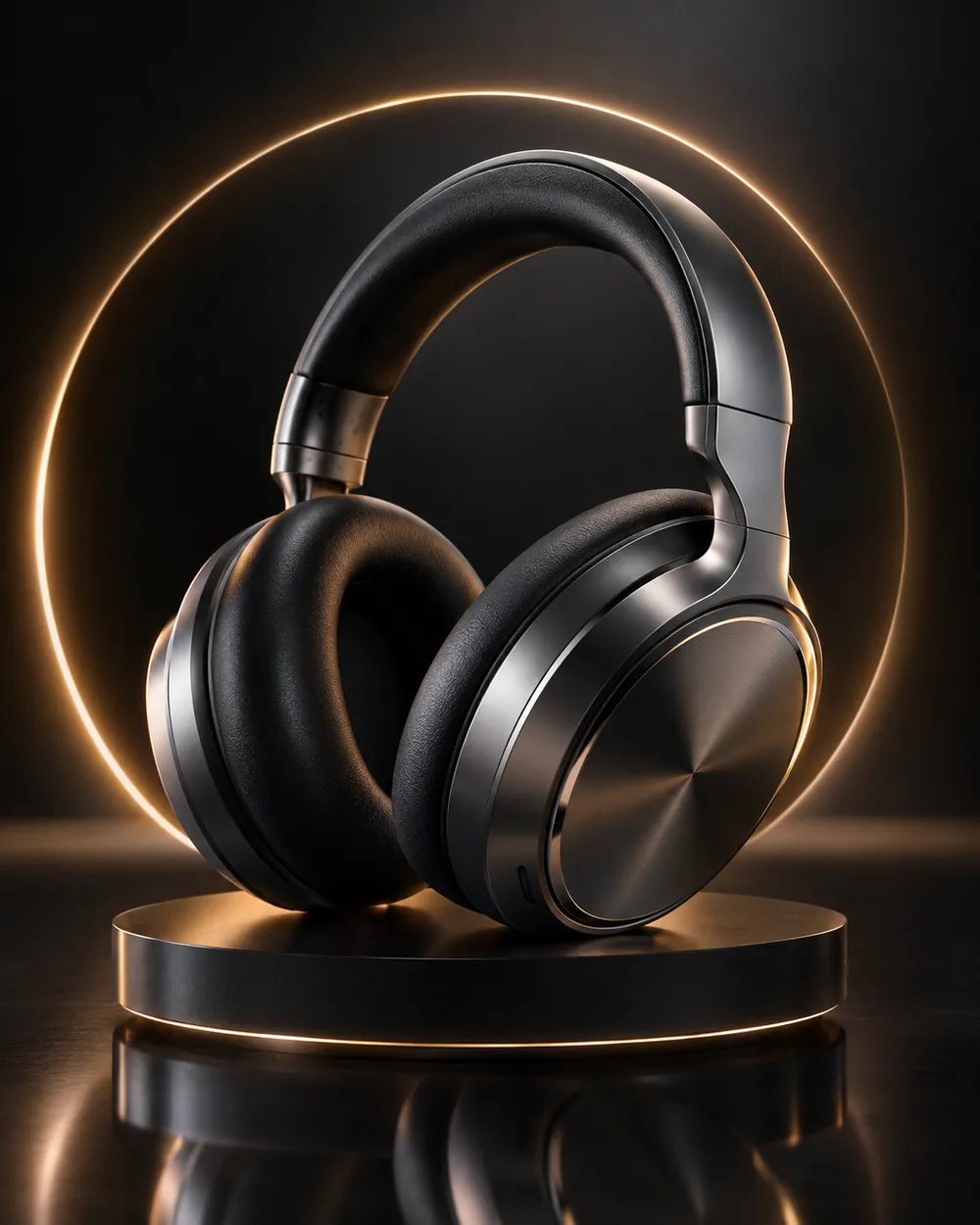
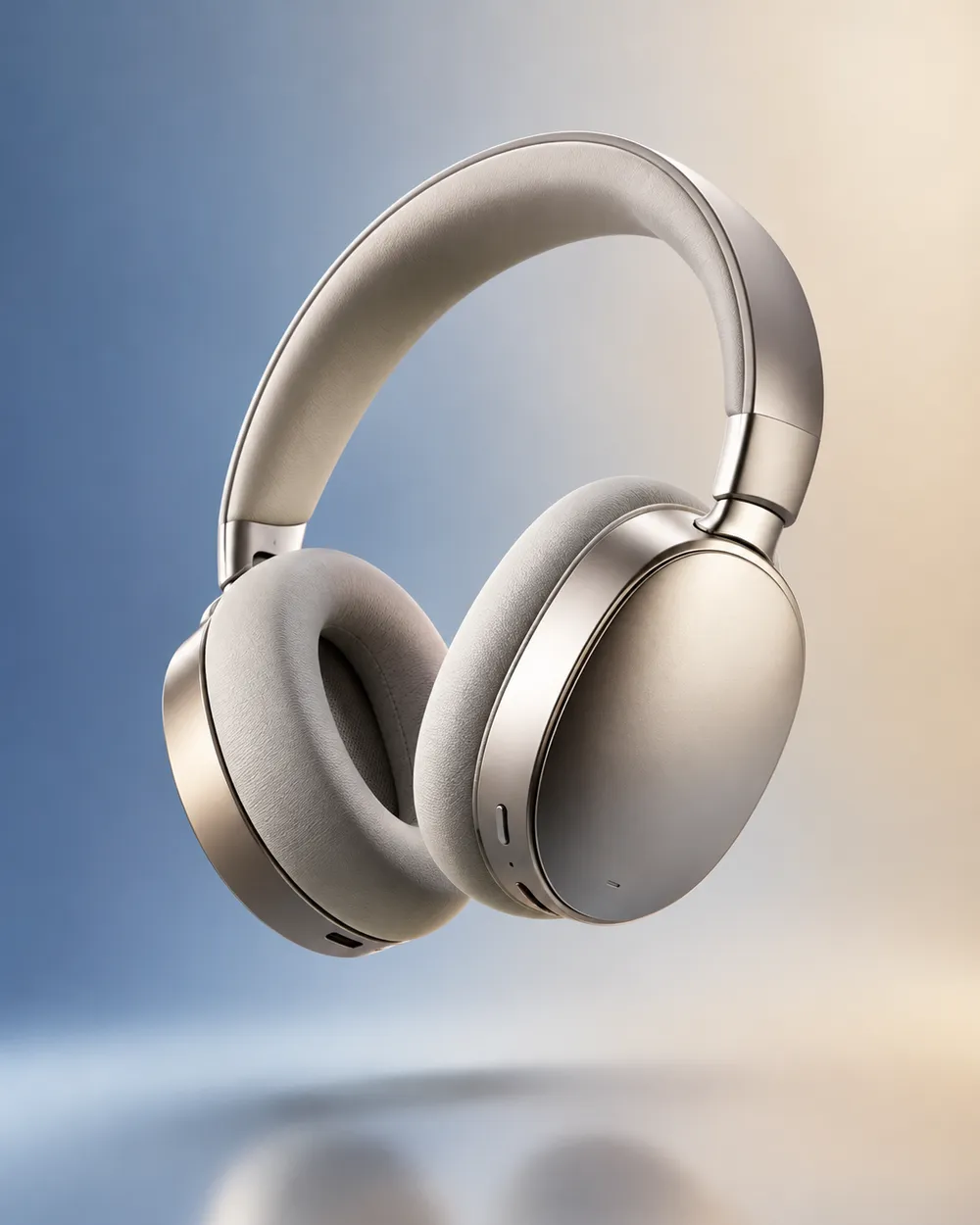
  • Floating product motion video preset

    Floating

    A subtle lift with gentle parallax.

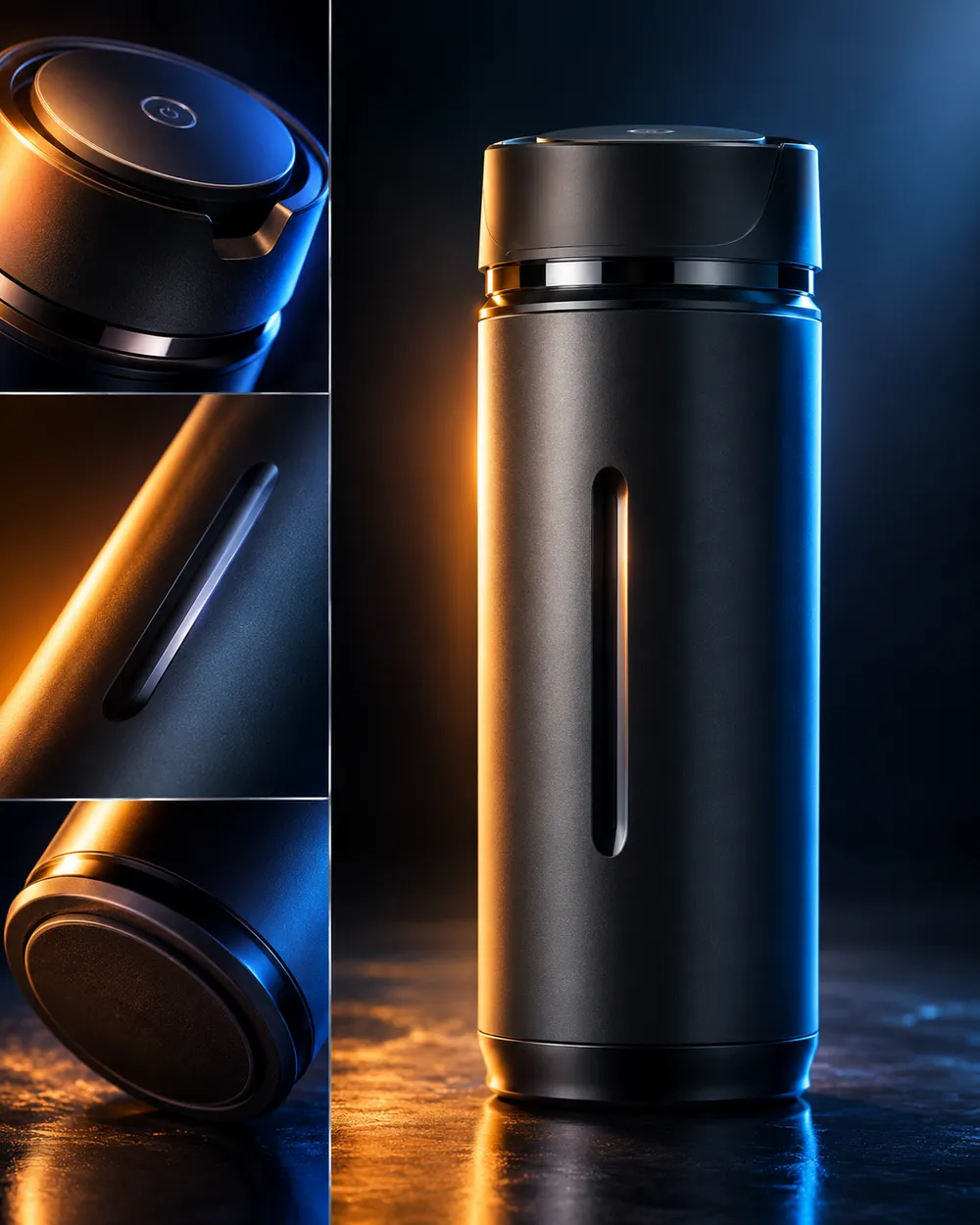
  • Hero reveal product motion video preset

    Hero Reveal

    Start on a detail, end on the full product.

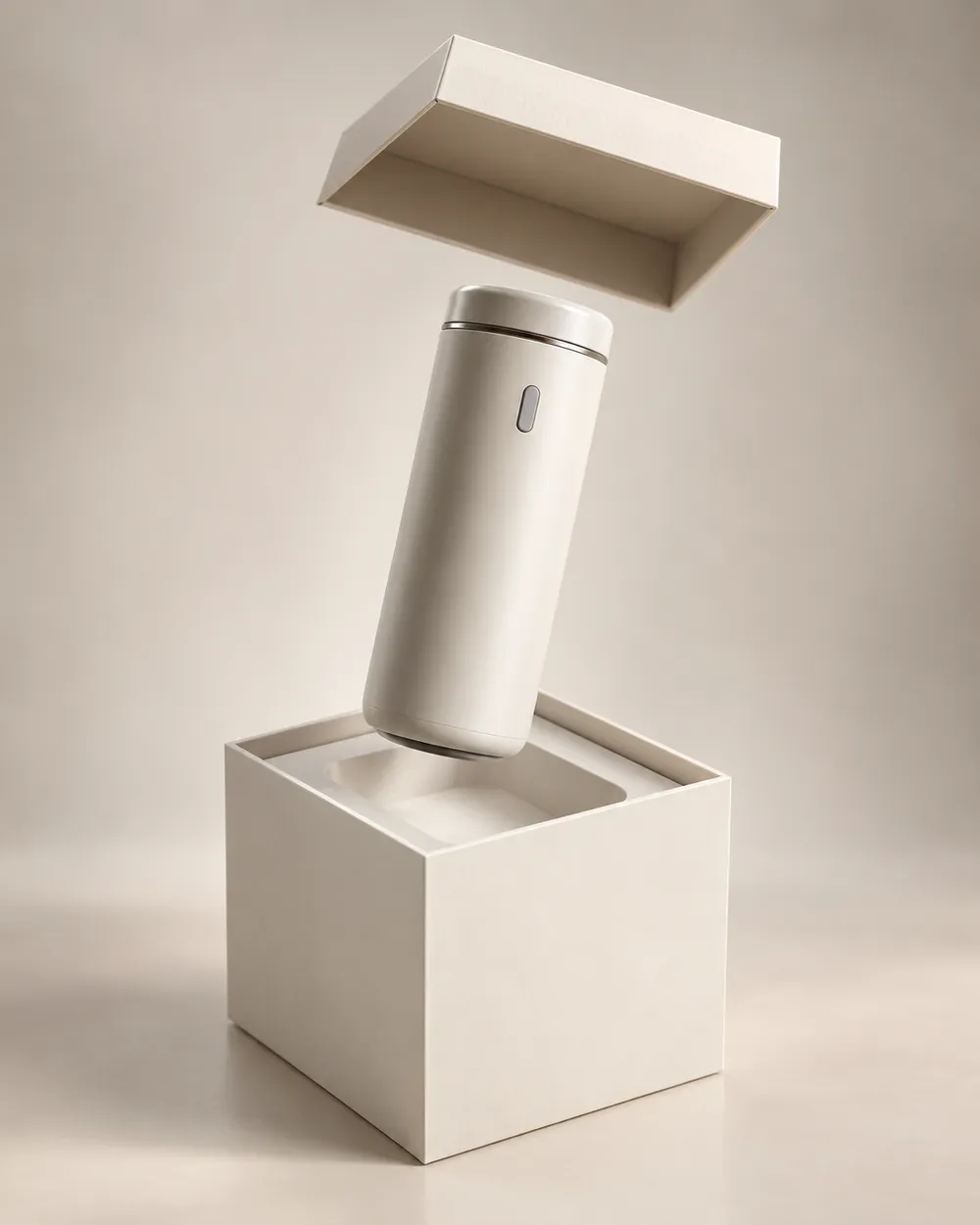
  • Unbox reveal product motion video preset

    Unbox Reveal

    A clean box opening without hands.

Generatore video

Carica un primo fotogramma o incolla un URL pubblico di un'immagine. Link privati o di condivisione non funzioneranno.

(Opzionale)

Carica un fotogramma finale o incolla un URL pubblico di un'immagine se vuoi che il movimento finisca su una inquadratura specifica.

Costo 1 crediti

0 / 2000

Preset camera

Aggiungi una direzione camera al prompt. Sono snippet di prompt, non una modalità modello 3D separata.

15s
4s15s

Controlli di generazione

Queste sono le impostazioni condivise per tutte e tre le corsie del workflow.

2 opzioni
Fast

Usa la modalità Fast quando disponibile.

Genera audio

Includi audio sincronizzato quando il provider lo supporta.

Costo 150 crediti0 crediti rimanenti
Anteprima

Nessun risultato generato

La generazione video usa crediti acquistati. Lo spazio di lavoro mostra la stima prima dell’invio.

Come funziona

  1. 1

    Scegli un look

    Parti da un preset o scrivi la tua direzione.

  2. 2

    Carica una foto

    Usa una foto frontale nitida che hai il permesso di modificare.

  3. 3

    Genera e perfeziona

    Avvia il job, controlla il risultato e cambia una sola variabile per tentativo.

The product motion prompt formula

Use six parts: product lock, motion, camera, lighting, background and stability. The product lock preserves shape, label and color. The motion says what moves. The camera says how the viewer moves. The lighting says where the reflections come from. The background keeps the scene clean. The stability rules exclude warping, extra objects, text and cuts.

A good product prompt is short. Long prompts often add conflicting instructions. If the result warps the label, remove background details and add a label-stability rule.

What this workflow is not

This is not a 3D model generator. It does not export GLB, OBJ or STL files, and it does not create editable topology, PBR maps or rigging. If you need a 3D asset, use a 3D tool. If you need a short motion clip from a still, this workflow is the right fit.

It is also not a replacement for a product photographer. A clean source still with controlled lighting produces a better clip than a messy lifestyle photo. Garbage in, garbage out still applies.

Where product clips fit in a funnel

Use a teaser clip at the top of a landing page, a hero clip on a product page, and a short loop in a paid ad. Keep the clip silent and add captions in the editor. A five-second loop is usually enough for a product card.

If you are preparing a seasonal sale, generate the clips before the sale starts. The Black Friday planning page includes a separate set of sale-specific formats.

Domande frequenti

  1. 1

    Does this export a 3D model?

    No. The workflow produces a short video clip from a still image. It does not export GLB, OBJ, STL or editable 3D assets.

  2. 2

    What product photo works best?

    Use a clean, well-lit still with the product centered and the label readable. A neutral background makes the motion and lighting easier to control.

  3. 3

    Can I animate a logo or text?

    Avoid asking the model to render text or logos. Text often warps. Add the logo and copy in an editor after the clip is generated.

  4. 4

    How long should a product clip be?

    Five seconds is a good starting point for a product card or ad. Longer clips cost more and give the model more chances to drift.

  5. 5

    Can I use the clip in a paid ad?

    Review the Terms of Service and the model provider’s usage rules. Also follow the ad platform’s disclosure rules for synthetic media.

  6. 6

    Which preset is best for a first attempt?

    Start with Turntable or Dolly In. Both have a simple camera move and a clear product lock, which makes the result easy to judge.

Guide e analisi dei prompt

Workflow correlati

Inizia con un preset testato

Apri lo spazio di lavoro, applica un preset e controlla la stima dei crediti prima di generare.