Vai al contenuto principale
Pacchetto preset stagionali

Generatore video anime IA

Anima un’immagine anime finita con un movimento piccolo e controllato che protegge il design e il line art.

Anima un’immagine anime in un clip di cinque secondi: testa che gira, panoramica o petali. Sei preset per mantenere il line art.

  • Nel browser, senza installazione
  • Pagamento sicuro
  • Nessuna filigrana sugli export a pagamento

La generazione usa crediti acquistati

Anime-style still animated with a slow camera pan and falling petals
6 presets

Scegli un preset

Scegli una direzione, applica il prompt allo spazio di lavoro e modifica un dettaglio alla volta.

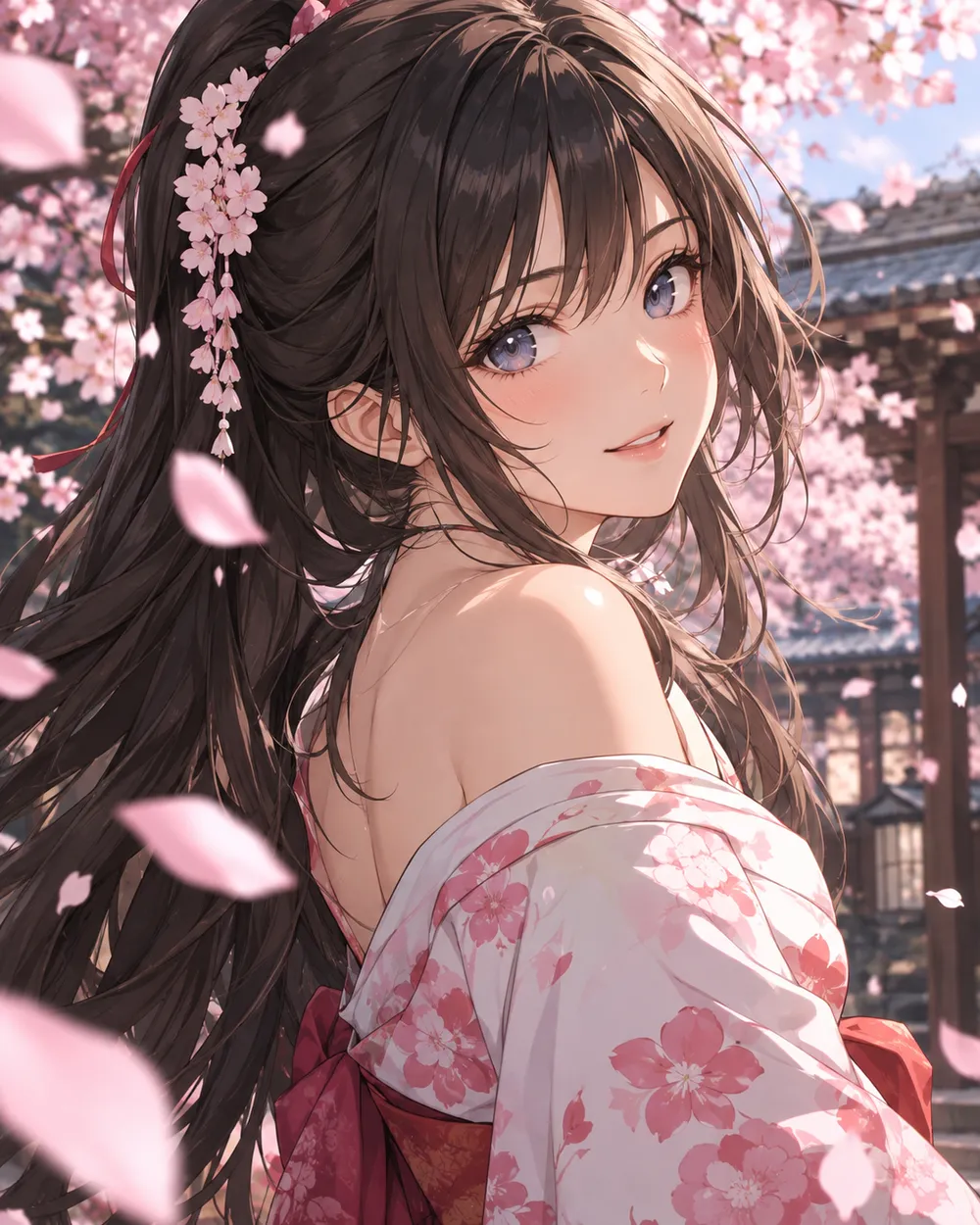
  • Cherry blossom anime AI video preset

    Cherry Blossom Turn

    A slow turn with falling petals.

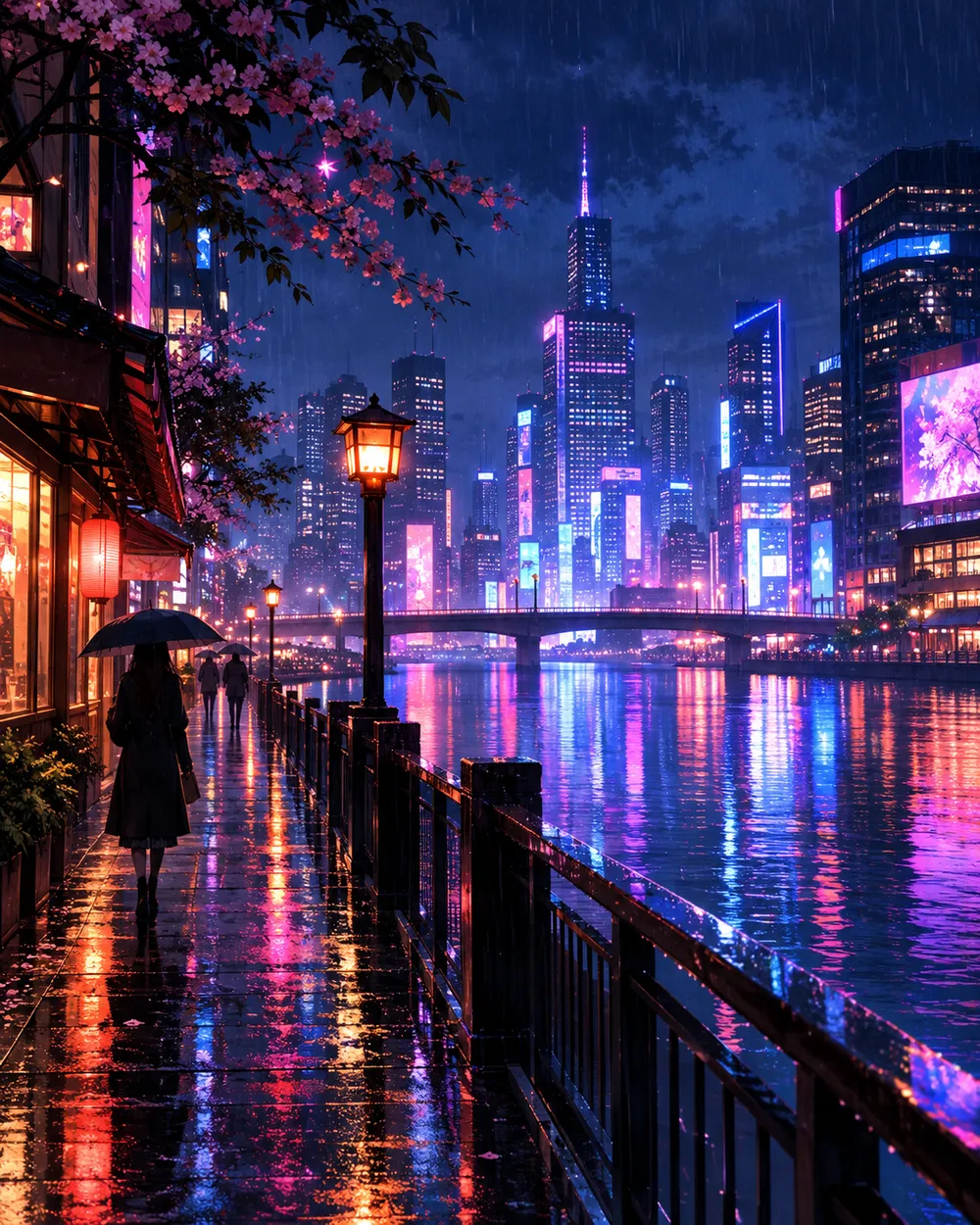
  • Neon city anime AI video preset

    Neon City Pan

    A lateral pan across a rainy skyline.

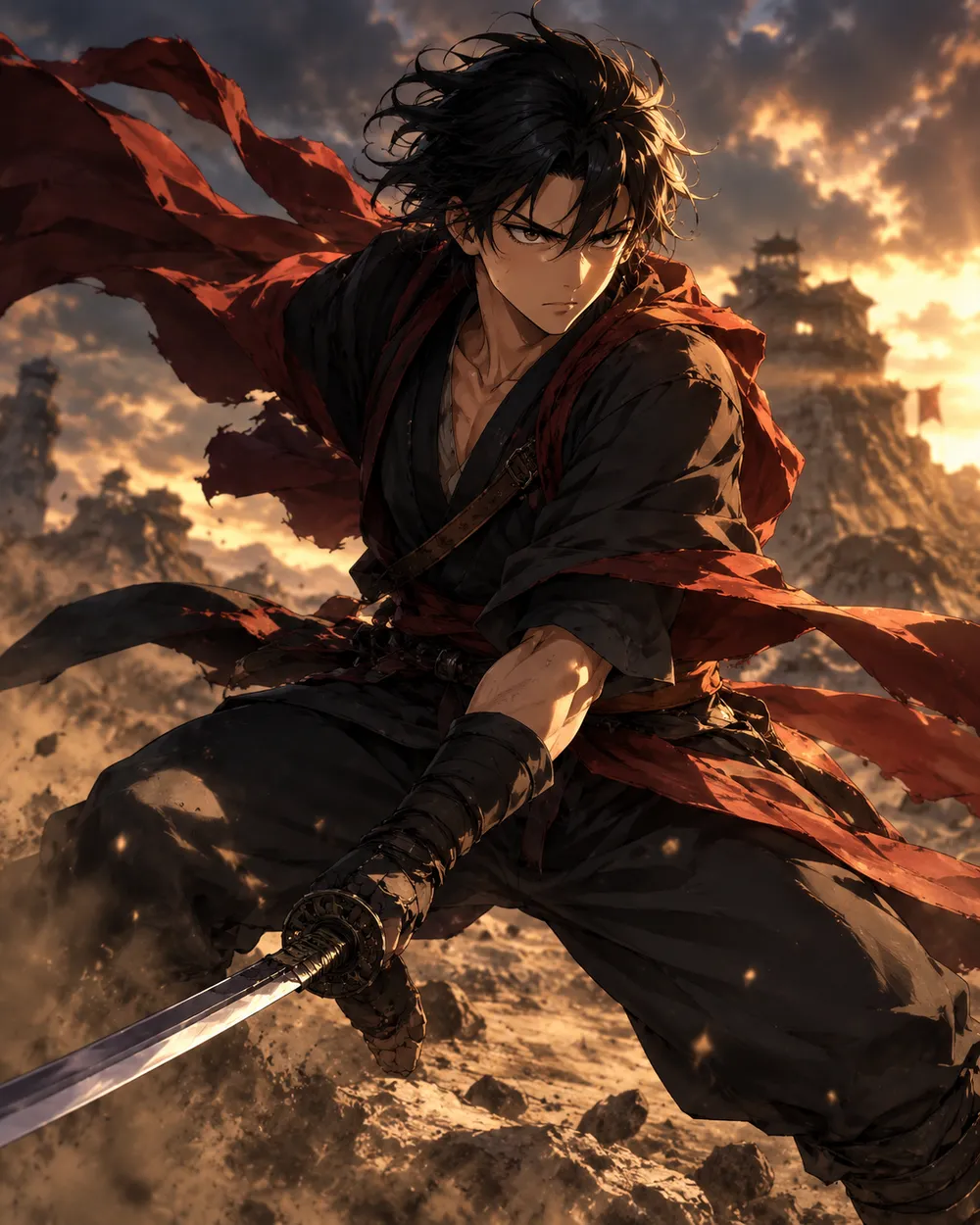
  • Battle stance anime AI video preset

    Battle Stance

    Hair and fabric move; the pose holds.

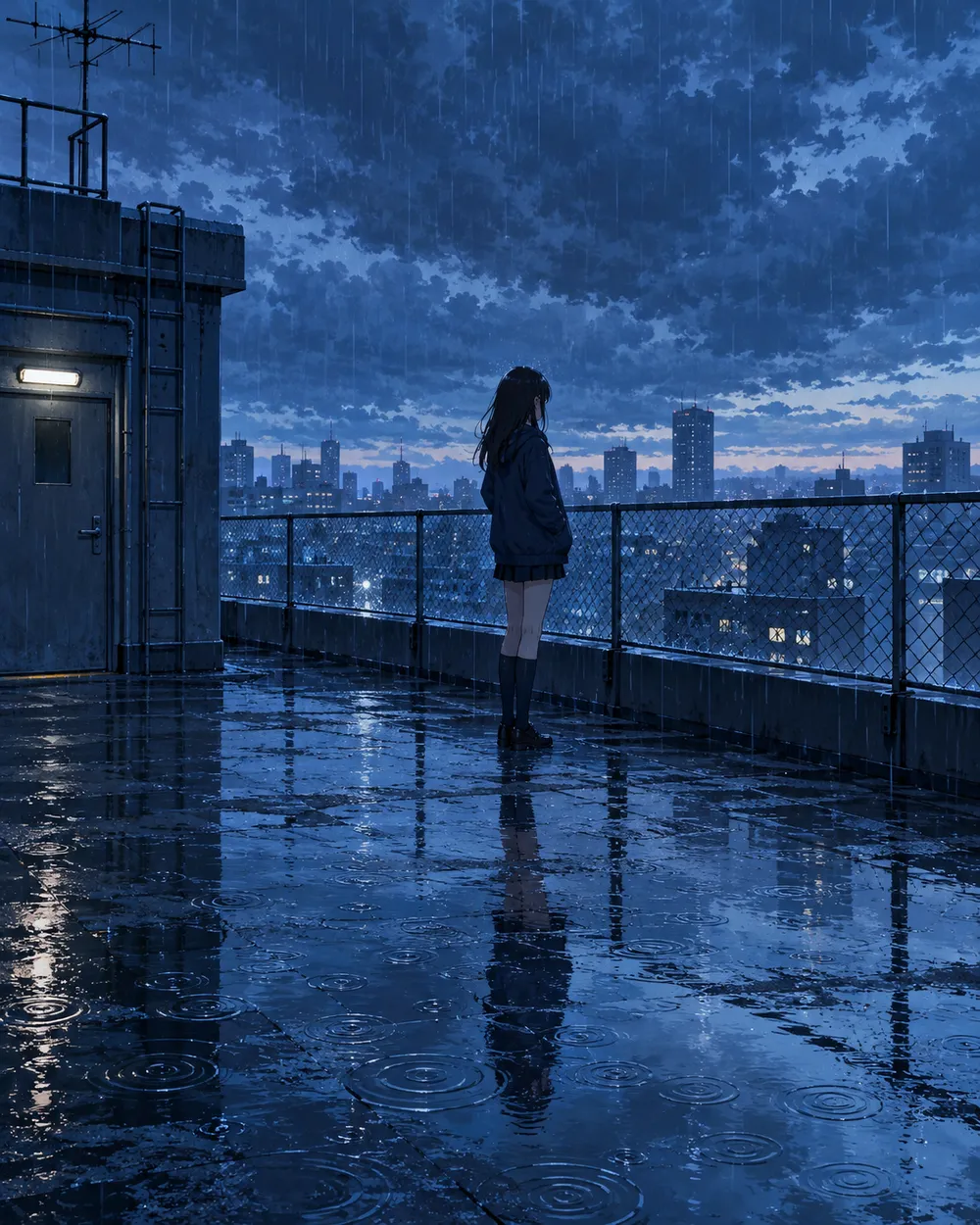
  • Rainy rooftop anime AI video preset

    Rainy Rooftop

    Rain, reflections and a still character.

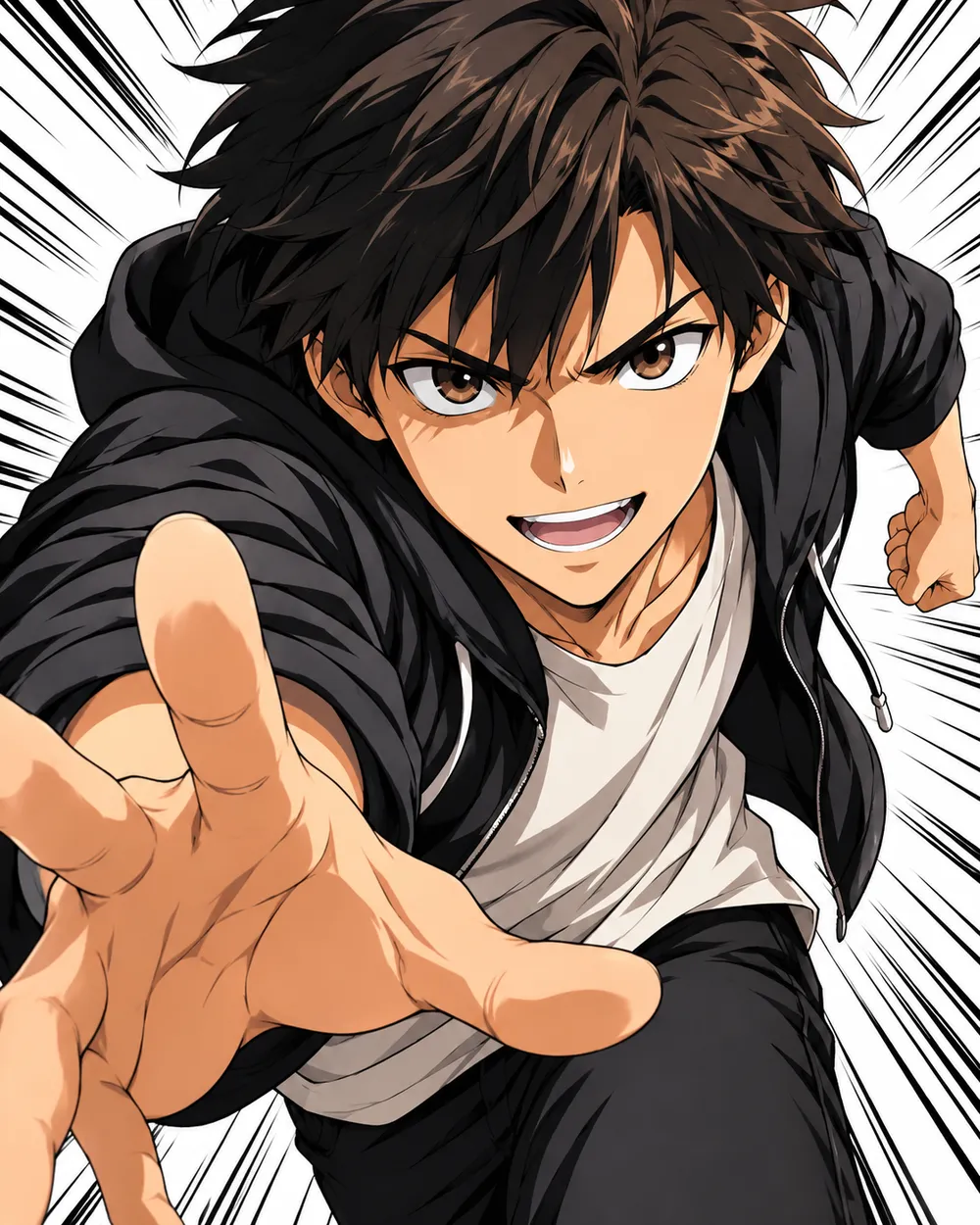
  • Manga speed lines anime AI video preset

    Manga Speed Lines

    A dramatic push-in with speed lines.

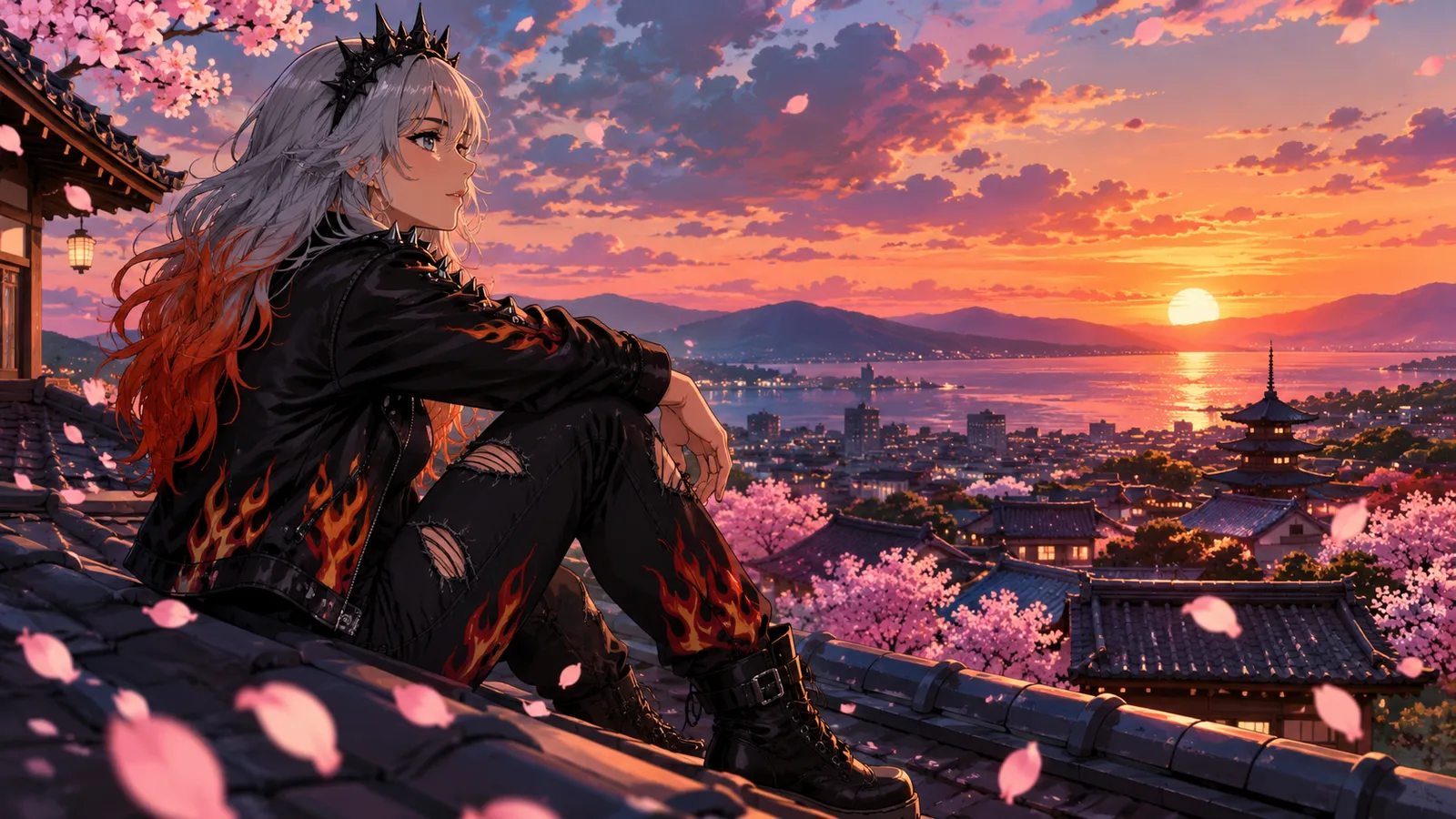
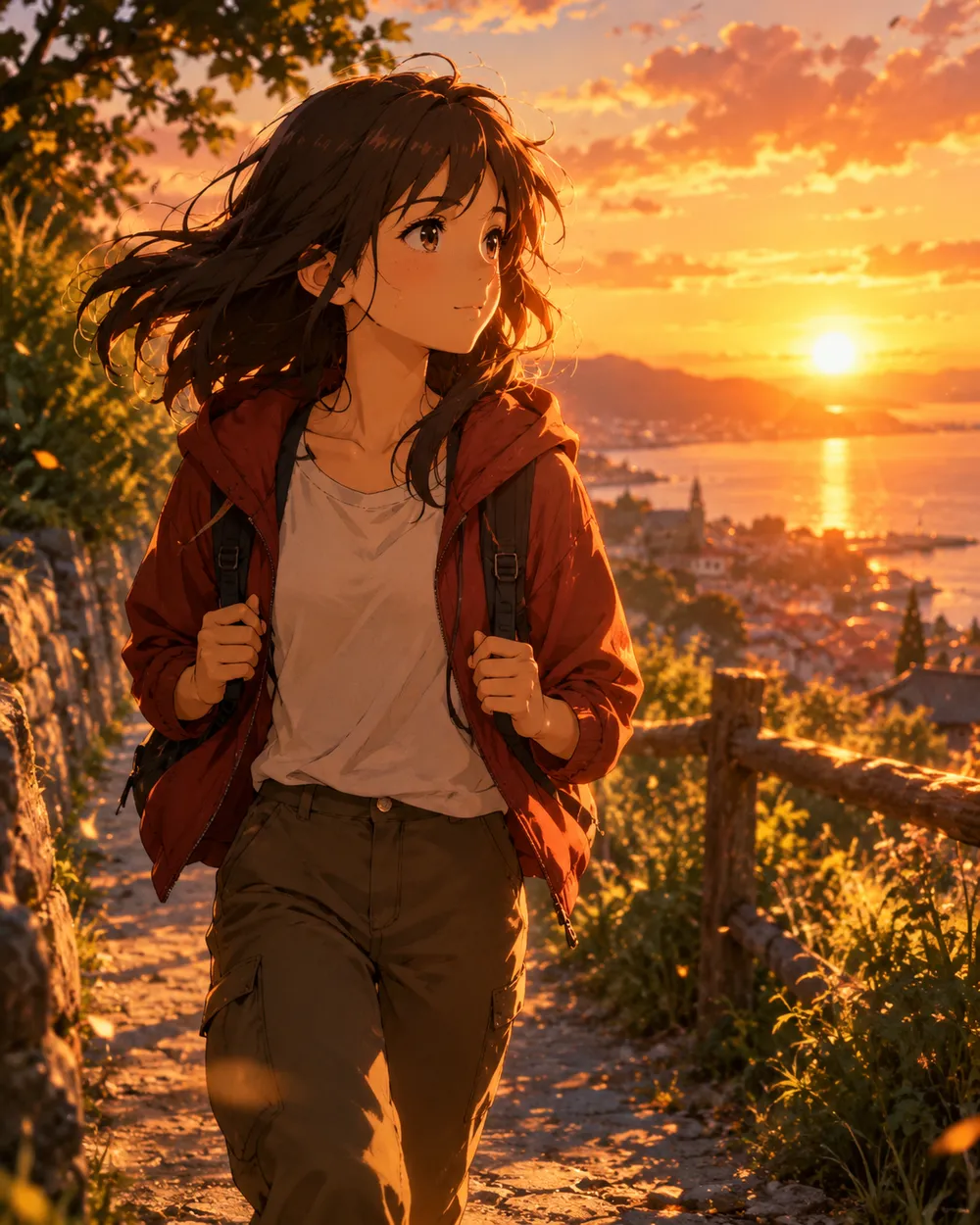
  • Sunset walk anime AI video preset

    Sunset Walk

    A slow tracking shot at golden hour.

Generatore video

Carica un primo fotogramma o incolla un URL pubblico di un'immagine. Link privati o di condivisione non funzioneranno.

(Opzionale)

Carica un fotogramma finale o incolla un URL pubblico di un'immagine se vuoi che il movimento finisca su una inquadratura specifica.

Costo 1 crediti

0 / 2000

Preset camera

Aggiungi una direzione camera al prompt. Sono snippet di prompt, non una modalità modello 3D separata.

15s
4s15s

Controlli di generazione

Queste sono le impostazioni condivise per tutte e tre le corsie del workflow.

2 opzioni
Fast

Usa la modalità Fast quando disponibile.

Genera audio

Includi audio sincronizzato quando il provider lo supporta.

Costo 150 crediti0 crediti rimanenti
Anteprima

Nessun risultato generato

La generazione video usa crediti acquistati. Lo spazio di lavoro mostra la stima prima dell’invio.

Come funziona

  1. 1

    Scegli un look

    Parti da un preset o scrivi la tua direzione.

  2. 2

    Carica una foto

    Usa una foto frontale nitida che hai il permesso di modificare.

  3. 3

    Genera e perfeziona

    Avvia il job, controlla il risultato e cambia una sola variabile per tentativo.

Start with a still that already works

A good anime still has a clear character silhouette, a readable face and a simple background. If the still is crowded or the character is small, the video model has less information to work with. Crop to the character before animating.

Keep the still at the highest resolution you have. The video model will resize it, but a clean source preserves line quality. Avoid images with heavy compression artifacts or text.

Motion that respects line art

Anime line art is less forgiving than photographic texture. Large motion can warp the face and hands. Start with a head turn, a blink, moving hair or a camera move. Avoid full-body running or fighting unless you are prepared to retry.

If the line art shimmers, reduce the motion and add a stability rule. A slow push-in with moving hair is usually cleaner than a fast action shot. Keep the camera move in one direction.

Style consistency across clips

If you need several clips of the same character, use the same still as the reference and keep the prompt structure identical. Change only the motion sentence. That gives you a consistent set without retraining a character model.

For a longer sequence, generate each shot separately and edit them together. A five-second clip per shot is easier to control than a single long generation.

Domande frequenti

  1. 1

    Does this generate anime from text?

    You can use text-to-video, but image-to-video from an existing anime still is more consistent. The still carries the character design and line style.

  2. 2

    Can I keep the same character across clips?

    Yes. Use the same still as the reference and keep the prompt structure identical. Change only the motion sentence. That gives you the best chance of a consistent set.

  3. 3

    Why does the face warp?

    Large or fast motion gives the model more chances to drift. Reduce the motion, shorten the duration and add a stability rule. A slow head turn is easier than a run cycle.

  4. 4

    Can I use a copyrighted character?

    Only if you have the rights. The acceptable use policy applies. For original characters, you control the design and the usage rights.

  5. 5

    What duration should I use?

    Start with five seconds. Short clips are cheaper to iterate and easier to keep stable. Extend only after the motion works.

  6. 6

    Can I add sound later?

    Yes. Most social clips are edited with sound in a separate editor. Generating a silent clip first gives you more control over the final mix.

Guide e analisi dei prompt

Workflow correlati

Inizia con un preset testato

Apri lo spazio di lavoro, applica un preset e controlla la stima dei crediti prima di generare.