
Why subtle motion works better
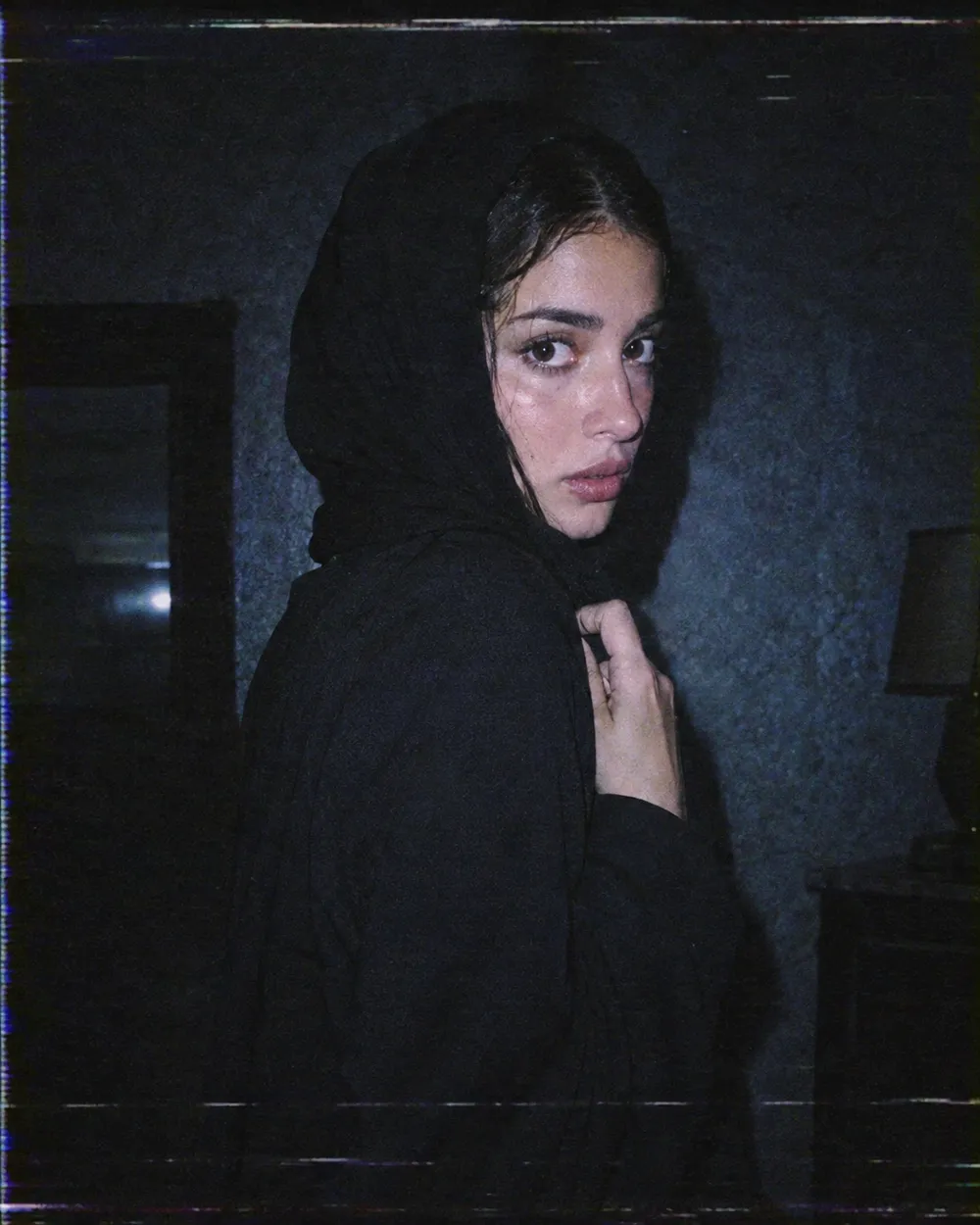
Image-to-video models are good at small, continuous changes. They are less reliable when a single shot has to contain a costume change, a walk, a new character and a camera cut. A subtle head turn keeps the identity stable and gives the viewer enough motion to stop scrolling.
Start with a five-second clip. If the result is stable, extend the duration or add one more motion. If it is unstable, remove motion instead of adding more instructions. A clean blink is better than a distorted wave.
The Halloween video trend, without the hype
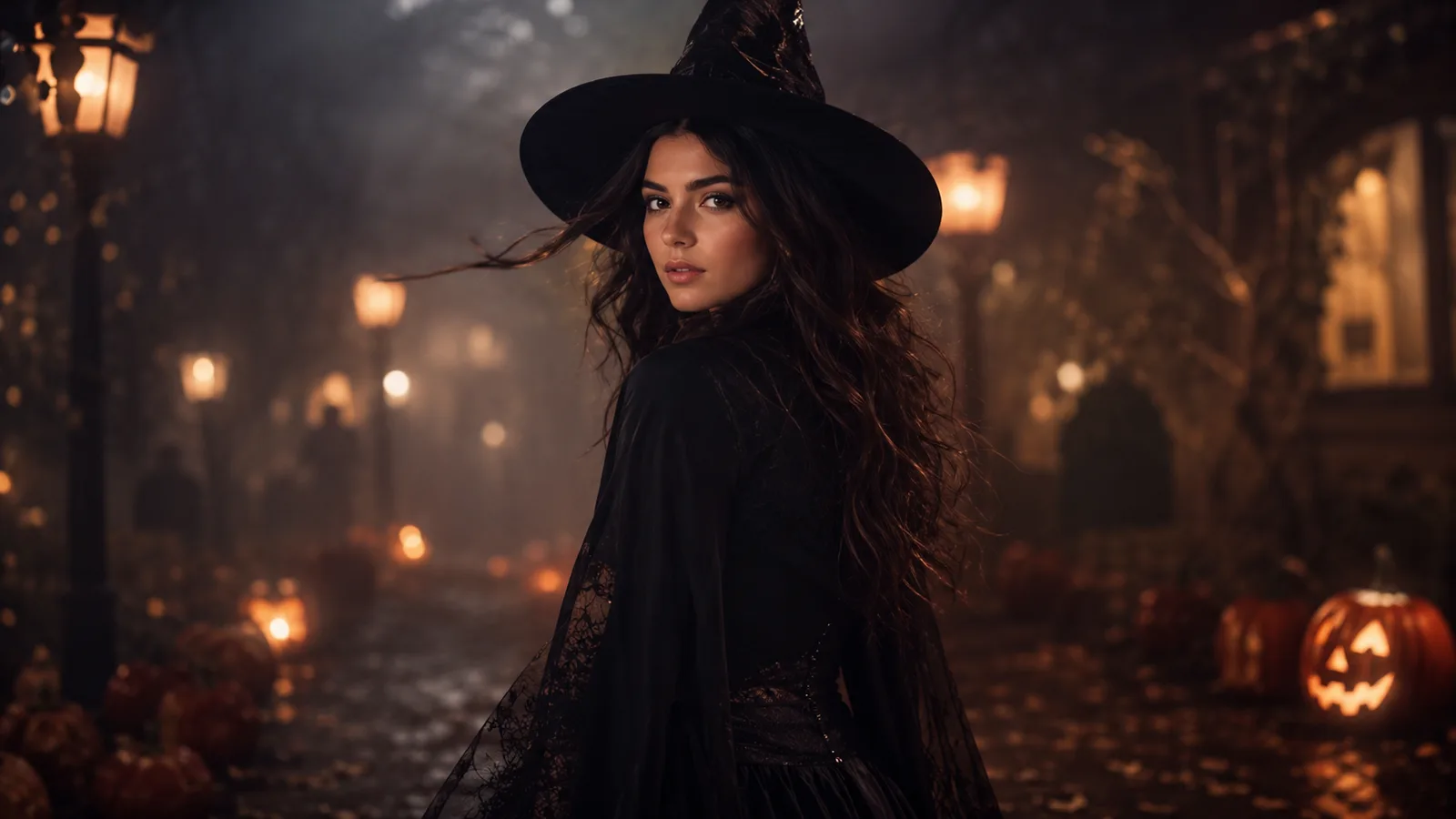
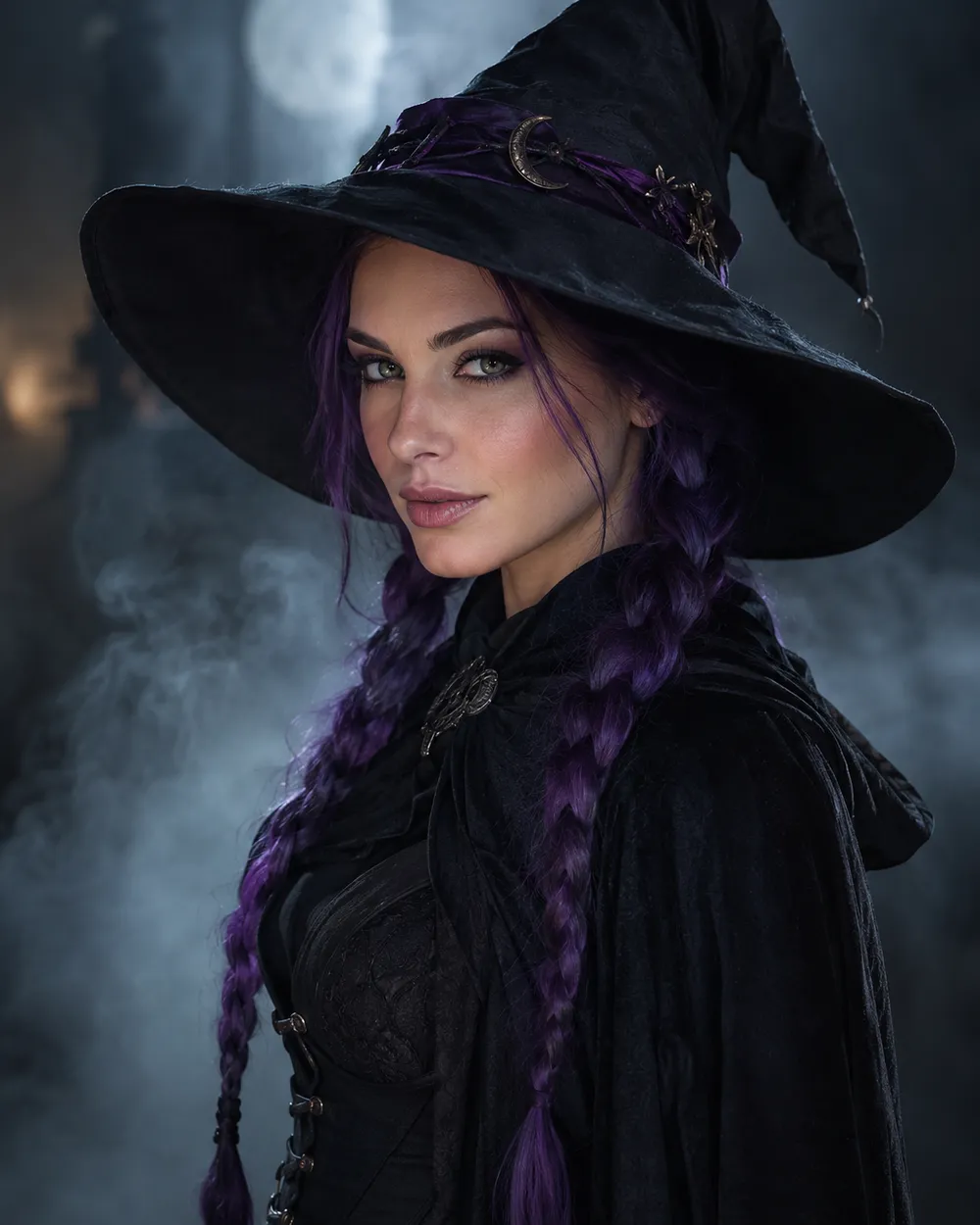
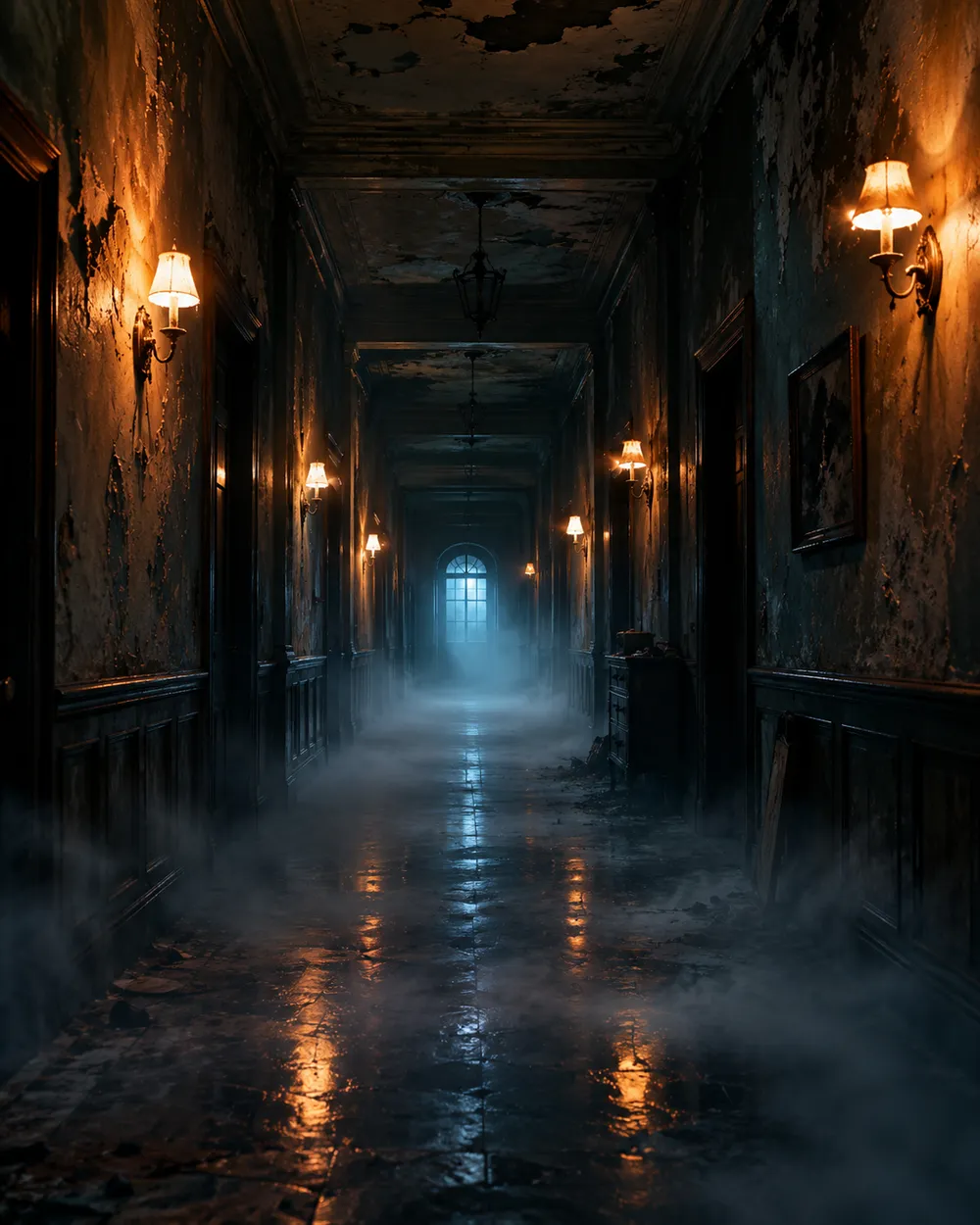
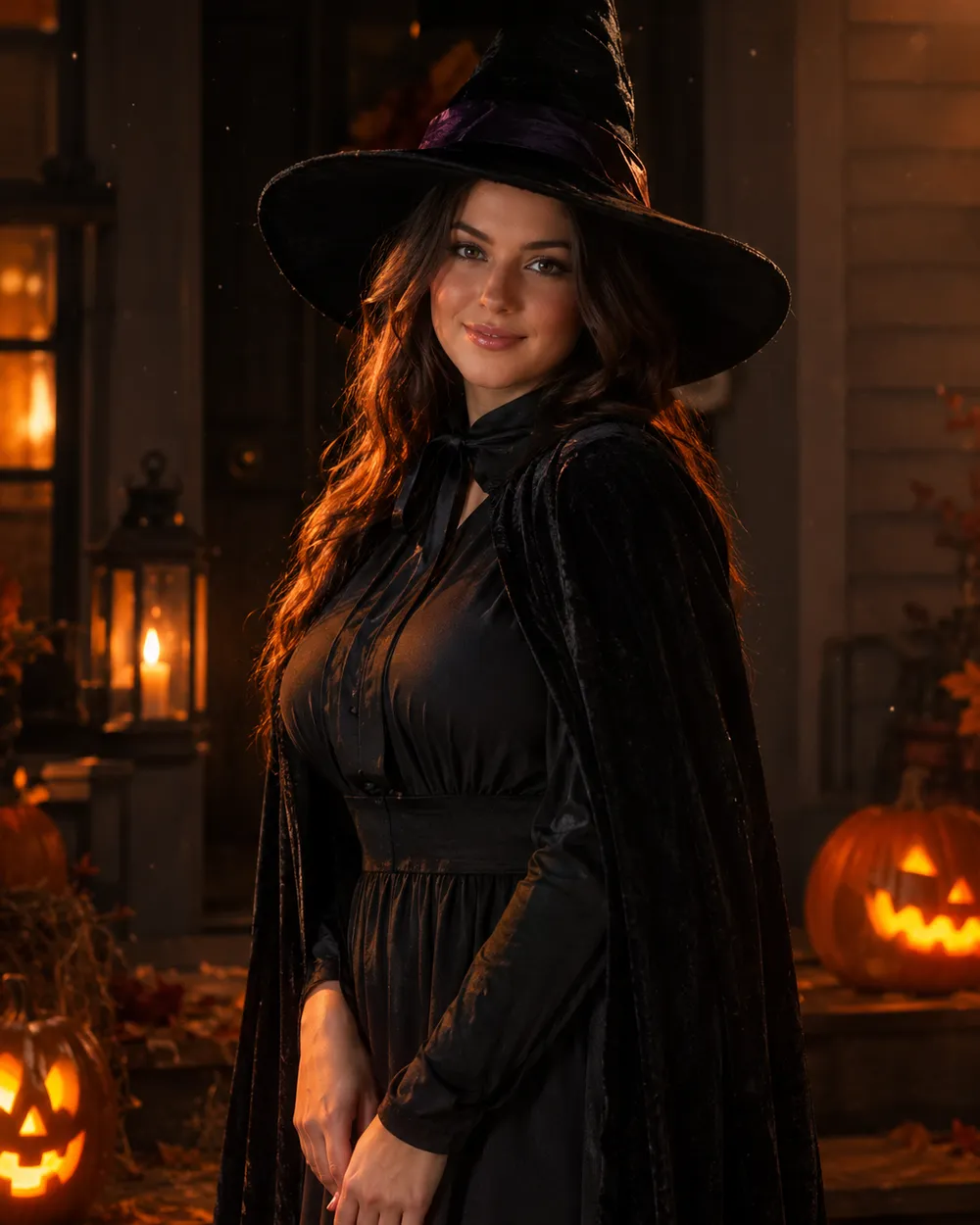
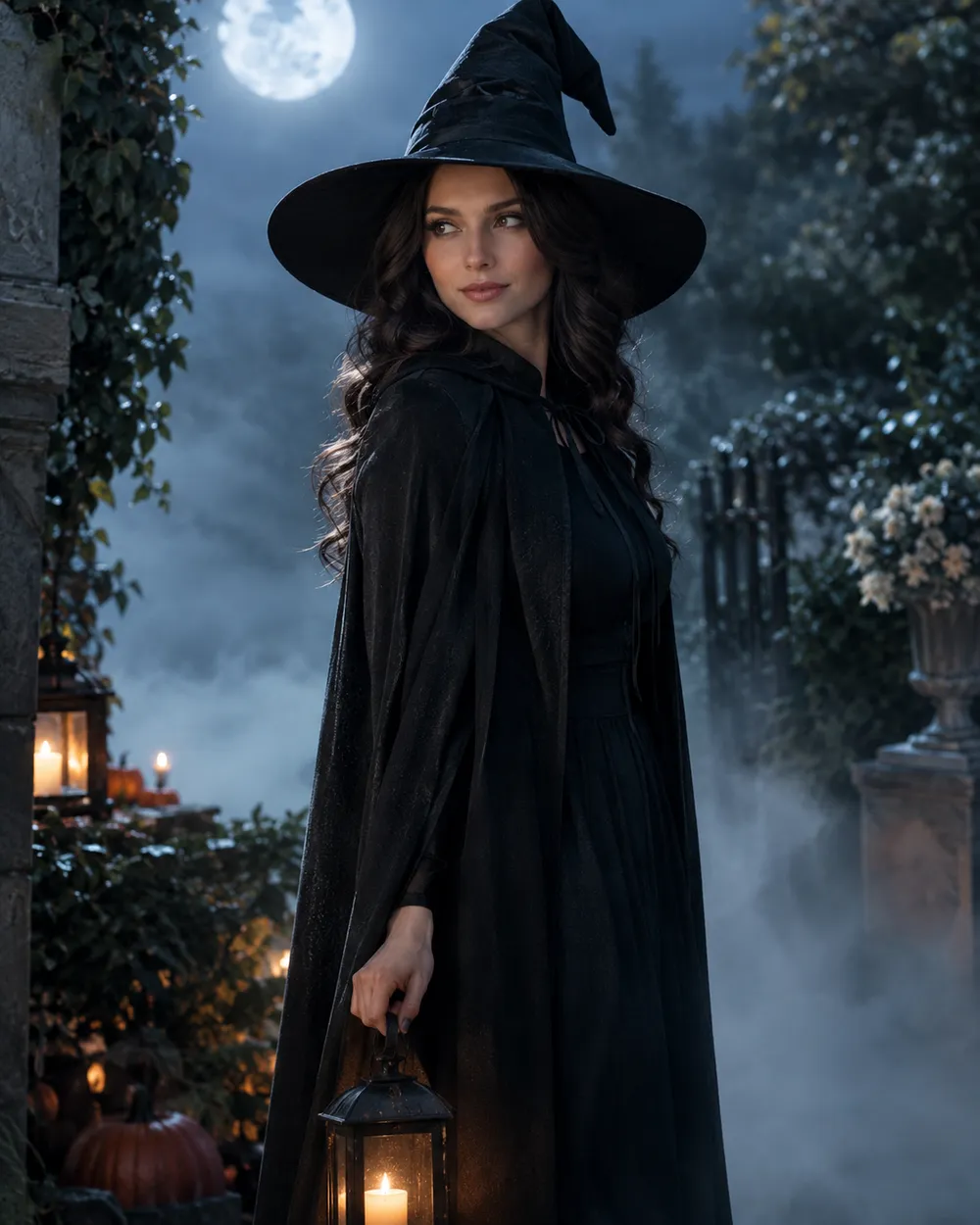
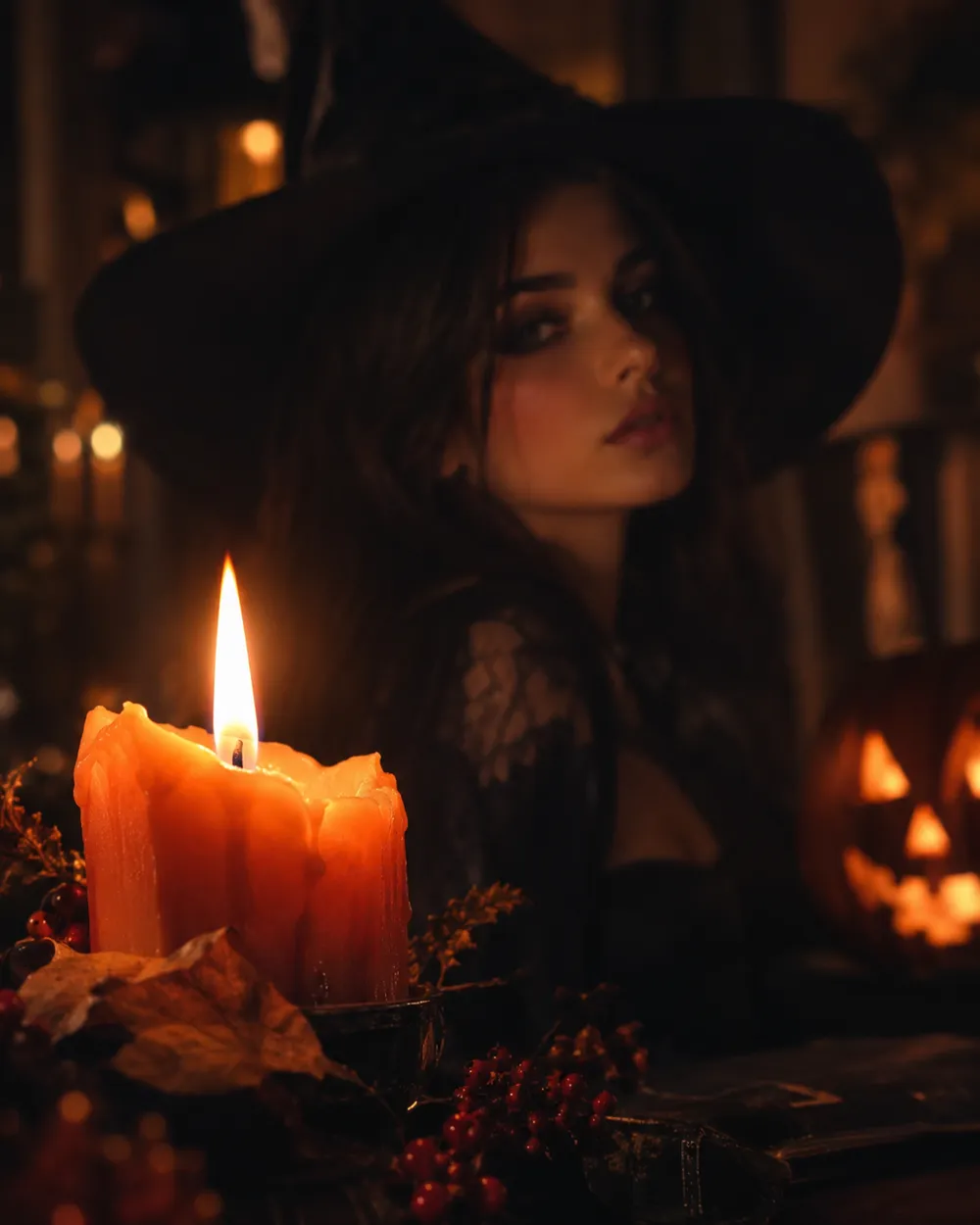
Seasonal AI video trends usually combine a recognizable costume, a practical light source and one uncanny motion. The effect works because the scene feels almost normal. You do not need a jump scare or a complex transformation. A portrait that slowly turns toward the camera in a foggy garden is enough.
If you are making a TikTok or Shorts cover, generate a vertical still first, then animate it. Keep the face in the upper third so the platform UI does not cover it. Export a clean version without text and add captions in the editor.
Prompt structure for image-to-video
Use four parts: reference lock, motion, environment, stability rules. The reference lock says to keep the face, costume and proportions. The motion says what moves and how fast. The environment says what changes in the background. The stability rules exclude cuts, extra characters, warped hands and text.
If the model supports audio, decide whether you need it before generating. Audio can increase cost, and most social clips are muted anyway. A clean silent clip is usually the better first version.