


Zum Hauptinhalt springen
Saison-Preset-Paket

KI-Videogenerator Black Friday 2026

Bereiten Sie Produktclips vor dem Sale vor: sechs Motion-Presets, klare Credit-Schätzungen und kein erfundener Rabatt.

Planen Sie Black-Friday- und Cyber-Monday-Produktvideos mit sechs Motion-Presets, transparenten Credit-Preisen und Seedance-Workspace.

  • Im Browser, keine Installation
  • Sichere Zahlung
  • Kein Wasserzeichen bei bezahlten Exporten

Die Generierung verbraucht gekaufte Credits

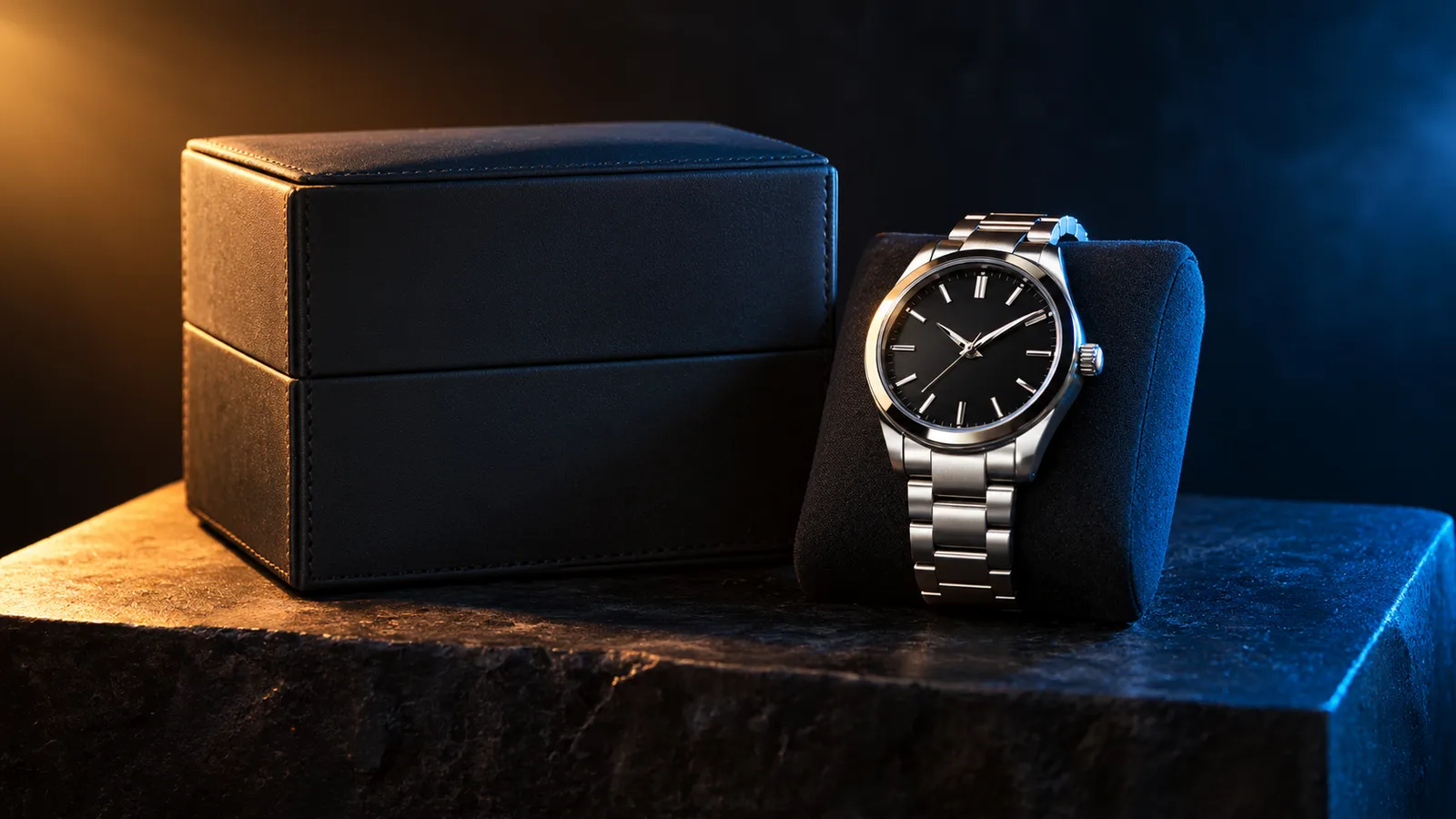
Black Friday product video storyboard with a dark studio and warm rim light
6 presets

Preset wählen

Richtung wählen, Prompt im Workspace anwenden und dann jeweils nur ein Detail ändern.

  • Black Friday deal teaser AI video preset

    Deal Teaser

    A five-second product tease with a slow push-in.

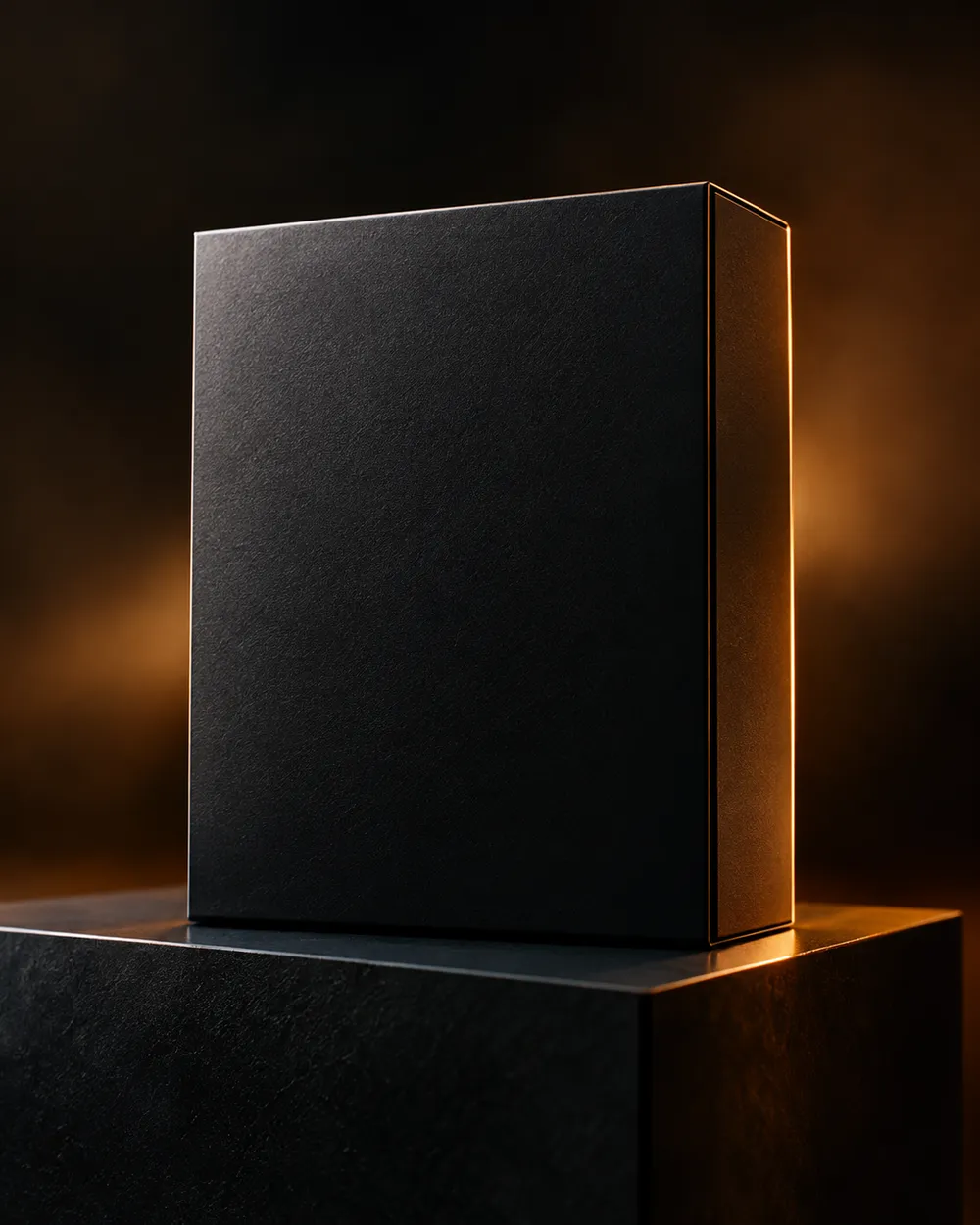
  • Black Friday countdown AI video preset

    Countdown

    A dramatic light sweep for a launch post.

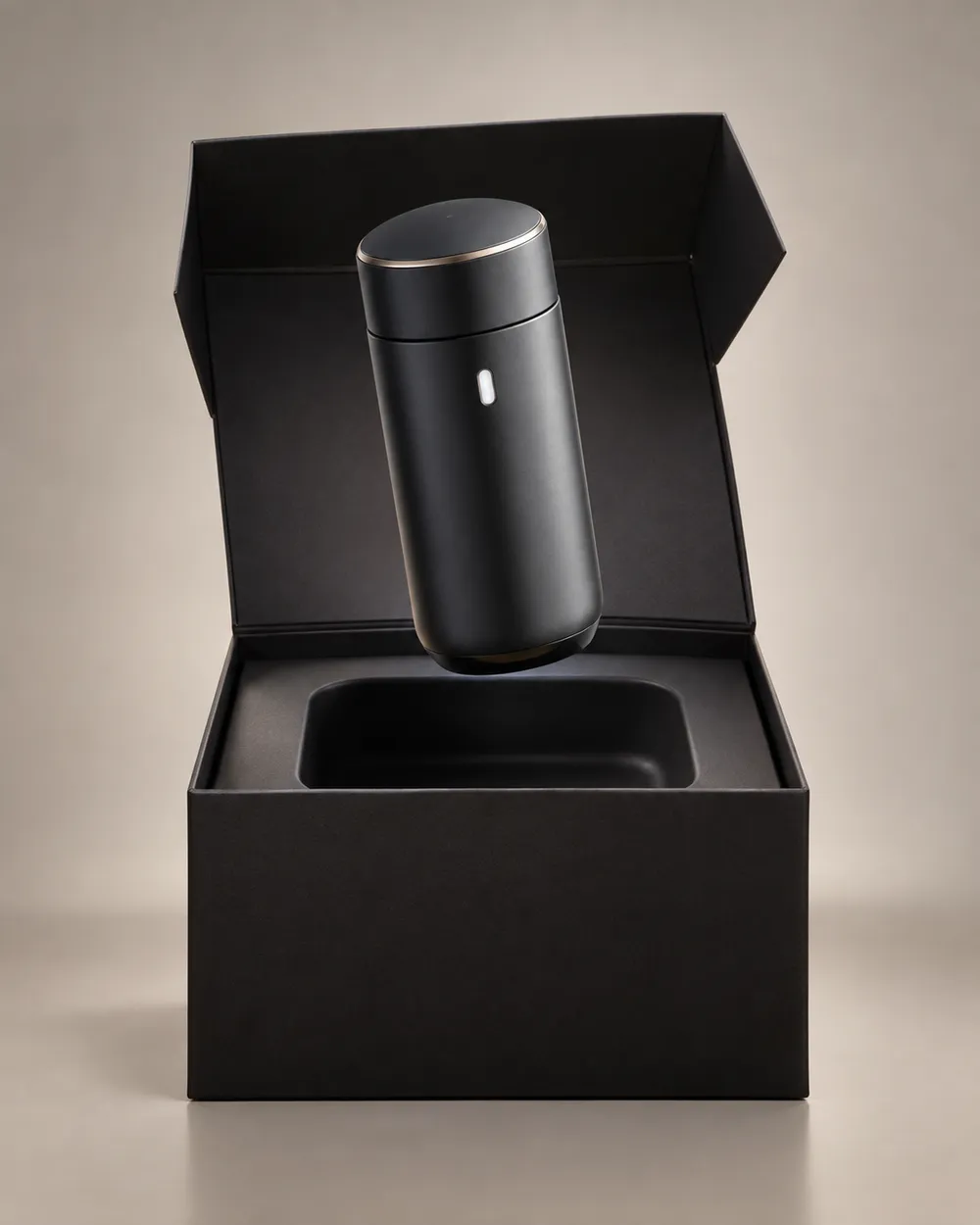
  • Black Friday unboxing AI video preset

    Unboxing

    A clean open-box reveal without hands.

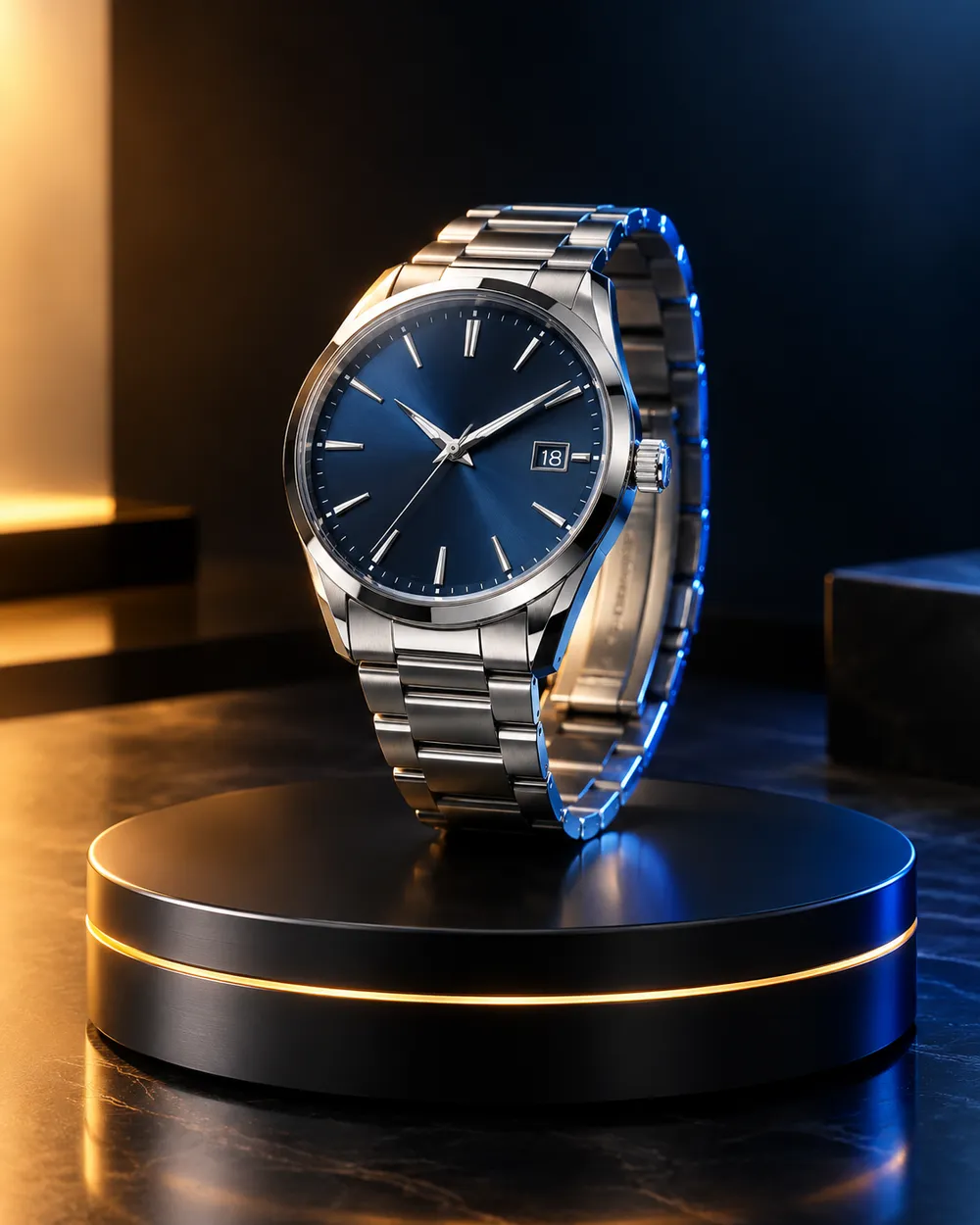
  • Black Friday hero ad AI video preset

    Hero Ad

    A slow turntable for a premium product.

  • Black Friday gift guide AI video preset

    Gift Guide

    A soft floating product for a gift roundup.

  • Cyber Monday AI video preset

    Cyber Monday

    Cool neon light for a digital offer.

Video-Generator

Laden Sie einen ersten Frame hoch oder fügen Sie eine öffentliche Bild-URL ein. Private Links oder Freigabe-Links funktionieren nicht.

(Optional)

Laden Sie einen Endframe hoch oder fügen Sie eine öffentliche Bild-URL ein, wenn die Bewegung auf einen Zielshot enden soll.

Kosten: 1 Credits

0 / 2000

Kamera-Presets

Füge deinem Prompt eine Kamerarichtung hinzu. Das sind Prompt-Snippets, kein eigener 3D-Modellmodus.

15s
4s15s

Erweiterte Optionen

Dies sind die gemeinsamen Steuerungen für alle drei Arbeitswege.

2 Optionen
Fast

Verwendet die schnellere Route, wenn verfügbar.

Audio erzeugen

Synchronisiertes Audio einbeziehen, wenn vom Anbieter unterstützt.

Kosten: 150 CreditsVerbleibend: 0 Credits
Vorschau

Noch nichts generiert

Die Videogenerierung verbraucht gekaufte Credits. Der Workspace zeigt die Schätzung vor dem Absenden.

So funktioniert es

  1. 1

    Look wählen

    Mit einem Preset starten oder eine eigene Richtung schreiben.

  2. 2

    Foto hochladen

    Ein klares Frontalfoto verwenden, das du bearbeiten darfst.

  3. 3

    Generieren und verfeinern

    Job starten, Ergebnis prüfen und pro Versuch nur eine Variable ändern.

What to prepare before Black Friday

Prepare the product still first. A clean cutout on a neutral background is easier to animate than a lifestyle photo with many objects. Then choose one motion per product: push-in, orbit, turntable, light sweep or unboxing. Do not put three motions in one five-second clip.

Write the offer copy separately from the video. The video should show the product; the caption, landing page and checkout should explain the price. Do not ask the video model to render price text. Text rendering is unreliable and a wrong price is worse than no price.

Seven clip formats that fit a sale

Deal teaser, countdown, unboxing, hero ad, gift guide, category roundup and cyber Monday neon. Each format has a different job. A teaser creates curiosity. A hero ad makes the product look premium. A gift guide helps a shopper compare. A cyber Monday clip signals a digital offer.

Keep one format per product and one product per clip. If you need a category roundup, create separate clips and edit them together. That gives you control over pacing and avoids a crowded generation.

Honest seasonal pricing

Seasonal pages often promise a discount that does not exist. This page avoids that. The pricing page is the source of truth for plans, credits and billing. If you need a small entry point, the Try pack is the lowest one-time purchase currently listed; check the pricing page for the current amount and credit total.

If you are comparing providers, compare the cost per usable clip, not the headline discount. A cheap clip that needs five retries is more expensive than a clean clip that works once.

Häufige Fragen

  1. 1

    Is there a Black Friday discount on Animate AI?

    Any active seasonal offer is stated on the pricing page with its dates and conditions. This page does not invent a discount. The current plans and credit totals are always visible on the pricing page.

  2. 2

    When is Black Friday 2026?

    Black Friday falls on November 27, 2026. Cyber Monday falls on November 30, 2026. Search demand usually starts weeks earlier, so prepare the product stills and clips before the date.

  3. 3

    Do I need a product photo?

    A clean product still produces the most consistent clip. You can also use text-to-video, but product shape and label consistency are harder to control without a reference image.

  4. 4

    Can the video include the price?

    Do not rely on the video model to render price text. Add the price in your editor, caption or landing page. That avoids wrong or distorted numbers.

  5. 5

    How many clips can I make from one credit pack?

    It depends on duration, resolution and audio. A five-second 720p fast clip starts at about 50 credits. The Try pack includes 500 credits, so it covers roughly ten short clips before retries. Check the workspace estimate before each run.

  6. 6

    Can I use the clips in paid ads?

    Review the Terms of Service and the model provider’s usage rules. Also follow the ad platform’s disclosure rules for synthetic media.

Anleitungen und Prompt-Analysen

Verwandte Workflows

Mit einem getesteten Preset starten

Workspace öffnen, Preset anwenden und die Credit-Schätzung vor der Generierung sehen.