Zum Hauptinhalt springen
Saison-Preset-Paket

KI-Produktvideogenerator

Mach aus einem Produkt-Still einen Fünf-Sekunden-Clip mit kontrollierter Kamerabewegung und sauberem Lichtverlauf.

Mach aus einem Produkt-Still einen Fünf-Sekunden-Clip: Turntable, Orbit, Dolly-in oder Hero Reveal. Kein 3D-Modell-Export.

  • Im Browser, keine Installation
  • Sichere Zahlung
  • Kein Wasserzeichen bei bezahlten Exporten

Die Generierung verbraucht gekaufte Credits

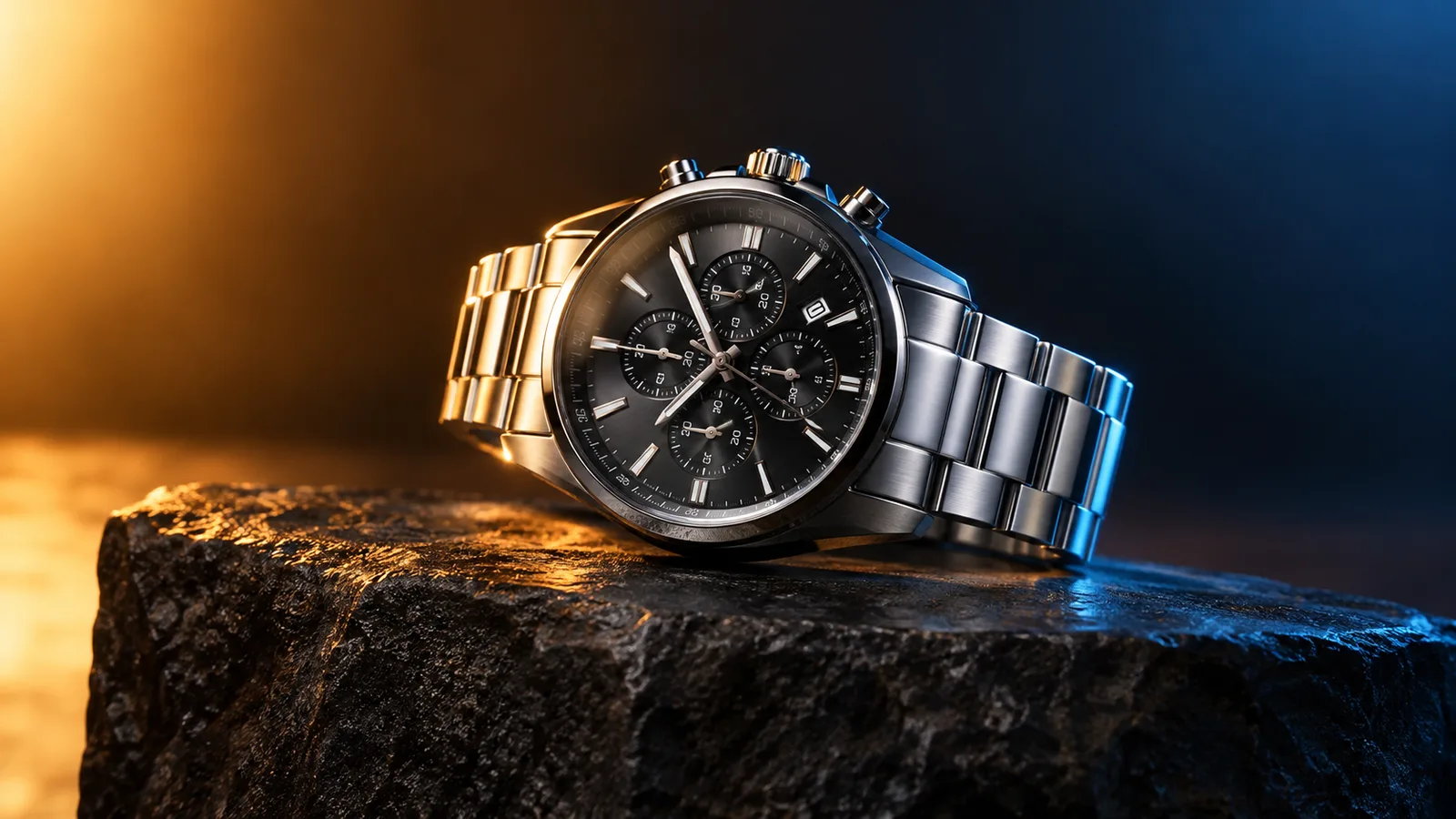
Product motion video still with a watch on a dark stone plinth and rim light
6 presets

Preset wählen

Richtung wählen, Prompt im Workspace anwenden und dann jeweils nur ein Detail ändern.

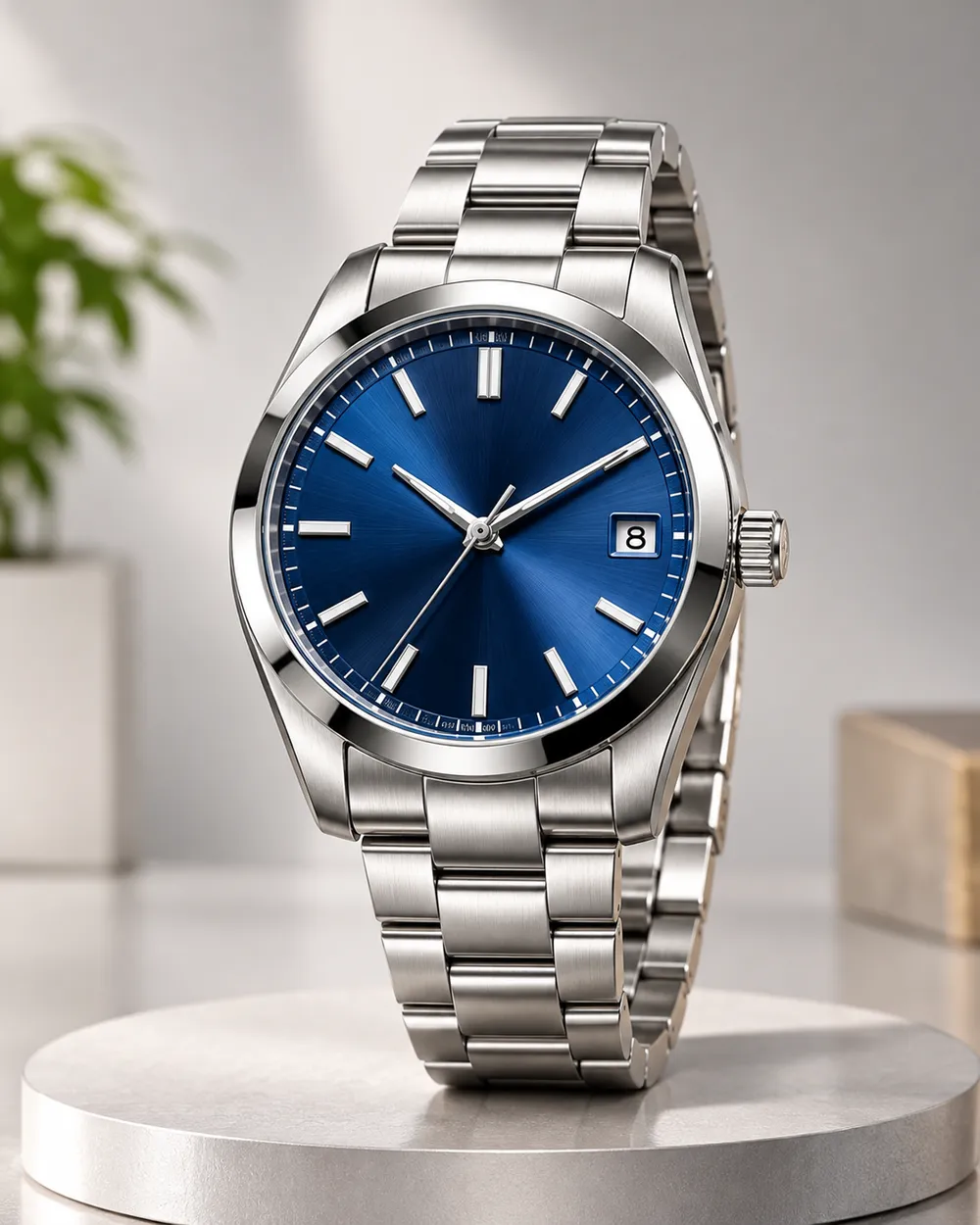
  • Turntable product motion video preset

    Turntable

    A controlled showroom rotation.

  • Orbit left product motion video preset

    Orbit Left

    Move around the product without warping it.

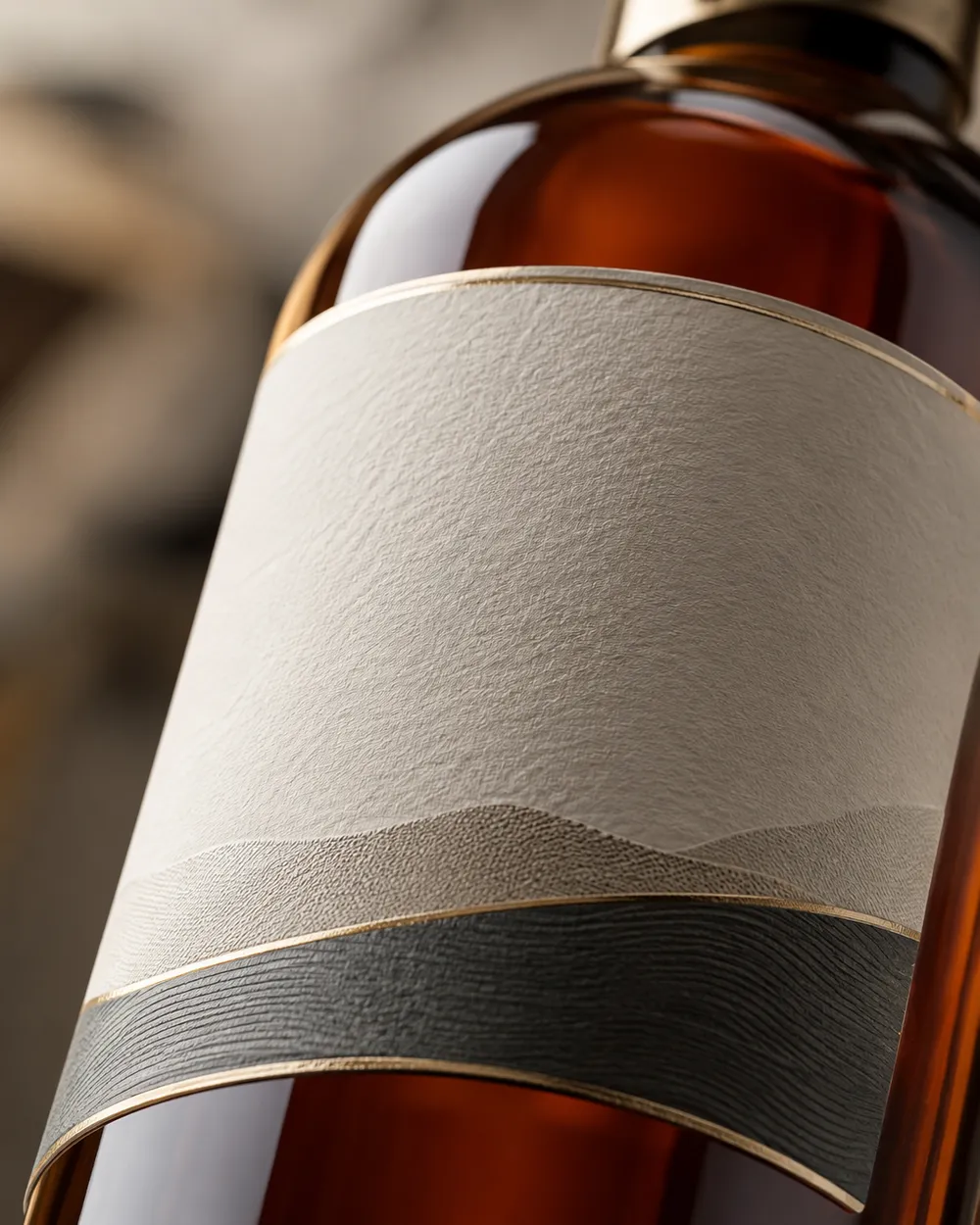
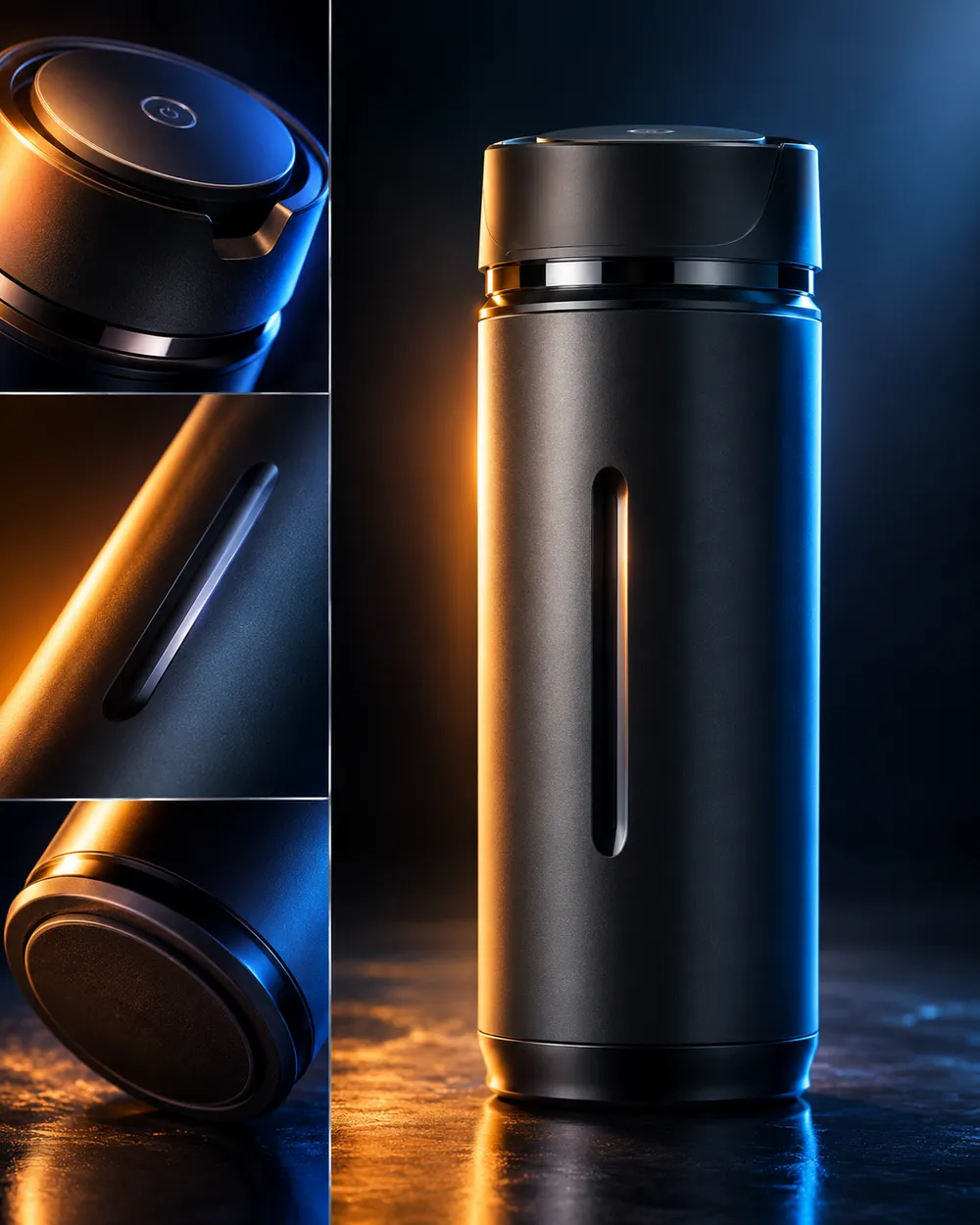
  • Dolly in product motion video preset

    Dolly In

    A premium push toward the label.

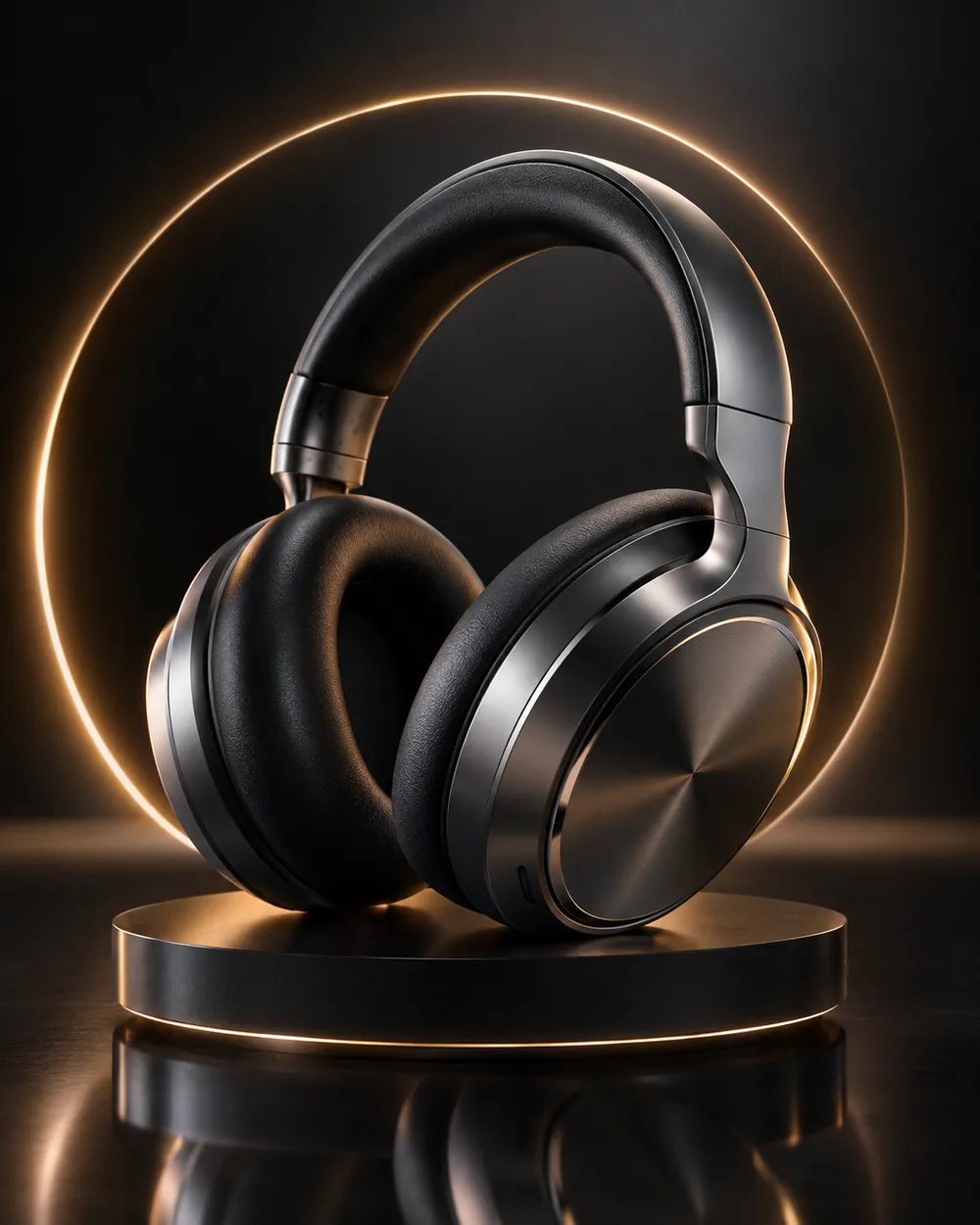
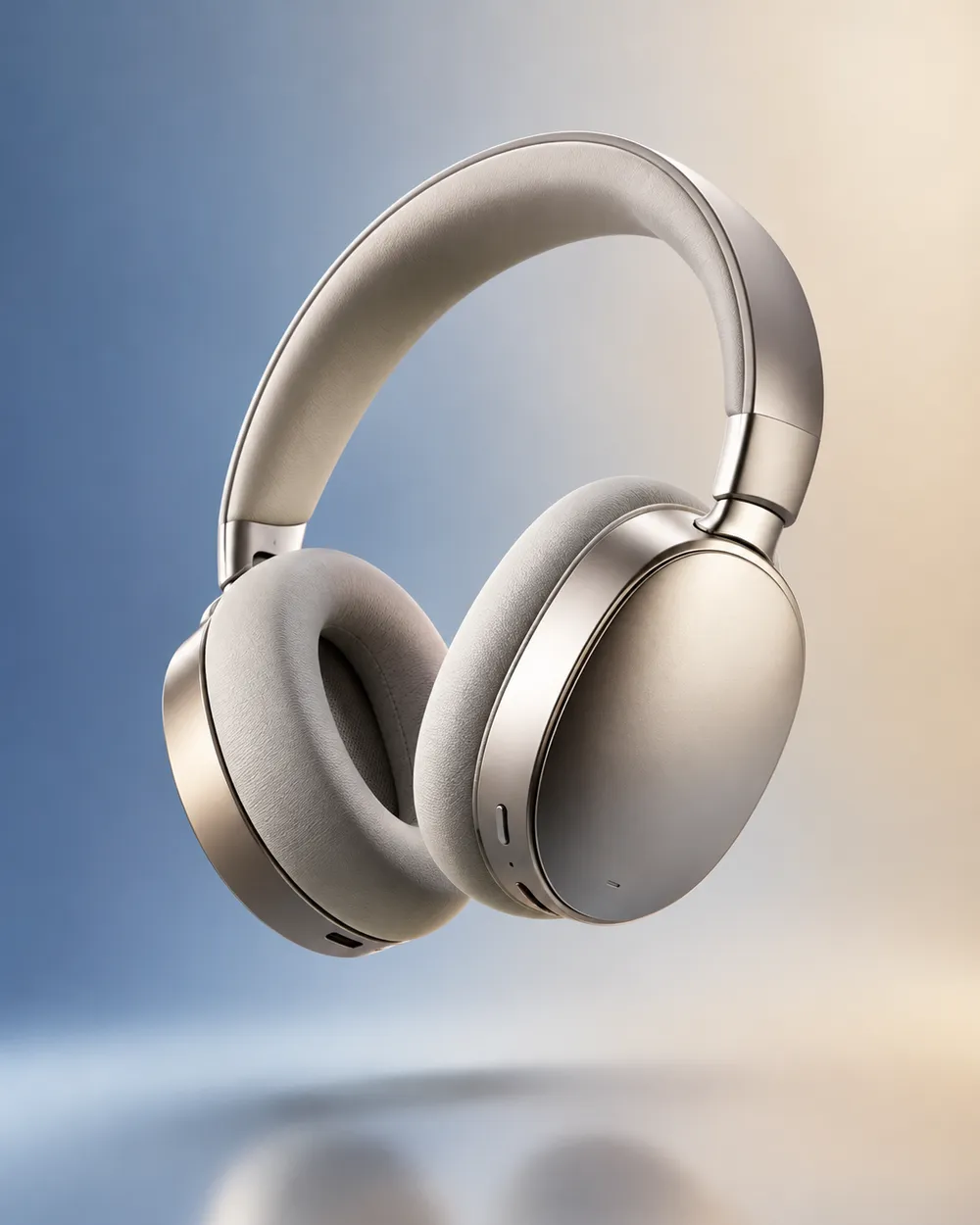
  • Floating product motion video preset

    Floating

    A subtle lift with gentle parallax.

  • Hero reveal product motion video preset

    Hero Reveal

    Start on a detail, end on the full product.

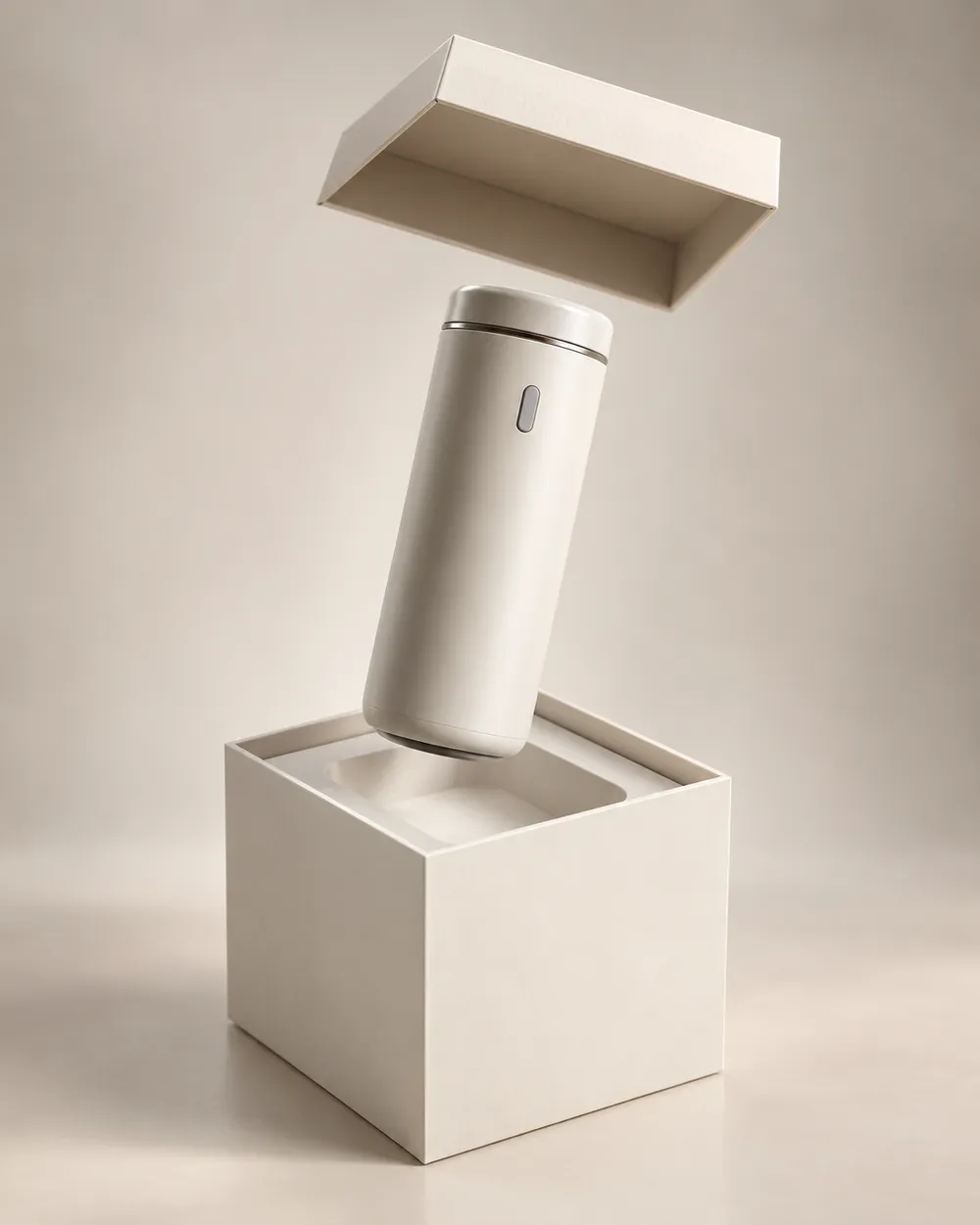
  • Unbox reveal product motion video preset

    Unbox Reveal

    A clean box opening without hands.

Video-Generator

Laden Sie einen ersten Frame hoch oder fügen Sie eine öffentliche Bild-URL ein. Private Links oder Freigabe-Links funktionieren nicht.

(Optional)

Laden Sie einen Endframe hoch oder fügen Sie eine öffentliche Bild-URL ein, wenn die Bewegung auf einen Zielshot enden soll.

Kosten: 1 Credits

0 / 2000

Kamera-Presets

Füge deinem Prompt eine Kamerarichtung hinzu. Das sind Prompt-Snippets, kein eigener 3D-Modellmodus.

15s
4s15s

Erweiterte Optionen

Dies sind die gemeinsamen Steuerungen für alle drei Arbeitswege.

2 Optionen
Fast

Verwendet die schnellere Route, wenn verfügbar.

Audio erzeugen

Synchronisiertes Audio einbeziehen, wenn vom Anbieter unterstützt.

Kosten: 150 CreditsVerbleibend: 0 Credits
Vorschau

Noch nichts generiert

Die Videogenerierung verbraucht gekaufte Credits. Der Workspace zeigt die Schätzung vor dem Absenden.

So funktioniert es

  1. 1

    Look wählen

    Mit einem Preset starten oder eine eigene Richtung schreiben.

  2. 2

    Foto hochladen

    Ein klares Frontalfoto verwenden, das du bearbeiten darfst.

  3. 3

    Generieren und verfeinern

    Job starten, Ergebnis prüfen und pro Versuch nur eine Variable ändern.

The product motion prompt formula

Use six parts: product lock, motion, camera, lighting, background and stability. The product lock preserves shape, label and color. The motion says what moves. The camera says how the viewer moves. The lighting says where the reflections come from. The background keeps the scene clean. The stability rules exclude warping, extra objects, text and cuts.

A good product prompt is short. Long prompts often add conflicting instructions. If the result warps the label, remove background details and add a label-stability rule.

What this workflow is not

This is not a 3D model generator. It does not export GLB, OBJ or STL files, and it does not create editable topology, PBR maps or rigging. If you need a 3D asset, use a 3D tool. If you need a short motion clip from a still, this workflow is the right fit.

It is also not a replacement for a product photographer. A clean source still with controlled lighting produces a better clip than a messy lifestyle photo. Garbage in, garbage out still applies.

Where product clips fit in a funnel

Use a teaser clip at the top of a landing page, a hero clip on a product page, and a short loop in a paid ad. Keep the clip silent and add captions in the editor. A five-second loop is usually enough for a product card.

If you are preparing a seasonal sale, generate the clips before the sale starts. The Black Friday planning page includes a separate set of sale-specific formats.

Häufige Fragen

  1. 1

    Does this export a 3D model?

    No. The workflow produces a short video clip from a still image. It does not export GLB, OBJ, STL or editable 3D assets.

  2. 2

    What product photo works best?

    Use a clean, well-lit still with the product centered and the label readable. A neutral background makes the motion and lighting easier to control.

  3. 3

    Can I animate a logo or text?

    Avoid asking the model to render text or logos. Text often warps. Add the logo and copy in an editor after the clip is generated.

  4. 4

    How long should a product clip be?

    Five seconds is a good starting point for a product card or ad. Longer clips cost more and give the model more chances to drift.

  5. 5

    Can I use the clip in a paid ad?

    Review the Terms of Service and the model provider’s usage rules. Also follow the ad platform’s disclosure rules for synthetic media.

  6. 6

    Which preset is best for a first attempt?

    Start with Turntable or Dolly In. Both have a simple camera move and a clear product lock, which makes the result easy to judge.

Anleitungen und Prompt-Analysen

Verwandte Workflows

Mit einem getesteten Preset starten

Workspace öffnen, Preset anwenden und die Credit-Schätzung vor der Generierung sehen.