Zum Hauptinhalt springen
Saison-Preset-Paket

KI-Halloween-Videogenerator

Machen Sie aus einem Halloween-Standbild einen Fünf-Sekunden-Clip mit einer klaren Bewegung: Kopfdrehung, Nebel oder langsamer Push-in.

Animieren Sie ein Halloween-Standbild zu einem Fünf-Sekunden-Clip: Kopfdrehung, Nebel oder langsamer Push-in. Sechs Motion-Presets.

  • Im Browser, keine Installation
  • Sichere Zahlung
  • Kein Wasserzeichen bei bezahlten Exporten

Die Generierung verbraucht gekaufte Credits

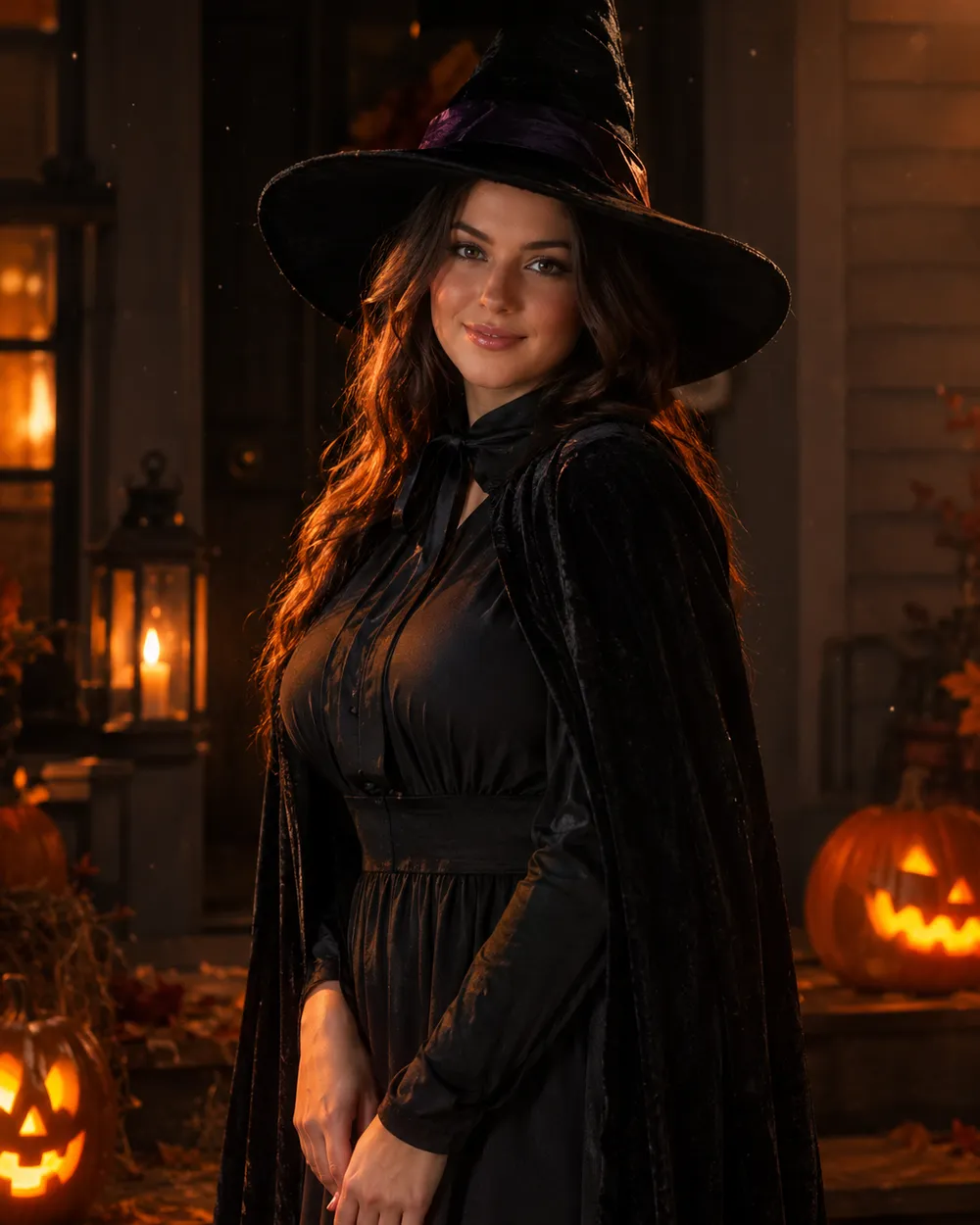
Cinematic Halloween portrait animated with fog and a slow camera push-in
6 presets

Preset wählen

Richtung wählen, Prompt im Workspace anwenden und dann jeweils nur ein Detail ändern.

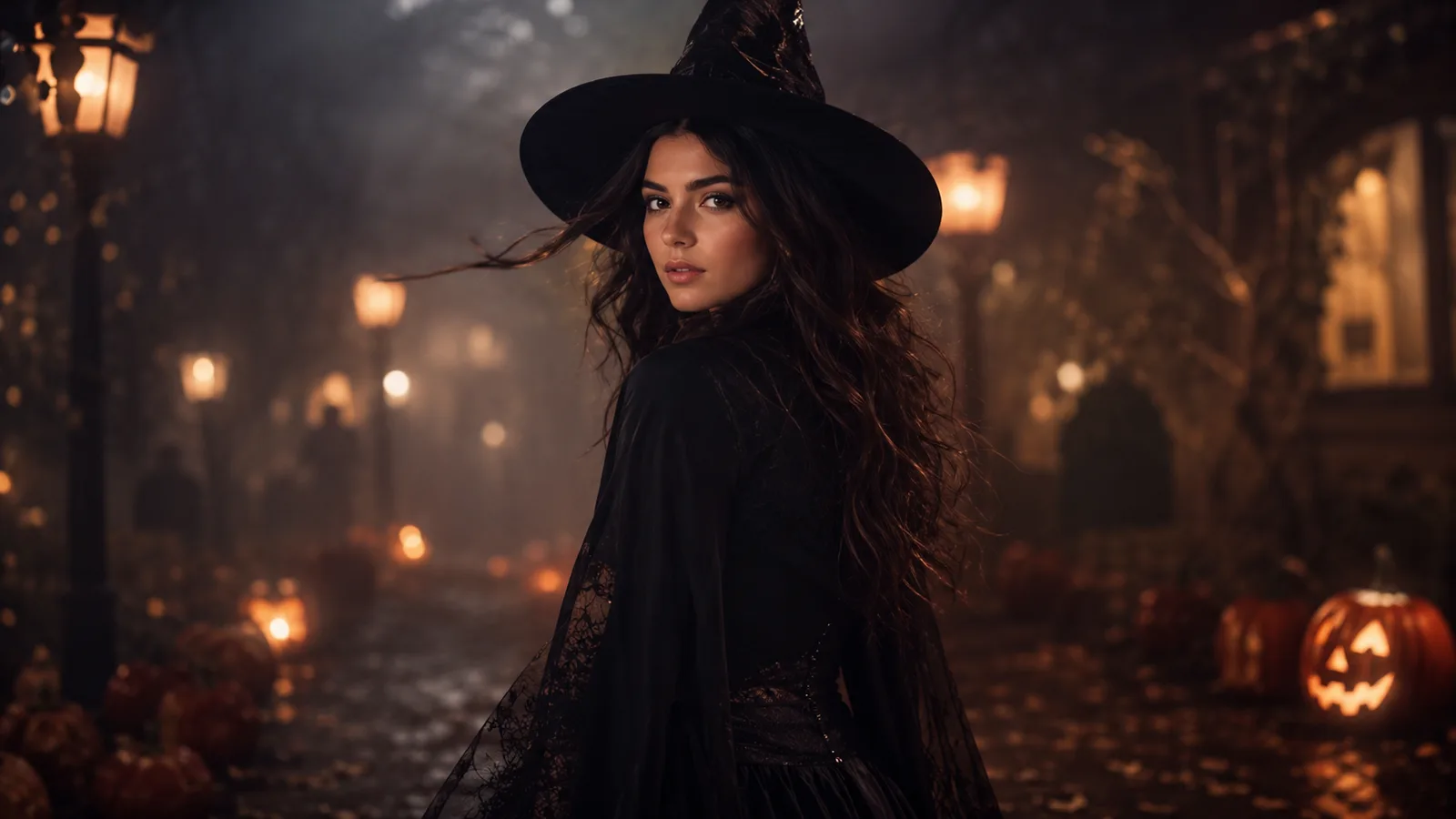
  • Midnight turn Halloween AI video preset

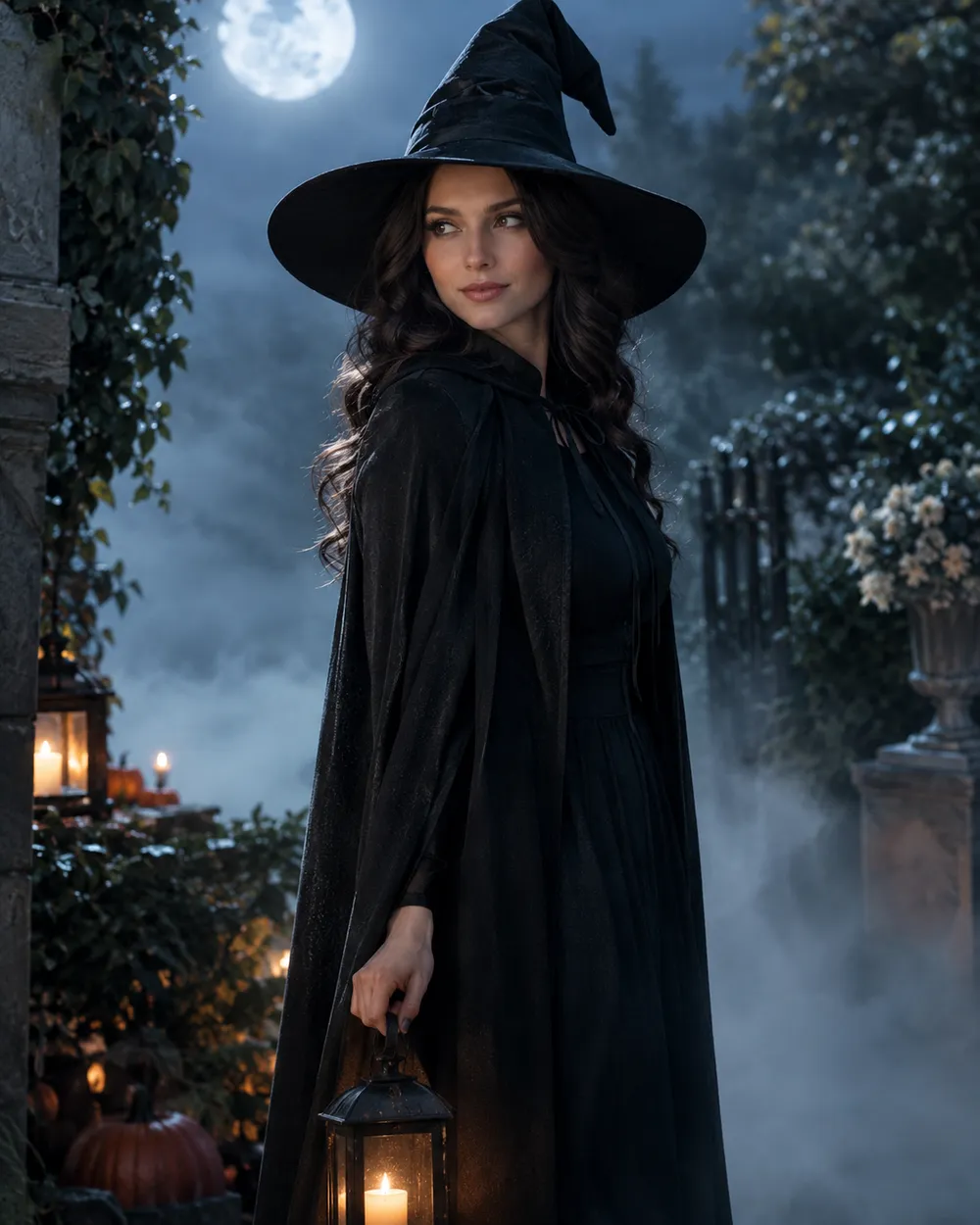
    Midnight Turn

    A slow head turn with drifting fog.

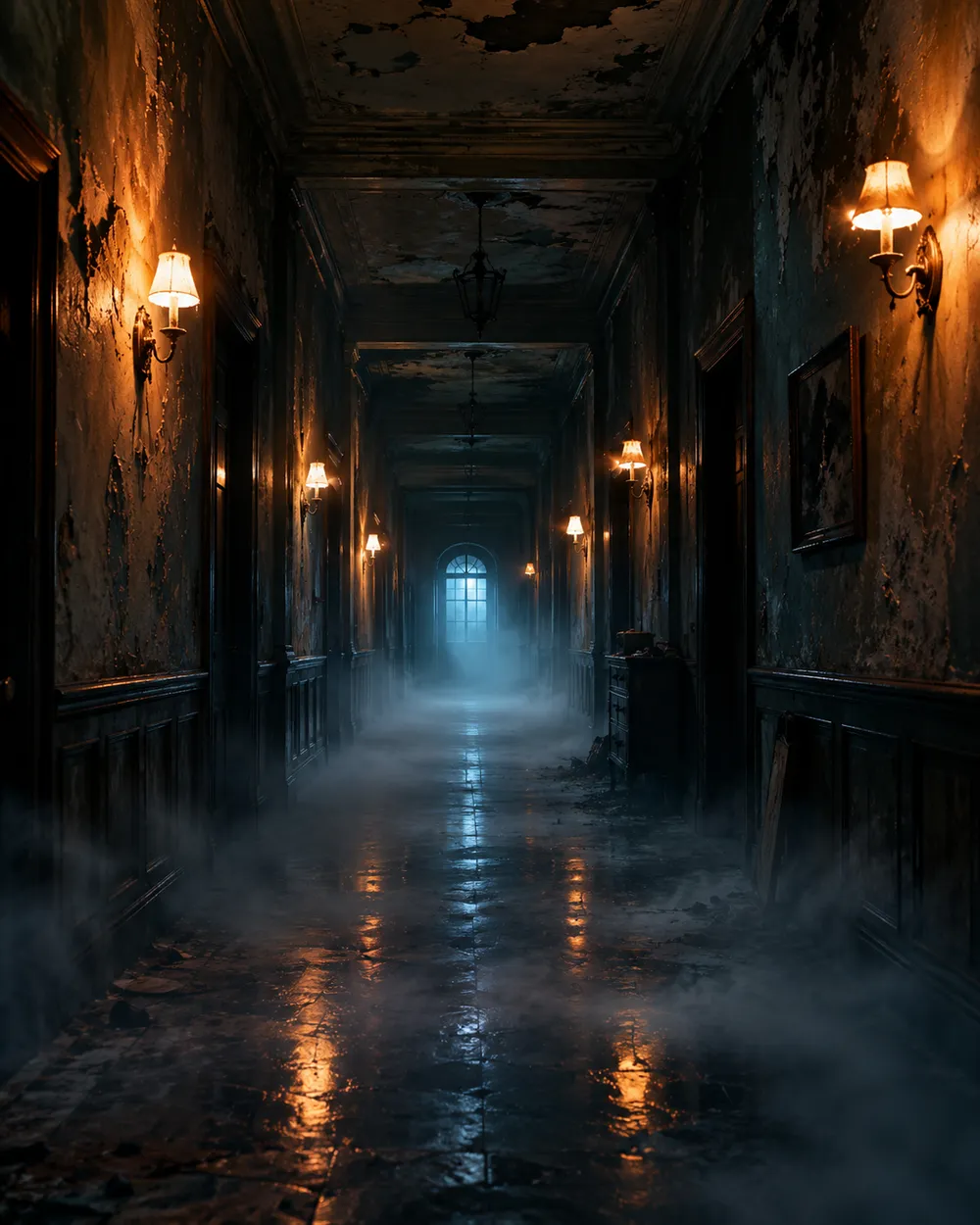
  • Haunted hallway Halloween AI video preset

    Haunted Hallway

    Fog rolls in; the camera glides forward.

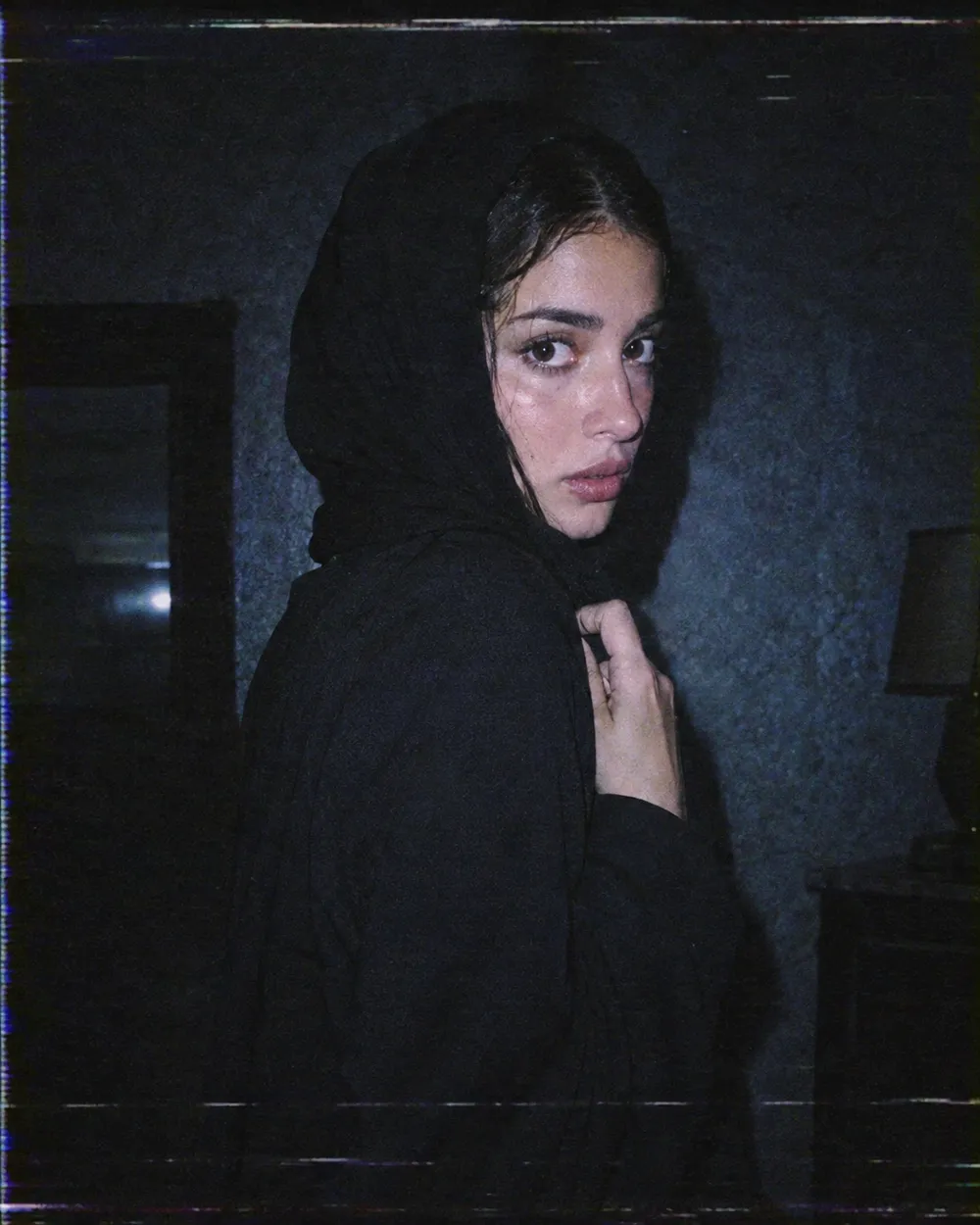
  • VHS horror Halloween AI video preset

    VHS Horror

    Analog tracking wobble and a cold flash.

  • Pumpkin glow Halloween AI video preset

    Pumpkin Glow

    Warm light flickers; the subject smiles.

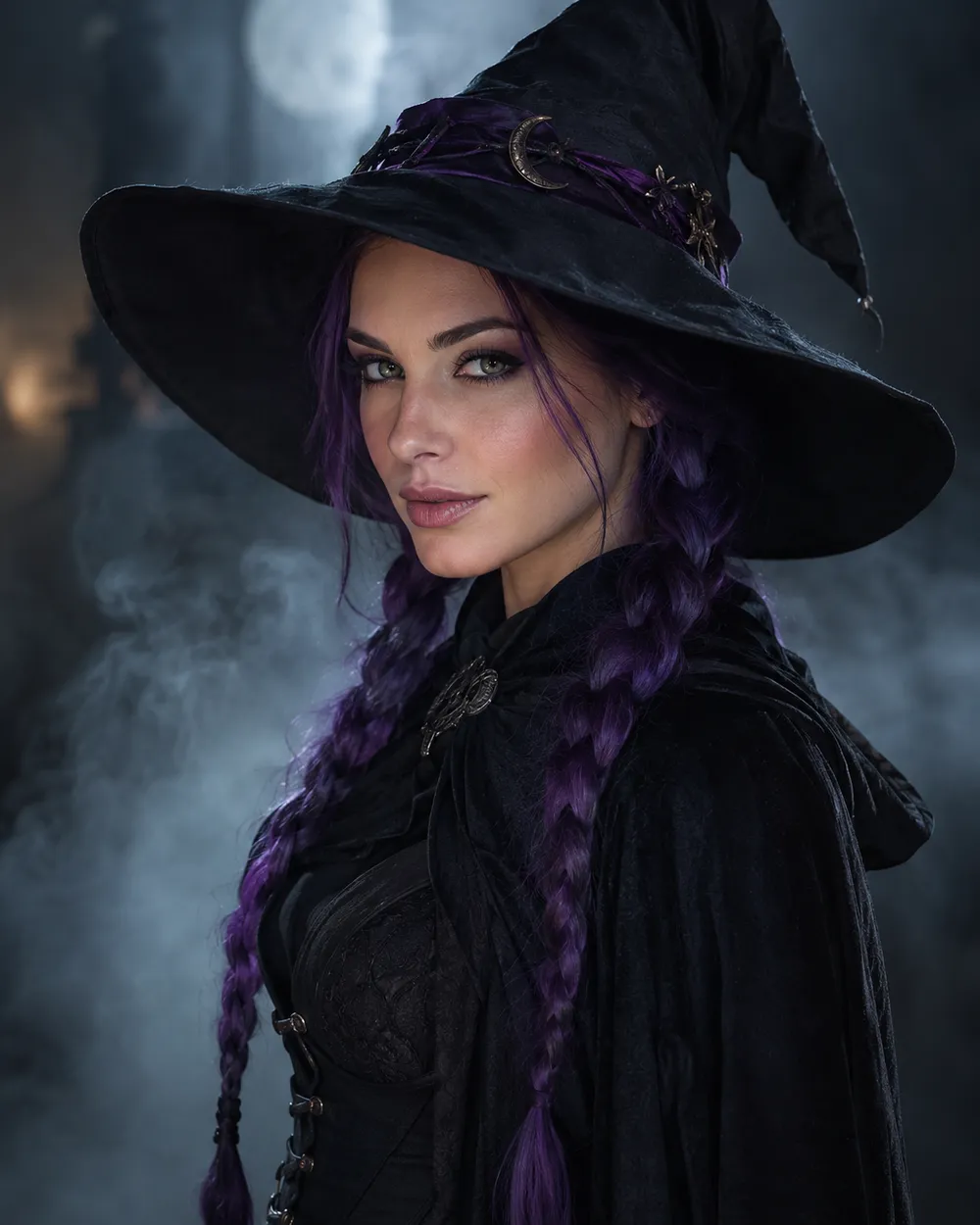
  • Floating fog Halloween AI video preset

    Floating Fog

    A slow orbit around a still portrait.

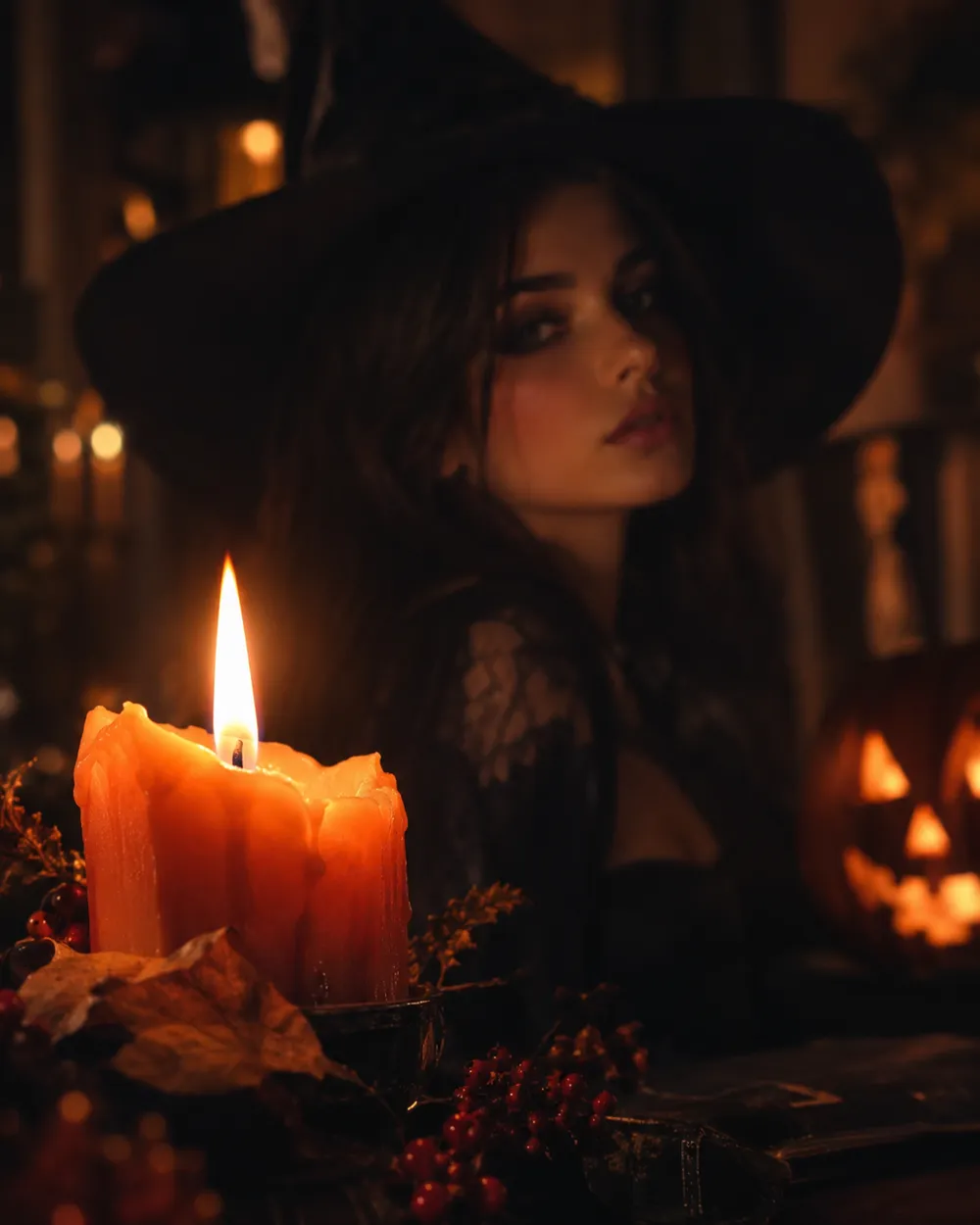
  • Candle reveal Halloween AI video preset

    Candle Reveal

    Start on a detail, end on the face.

Video-Generator

Laden Sie einen ersten Frame hoch oder fügen Sie eine öffentliche Bild-URL ein. Private Links oder Freigabe-Links funktionieren nicht.

(Optional)

Laden Sie einen Endframe hoch oder fügen Sie eine öffentliche Bild-URL ein, wenn die Bewegung auf einen Zielshot enden soll.

Kosten: 1 Credits

0 / 2000

Kamera-Presets

Füge deinem Prompt eine Kamerarichtung hinzu. Das sind Prompt-Snippets, kein eigener 3D-Modellmodus.

15s
4s15s

Erweiterte Optionen

Dies sind die gemeinsamen Steuerungen für alle drei Arbeitswege.

2 Optionen
Fast

Verwendet die schnellere Route, wenn verfügbar.

Audio erzeugen

Synchronisiertes Audio einbeziehen, wenn vom Anbieter unterstützt.

Kosten: 150 CreditsVerbleibend: 0 Credits
Vorschau

Noch nichts generiert

Die Videogenerierung verbraucht gekaufte Credits. Der Workspace zeigt die Schätzung vor dem Absenden.

So funktioniert es

  1. 1

    Look wählen

    Mit einem Preset starten oder eine eigene Richtung schreiben.

  2. 2

    Foto hochladen

    Ein klares Frontalfoto verwenden, das du bearbeiten darfst.

  3. 3

    Generieren und verfeinern

    Job starten, Ergebnis prüfen und pro Versuch nur eine Variable ändern.

Why subtle motion works better

Image-to-video models are good at small, continuous changes. They are less reliable when a single shot has to contain a costume change, a walk, a new character and a camera cut. A subtle head turn keeps the identity stable and gives the viewer enough motion to stop scrolling.

Start with a five-second clip. If the result is stable, extend the duration or add one more motion. If it is unstable, remove motion instead of adding more instructions. A clean blink is better than a distorted wave.

The Halloween video trend, without the hype

Seasonal AI video trends usually combine a recognizable costume, a practical light source and one uncanny motion. The effect works because the scene feels almost normal. You do not need a jump scare or a complex transformation. A portrait that slowly turns toward the camera in a foggy garden is enough.

If you are making a TikTok or Shorts cover, generate a vertical still first, then animate it. Keep the face in the upper third so the platform UI does not cover it. Export a clean version without text and add captions in the editor.

Prompt structure for image-to-video

Use four parts: reference lock, motion, environment, stability rules. The reference lock says to keep the face, costume and proportions. The motion says what moves and how fast. The environment says what changes in the background. The stability rules exclude cuts, extra characters, warped hands and text.

If the model supports audio, decide whether you need it before generating. Audio can increase cost, and most social clips are muted anyway. A clean silent clip is usually the better first version.

Häufige Fragen

  1. 1

    How long should a Halloween AI video be?

    Start with five seconds. A single clear motion is easier to control and cheaper to iterate than a longer scene. Extend only after the short clip is stable.

  2. 2

    Do I need a source image?

    Image-to-video produces the most consistent results when you start from a still. You can also use text-to-video, but identity and costume consistency are harder to control.

  3. 3

    Which video model does Animate AI use?

    The hosted video workspace uses Seedance 2.0 through the configured provider. The workspace exposes duration, resolution, audio and motion options before you submit.

  4. 4

    How much does a clip cost?

    The cost depends on duration, resolution and whether you use audio or video references. The workspace shows the credit estimate before generation. A five-second 720p fast clip starts at about 50 credits.

  5. 5

    Can I use the video on TikTok or YouTube?

    Review the Terms of Service and the model provider’s usage rules. Also follow the platform’s disclosure rules for synthetic media.

  6. 6

    Why does the face change during the clip?

    Long or complex motion gives the model more chances to drift. Use a shorter duration, a smaller motion and a stronger reference lock. Keep the camera move simple.

Anleitungen und Prompt-Analysen

Verwandte Workflows

Mit einem getesteten Preset starten

Workspace öffnen, Preset anwenden und die Credit-Schätzung vor der Generierung sehen.