Zum Hauptinhalt springen
Saison-Preset-Paket

KI-Halloween-Kostüm-Generator

Lade ein klares Selfie hoch, wähle eine Kostümrichtung und generiere ein neues Halloween-Porträt, bei dem das Gesicht erkennbar bleibt.

Mach aus einem Selfie ein originelles Halloween-Kostümporträt. Preset wählen, Prompt bearbeiten und mit GPT Image 2 oder Nano Banana generieren.

  • Im Browser, keine Installation
  • Sichere Zahlung
  • Kein Wasserzeichen bei bezahlten Exporten

Die Generierung verbraucht gekaufte Credits

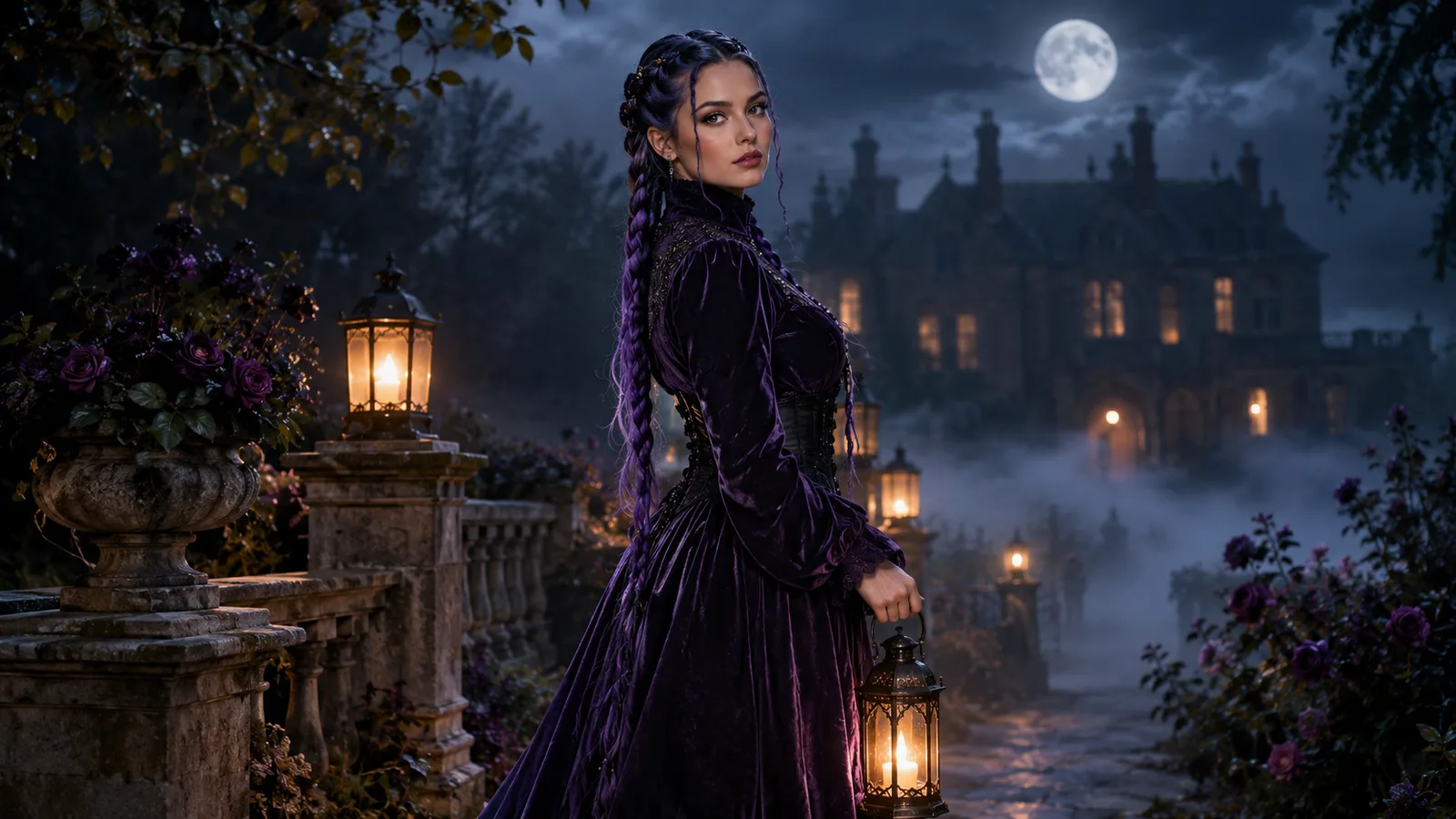
AI Halloween costume portrait with violet braids in a moonlit garden
6 presets

Preset wählen

Richtung wählen, Prompt im Workspace anwenden und dann jeweils nur ein Detail ändern.

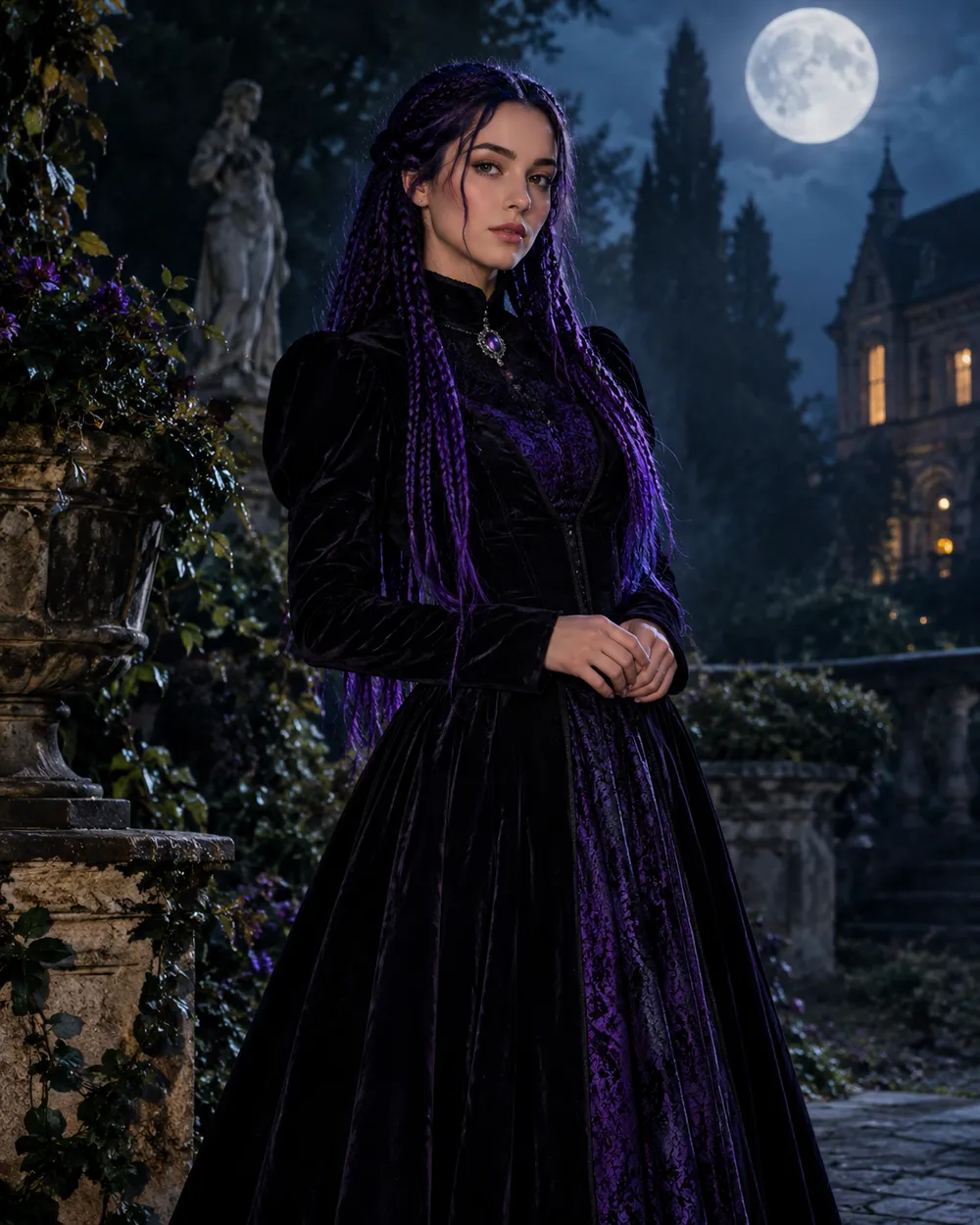
  • Midnight Braids AI Halloween costume portrait

    Midnight Braids

    Violet braids, gothic lace, moonlit garden.

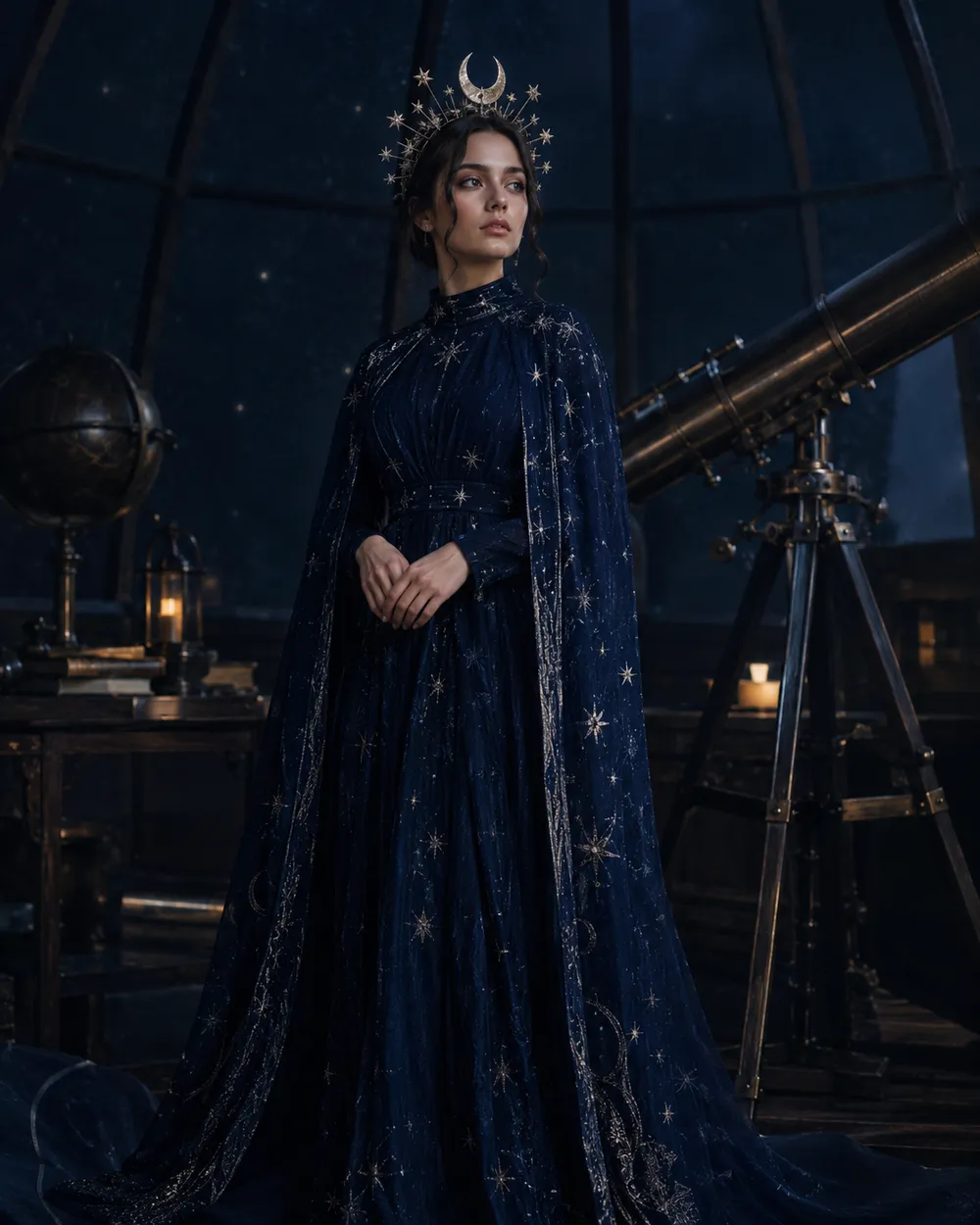
  • Cosmic Princess AI Halloween costume portrait

    Cosmic Princess

    Midnight-blue gown with glowing star detail.

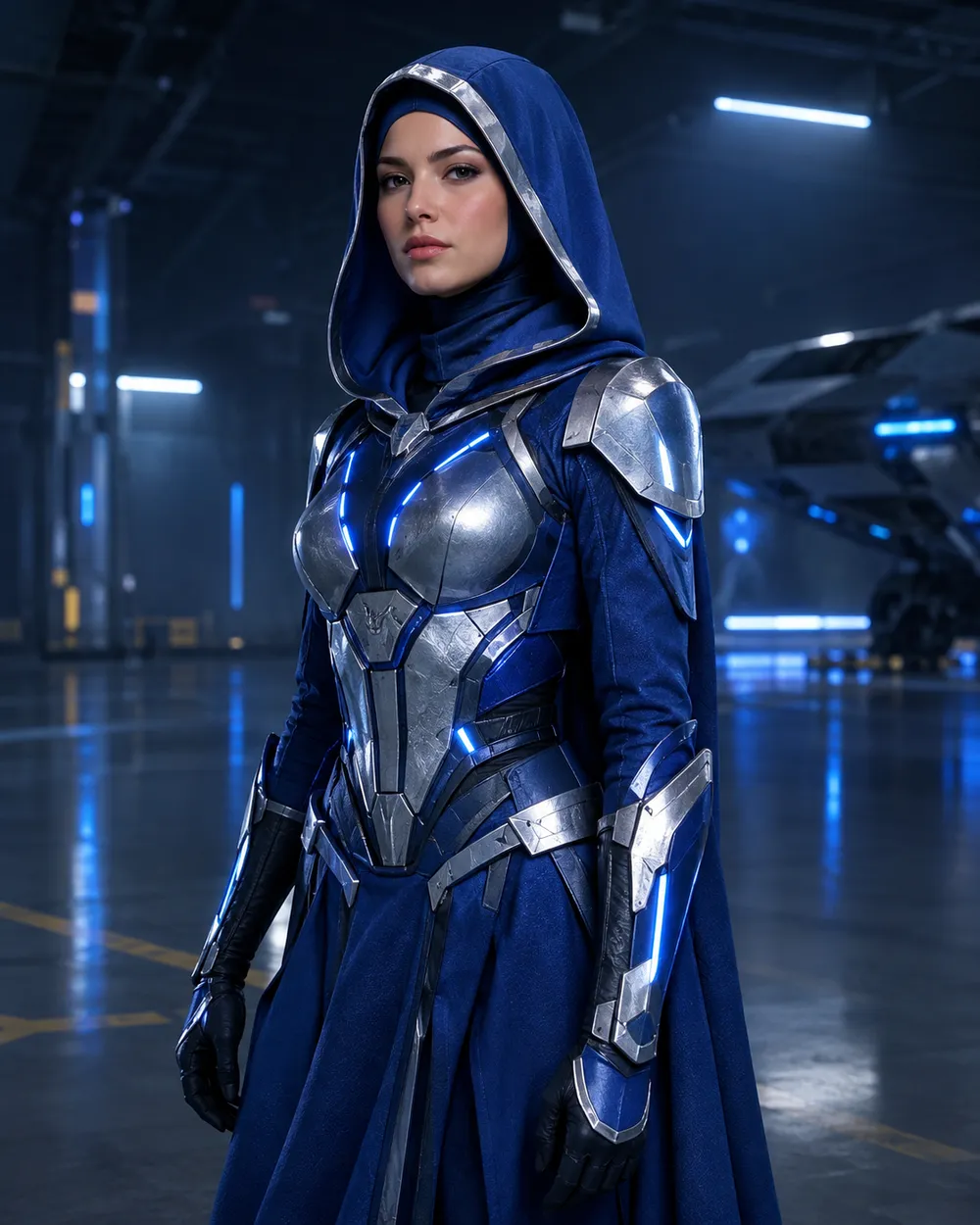
  • Galactic Hero AI Halloween costume portrait

    Galactic Hero

    Original sci-fi armor, no branded characters.

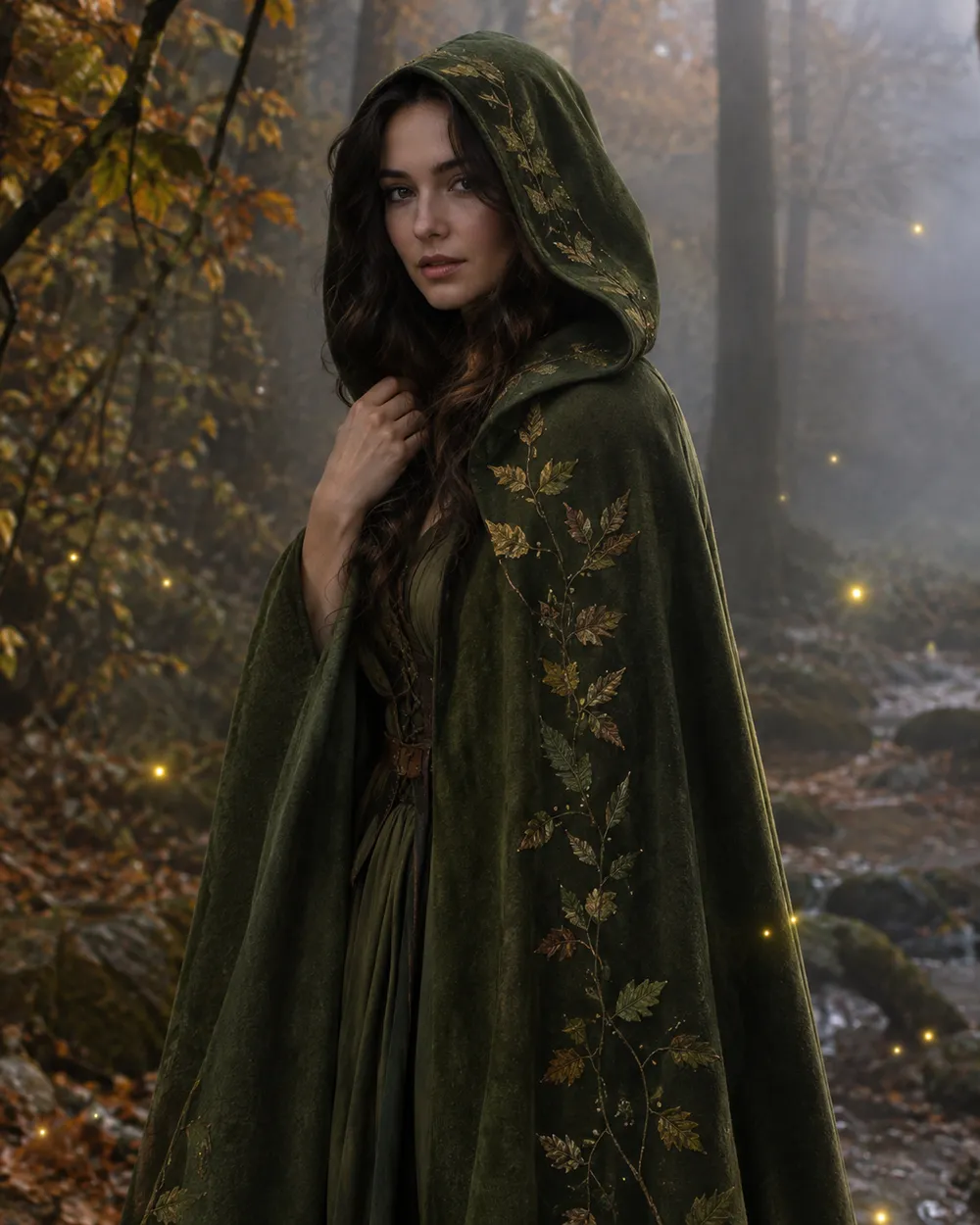
  • Forest Witch AI Halloween costume portrait

    Forest Witch

    Moss-green cloak, herbs, soft woodland fog.

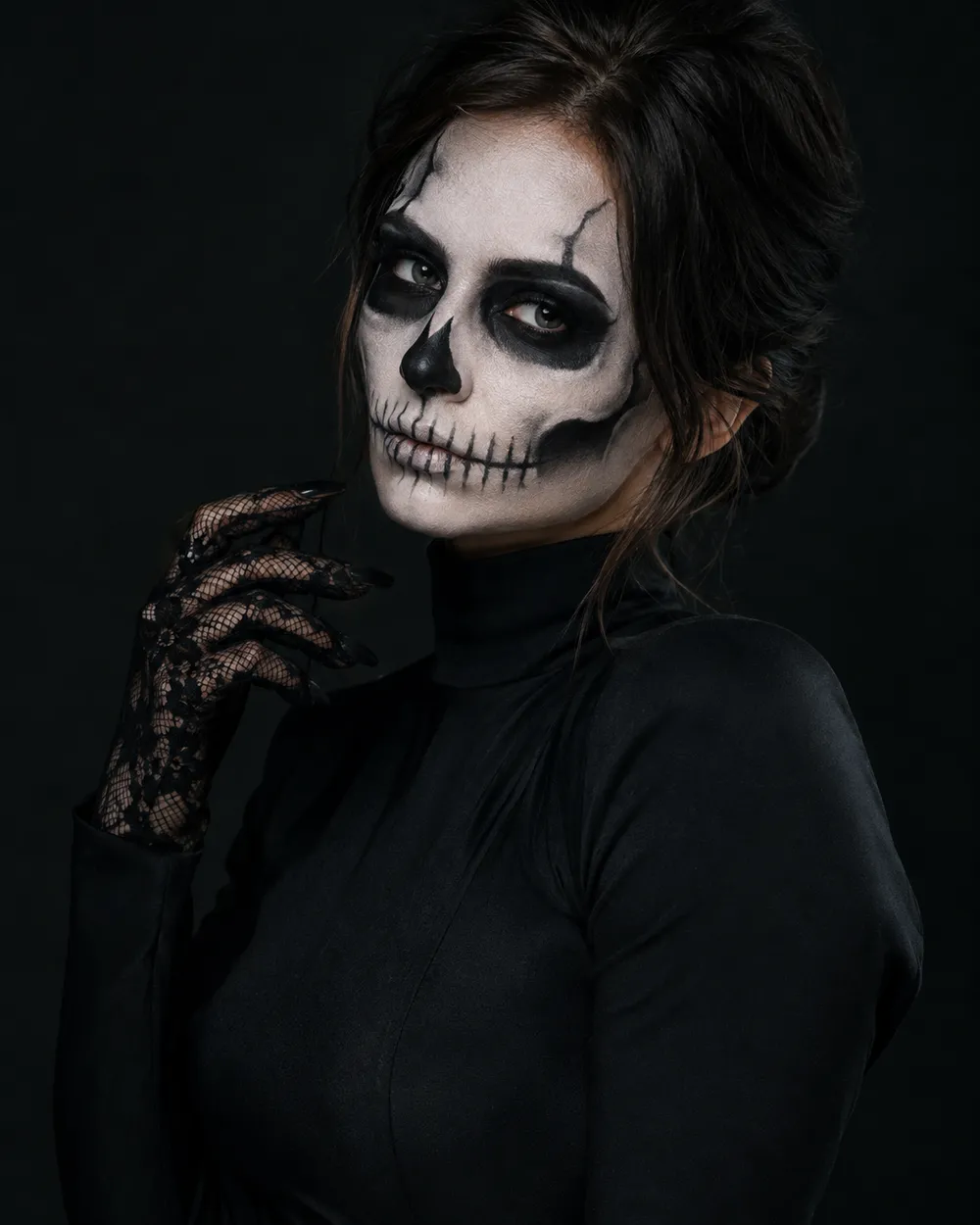
  • Skeleton Glam AI Halloween makeup portrait

    Skeleton Glam

    Editorial skeleton makeup, not gore.

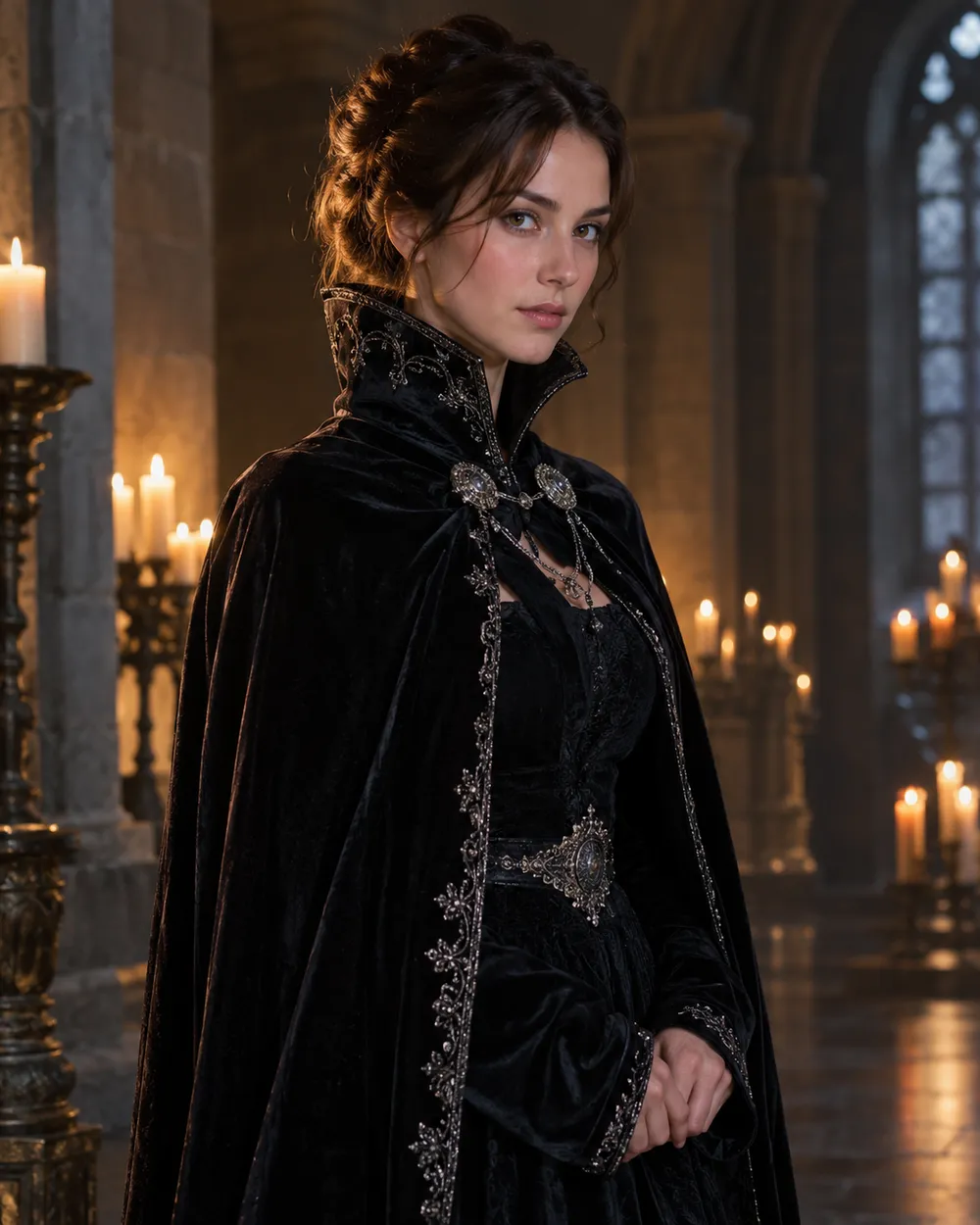
  • Vampire Royal AI Halloween costume portrait

    Vampire Royal

    Velvet cape, candlelit hall, refined horror.

Generierungsmodus

Modell

Schnellauswahl

Source Image URL

UploadWir akzeptieren JPEG-, PNG- oder WEBP-Formate bis zu 10 MB.
or
(Optional)

Cost 1 credits

0 / 4000

Resolution

Aspect Ratio

Output Format

Web Search

Allow the provider to call web search for current information when supported.

Cost 5 creditsRemaining 0 credits
Preview
SampleSample Animate AI still

A sample image stays here until you run your first generation.

So funktioniert es

  1. 1

    Look wählen

    Mit einem Preset starten oder eine eigene Richtung schreiben.

  2. 2

    Foto hochladen

    Ein klares Frontalfoto verwenden, das du bearbeiten darfst.

  3. 3

    Generieren und verfeinern

    Job starten, Ergebnis prüfen und pro Versuch nur eine Variable ändern.

What makes a good AI Halloween costume prompt

A useful costume prompt separates four things: what must stay the same, what should change, where the person should stand, and what the camera should look like. Identity preservation belongs in the first sentence. Costume, hair and accessories belong in the second. Background, lighting and lens style belong in the third. Negative rules belong at the end.

The presets on this page follow that order. You can edit any preset before generating. If a result changes the face too much, shorten the scene description and repeat the identity rule. If the outfit is too plain, add material words such as velvet, lace, leather, wool or metallic trim. If the background looks flat, add fog, practical lanterns or a shallow depth of field.

Costume ideas worth testing in 2026

The 2026 Halloween trend lists are full of recognizable characters, but a generator page should not pretend to own those characters. The practical approach is to translate the visual idea into an original preset: braided dark fantasy, cosmic princess, galactic armor, woodland witch, editorial skeleton makeup, and refined vampire royalty. Each one is a costume direction rather than a copy of a film still.

If you want to follow a specific trend, describe the visual traits instead of the trademarked name: color palette, hair shape, silhouette, fabric, props and setting. That gives the model a clearer target and keeps the output original enough to publish.

Photo tips before you upload

Use a front-facing photo with even light and no strong filter. Keep the full head and shoulders in frame, avoid heavy occlusion, and do not upload a photo of someone who has not agreed to this use. One person per photo gives the model the cleanest identity reference. For couples or groups, use a photo where every face is clearly visible and use the couple workflow instead.

AI editing is probabilistic. A good source photo improves identity retention, but it does not guarantee a perfect match. Review hands, hair edges, jewelry and background text before you publish. If a result looks wrong, change one variable at a time instead of rewriting the whole prompt.

Häufige Fragen

  1. 1

    Is the AI Halloween costume generator free?

    Browsing the presets, prompts and examples is free. Generation runs on purchased credits; the workspace shows the credit cost for the selected model and resolution before you submit a job.

  2. 2

    Which image models can I use?

    The image workspace exposes several KIE-hosted models, including GPT Image 2, Nano Banana 2, Nano Banana Edit, Seedream 5 Lite and FLUX 2 options. The exact list and credit cost appear in the model selector.

  3. 3

    Will the result keep my face?

    The presets explicitly ask the model to preserve facial identity, proportions and skin tone. Results still vary by source photo and model. Use a clear, evenly lit, front-facing photo and review the output before publishing.

  4. 4

    Can I upload a photo of a friend or family member?

    Only upload a photo when you have permission to edit and publish it. Do not use someone else’s face to create misleading or harmful content. The acceptable use and content moderation policies apply to every upload.

  5. 5

    Can I use the generated costume portrait commercially?

    Commercial use depends on the plan and the published terms. Review the Terms of Service and the model provider’s usage rules before using an output in an ad, product page or paid campaign.

  6. 6

    What if the costume looks wrong?

    Change one part of the prompt at a time. Start with the outfit, then the background, then the lighting. Keep the identity sentence unchanged so you can see which edit caused the problem.

Anleitungen und Prompt-Analysen

Verwandte Workflows

Mit einem getesteten Preset starten

Workspace öffnen, Preset anwenden und die Credit-Schätzung vor der Generierung sehen.