
What to edit first
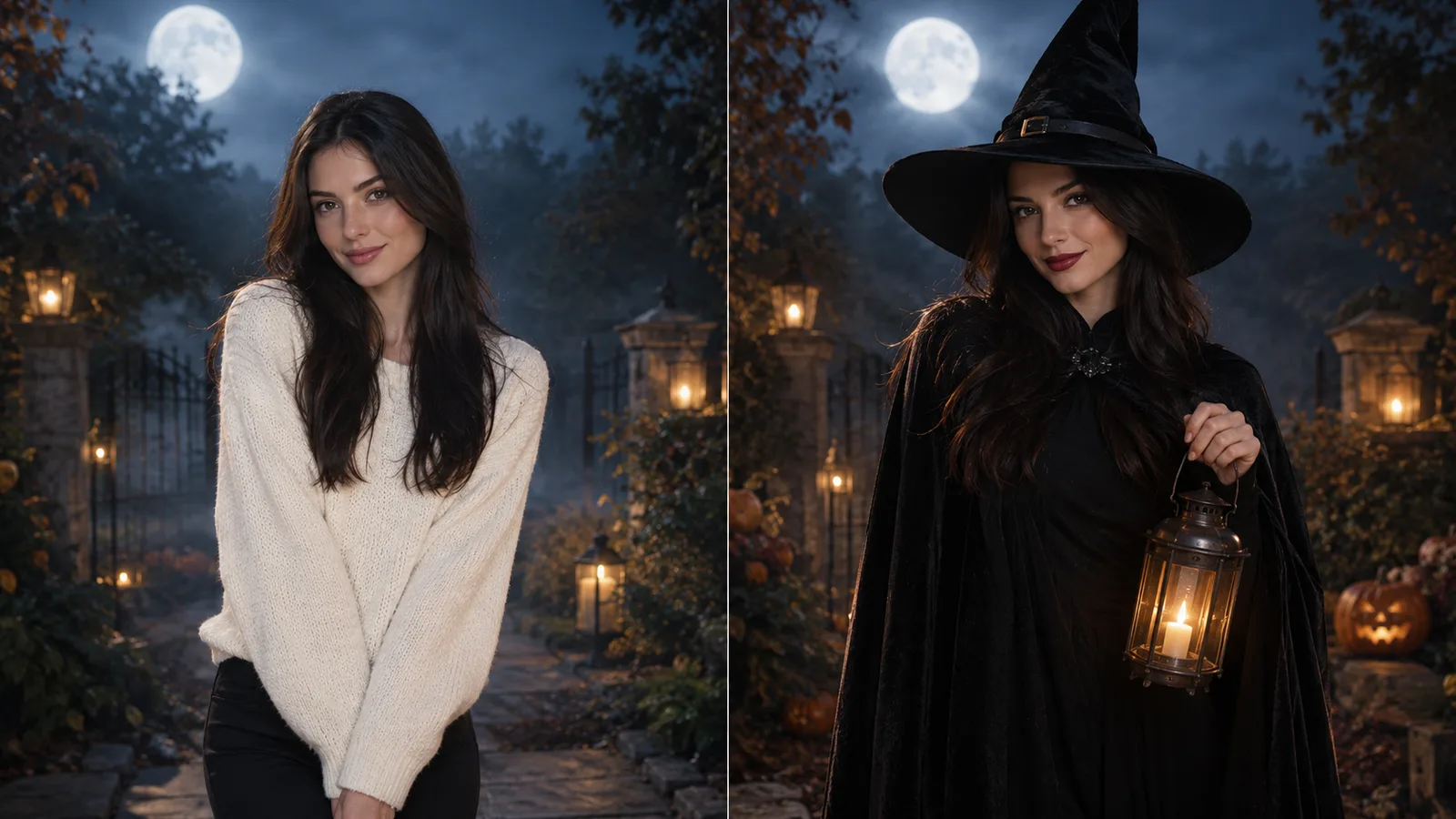
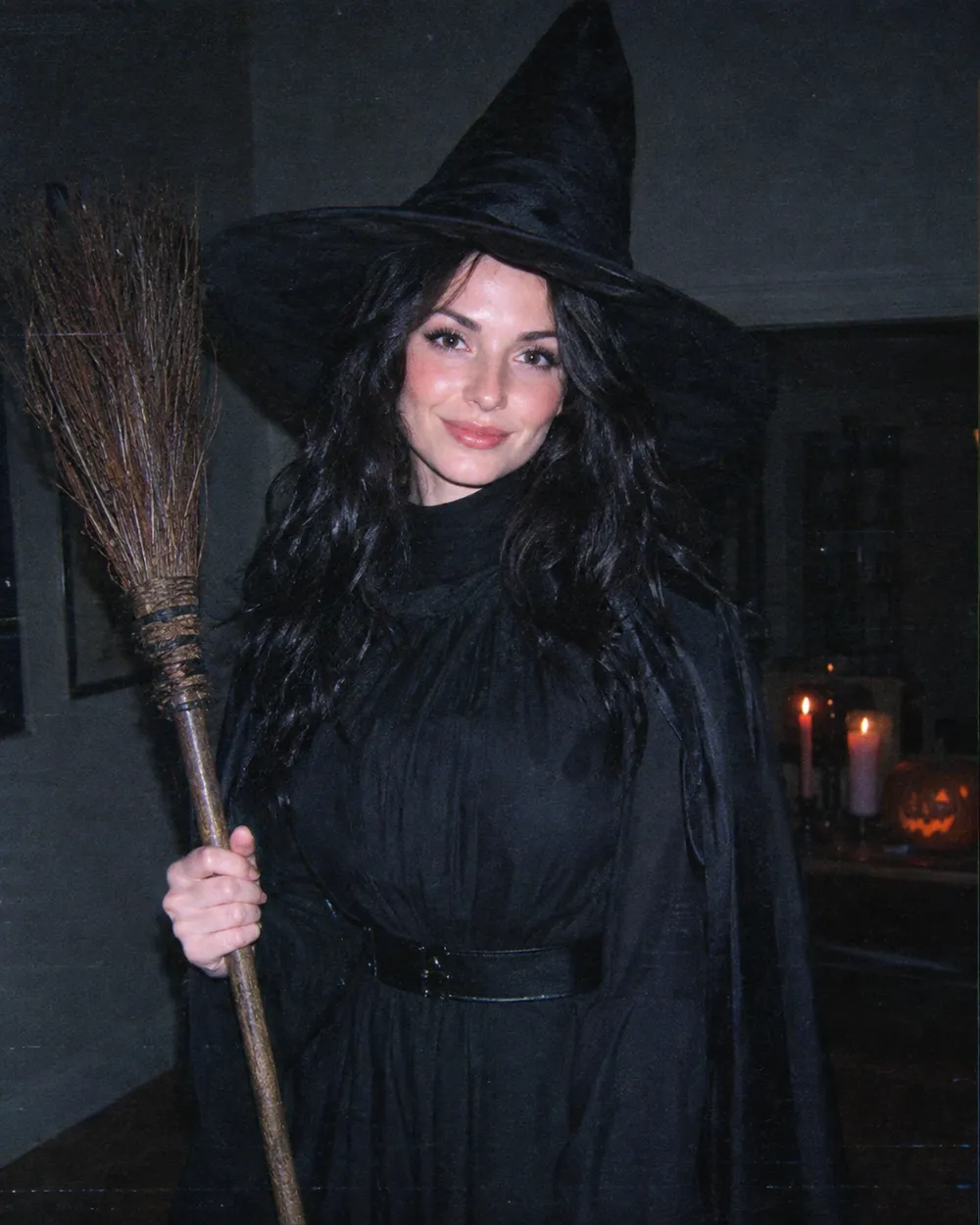
Edit the background before the face. A new background changes the light story, and the face should respond to that light. If you start with skin retouching, the result can look pasted onto the scene. Replace the background, set the key light, then adjust the grade.
Keep the source photo simple. A plain wall, a window or an outdoor background gives the model less to remove. Busy backgrounds with many people are harder to replace cleanly. If the source has strong colored light on the face, describe that light in the prompt so the new scene matches it.
Background, light, grade
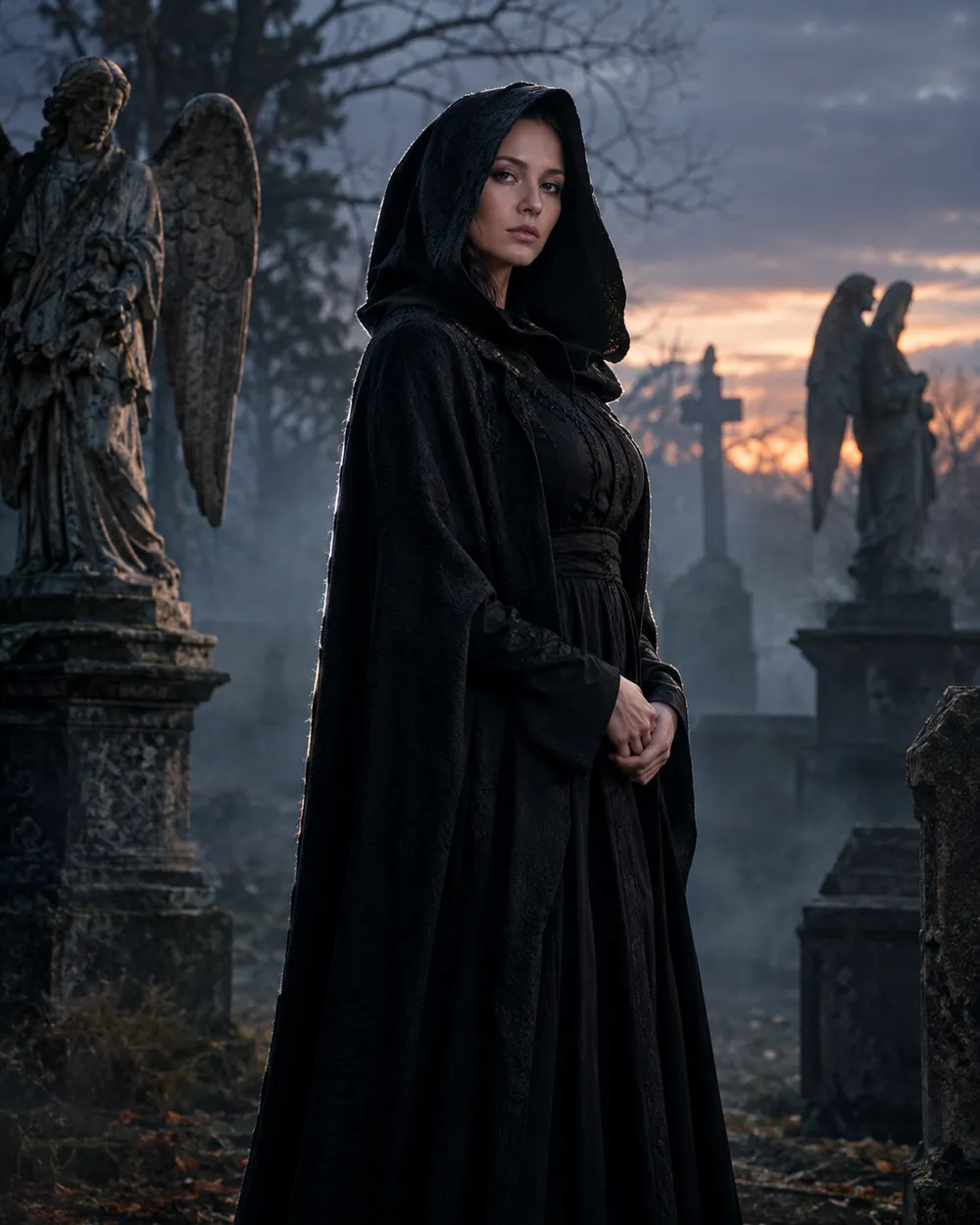
A scene preset has three layers. The background tells the model where the person is. The light tells it how the person is lit. The grade tells it how the final image should feel. Write all three, but keep them short. One sentence per layer is usually enough.
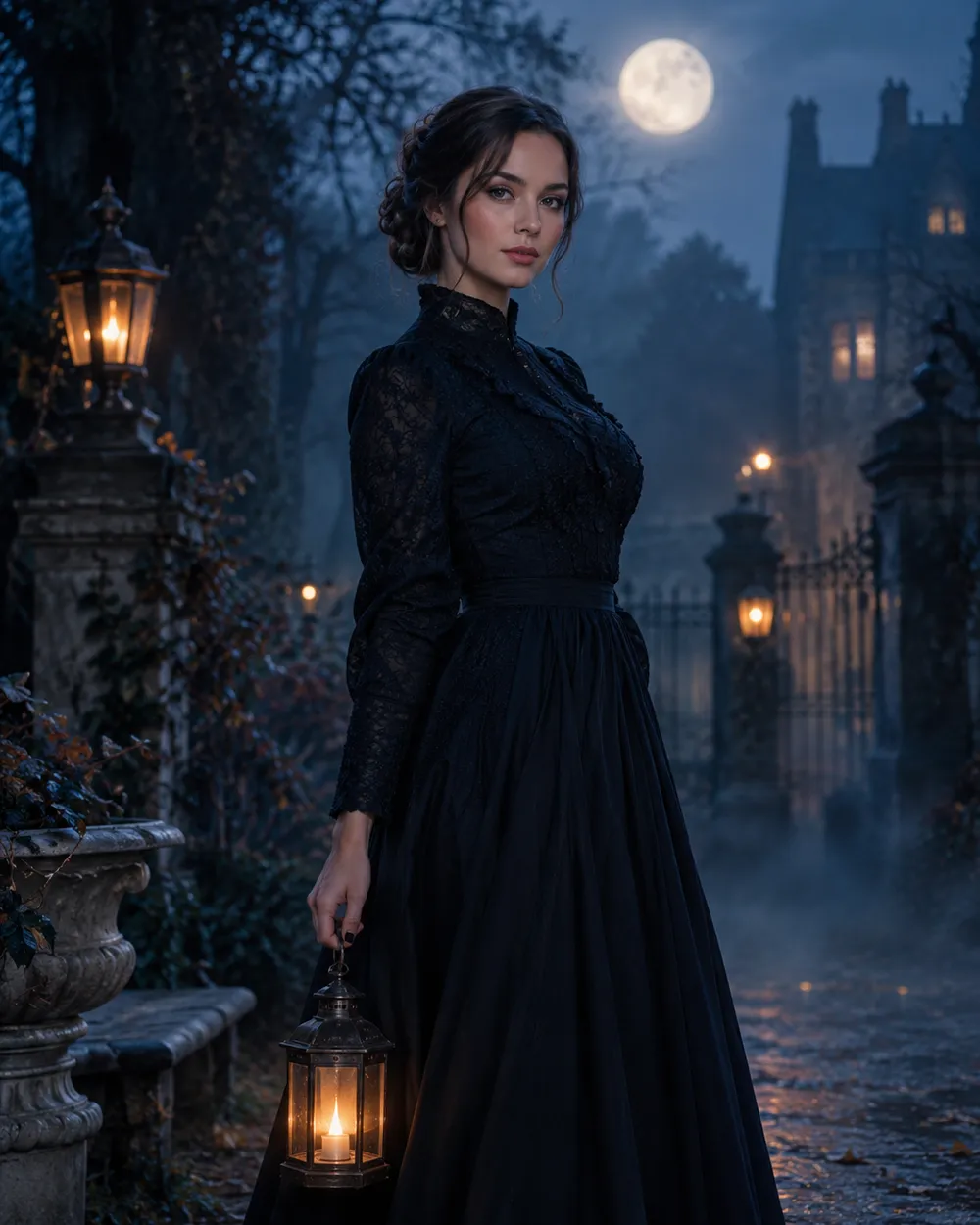
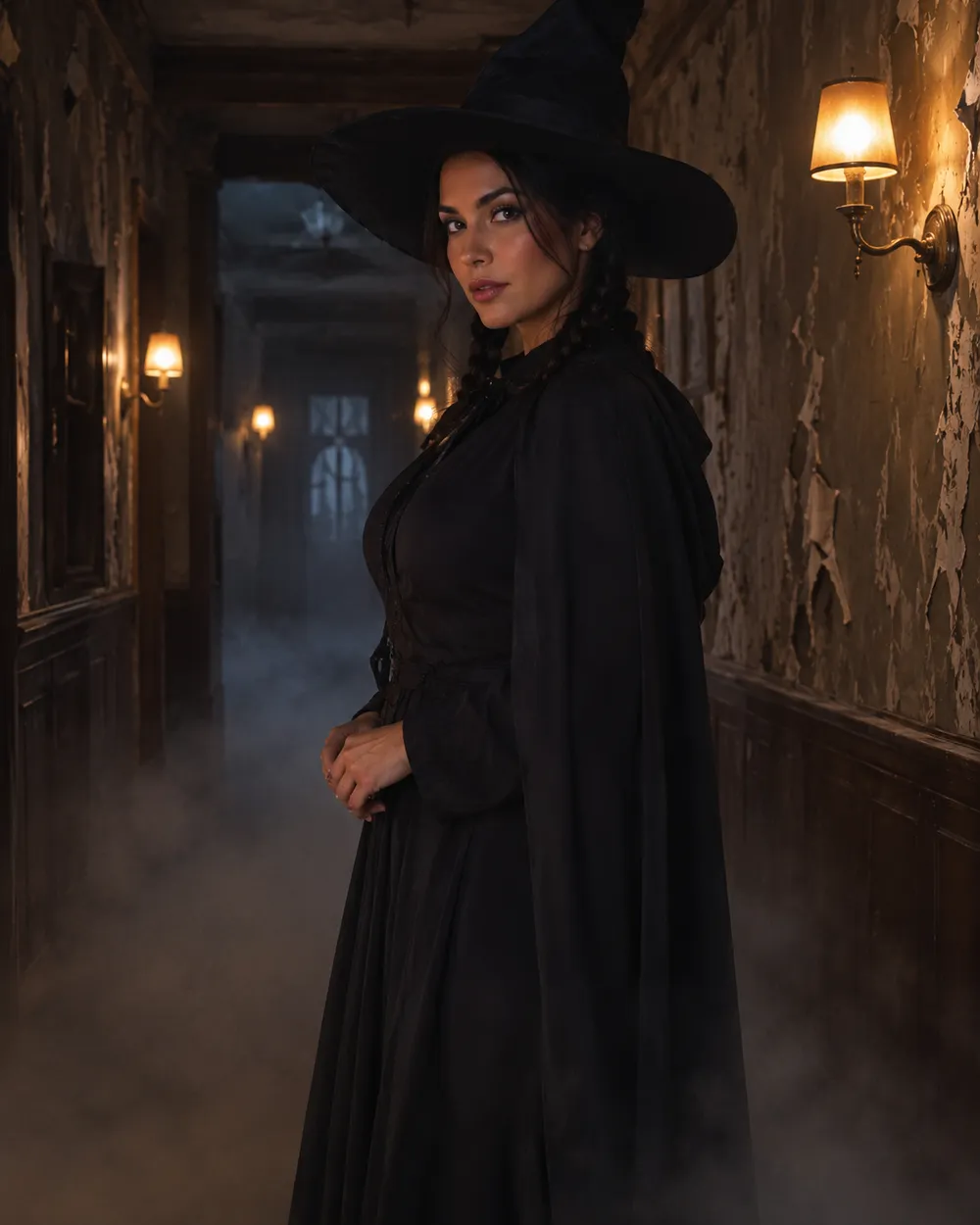
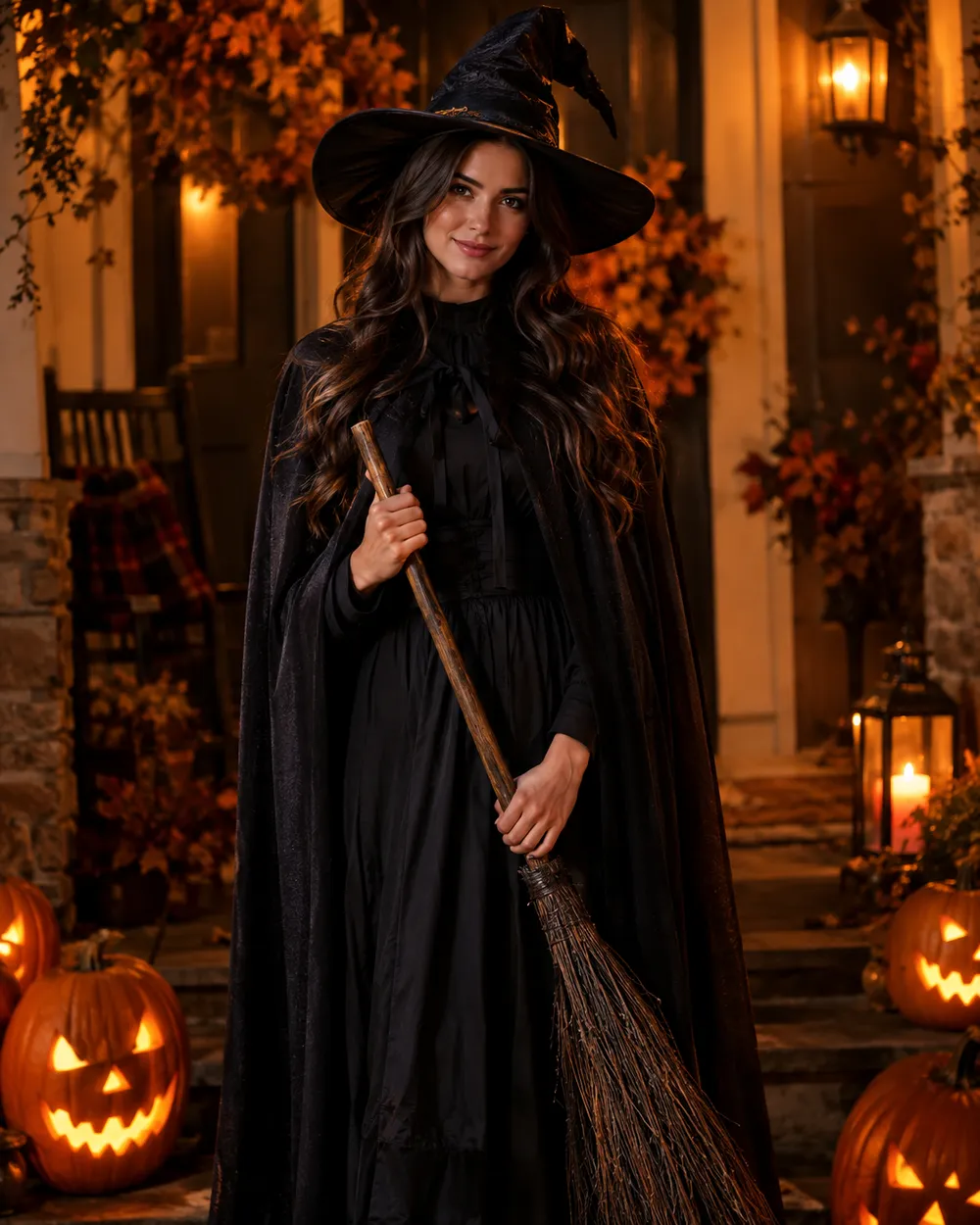
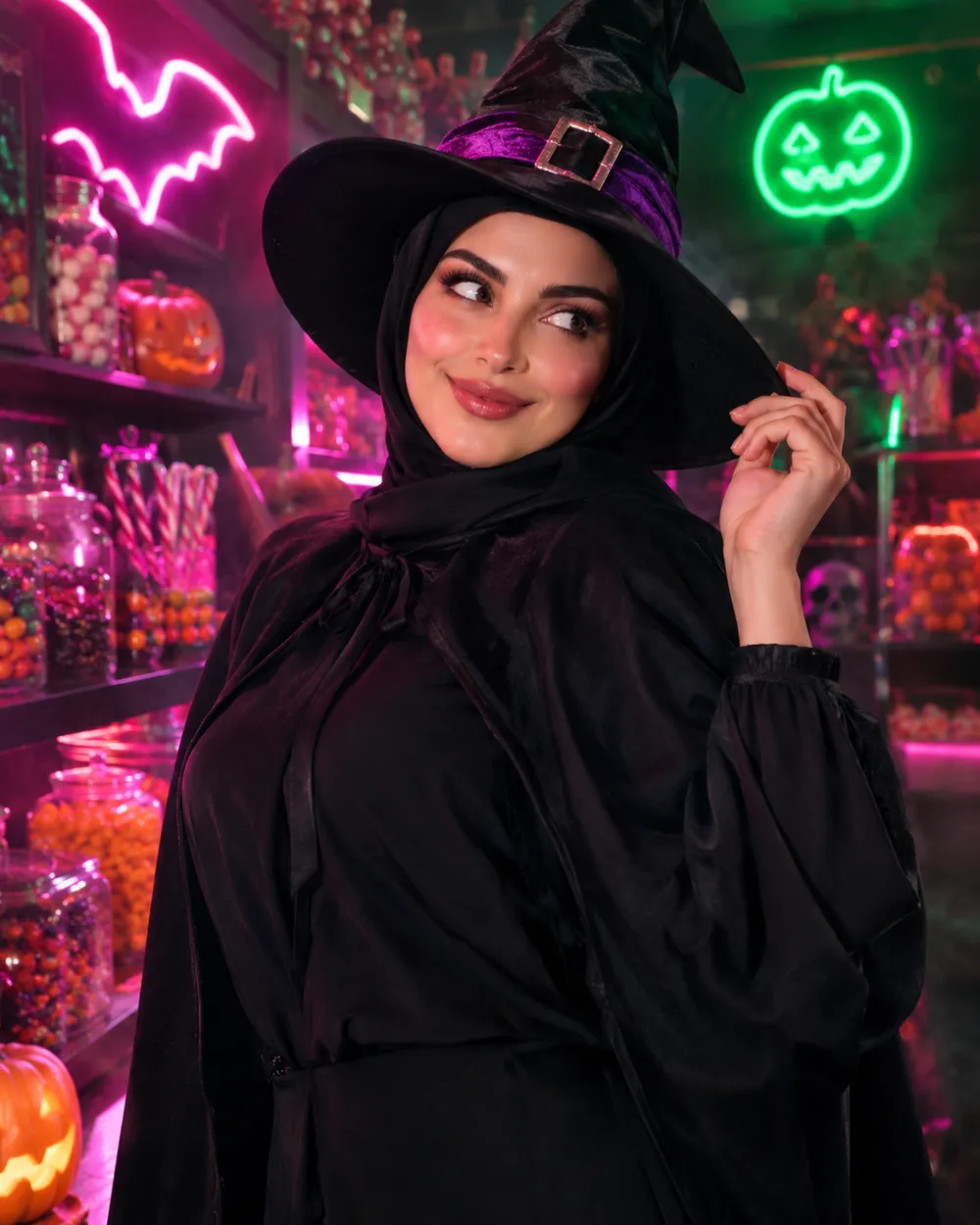
For a Halloween edit, warm practical lights against a cool background are reliable. Fog adds depth but can wash out the face, so ask for soft fog behind the subject rather than in front of it. If the result looks too dark, raise the key light instead of adding more exposure words.
When to use image-to-video instead
If the still looks good and you want motion, send it to the video workspace. A five-second clip with a slight head turn, drifting fog and a slow push-in is usually more convincing than a complicated action scene. The video preset pages include motion prompts that are written for still-image animation.