Zum Hauptinhalt springen
Saison-Preset-Paket

KI-Anime-Videogenerator

Animieren Sie ein fertiges Anime-Standbild mit einer kleinen, kontrollierten Bewegung, die Charakterdesign und Line Art schützt.

Animieren Sie ein Anime-Standbild zu einem Fünf-Sekunden-Clip: Kopfdrehung, Kameraschwenk oder Blüten. Sechs Motion-Presets.

  • Im Browser, keine Installation
  • Sichere Zahlung
  • Kein Wasserzeichen bei bezahlten Exporten

Die Generierung verbraucht gekaufte Credits

Anime-style still animated with a slow camera pan and falling petals
6 presets

Preset wählen

Richtung wählen, Prompt im Workspace anwenden und dann jeweils nur ein Detail ändern.

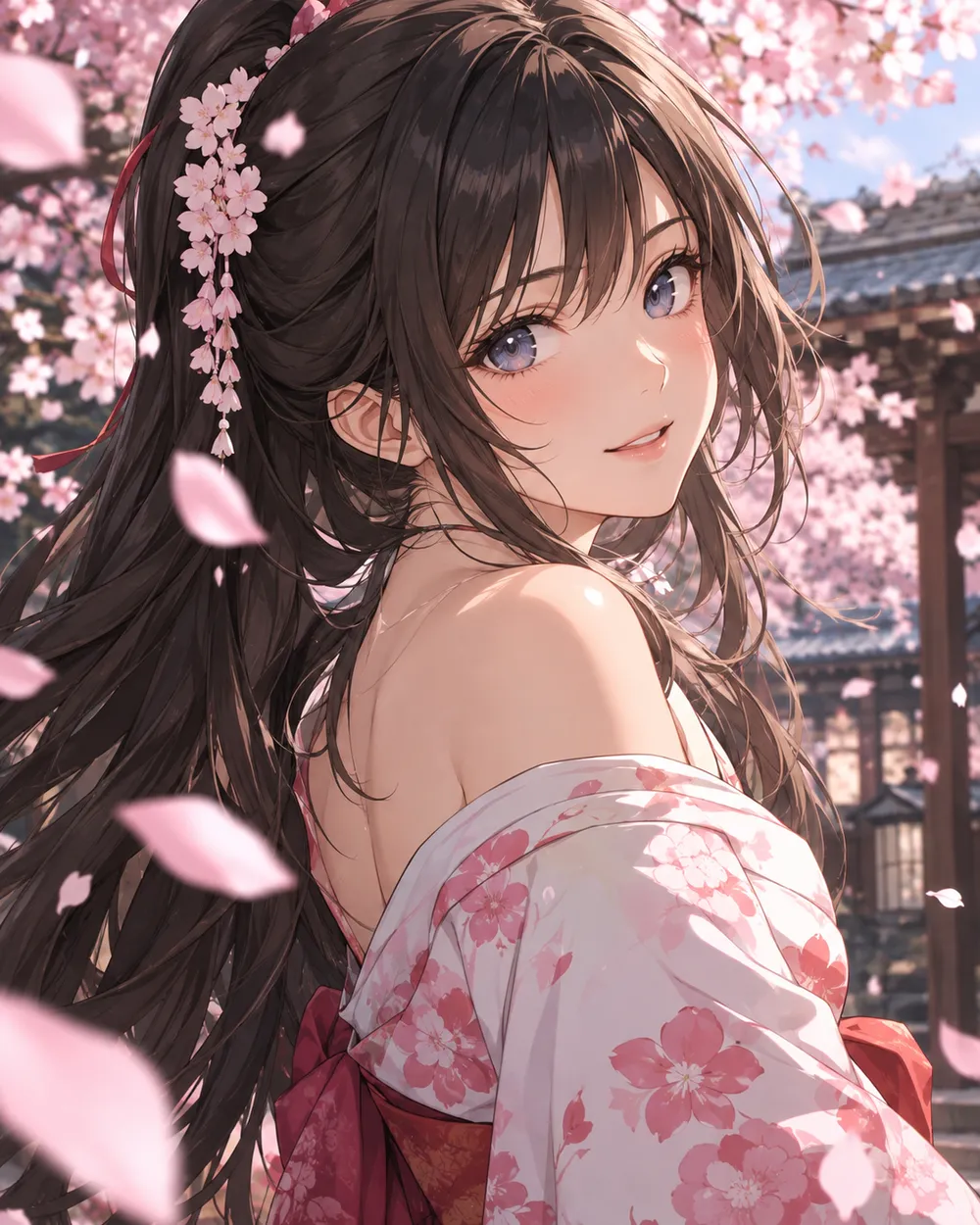
  • Cherry blossom anime AI video preset

    Cherry Blossom Turn

    A slow turn with falling petals.

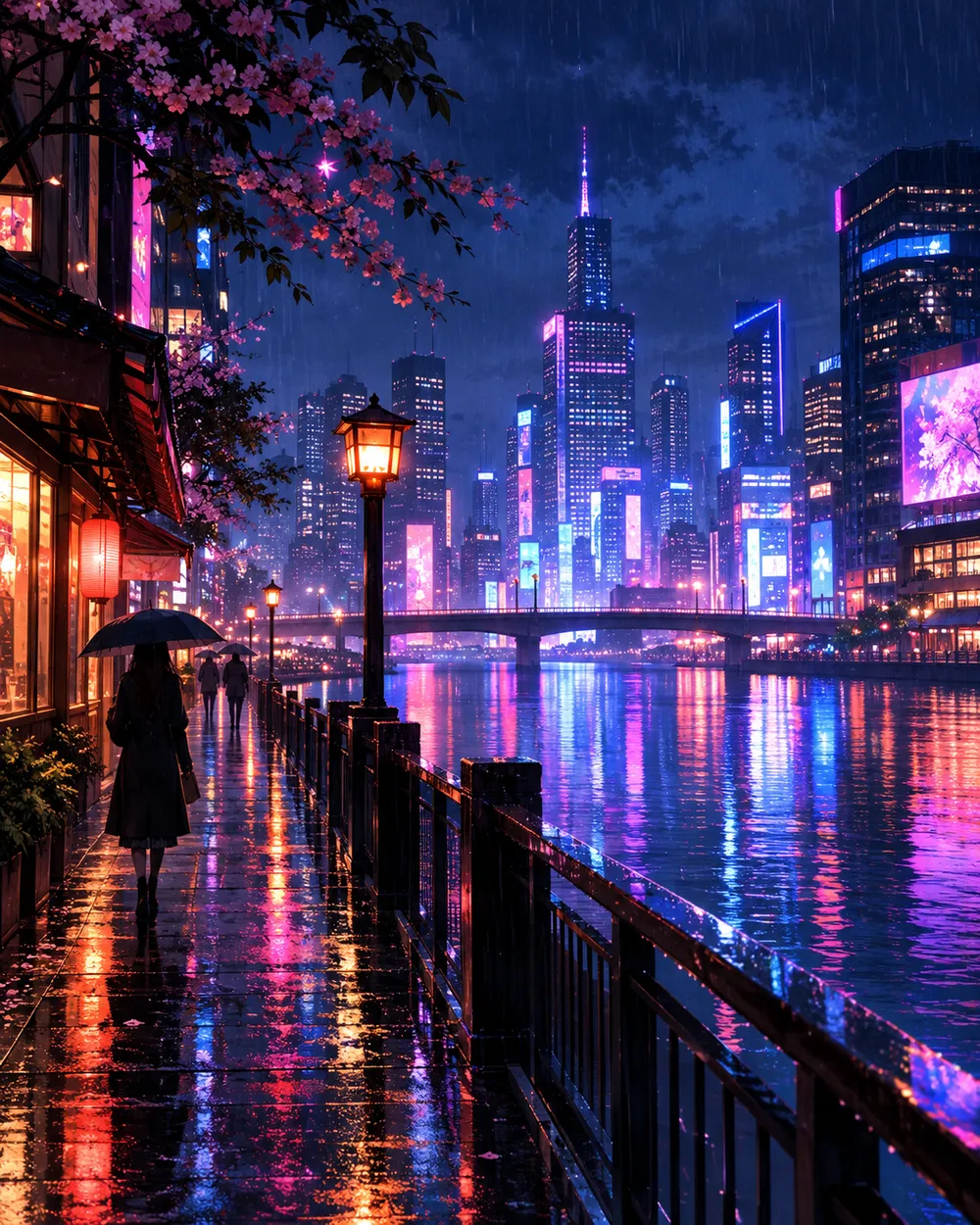
  • Neon city anime AI video preset

    Neon City Pan

    A lateral pan across a rainy skyline.

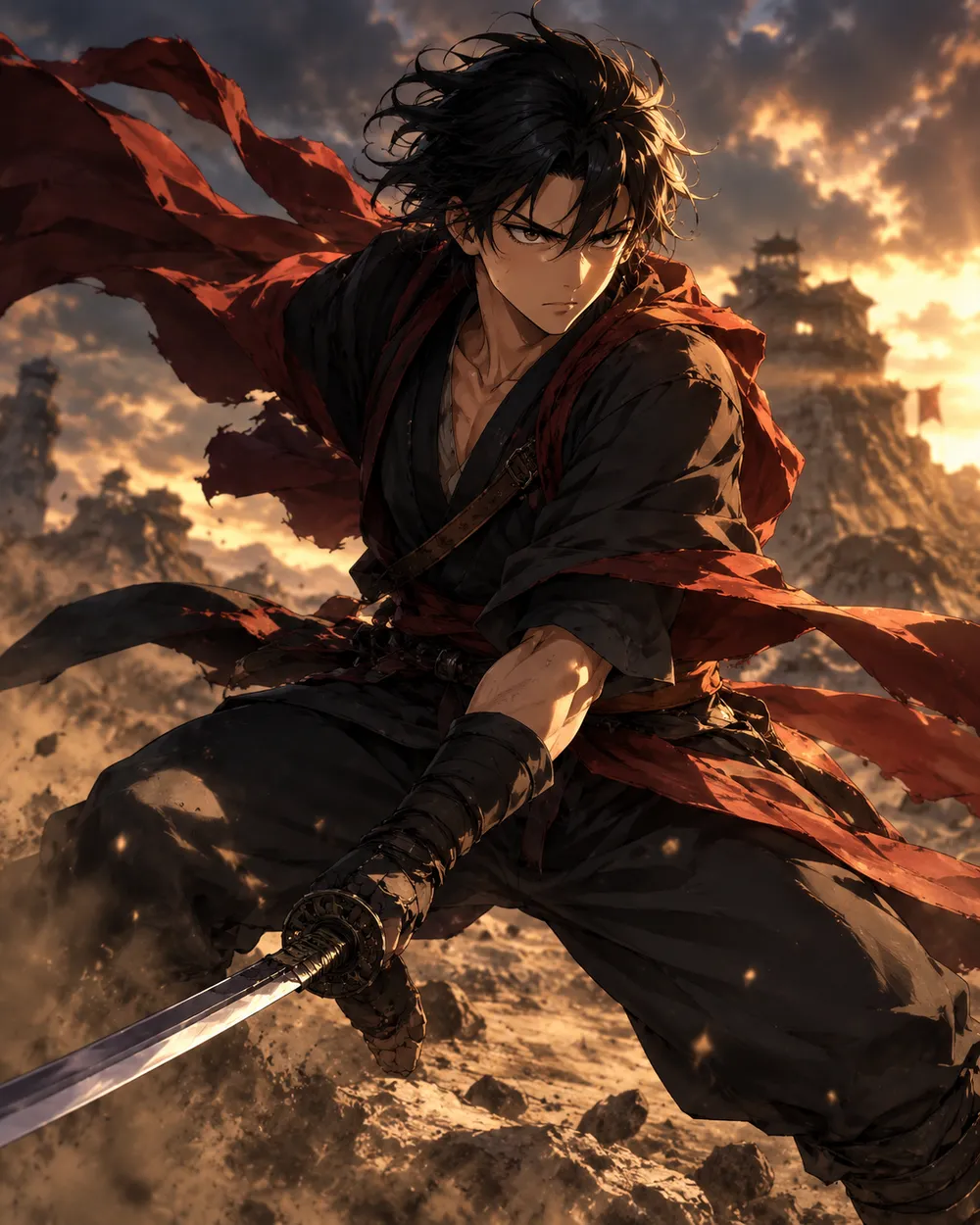
  • Battle stance anime AI video preset

    Battle Stance

    Hair and fabric move; the pose holds.

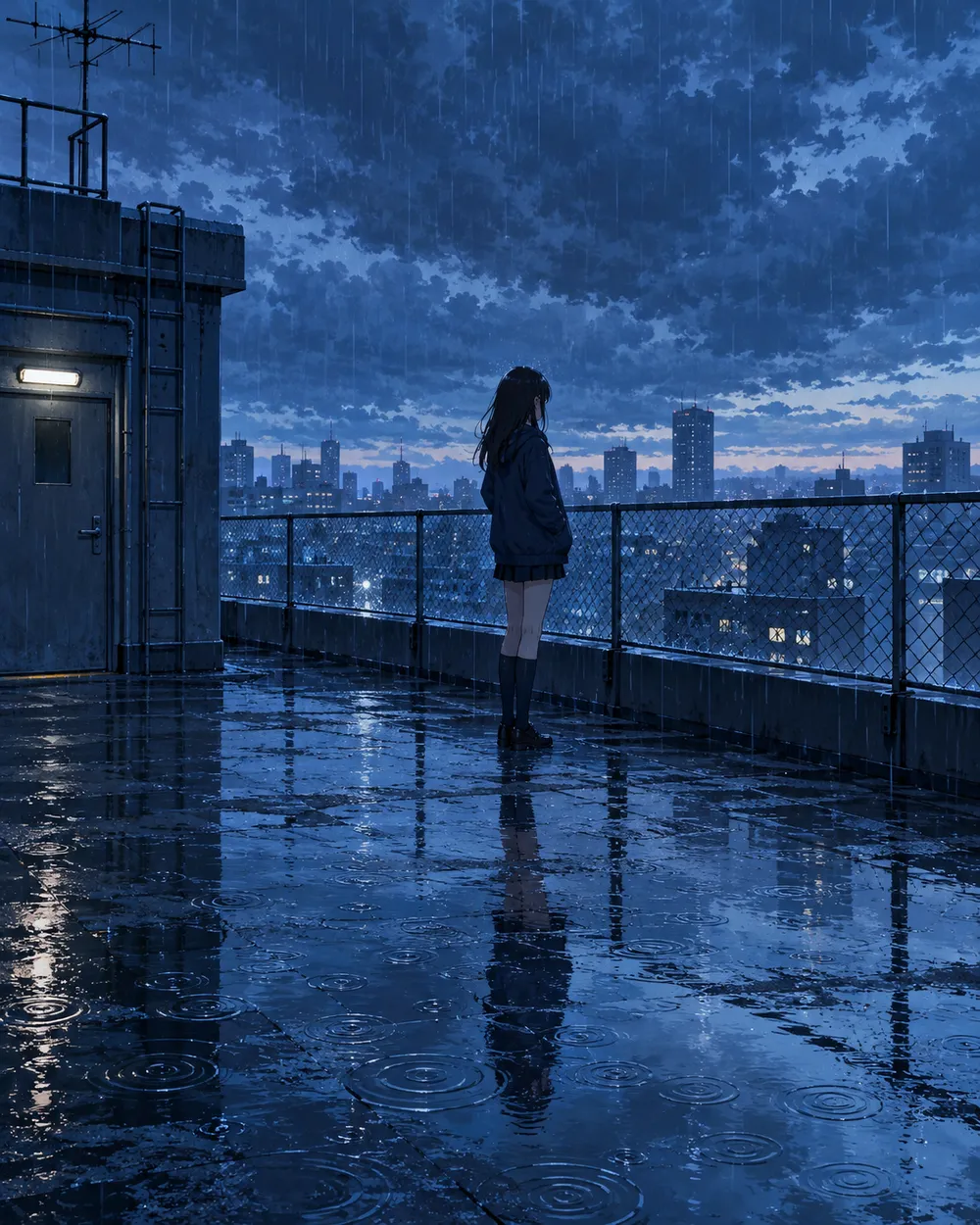
  • Rainy rooftop anime AI video preset

    Rainy Rooftop

    Rain, reflections and a still character.

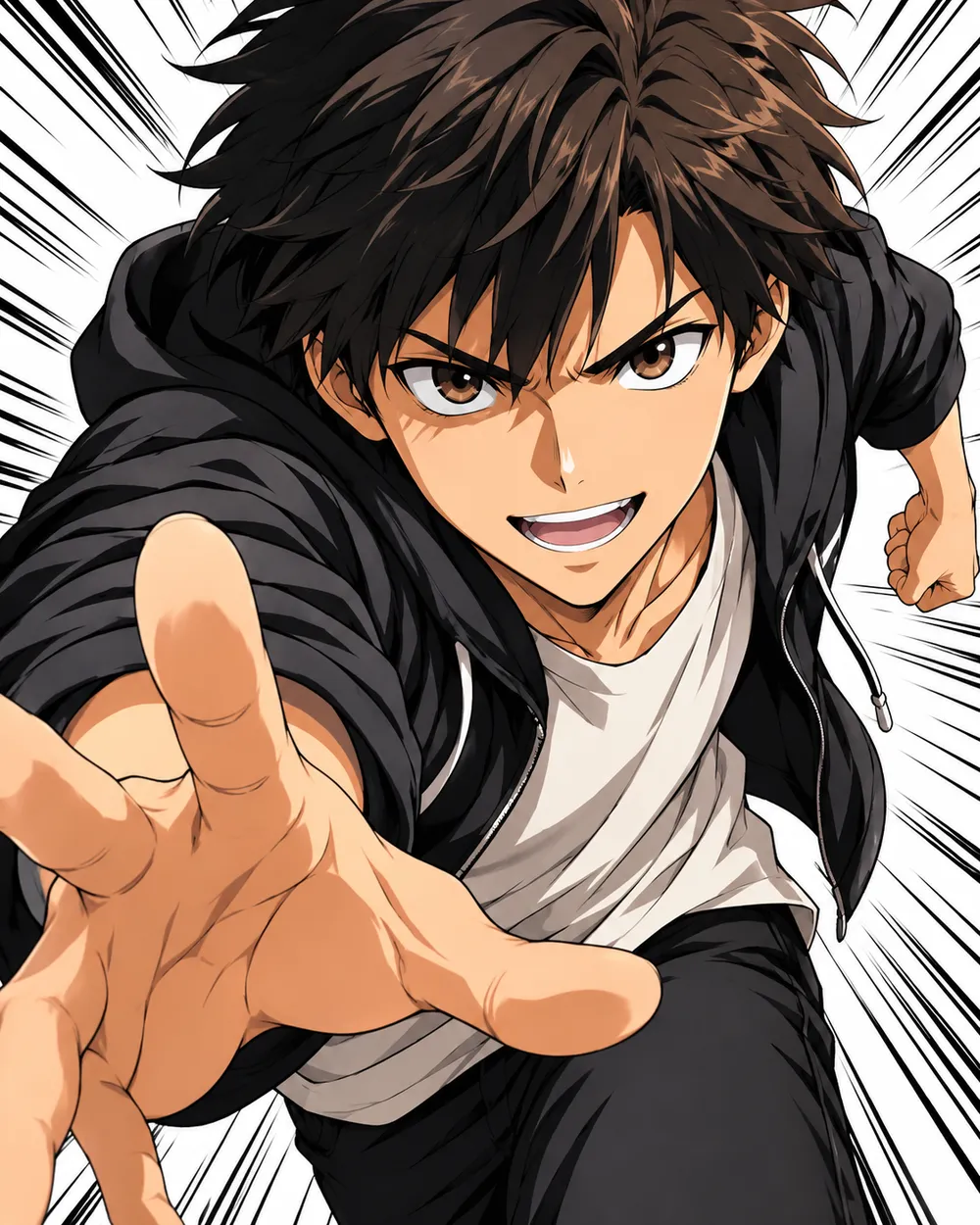
  • Manga speed lines anime AI video preset

    Manga Speed Lines

    A dramatic push-in with speed lines.

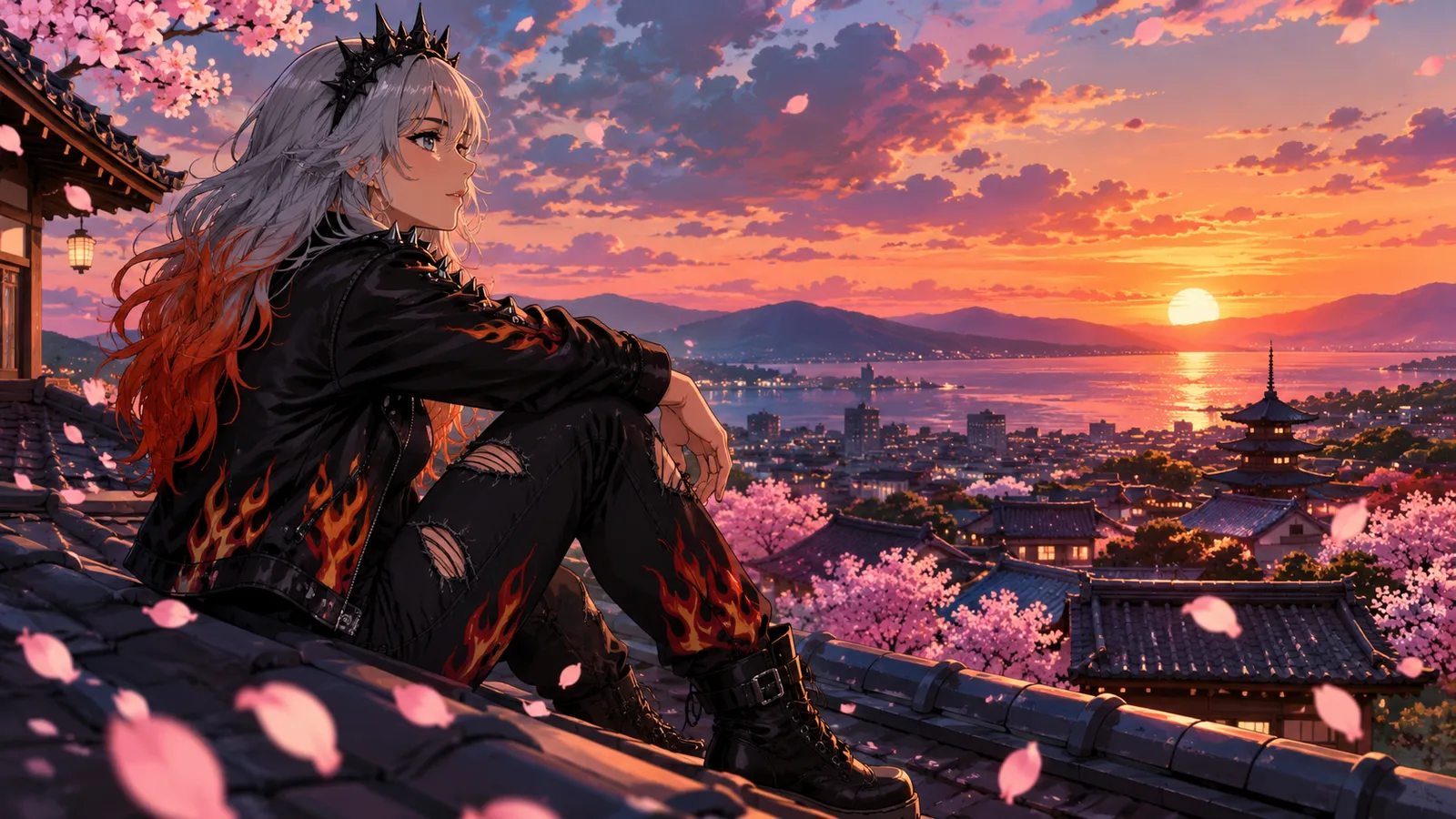
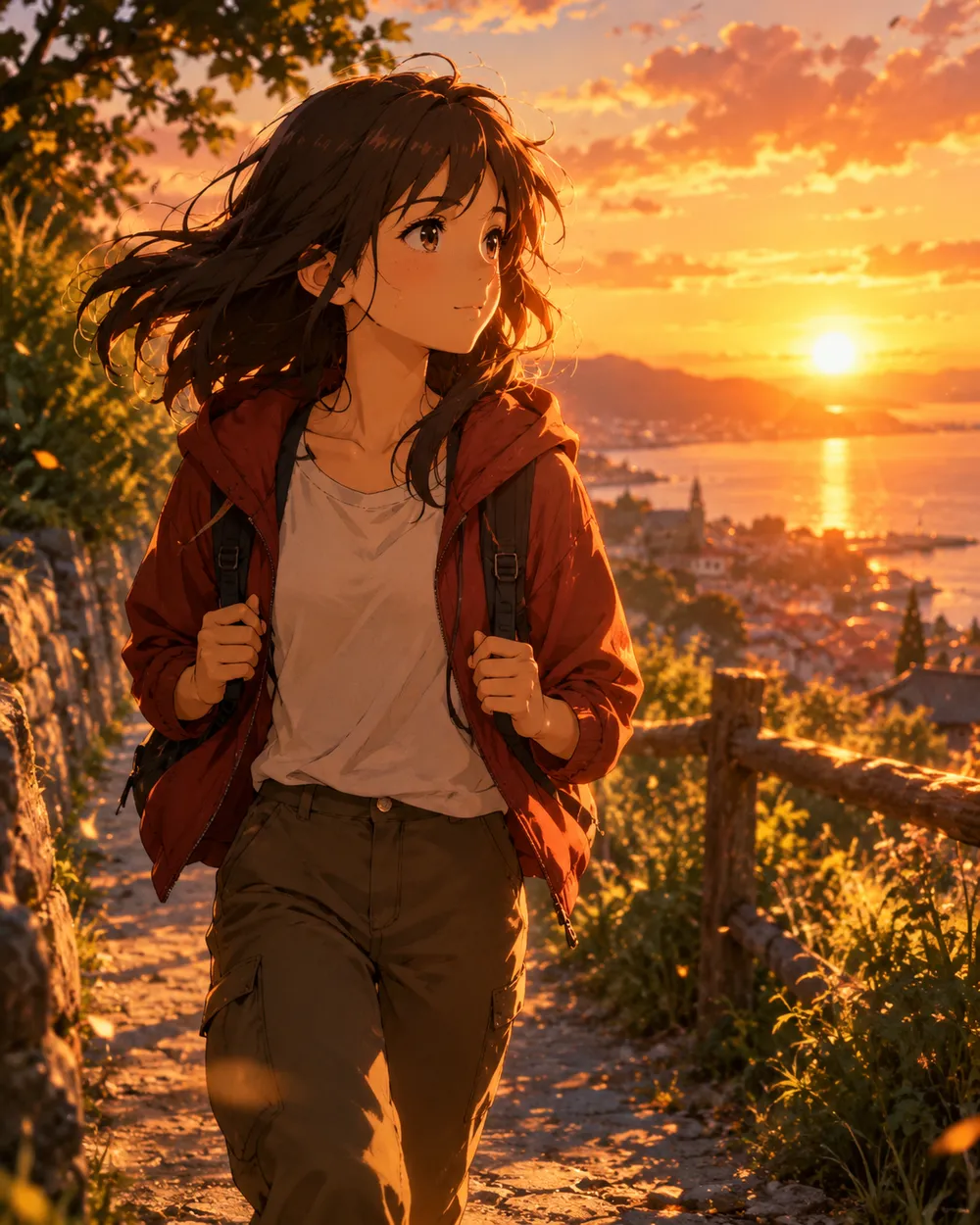
  • Sunset walk anime AI video preset

    Sunset Walk

    A slow tracking shot at golden hour.

Video-Generator

Laden Sie einen ersten Frame hoch oder fügen Sie eine öffentliche Bild-URL ein. Private Links oder Freigabe-Links funktionieren nicht.

(Optional)

Laden Sie einen Endframe hoch oder fügen Sie eine öffentliche Bild-URL ein, wenn die Bewegung auf einen Zielshot enden soll.

Kosten: 1 Credits

0 / 2000

Kamera-Presets

Füge deinem Prompt eine Kamerarichtung hinzu. Das sind Prompt-Snippets, kein eigener 3D-Modellmodus.

15s
4s15s

Erweiterte Optionen

Dies sind die gemeinsamen Steuerungen für alle drei Arbeitswege.

2 Optionen
Fast

Verwendet die schnellere Route, wenn verfügbar.

Audio erzeugen

Synchronisiertes Audio einbeziehen, wenn vom Anbieter unterstützt.

Kosten: 150 CreditsVerbleibend: 0 Credits
Vorschau

Noch nichts generiert

Die Videogenerierung verbraucht gekaufte Credits. Der Workspace zeigt die Schätzung vor dem Absenden.

So funktioniert es

  1. 1

    Look wählen

    Mit einem Preset starten oder eine eigene Richtung schreiben.

  2. 2

    Foto hochladen

    Ein klares Frontalfoto verwenden, das du bearbeiten darfst.

  3. 3

    Generieren und verfeinern

    Job starten, Ergebnis prüfen und pro Versuch nur eine Variable ändern.

Start with a still that already works

A good anime still has a clear character silhouette, a readable face and a simple background. If the still is crowded or the character is small, the video model has less information to work with. Crop to the character before animating.

Keep the still at the highest resolution you have. The video model will resize it, but a clean source preserves line quality. Avoid images with heavy compression artifacts or text.

Motion that respects line art

Anime line art is less forgiving than photographic texture. Large motion can warp the face and hands. Start with a head turn, a blink, moving hair or a camera move. Avoid full-body running or fighting unless you are prepared to retry.

If the line art shimmers, reduce the motion and add a stability rule. A slow push-in with moving hair is usually cleaner than a fast action shot. Keep the camera move in one direction.

Style consistency across clips

If you need several clips of the same character, use the same still as the reference and keep the prompt structure identical. Change only the motion sentence. That gives you a consistent set without retraining a character model.

For a longer sequence, generate each shot separately and edit them together. A five-second clip per shot is easier to control than a single long generation.

Häufige Fragen

  1. 1

    Does this generate anime from text?

    You can use text-to-video, but image-to-video from an existing anime still is more consistent. The still carries the character design and line style.

  2. 2

    Can I keep the same character across clips?

    Yes. Use the same still as the reference and keep the prompt structure identical. Change only the motion sentence. That gives you the best chance of a consistent set.

  3. 3

    Why does the face warp?

    Large or fast motion gives the model more chances to drift. Reduce the motion, shorten the duration and add a stability rule. A slow head turn is easier than a run cycle.

  4. 4

    Can I use a copyrighted character?

    Only if you have the rights. The acceptable use policy applies. For original characters, you control the design and the usage rights.

  5. 5

    What duration should I use?

    Start with five seconds. Short clips are cheaper to iterate and easier to keep stable. Extend only after the motion works.

  6. 6

    Can I add sound later?

    Yes. Most social clips are edited with sound in a separate editor. Generating a silent clip first gives you more control over the final mix.

Anleitungen und Prompt-Analysen

Verwandte Workflows

Mit einem getesteten Preset starten

Workspace öffnen, Preset anwenden und die Credit-Schätzung vor der Generierung sehen.