跳到主要内容
节日预设包

南瓜宠物服装生成器

把宠物照片变成南瓜、夜光恐龙或小幽灵造型,同时保留品种、毛色和斑纹。

把宠物照片变成南瓜、夜光恐龙、黄油棒或小幽灵造型,同时保留品种、毛色和斑纹。

  • 浏览器内运行,无需安装
  • 安全结账
  • 付费导出无水印

生成消耗已购买积分

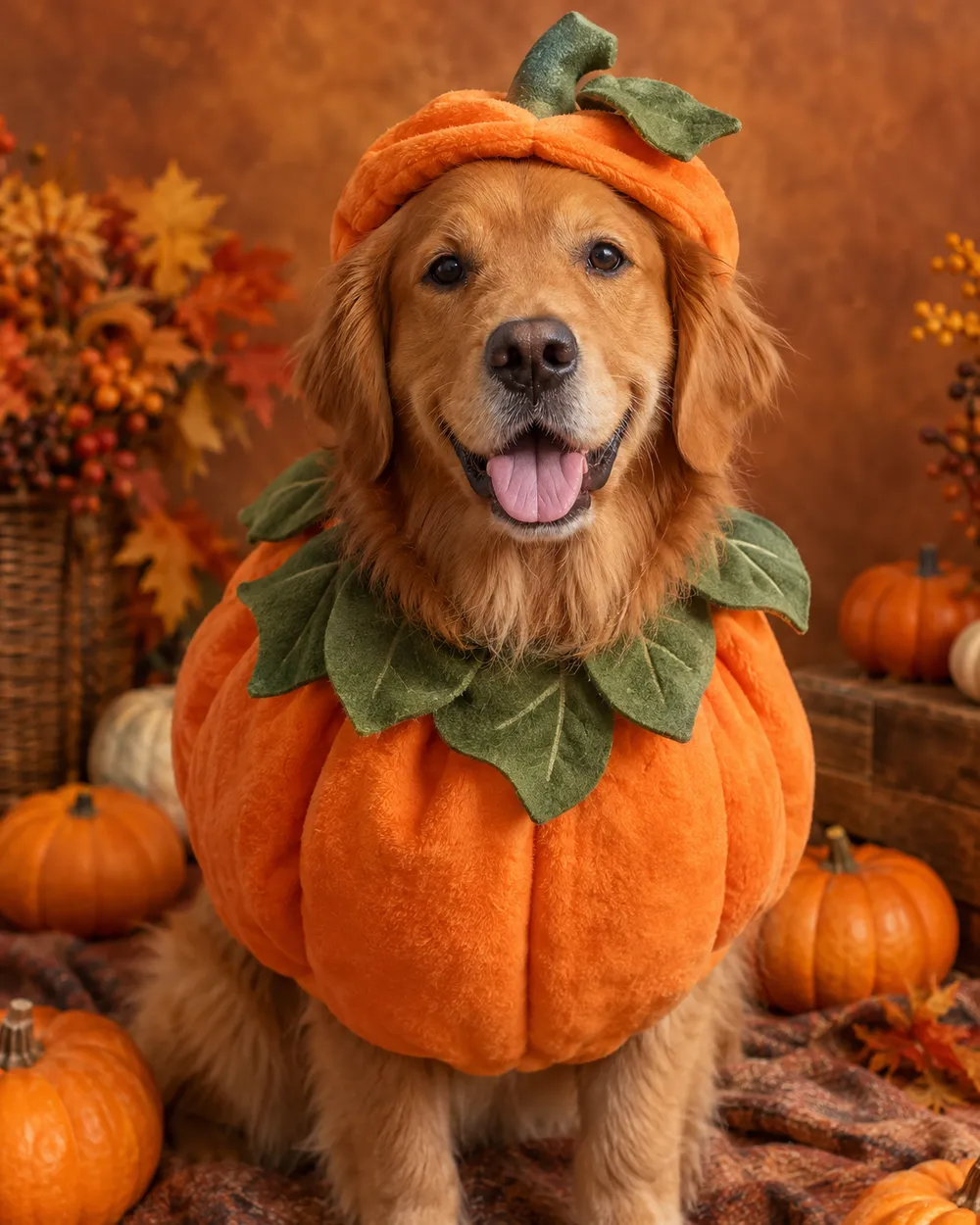
Pet portrait in a pumpkin costume with warm autumn studio light
6 presets

选择一个预设

选一个方向,把提示词应用到工作台,然后一次只改一个细节。

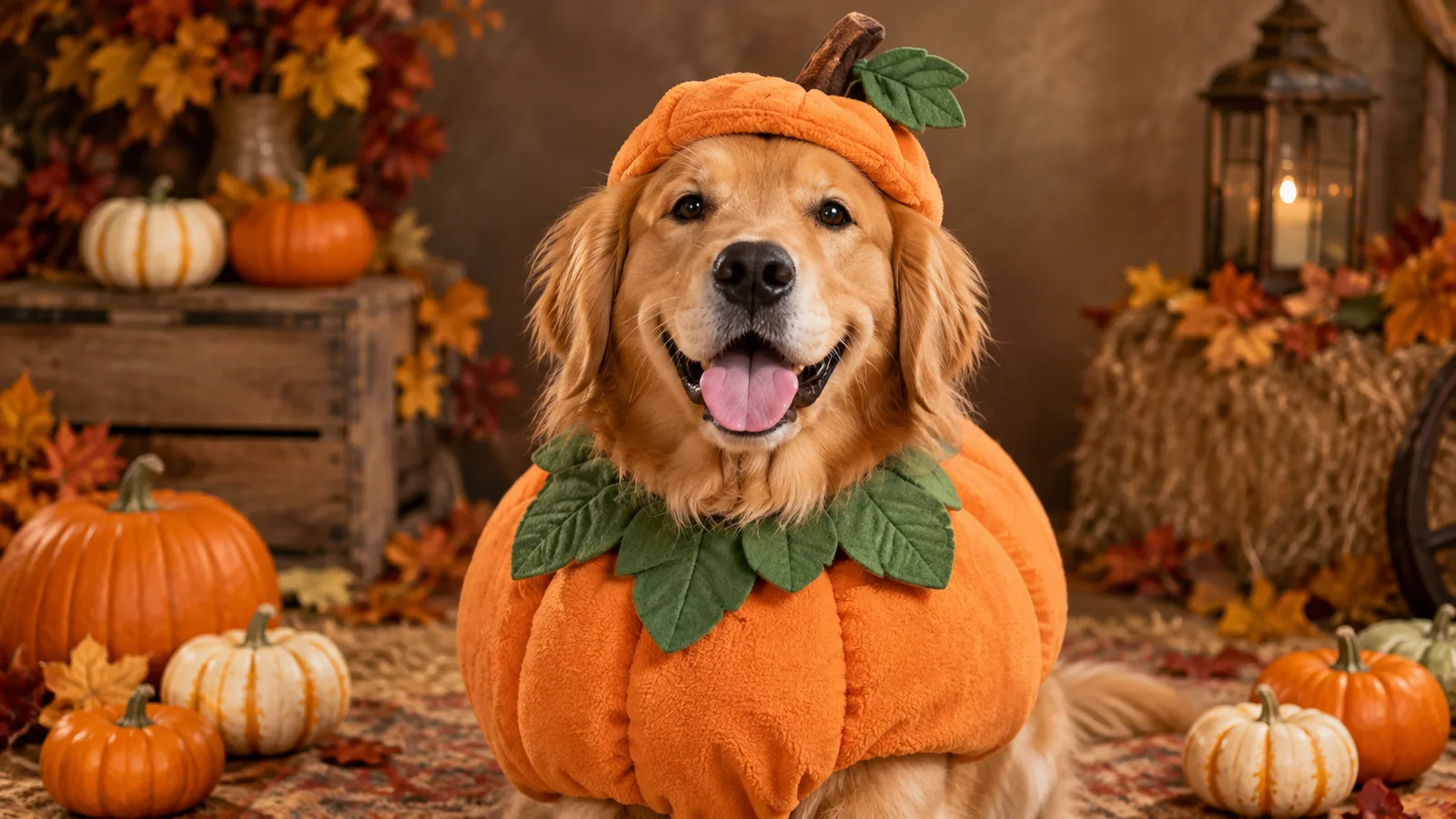
  • Pumpkin pet costume AI portrait

    Pumpkin Pet

    A soft pumpkin costume with a leaf collar.

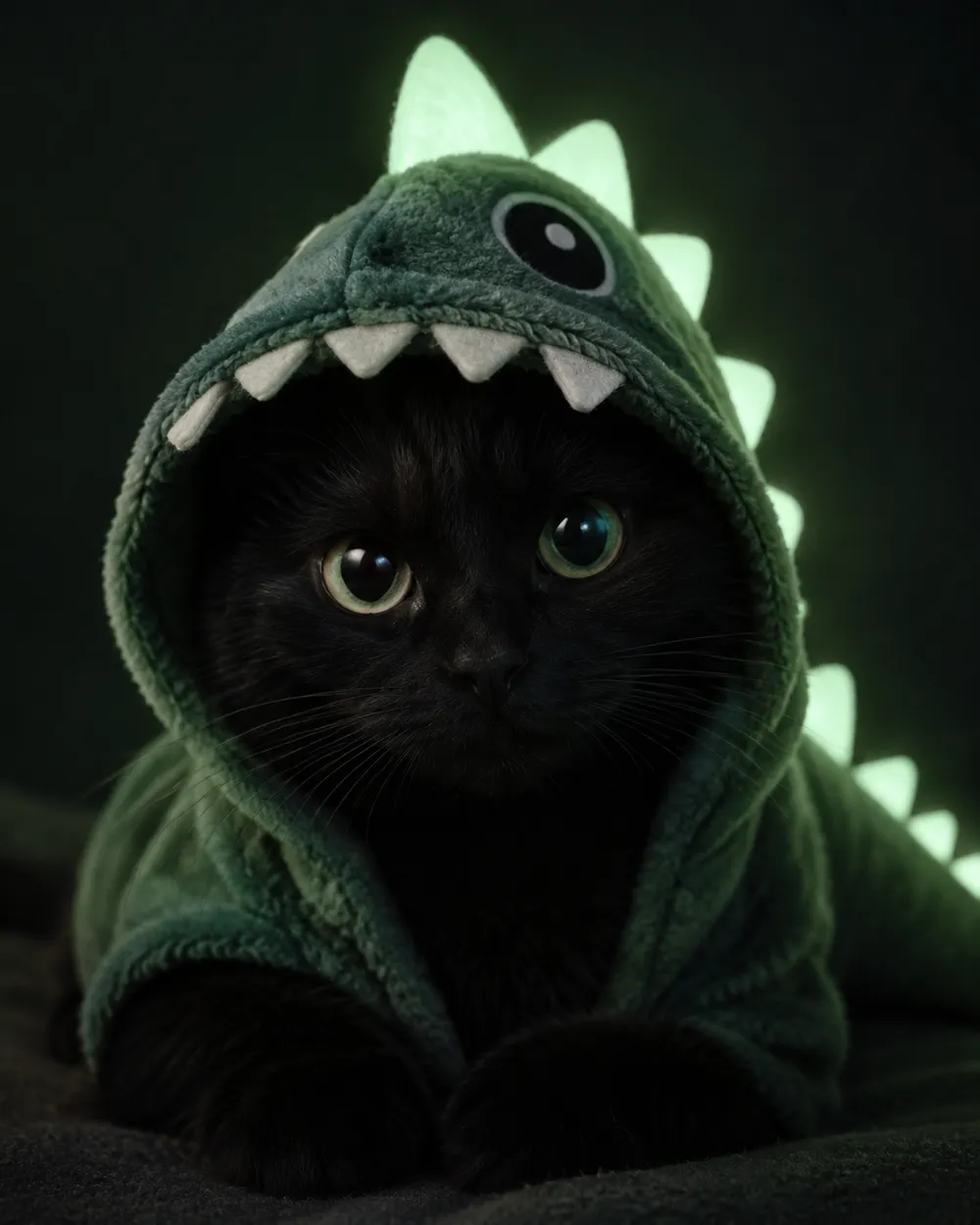
  • Glow in the dark dinosaur pet costume portrait

    Glow Dinosaur

    A gentle green glow, no harsh costume.

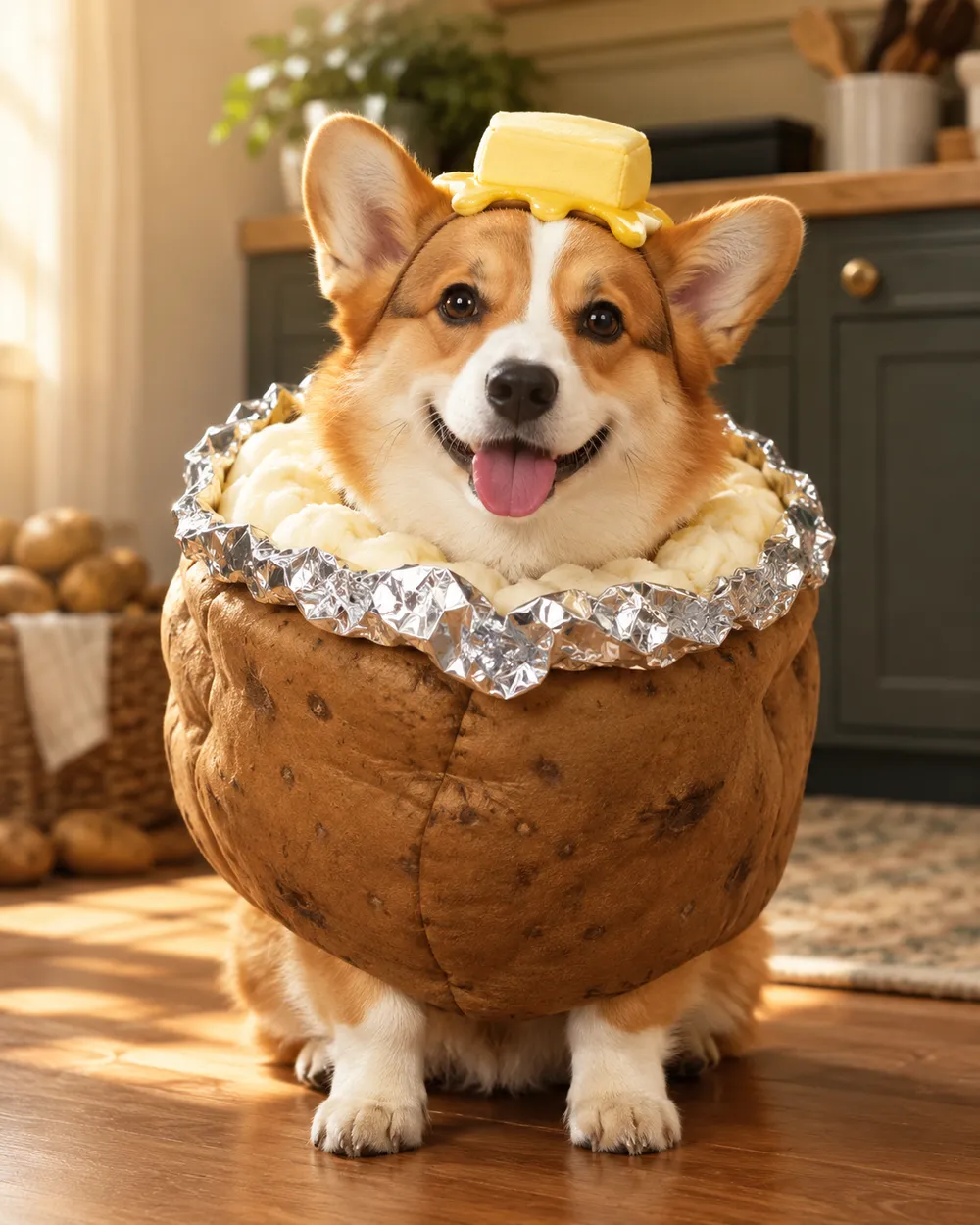
  • Baked potato pet costume AI portrait

    Baked Potato

    A playful potato costume with foil details.

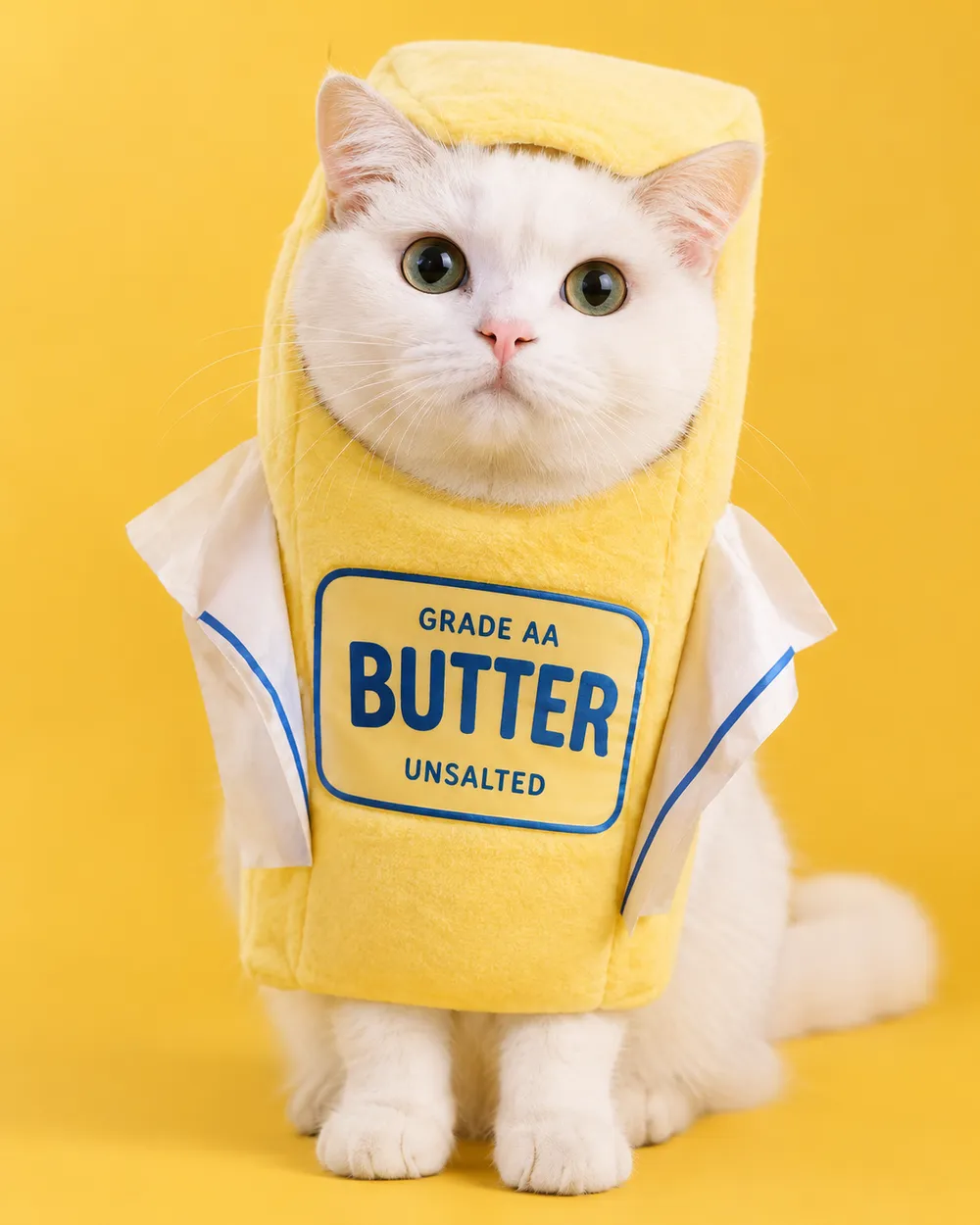
  • Stick of butter pet costume AI portrait

    Stick of Butter

    A bright yellow costume for a funny card.

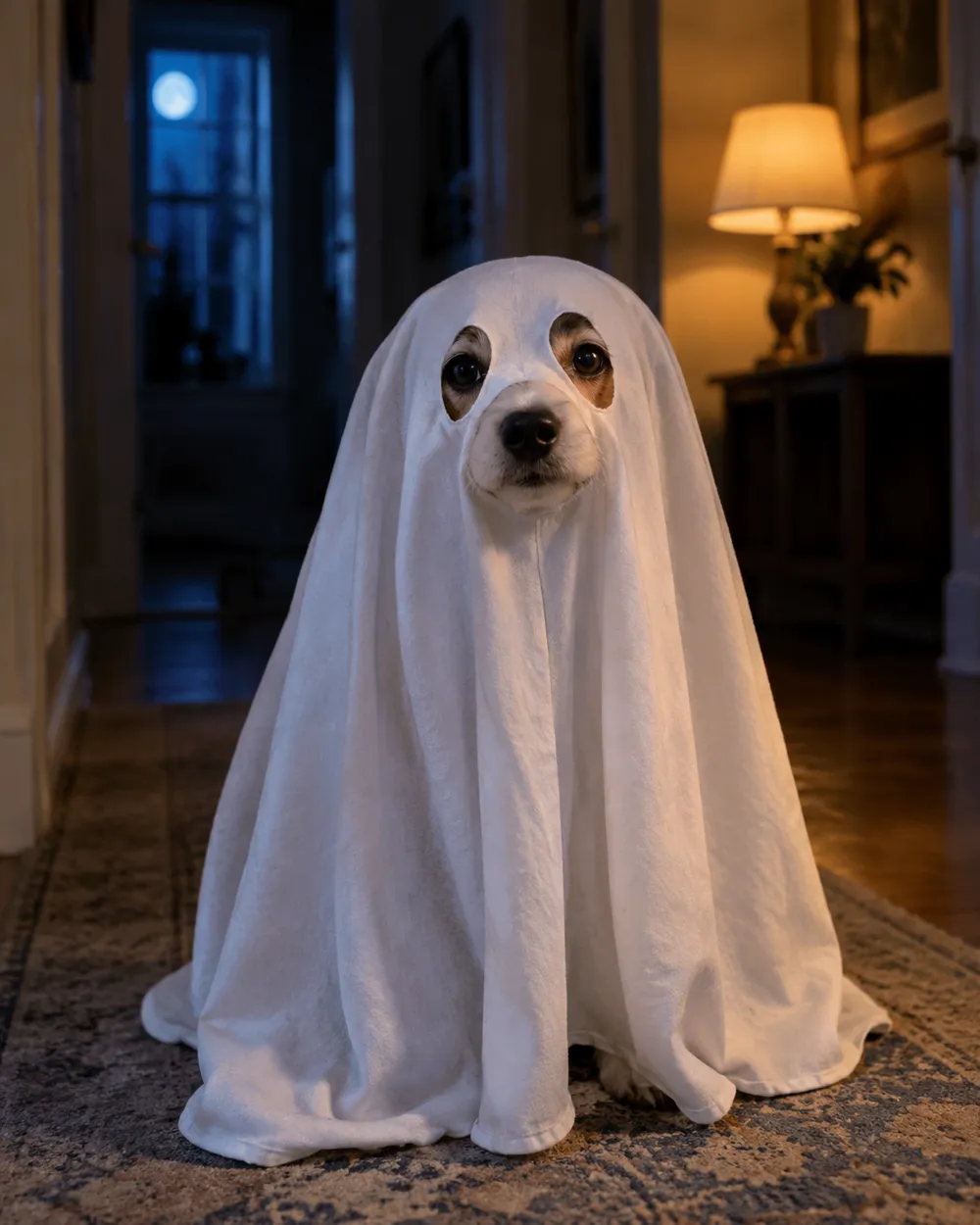
  • Tiny ghost pet costume AI portrait

    Tiny Ghost

    A soft sheet ghost with eye holes.

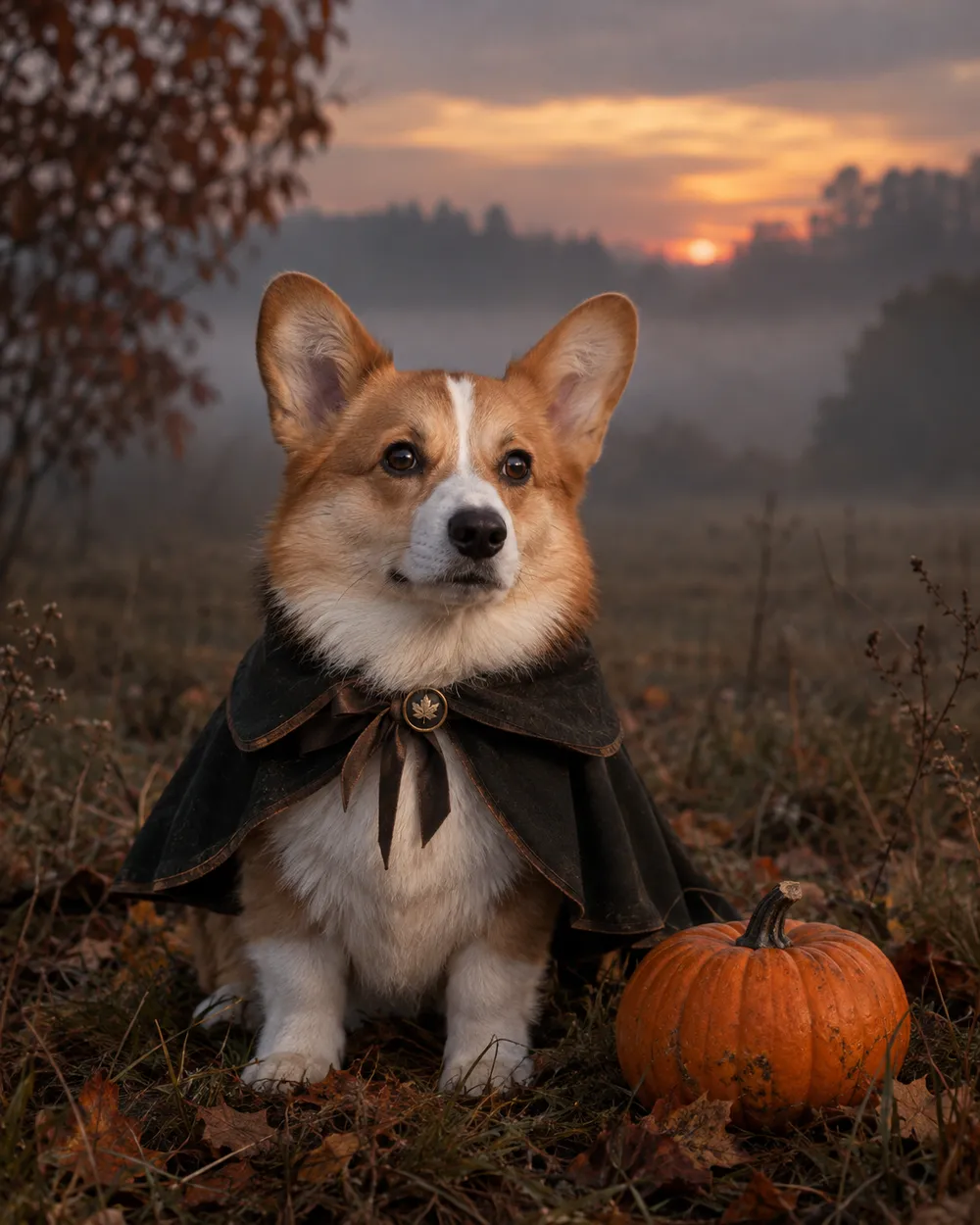
  • Headless rider inspired pet costume portrait

    Headless Rider

    A cape and a pumpkin prop, no gore.

生成模式

模型

快速选择

源图片 URL

上传支持 JPEG、PNG 或 WEBP 格式,最大 10MB。
or
(可选)

消耗 1 积分

0 / 4000

分辨率

画幅比例

输出格式

联网搜索

当上游支持时,允许模型调用联网搜索获取当前信息。

消耗 5 积分剩余 0 积分
预览
示例示例 Animate AI 静帧

在你第一次真正生成之前,这里会显示一张示例图。

使用流程

  1. 1

    选择造型

    从预设开始,或写下你自己的方向。

  2. 2

    上传照片

    使用清晰的正面照片,并确保你有权编辑这张照片。

  3. 3

    生成并微调

    运行任务,检查结果,每次重试只改一个变量。

What to preserve in a pet portrait

The identity rules for pets are different from human portraits. Preserve breed, fur color, markings, eye color, ear shape and body proportions. Do not let the model change the species or add a second animal. Keep the costume away from the eyes and mouth so the face remains readable.

Paws are a common failure point. Ask for natural paws and avoid complex poses. A seated or standing portrait with the pet facing the camera is easier to control than an action shot.

Costume ideas that work as images

The strongest pet costumes have a simple silhouette: a pumpkin, a butter stick, a ghost sheet or a dinosaur hood. These shapes read at thumbnail size and do not require the model to invent a complex garment. A cape or a small prop can add character without covering the animal.

If you want a funny card, pair a simple costume with a deadpan expression and a clean studio background. If you want a spooky card, use a dim hallway or a misty field with a cool rim light.

Pet safety and consent

These images are generated. Do not force a real animal into a costume for a photo if it causes stress. If you use a real costume, choose a soft, loose-fitting option and supervise the animal. Never cover the eyes, mouth or nose.

Only upload a pet photo you have permission to use. If the pet belongs to a client or a friend, confirm the intended use before publishing.

常见问题

  1. 1

    Is this safe for my pet?

    The image is generated, so the pet does not wear anything. If you also use a real costume for a photo, choose a soft, loose-fitting costume and supervise the animal. Never cover the eyes, mouth or nose.

  2. 2

    Will the generator keep my pet’s markings?

    The presets ask the model to preserve breed, fur color, markings and anatomy. A clear, well-lit photo improves the result. Review the output before publishing.

  3. 3

    Can I make a glow-in-the-dark dinosaur costume?

    Yes. The Glow Dinosaur preset adds a soft green glow and a dinosaur hood without changing the species. You can edit the glow strength in the prompt.

  4. 4

    Can I generate two pets in one image?

    It is possible, but two pets are harder to control. Generate each pet separately, then combine them in an editor if you need a group card.

  5. 5

    Can I use the image on a product or listing?

    Review the Terms of Service and the model provider’s rules before commercial use. If the pet belongs to a customer, get permission first.

  6. 6

    Which pet photo works best?

    Use a front-facing photo with even light, a clear view of the face and no other animals. A simple background makes the costume edit cleaner.

指南与提示词拆解

相关工作流

从一个测试过的预设开始

打开工作台,应用预设,并在生成前查看积分估算。