跳到主要内容
节日预设包

AI 万圣节服装生成器

上传一张清晰自拍,选择服装方向,在尽量保留面部特征的前提下生成新的万圣节肖像。

上传自拍,生成原创万圣节服装肖像。选择预设、修改提示词,用 GPT Image 2 或 Nano Banana 生成。预设免费浏览。

  • 浏览器内运行,无需安装
  • 安全结账
  • 付费导出无水印

生成消耗已购买积分

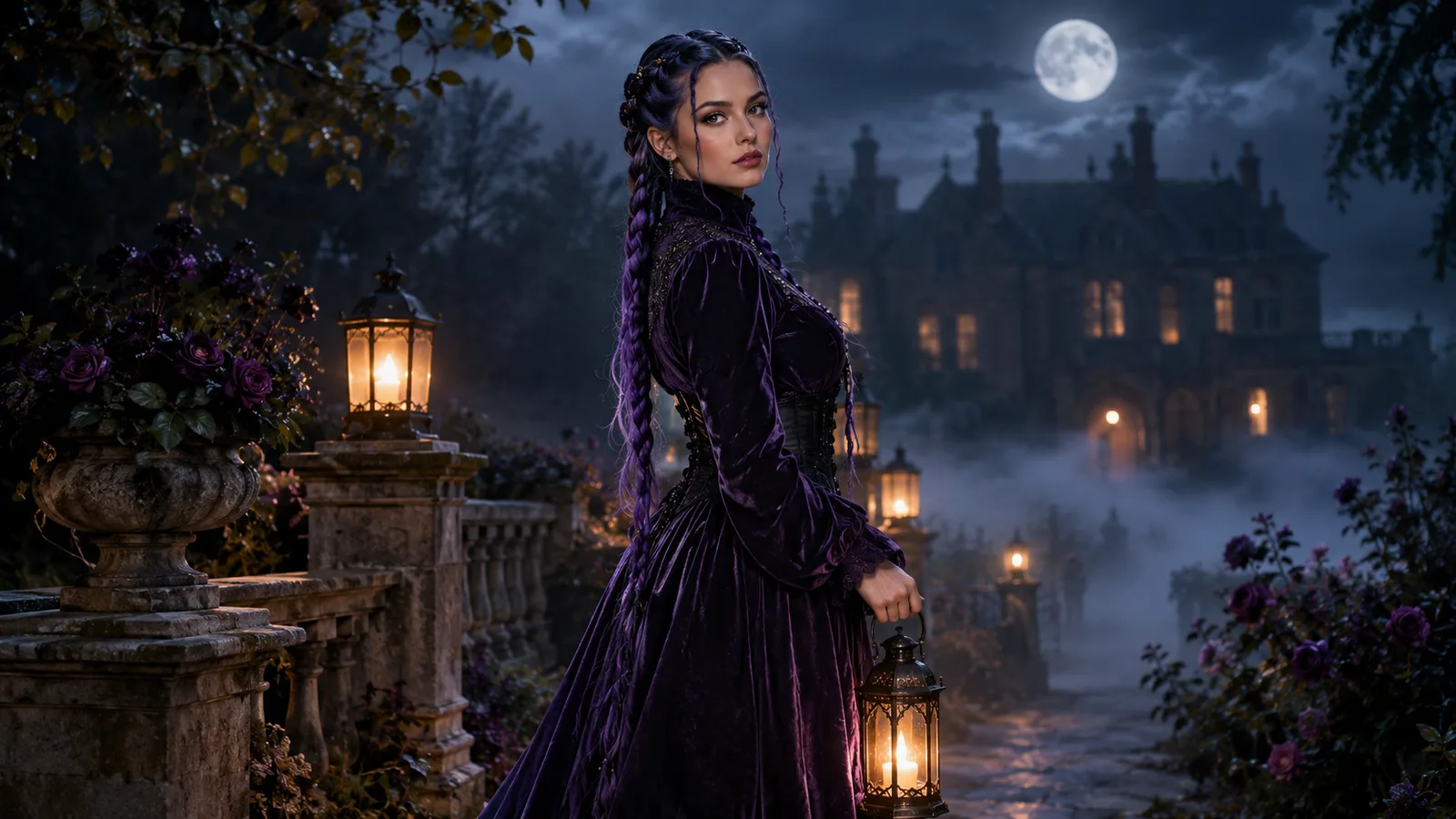
AI Halloween costume portrait with violet braids in a moonlit garden
6 presets

选择一个预设

选一个方向,把提示词应用到工作台,然后一次只改一个细节。

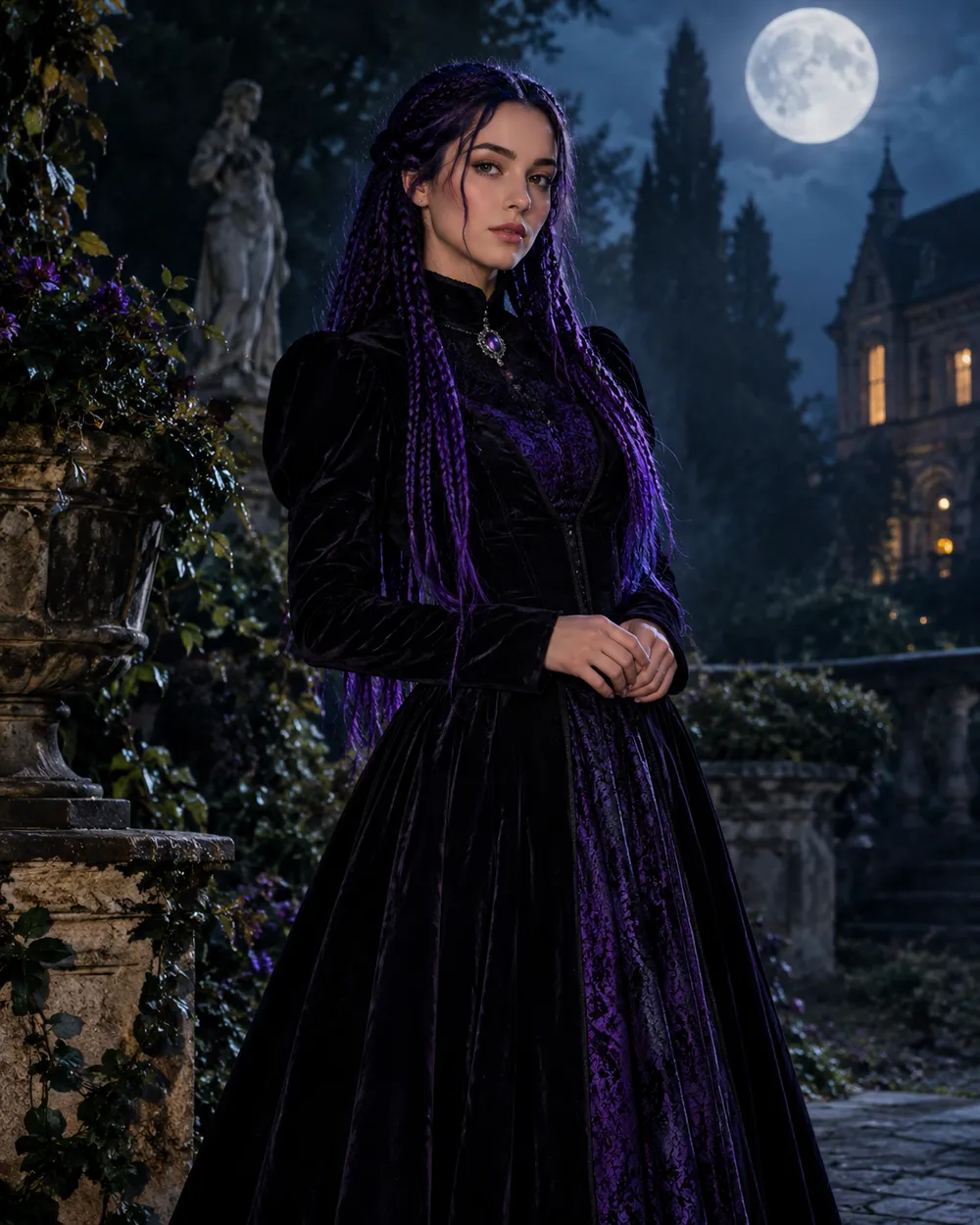
  • Midnight Braids AI Halloween costume portrait

    Midnight Braids

    Violet braids, gothic lace, moonlit garden.

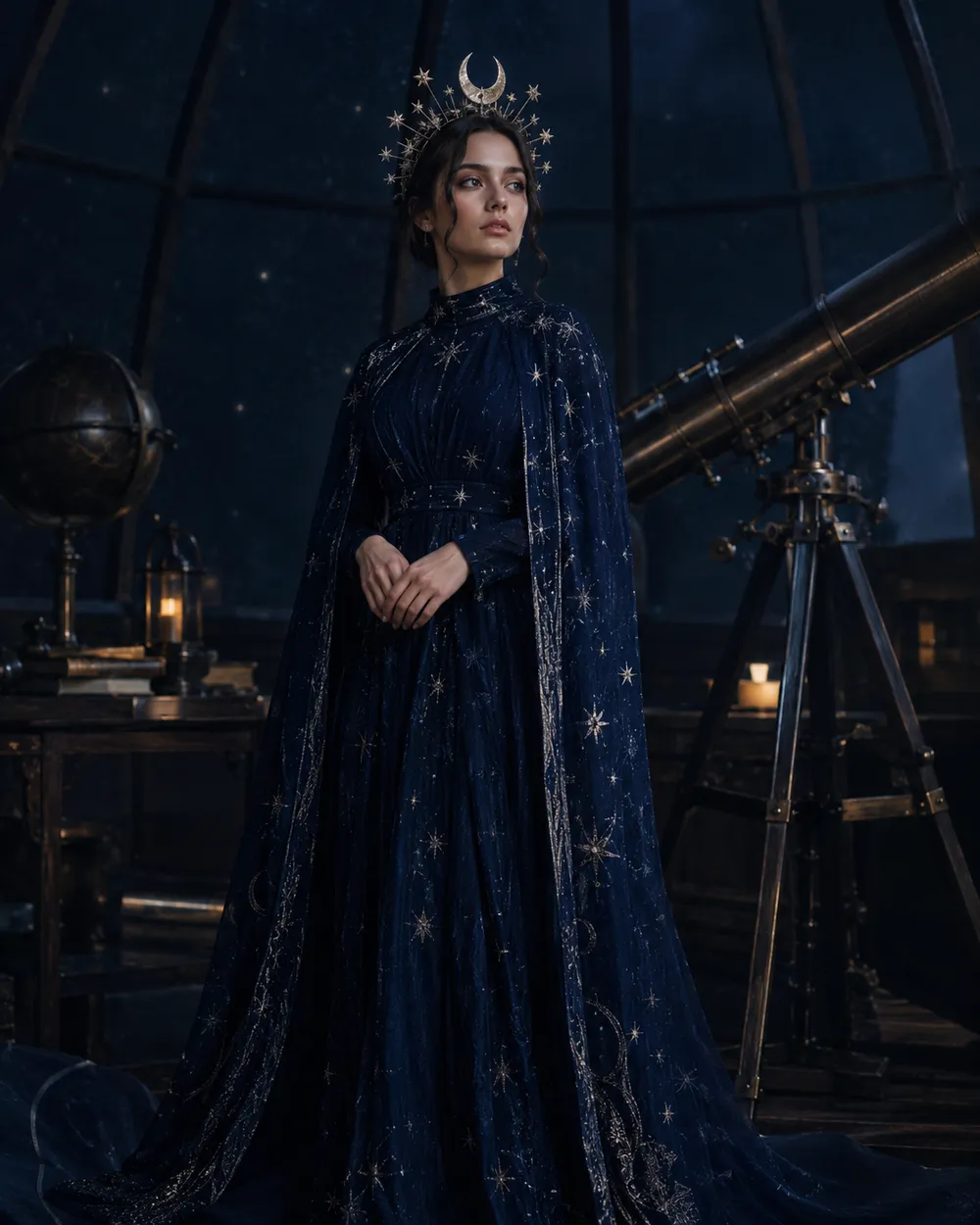
  • Cosmic Princess AI Halloween costume portrait

    Cosmic Princess

    Midnight-blue gown with glowing star detail.

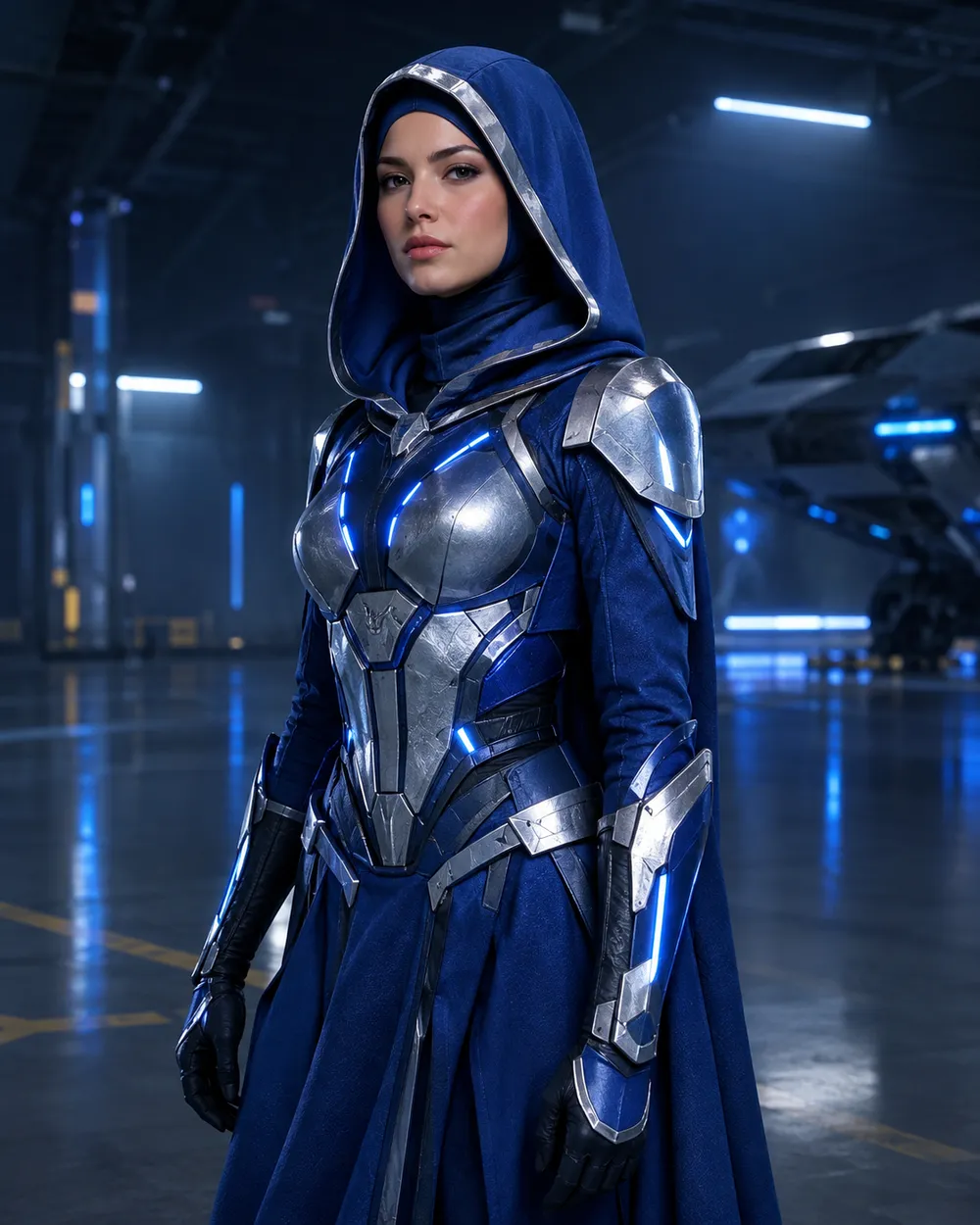
  • Galactic Hero AI Halloween costume portrait

    Galactic Hero

    Original sci-fi armor, no branded characters.

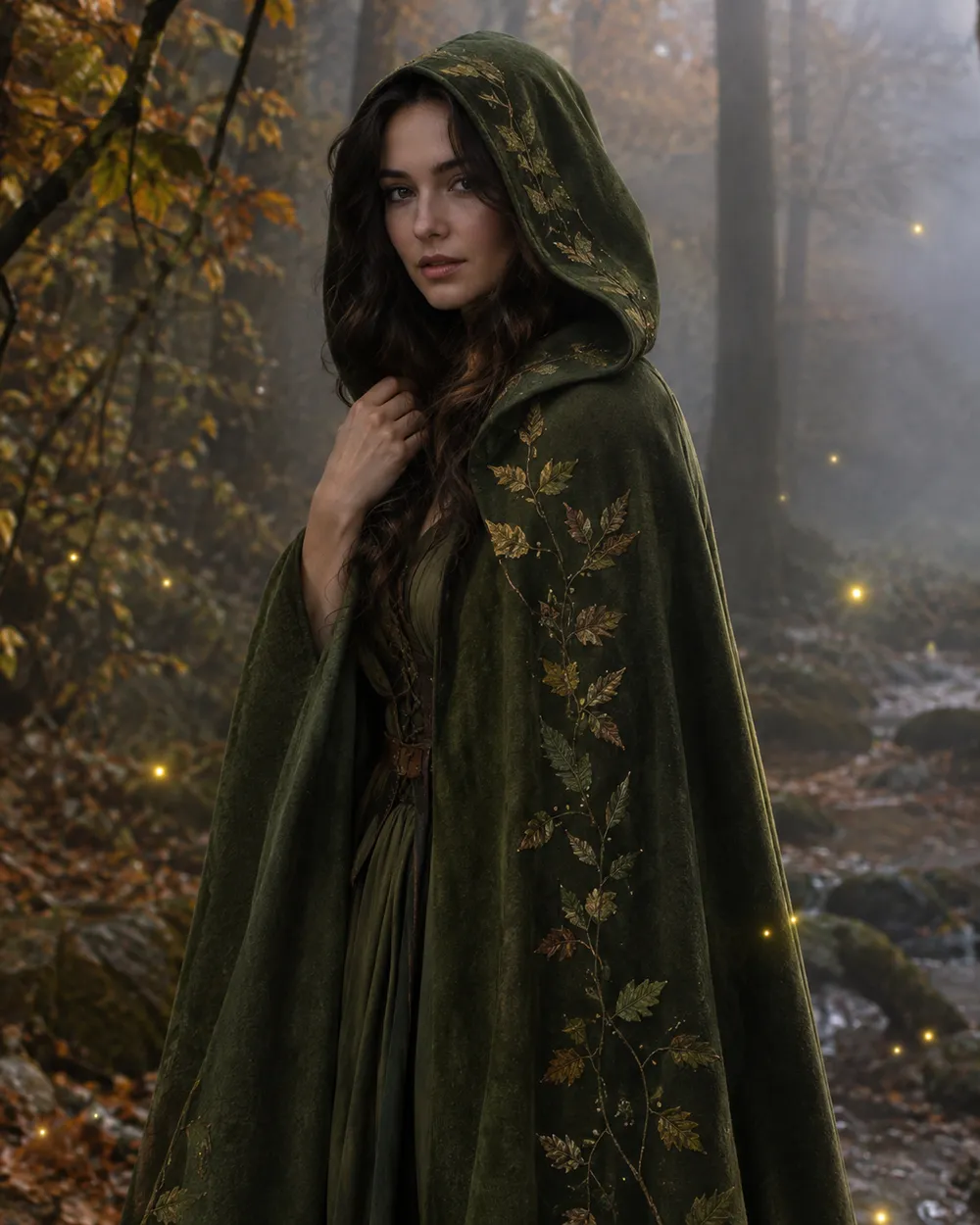
  • Forest Witch AI Halloween costume portrait

    Forest Witch

    Moss-green cloak, herbs, soft woodland fog.

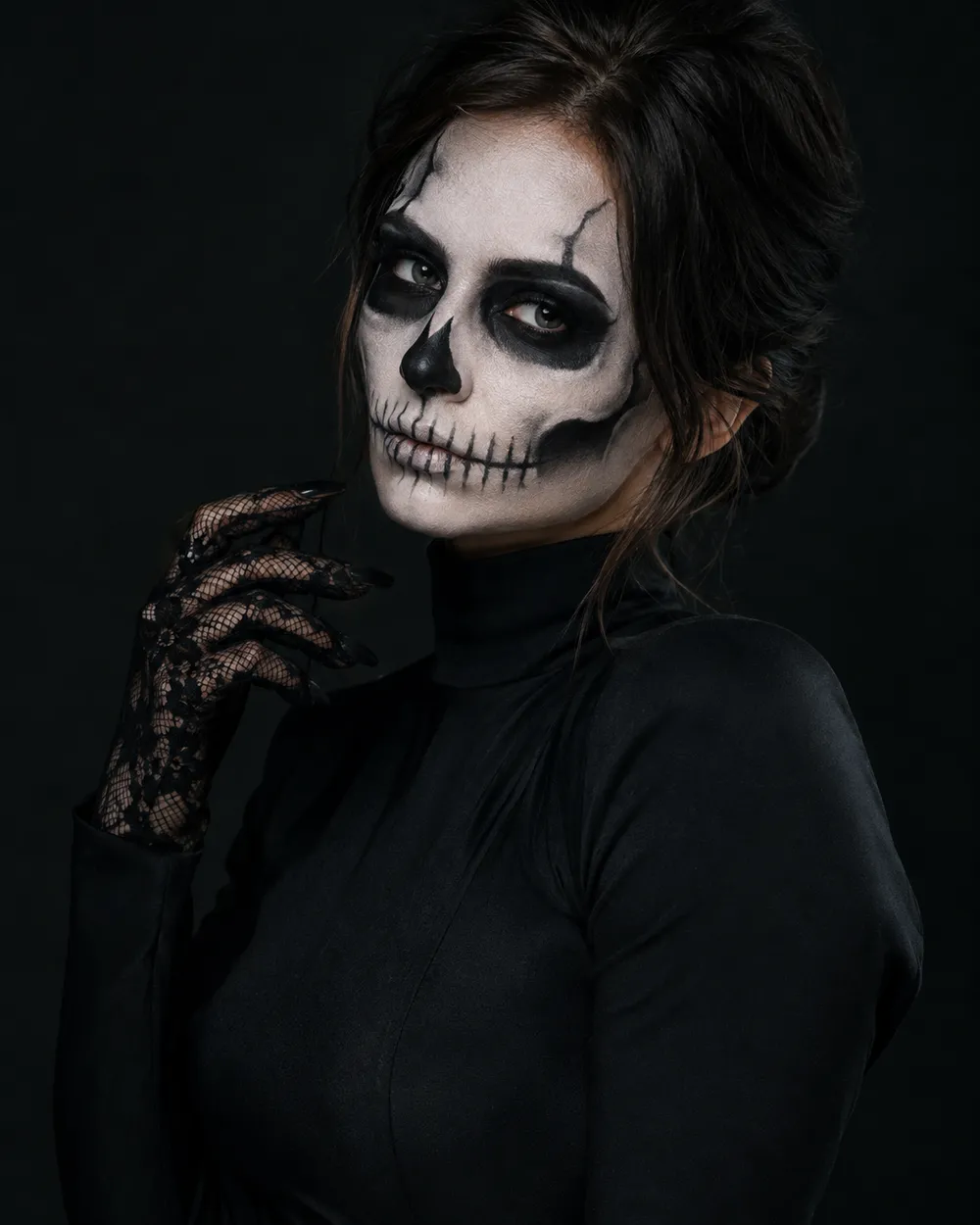
  • Skeleton Glam AI Halloween makeup portrait

    Skeleton Glam

    Editorial skeleton makeup, not gore.

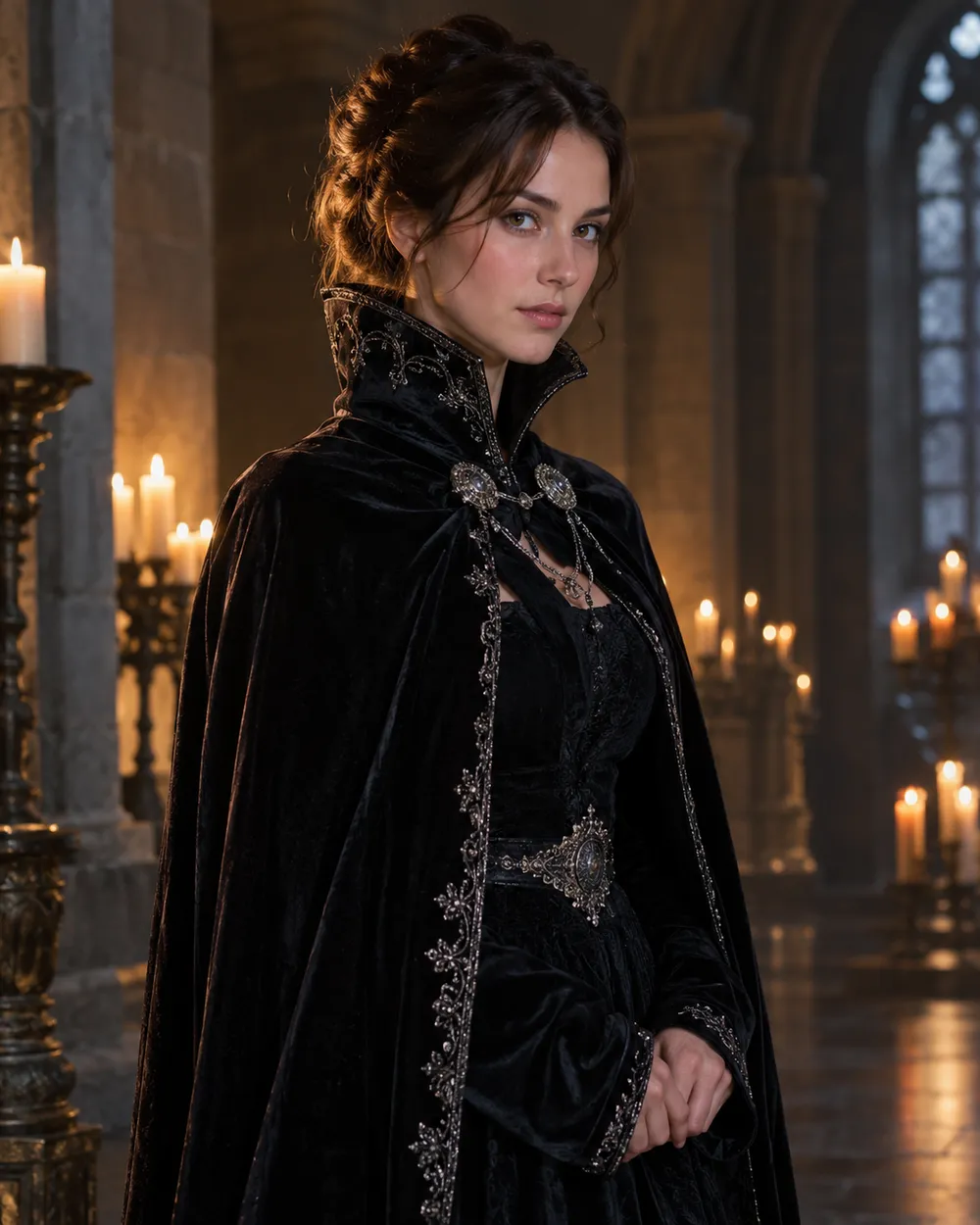
  • Vampire Royal AI Halloween costume portrait

    Vampire Royal

    Velvet cape, candlelit hall, refined horror.

生成模式

模型

快速选择

源图片 URL

上传支持 JPEG、PNG 或 WEBP 格式,最大 10MB。
or
(可选)

消耗 1 积分

0 / 4000

分辨率

画幅比例

输出格式

联网搜索

当上游支持时,允许模型调用联网搜索获取当前信息。

消耗 5 积分剩余 0 积分
预览
示例示例 Animate AI 静帧

在你第一次真正生成之前,这里会显示一张示例图。

使用流程

  1. 1

    选择造型

    从预设开始,或写下你自己的方向。

  2. 2

    上传照片

    使用清晰的正面照片,并确保你有权编辑这张照片。

  3. 3

    生成并微调

    运行任务,检查结果,每次重试只改一个变量。

What makes a good AI Halloween costume prompt

A useful costume prompt separates four things: what must stay the same, what should change, where the person should stand, and what the camera should look like. Identity preservation belongs in the first sentence. Costume, hair and accessories belong in the second. Background, lighting and lens style belong in the third. Negative rules belong at the end.

The presets on this page follow that order. You can edit any preset before generating. If a result changes the face too much, shorten the scene description and repeat the identity rule. If the outfit is too plain, add material words such as velvet, lace, leather, wool or metallic trim. If the background looks flat, add fog, practical lanterns or a shallow depth of field.

Costume ideas worth testing in 2026

The 2026 Halloween trend lists are full of recognizable characters, but a generator page should not pretend to own those characters. The practical approach is to translate the visual idea into an original preset: braided dark fantasy, cosmic princess, galactic armor, woodland witch, editorial skeleton makeup, and refined vampire royalty. Each one is a costume direction rather than a copy of a film still.

If you want to follow a specific trend, describe the visual traits instead of the trademarked name: color palette, hair shape, silhouette, fabric, props and setting. That gives the model a clearer target and keeps the output original enough to publish.

Photo tips before you upload

Use a front-facing photo with even light and no strong filter. Keep the full head and shoulders in frame, avoid heavy occlusion, and do not upload a photo of someone who has not agreed to this use. One person per photo gives the model the cleanest identity reference. For couples or groups, use a photo where every face is clearly visible and use the couple workflow instead.

AI editing is probabilistic. A good source photo improves identity retention, but it does not guarantee a perfect match. Review hands, hair edges, jewelry and background text before you publish. If a result looks wrong, change one variable at a time instead of rewriting the whole prompt.

常见问题

  1. 1

    Is the AI Halloween costume generator free?

    Browsing the presets, prompts and examples is free. Generation runs on purchased credits; the workspace shows the credit cost for the selected model and resolution before you submit a job.

  2. 2

    Which image models can I use?

    The image workspace exposes several KIE-hosted models, including GPT Image 2, Nano Banana 2, Nano Banana Edit, Seedream 5 Lite and FLUX 2 options. The exact list and credit cost appear in the model selector.

  3. 3

    Will the result keep my face?

    The presets explicitly ask the model to preserve facial identity, proportions and skin tone. Results still vary by source photo and model. Use a clear, evenly lit, front-facing photo and review the output before publishing.

  4. 4

    Can I upload a photo of a friend or family member?

    Only upload a photo when you have permission to edit and publish it. Do not use someone else’s face to create misleading or harmful content. The acceptable use and content moderation policies apply to every upload.

  5. 5

    Can I use the generated costume portrait commercially?

    Commercial use depends on the plan and the published terms. Review the Terms of Service and the model provider’s usage rules before using an output in an ad, product page or paid campaign.

  6. 6

    What if the costume looks wrong?

    Change one part of the prompt at a time. Start with the outfit, then the background, then the lighting. Keep the identity sentence unchanged so you can see which edit caused the problem.

指南与提示词拆解

相关工作流

从一个测试过的预设开始

打开工作台,应用预设,并在生成前查看积分估算。