跳到主要内容
节日预设包

万圣节 AI 提示词

复制自拍、服装、宠物、情侣、背景或短视频的测试提示词,然后每次只改一个变量。

复制经过测试的万圣节 AI 提示词,涵盖自拍、服装、宠物、情侣、背景和 5 秒视频。每次只改一个变量再生成。

  • 浏览器内运行,无需安装
  • 安全结账
  • 付费导出无水印

生成消耗已购买积分

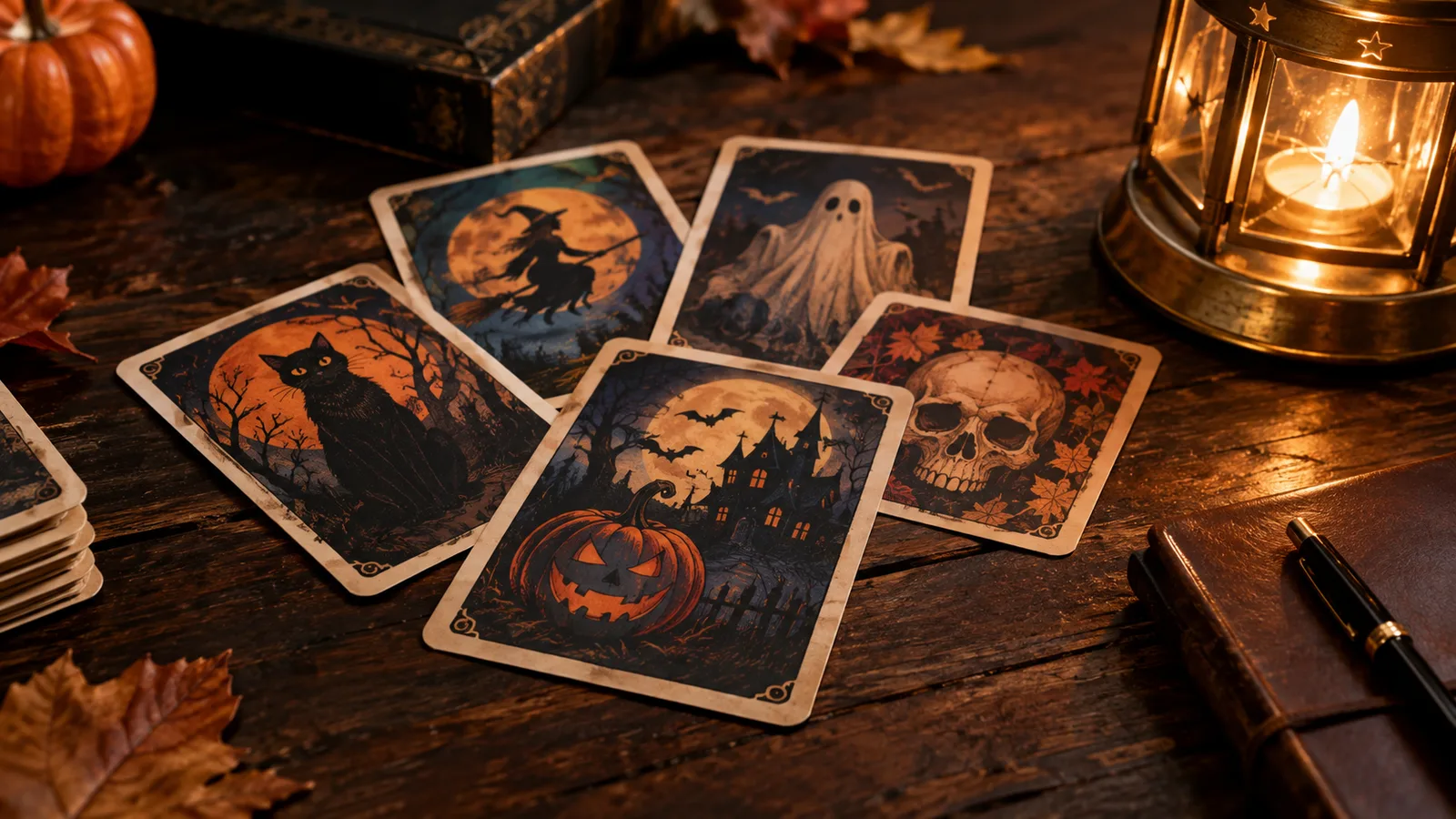
Halloween AI prompt library with costume, pet and couple prompt cards
6 presets

选择一个预设

选一个方向,把提示词应用到工作台,然后一次只改一个细节。

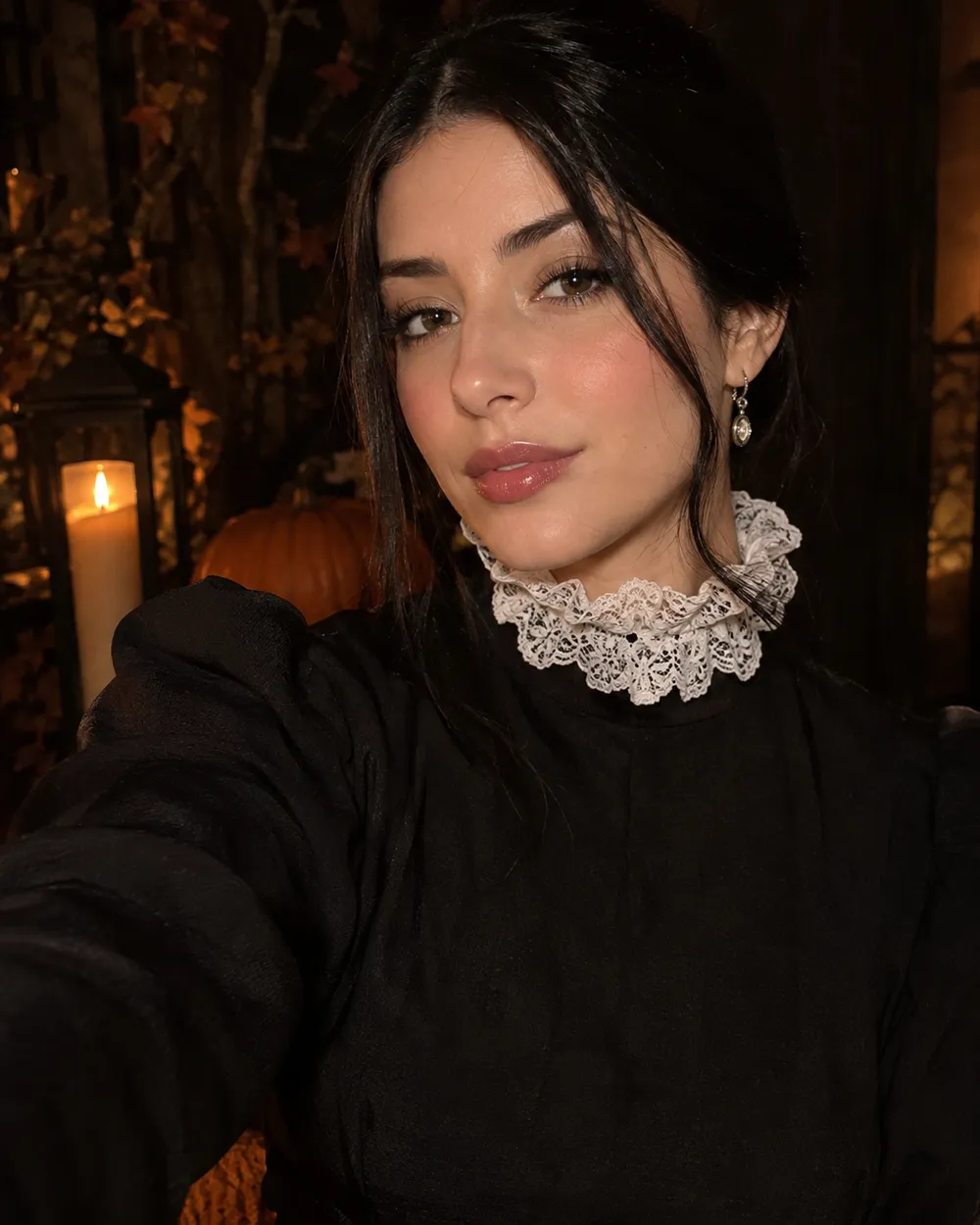
  • Halloween selfie AI prompt example

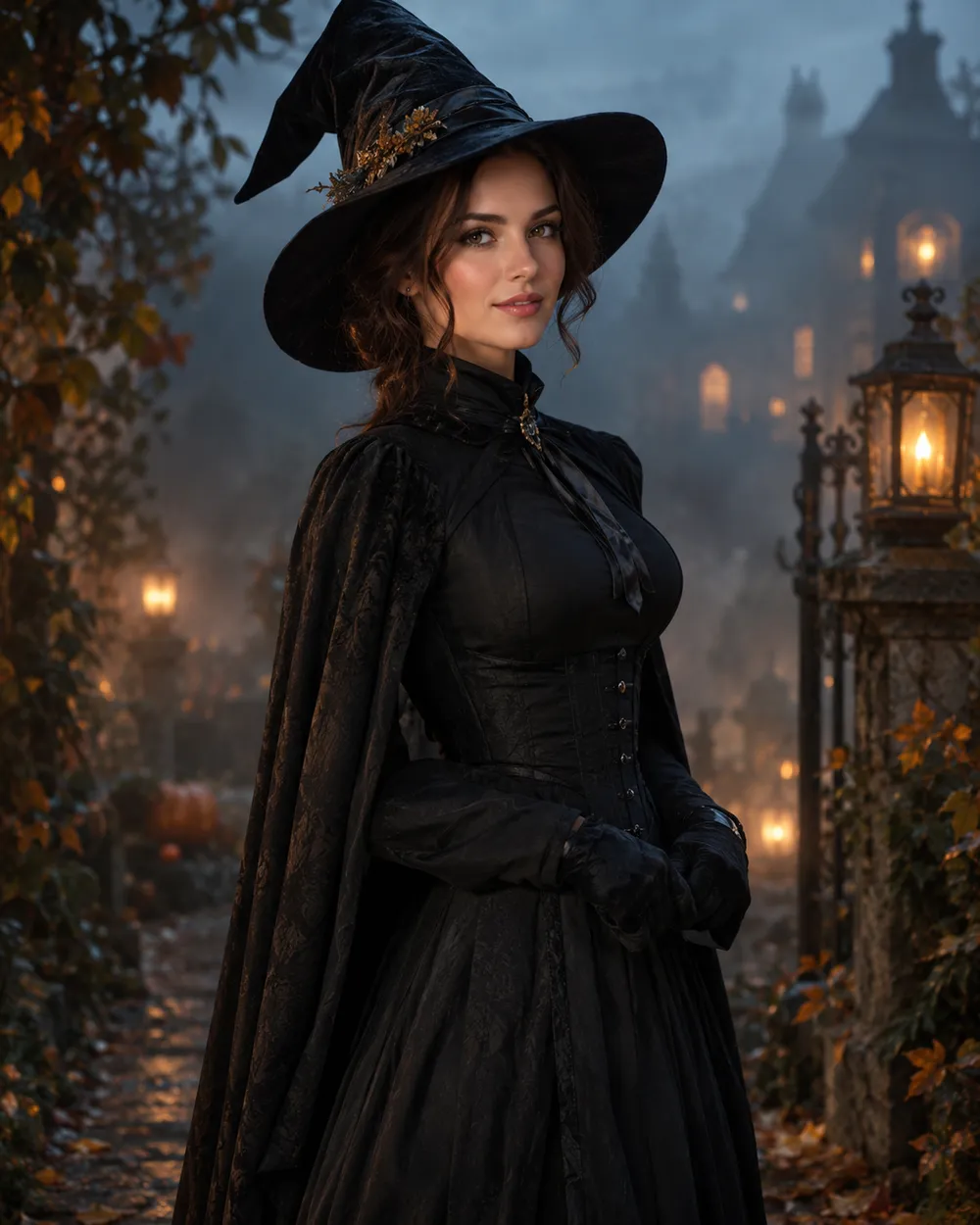
    Halloween Selfie

    A clean portrait prompt with identity rules.

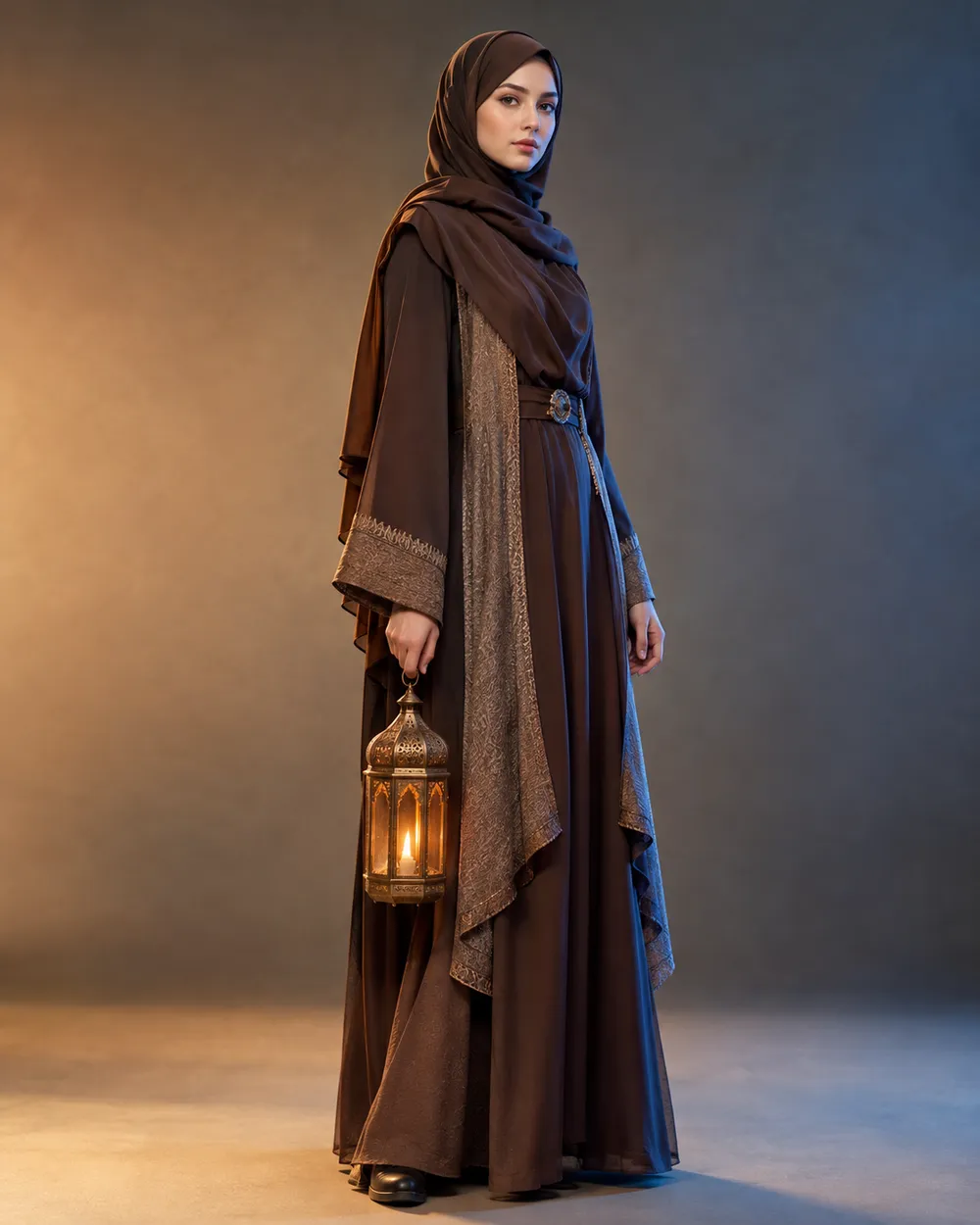
  • Halloween costume AI prompt example

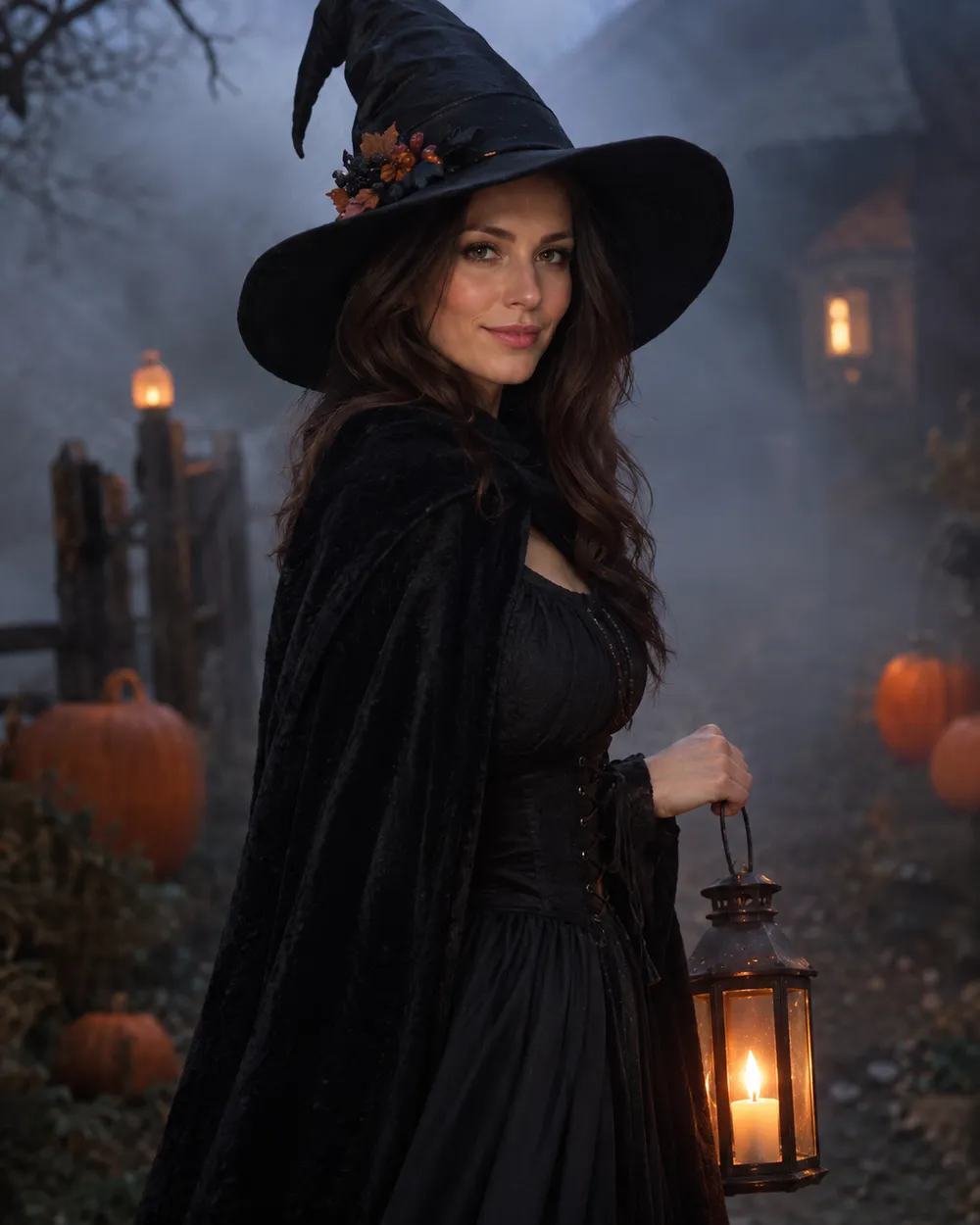
    Costume Portrait

    Full costume, one clear silhouette.

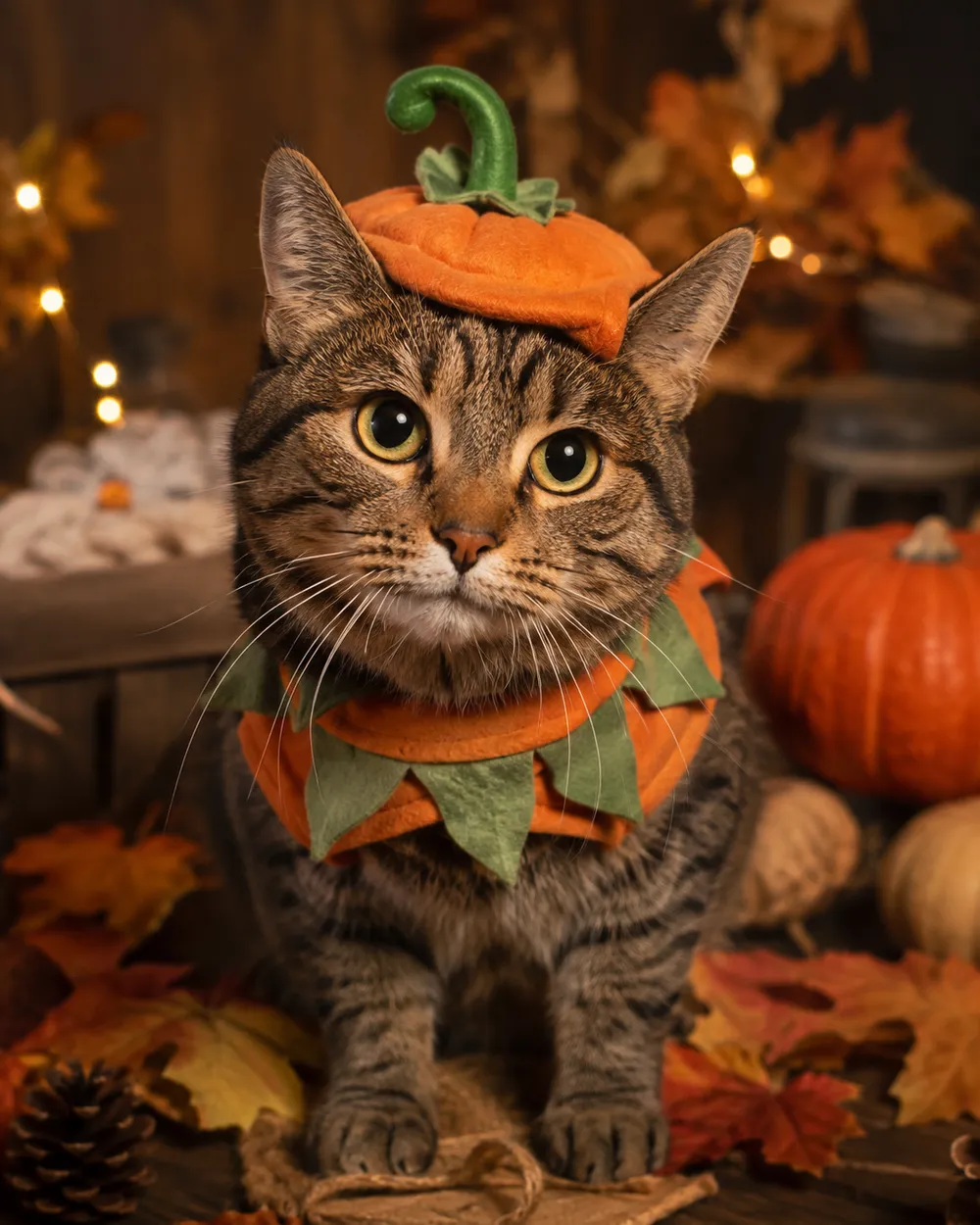
  • Halloween pet costume AI prompt example

    Pet Costume

    Preserve breed, fur and markings.

  • Halloween couple AI prompt example

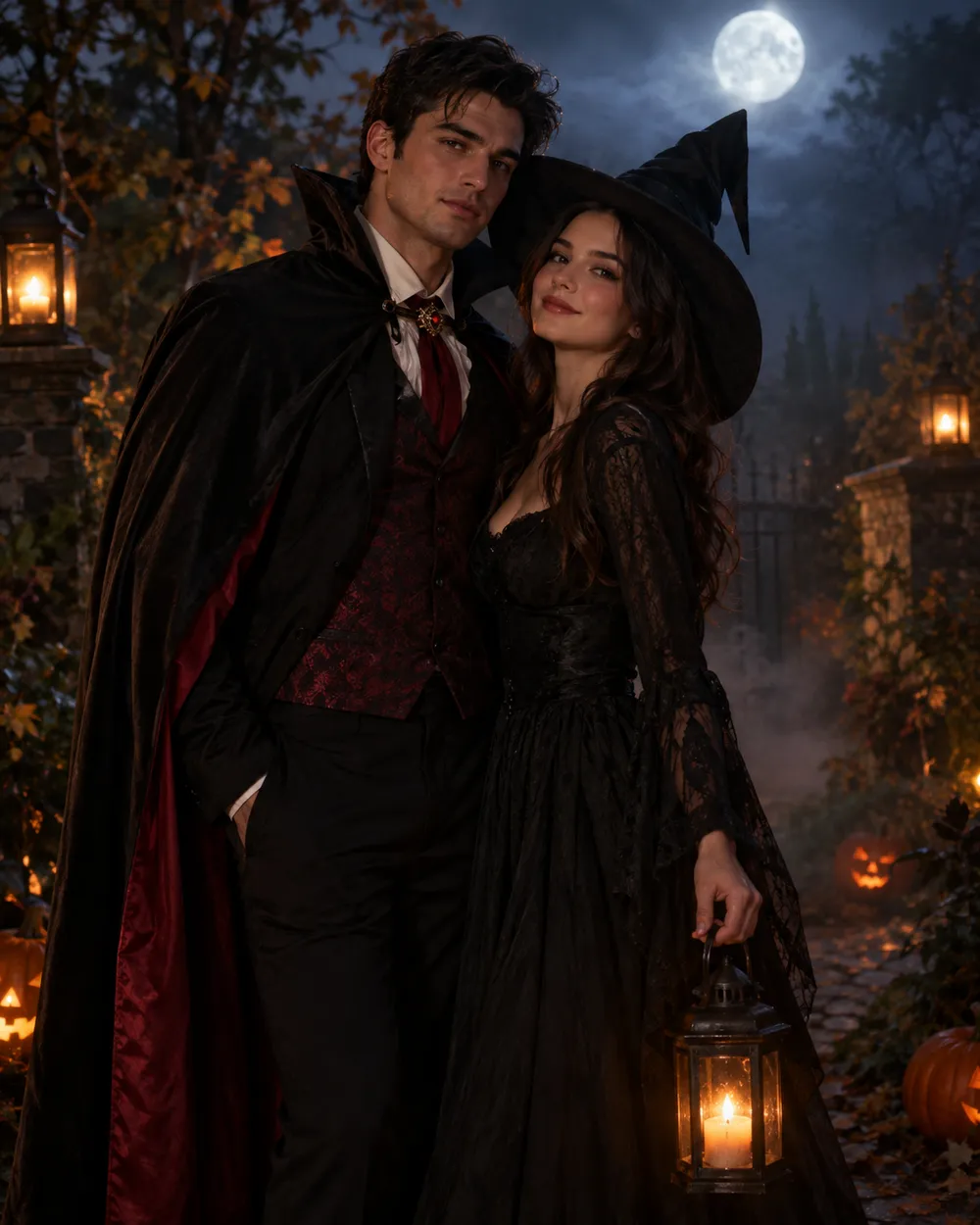
    Couple Portrait

    Two people, two identities, one scene.

  • Halloween image to video AI prompt example

    5-Second Motion

    A subtle head turn and drifting fog.

  • Halloween background AI prompt example

    Haunted Background

    Replace only the scene, keep the subject.

模型

快速选择

消耗 1 积分

0 / 4000

分辨率

画幅比例

输出格式

联网搜索

当上游支持时,允许模型调用联网搜索获取当前信息。

请先输入提示词再开始生成。

消耗 5 积分剩余 0 积分
预览
示例示例 Animate AI 静帧

在你第一次真正生成之前,这里会显示一张示例图。

使用流程

  1. 1

    选择造型

    从预设开始,或写下你自己的方向。

  2. 2

    上传照片

    使用清晰的正面照片,并确保你有权编辑这张照片。

  3. 3

    生成并微调

    运行任务,检查结果,每次重试只改一个变量。

The four-part Halloween prompt

Part one is the identity lock: who is in the photo and what must not change. Part two is the costume: garment, hair, accessories and silhouette. Part three is the scene: location, time of day, practical lights and weather. Part four is the camera and negative rules: lens, grade, anatomy, text and watermark exclusions.

If you are prompting a model without image input, replace the identity lock with a character description. Keep the rest of the structure. The model still needs a subject, an outfit, a place and a camera.

Prompts for Gemini and ChatGPT

Gemini and ChatGPT can rewrite a prompt, but they do not always know which details matter for an image model. Give them the four-part structure and ask them to preserve the identity sentence. Do not ask for a “viral” prompt; ask for a specific scene with a clear light source.

When you paste a prompt into a chat model, ask it to return only the final prompt. That makes it easier to copy into the image workspace without commentary. If the model adds extra characters or props, remove them before generating.

How to iterate without starting over

Change one variable per run. If the face is wrong, fix the identity sentence. If the costume is wrong, change the garment sentence. If the mood is wrong, change the light or grade. Keeping a short prompt log helps you see which change actually helped.

Save the prompt that worked. Seasonal pages are reused every year, and a tested prompt is more valuable than a long list of untested ones.

常见问题

  1. 1

    Can I use these prompts in Gemini or ChatGPT?

    Yes. Paste the prompt into the chat and ask for the final prompt only. If you are using an image model, paste the same text into the image workspace. Results differ by model.

  2. 2

    Do I need to upload a photo?

    Only for the image-edit prompts. The text-to-image prompts work from a written description. For identity preservation, upload a clear photo.

  3. 3

    Why do the prompts repeat the identity rule?

    Image models can drift toward a generic face. Repeating the identity rule at the start and end of the prompt reduces that drift. It is not a guarantee, but it helps.

  4. 4

    Can I translate a prompt into another language?

    Yes, but test the translated prompt. Some models are more reliable in English. If the result changes, keep the scene description in English and translate only the UI.

  5. 5

    Are these prompts free to copy?

    Yes. Copy and adapt them for your own projects. Review the model provider’s terms before commercial use.

  6. 6

    Which prompt should I start with?

    Start with the Halloween Selfie prompt. It has the fewest variables and gives you a clean baseline for judging identity retention.

指南与提示词拆解

相关工作流

从一个测试过的预设开始

打开工作台,应用预设,并在生成前查看积分估算。