跳到主要内容
节日预设包

情侣万圣节服装生成器

每人上传一张清晰照片,选择协调的造型方向,生成双人万圣节肖像。

用两张清晰照片生成协调的双人万圣节肖像。保留两张脸,避免多出人物或换脸。

  • 浏览器内运行,无需安装
  • 安全结账
  • 付费导出无水印

生成消耗已购买积分

Two-person Halloween costume portrait in a moonlit garden with coordinated outfits
6 presets

选择一个预设

选一个方向,把提示词应用到工作台,然后一次只改一个细节。

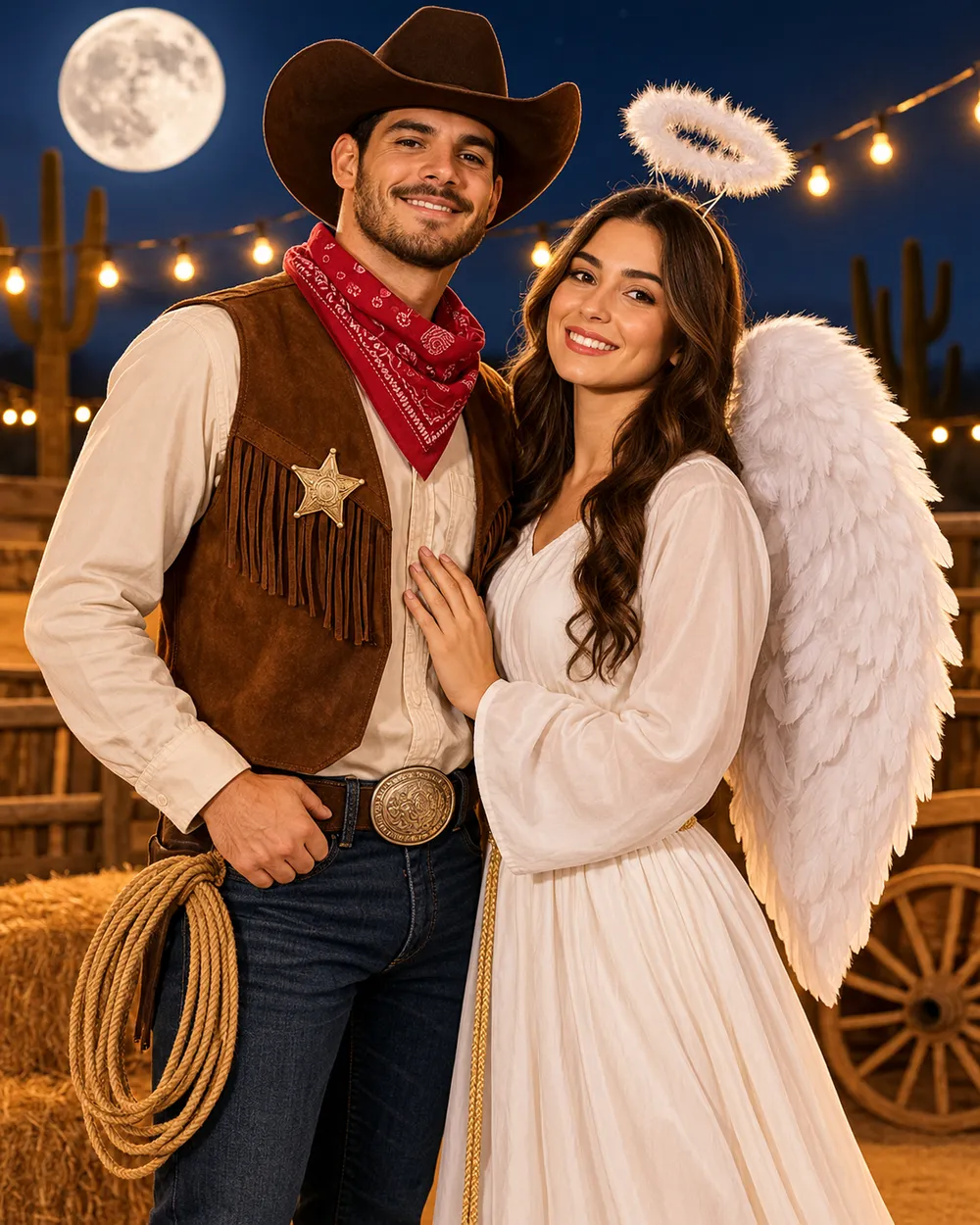
  • Cowboy and angel couple Halloween costume portrait

    Cowboy & Angel

    One warm western look, one soft celestial look.

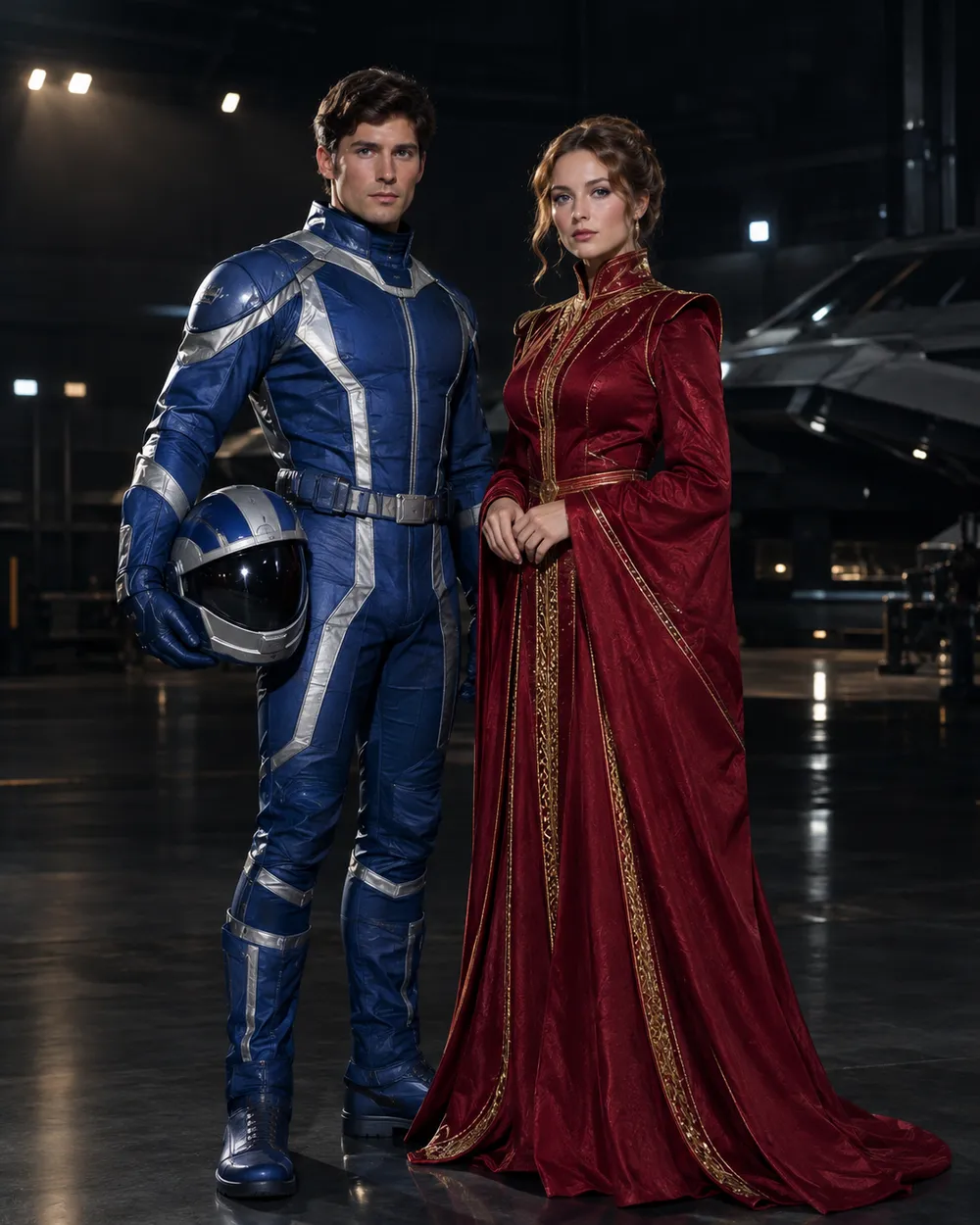
  • Original sci-fi couple Halloween costume portrait

    Star Visor

    An original exploration suit and a crimson-gold gown.

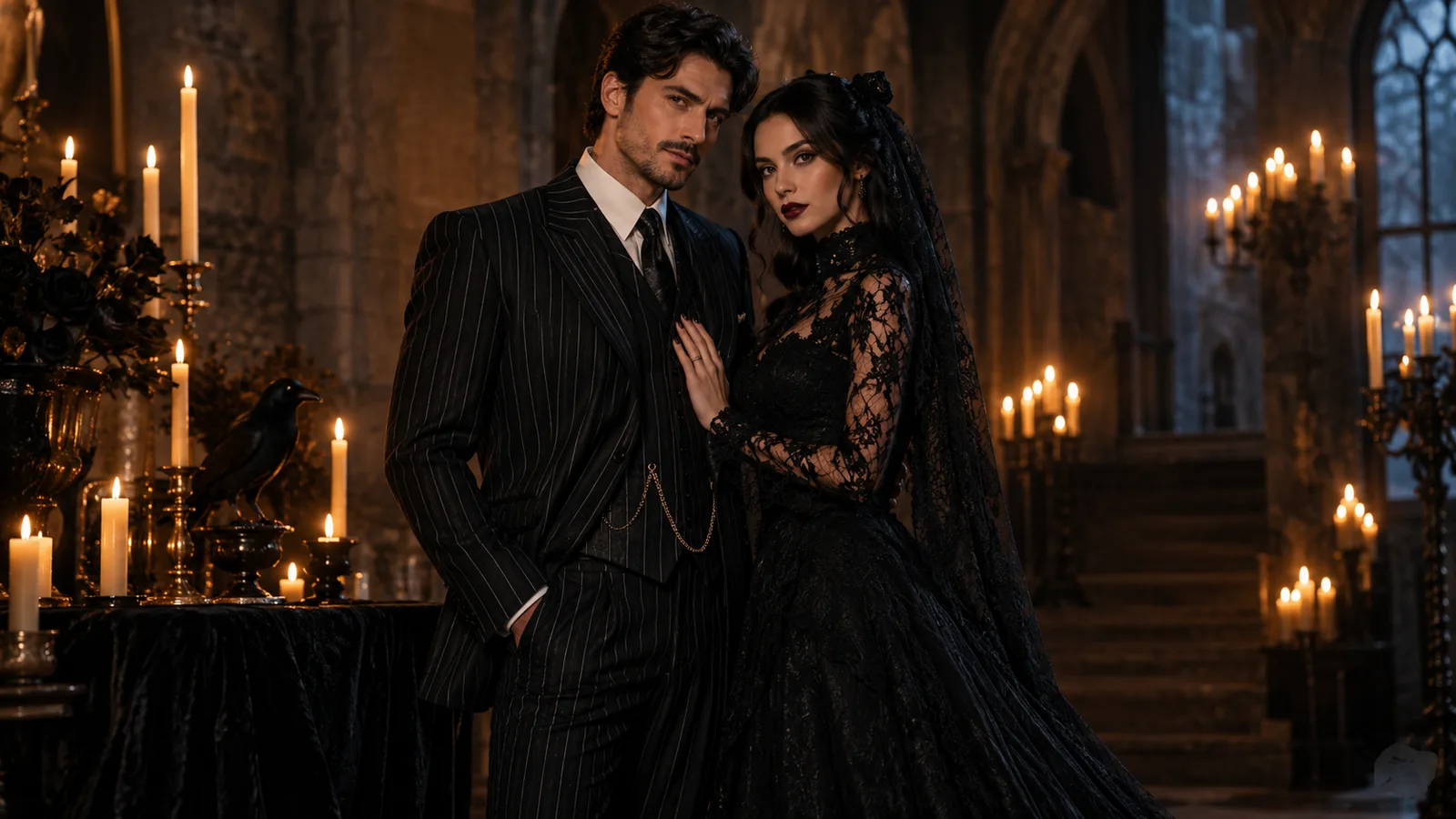
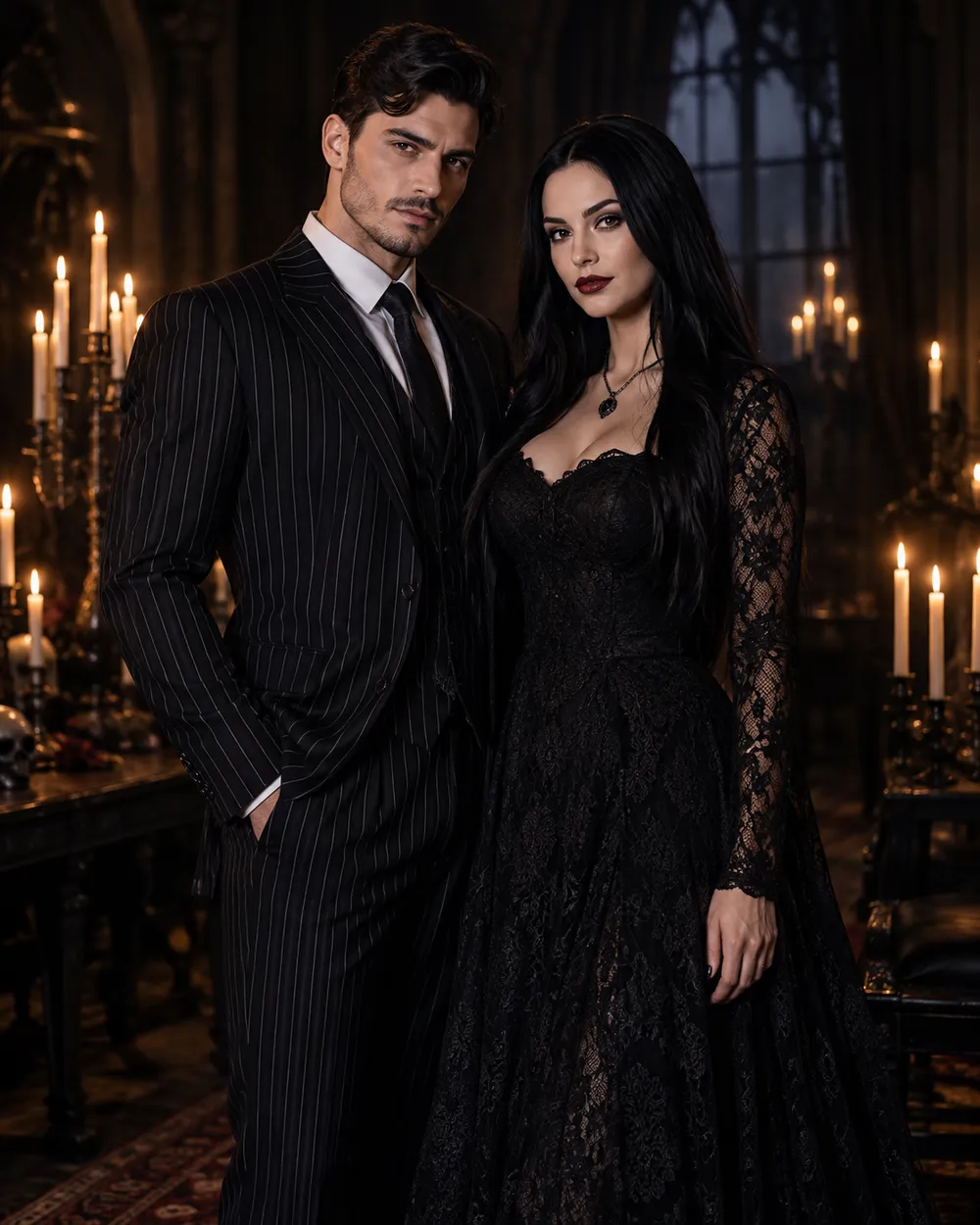
  • Gothic couple Halloween costume portrait

    Gothic Duo

    Black tailoring, lace and candlelight.

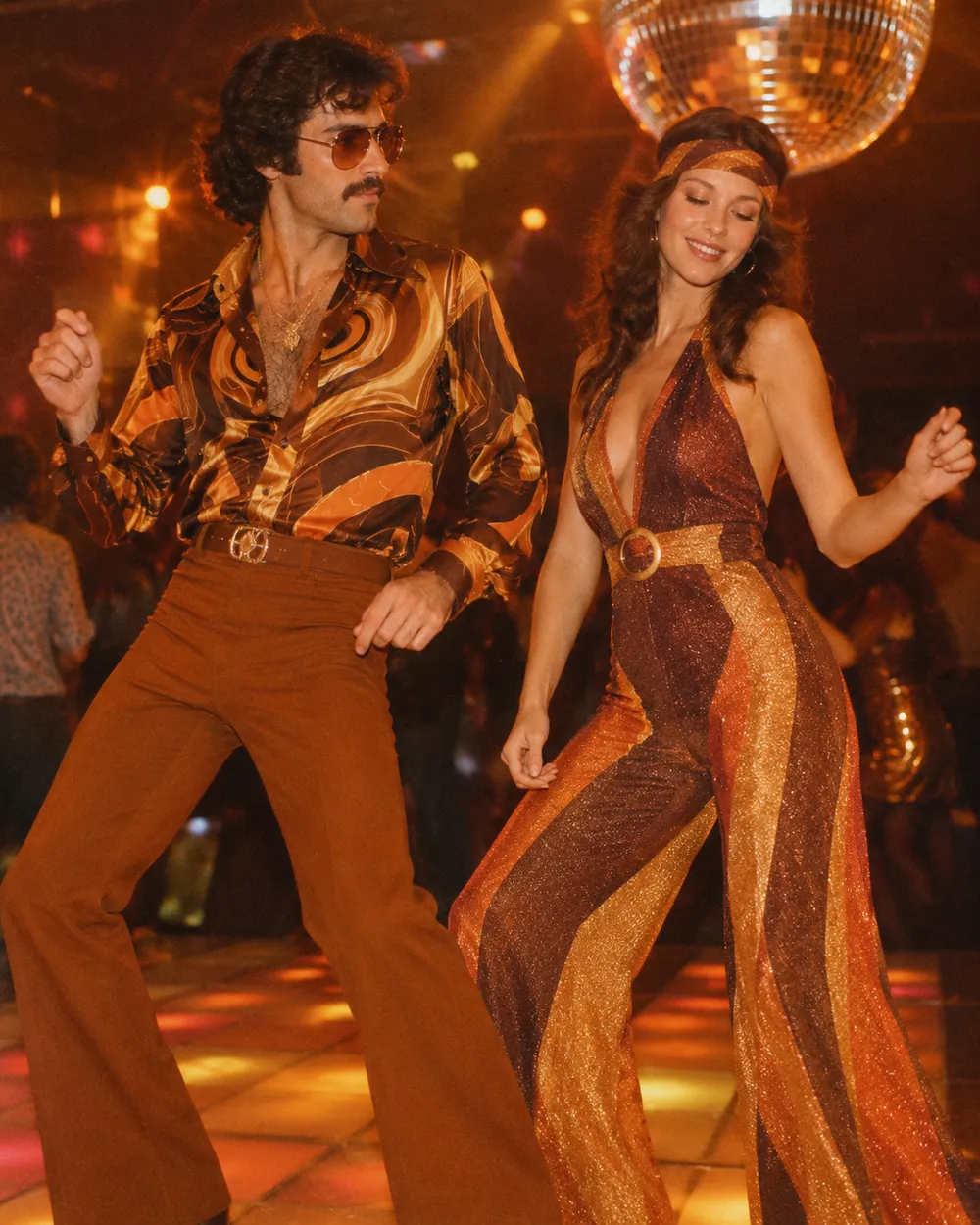
  • Disco couple Halloween costume portrait

    Disco Duo

    Brown and orange retro looks with a warm grade.

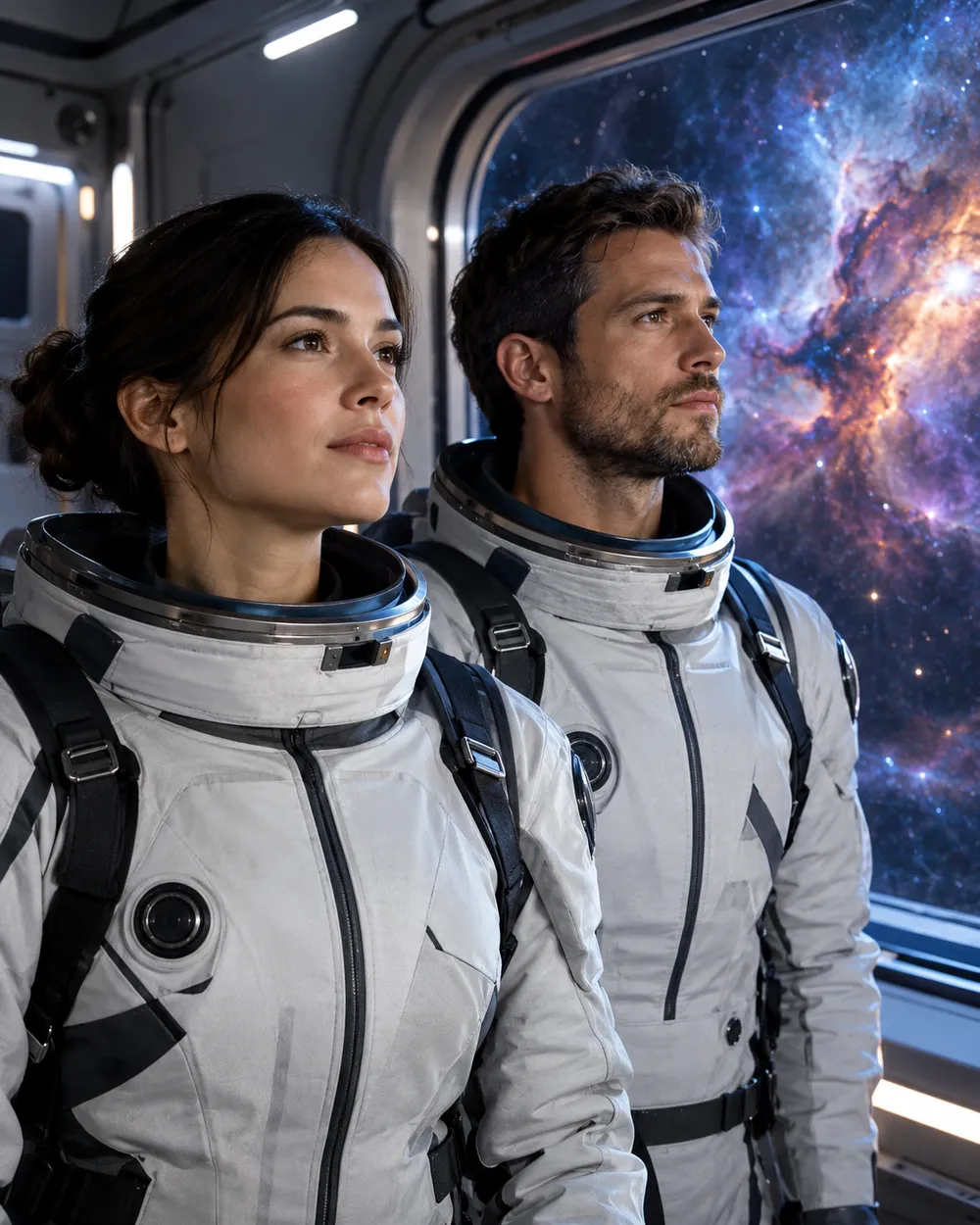
  • Space couple Halloween costume portrait

    Space Duo

    Coordinated flight suits and a nebula backdrop.

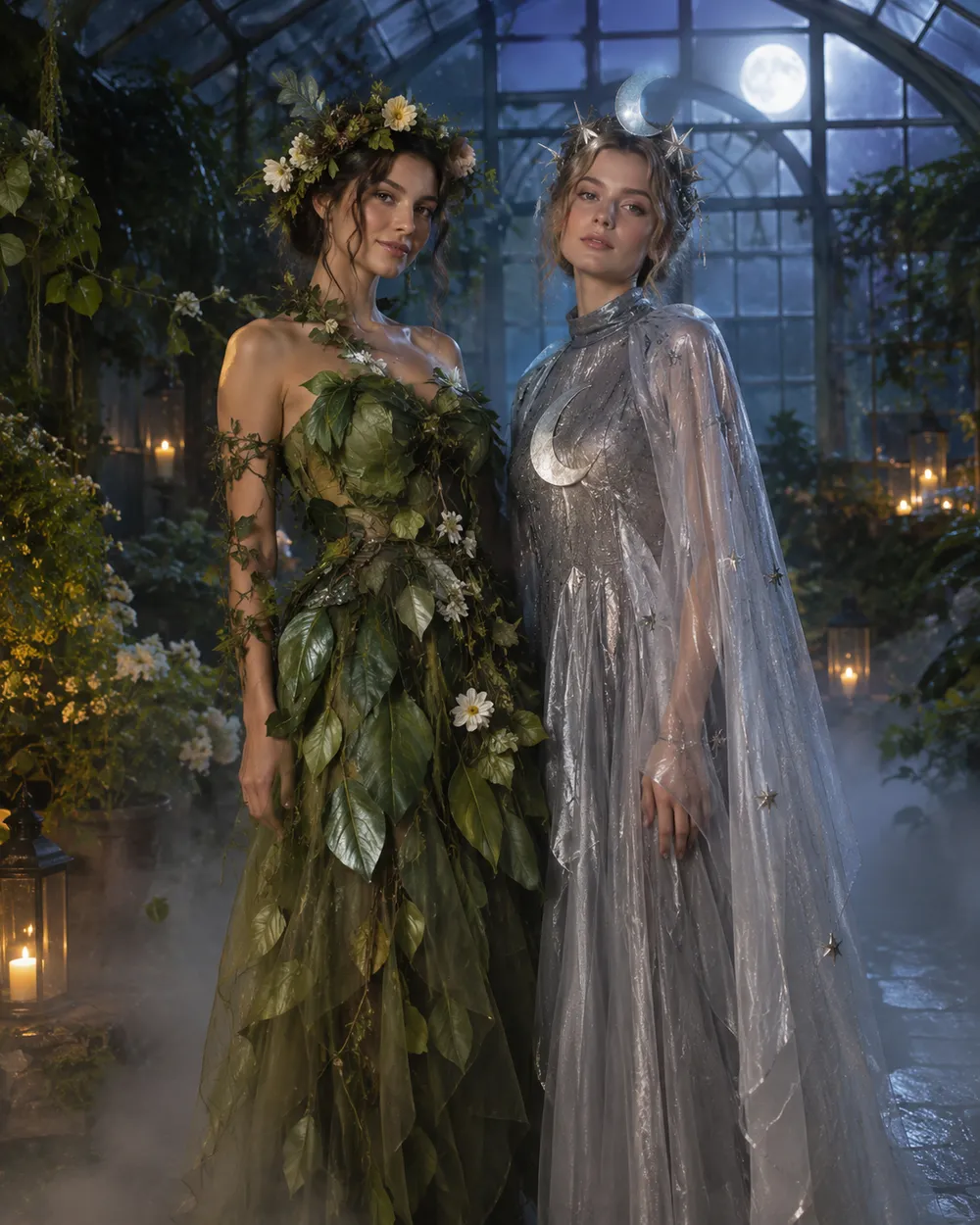
  • Flower and moon couple Halloween costume portrait

    Flower & Moon

    Soft botanical looks for a romantic card.

生成模式

模型

快速选择

源图片 URL

上传支持 JPEG、PNG 或 WEBP 格式,最大 10MB。
or
(可选)

消耗 1 积分

0 / 4000

分辨率

画幅比例

输出格式

联网搜索

当上游支持时,允许模型调用联网搜索获取当前信息。

消耗 5 积分剩余 0 积分
预览
示例示例 Animate AI 静帧

在你第一次真正生成之前,这里会显示一张示例图。

使用流程

  1. 1

    选择造型

    从预设开始,或写下你自己的方向。

  2. 2

    上传照片

    使用清晰的正面照片,并确保你有权编辑这张照片。

  3. 3

    生成并微调

    运行任务,检查结果,每次重试只改一个变量。

The two-photo workflow

Use one photo per person, both front-facing, both evenly lit, both with the full head and shoulders visible. Do not use a group photo and ask the model to isolate two people; that adds ambiguity. If you only have a couple photo, crop each person into a separate reference if the resolution allows it.

In the prompt, name both people in the same sentence and repeat the two-person rule. Ask for coordinated costumes, not identical costumes. Coordinated looks read better because each person keeps a distinct silhouette.

Avoiding face swaps and extra people

Face swapping is the most common failure. It happens when the model has two references but no clear mapping between reference and person. Describe the left and right person explicitly, or describe each costume separately, then state “exactly two people.”

Extra people appear when the scene description implies a crowd. Remove words like party, guests, group or audience. Use an empty garden, hallway or studio instead. Check hands, arms and shoulders at full resolution.

Coordinated, not matching

The best couple costumes share a palette or a story, not the same garment. One person can carry the warm color and the other the cool color. One can wear the armor and the other the cape. That contrast makes the photo readable and gives each person a clear silhouette.

If you want a matching look, match the fabric or the era instead of the exact outfit. It looks more intentional and gives the model less to blend.

常见问题

  1. 1

    How many photos do I need?

    Use one clear photo per person. Two front-facing photos with even light produce the most stable result. A single group photo is harder to control.

  2. 2

    Why do the faces sometimes swap?

    The model can blend two identity references. Describe each person and costume explicitly, repeat “exactly two people,” and avoid crowd words in the scene description.

  3. 3

    Can I use a photo with two people already in it?

    Yes, but the result is less predictable. If possible, crop each person into a separate reference photo before uploading.

  4. 4

    Can I make a matching costume instead of a coordinated one?

    Yes. Match the fabric or era rather than the exact garment. Matching the exact outfit increases the chance of face blending.

  5. 5

    Can I generate a group of three or four?

    It is possible but harder. Generate the couple first, then add more people in a separate edit or composite the images in an editor.

  6. 6

    Which preset is easiest for a first try?

    Start with Gothic Duo or Disco Duo. Both have clear silhouettes and a simple two-person composition.

指南与提示词拆解

相关工作流

从一个测试过的预设开始

打开工作台,应用预设,并在生成前查看积分估算。