


跳到主要内容
节日预设包

AI 视频生成器黑五 2026

用 6 个运动预设、清晰的积分估算和真实价格,在促销前准备好产品短片。

用 6 个运动预设、透明的积分价格和在线 Seedance 工作台,提前准备黑五与网一产品视频。

  • 浏览器内运行,无需安装
  • 安全结账
  • 付费导出无水印

生成消耗已购买积分

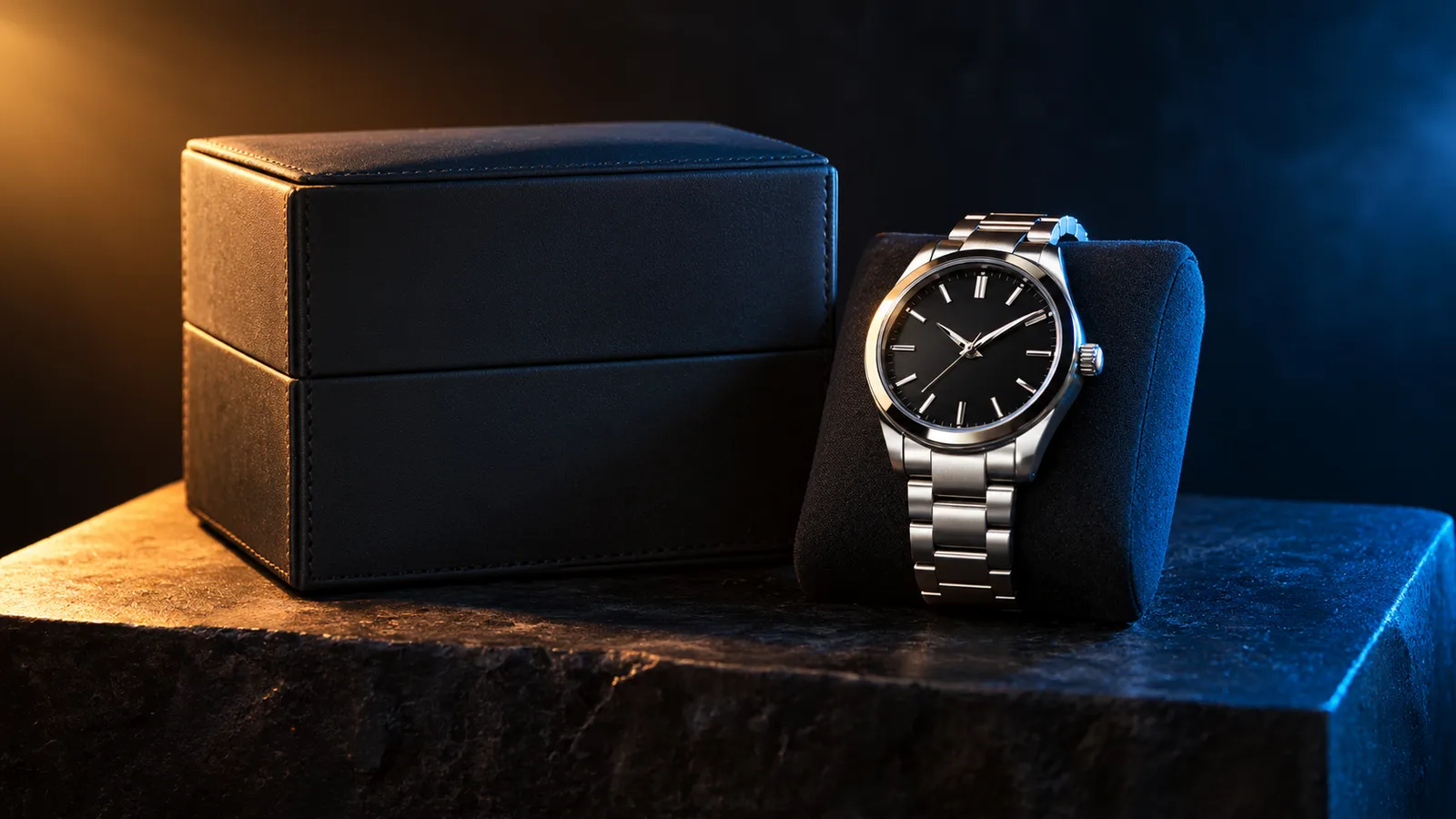
Black Friday product video storyboard with a dark studio and warm rim light
6 presets

选择一个预设

选一个方向,把提示词应用到工作台,然后一次只改一个细节。

  • Black Friday deal teaser AI video preset

    Deal Teaser

    A five-second product tease with a slow push-in.

  • Black Friday countdown AI video preset

    Countdown

    A dramatic light sweep for a launch post.

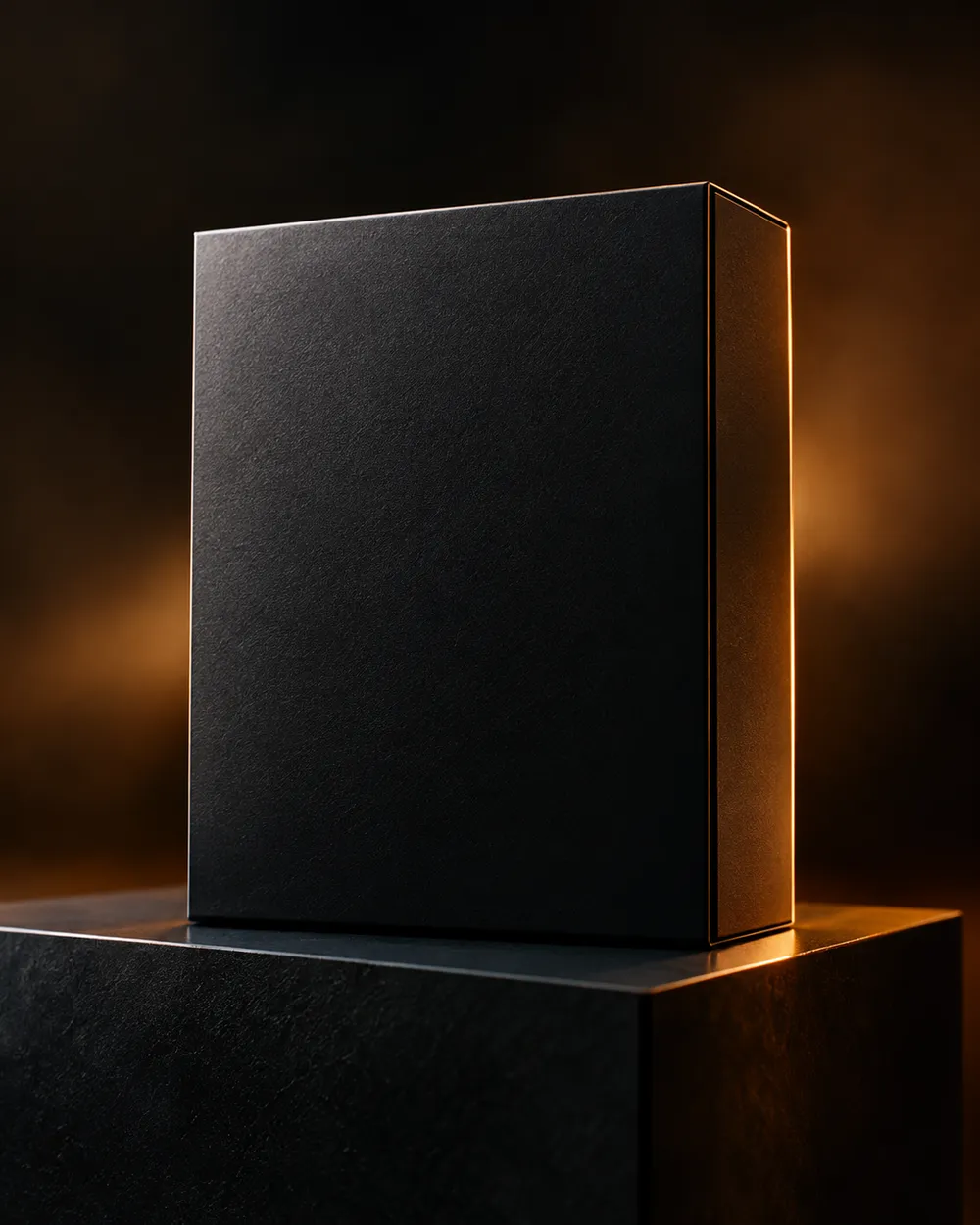
  • Black Friday unboxing AI video preset

    Unboxing

    A clean open-box reveal without hands.

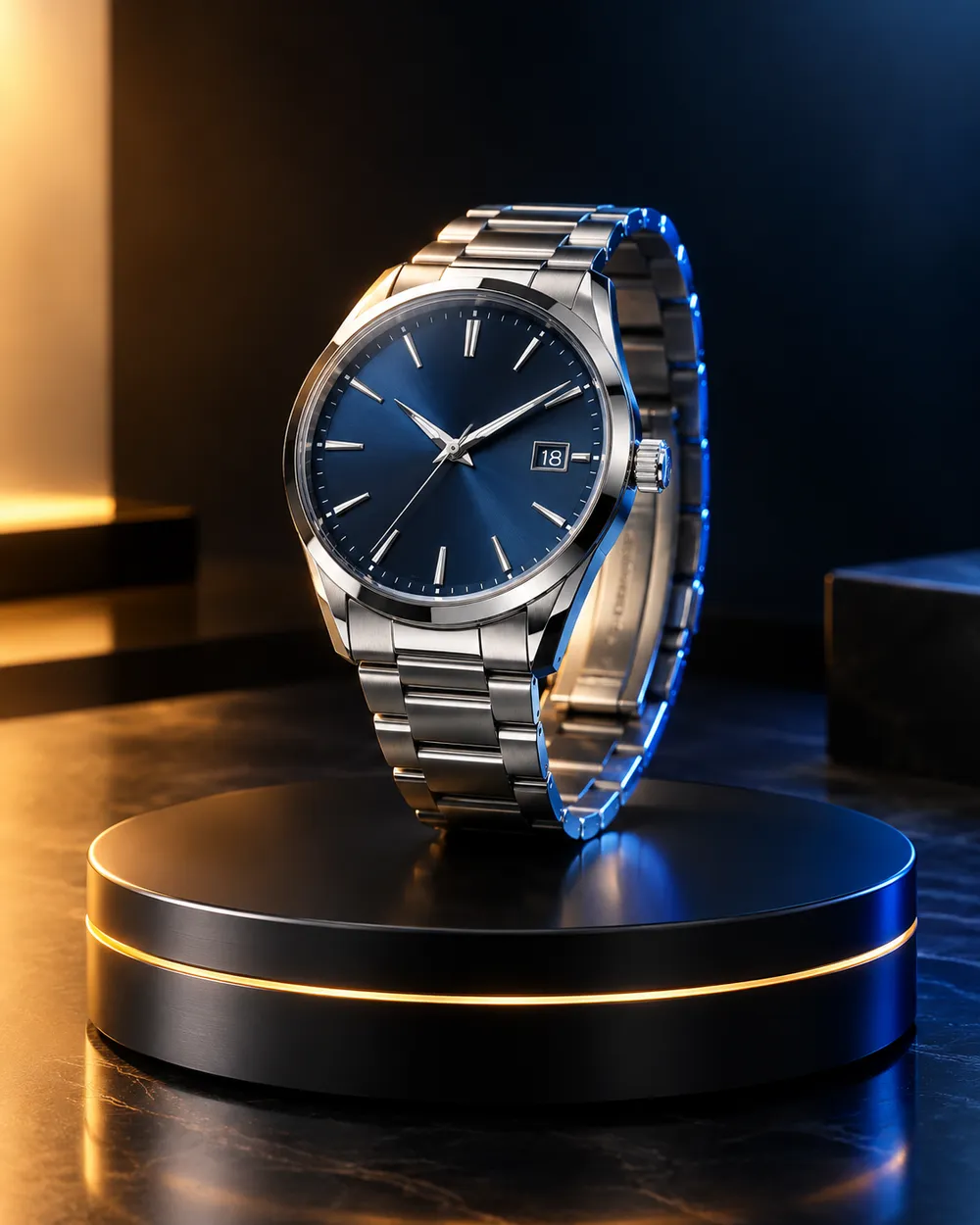
  • Black Friday hero ad AI video preset

    Hero Ad

    A slow turntable for a premium product.

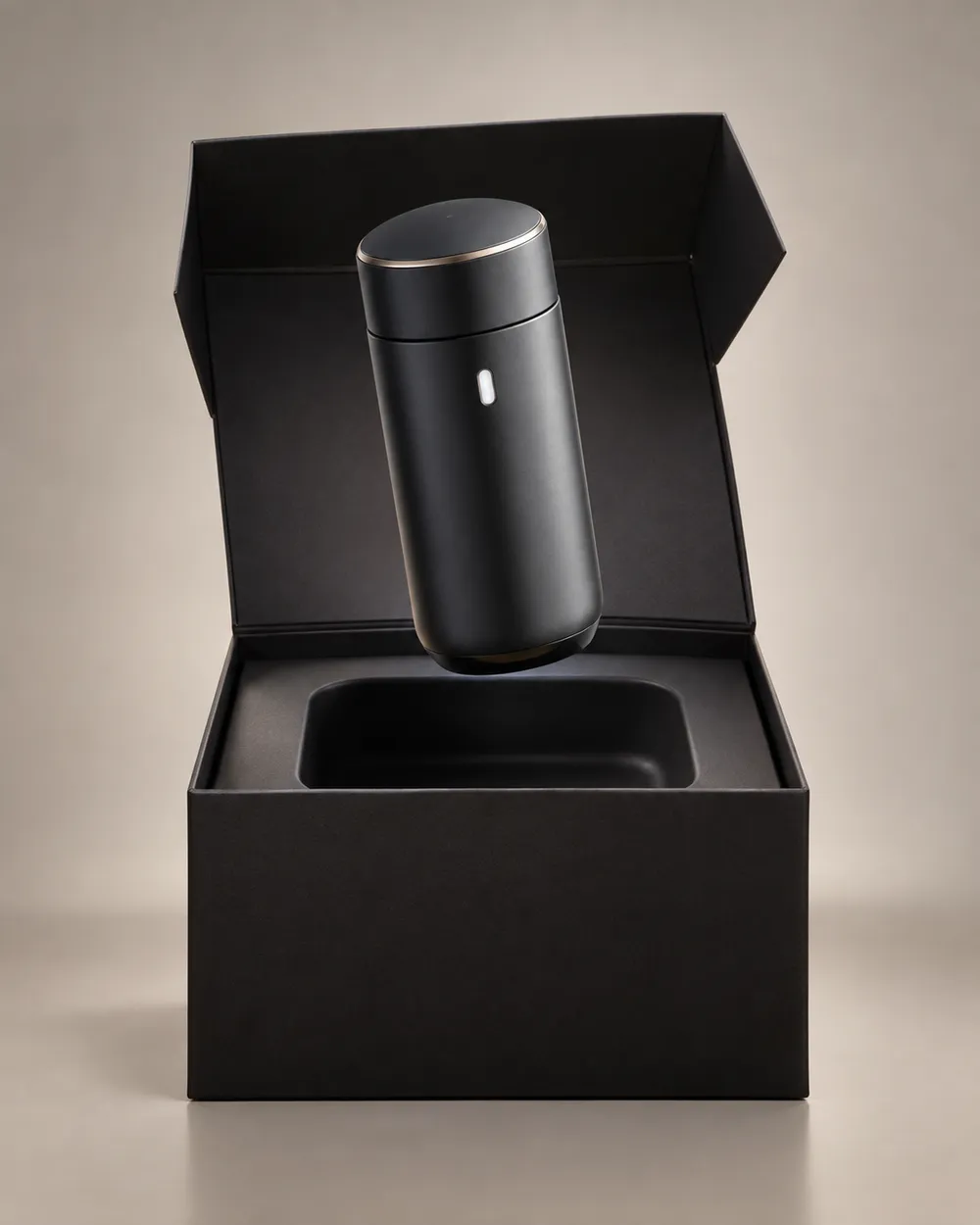
  • Black Friday gift guide AI video preset

    Gift Guide

    A soft floating product for a gift roundup.

  • Cyber Monday AI video preset

    Cyber Monday

    Cool neon light for a digital offer.

视频生成器

上传首帧,或粘贴 1 条公开可访问的图片直链。私网地址和分享页不行。

(可选)

如果你想控制收尾镜头,可上传尾帧,或粘贴 1 条公开可访问的图片直链。

消耗 1 积分

0 / 2000

镜头预设

把镜头方向加入提示词。这只是提示词片段,不会切换成单独的 3D 模型模式。

15s
4s15s

生成控制

这里放的是三条工作流共用的控制项,方便你先把任务跑通。

2 项
Fast 快速模式

可用时优先走更快的路由。

生成声音

当上游支持时,连同步声音一起生成。

消耗 150 积分剩余 0 积分
预览结果

还没有生成内容

视频生成消耗已购买积分。提交前工作台会显示估算。

使用流程

  1. 1

    选择造型

    从预设开始,或写下你自己的方向。

  2. 2

    上传照片

    使用清晰的正面照片,并确保你有权编辑这张照片。

  3. 3

    生成并微调

    运行任务,检查结果,每次重试只改一个变量。

What to prepare before Black Friday

Prepare the product still first. A clean cutout on a neutral background is easier to animate than a lifestyle photo with many objects. Then choose one motion per product: push-in, orbit, turntable, light sweep or unboxing. Do not put three motions in one five-second clip.

Write the offer copy separately from the video. The video should show the product; the caption, landing page and checkout should explain the price. Do not ask the video model to render price text. Text rendering is unreliable and a wrong price is worse than no price.

Seven clip formats that fit a sale

Deal teaser, countdown, unboxing, hero ad, gift guide, category roundup and cyber Monday neon. Each format has a different job. A teaser creates curiosity. A hero ad makes the product look premium. A gift guide helps a shopper compare. A cyber Monday clip signals a digital offer.

Keep one format per product and one product per clip. If you need a category roundup, create separate clips and edit them together. That gives you control over pacing and avoids a crowded generation.

Honest seasonal pricing

Seasonal pages often promise a discount that does not exist. This page avoids that. The pricing page is the source of truth for plans, credits and billing. If you need a small entry point, the Try pack is the lowest one-time purchase currently listed; check the pricing page for the current amount and credit total.

If you are comparing providers, compare the cost per usable clip, not the headline discount. A cheap clip that needs five retries is more expensive than a clean clip that works once.

常见问题

  1. 1

    Is there a Black Friday discount on Animate AI?

    Any active seasonal offer is stated on the pricing page with its dates and conditions. This page does not invent a discount. The current plans and credit totals are always visible on the pricing page.

  2. 2

    When is Black Friday 2026?

    Black Friday falls on November 27, 2026. Cyber Monday falls on November 30, 2026. Search demand usually starts weeks earlier, so prepare the product stills and clips before the date.

  3. 3

    Do I need a product photo?

    A clean product still produces the most consistent clip. You can also use text-to-video, but product shape and label consistency are harder to control without a reference image.

  4. 4

    Can the video include the price?

    Do not rely on the video model to render price text. Add the price in your editor, caption or landing page. That avoids wrong or distorted numbers.

  5. 5

    How many clips can I make from one credit pack?

    It depends on duration, resolution and audio. A five-second 720p fast clip starts at about 50 credits. The Try pack includes 500 credits, so it covers roughly ten short clips before retries. Check the workspace estimate before each run.

  6. 6

    Can I use the clips in paid ads?

    Review the Terms of Service and the model provider’s usage rules. Also follow the ad platform’s disclosure rules for synthetic media.

指南与提示词拆解

相关工作流

从一个测试过的预设开始

打开工作台,应用预设,并在生成前查看积分估算。