跳到主要内容
节日预设包

AI 产品视频生成器

用可控的镜头运动和干净的灯光扫过,把产品静态图变成 5 秒动效短片。

把产品静态图变成 5 秒动效短片:转台、环绕、推镜或英雄揭示。不导出 3D 模型,只生成干净视频。

  • 浏览器内运行,无需安装
  • 安全结账
  • 付费导出无水印

生成消耗已购买积分

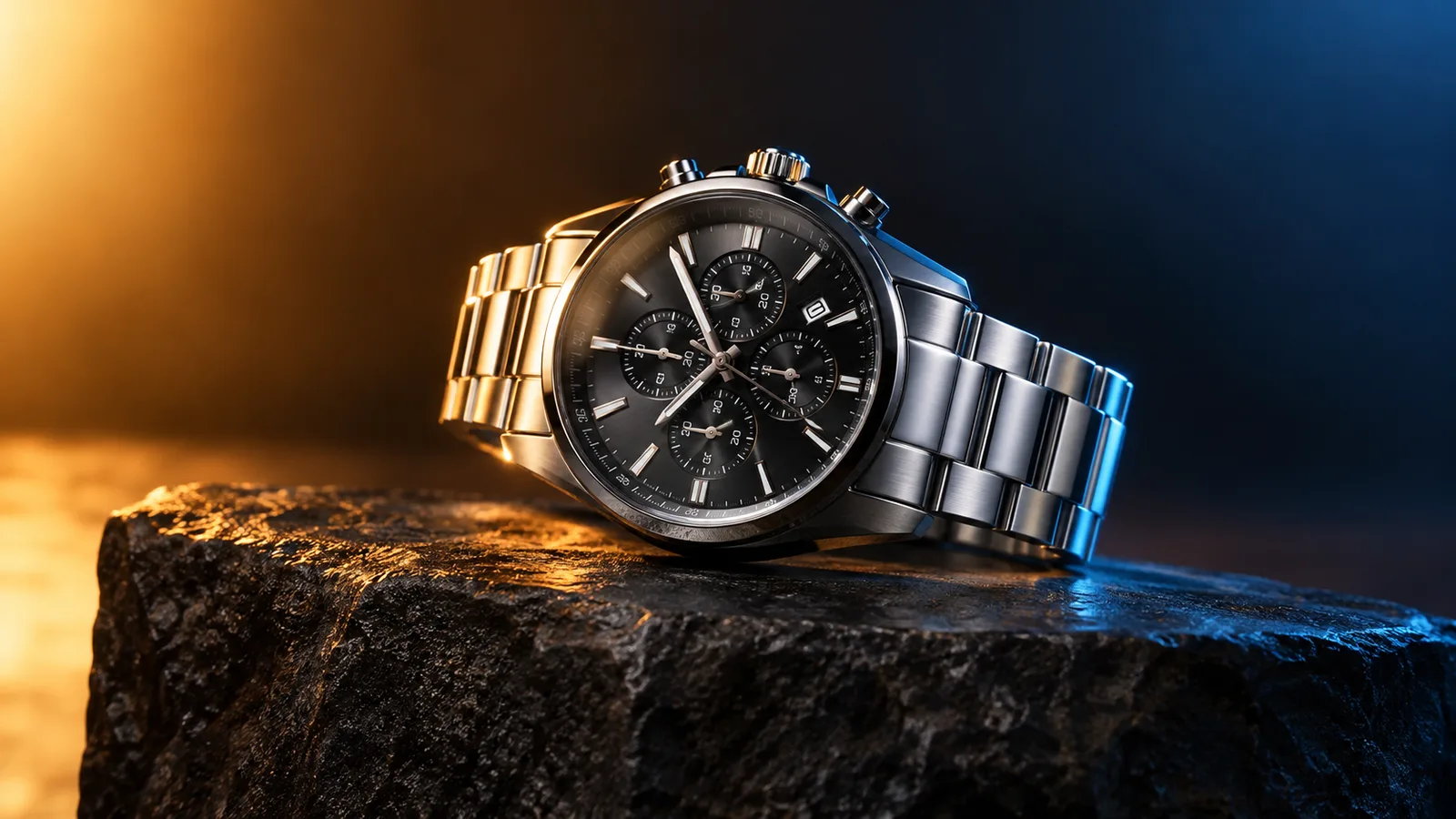
Product motion video still with a watch on a dark stone plinth and rim light
6 presets

选择一个预设

选一个方向,把提示词应用到工作台,然后一次只改一个细节。

  • Turntable product motion video preset

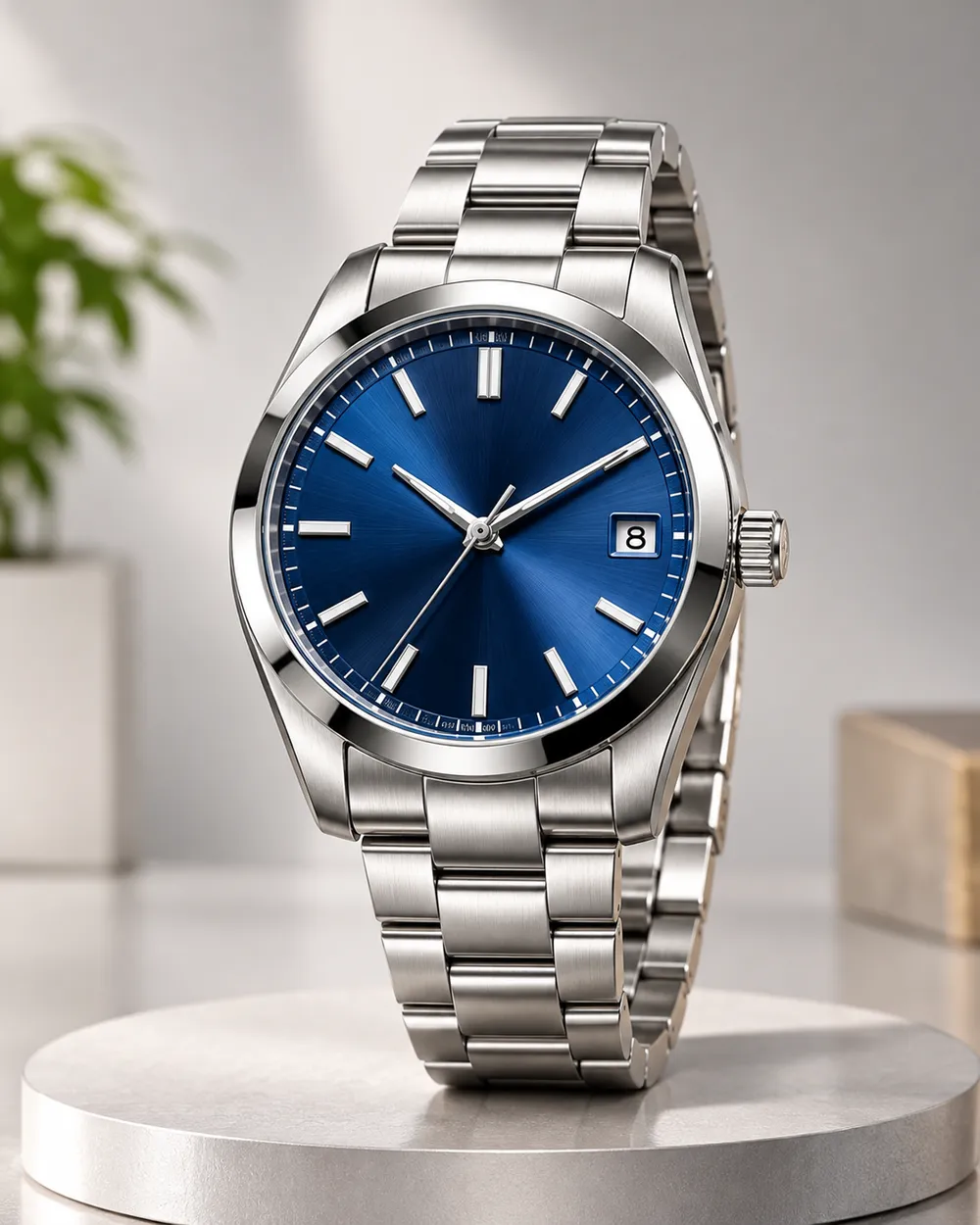
    Turntable

    A controlled showroom rotation.

  • Orbit left product motion video preset

    Orbit Left

    Move around the product without warping it.

  • Dolly in product motion video preset

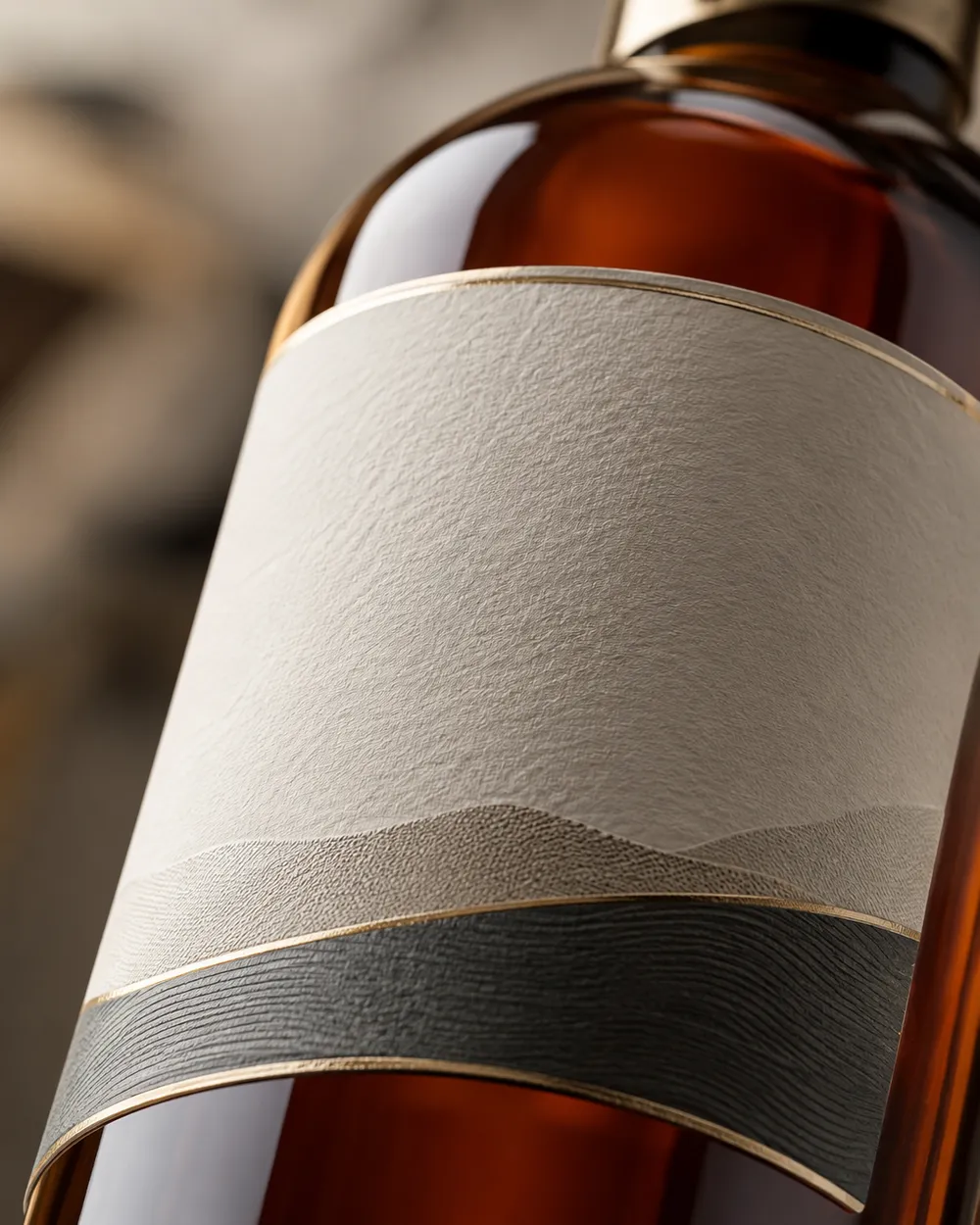
    Dolly In

    A premium push toward the label.

  • Floating product motion video preset

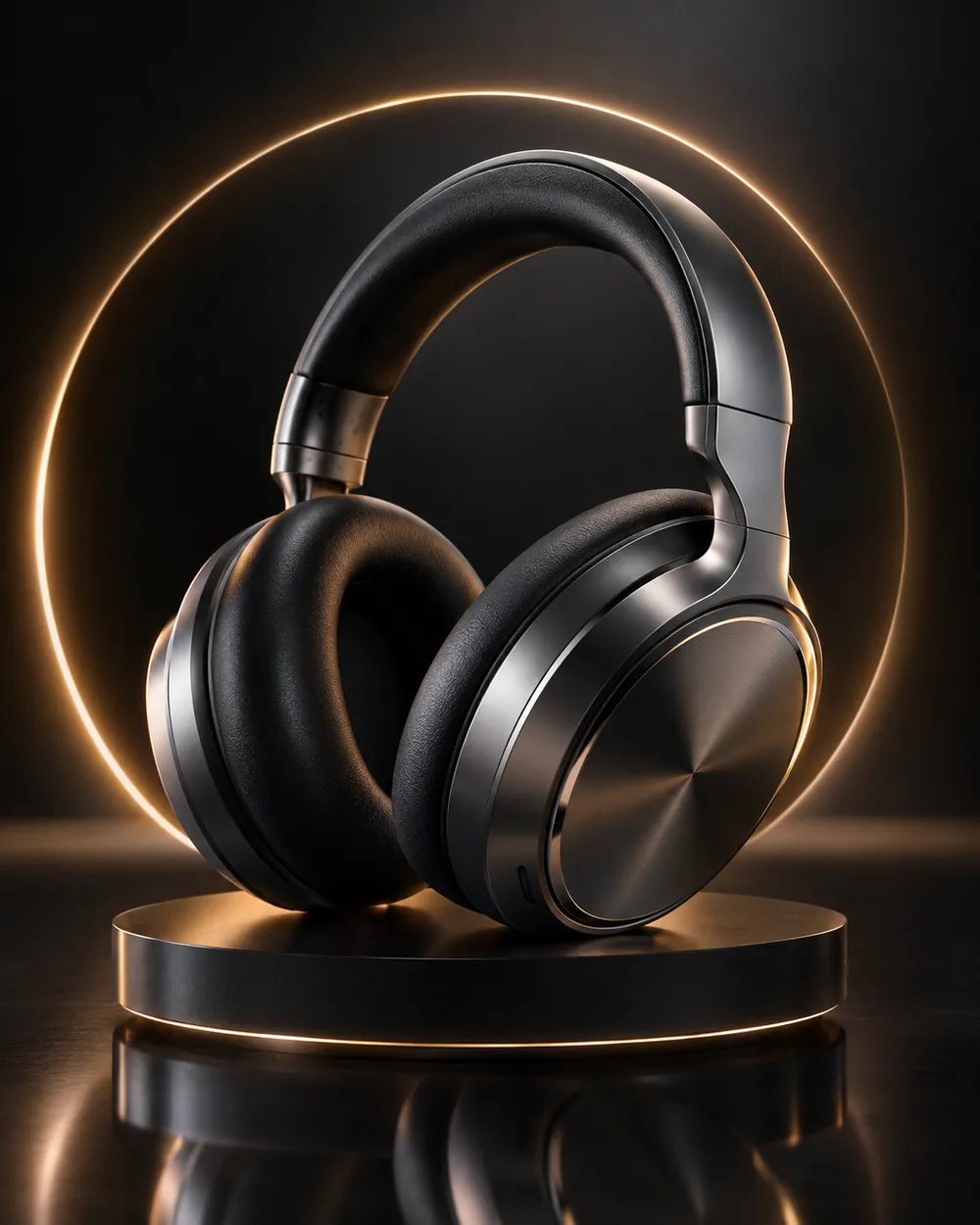
    Floating

    A subtle lift with gentle parallax.

  • Hero reveal product motion video preset

    Hero Reveal

    Start on a detail, end on the full product.

  • Unbox reveal product motion video preset

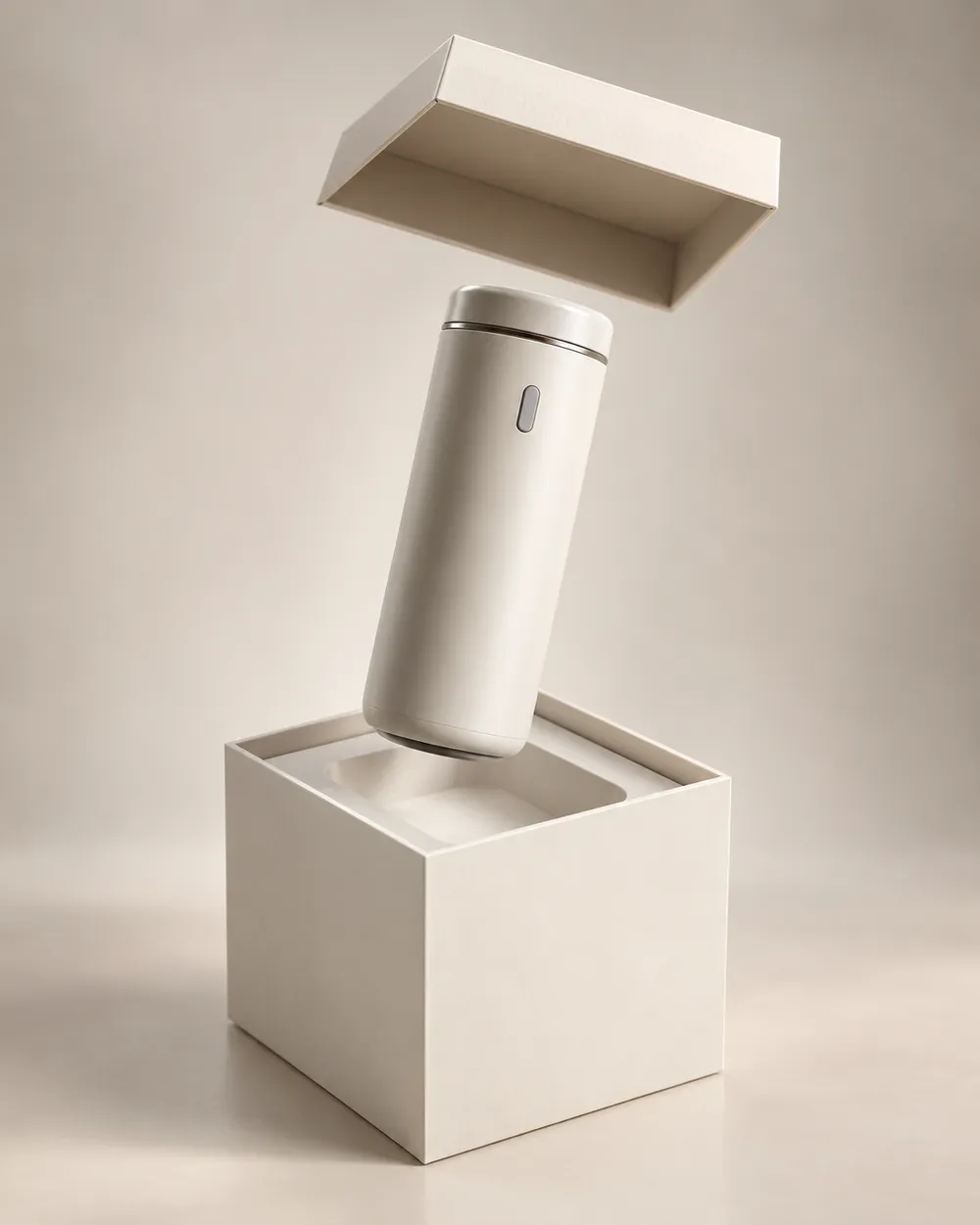
    Unbox Reveal

    A clean box opening without hands.

视频生成器

上传首帧,或粘贴 1 条公开可访问的图片直链。私网地址和分享页不行。

(可选)

如果你想控制收尾镜头,可上传尾帧,或粘贴 1 条公开可访问的图片直链。

消耗 1 积分

0 / 2000

镜头预设

把镜头方向加入提示词。这只是提示词片段,不会切换成单独的 3D 模型模式。

15s
4s15s

生成控制

这里放的是三条工作流共用的控制项,方便你先把任务跑通。

2 项
Fast 快速模式

可用时优先走更快的路由。

生成声音

当上游支持时,连同步声音一起生成。

消耗 150 积分剩余 0 积分
预览结果

还没有生成内容

视频生成消耗已购买积分。提交前工作台会显示估算。

使用流程

  1. 1

    选择造型

    从预设开始,或写下你自己的方向。

  2. 2

    上传照片

    使用清晰的正面照片,并确保你有权编辑这张照片。

  3. 3

    生成并微调

    运行任务,检查结果,每次重试只改一个变量。

The product motion prompt formula

Use six parts: product lock, motion, camera, lighting, background and stability. The product lock preserves shape, label and color. The motion says what moves. The camera says how the viewer moves. The lighting says where the reflections come from. The background keeps the scene clean. The stability rules exclude warping, extra objects, text and cuts.

A good product prompt is short. Long prompts often add conflicting instructions. If the result warps the label, remove background details and add a label-stability rule.

What this workflow is not

This is not a 3D model generator. It does not export GLB, OBJ or STL files, and it does not create editable topology, PBR maps or rigging. If you need a 3D asset, use a 3D tool. If you need a short motion clip from a still, this workflow is the right fit.

It is also not a replacement for a product photographer. A clean source still with controlled lighting produces a better clip than a messy lifestyle photo. Garbage in, garbage out still applies.

Where product clips fit in a funnel

Use a teaser clip at the top of a landing page, a hero clip on a product page, and a short loop in a paid ad. Keep the clip silent and add captions in the editor. A five-second loop is usually enough for a product card.

If you are preparing a seasonal sale, generate the clips before the sale starts. The Black Friday planning page includes a separate set of sale-specific formats.

常见问题

  1. 1

    Does this export a 3D model?

    No. The workflow produces a short video clip from a still image. It does not export GLB, OBJ, STL or editable 3D assets.

  2. 2

    What product photo works best?

    Use a clean, well-lit still with the product centered and the label readable. A neutral background makes the motion and lighting easier to control.

  3. 3

    Can I animate a logo or text?

    Avoid asking the model to render text or logos. Text often warps. Add the logo and copy in an editor after the clip is generated.

  4. 4

    How long should a product clip be?

    Five seconds is a good starting point for a product card or ad. Longer clips cost more and give the model more chances to drift.

  5. 5

    Can I use the clip in a paid ad?

    Review the Terms of Service and the model provider’s usage rules. Also follow the ad platform’s disclosure rules for synthetic media.

  6. 6

    Which preset is best for a first attempt?

    Start with Turntable or Dolly In. Both have a simple camera move and a clear product lock, which makes the result easy to judge.

指南与提示词拆解

相关工作流

从一个测试过的预设开始

打开工作台,应用预设,并在生成前查看积分估算。