跳到主要内容
节日预设包

AI 动漫视频生成器

用小而可控的动作让完成的动漫静态图动起来,尽量保护角色设计和线条风格。

把动漫静态图变成 5 秒短片:转头、镜头平移或飘落花瓣。6 个运动预设,尽量保持线条风格一致。

  • 浏览器内运行,无需安装
  • 安全结账
  • 付费导出无水印

生成消耗已购买积分

Anime-style still animated with a slow camera pan and falling petals
6 presets

选择一个预设

选一个方向,把提示词应用到工作台,然后一次只改一个细节。

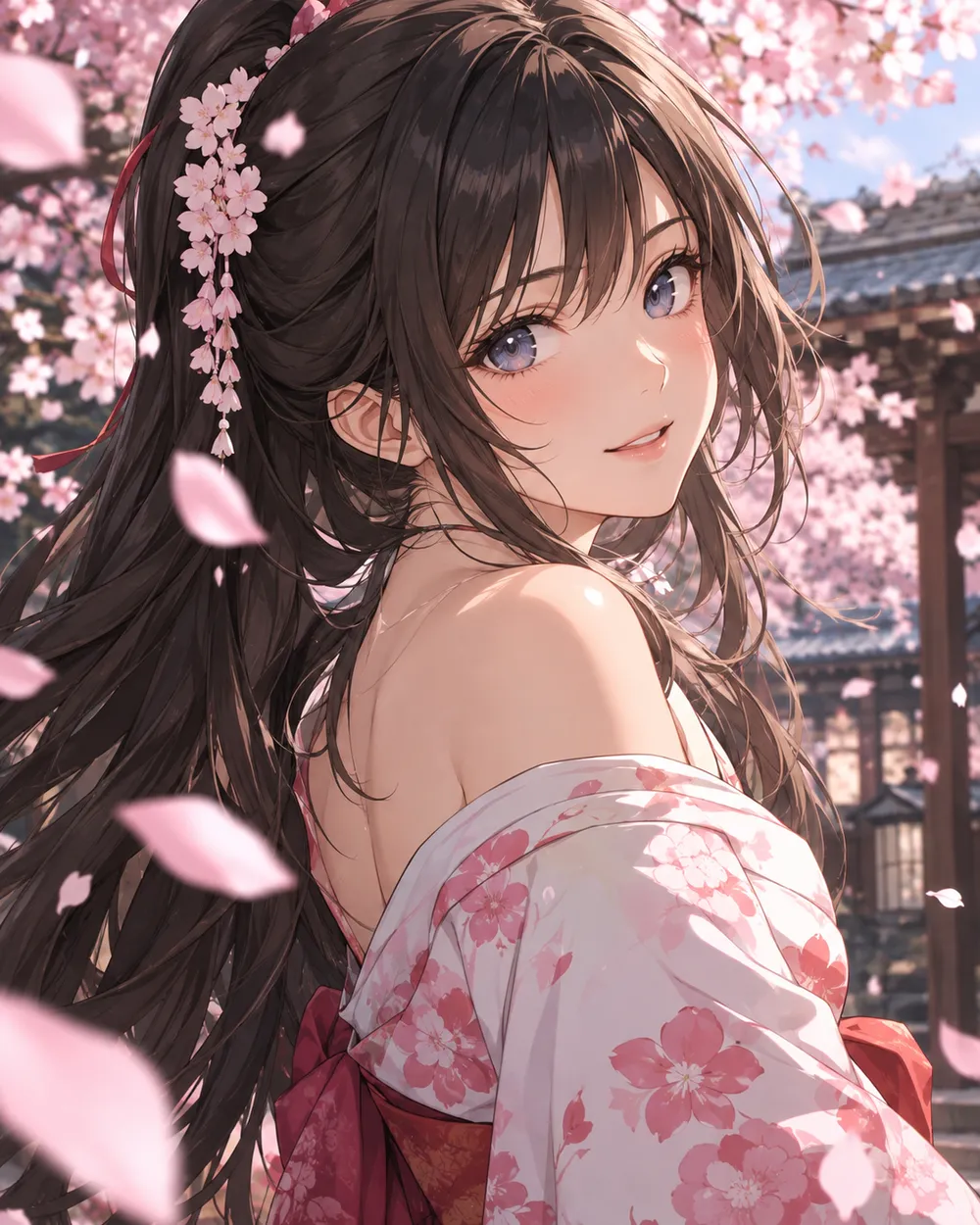
  • Cherry blossom anime AI video preset

    Cherry Blossom Turn

    A slow turn with falling petals.

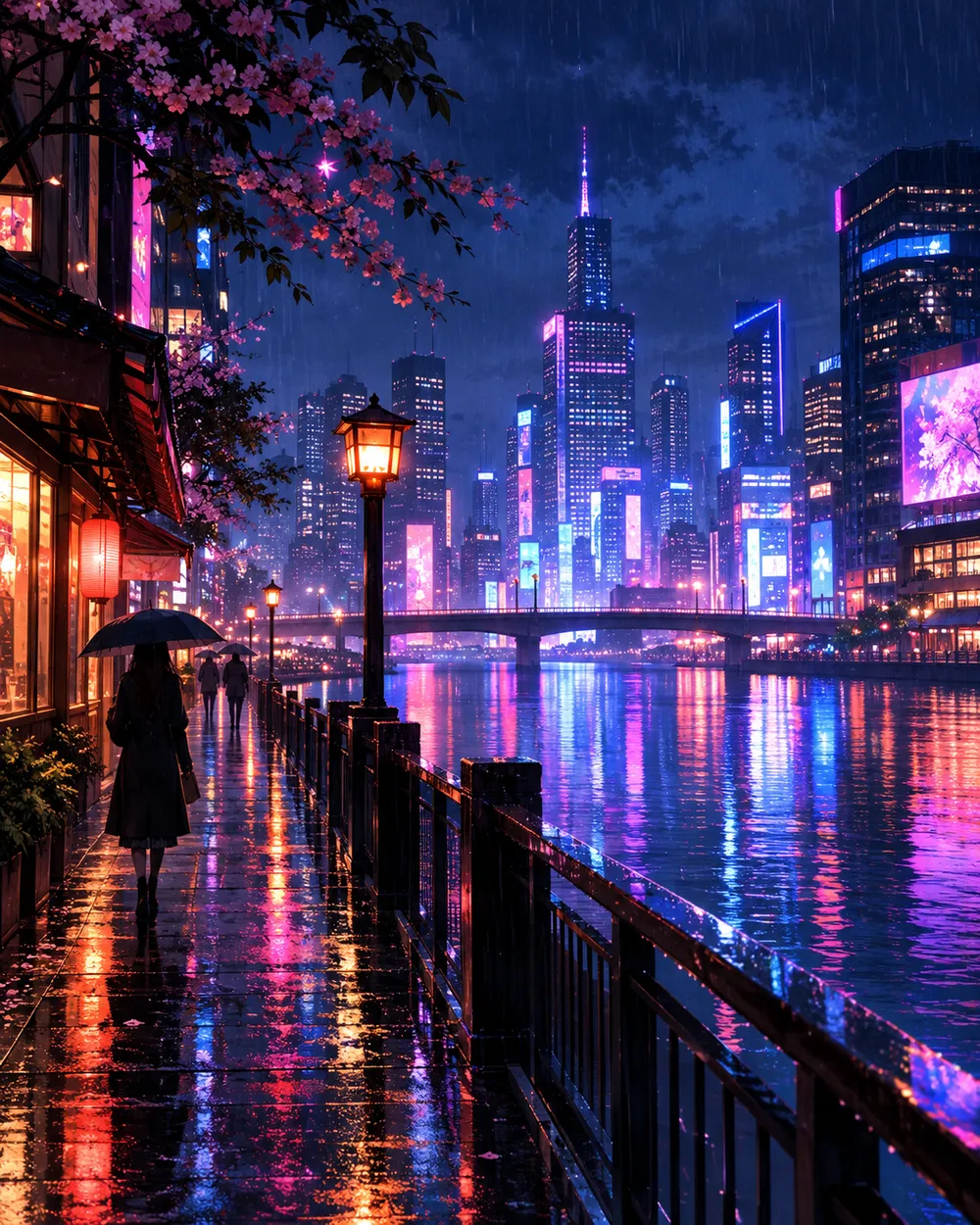
  • Neon city anime AI video preset

    Neon City Pan

    A lateral pan across a rainy skyline.

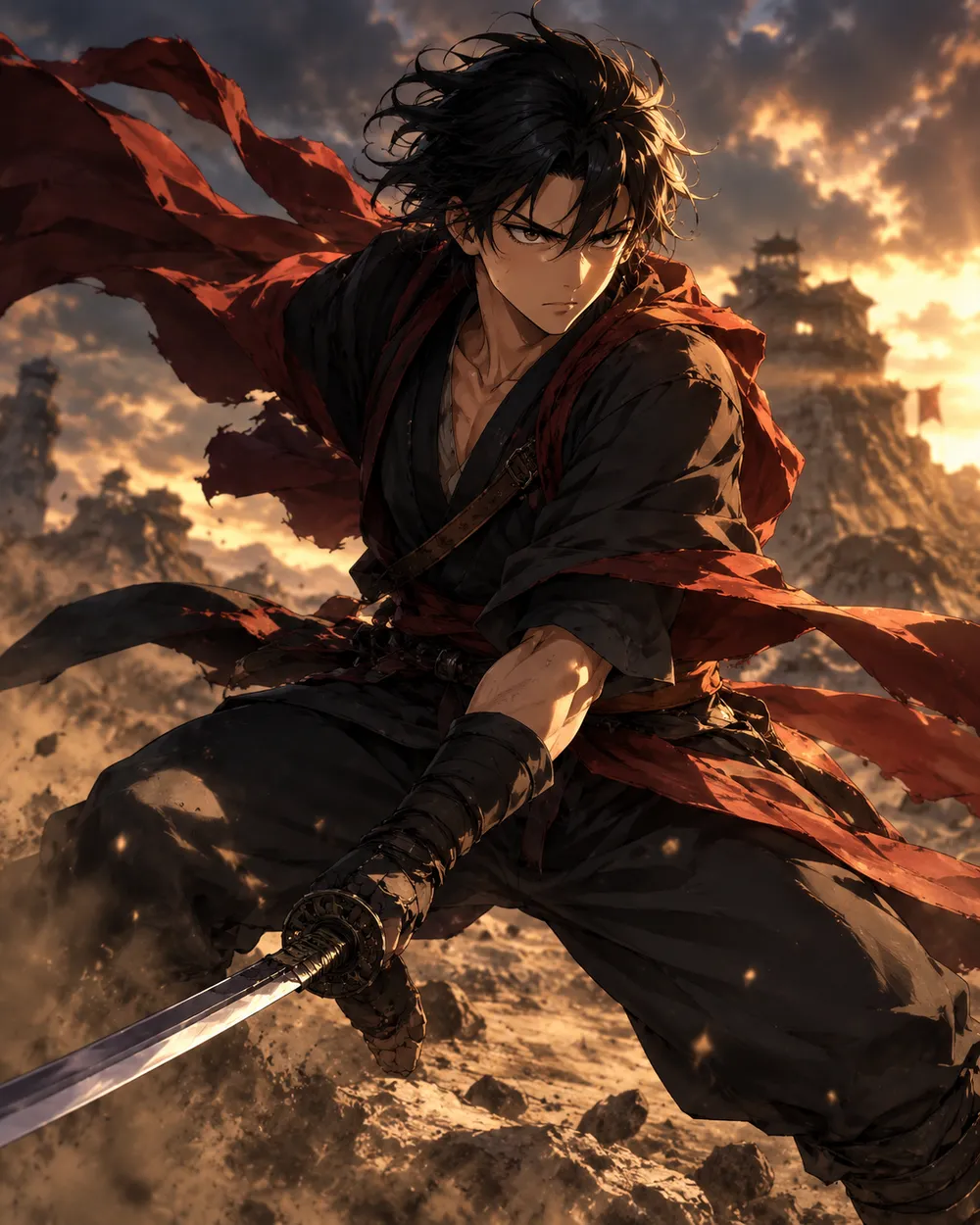
  • Battle stance anime AI video preset

    Battle Stance

    Hair and fabric move; the pose holds.

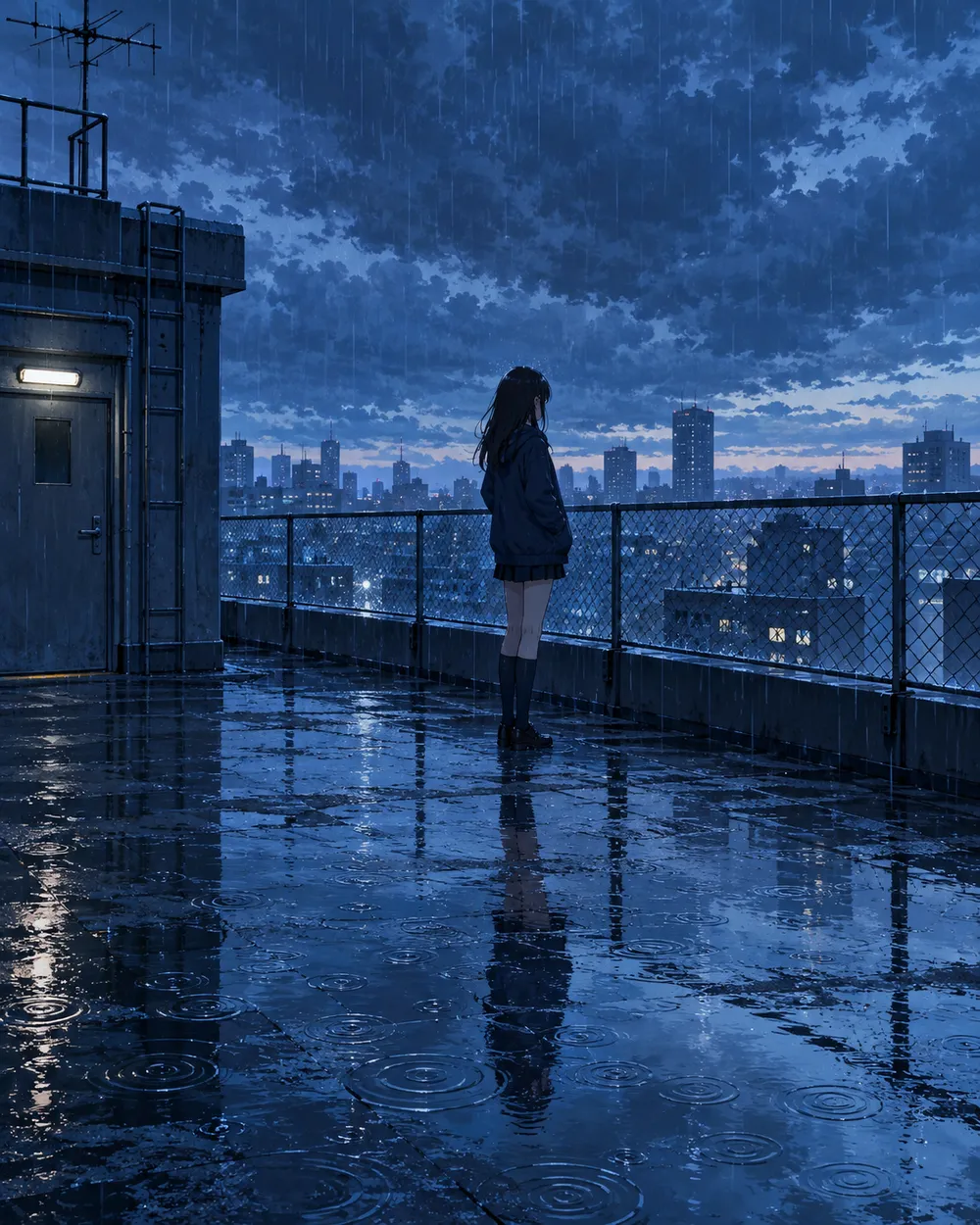
  • Rainy rooftop anime AI video preset

    Rainy Rooftop

    Rain, reflections and a still character.

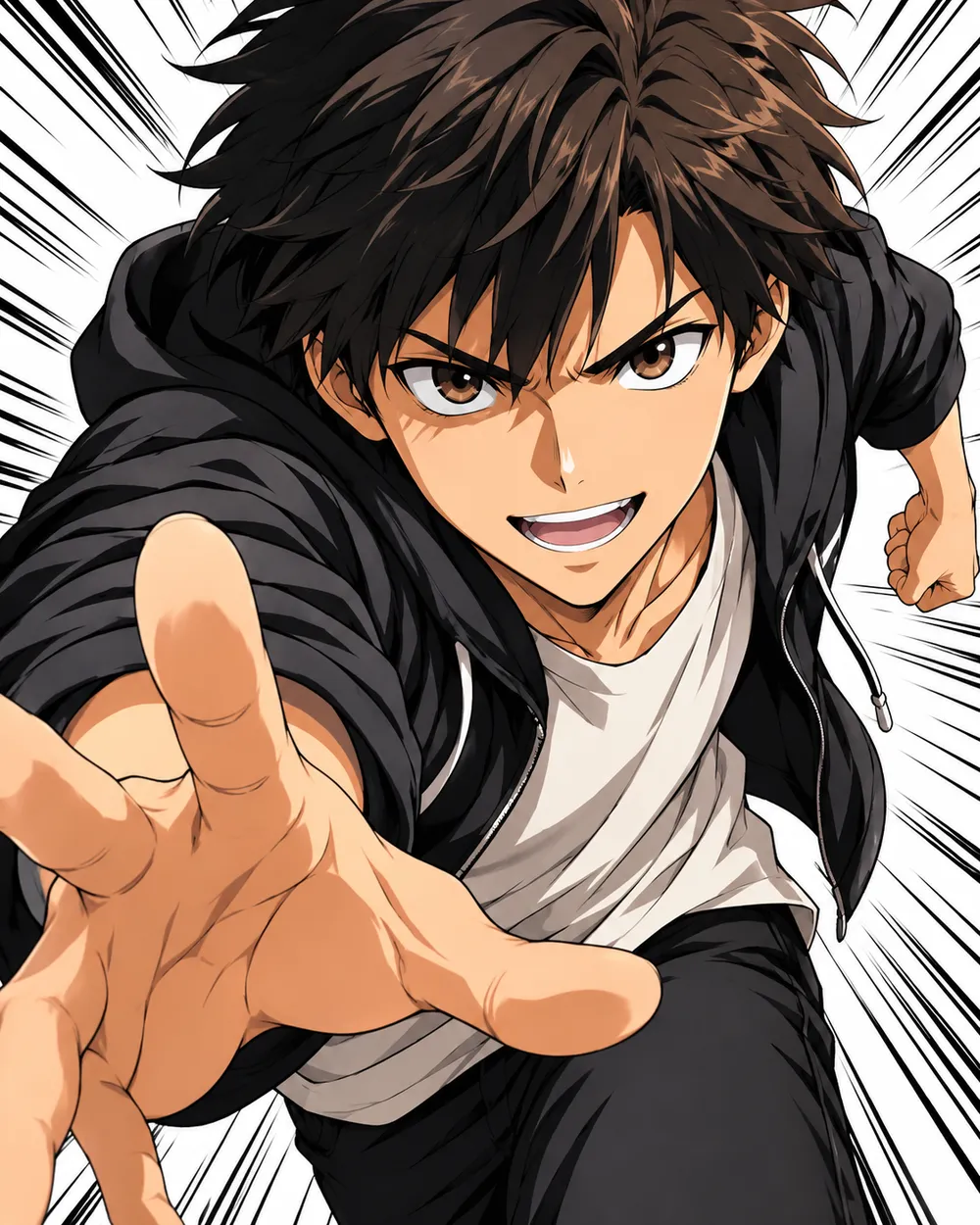
  • Manga speed lines anime AI video preset

    Manga Speed Lines

    A dramatic push-in with speed lines.

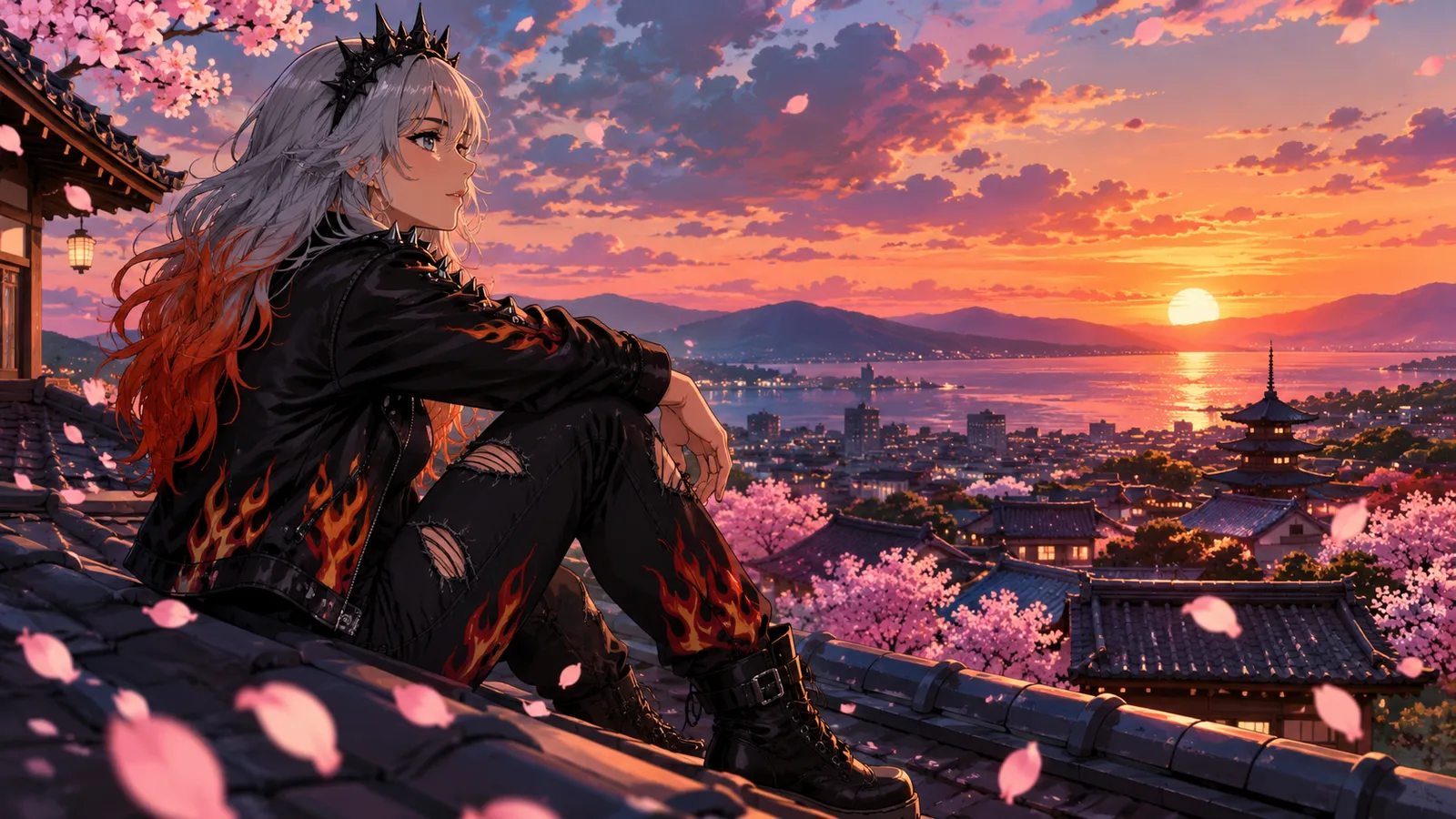
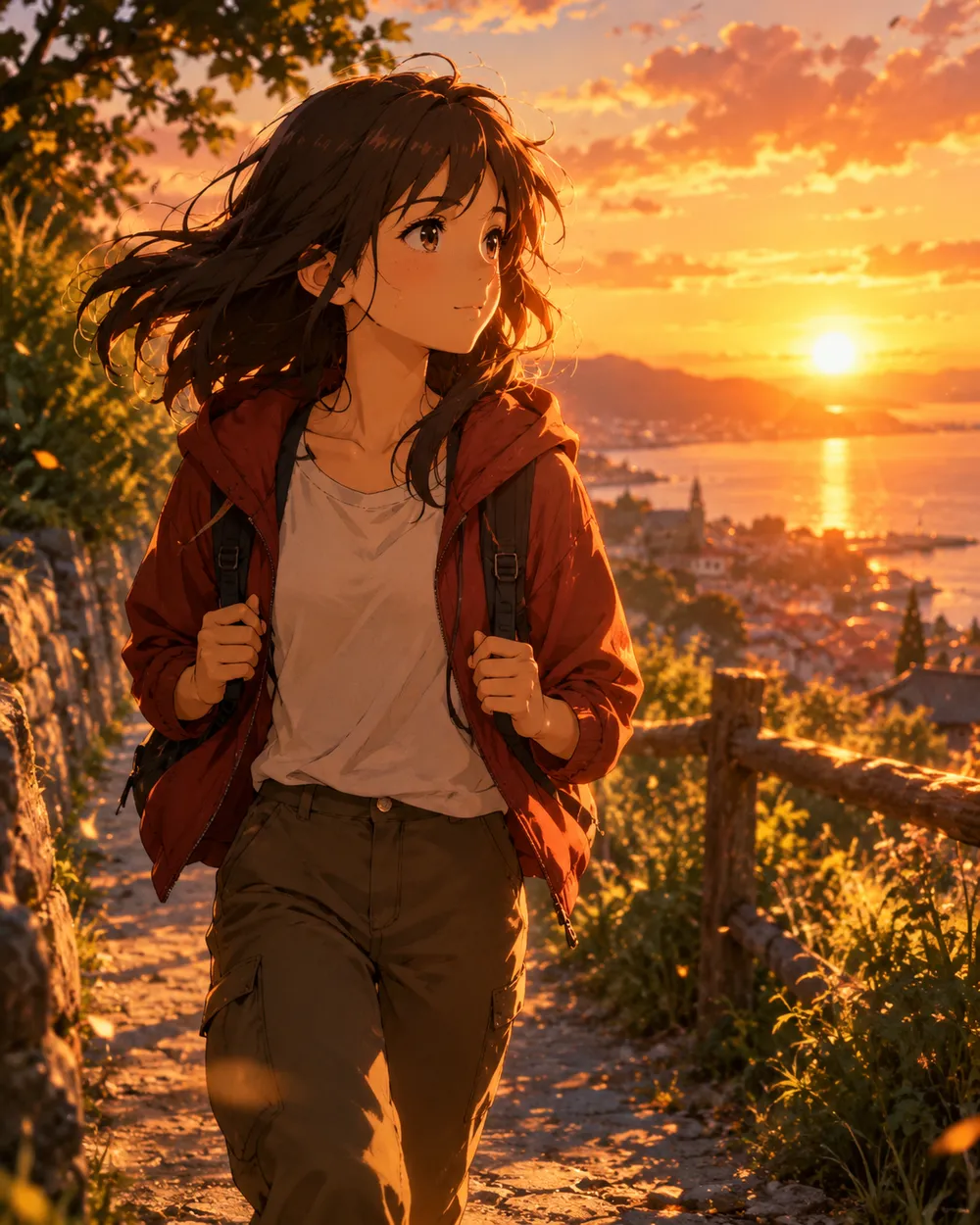
  • Sunset walk anime AI video preset

    Sunset Walk

    A slow tracking shot at golden hour.

视频生成器

上传首帧,或粘贴 1 条公开可访问的图片直链。私网地址和分享页不行。

(可选)

如果你想控制收尾镜头,可上传尾帧,或粘贴 1 条公开可访问的图片直链。

消耗 1 积分

0 / 2000

镜头预设

把镜头方向加入提示词。这只是提示词片段,不会切换成单独的 3D 模型模式。

15s
4s15s

生成控制

这里放的是三条工作流共用的控制项,方便你先把任务跑通。

2 项
Fast 快速模式

可用时优先走更快的路由。

生成声音

当上游支持时,连同步声音一起生成。

消耗 150 积分剩余 0 积分
预览结果

还没有生成内容

视频生成消耗已购买积分。提交前工作台会显示估算。

使用流程

  1. 1

    选择造型

    从预设开始,或写下你自己的方向。

  2. 2

    上传照片

    使用清晰的正面照片,并确保你有权编辑这张照片。

  3. 3

    生成并微调

    运行任务,检查结果,每次重试只改一个变量。

Start with a still that already works

A good anime still has a clear character silhouette, a readable face and a simple background. If the still is crowded or the character is small, the video model has less information to work with. Crop to the character before animating.

Keep the still at the highest resolution you have. The video model will resize it, but a clean source preserves line quality. Avoid images with heavy compression artifacts or text.

Motion that respects line art

Anime line art is less forgiving than photographic texture. Large motion can warp the face and hands. Start with a head turn, a blink, moving hair or a camera move. Avoid full-body running or fighting unless you are prepared to retry.

If the line art shimmers, reduce the motion and add a stability rule. A slow push-in with moving hair is usually cleaner than a fast action shot. Keep the camera move in one direction.

Style consistency across clips

If you need several clips of the same character, use the same still as the reference and keep the prompt structure identical. Change only the motion sentence. That gives you a consistent set without retraining a character model.

For a longer sequence, generate each shot separately and edit them together. A five-second clip per shot is easier to control than a single long generation.

常见问题

  1. 1

    Does this generate anime from text?

    You can use text-to-video, but image-to-video from an existing anime still is more consistent. The still carries the character design and line style.

  2. 2

    Can I keep the same character across clips?

    Yes. Use the same still as the reference and keep the prompt structure identical. Change only the motion sentence. That gives you the best chance of a consistent set.

  3. 3

    Why does the face warp?

    Large or fast motion gives the model more chances to drift. Reduce the motion, shorten the duration and add a stability rule. A slow head turn is easier than a run cycle.

  4. 4

    Can I use a copyrighted character?

    Only if you have the rights. The acceptable use policy applies. For original characters, you control the design and the usage rights.

  5. 5

    What duration should I use?

    Start with five seconds. Short clips are cheaper to iterate and easier to keep stable. Extend only after the motion works.

  6. 6

    Can I add sound later?

    Yes. Most social clips are edited with sound in a separate editor. Generating a silent clip first gives you more control over the final mix.

指南与提示词拆解

相关工作流

从一个测试过的预设开始

打开工作台,应用预设,并在生成前查看积分估算。