

メインコンテンツへ移動
季節のプリセットパック

AI動画ジェネレーター ブラックフライデー2026

6つのモーションプリセット、明確なクレジット見積もり、実在する価格でセール前の商品クリップを準備します。

6つのモーションプリセット、明確なクレジット価格、Seedanceワークスペースでブラックフライデーとサイバーマンデーの商品動画を準備できます。

  • ブラウザで動作、インストール不要
  • 安全な決済
  • 有料書き出しは透かしなし

生成には購入済みクレジットを使用します

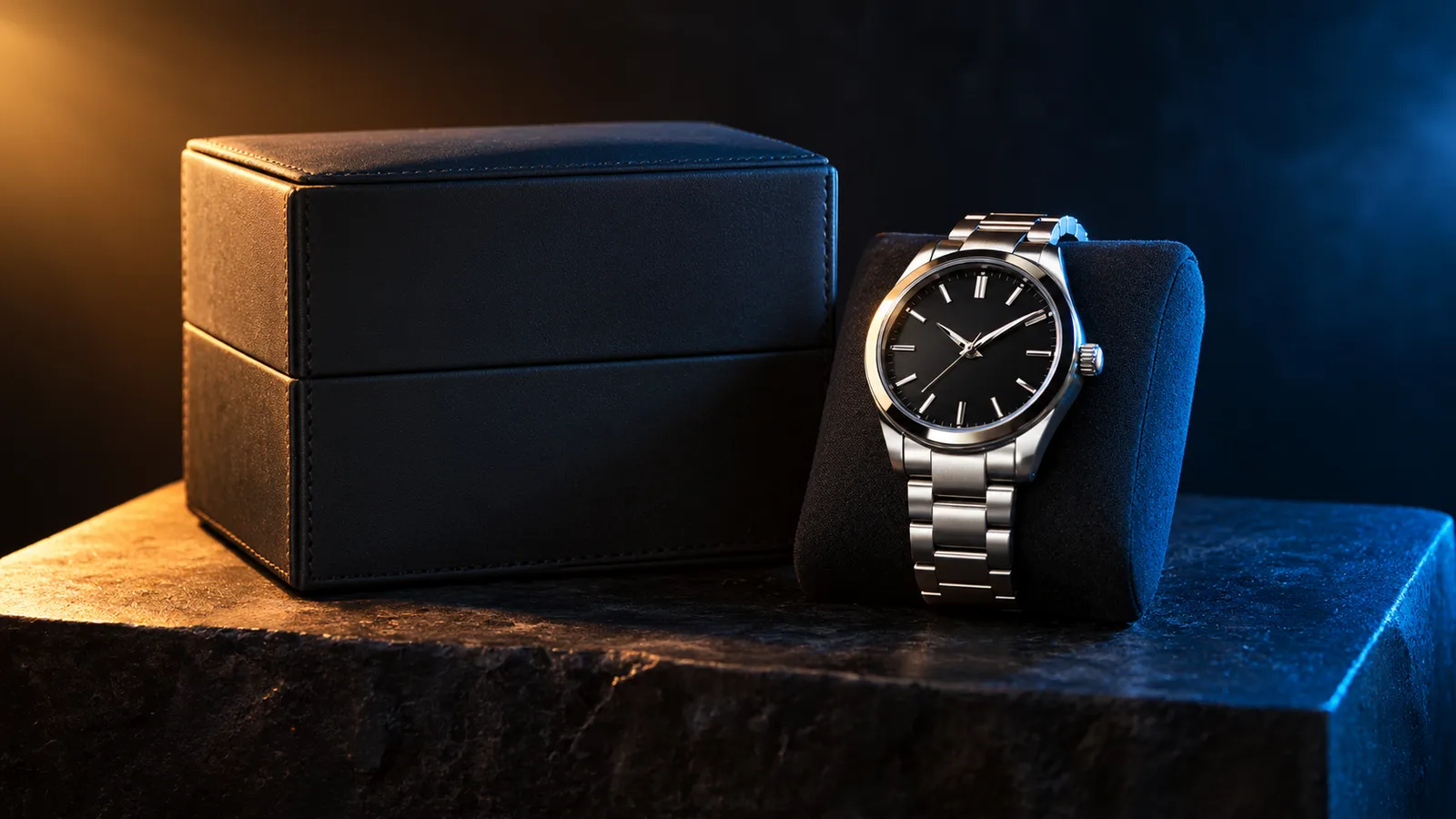
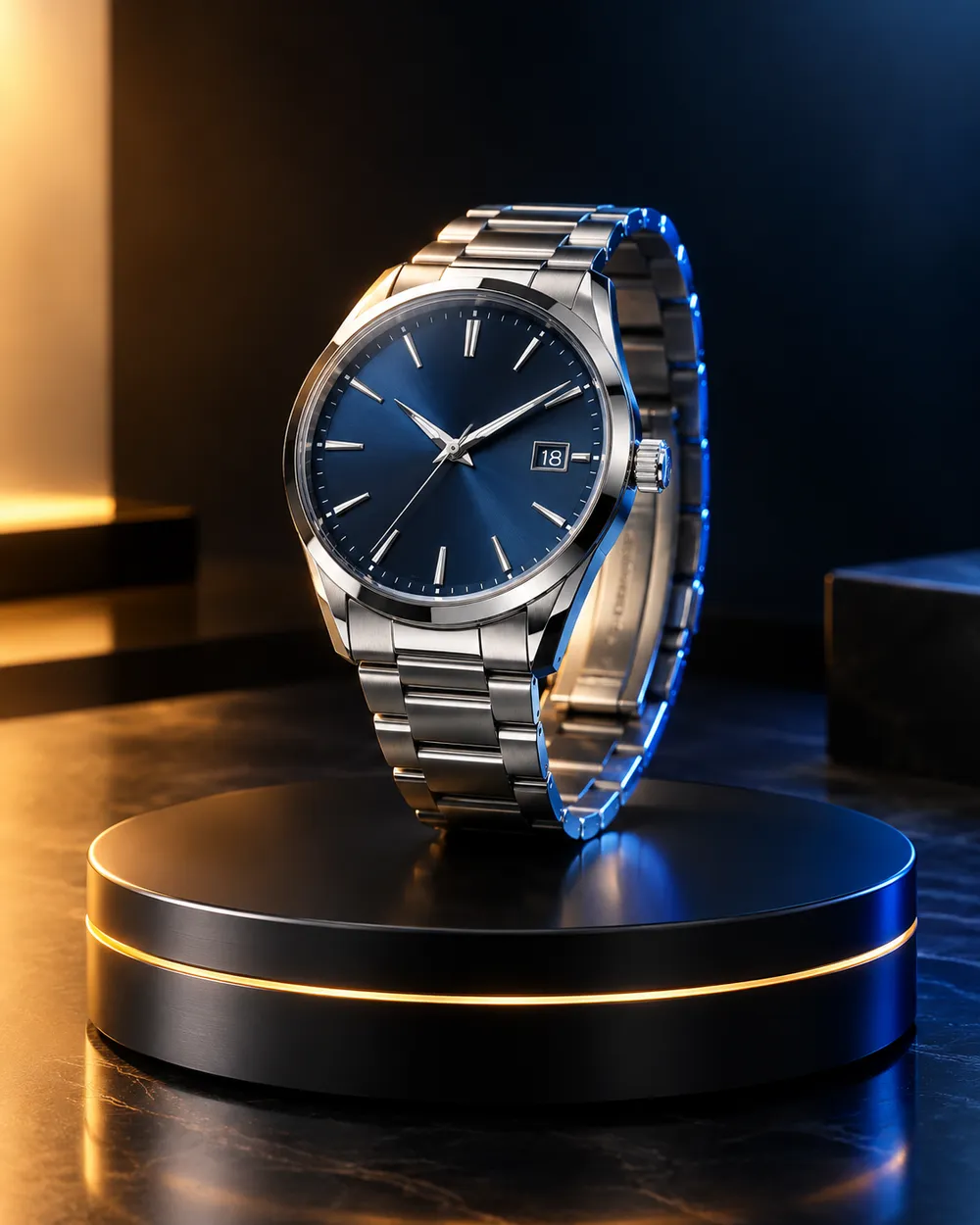
Black Friday product video storyboard with a dark studio and warm rim light
6 presets

プリセットを選ぶ

方向性を選び、プロンプトをワークスペースに適用して、一度に1つの詳細だけを編集します。

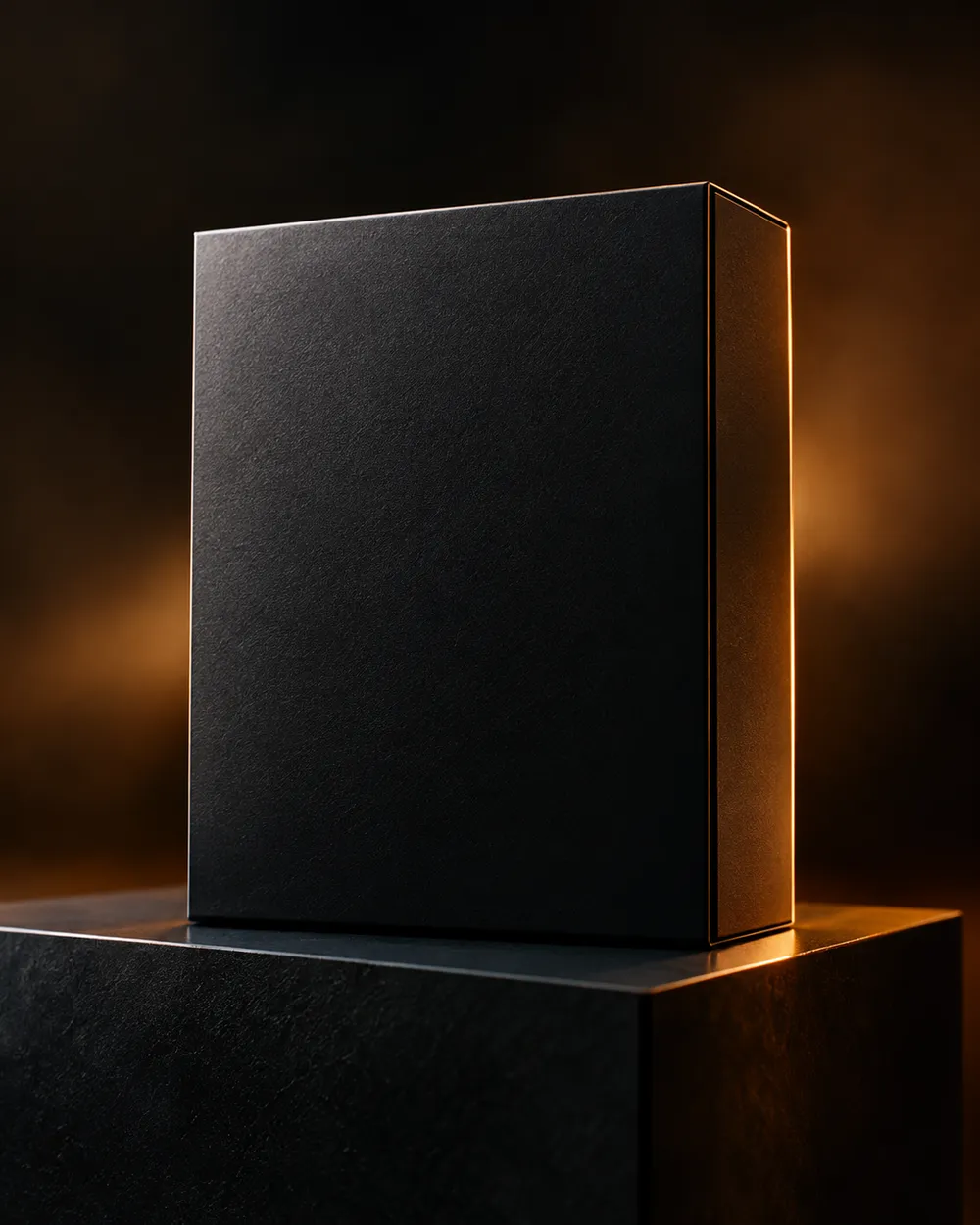
  • Black Friday deal teaser AI video preset

    Deal Teaser

    A five-second product tease with a slow push-in.

  • Black Friday countdown AI video preset

    Countdown

    A dramatic light sweep for a launch post.

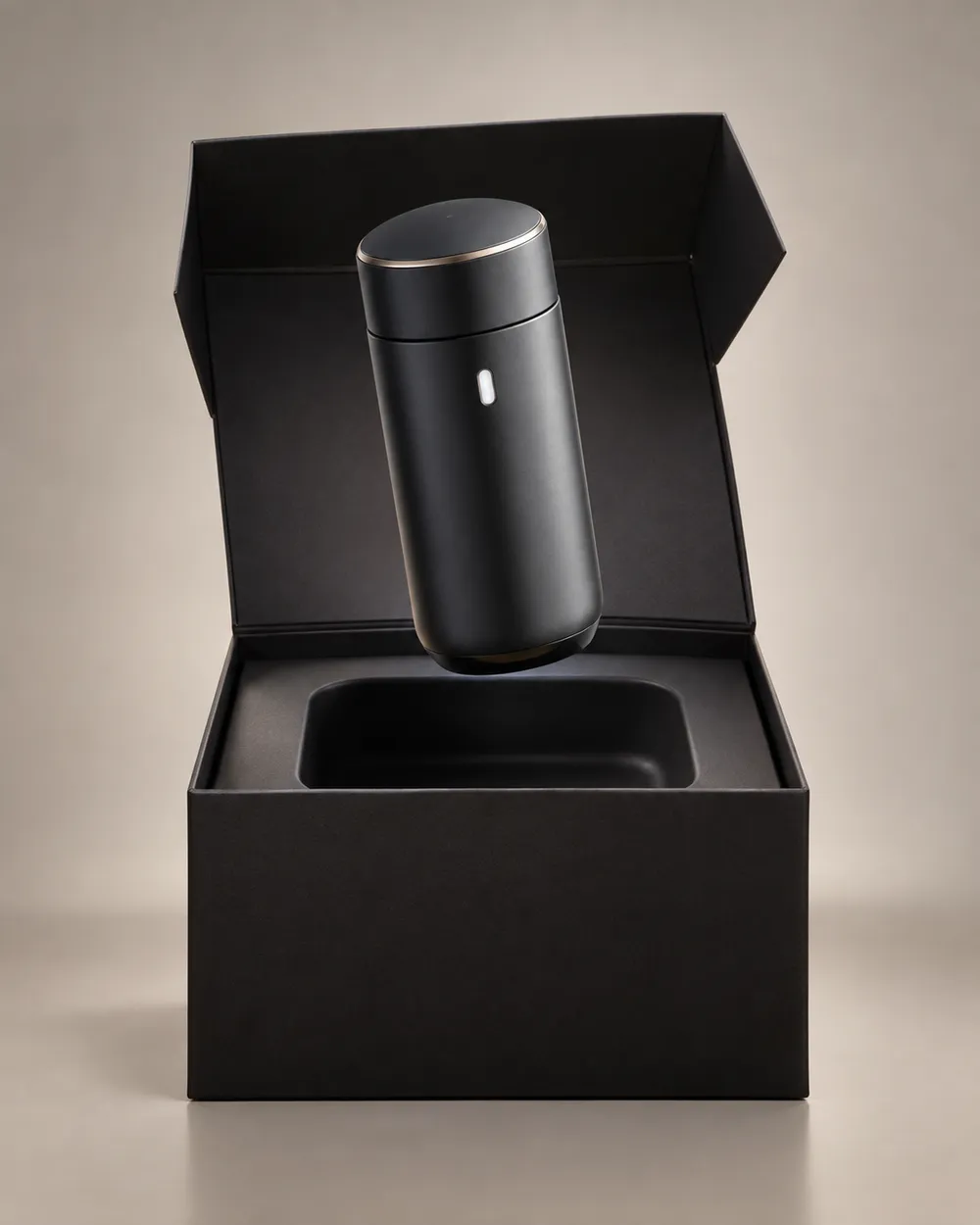
  • Black Friday unboxing AI video preset

    Unboxing

    A clean open-box reveal without hands.

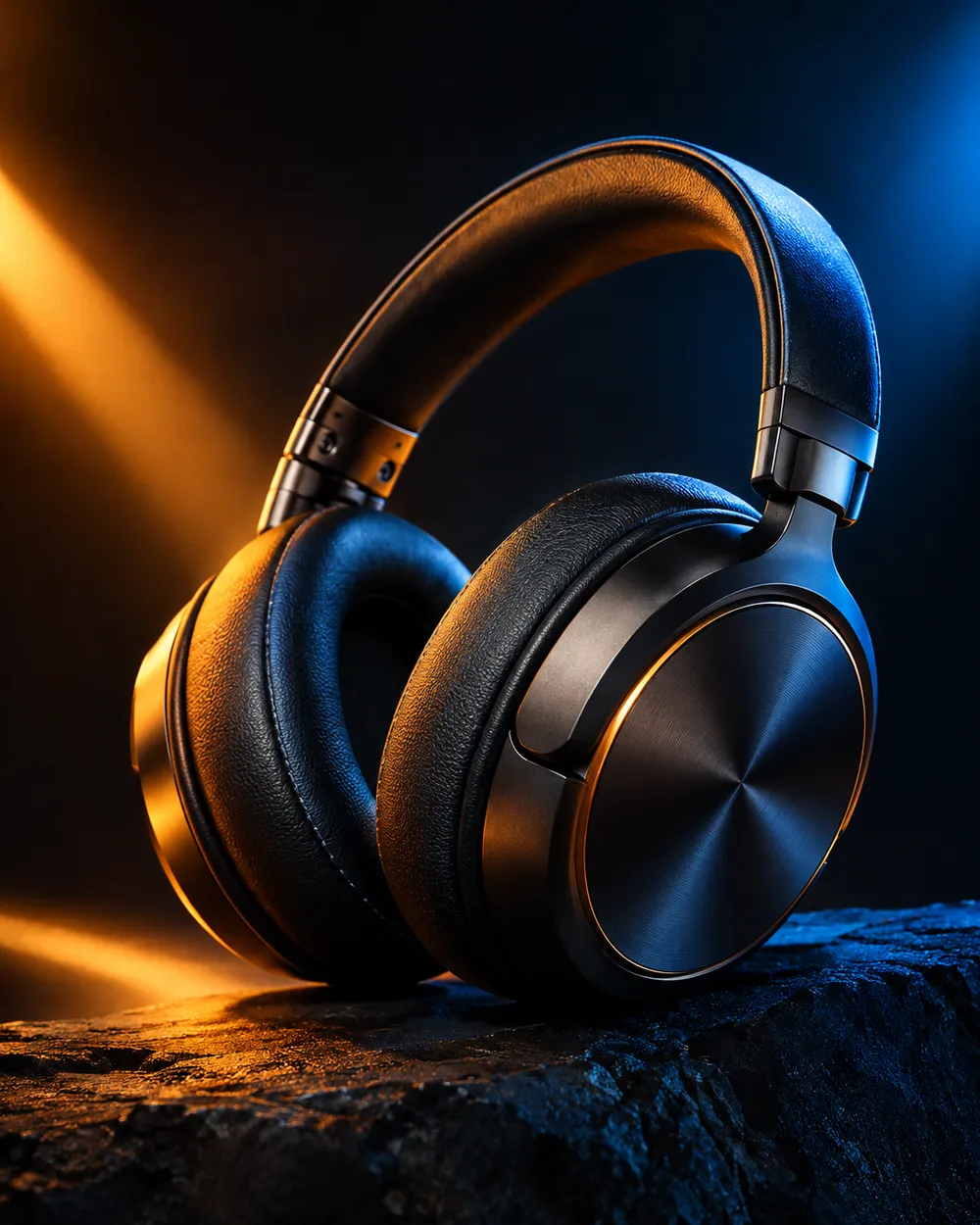
  • Black Friday hero ad AI video preset

    Hero Ad

    A slow turntable for a premium product.

  • Black Friday gift guide AI video preset

    Gift Guide

    A soft floating product for a gift roundup.

  • Cyber Monday AI video preset

    Cyber Monday

    Cool neon light for a digital offer.

動画ジェネレーター

最初のフレームをアップロードするか、公開された画像のURLを1つ貼り付けてください。非公開や共有ページのリンクは利用できません。

(任意)

動きを特定のショットで終わらせたい場合は、終了フレームをアップロードするか公開URLを貼り付けてください。

費用: 1 クレジット

0 / 2000

カメラプリセット

プロンプトにカメラ方向を追加します。これはプロンプト断片であり、別の 3D モデルモードではありません。

15s
4s15s

生成コントロール

これらは3つのワークフローレーンすべてで共有されるコントロールです。

2オプション
Fast

利用可能な場合、より高速なルート(Fast)を使用します。

音声を生成

プロバイダが対応している場合、同期した音声を含めます。

費用: 150 クレジット残り 0 クレジット
プレビュー

まだ何も生成されていません

動画生成には購入済みクレジットを使用します。送信前にワークスペースで見積もりを確認できます。

使い方

  1. 1

    ルックを選ぶ

    プリセットから始めるか、自分の方向性を書きます。

  2. 2

    写真をアップロード

    編集する権限がある、正面の鮮明な写真を使用してください。

  3. 3

    生成して調整

    ジョブを実行し、結果を確認し、再試行ごとに1つの変数だけを変えます。

What to prepare before Black Friday

Prepare the product still first. A clean cutout on a neutral background is easier to animate than a lifestyle photo with many objects. Then choose one motion per product: push-in, orbit, turntable, light sweep or unboxing. Do not put three motions in one five-second clip.

Write the offer copy separately from the video. The video should show the product; the caption, landing page and checkout should explain the price. Do not ask the video model to render price text. Text rendering is unreliable and a wrong price is worse than no price.

Seven clip formats that fit a sale

Deal teaser, countdown, unboxing, hero ad, gift guide, category roundup and cyber Monday neon. Each format has a different job. A teaser creates curiosity. A hero ad makes the product look premium. A gift guide helps a shopper compare. A cyber Monday clip signals a digital offer.

Keep one format per product and one product per clip. If you need a category roundup, create separate clips and edit them together. That gives you control over pacing and avoids a crowded generation.

Honest seasonal pricing

Seasonal pages often promise a discount that does not exist. This page avoids that. The pricing page is the source of truth for plans, credits and billing. If you need a small entry point, the Try pack is the lowest one-time purchase currently listed; check the pricing page for the current amount and credit total.

If you are comparing providers, compare the cost per usable clip, not the headline discount. A cheap clip that needs five retries is more expensive than a clean clip that works once.

よくある質問

  1. 1

    Is there a Black Friday discount on Animate AI?

    Any active seasonal offer is stated on the pricing page with its dates and conditions. This page does not invent a discount. The current plans and credit totals are always visible on the pricing page.

  2. 2

    When is Black Friday 2026?

    Black Friday falls on November 27, 2026. Cyber Monday falls on November 30, 2026. Search demand usually starts weeks earlier, so prepare the product stills and clips before the date.

  3. 3

    Do I need a product photo?

    A clean product still produces the most consistent clip. You can also use text-to-video, but product shape and label consistency are harder to control without a reference image.

  4. 4

    Can the video include the price?

    Do not rely on the video model to render price text. Add the price in your editor, caption or landing page. That avoids wrong or distorted numbers.

  5. 5

    How many clips can I make from one credit pack?

    It depends on duration, resolution and audio. A five-second 720p fast clip starts at about 50 credits. The Try pack includes 500 credits, so it covers roughly ten short clips before retries. Check the workspace estimate before each run.

  6. 6

    Can I use the clips in paid ads?

    Review the Terms of Service and the model provider’s usage rules. Also follow the ad platform’s disclosure rules for synthetic media.

ガイドとプロンプト解説

関連ワークフロー

テスト済みのプリセットから始める

ワークスペースを開き、プリセットを適用して、生成前にクレジットの見積もりを確認できます。