メインコンテンツへ移動
季節のプリセットパック

AIハロウィン動画ジェネレーター

ハロウィンの静止画を、首振り、霧、ゆっくりしたプッシュインなど1つの明確な動きで5秒のクリップにします。

ハロウィンの静止画を5秒のクリップに。首振り、霧、ゆっくりしたプッシュインなど6つのモーションプリセットを用意。

  • ブラウザで動作、インストール不要
  • 安全な決済
  • 有料書き出しは透かしなし

生成には購入済みクレジットを使用します

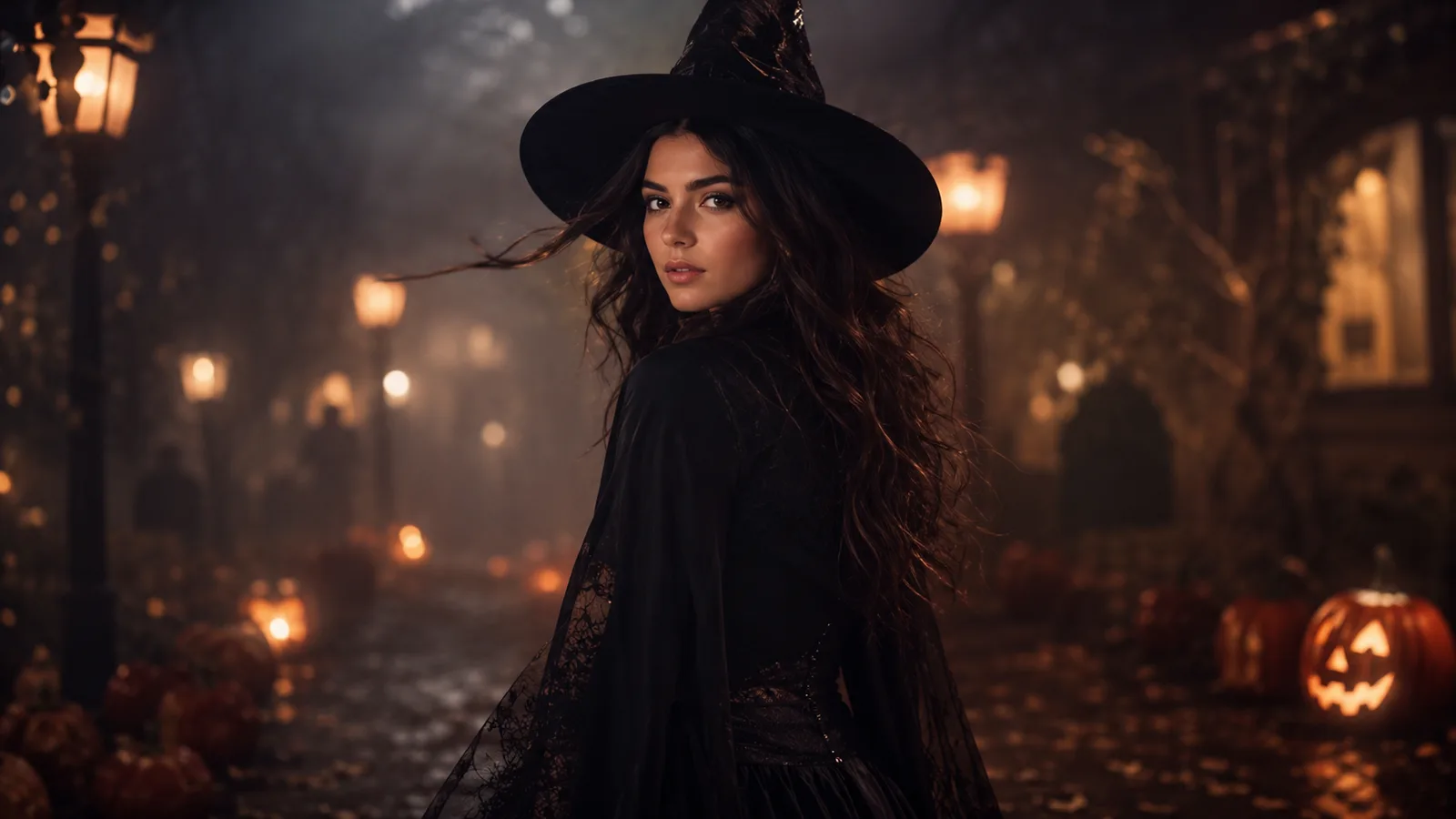
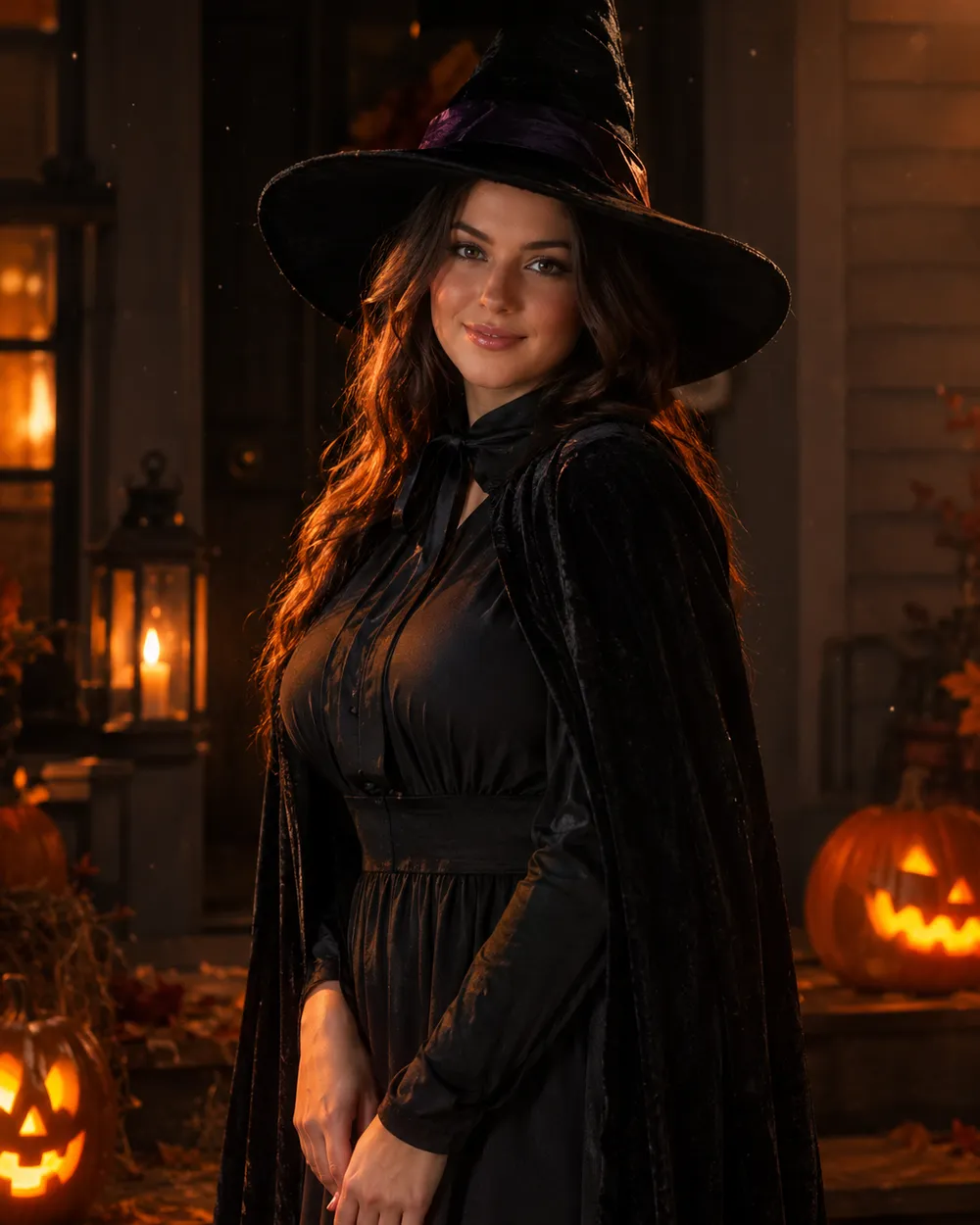
Cinematic Halloween portrait animated with fog and a slow camera push-in
6 presets

プリセットを選ぶ

方向性を選び、プロンプトをワークスペースに適用して、一度に1つの詳細だけを編集します。

  • Midnight turn Halloween AI video preset

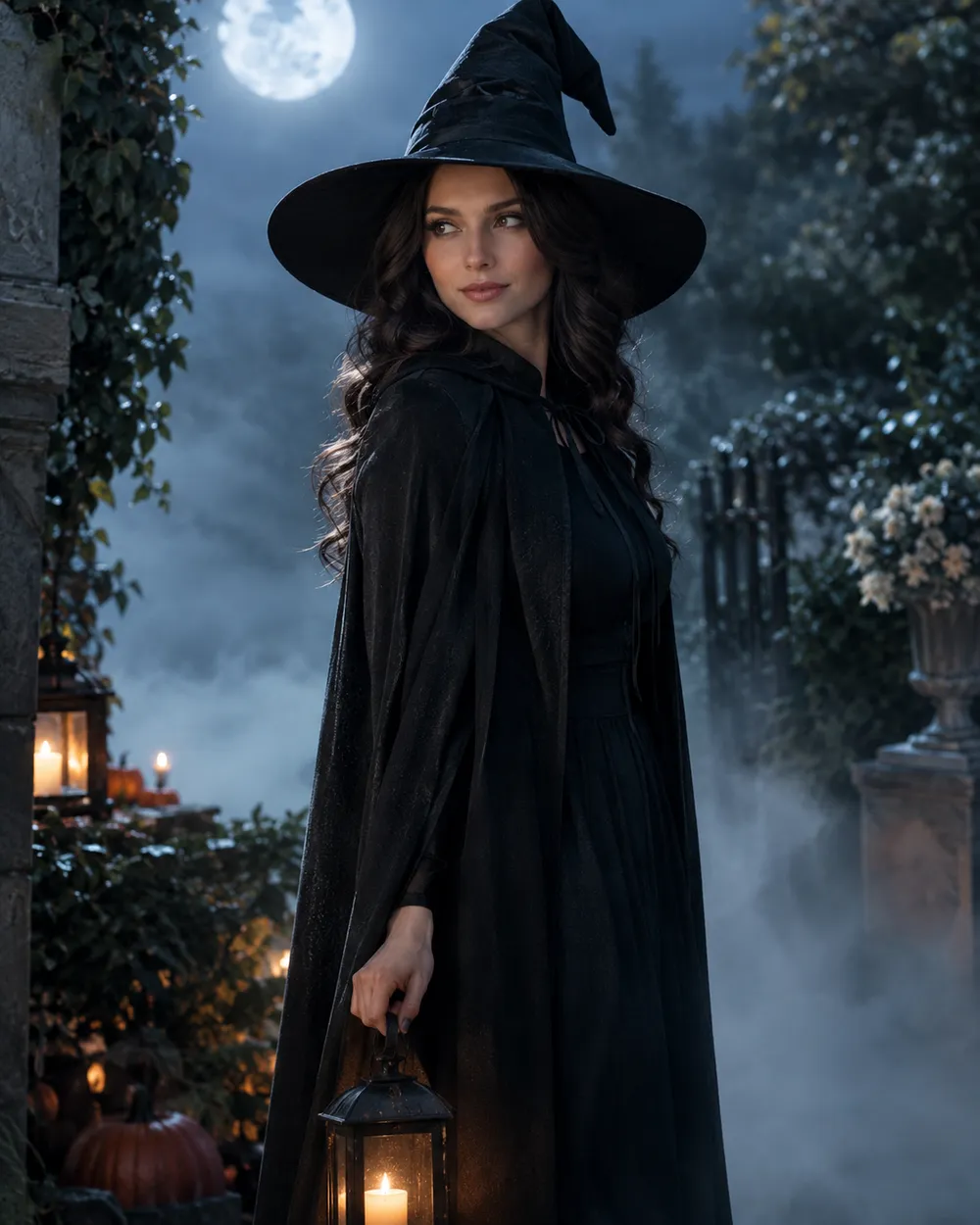
    Midnight Turn

    A slow head turn with drifting fog.

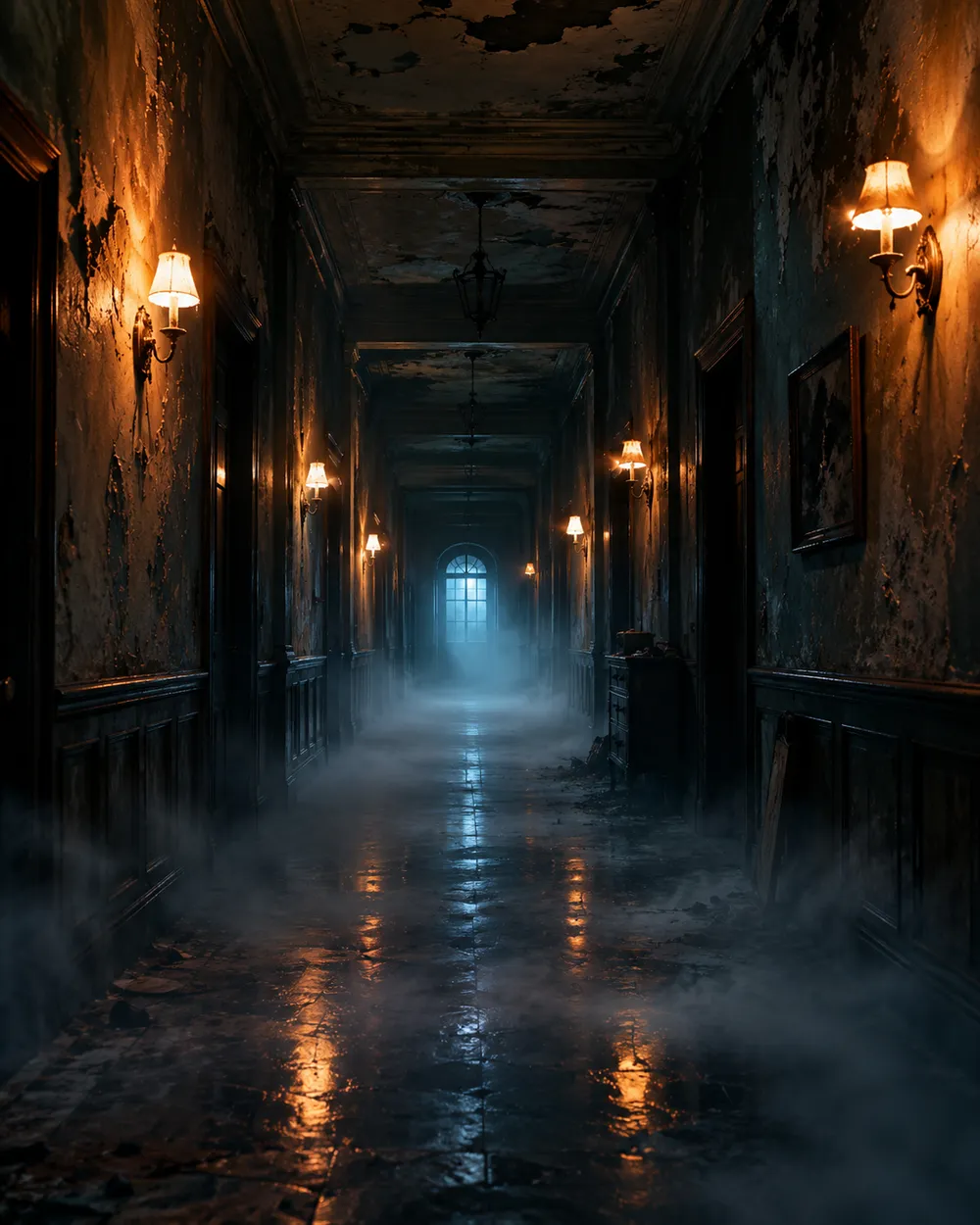
  • Haunted hallway Halloween AI video preset

    Haunted Hallway

    Fog rolls in; the camera glides forward.

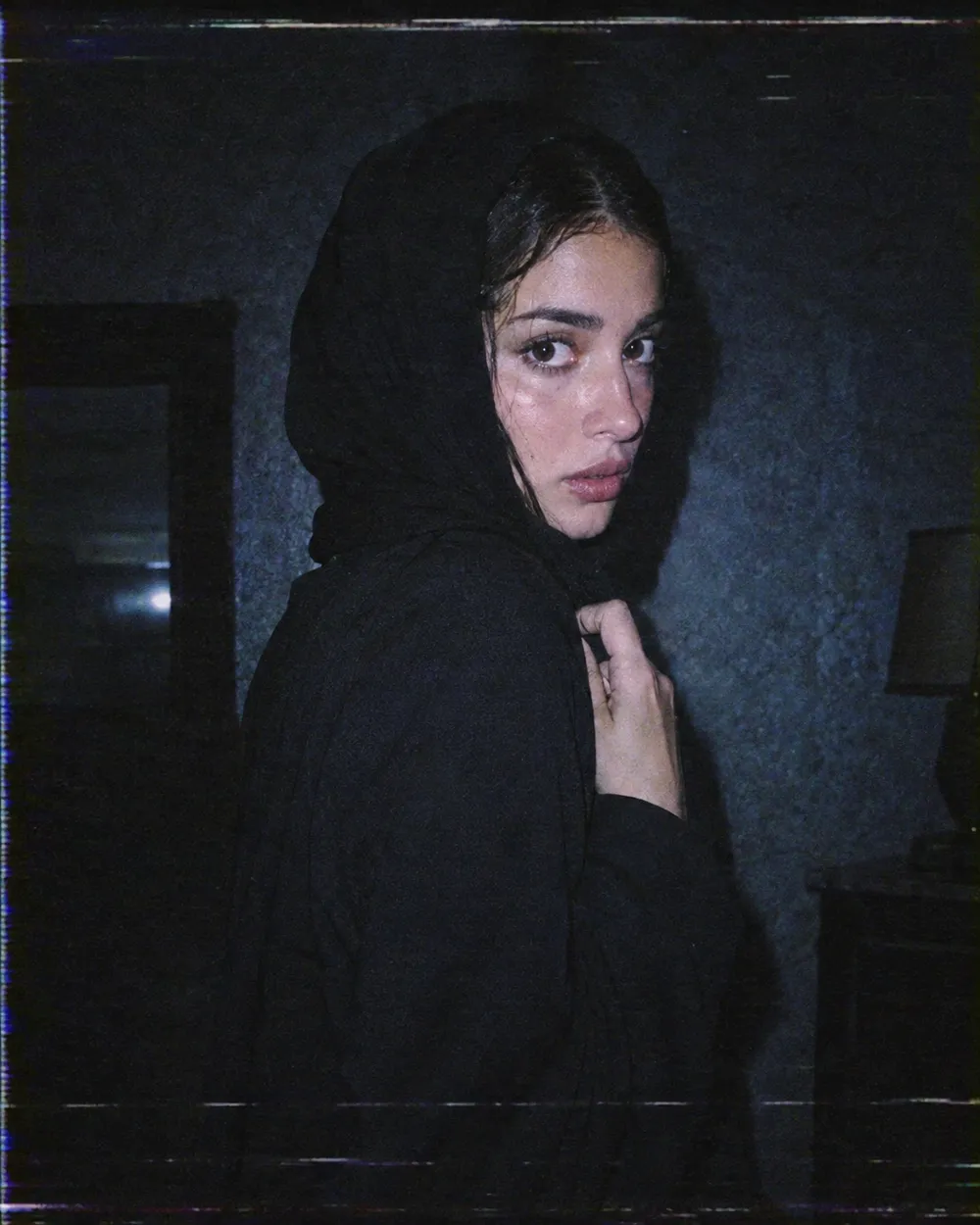
  • VHS horror Halloween AI video preset

    VHS Horror

    Analog tracking wobble and a cold flash.

  • Pumpkin glow Halloween AI video preset

    Pumpkin Glow

    Warm light flickers; the subject smiles.

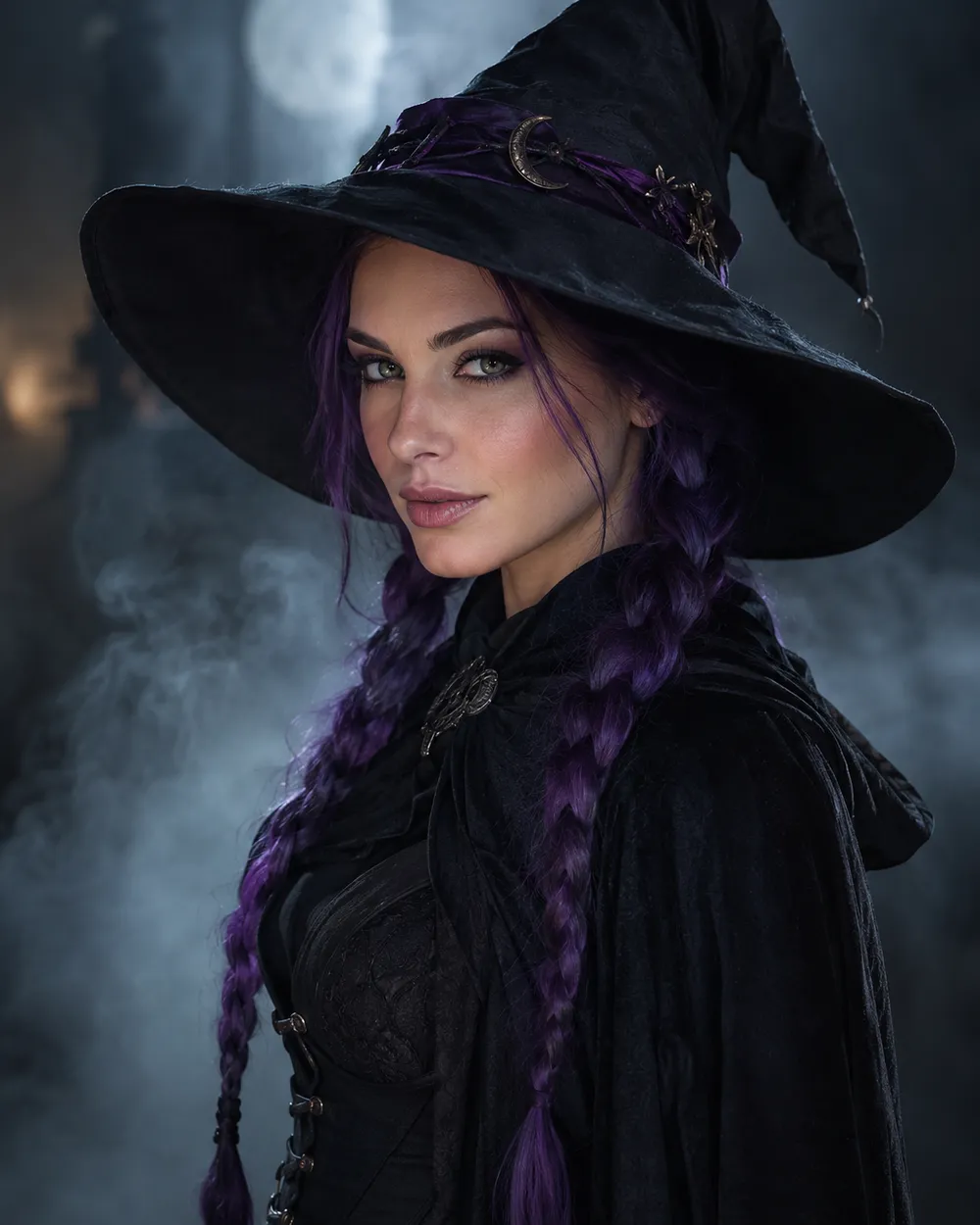
  • Floating fog Halloween AI video preset

    Floating Fog

    A slow orbit around a still portrait.

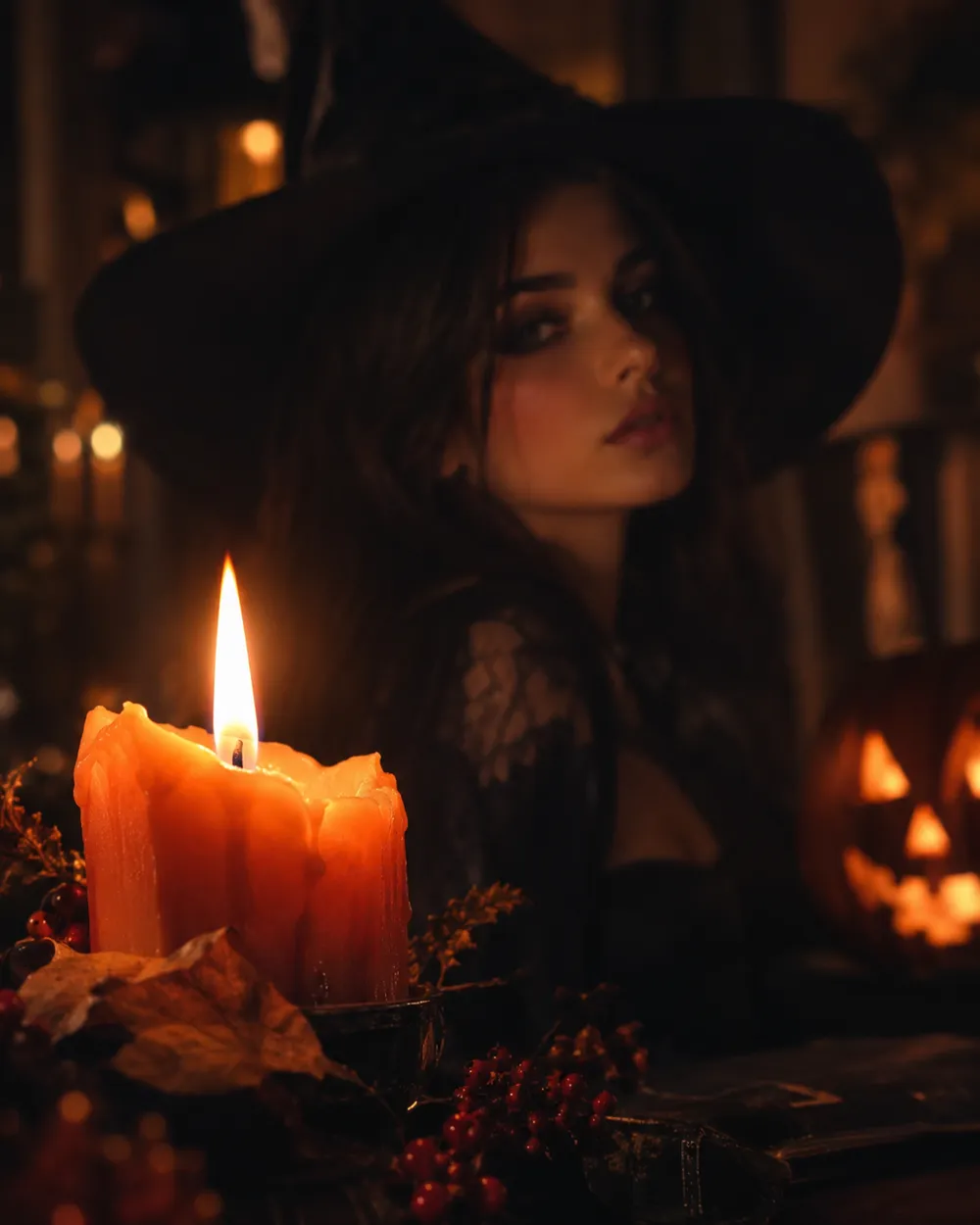
  • Candle reveal Halloween AI video preset

    Candle Reveal

    Start on a detail, end on the face.

動画ジェネレーター

最初のフレームをアップロードするか、公開された画像のURLを1つ貼り付けてください。非公開や共有ページのリンクは利用できません。

(任意)

動きを特定のショットで終わらせたい場合は、終了フレームをアップロードするか公開URLを貼り付けてください。

費用: 1 クレジット

0 / 2000

カメラプリセット

プロンプトにカメラ方向を追加します。これはプロンプト断片であり、別の 3D モデルモードではありません。

15s
4s15s

生成コントロール

これらは3つのワークフローレーンすべてで共有されるコントロールです。

2オプション
Fast

利用可能な場合、より高速なルート(Fast)を使用します。

音声を生成

プロバイダが対応している場合、同期した音声を含めます。

費用: 150 クレジット残り 0 クレジット
プレビュー

まだ何も生成されていません

動画生成には購入済みクレジットを使用します。送信前にワークスペースで見積もりを確認できます。

使い方

  1. 1

    ルックを選ぶ

    プリセットから始めるか、自分の方向性を書きます。

  2. 2

    写真をアップロード

    編集する権限がある、正面の鮮明な写真を使用してください。

  3. 3

    生成して調整

    ジョブを実行し、結果を確認し、再試行ごとに1つの変数だけを変えます。

Why subtle motion works better

Image-to-video models are good at small, continuous changes. They are less reliable when a single shot has to contain a costume change, a walk, a new character and a camera cut. A subtle head turn keeps the identity stable and gives the viewer enough motion to stop scrolling.

Start with a five-second clip. If the result is stable, extend the duration or add one more motion. If it is unstable, remove motion instead of adding more instructions. A clean blink is better than a distorted wave.

The Halloween video trend, without the hype

Seasonal AI video trends usually combine a recognizable costume, a practical light source and one uncanny motion. The effect works because the scene feels almost normal. You do not need a jump scare or a complex transformation. A portrait that slowly turns toward the camera in a foggy garden is enough.

If you are making a TikTok or Shorts cover, generate a vertical still first, then animate it. Keep the face in the upper third so the platform UI does not cover it. Export a clean version without text and add captions in the editor.

Prompt structure for image-to-video

Use four parts: reference lock, motion, environment, stability rules. The reference lock says to keep the face, costume and proportions. The motion says what moves and how fast. The environment says what changes in the background. The stability rules exclude cuts, extra characters, warped hands and text.

If the model supports audio, decide whether you need it before generating. Audio can increase cost, and most social clips are muted anyway. A clean silent clip is usually the better first version.

よくある質問

  1. 1

    How long should a Halloween AI video be?

    Start with five seconds. A single clear motion is easier to control and cheaper to iterate than a longer scene. Extend only after the short clip is stable.

  2. 2

    Do I need a source image?

    Image-to-video produces the most consistent results when you start from a still. You can also use text-to-video, but identity and costume consistency are harder to control.

  3. 3

    Which video model does Animate AI use?

    The hosted video workspace uses Seedance 2.0 through the configured provider. The workspace exposes duration, resolution, audio and motion options before you submit.

  4. 4

    How much does a clip cost?

    The cost depends on duration, resolution and whether you use audio or video references. The workspace shows the credit estimate before generation. A five-second 720p fast clip starts at about 50 credits.

  5. 5

    Can I use the video on TikTok or YouTube?

    Review the Terms of Service and the model provider’s usage rules. Also follow the platform’s disclosure rules for synthetic media.

  6. 6

    Why does the face change during the clip?

    Long or complex motion gives the model more chances to drift. Use a shorter duration, a smaller motion and a stronger reference lock. Keep the camera move simple.

ガイドとプロンプト解説

関連ワークフロー

テスト済みのプリセットから始める

ワークスペースを開き、プリセットを適用して、生成前にクレジットの見積もりを確認できます。