


Aller au contenu principal
Pack de presets saisonniers

Générateur vidéo IA Black Friday 2026

Préparez vos clips produit avant la vente : six presets de mouvement, des estimations claires et aucune remise inventée.

Préparez vos vidéos produit Black Friday et Cyber Monday avec six presets, des prix en crédits transparents et un espace Seedance.

  • Dans le navigateur, sans installation
  • Paiement sécurisé
  • Sans filigrane sur les exports payants

La génération consomme des crédits achetés

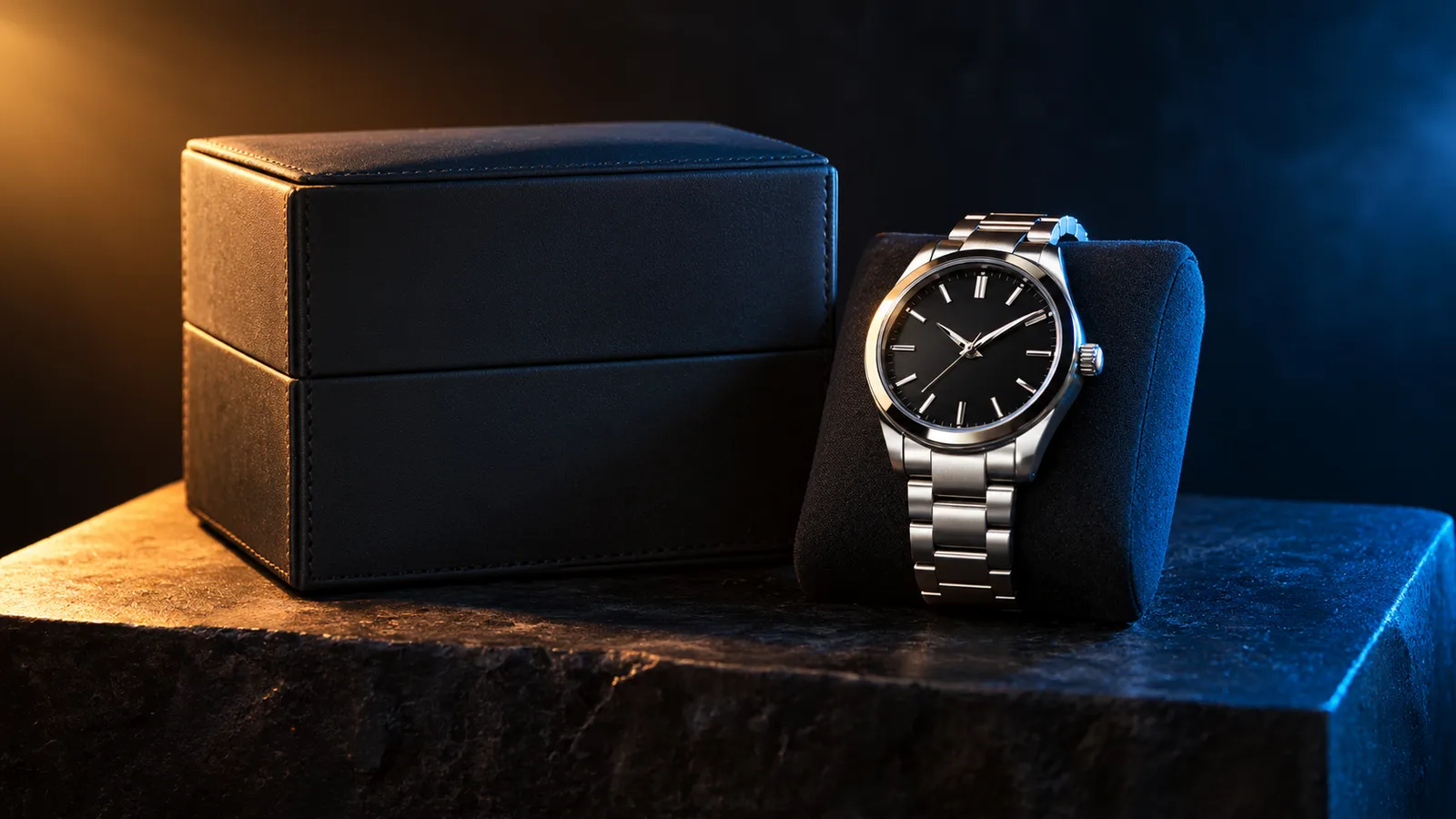
Black Friday product video storyboard with a dark studio and warm rim light
6 presets

Choisir un preset

Choisissez une direction, appliquez le prompt dans l’espace de travail, puis modifiez un détail à la fois.

  • Black Friday deal teaser AI video preset

    Deal Teaser

    A five-second product tease with a slow push-in.

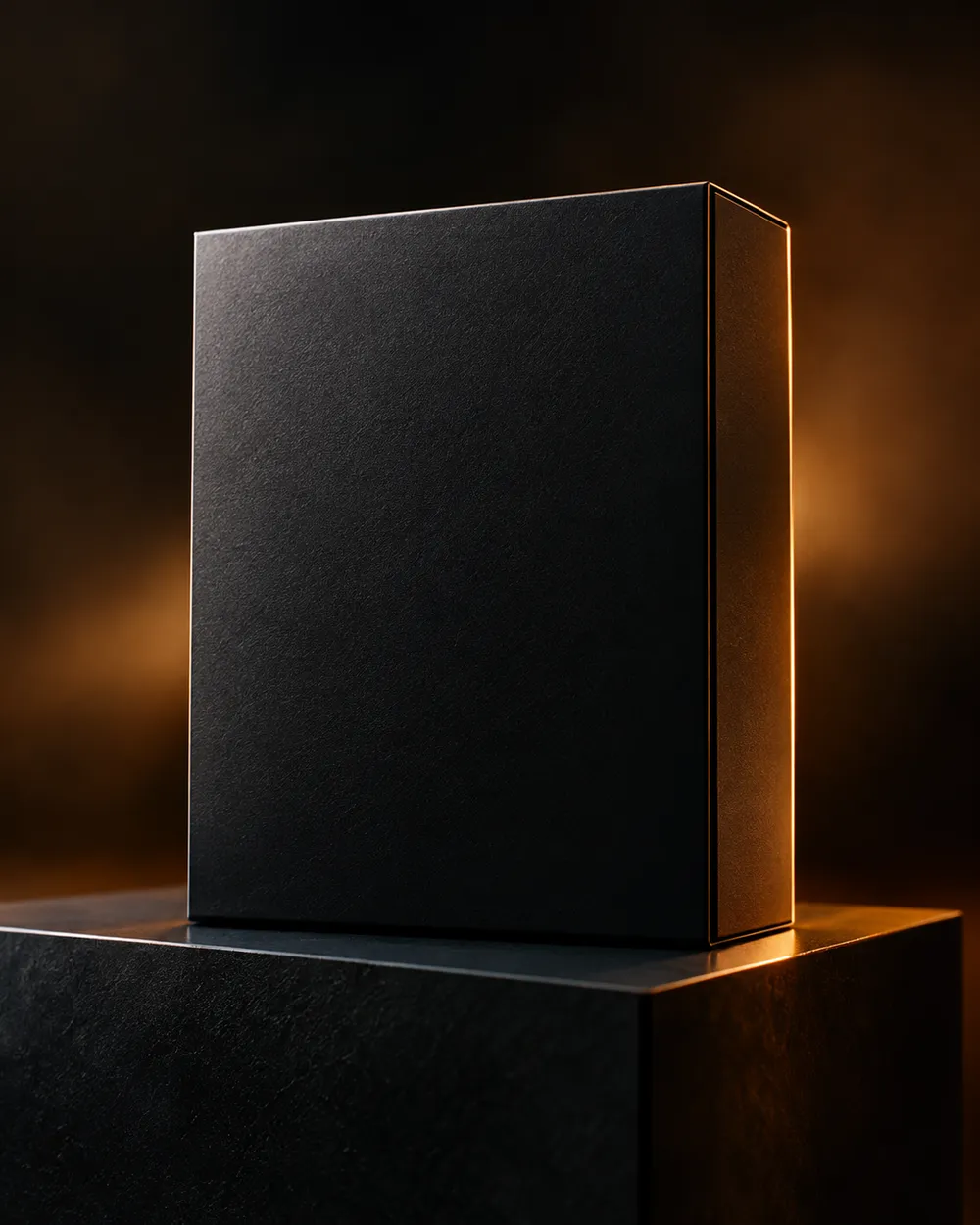
  • Black Friday countdown AI video preset

    Countdown

    A dramatic light sweep for a launch post.

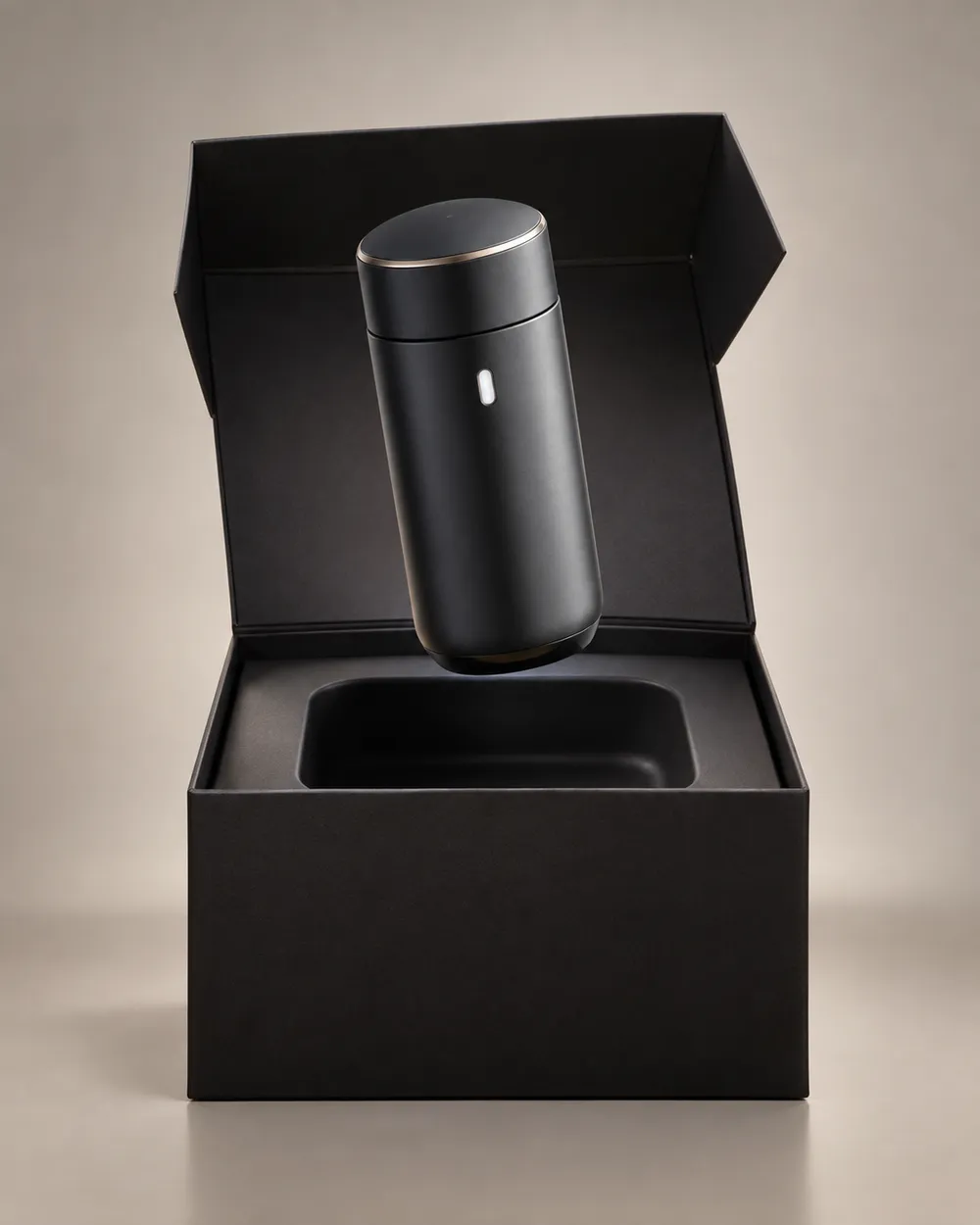
  • Black Friday unboxing AI video preset

    Unboxing

    A clean open-box reveal without hands.

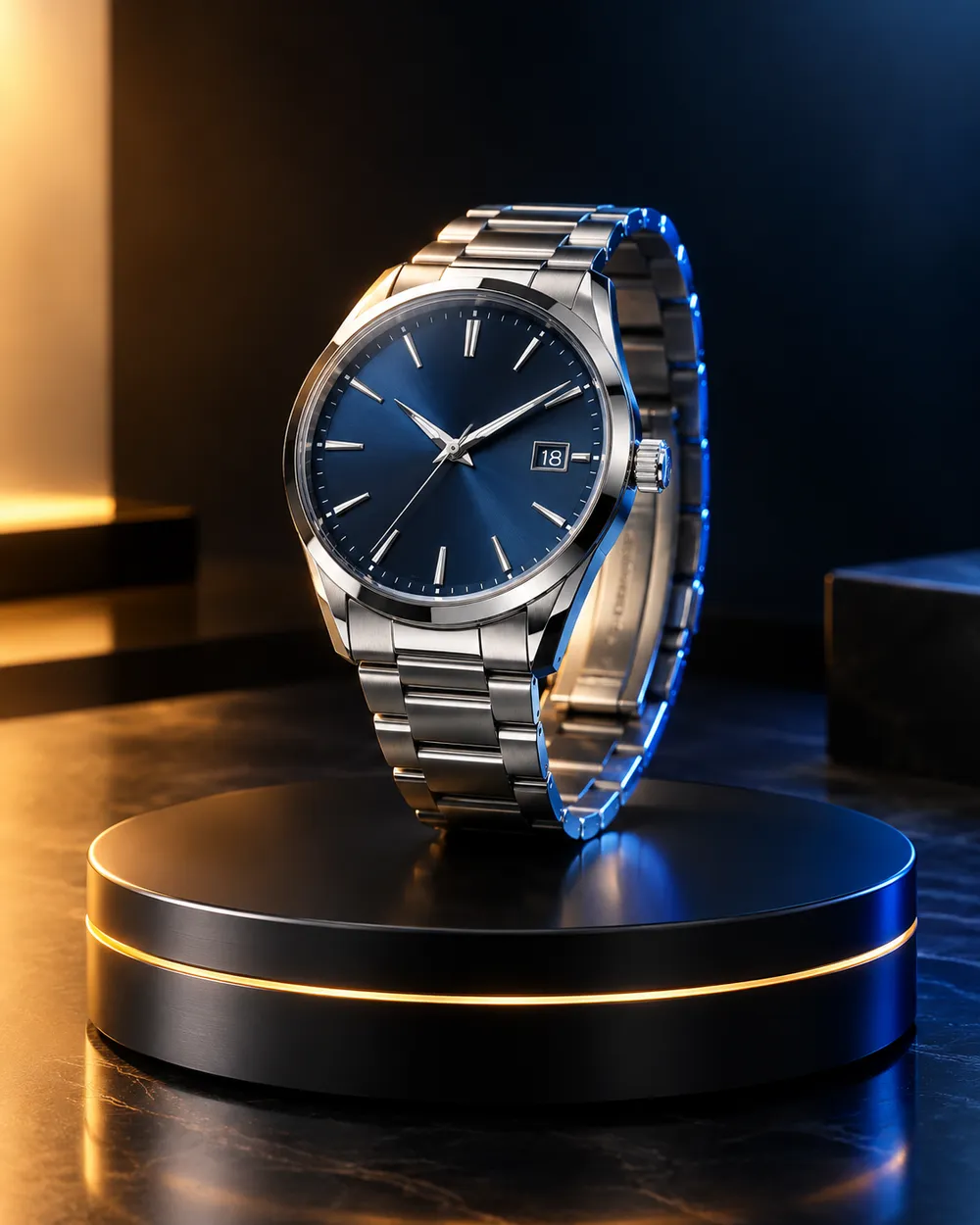
  • Black Friday hero ad AI video preset

    Hero Ad

    A slow turntable for a premium product.

  • Black Friday gift guide AI video preset

    Gift Guide

    A soft floating product for a gift roundup.

  • Cyber Monday AI video preset

    Cyber Monday

    Cool neon light for a digital offer.

Générateur vidéo

Téléversez une première image ou collez une URL publique d'image. Les liens privés ou de pages de partage échoueront.

(Optionnel)

Téléversez une image de fin ou collez une URL publique si vous voulez que le mouvement arrive sur un plan cible.

Coût : 1 crédits

0 / 2000

Préréglages caméra

Ajoute une direction de caméra au prompt. Ce sont des extraits de prompt, pas un mode de modèle 3D séparé.

15s
4s15s

Contrôles de génération

Ce sont les contrôles partagés entre les trois voies de workflow.

2 options
Fast

Utilise la voie plus rapide quand elle est disponible.

Générer le son

Inclure l'audio synchronisé lorsque le fournisseur le prend en charge.

Coût : 150 créditsCrédits restants : 0
Aperçu

Aucun résultat généré pour le moment

La génération vidéo consomme des crédits achetés. L’espace de travail affiche l’estimation avant l’envoi.

Comment ça marche

  1. 1

    Choisir un look

    Partez d’un preset ou écrivez votre propre direction.

  2. 2

    Importer une photo

    Utilisez une photo frontale nette que vous avez le droit de modifier.

  3. 3

    Générer et affiner

    Lancez la tâche, vérifiez le résultat et ne changez qu’une variable par essai.

What to prepare before Black Friday

Prepare the product still first. A clean cutout on a neutral background is easier to animate than a lifestyle photo with many objects. Then choose one motion per product: push-in, orbit, turntable, light sweep or unboxing. Do not put three motions in one five-second clip.

Write the offer copy separately from the video. The video should show the product; the caption, landing page and checkout should explain the price. Do not ask the video model to render price text. Text rendering is unreliable and a wrong price is worse than no price.

Seven clip formats that fit a sale

Deal teaser, countdown, unboxing, hero ad, gift guide, category roundup and cyber Monday neon. Each format has a different job. A teaser creates curiosity. A hero ad makes the product look premium. A gift guide helps a shopper compare. A cyber Monday clip signals a digital offer.

Keep one format per product and one product per clip. If you need a category roundup, create separate clips and edit them together. That gives you control over pacing and avoids a crowded generation.

Honest seasonal pricing

Seasonal pages often promise a discount that does not exist. This page avoids that. The pricing page is the source of truth for plans, credits and billing. If you need a small entry point, the Try pack is the lowest one-time purchase currently listed; check the pricing page for the current amount and credit total.

If you are comparing providers, compare the cost per usable clip, not the headline discount. A cheap clip that needs five retries is more expensive than a clean clip that works once.

Questions fréquentes

  1. 1

    Is there a Black Friday discount on Animate AI?

    Any active seasonal offer is stated on the pricing page with its dates and conditions. This page does not invent a discount. The current plans and credit totals are always visible on the pricing page.

  2. 2

    When is Black Friday 2026?

    Black Friday falls on November 27, 2026. Cyber Monday falls on November 30, 2026. Search demand usually starts weeks earlier, so prepare the product stills and clips before the date.

  3. 3

    Do I need a product photo?

    A clean product still produces the most consistent clip. You can also use text-to-video, but product shape and label consistency are harder to control without a reference image.

  4. 4

    Can the video include the price?

    Do not rely on the video model to render price text. Add the price in your editor, caption or landing page. That avoids wrong or distorted numbers.

  5. 5

    How many clips can I make from one credit pack?

    It depends on duration, resolution and audio. A five-second 720p fast clip starts at about 50 credits. The Try pack includes 500 credits, so it covers roughly ten short clips before retries. Check the workspace estimate before each run.

  6. 6

    Can I use the clips in paid ads?

    Review the Terms of Service and the model provider’s usage rules. Also follow the ad platform’s disclosure rules for synthetic media.

Guides et analyses de prompts

Workflows associés

Commencez avec un preset testé

Ouvrez l’espace de travail, appliquez un preset et consultez l’estimation des crédits avant de générer.