Aller au contenu principal
Pack de presets saisonniers

Générateur vidéo produit IA

Transformez une image produit en clip de cinq secondes avec un mouvement de caméra contrôlé et un balayage lumineux propre.

Transformez une image produit en clip de cinq secondes : plateau tournant, orbite, dolly-in ou révélation. Pas d’export 3D.

  • Dans le navigateur, sans installation
  • Paiement sécurisé
  • Sans filigrane sur les exports payants

La génération consomme des crédits achetés

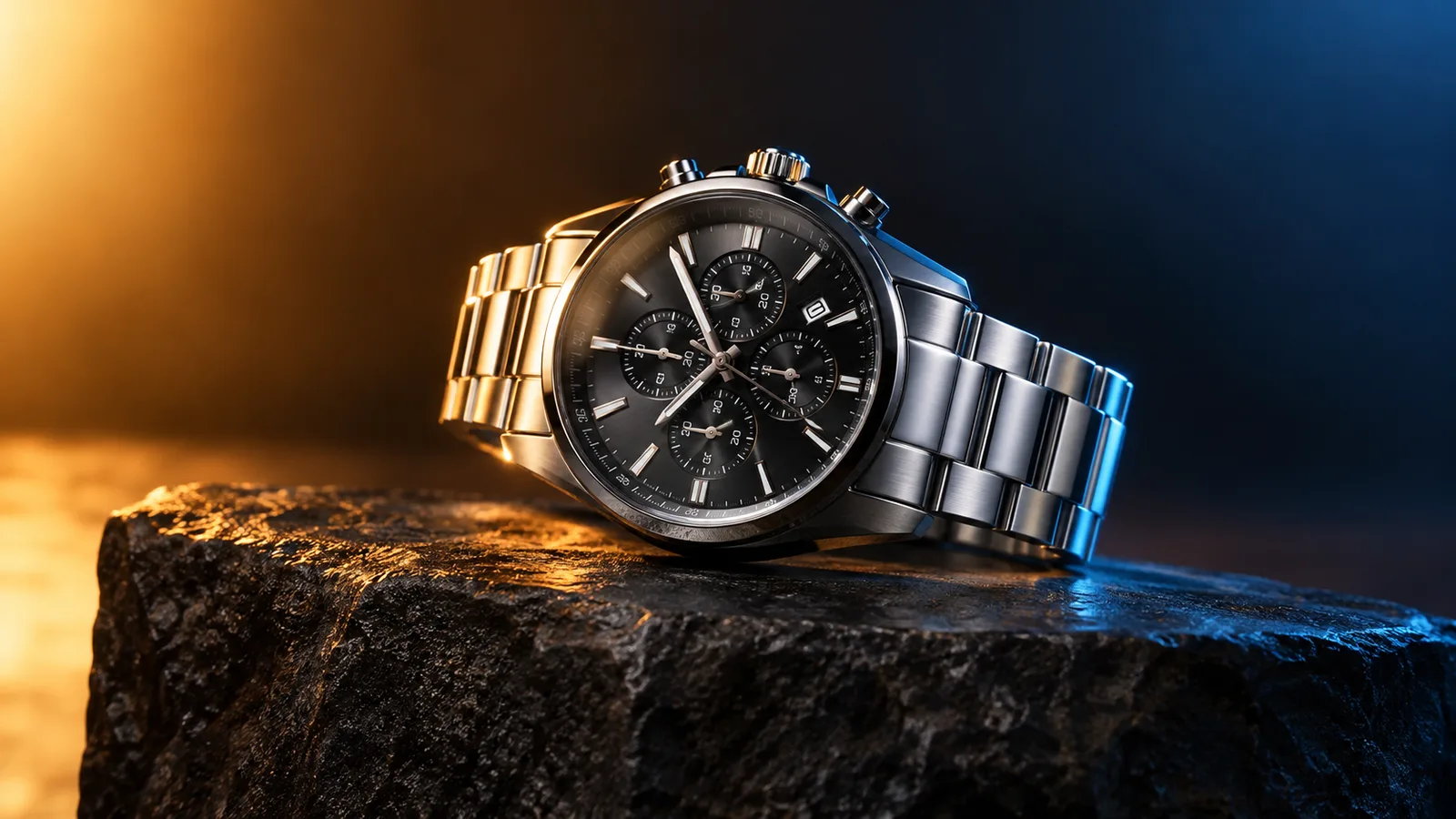
Product motion video still with a watch on a dark stone plinth and rim light
6 presets

Choisir un preset

Choisissez une direction, appliquez le prompt dans l’espace de travail, puis modifiez un détail à la fois.

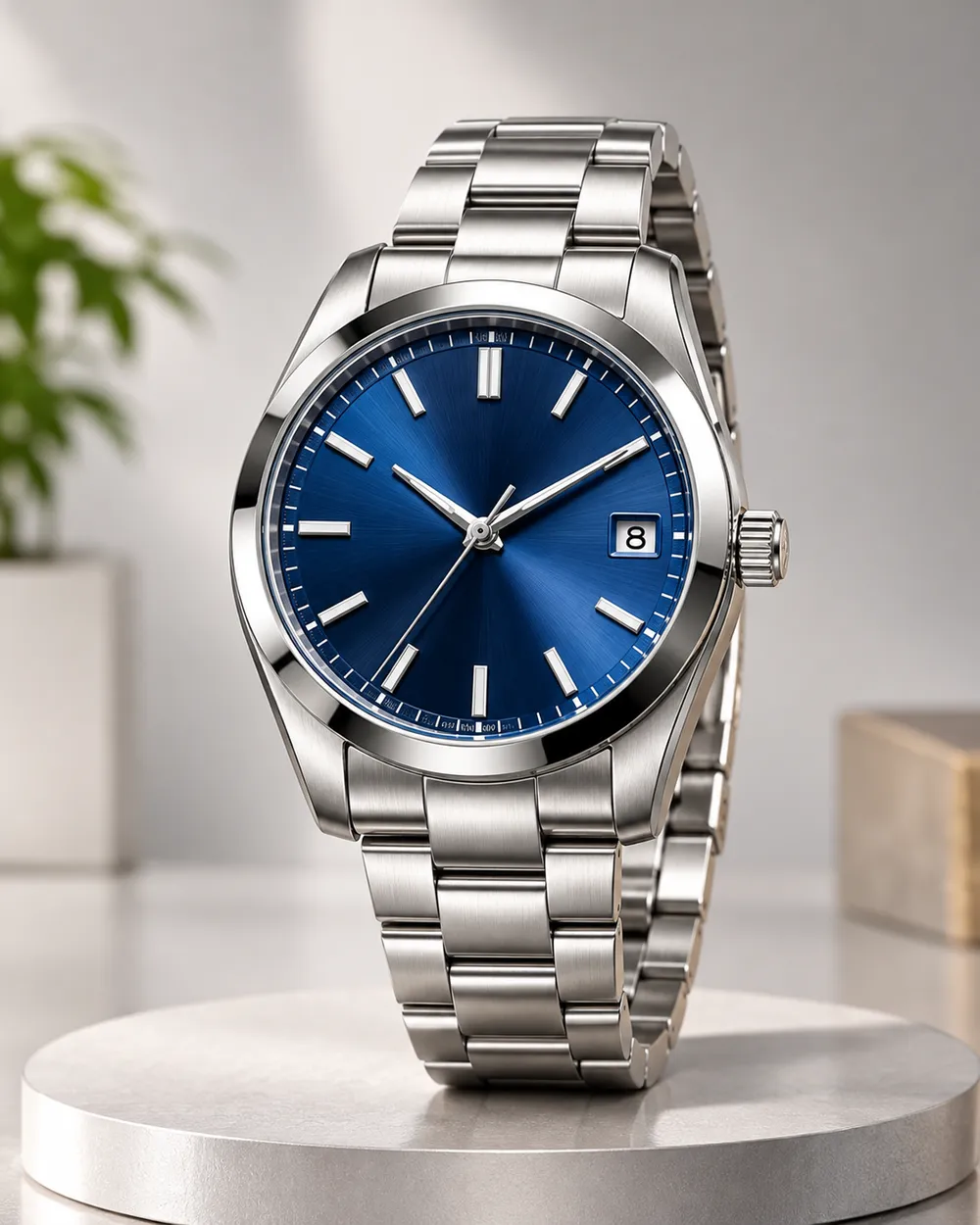
  • Turntable product motion video preset

    Turntable

    A controlled showroom rotation.

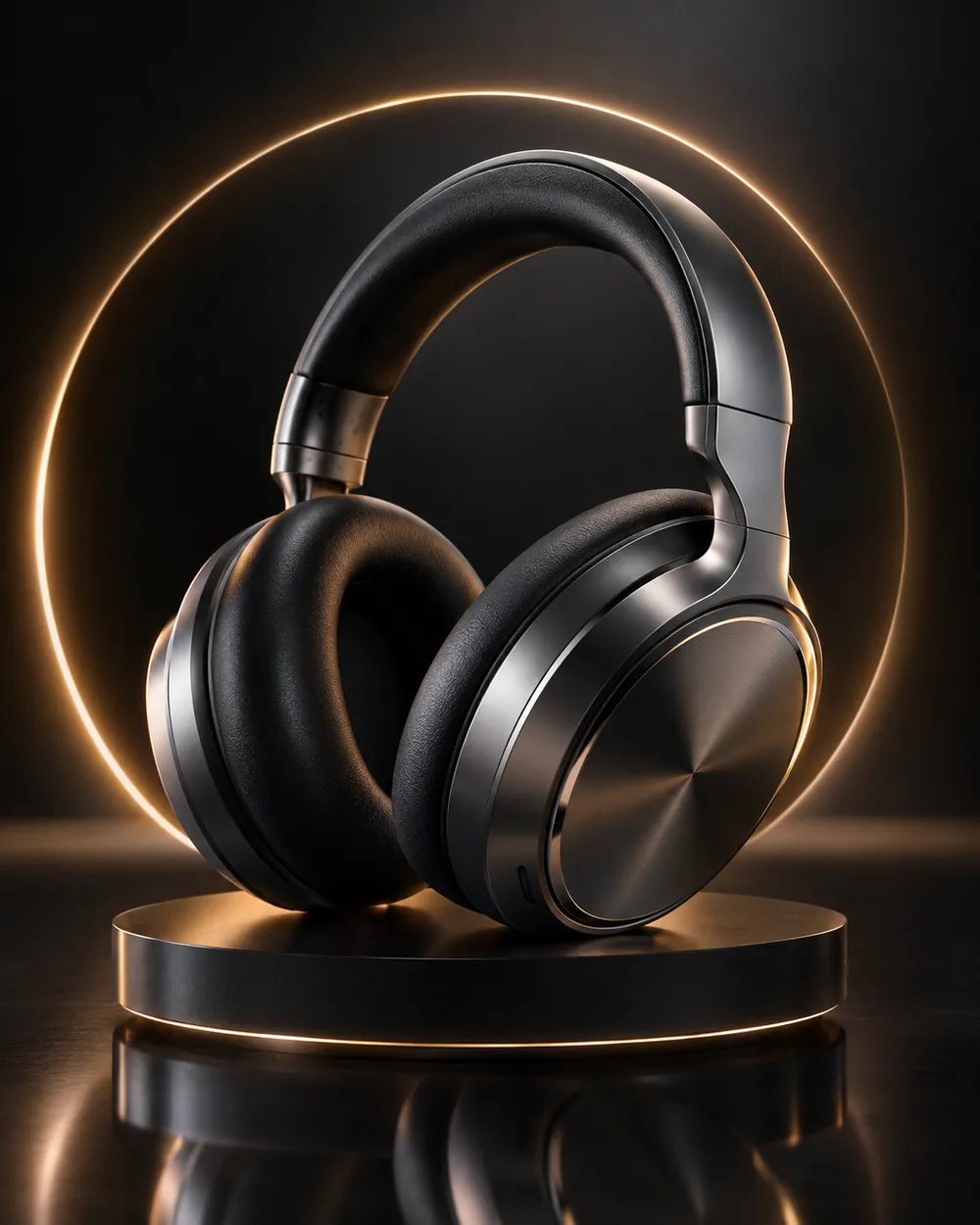
  • Orbit left product motion video preset

    Orbit Left

    Move around the product without warping it.

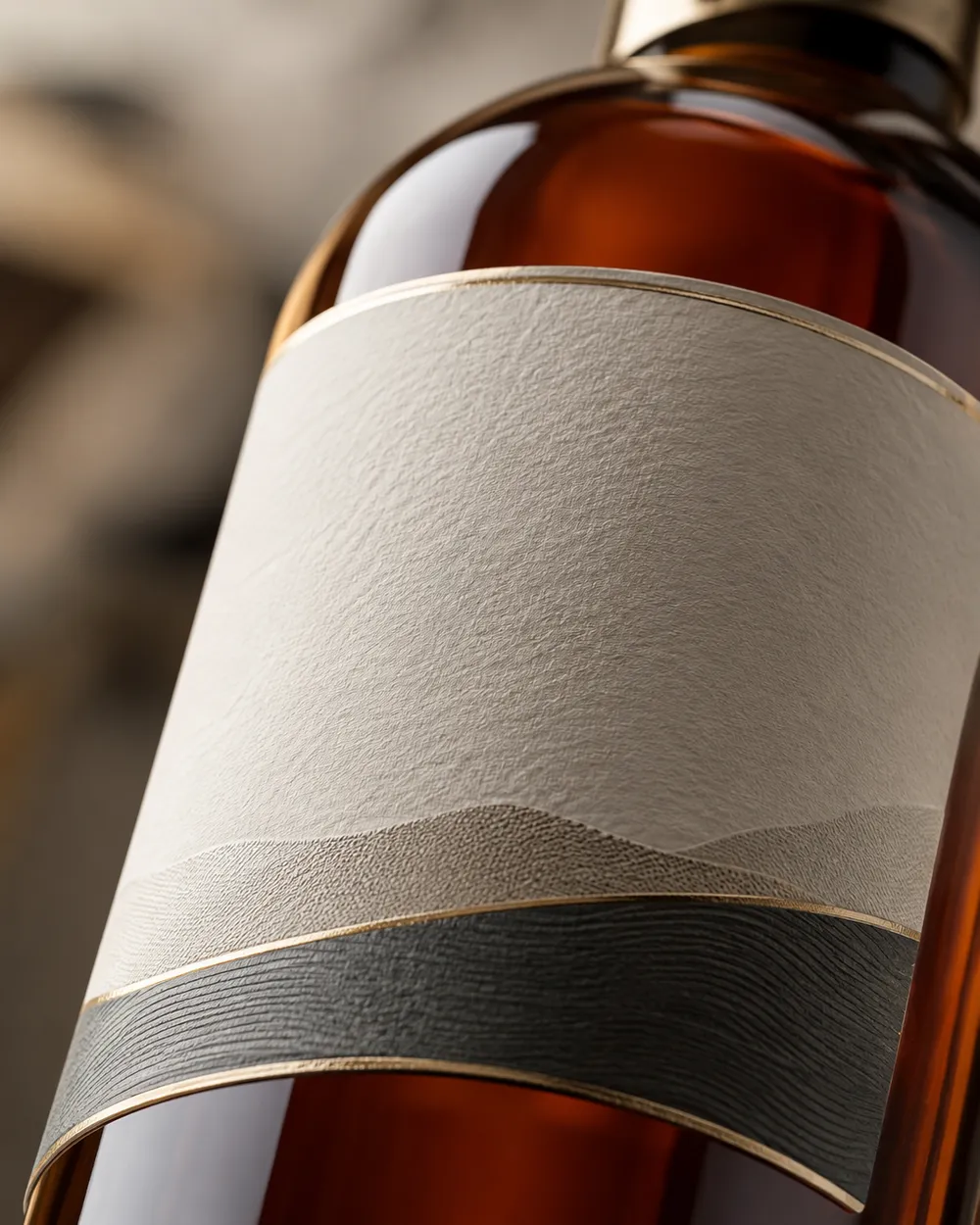
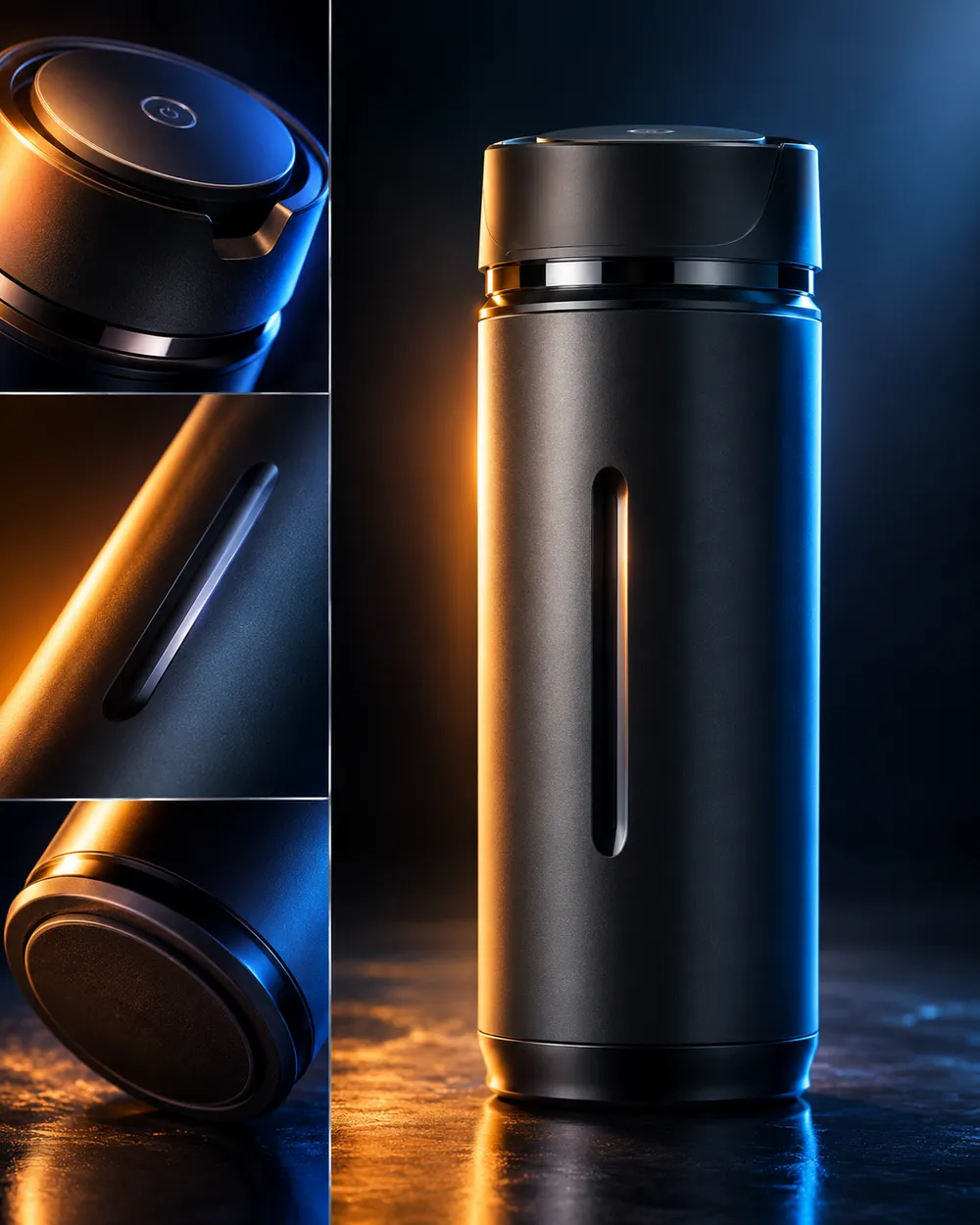
  • Dolly in product motion video preset

    Dolly In

    A premium push toward the label.

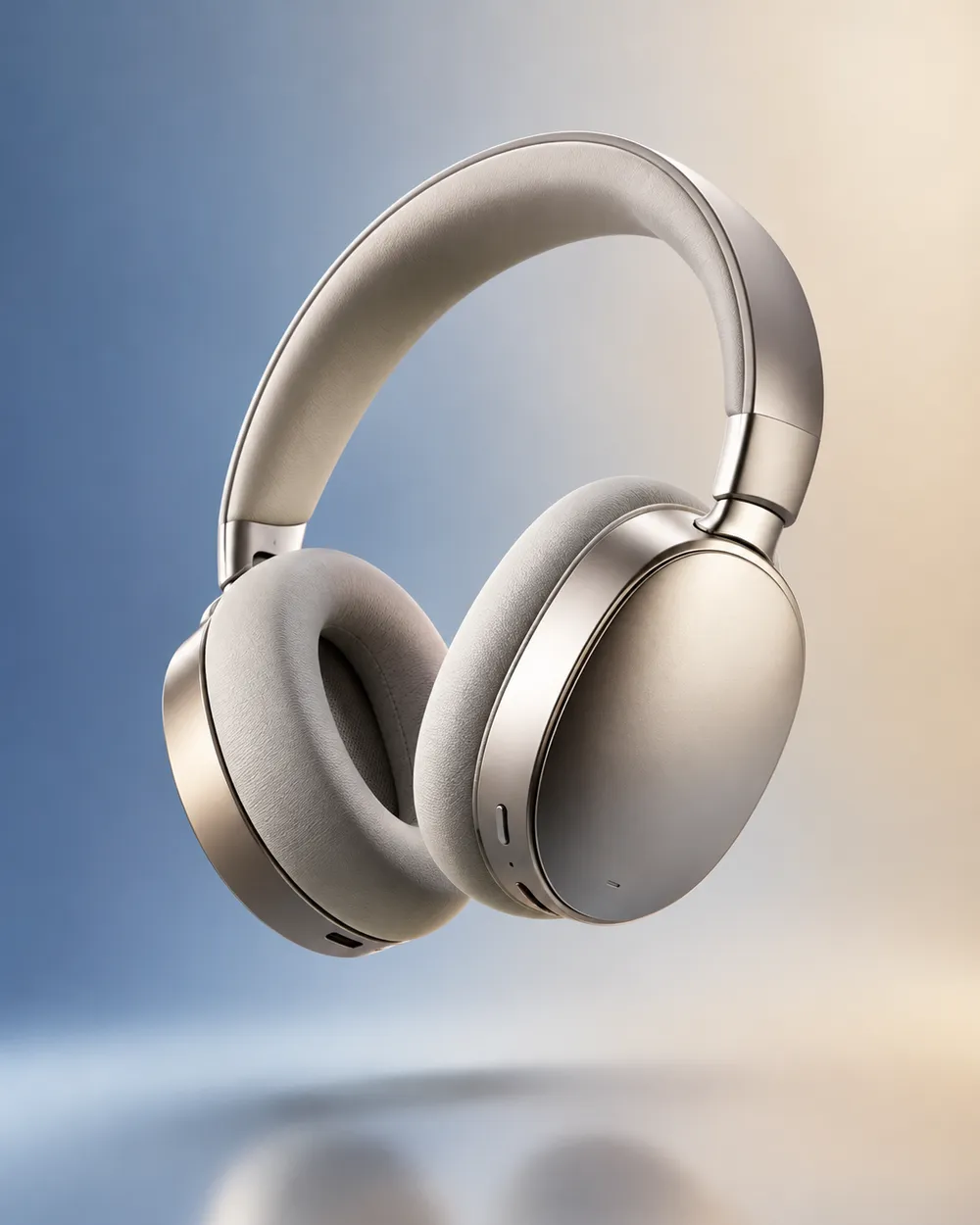
  • Floating product motion video preset

    Floating

    A subtle lift with gentle parallax.

  • Hero reveal product motion video preset

    Hero Reveal

    Start on a detail, end on the full product.

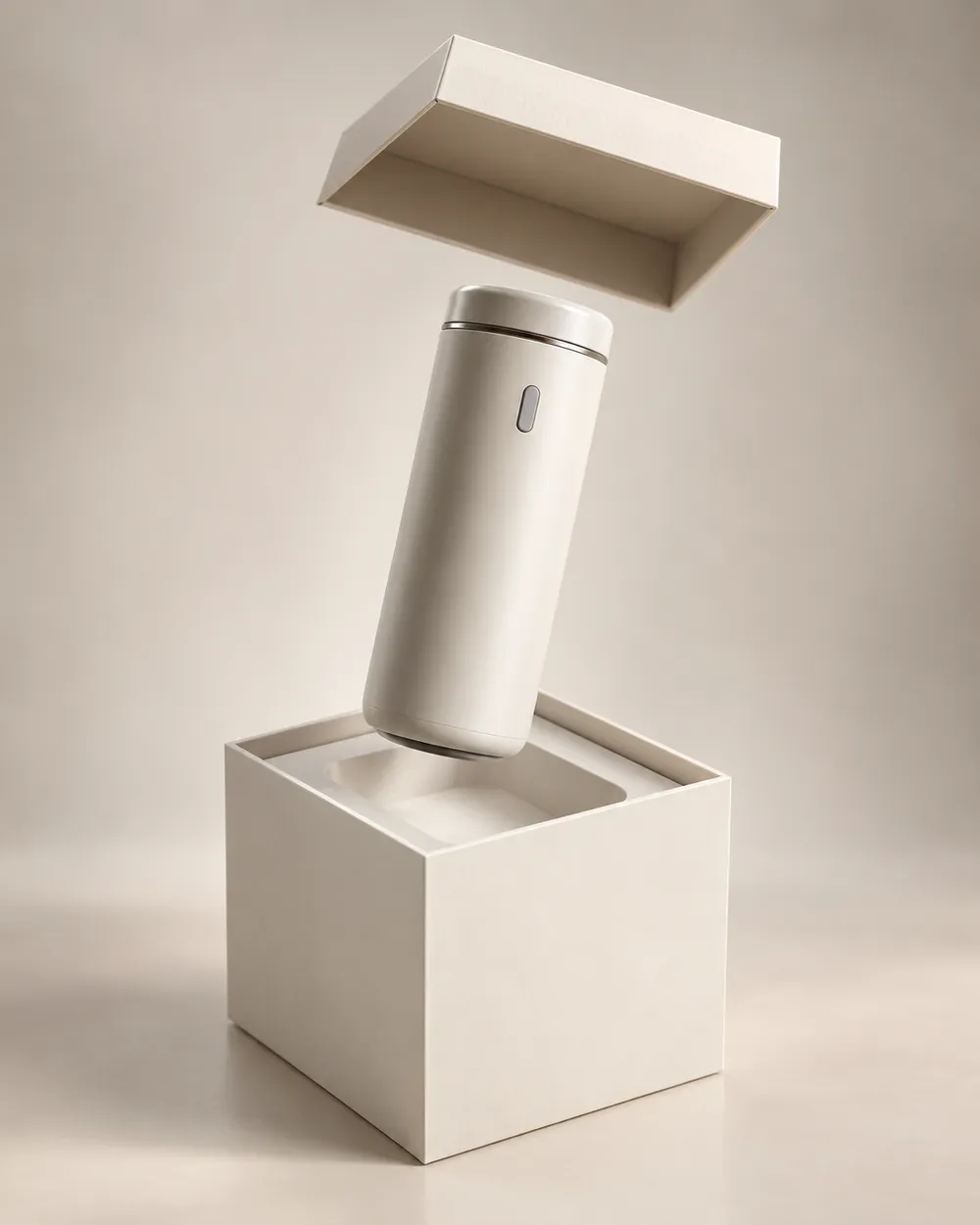
  • Unbox reveal product motion video preset

    Unbox Reveal

    A clean box opening without hands.

Générateur vidéo

Téléversez une première image ou collez une URL publique d'image. Les liens privés ou de pages de partage échoueront.

(Optionnel)

Téléversez une image de fin ou collez une URL publique si vous voulez que le mouvement arrive sur un plan cible.

Coût : 1 crédits

0 / 2000

Préréglages caméra

Ajoute une direction de caméra au prompt. Ce sont des extraits de prompt, pas un mode de modèle 3D séparé.

15s
4s15s

Contrôles de génération

Ce sont les contrôles partagés entre les trois voies de workflow.

2 options
Fast

Utilise la voie plus rapide quand elle est disponible.

Générer le son

Inclure l'audio synchronisé lorsque le fournisseur le prend en charge.

Coût : 150 créditsCrédits restants : 0
Aperçu

Aucun résultat généré pour le moment

La génération vidéo consomme des crédits achetés. L’espace de travail affiche l’estimation avant l’envoi.

Comment ça marche

  1. 1

    Choisir un look

    Partez d’un preset ou écrivez votre propre direction.

  2. 2

    Importer une photo

    Utilisez une photo frontale nette que vous avez le droit de modifier.

  3. 3

    Générer et affiner

    Lancez la tâche, vérifiez le résultat et ne changez qu’une variable par essai.

The product motion prompt formula

Use six parts: product lock, motion, camera, lighting, background and stability. The product lock preserves shape, label and color. The motion says what moves. The camera says how the viewer moves. The lighting says where the reflections come from. The background keeps the scene clean. The stability rules exclude warping, extra objects, text and cuts.

A good product prompt is short. Long prompts often add conflicting instructions. If the result warps the label, remove background details and add a label-stability rule.

What this workflow is not

This is not a 3D model generator. It does not export GLB, OBJ or STL files, and it does not create editable topology, PBR maps or rigging. If you need a 3D asset, use a 3D tool. If you need a short motion clip from a still, this workflow is the right fit.

It is also not a replacement for a product photographer. A clean source still with controlled lighting produces a better clip than a messy lifestyle photo. Garbage in, garbage out still applies.

Where product clips fit in a funnel

Use a teaser clip at the top of a landing page, a hero clip on a product page, and a short loop in a paid ad. Keep the clip silent and add captions in the editor. A five-second loop is usually enough for a product card.

If you are preparing a seasonal sale, generate the clips before the sale starts. The Black Friday planning page includes a separate set of sale-specific formats.

Questions fréquentes

  1. 1

    Does this export a 3D model?

    No. The workflow produces a short video clip from a still image. It does not export GLB, OBJ, STL or editable 3D assets.

  2. 2

    What product photo works best?

    Use a clean, well-lit still with the product centered and the label readable. A neutral background makes the motion and lighting easier to control.

  3. 3

    Can I animate a logo or text?

    Avoid asking the model to render text or logos. Text often warps. Add the logo and copy in an editor after the clip is generated.

  4. 4

    How long should a product clip be?

    Five seconds is a good starting point for a product card or ad. Longer clips cost more and give the model more chances to drift.

  5. 5

    Can I use the clip in a paid ad?

    Review the Terms of Service and the model provider’s usage rules. Also follow the ad platform’s disclosure rules for synthetic media.

  6. 6

    Which preset is best for a first attempt?

    Start with Turntable or Dolly In. Both have a simple camera move and a clear product lock, which makes the result easy to judge.

Guides et analyses de prompts

Workflows associés

Commencez avec un preset testé

Ouvrez l’espace de travail, appliquez un preset et consultez l’estimation des crédits avant de générer.