التخطي إلى المحتوى الرئيسي
حزمة إعدادات موسمية

مولد فيديو المنتجات بالذكاء الاصطناعي

حوّل صورة منتج إلى مقطع من خمس ثوانٍ بحركة كاميرا منضبطة ومسحة إضاءة نظيفة.

حوّل صورة منتج إلى مقطع من خمس ثوانٍ: دوران أو مدار أو دفع للكاميرا أو كشف بطولي. بدون تصدير نموذج ثلاثي الأبعاد.

  • يعمل في المتصفح دون تثبيت
  • دفع آمن
  • بدون علامة مائية في الصادرات المدفوعة

يستخدم التوليد أرصدة مشتراة

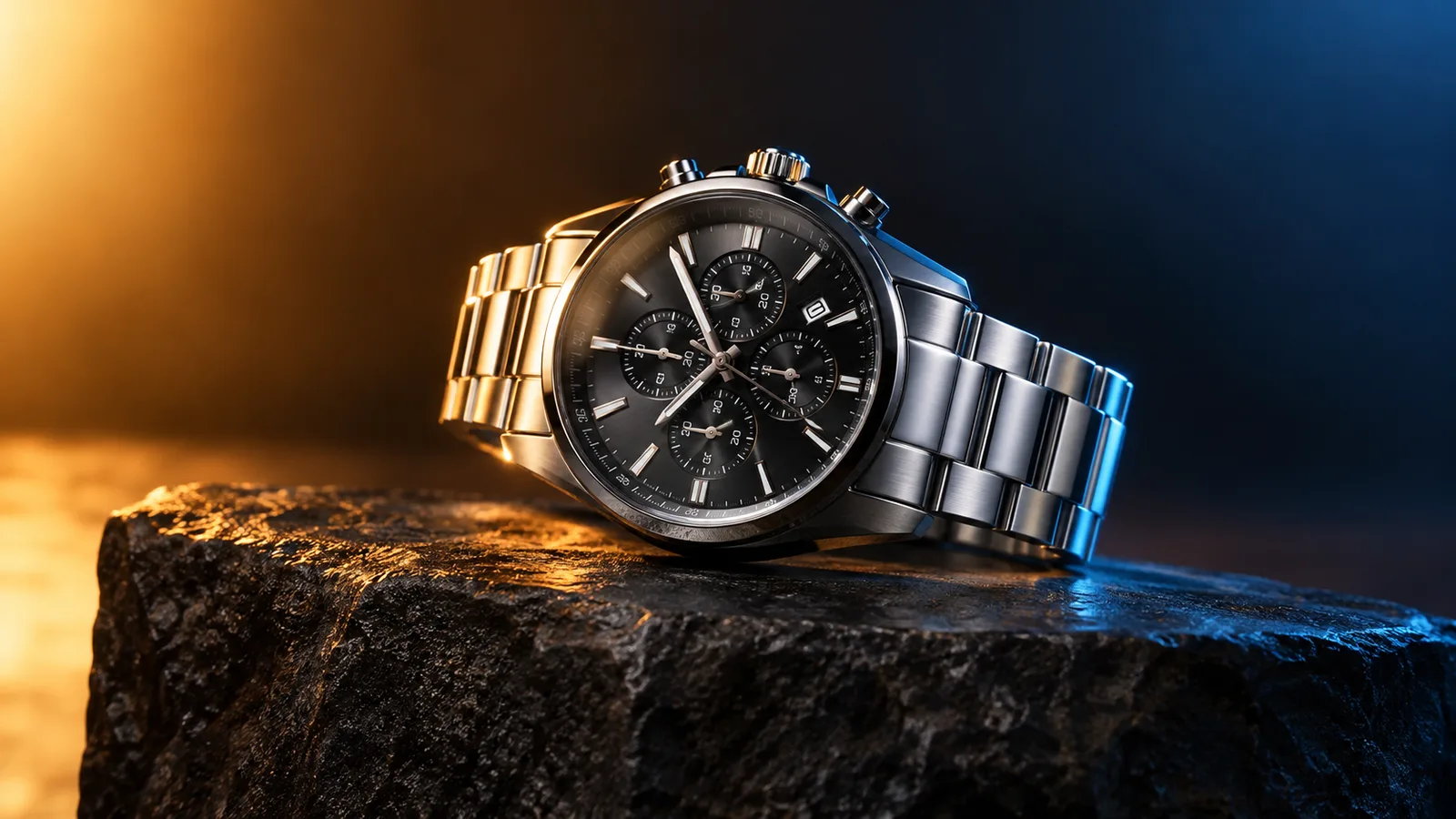
Product motion video still with a watch on a dark stone plinth and rim light
6 presets

اختر إعداداً

اختر اتجاهاً، وطبق الأمر على مساحة العمل، ثم عدّل تفصيلاً واحداً في كل مرة.

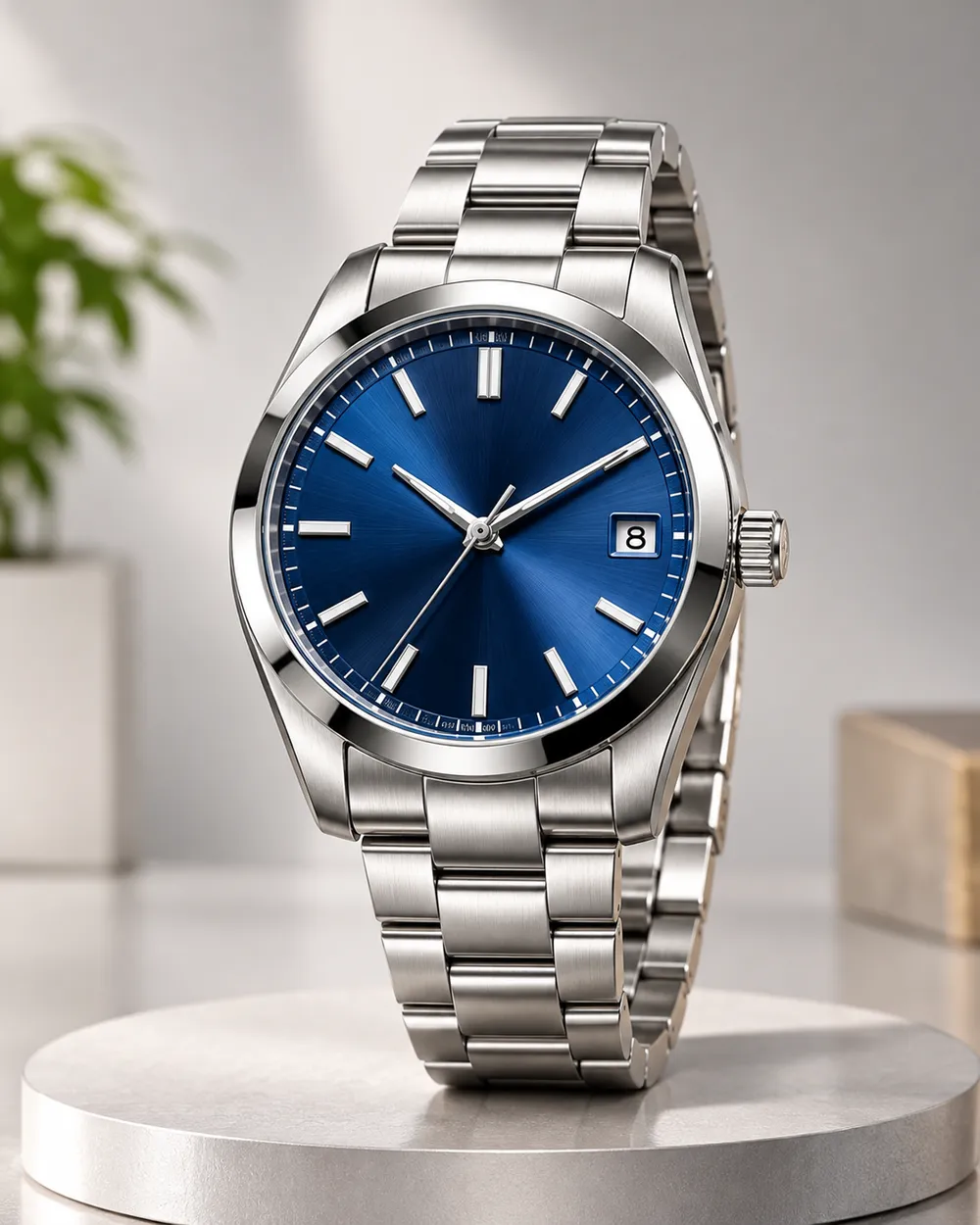
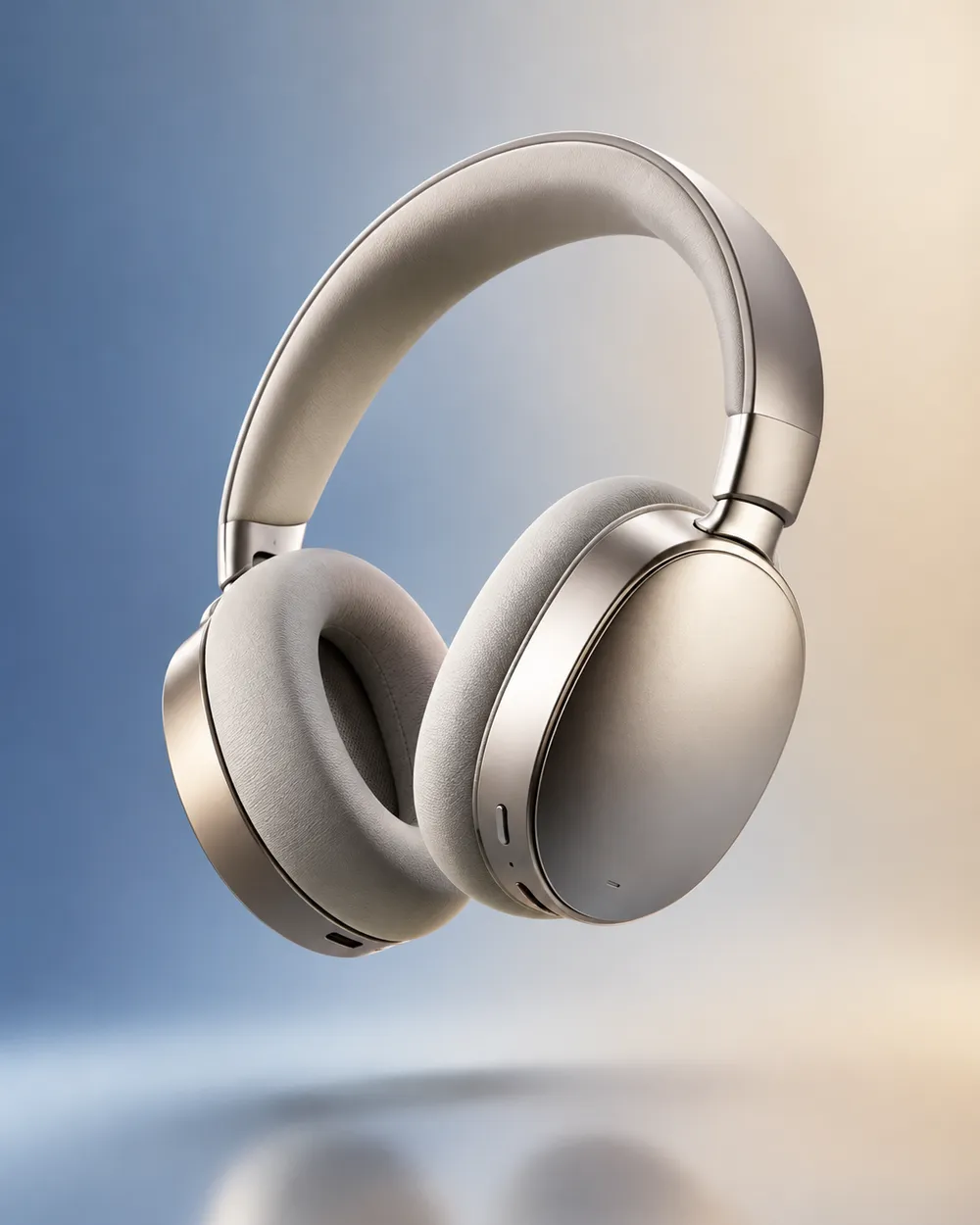
  • Turntable product motion video preset

    Turntable

    A controlled showroom rotation.

  • Orbit left product motion video preset

    Orbit Left

    Move around the product without warping it.

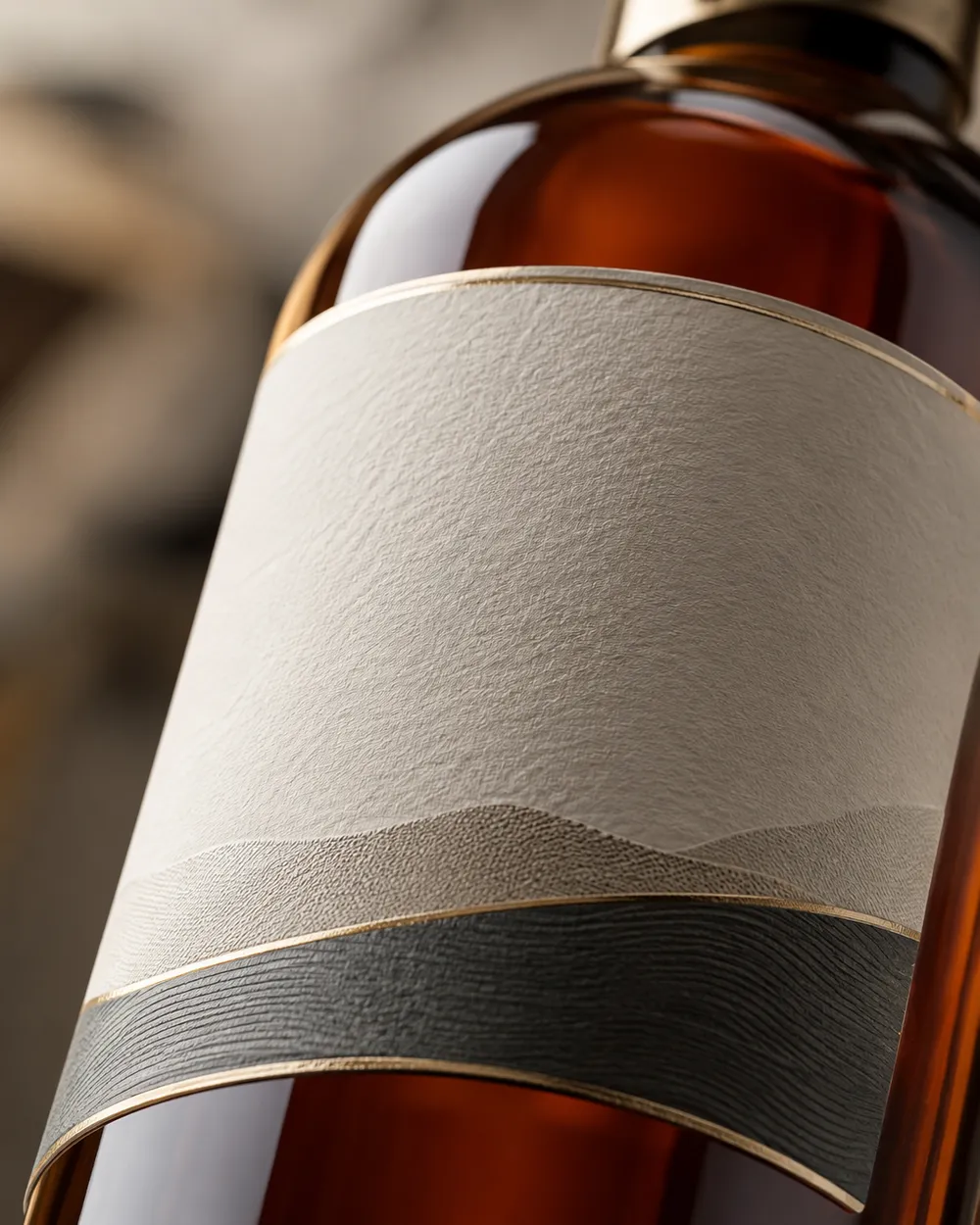
  • Dolly in product motion video preset

    Dolly In

    A premium push toward the label.

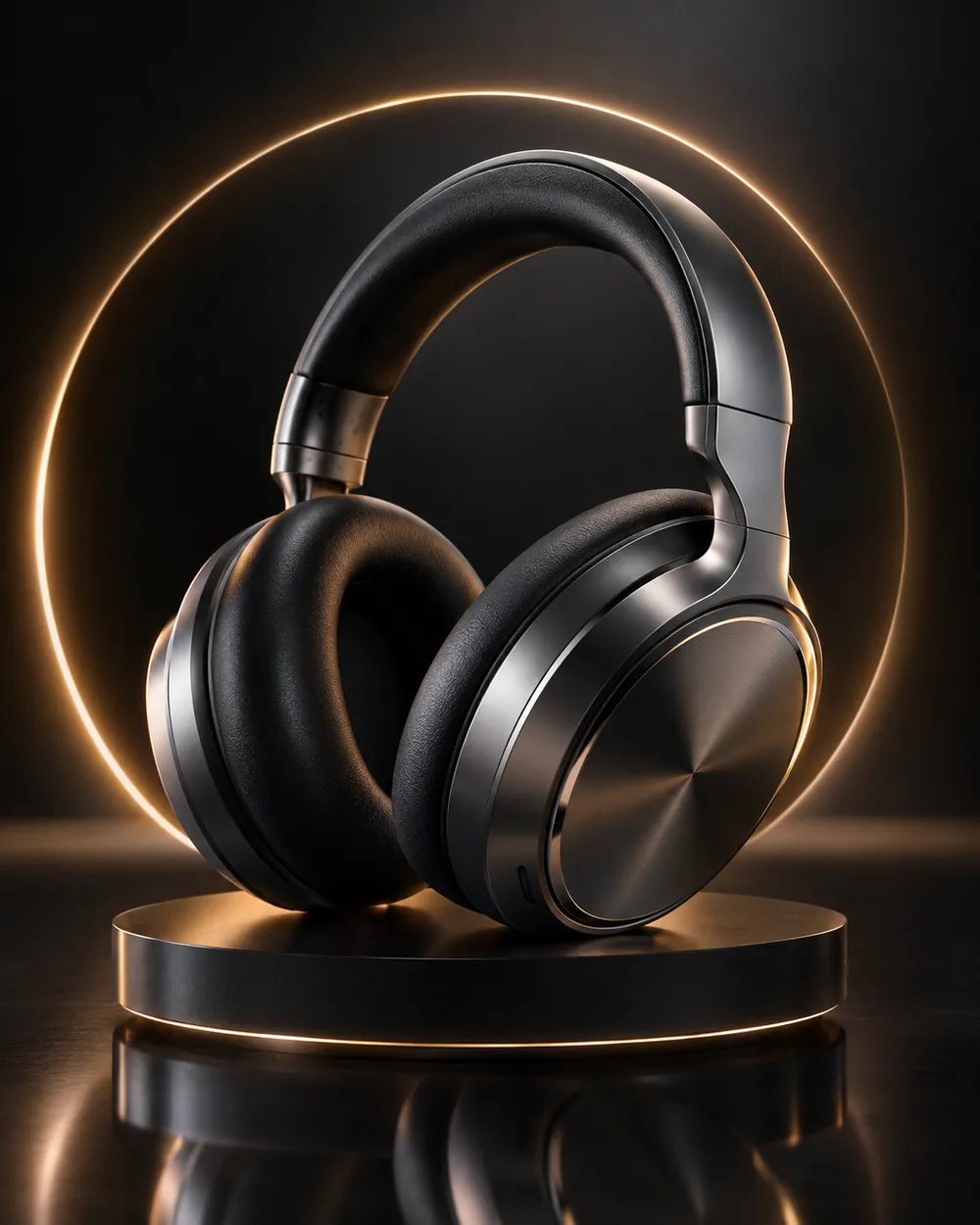
  • Floating product motion video preset

    Floating

    A subtle lift with gentle parallax.

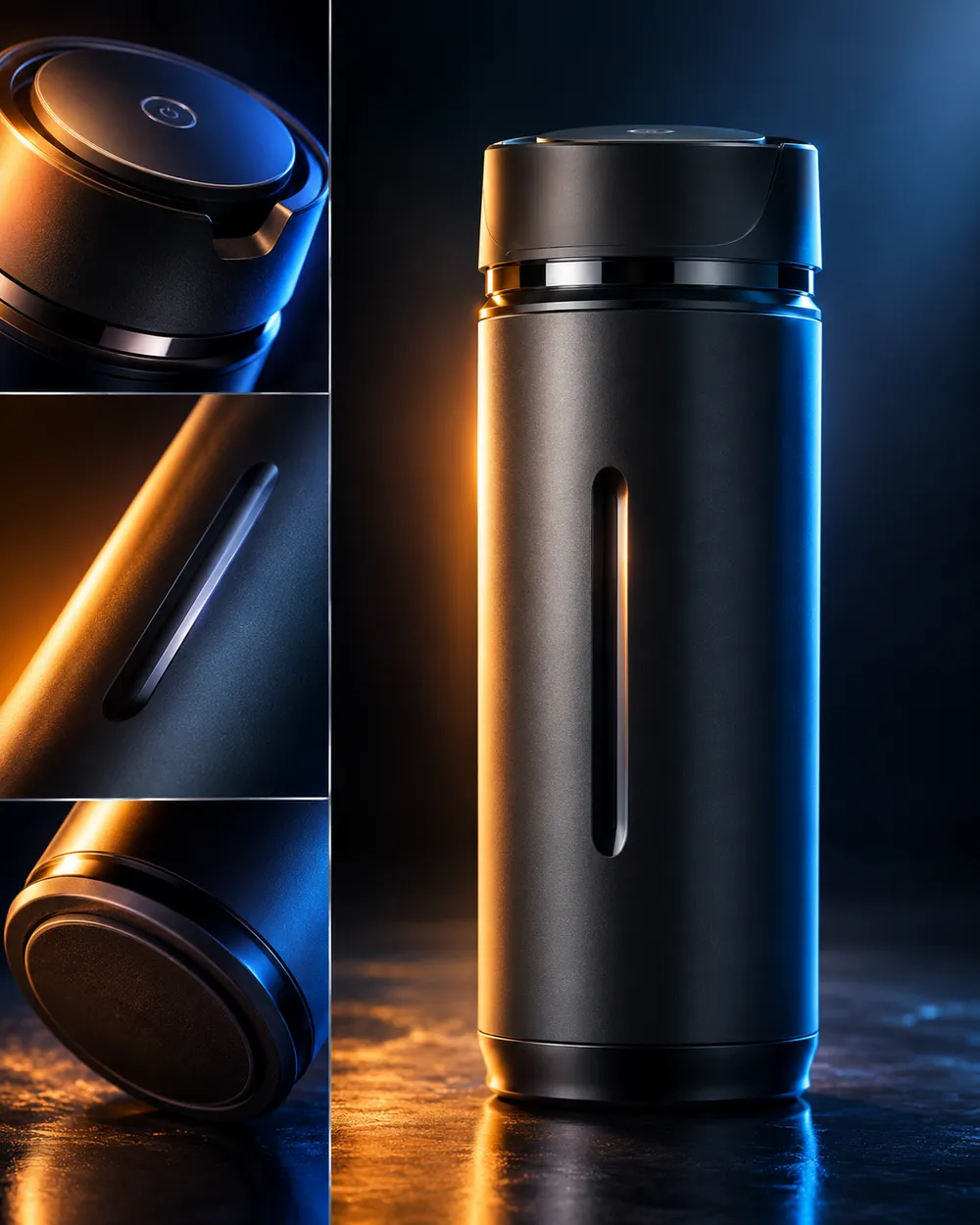
  • Hero reveal product motion video preset

    Hero Reveal

    Start on a detail, end on the full product.

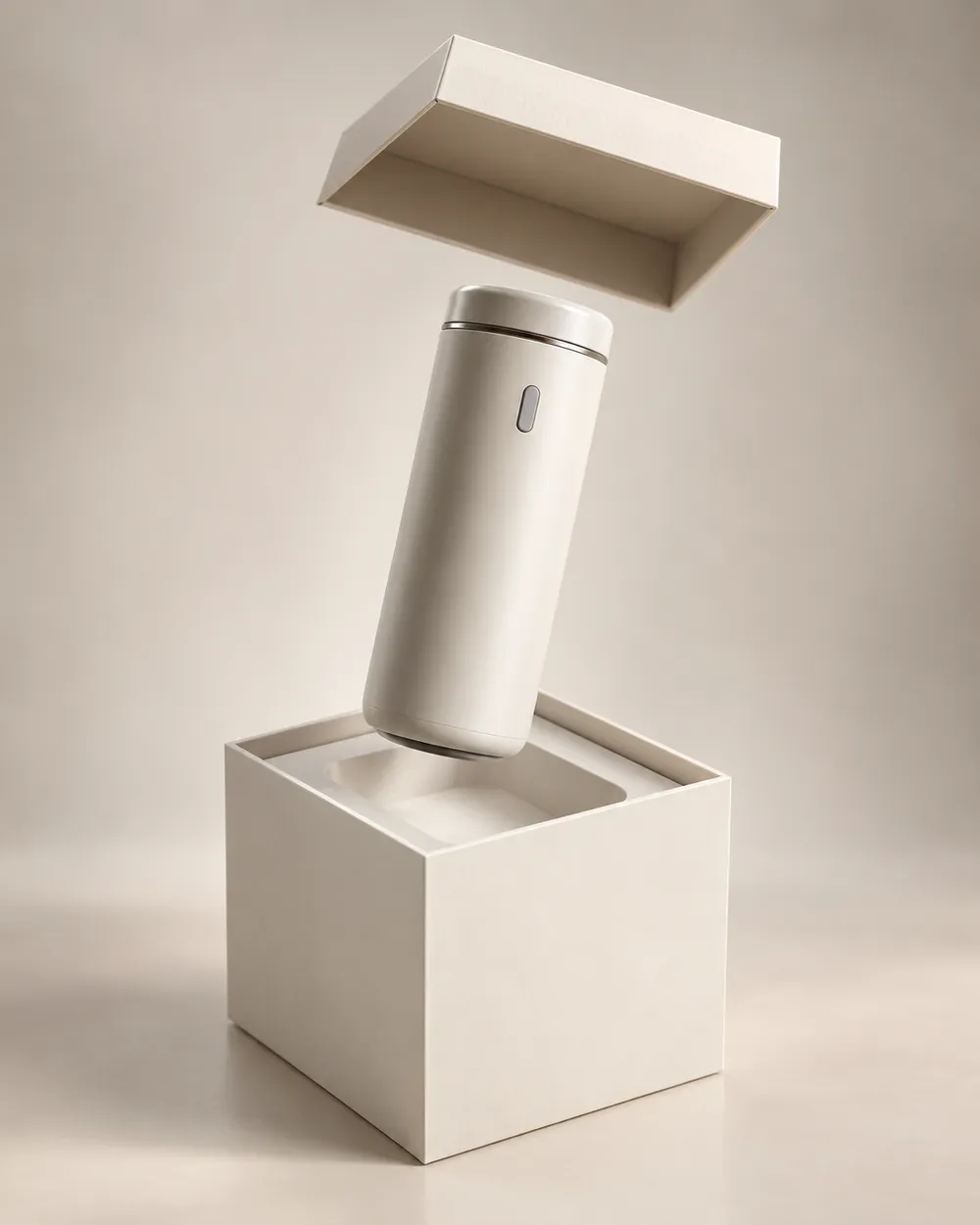
  • Unbox reveal product motion video preset

    Unbox Reveal

    A clean box opening without hands.

مولّد الفيديو

حمّل إطار البداية أو ألصق رابط صورة عام واحد. الروابط الخاصة وروابط صفحات المشاركة ستفشل.

(اختياري)

حمّل إطار النهاية أو ألصق رابط صورة عام إذا أردت أن ينتهي التحريك على لقطة مستهدفة.

التكلفة 1 ائتمانات

0 / 2000

إعدادات الكاميرا

أضف اتجاه كاميرا إلى الموجه. هذه مقاطع موجهات وليست وضع نموذج ثلاثي الأبعاد منفصل.

15s
4s15s

إعدادات التوليد

هذه الضوابط مشتركة عبر المسارات الثلاثة.

2 خيارات
سريع

يستخدم المسار الأسرع عندما يكون متاحًا.

توليد صوت

تضمين صوت متزامن عندما يدعم المزود ذلك.

التكلفة 150 ائتماناتتبقى 0 ائتمانات
المعاينة

لم يتم إنشاء شيء بعد

يستخدم توليد الفيديو أرصدة مشتراة. تعرض مساحة العمل التقدير قبل الإرسال.

كيف يعمل

  1. 1

    اختر المظهر

    ابدأ من إعداد جاهز أو اكتب اتجاهك الخاص.

  2. 2

    ارفع صورة

    استخدم صورة أمامية واضحة تملك إذن تعديلها.

  3. 3

    ولّد ثم حسّن

    شغّل المهمة، راجع النتيجة، وغيّر متغيراً واحداً فقط في كل محاولة.

The product motion prompt formula

Use six parts: product lock, motion, camera, lighting, background and stability. The product lock preserves shape, label and color. The motion says what moves. The camera says how the viewer moves. The lighting says where the reflections come from. The background keeps the scene clean. The stability rules exclude warping, extra objects, text and cuts.

A good product prompt is short. Long prompts often add conflicting instructions. If the result warps the label, remove background details and add a label-stability rule.

What this workflow is not

This is not a 3D model generator. It does not export GLB, OBJ or STL files, and it does not create editable topology, PBR maps or rigging. If you need a 3D asset, use a 3D tool. If you need a short motion clip from a still, this workflow is the right fit.

It is also not a replacement for a product photographer. A clean source still with controlled lighting produces a better clip than a messy lifestyle photo. Garbage in, garbage out still applies.

Where product clips fit in a funnel

Use a teaser clip at the top of a landing page, a hero clip on a product page, and a short loop in a paid ad. Keep the clip silent and add captions in the editor. A five-second loop is usually enough for a product card.

If you are preparing a seasonal sale, generate the clips before the sale starts. The Black Friday planning page includes a separate set of sale-specific formats.

الأسئلة الشائعة

  1. 1

    Does this export a 3D model?

    No. The workflow produces a short video clip from a still image. It does not export GLB, OBJ, STL or editable 3D assets.

  2. 2

    What product photo works best?

    Use a clean, well-lit still with the product centered and the label readable. A neutral background makes the motion and lighting easier to control.

  3. 3

    Can I animate a logo or text?

    Avoid asking the model to render text or logos. Text often warps. Add the logo and copy in an editor after the clip is generated.

  4. 4

    How long should a product clip be?

    Five seconds is a good starting point for a product card or ad. Longer clips cost more and give the model more chances to drift.

  5. 5

    Can I use the clip in a paid ad?

    Review the Terms of Service and the model provider’s usage rules. Also follow the ad platform’s disclosure rules for synthetic media.

  6. 6

    Which preset is best for a first attempt?

    Start with Turntable or Dolly In. Both have a simple camera move and a clear product lock, which makes the result easy to judge.

أدلة وتحليلات للأوامر

مسارات مرتبطة

ابدأ بإعداد مجرّب

افتح مساحة العمل، وطبق إعداداً، وراجع تقدير الأرصدة قبل التوليد.