التخطي إلى المحتوى الرئيسي
حزمة إعدادات موسمية

مولد فيديو هالوين بالذكاء الاصطناعي

حوّل صورة هالوين ثابتة إلى مقطع من خمس ثوانٍ بحركة واحدة واضحة: إدارة رأس أو ضباب أو دفع بطيء للكاميرا.

حوّل صورة هالوين ثابتة إلى مقطع من خمس ثوانٍ: إدارة رأس أو ضباب أو دفع بطيء للكاميرا. ستة إعدادات حركة.

  • يعمل في المتصفح دون تثبيت
  • دفع آمن
  • بدون علامة مائية في الصادرات المدفوعة

يستخدم التوليد أرصدة مشتراة

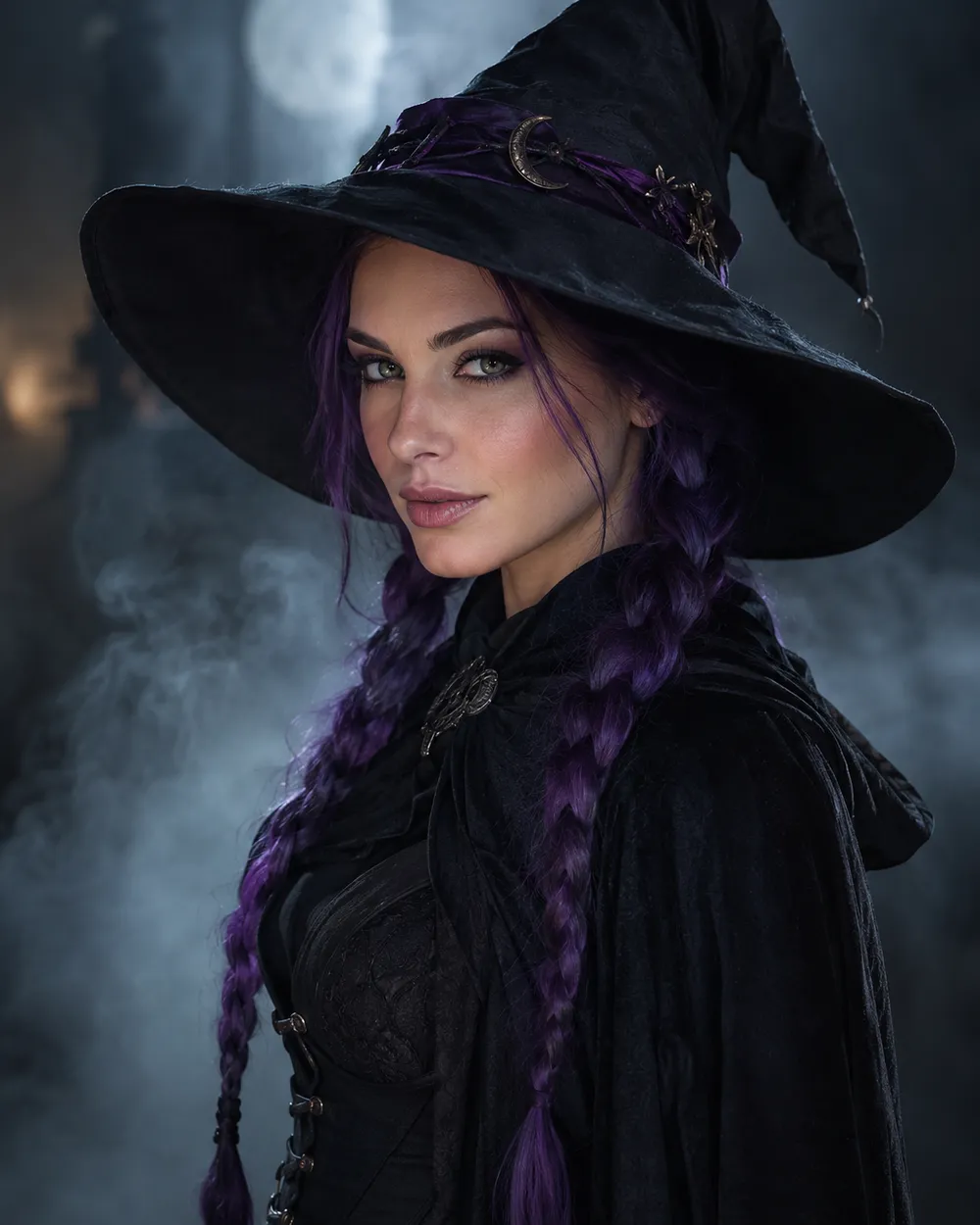
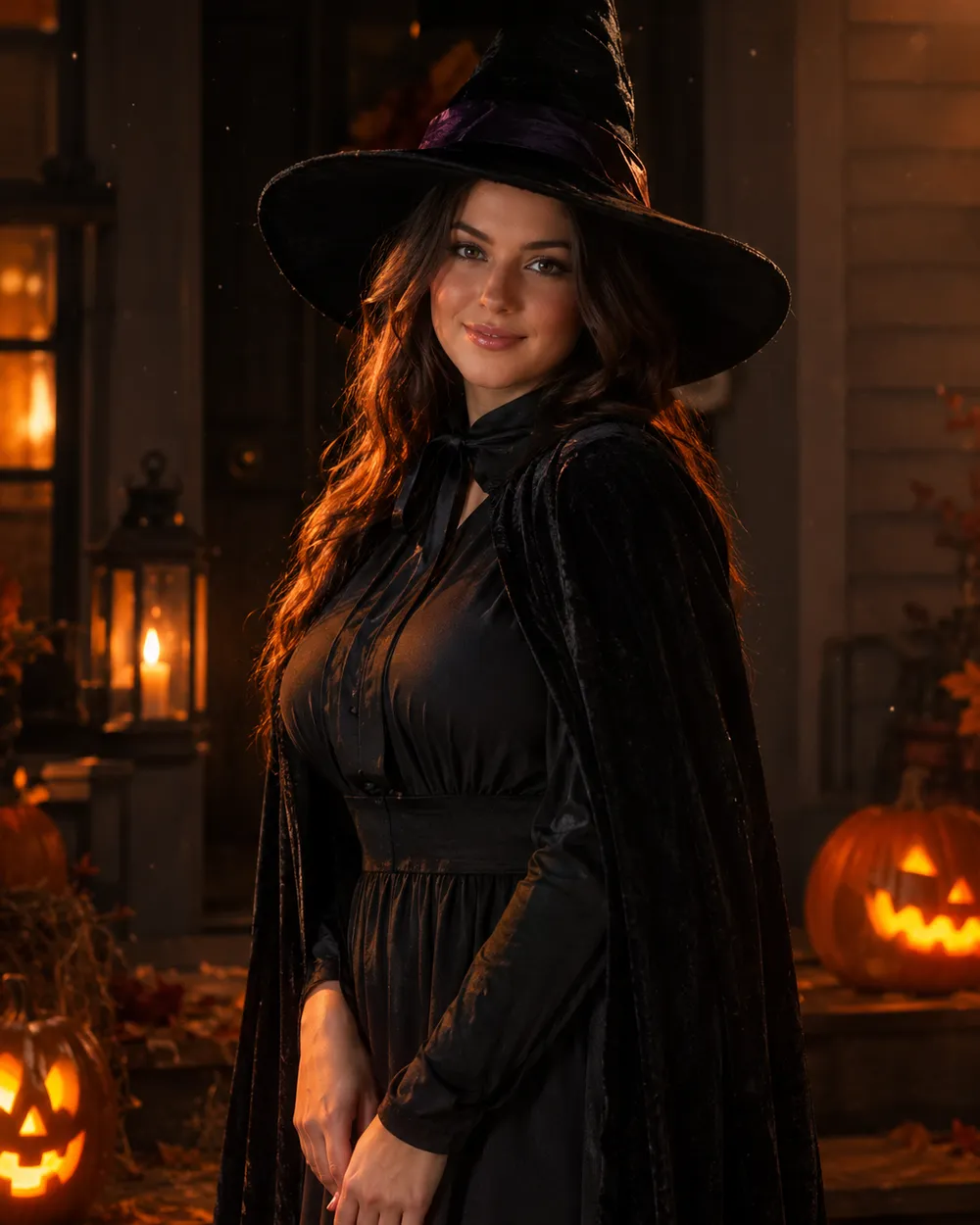
Cinematic Halloween portrait animated with fog and a slow camera push-in
6 presets

اختر إعداداً

اختر اتجاهاً، وطبق الأمر على مساحة العمل، ثم عدّل تفصيلاً واحداً في كل مرة.

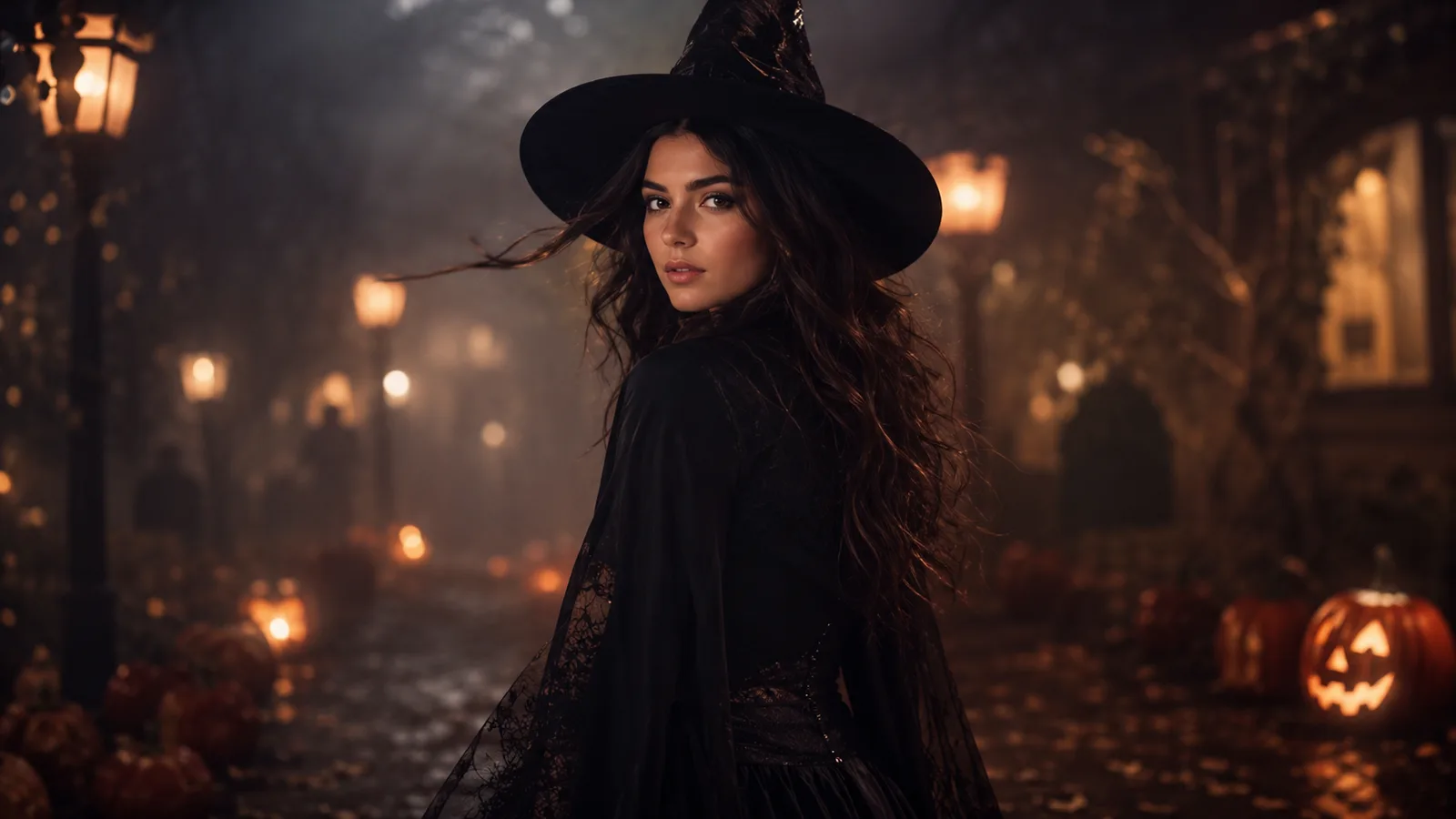
  • Midnight turn Halloween AI video preset

    Midnight Turn

    A slow head turn with drifting fog.

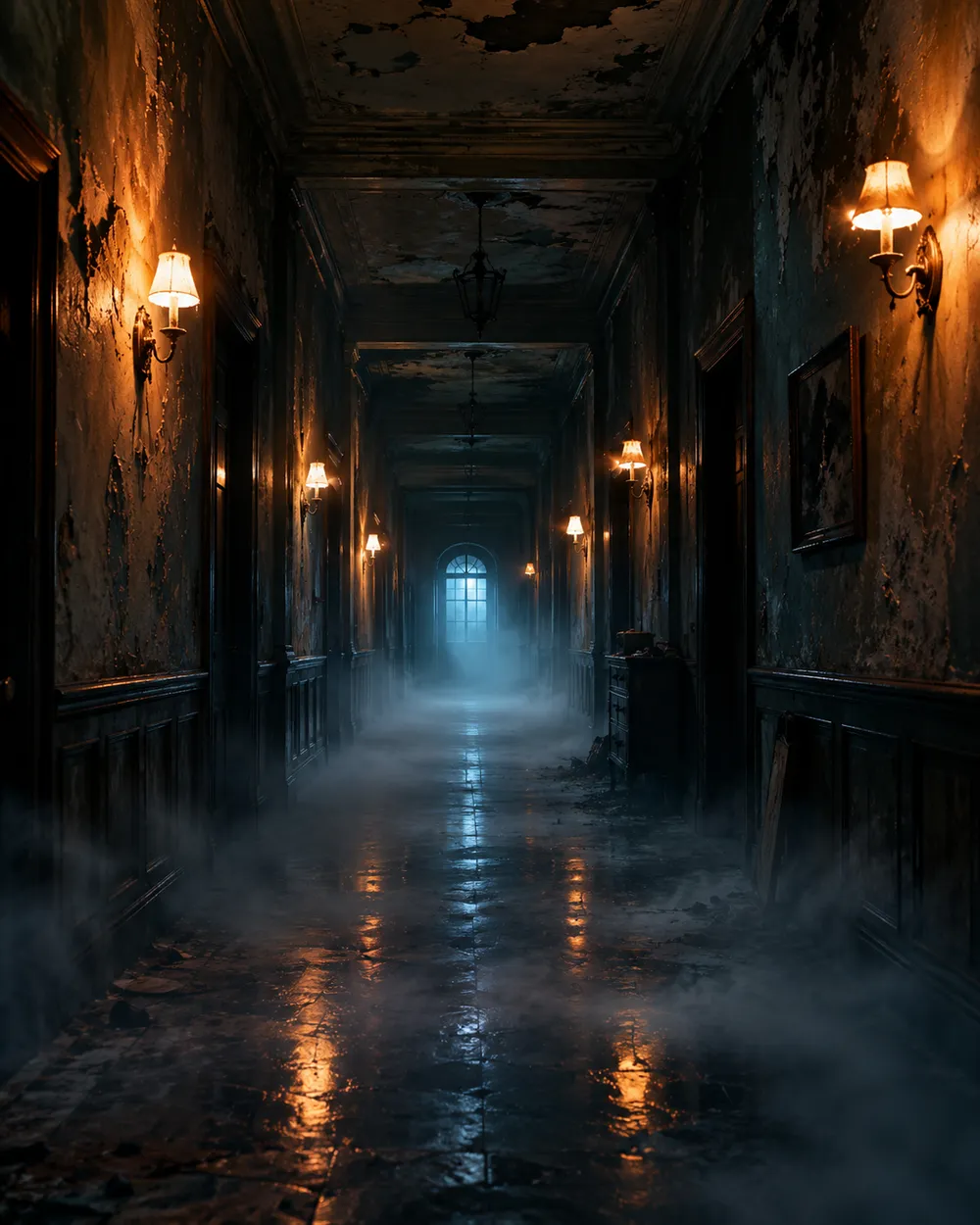
  • Haunted hallway Halloween AI video preset

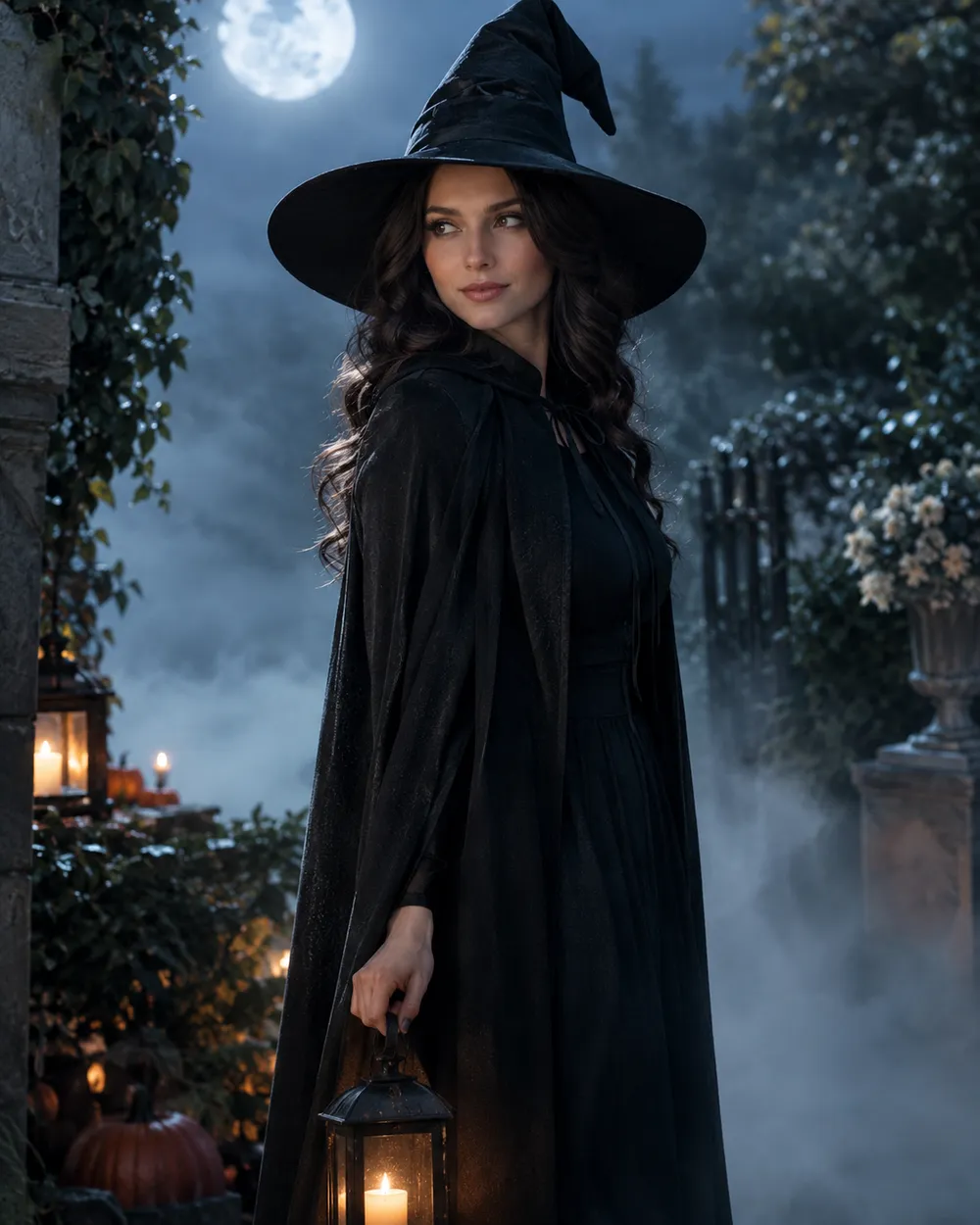
    Haunted Hallway

    Fog rolls in; the camera glides forward.

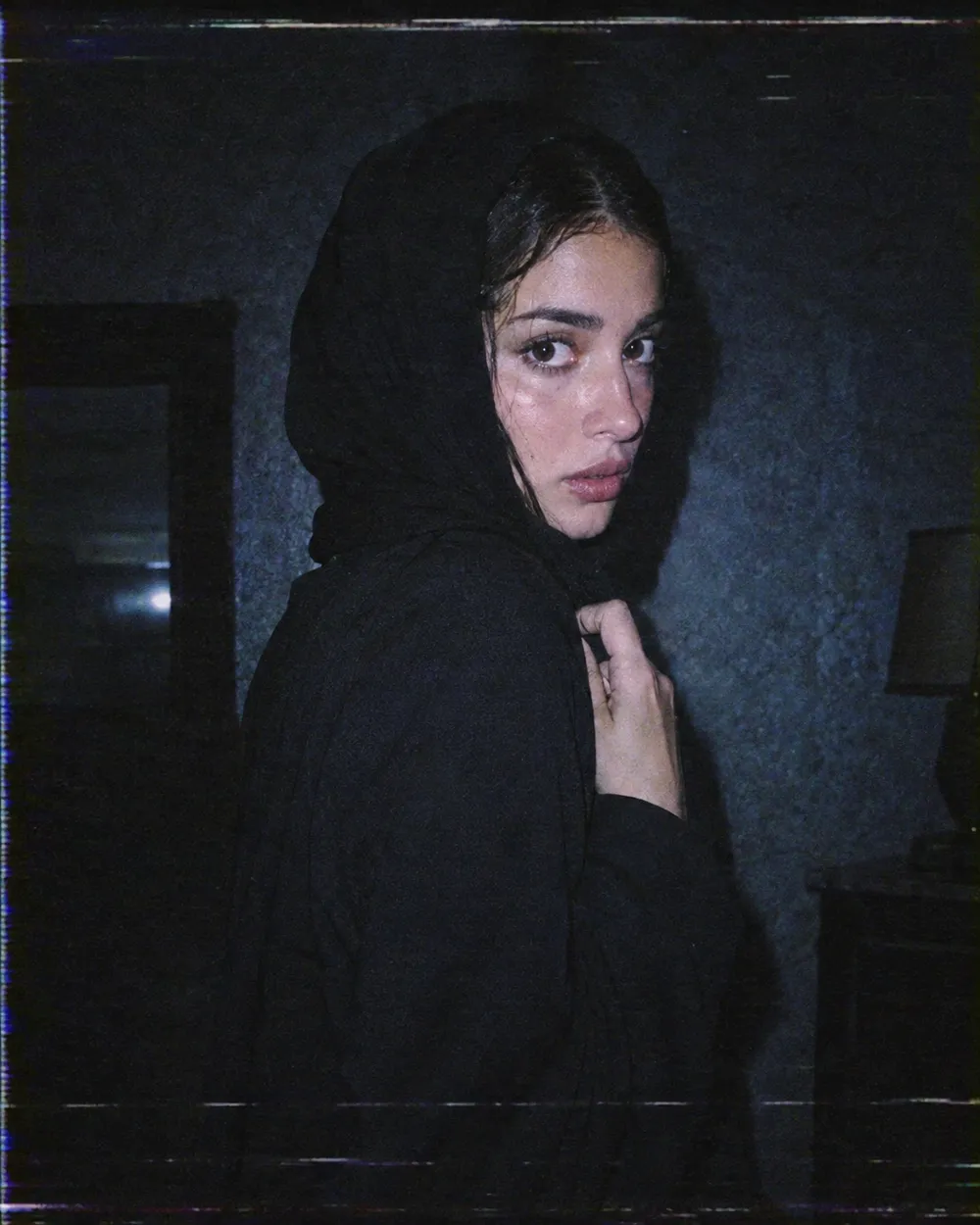
  • VHS horror Halloween AI video preset

    VHS Horror

    Analog tracking wobble and a cold flash.

  • Pumpkin glow Halloween AI video preset

    Pumpkin Glow

    Warm light flickers; the subject smiles.

  • Floating fog Halloween AI video preset

    Floating Fog

    A slow orbit around a still portrait.

  • Candle reveal Halloween AI video preset

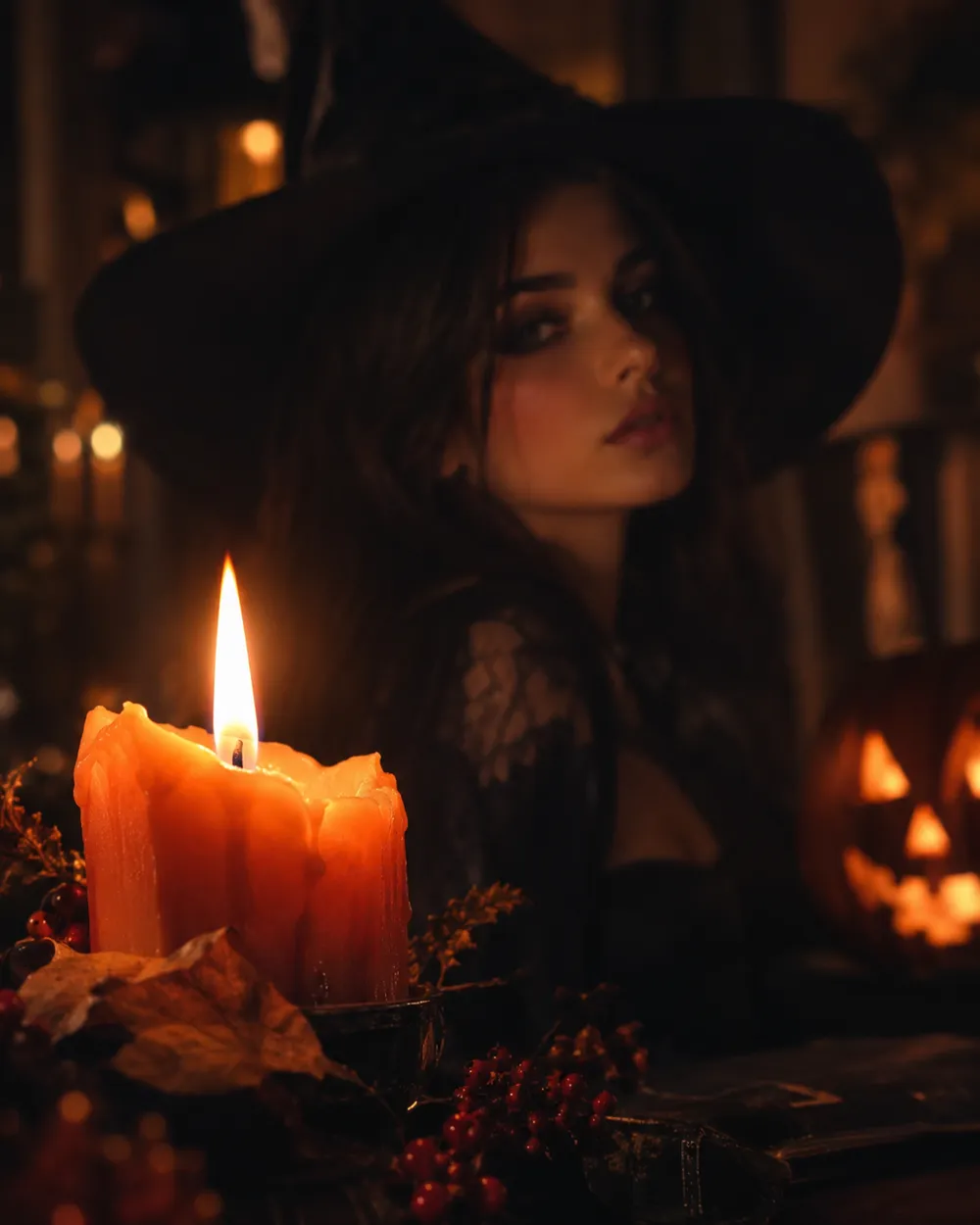
    Candle Reveal

    Start on a detail, end on the face.

مولّد الفيديو

حمّل إطار البداية أو ألصق رابط صورة عام واحد. الروابط الخاصة وروابط صفحات المشاركة ستفشل.

(اختياري)

حمّل إطار النهاية أو ألصق رابط صورة عام إذا أردت أن ينتهي التحريك على لقطة مستهدفة.

التكلفة 1 ائتمانات

0 / 2000

إعدادات الكاميرا

أضف اتجاه كاميرا إلى الموجه. هذه مقاطع موجهات وليست وضع نموذج ثلاثي الأبعاد منفصل.

15s
4s15s

إعدادات التوليد

هذه الضوابط مشتركة عبر المسارات الثلاثة.

2 خيارات
سريع

يستخدم المسار الأسرع عندما يكون متاحًا.

توليد صوت

تضمين صوت متزامن عندما يدعم المزود ذلك.

التكلفة 150 ائتماناتتبقى 0 ائتمانات
المعاينة

لم يتم إنشاء شيء بعد

يستخدم توليد الفيديو أرصدة مشتراة. تعرض مساحة العمل التقدير قبل الإرسال.

كيف يعمل

  1. 1

    اختر المظهر

    ابدأ من إعداد جاهز أو اكتب اتجاهك الخاص.

  2. 2

    ارفع صورة

    استخدم صورة أمامية واضحة تملك إذن تعديلها.

  3. 3

    ولّد ثم حسّن

    شغّل المهمة، راجع النتيجة، وغيّر متغيراً واحداً فقط في كل محاولة.

Why subtle motion works better

Image-to-video models are good at small, continuous changes. They are less reliable when a single shot has to contain a costume change, a walk, a new character and a camera cut. A subtle head turn keeps the identity stable and gives the viewer enough motion to stop scrolling.

Start with a five-second clip. If the result is stable, extend the duration or add one more motion. If it is unstable, remove motion instead of adding more instructions. A clean blink is better than a distorted wave.

The Halloween video trend, without the hype

Seasonal AI video trends usually combine a recognizable costume, a practical light source and one uncanny motion. The effect works because the scene feels almost normal. You do not need a jump scare or a complex transformation. A portrait that slowly turns toward the camera in a foggy garden is enough.

If you are making a TikTok or Shorts cover, generate a vertical still first, then animate it. Keep the face in the upper third so the platform UI does not cover it. Export a clean version without text and add captions in the editor.

Prompt structure for image-to-video

Use four parts: reference lock, motion, environment, stability rules. The reference lock says to keep the face, costume and proportions. The motion says what moves and how fast. The environment says what changes in the background. The stability rules exclude cuts, extra characters, warped hands and text.

If the model supports audio, decide whether you need it before generating. Audio can increase cost, and most social clips are muted anyway. A clean silent clip is usually the better first version.

الأسئلة الشائعة

  1. 1

    How long should a Halloween AI video be?

    Start with five seconds. A single clear motion is easier to control and cheaper to iterate than a longer scene. Extend only after the short clip is stable.

  2. 2

    Do I need a source image?

    Image-to-video produces the most consistent results when you start from a still. You can also use text-to-video, but identity and costume consistency are harder to control.

  3. 3

    Which video model does Animate AI use?

    The hosted video workspace uses Seedance 2.0 through the configured provider. The workspace exposes duration, resolution, audio and motion options before you submit.

  4. 4

    How much does a clip cost?

    The cost depends on duration, resolution and whether you use audio or video references. The workspace shows the credit estimate before generation. A five-second 720p fast clip starts at about 50 credits.

  5. 5

    Can I use the video on TikTok or YouTube?

    Review the Terms of Service and the model provider’s usage rules. Also follow the platform’s disclosure rules for synthetic media.

  6. 6

    Why does the face change during the clip?

    Long or complex motion gives the model more chances to drift. Use a shorter duration, a smaller motion and a stronger reference lock. Keep the camera move simple.

أدلة وتحليلات للأوامر

مسارات مرتبطة

ابدأ بإعداد مجرّب

افتح مساحة العمل، وطبق إعداداً، وراجع تقدير الأرصدة قبل التوليد.