التخطي إلى المحتوى الرئيسي
حزمة إعدادات موسمية

مولد فيديو أنمي بالذكاء الاصطناعي

حرّك صورة أنمي مكتملة بحركة صغيرة ومنضبطة تحافظ على تصميم الشخصية والخطوط.

حوّل صورة أنمي ثابتة إلى مقطع من خمس ثوانٍ: إدارة رأس أو تحريك كاميرا أو بتلات متساقطة. ستة إعدادات حركة.

  • يعمل في المتصفح دون تثبيت
  • دفع آمن
  • بدون علامة مائية في الصادرات المدفوعة

يستخدم التوليد أرصدة مشتراة

Anime-style still animated with a slow camera pan and falling petals
6 presets

اختر إعداداً

اختر اتجاهاً، وطبق الأمر على مساحة العمل، ثم عدّل تفصيلاً واحداً في كل مرة.

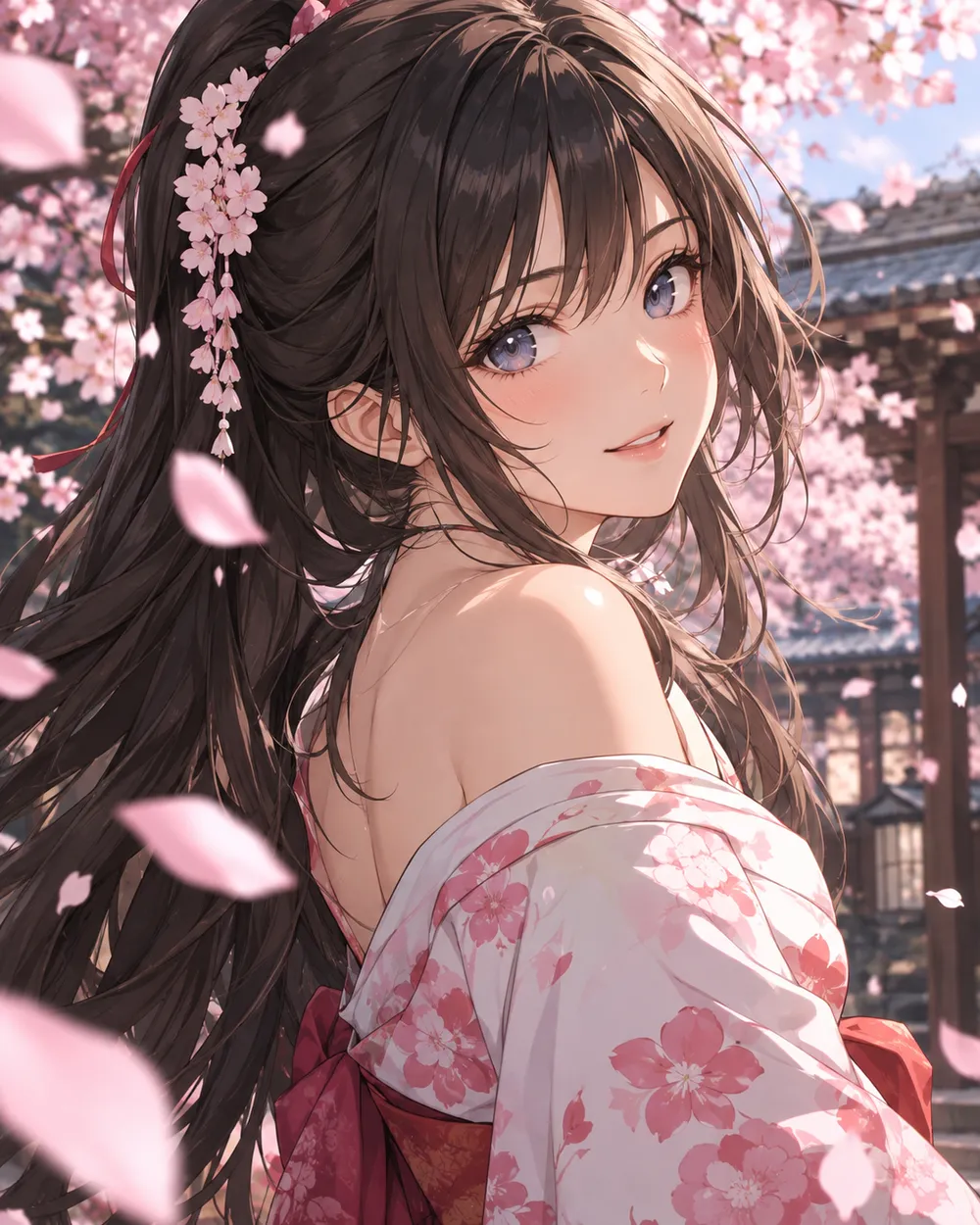
  • Cherry blossom anime AI video preset

    Cherry Blossom Turn

    A slow turn with falling petals.

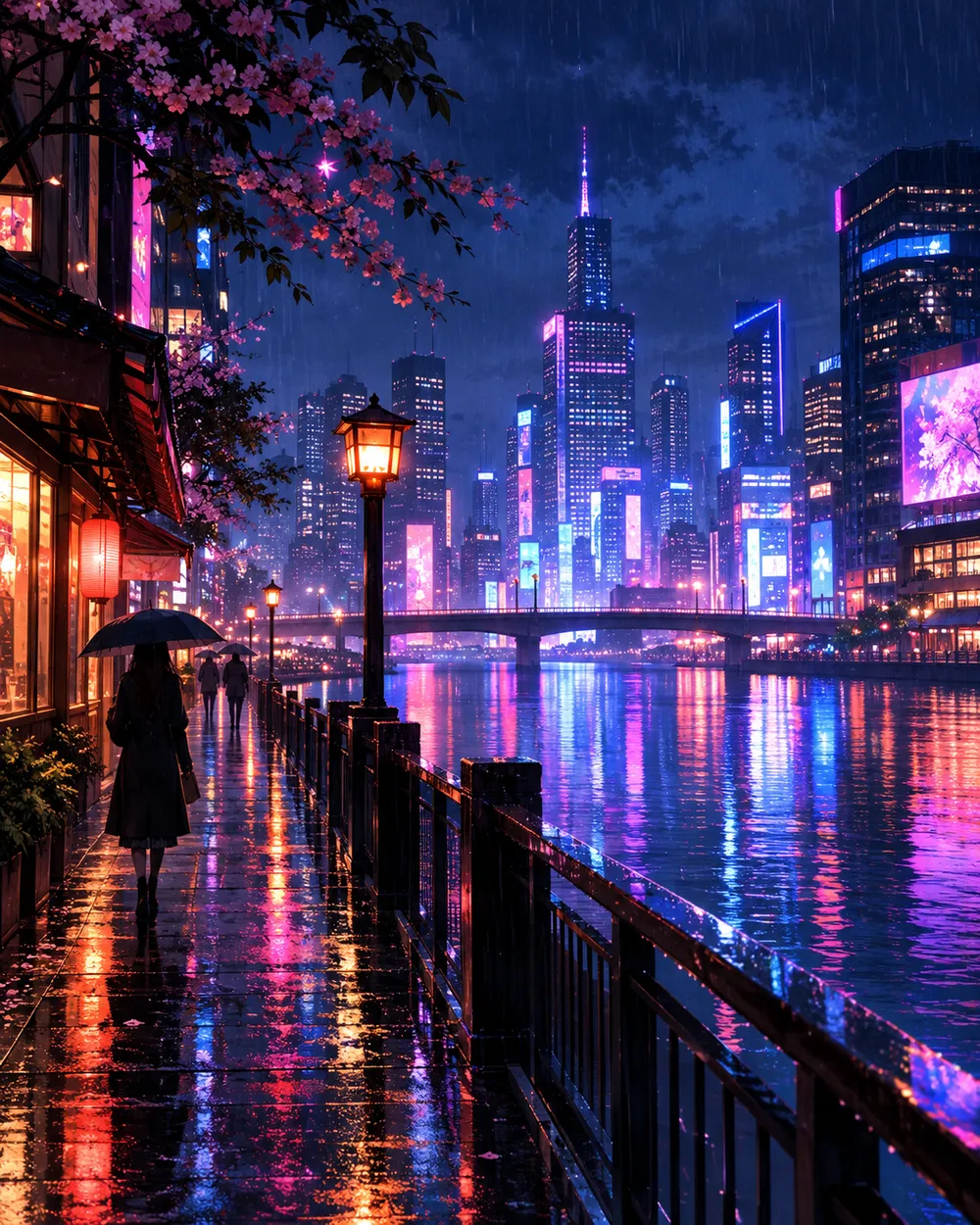
  • Neon city anime AI video preset

    Neon City Pan

    A lateral pan across a rainy skyline.

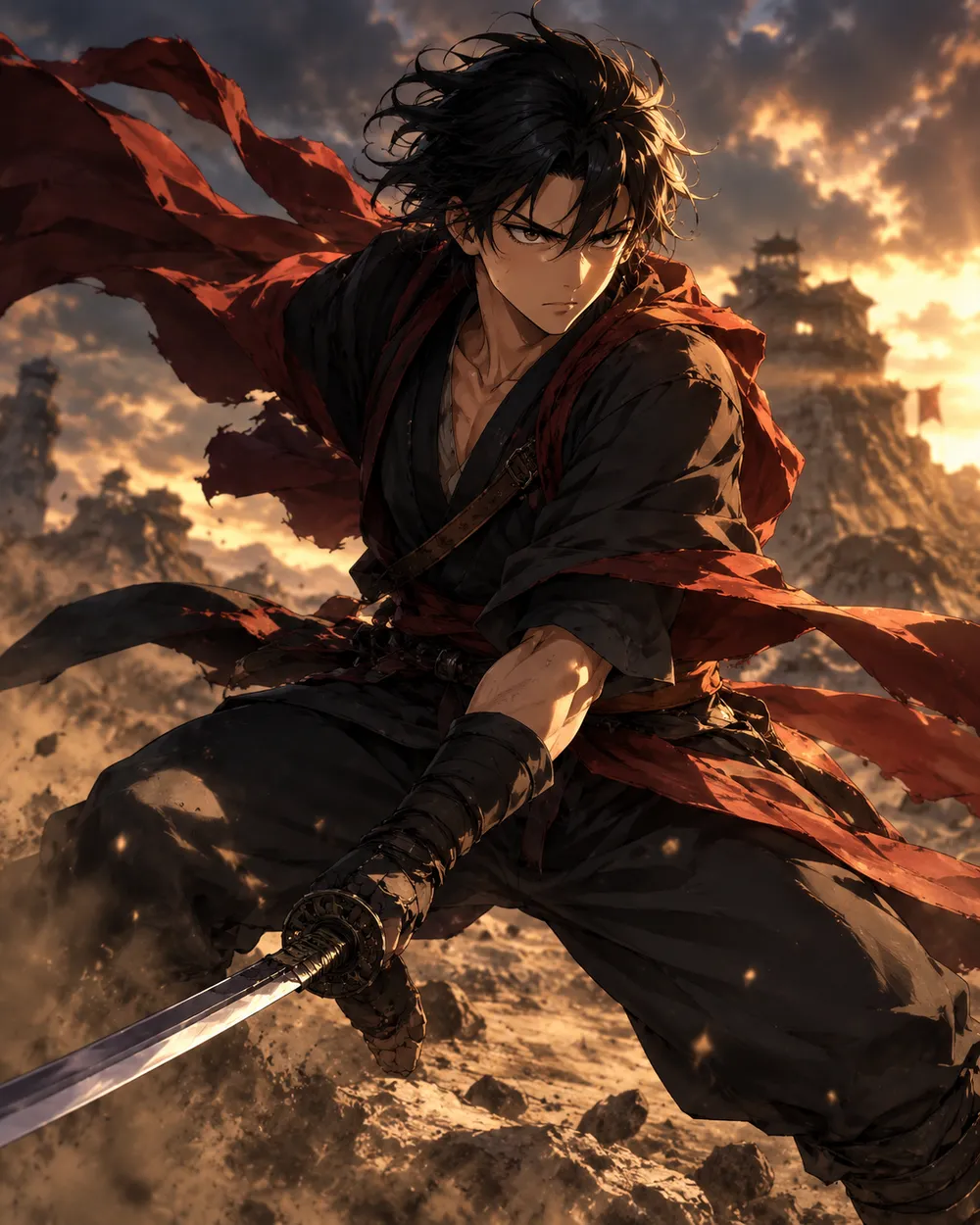
  • Battle stance anime AI video preset

    Battle Stance

    Hair and fabric move; the pose holds.

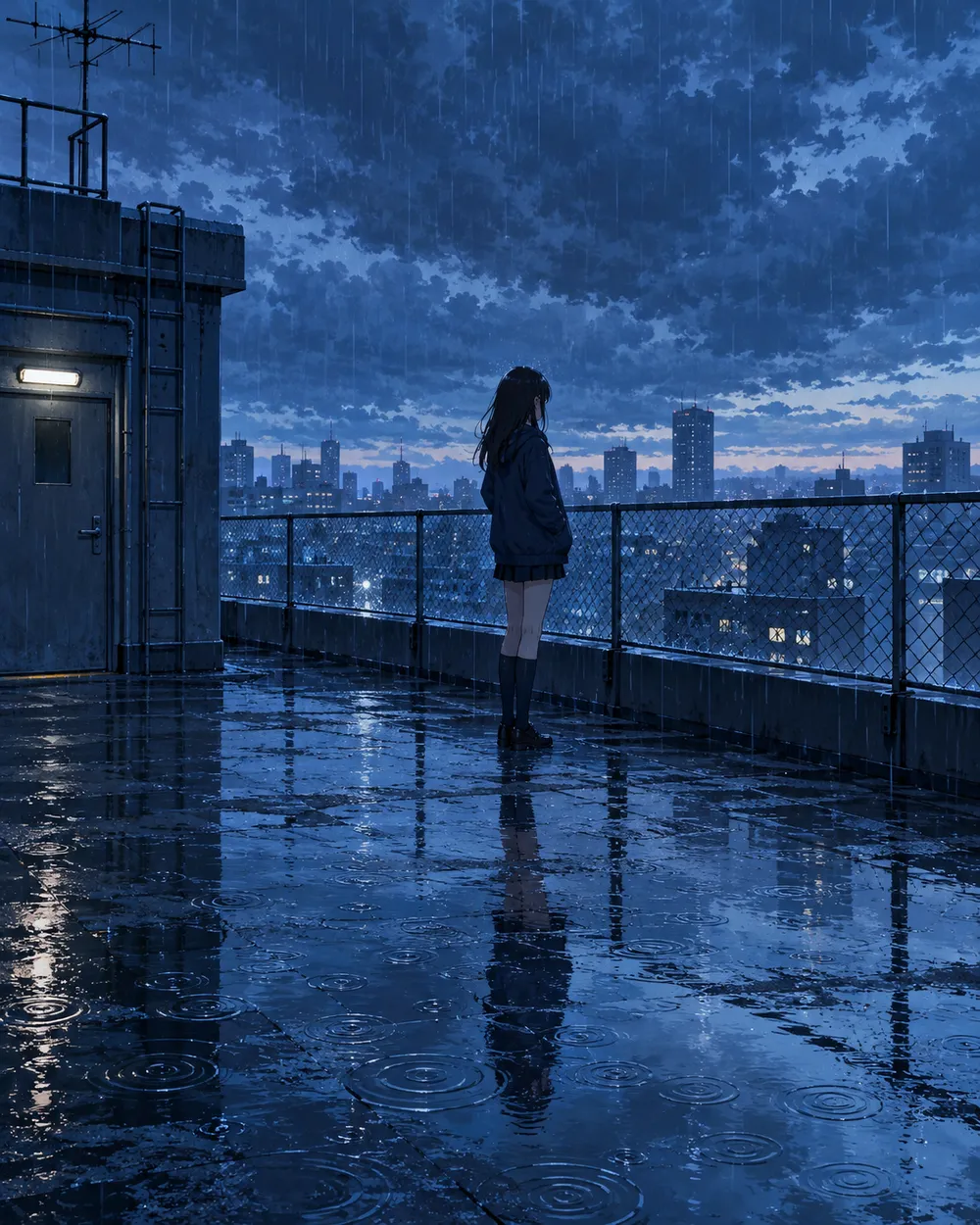
  • Rainy rooftop anime AI video preset

    Rainy Rooftop

    Rain, reflections and a still character.

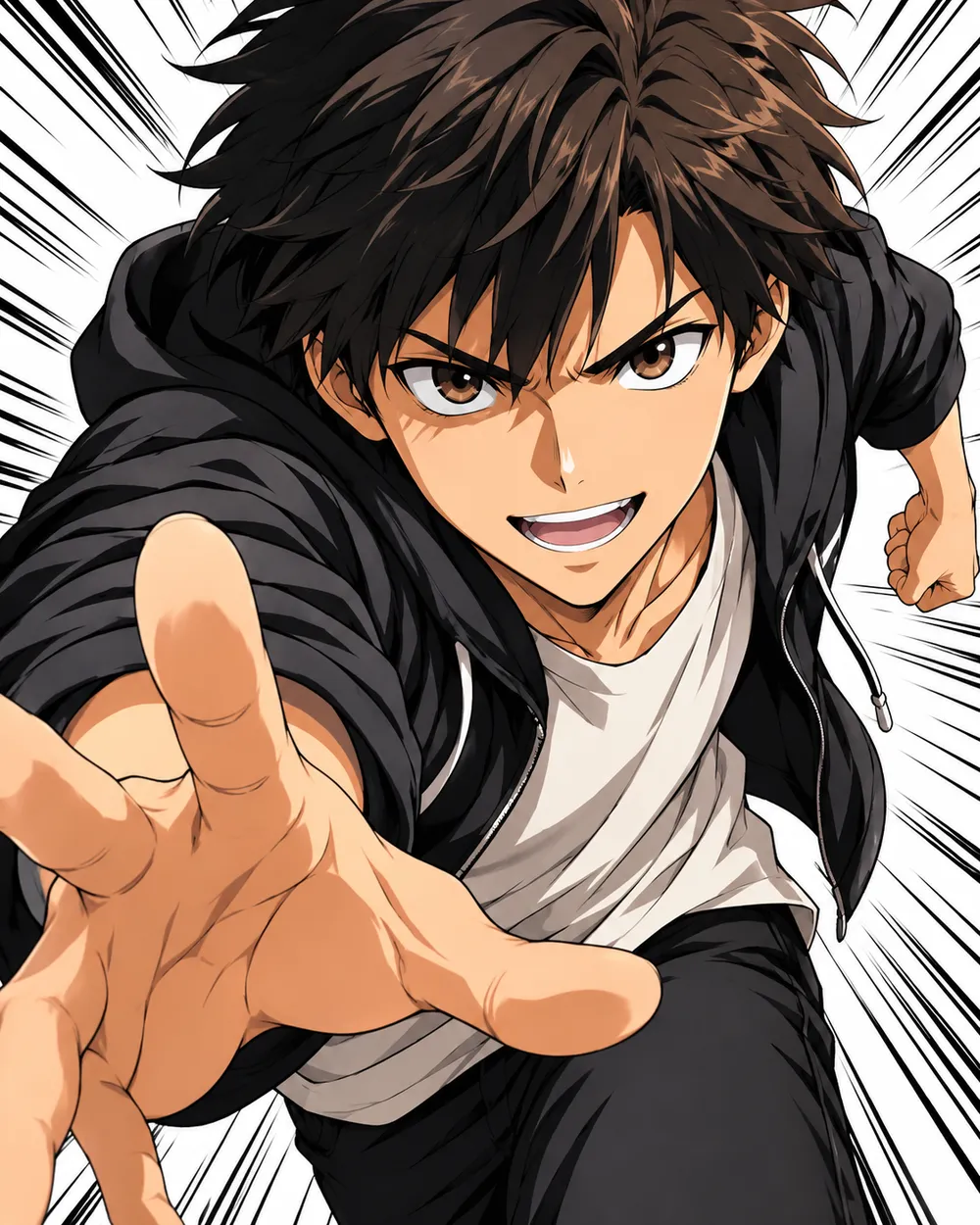
  • Manga speed lines anime AI video preset

    Manga Speed Lines

    A dramatic push-in with speed lines.

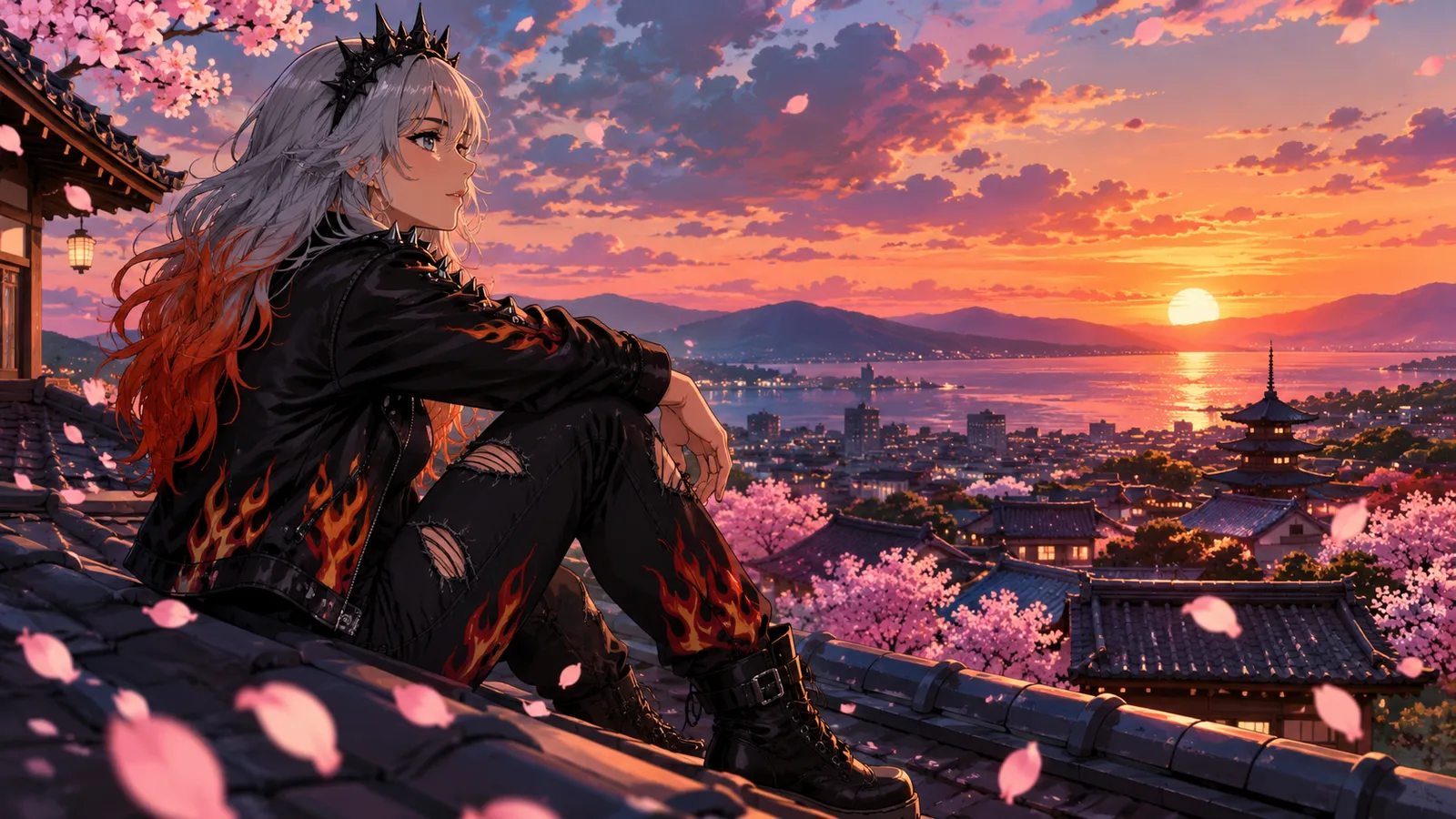
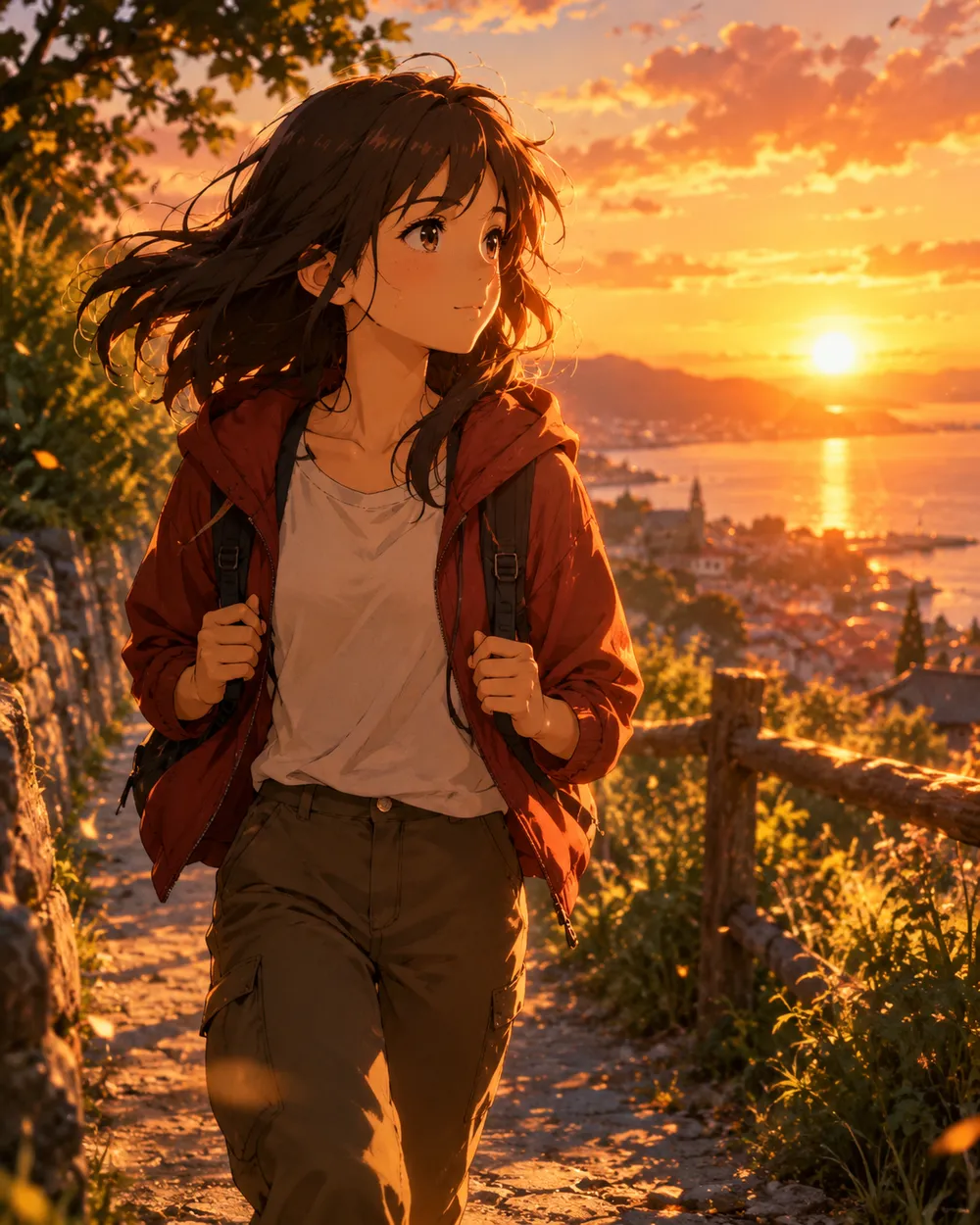
  • Sunset walk anime AI video preset

    Sunset Walk

    A slow tracking shot at golden hour.

مولّد الفيديو

حمّل إطار البداية أو ألصق رابط صورة عام واحد. الروابط الخاصة وروابط صفحات المشاركة ستفشل.

(اختياري)

حمّل إطار النهاية أو ألصق رابط صورة عام إذا أردت أن ينتهي التحريك على لقطة مستهدفة.

التكلفة 1 ائتمانات

0 / 2000

إعدادات الكاميرا

أضف اتجاه كاميرا إلى الموجه. هذه مقاطع موجهات وليست وضع نموذج ثلاثي الأبعاد منفصل.

15s
4s15s

إعدادات التوليد

هذه الضوابط مشتركة عبر المسارات الثلاثة.

2 خيارات
سريع

يستخدم المسار الأسرع عندما يكون متاحًا.

توليد صوت

تضمين صوت متزامن عندما يدعم المزود ذلك.

التكلفة 150 ائتماناتتبقى 0 ائتمانات
المعاينة

لم يتم إنشاء شيء بعد

يستخدم توليد الفيديو أرصدة مشتراة. تعرض مساحة العمل التقدير قبل الإرسال.

كيف يعمل

  1. 1

    اختر المظهر

    ابدأ من إعداد جاهز أو اكتب اتجاهك الخاص.

  2. 2

    ارفع صورة

    استخدم صورة أمامية واضحة تملك إذن تعديلها.

  3. 3

    ولّد ثم حسّن

    شغّل المهمة، راجع النتيجة، وغيّر متغيراً واحداً فقط في كل محاولة.

Start with a still that already works

A good anime still has a clear character silhouette, a readable face and a simple background. If the still is crowded or the character is small, the video model has less information to work with. Crop to the character before animating.

Keep the still at the highest resolution you have. The video model will resize it, but a clean source preserves line quality. Avoid images with heavy compression artifacts or text.

Motion that respects line art

Anime line art is less forgiving than photographic texture. Large motion can warp the face and hands. Start with a head turn, a blink, moving hair or a camera move. Avoid full-body running or fighting unless you are prepared to retry.

If the line art shimmers, reduce the motion and add a stability rule. A slow push-in with moving hair is usually cleaner than a fast action shot. Keep the camera move in one direction.

Style consistency across clips

If you need several clips of the same character, use the same still as the reference and keep the prompt structure identical. Change only the motion sentence. That gives you a consistent set without retraining a character model.

For a longer sequence, generate each shot separately and edit them together. A five-second clip per shot is easier to control than a single long generation.

الأسئلة الشائعة

  1. 1

    Does this generate anime from text?

    You can use text-to-video, but image-to-video from an existing anime still is more consistent. The still carries the character design and line style.

  2. 2

    Can I keep the same character across clips?

    Yes. Use the same still as the reference and keep the prompt structure identical. Change only the motion sentence. That gives you the best chance of a consistent set.

  3. 3

    Why does the face warp?

    Large or fast motion gives the model more chances to drift. Reduce the motion, shorten the duration and add a stability rule. A slow head turn is easier than a run cycle.

  4. 4

    Can I use a copyrighted character?

    Only if you have the rights. The acceptable use policy applies. For original characters, you control the design and the usage rights.

  5. 5

    What duration should I use?

    Start with five seconds. Short clips are cheaper to iterate and easier to keep stable. Extend only after the motion works.

  6. 6

    Can I add sound later?

    Yes. Most social clips are edited with sound in a separate editor. Generating a silent clip first gives you more control over the final mix.

أدلة وتحليلات للأوامر

مسارات مرتبطة

ابدأ بإعداد مجرّب

افتح مساحة العمل، وطبق إعداداً، وراجع تقدير الأرصدة قبل التوليد.