Aller au contenu principal
Pack de presets saisonniers

Générateur de costume citrouille pour animaux

Transformez la photo d’un animal en portrait citrouille, dinosaure lumineux ou petit fantôme en gardant race, poil et marques.

Transformez la photo d’un animal en costume citrouille, dinosaure lumineux, beurre ou fantôme en gardant race, poil et marques.

  • Dans le navigateur, sans installation
  • Paiement sécurisé
  • Sans filigrane sur les exports payants

La génération consomme des crédits achetés

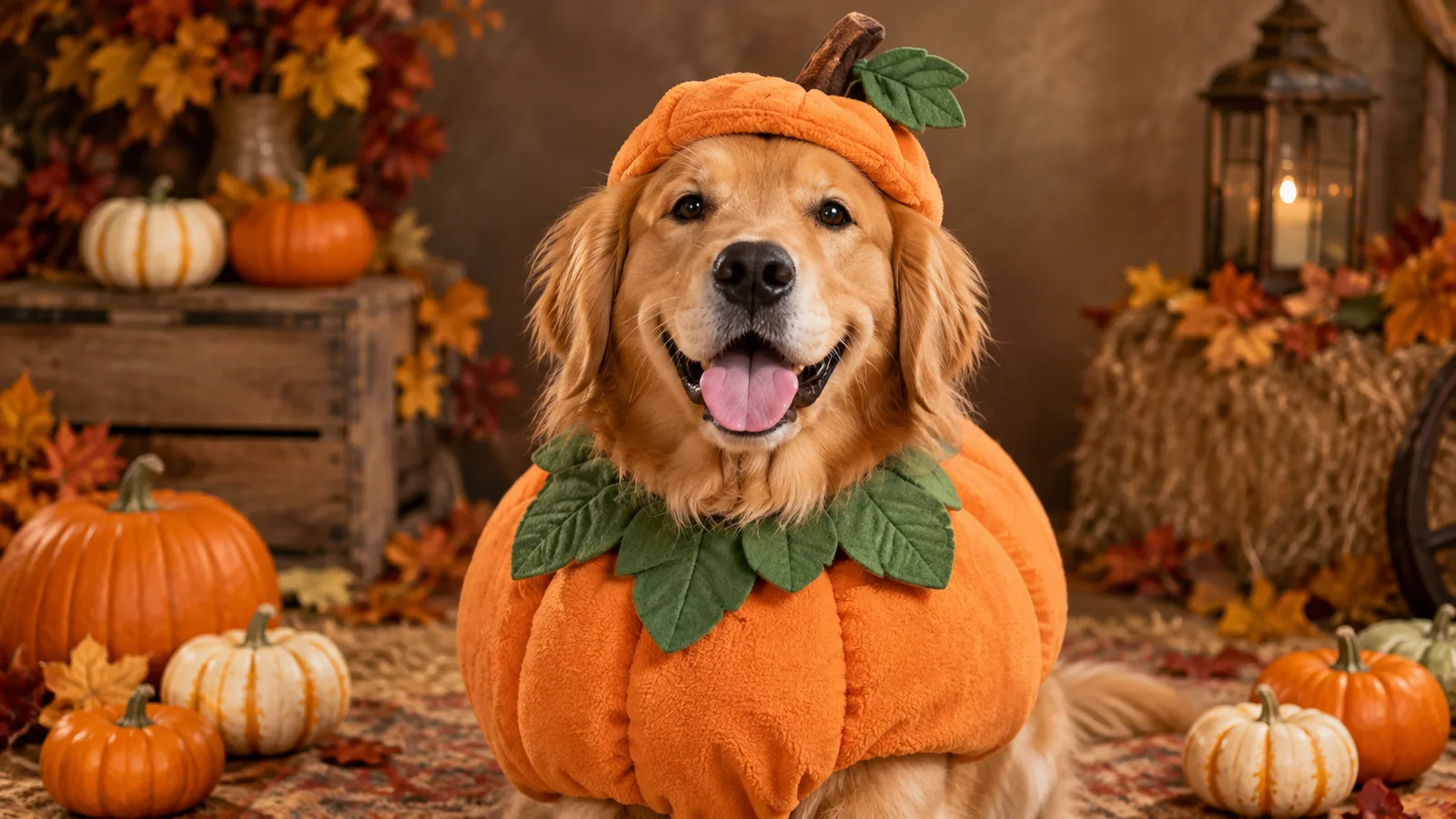
Pet portrait in a pumpkin costume with warm autumn studio light
6 presets

Choisir un preset

Choisissez une direction, appliquez le prompt dans l’espace de travail, puis modifiez un détail à la fois.

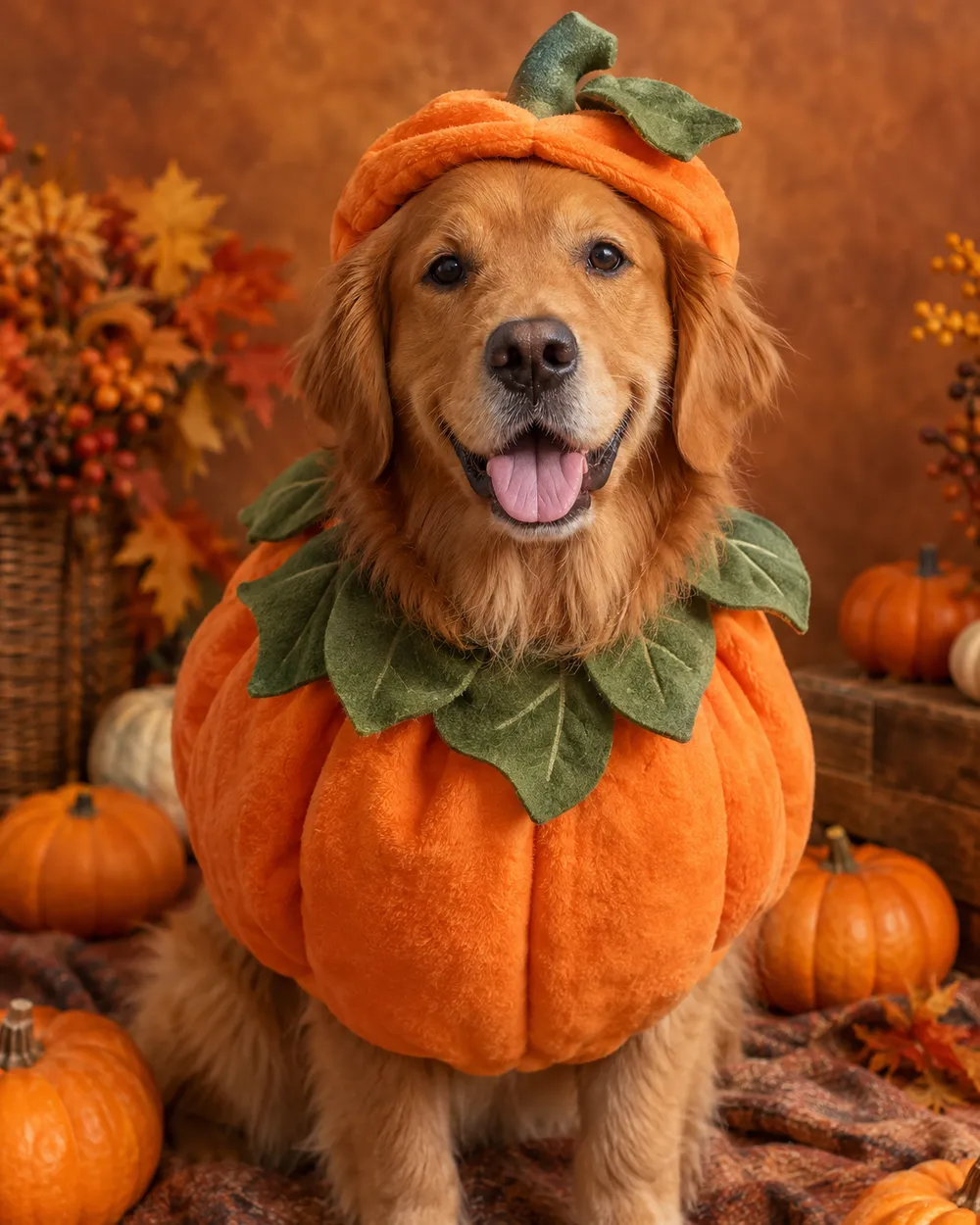
  • Pumpkin pet costume AI portrait

    Pumpkin Pet

    A soft pumpkin costume with a leaf collar.

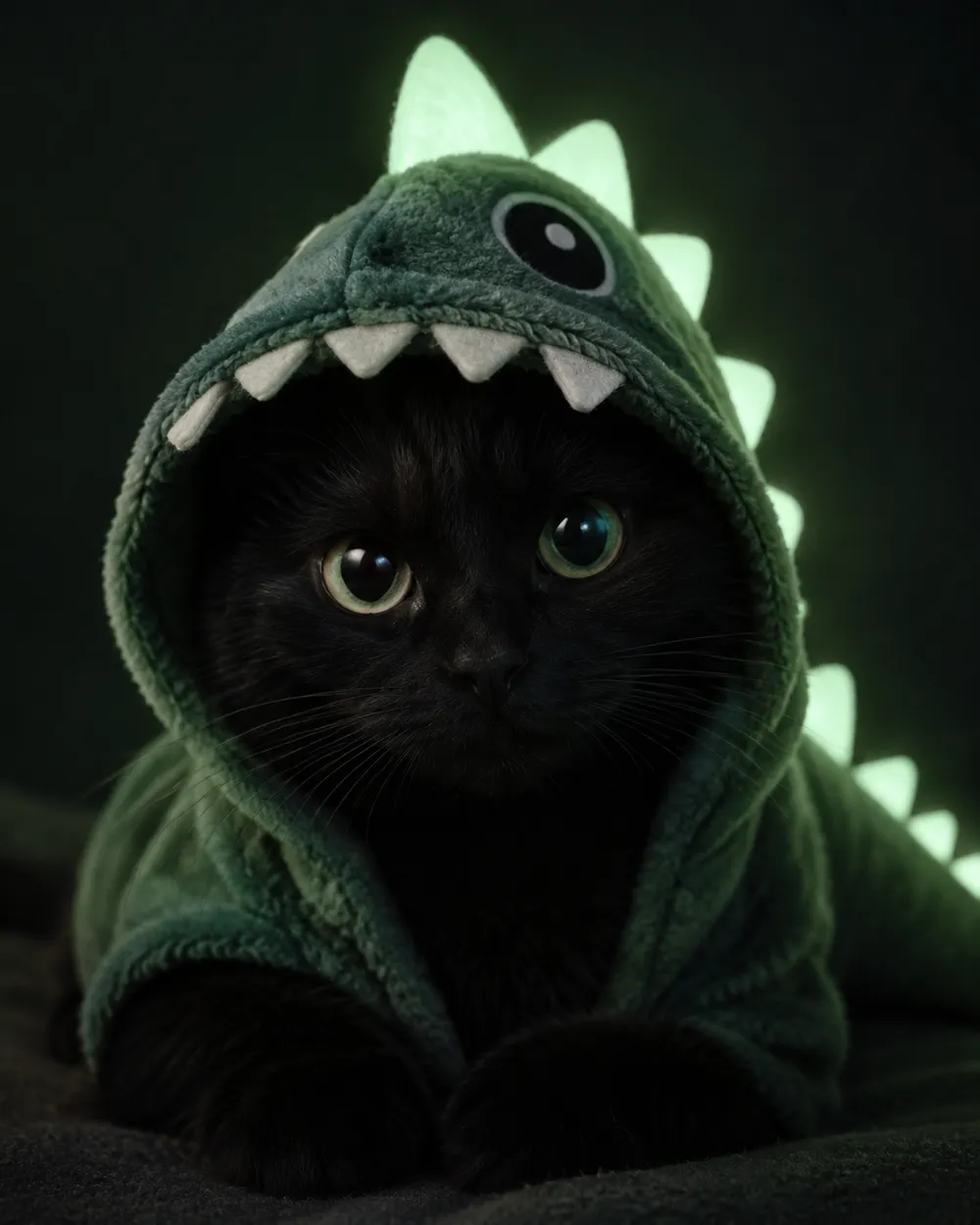
  • Glow in the dark dinosaur pet costume portrait

    Glow Dinosaur

    A gentle green glow, no harsh costume.

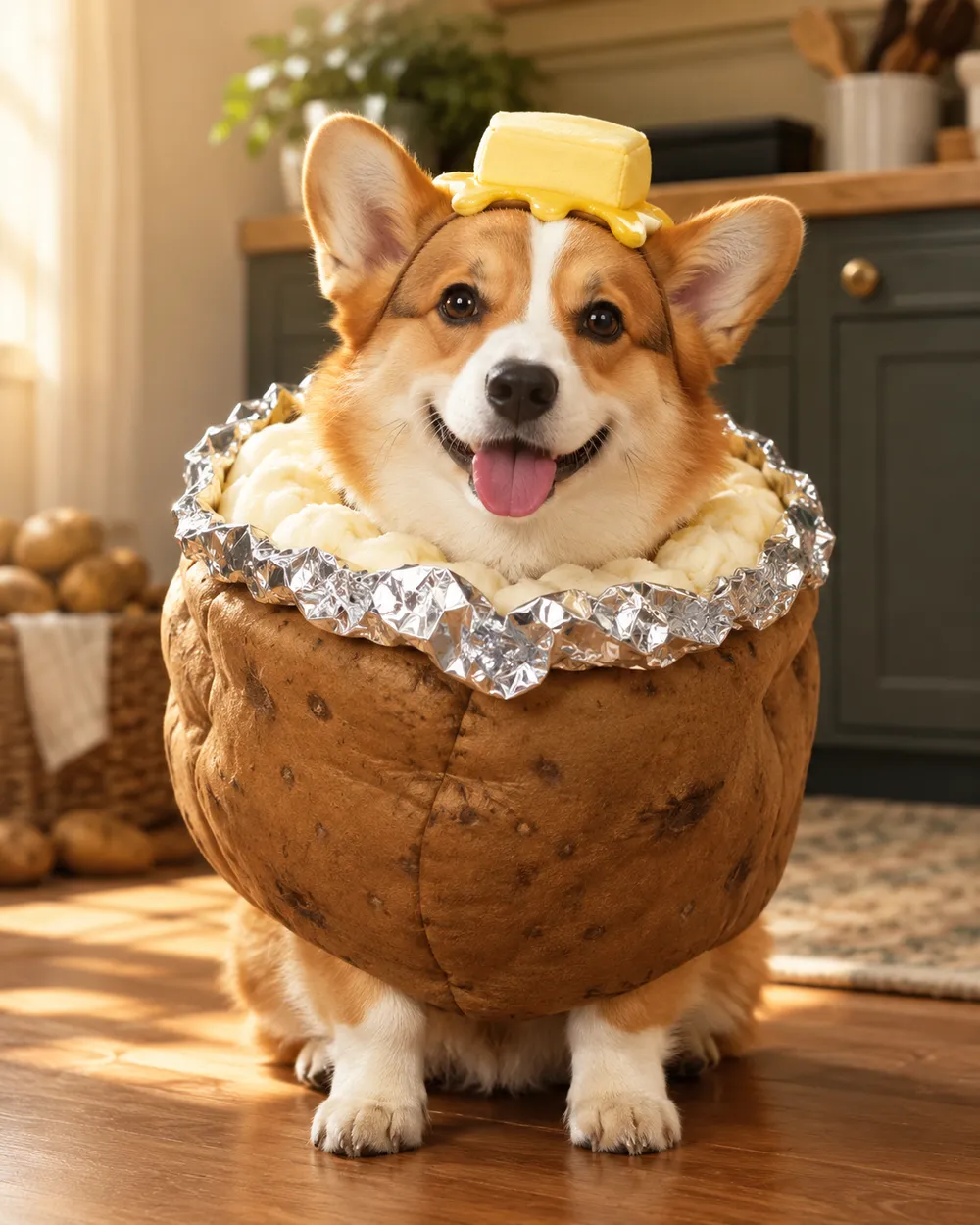
  • Baked potato pet costume AI portrait

    Baked Potato

    A playful potato costume with foil details.

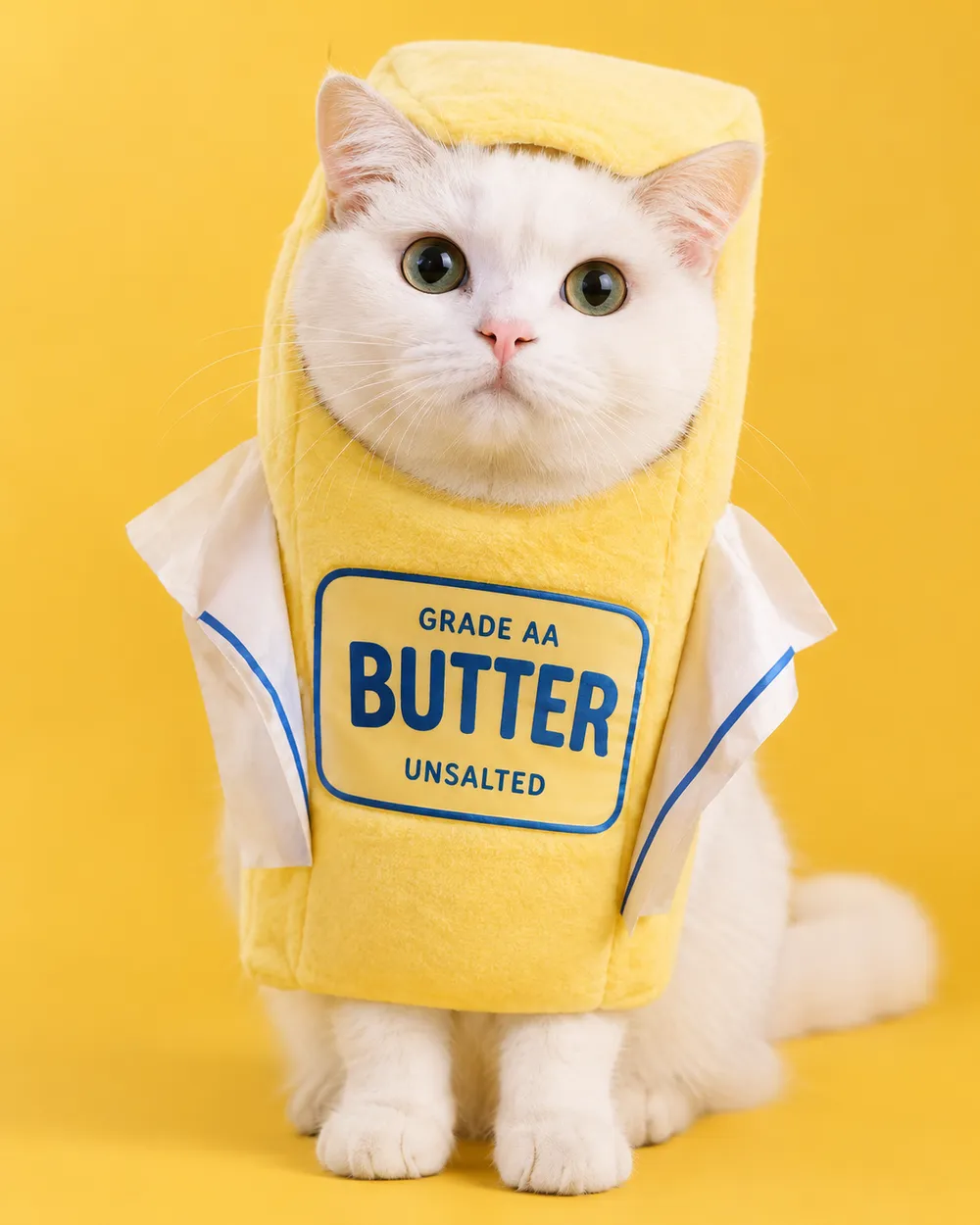
  • Stick of butter pet costume AI portrait

    Stick of Butter

    A bright yellow costume for a funny card.

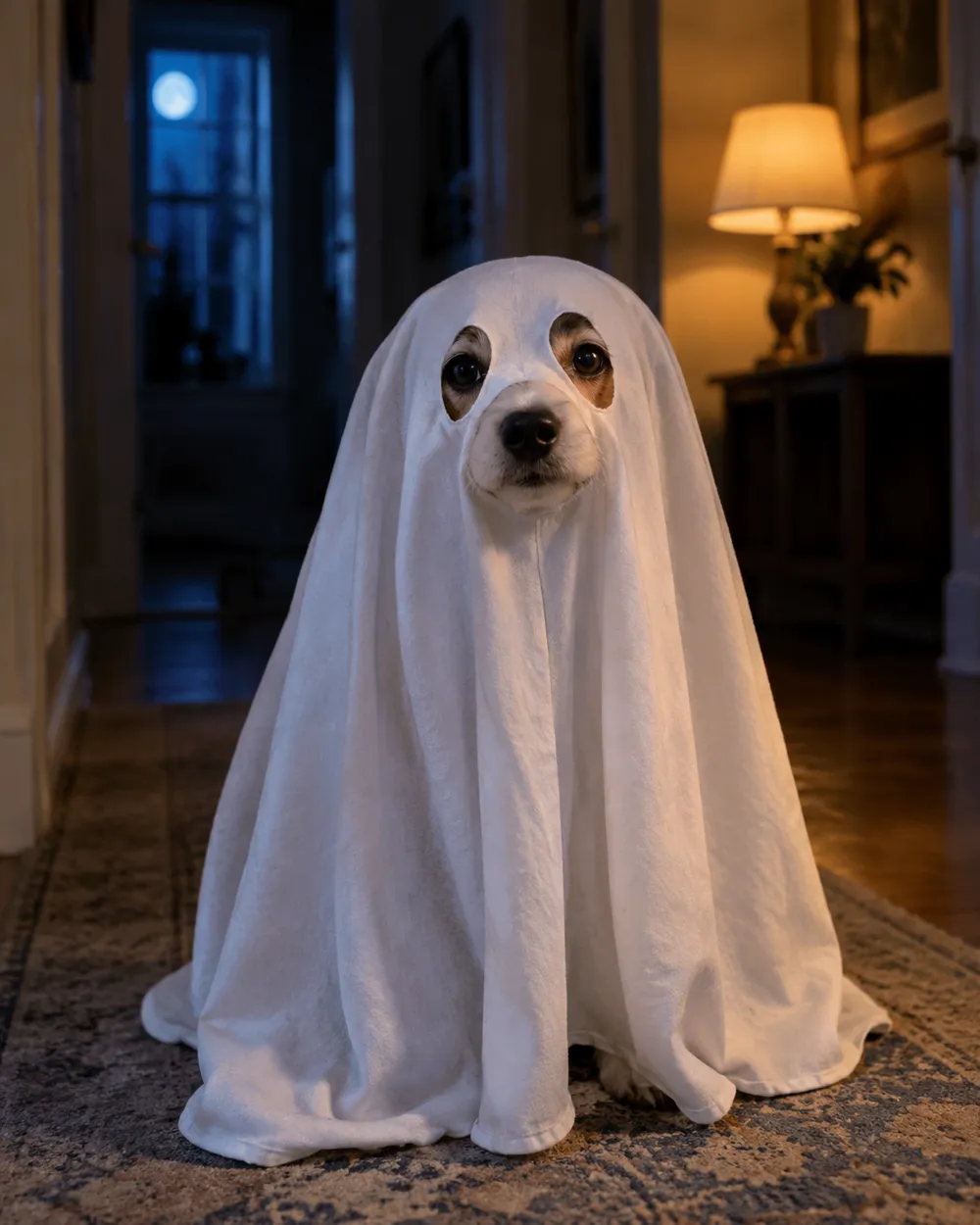
  • Tiny ghost pet costume AI portrait

    Tiny Ghost

    A soft sheet ghost with eye holes.

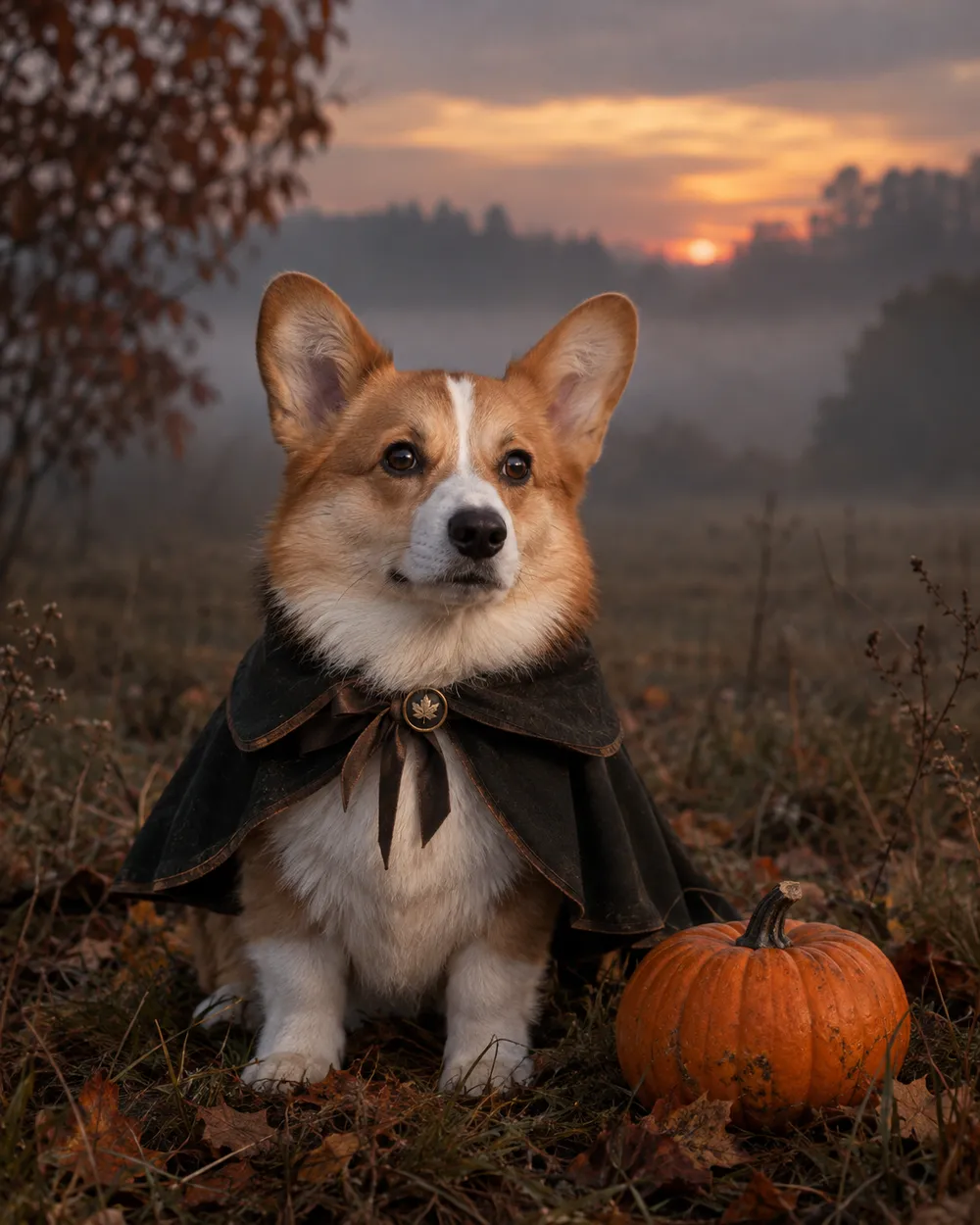
  • Headless rider inspired pet costume portrait

    Headless Rider

    A cape and a pumpkin prop, no gore.

Mode de generation

Modele

Selection rapide

Source Image URL

UploadNous acceptons les formats JPEG, PNG ou WEBP jusqu'à 10 Mo.
or
(Optional)

Cost 1 credits

0 / 4000

Resolution

Aspect Ratio

Output Format

Web Search

Allow the provider to call web search for current information when supported.

Cost 5 creditsRemaining 0 credits
Preview
SampleSample Animate AI still

A sample image stays here until you run your first generation.

Comment ça marche

  1. 1

    Choisir un look

    Partez d’un preset ou écrivez votre propre direction.

  2. 2

    Importer une photo

    Utilisez une photo frontale nette que vous avez le droit de modifier.

  3. 3

    Générer et affiner

    Lancez la tâche, vérifiez le résultat et ne changez qu’une variable par essai.

What to preserve in a pet portrait

The identity rules for pets are different from human portraits. Preserve breed, fur color, markings, eye color, ear shape and body proportions. Do not let the model change the species or add a second animal. Keep the costume away from the eyes and mouth so the face remains readable.

Paws are a common failure point. Ask for natural paws and avoid complex poses. A seated or standing portrait with the pet facing the camera is easier to control than an action shot.

Costume ideas that work as images

The strongest pet costumes have a simple silhouette: a pumpkin, a butter stick, a ghost sheet or a dinosaur hood. These shapes read at thumbnail size and do not require the model to invent a complex garment. A cape or a small prop can add character without covering the animal.

If you want a funny card, pair a simple costume with a deadpan expression and a clean studio background. If you want a spooky card, use a dim hallway or a misty field with a cool rim light.

Pet safety and consent

These images are generated. Do not force a real animal into a costume for a photo if it causes stress. If you use a real costume, choose a soft, loose-fitting option and supervise the animal. Never cover the eyes, mouth or nose.

Only upload a pet photo you have permission to use. If the pet belongs to a client or a friend, confirm the intended use before publishing.

Questions fréquentes

  1. 1

    Is this safe for my pet?

    The image is generated, so the pet does not wear anything. If you also use a real costume for a photo, choose a soft, loose-fitting costume and supervise the animal. Never cover the eyes, mouth or nose.

  2. 2

    Will the generator keep my pet’s markings?

    The presets ask the model to preserve breed, fur color, markings and anatomy. A clear, well-lit photo improves the result. Review the output before publishing.

  3. 3

    Can I make a glow-in-the-dark dinosaur costume?

    Yes. The Glow Dinosaur preset adds a soft green glow and a dinosaur hood without changing the species. You can edit the glow strength in the prompt.

  4. 4

    Can I generate two pets in one image?

    It is possible, but two pets are harder to control. Generate each pet separately, then combine them in an editor if you need a group card.

  5. 5

    Can I use the image on a product or listing?

    Review the Terms of Service and the model provider’s rules before commercial use. If the pet belongs to a customer, get permission first.

  6. 6

    Which pet photo works best?

    Use a front-facing photo with even light, a clear view of the face and no other animals. A simple background makes the costume edit cleaner.

Guides et analyses de prompts

Workflows associés

Commencez avec un preset testé

Ouvrez l’espace de travail, appliquez un preset et consultez l’estimation des crédits avant de générer.