Aller au contenu principal
Pack de presets saisonniers

Costumes Halloween IA

Parcourez des directions de costume originales, ouvrez un preset et générez un portrait Halloween sans copier un personnage sous licence.

Parcourez des idées de costumes Halloween IA originales, ouvrez un preset et générez un portrait sans copier un personnage sous licence.

  • Dans le navigateur, sans installation
  • Paiement sécurisé
  • Sans filigrane sur les exports payants

La génération consomme des crédits achetés

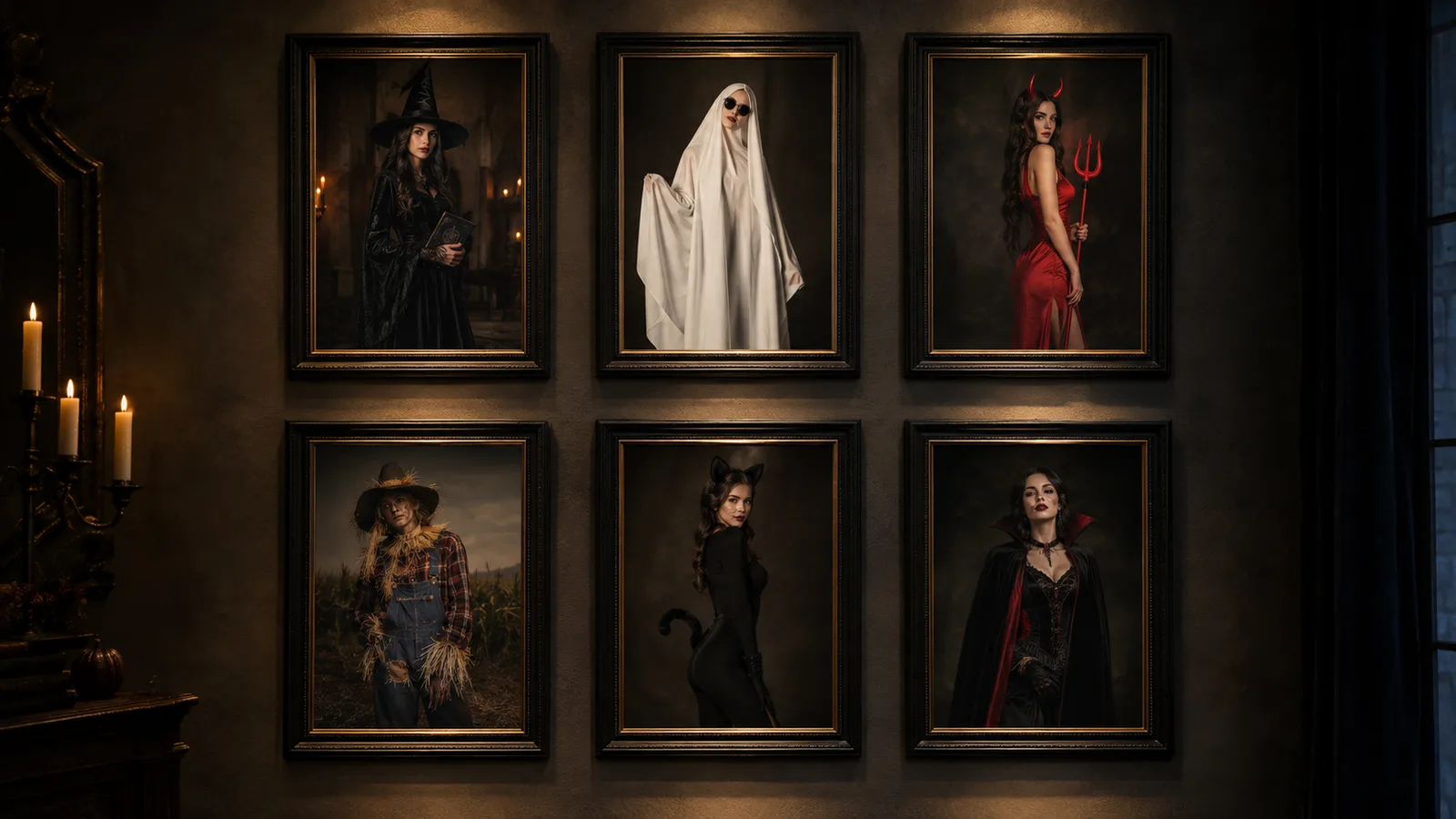
Gallery of original AI Halloween costume ideas in a dark editorial style
6 presets

Choisir un preset

Choisissez une direction, appliquez le prompt dans l’espace de travail, puis modifiez un détail à la fois.

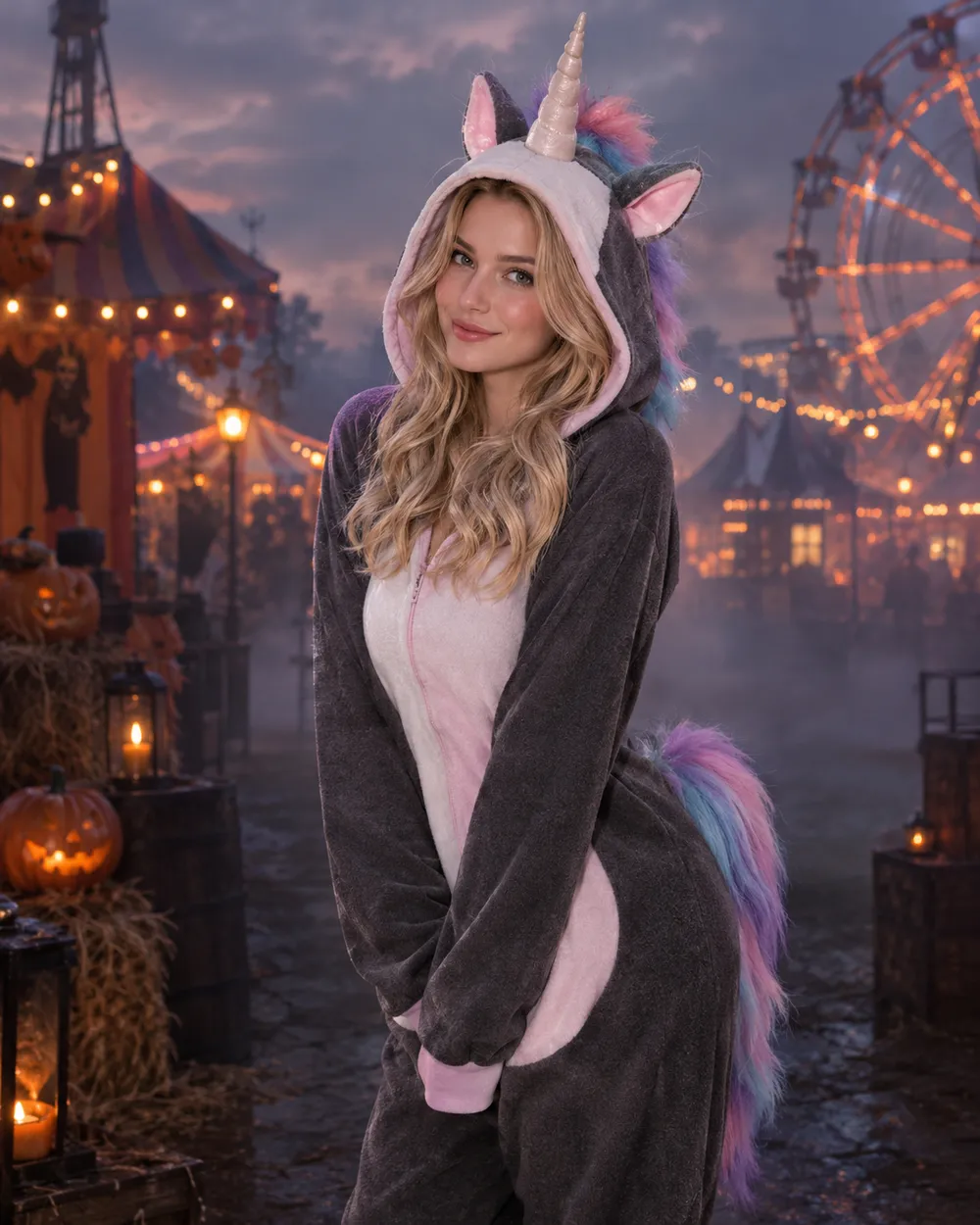
  • Haunted Unicorn AI Halloween costume idea

    Haunted Unicorn

    Mascot-inspired horn, pastel horror palette.

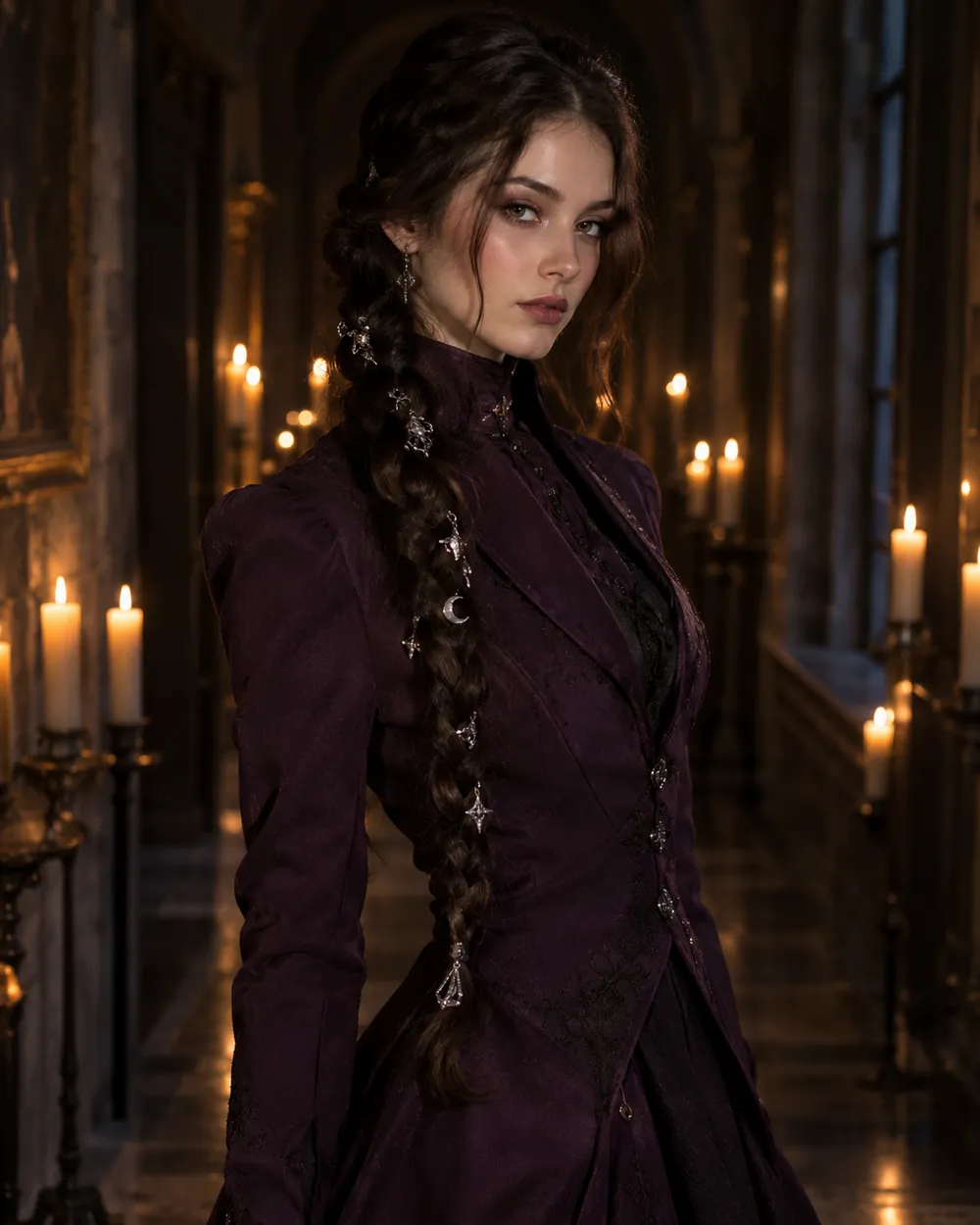
  • Dark Braids AI Halloween costume idea

    Dark Braids

    Long braids, silver charms, gothic tailoring.

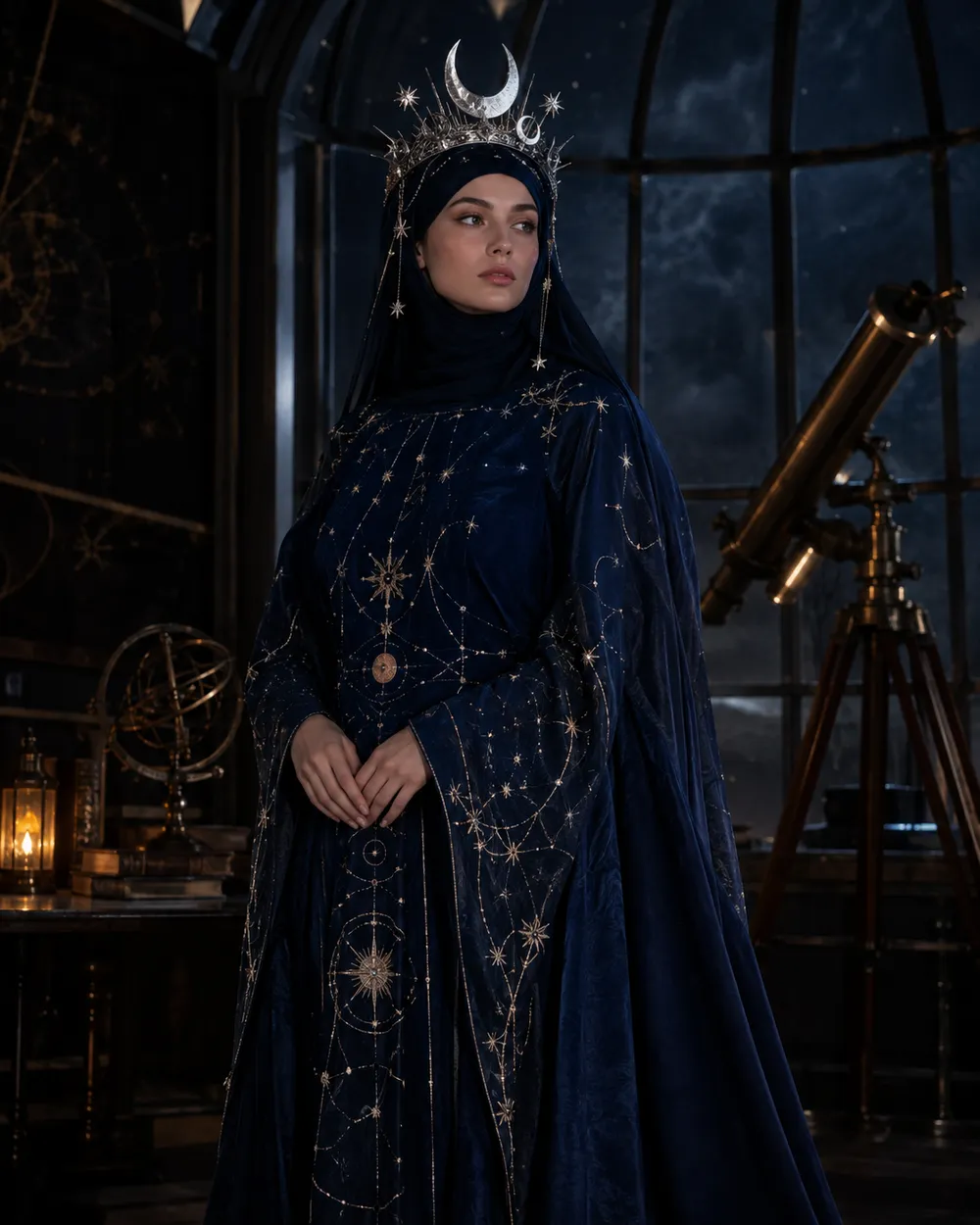
  • Cosmic Royalty AI Halloween costume idea

    Cosmic Royalty

    Star-map fabric and a silver moon crown.

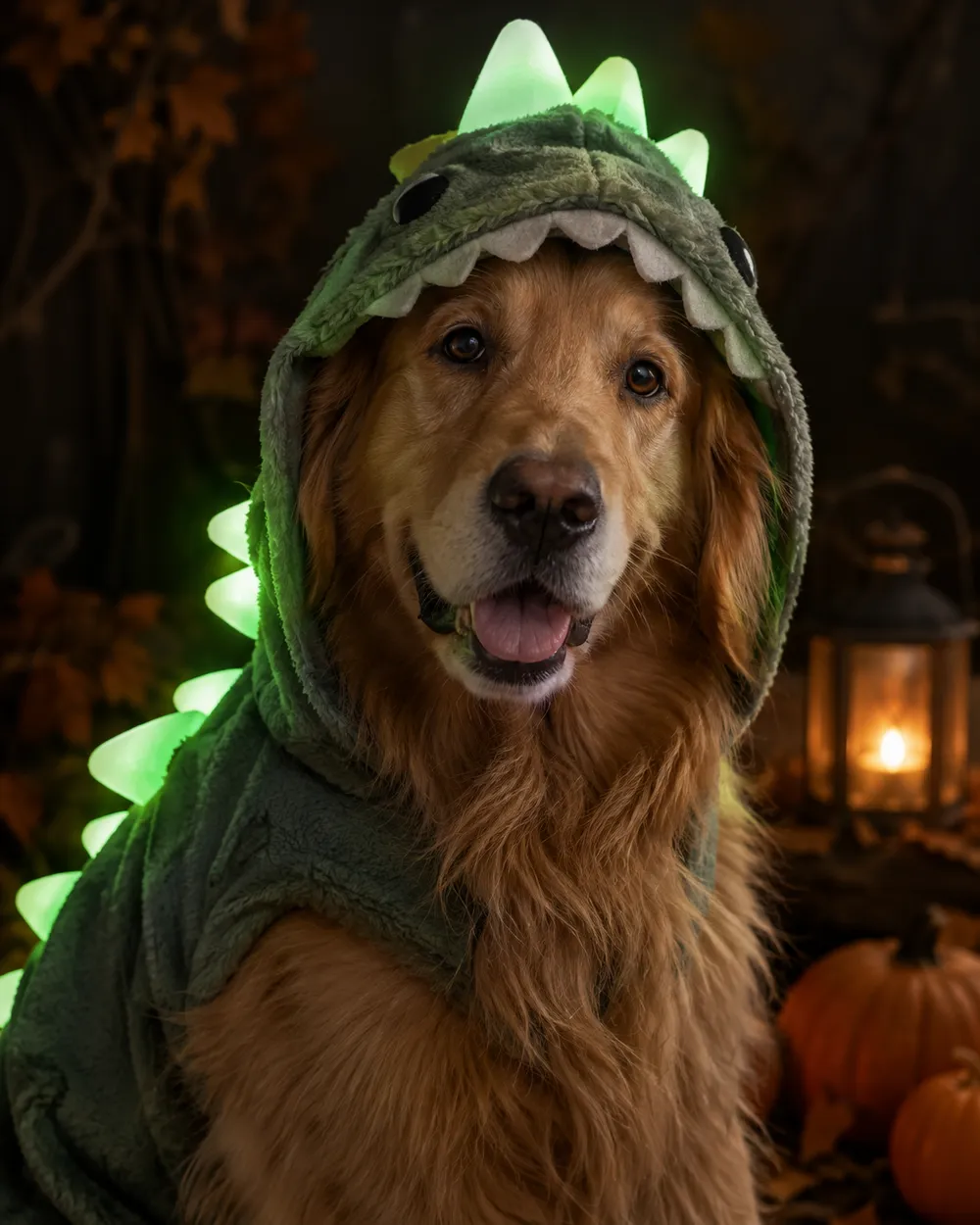
  • Glow in the dark dinosaur pet costume idea

    Glow Dinosaur

    A pet-friendly glow-in-the-dark idea.

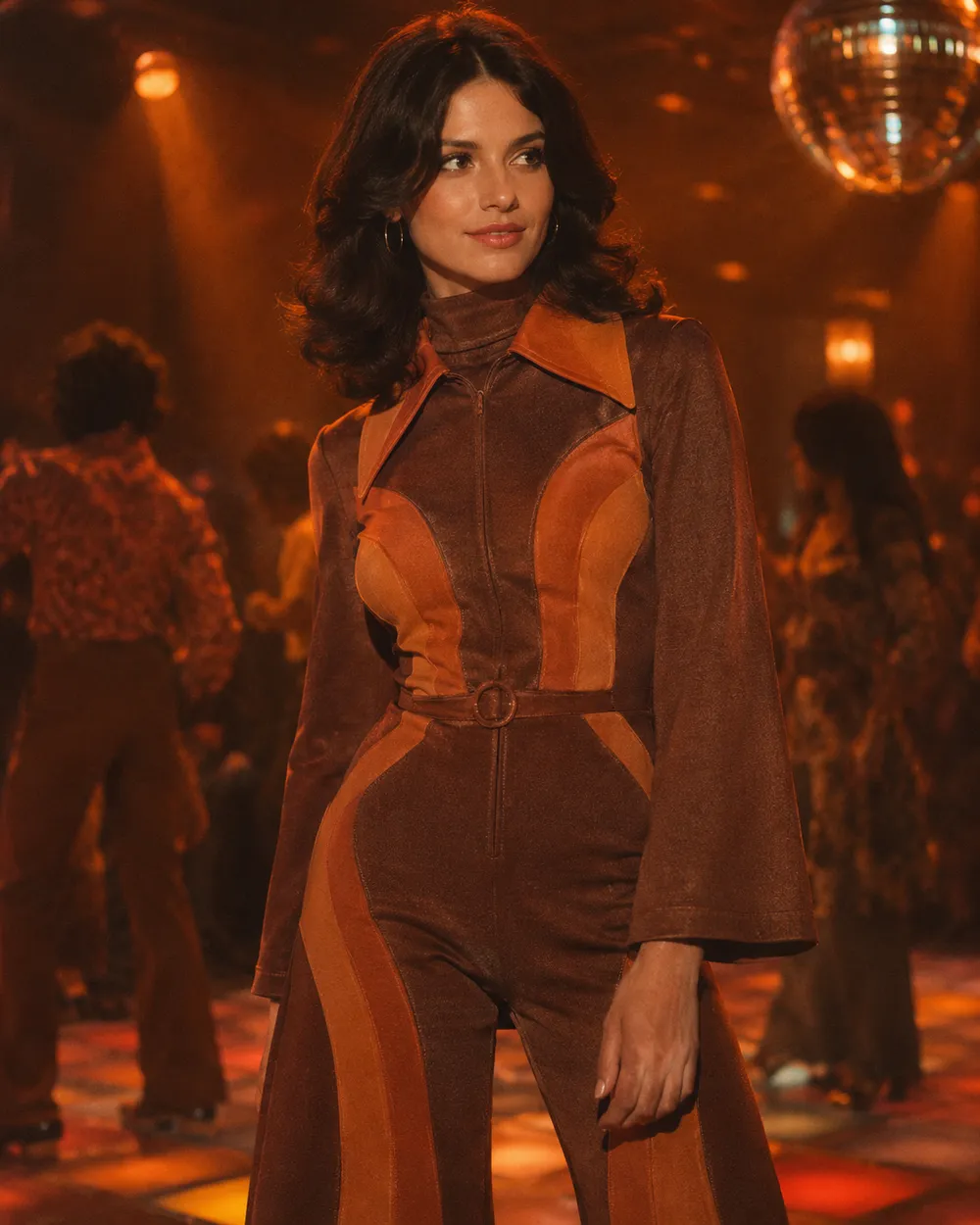
  • Disco inspired AI Halloween costume idea

    Disco Groove

    Retro disco outfit with a warm 1970s grade.

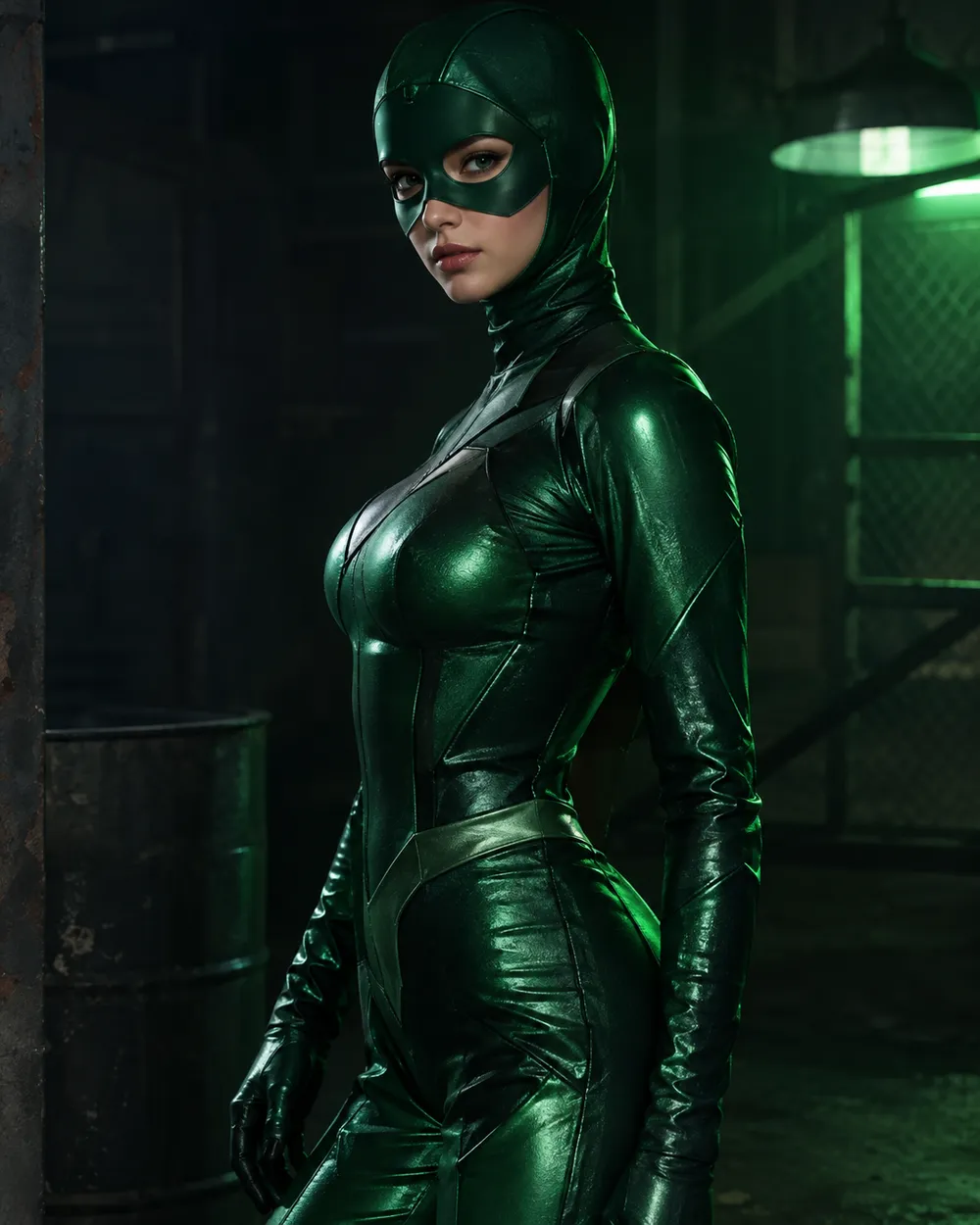
  • Green Hero AI Halloween costume idea

    Green Hero

    Original emerald armor, no logos.

Mode de generation

Modele

Selection rapide

Source Image URL

UploadNous acceptons les formats JPEG, PNG ou WEBP jusqu'à 10 Mo.
or
(Optional)

Cost 1 credits

0 / 4000

Resolution

Aspect Ratio

Output Format

Web Search

Allow the provider to call web search for current information when supported.

Cost 5 creditsRemaining 0 credits
Preview
SampleSample Animate AI still

A sample image stays here until you run your first generation.

Comment ça marche

  1. 1

    Choisir un look

    Partez d’un preset ou écrivez votre propre direction.

  2. 2

    Importer une photo

    Utilisez une photo frontale nette que vous avez le droit de modifier.

  3. 3

    Générer et affiner

    Lancez la tâche, vérifiez le résultat et ne changez qu’une variable par essai.

How to choose a costume idea

Start with the silhouette. A costume reads at thumbnail size when the outline is clear: a horn, a crown, a cape, a wide collar, a glowing hood. Next choose a palette with two dominant colors. Finally choose a setting that explains the light. A costume portrait with no light story usually looks like a cutout.

If you are making several images for one post, keep the same setting and change only the costume. That creates a coherent set instead of six unrelated pictures. If you are making one hero image, choose the preset with the strongest silhouette and the simplest background.

Trend-inspired, not trademark-copied

Trend lists are useful for direction, not for copying. When a trend is built around a specific film or game character, translate it into traits: color, hair, prop, fabric and mood. This keeps the output original and avoids implying an official license.

The presets on this page are written that way. “Haunted Unicorn” uses the mascot-horror idea without naming a film. “Green Hero” uses emerald armor without a logo. You can still add your own references in the prompt, but review the result before publishing.

Make a set, not a single image

A Halloween post often needs more than one image: a profile picture, a story crop, a thumbnail and a group shot. Generate the main portrait first, then create a vertical crop and a close-up from the same preset. Keep the identity sentence identical so the face stays consistent across the set.

For video, animate the best still instead of generating a new clip from scratch. A five-second head turn or a slow push-in is usually enough for a story or a TikTok cover.

Questions fréquentes

  1. 1

    Are these costumes official movie or game costumes?

    No. The presets are original costume directions inspired by broader trends. They do not reproduce licensed characters, logos or official costumes.

  2. 2

    Can I change the costume colors?

    Yes. Edit the palette sentence in the prompt. Keep the identity and composition sentences unchanged so you can compare results cleanly.

  3. 3

    Can I generate a couple or a group?

    Yes, but use a source photo where every face is clearly visible. The couple workflow is the better starting point because it is written for two-person reference photos.

  4. 4

    Do I need a costume photo to start?

    No. You can start from a normal selfie and let the preset rebuild the outfit. A plain background and even lighting make the edit easier.

  5. 5

    Can I use these ideas for a client project?

    Review the Terms of Service and the model provider’s usage rules first. Client work may require additional rights or disclosures depending on how the image is used.

  6. 6

    Which idea is easiest for a first attempt?

    Start with Cosmic Royalty or Dark Braids. Both have a clear silhouette and a simple lighting story, which makes the first generation easier to judge.

Guides et analyses de prompts

Workflows associés

Commencez avec un preset testé

Ouvrez l’espace de travail, appliquez un preset et consultez l’estimation des crédits avant de générer.