


Saltar al contenido principal
Pack de presets de temporada

Generador de video IA Black Friday 2026

Prepara clips de producto antes de la oferta con seis presets, estimaciones claras y ningún descuento inventado.

Prepara videos de producto para Black Friday y Cyber Monday con seis presets, precios claros en créditos y un espacio Seedance.

  • En el navegador, sin instalar
  • Pago seguro
  • Sin marca de agua en exportaciones de pago

La generación usa créditos comprados

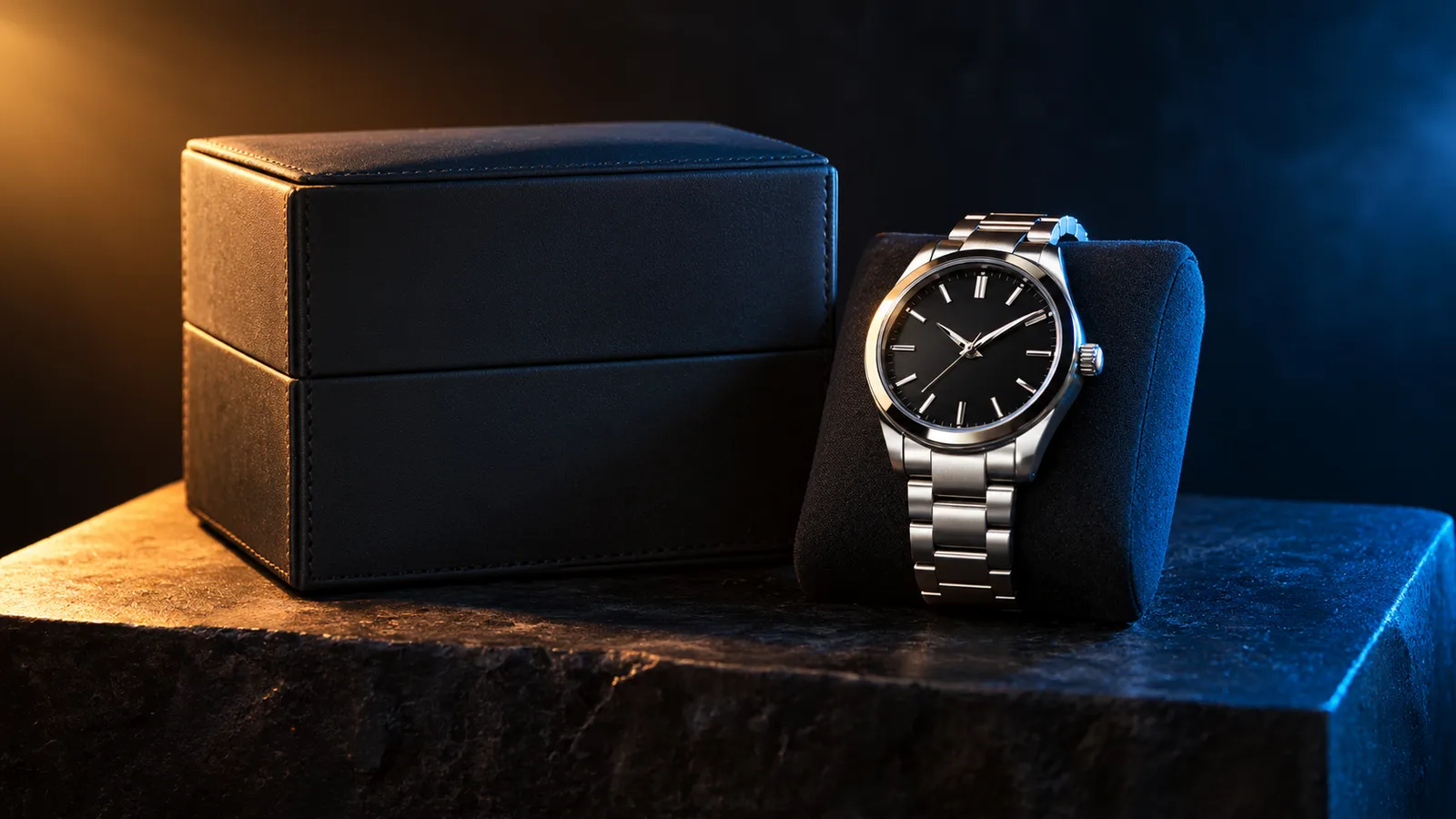
Black Friday product video storyboard with a dark studio and warm rim light
6 presets

Elige un preset

Elige una dirección, aplica el prompt al espacio de trabajo y cambia un detalle a la vez.

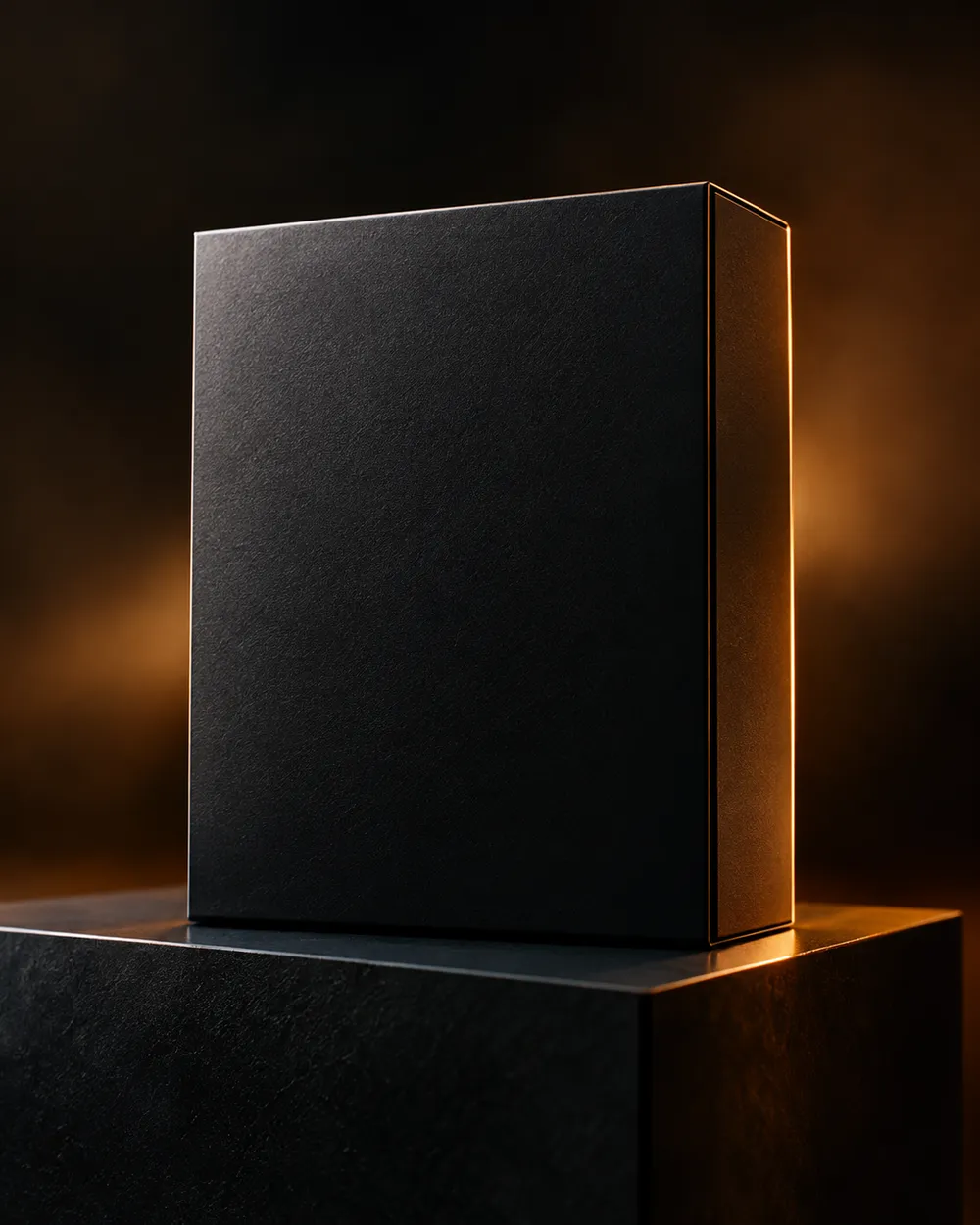
  • Black Friday deal teaser AI video preset

    Deal Teaser

    A five-second product tease with a slow push-in.

  • Black Friday countdown AI video preset

    Countdown

    A dramatic light sweep for a launch post.

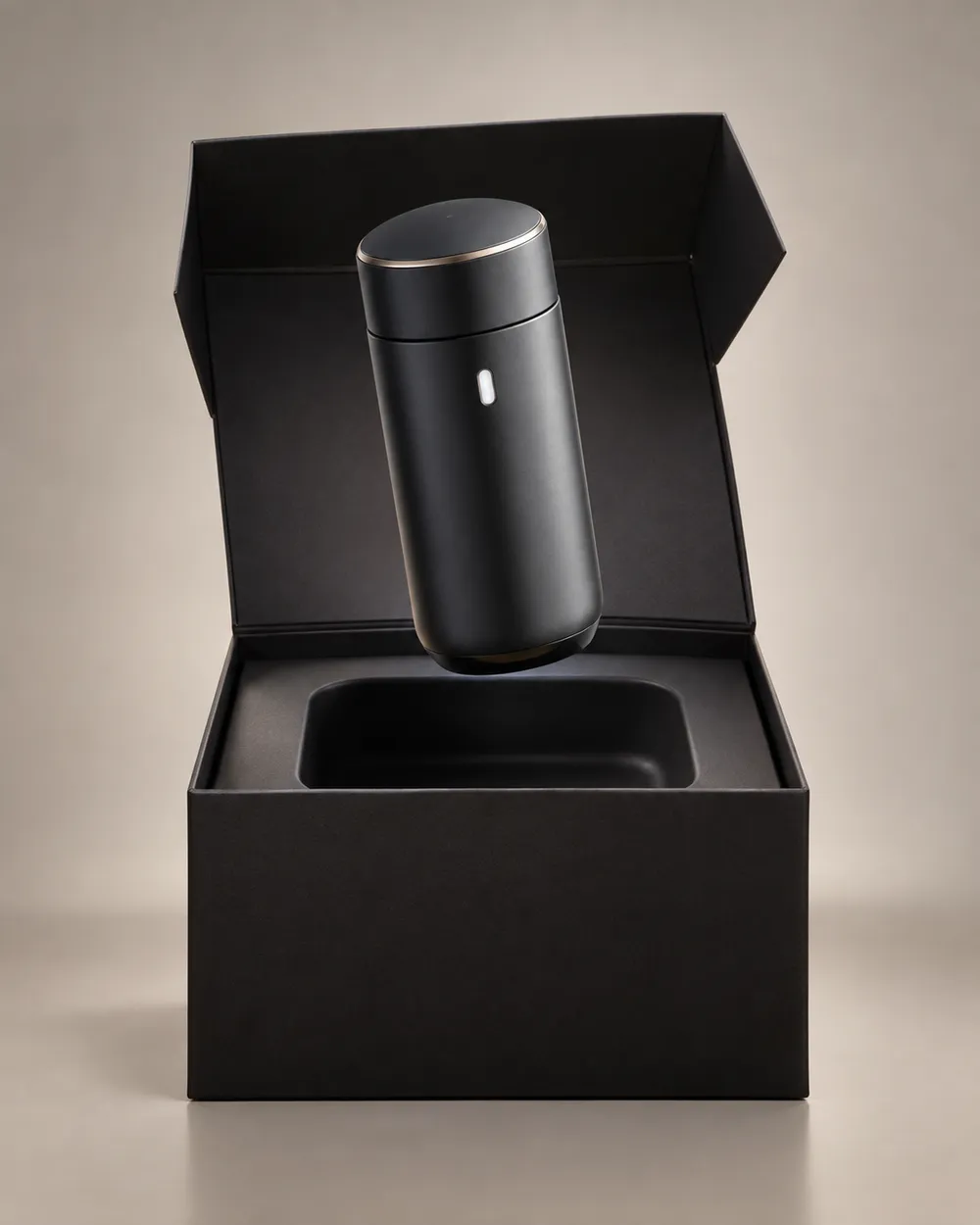
  • Black Friday unboxing AI video preset

    Unboxing

    A clean open-box reveal without hands.

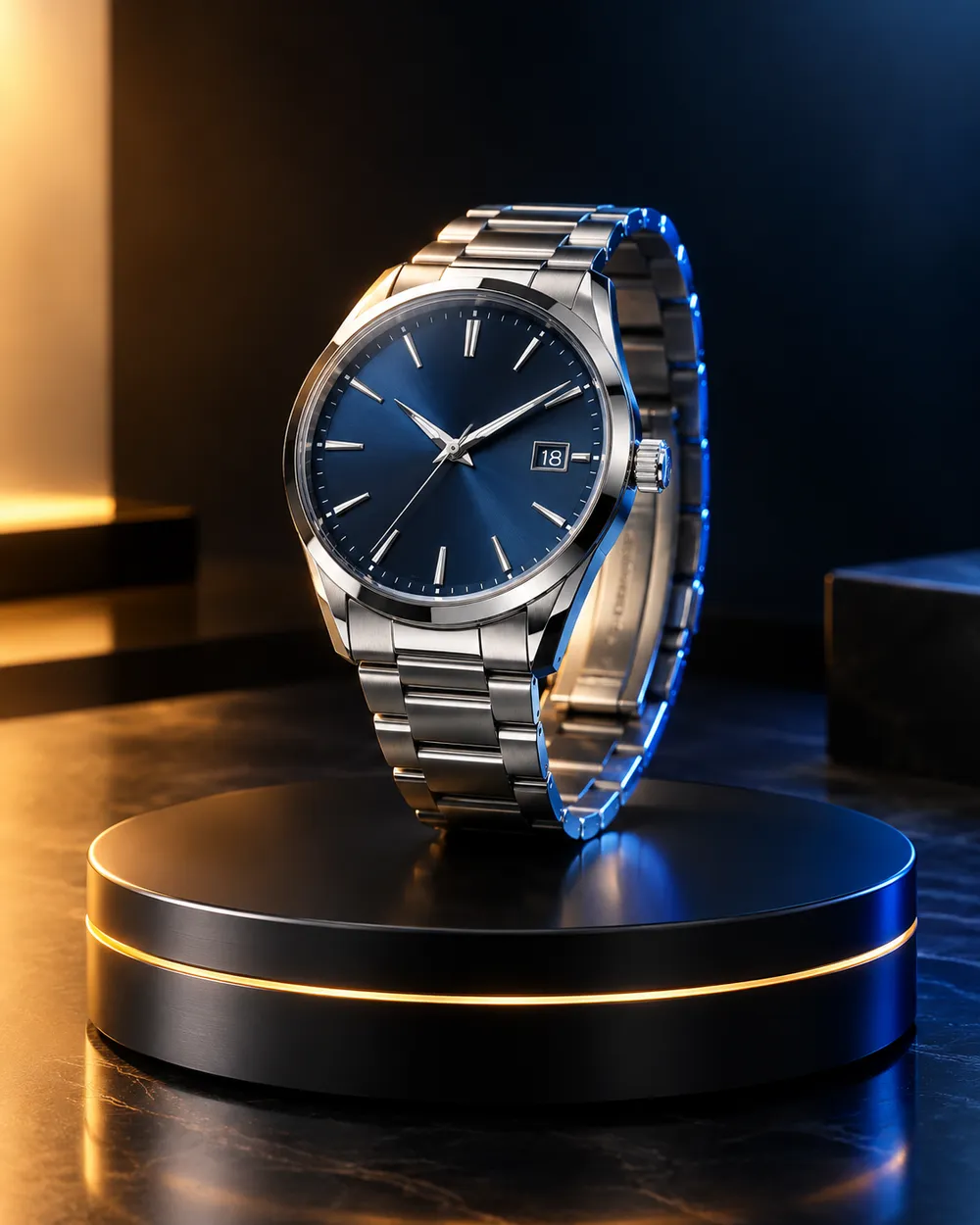
  • Black Friday hero ad AI video preset

    Hero Ad

    A slow turntable for a premium product.

  • Black Friday gift guide AI video preset

    Gift Guide

    A soft floating product for a gift roundup.

  • Cyber Monday AI video preset

    Cyber Monday

    Cool neon light for a digital offer.

Generador de video

Sube un primer fotograma o pega una URL pública de imagen. Enlaces privados o de páginas de compartición fallarán.

(Opcional)

Sube un fotograma final o pega una URL pública de imagen si quieres que el movimiento termine en una toma objetivo.

Coste 1 créditos

0 / 2000

Preajustes de cámara

Añade una dirección de cámara al prompt. Son fragmentos de prompt, no un modo de modelo 3D independiente.

15s
4s15s

Controles de generación

Estos son los controles compartidos entre las tres vías de trabajo.

2 opciones
Fast

Utiliza la ruta Fast cuando esté disponible.

Generar audio

Incluir audio sincronizado cuando el proveedor lo soporte.

Coste 150 créditosRestan 0 créditos
Vista previa

Aún no se ha generado nada

La generación de video usa créditos comprados. El espacio de trabajo muestra la estimación antes de enviar.

Cómo funciona

  1. 1

    Elige un look

    Empieza con un preset o escribe tu propia dirección.

  2. 2

    Sube una foto

    Usa una foto frontal clara que tengas permiso de editar.

  3. 3

    Genera y refina

    Ejecuta la tarea, revisa el resultado y cambia una sola variable por intento.

What to prepare before Black Friday

Prepare the product still first. A clean cutout on a neutral background is easier to animate than a lifestyle photo with many objects. Then choose one motion per product: push-in, orbit, turntable, light sweep or unboxing. Do not put three motions in one five-second clip.

Write the offer copy separately from the video. The video should show the product; the caption, landing page and checkout should explain the price. Do not ask the video model to render price text. Text rendering is unreliable and a wrong price is worse than no price.

Seven clip formats that fit a sale

Deal teaser, countdown, unboxing, hero ad, gift guide, category roundup and cyber Monday neon. Each format has a different job. A teaser creates curiosity. A hero ad makes the product look premium. A gift guide helps a shopper compare. A cyber Monday clip signals a digital offer.

Keep one format per product and one product per clip. If you need a category roundup, create separate clips and edit them together. That gives you control over pacing and avoids a crowded generation.

Honest seasonal pricing

Seasonal pages often promise a discount that does not exist. This page avoids that. The pricing page is the source of truth for plans, credits and billing. If you need a small entry point, the Try pack is the lowest one-time purchase currently listed; check the pricing page for the current amount and credit total.

If you are comparing providers, compare the cost per usable clip, not the headline discount. A cheap clip that needs five retries is more expensive than a clean clip that works once.

Preguntas frecuentes

  1. 1

    Is there a Black Friday discount on Animate AI?

    Any active seasonal offer is stated on the pricing page with its dates and conditions. This page does not invent a discount. The current plans and credit totals are always visible on the pricing page.

  2. 2

    When is Black Friday 2026?

    Black Friday falls on November 27, 2026. Cyber Monday falls on November 30, 2026. Search demand usually starts weeks earlier, so prepare the product stills and clips before the date.

  3. 3

    Do I need a product photo?

    A clean product still produces the most consistent clip. You can also use text-to-video, but product shape and label consistency are harder to control without a reference image.

  4. 4

    Can the video include the price?

    Do not rely on the video model to render price text. Add the price in your editor, caption or landing page. That avoids wrong or distorted numbers.

  5. 5

    How many clips can I make from one credit pack?

    It depends on duration, resolution and audio. A five-second 720p fast clip starts at about 50 credits. The Try pack includes 500 credits, so it covers roughly ten short clips before retries. Check the workspace estimate before each run.

  6. 6

    Can I use the clips in paid ads?

    Review the Terms of Service and the model provider’s usage rules. Also follow the ad platform’s disclosure rules for synthetic media.

Guías y análisis de prompts

Flujos relacionados

Empieza con un preset probado

Abre el espacio de trabajo, aplica un preset y consulta la estimación de créditos antes de generar.