
Black Friday AI Video Planner: 7 Clips to Prepare Before the Sale
A practical Black Friday and Cyber Monday video plan: product stills, seven clip formats, credit budgeting and honest pricing checks.
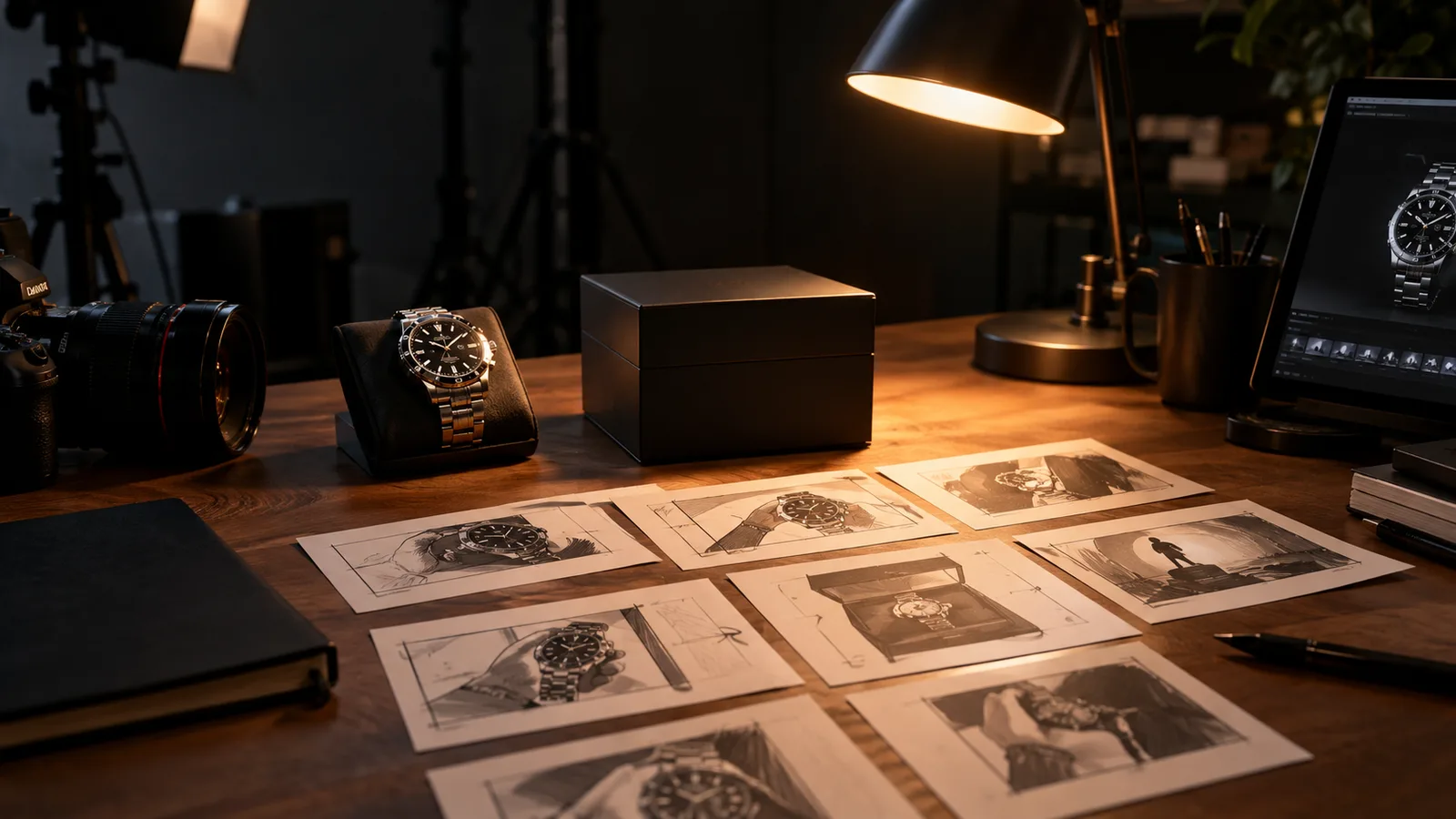
Black Friday is November 27, 2026. Cyber Monday is November 30. The search demand starts earlier than the sale, and the product videos take longer to prepare than most teams expect. If you wait until the discount is live, you are already late.
This planner is the companion to the AI video generator Black Friday 2026 page. It covers the seven clip formats worth preparing, the source assets you need, and a credit budget you can check before you spend.
One rule before we start: this guide does not invent a discount. Any active seasonal offer is stated on the pricing page with its dates and conditions. The current plans and credit totals are always visible there.
Start with the product still
A video model needs a clean starting frame. The best product still is:
- Centered, with the full product visible.
- Lit from one clear direction.
- On a neutral or simple background.
- At least 1,000 pixels on the long edge.
- Free of hands, price tags and text you do not want animated.
A lifestyle photo with many objects is harder to animate. A clean cutout on a neutral background gives the model less to invent. If you only have a lifestyle photo, crop to the product before uploading.
Seven clips to prepare
1. Deal teaser
A five-second push-in toward the product with a soft light sweep. No price text. Use it at the top of a landing page or as a story opener.
2. Countdown
A dramatic light sweep with a slow orbit. The clip signals that something is coming without showing a number. Add the date in your editor.
3. Unboxing
A clean box opening without hands. The lid lifts and the product rises into view. This works for gift guides and new-product launches.
4. Hero ad
A slow turntable with controlled reflections. The most premium format. Use it on a product page or a paid ad.
5. Gift guide
A gentle floating product with soft ribbon-like light streaks. Pair it with a roundup article or a category page.
6. Cyber Monday
A cool blue and magenta neon sweep for a digital offer. Use it for software, courses or memberships.
7. Category roundup
Generate one clip per product, then edit them together. Do not ask a single generation to show five products. Separate clips give you control over pacing.
Try a Black Friday motion preset
Prompt lab
6 tested directions
Pick a preset, edit the prompt, then copy it or open the workspace with the prompt already loaded.
309 characters · La generación usa créditos comprados
The lab above loads a product teaser prompt. Edit the motion, copy the prompt, or open the workspace with the prompt applied. The video workspace asks for a product still and shows the credit estimate before you run the job.
Budget the credits before you generate
Video credits depend on duration, resolution, audio and references. A five-second 720p fast clip starts at about 50 credits. The Try pack includes 500 credits, so it covers roughly ten short clips before retries.
A realistic first pass for a small store:
- 6 products x 1 teaser clip = 6 clips.
- 2 retries per clip on average = 12 extra clips.
- Total: about 18 clips, or roughly 900 credits.
That is a planning number, not a promise. A clean product still reduces retries. A messy source increases them. Check the workspace estimate before each run and stop when the clip is usable.
Do not ask the model to render the price
Text rendering is the most common failure in product video. A wrong price is worse than no price. Add the price, the discount and the dates in your editor, caption or landing page. Keep the video clean.
The same rule applies to logos. If the product label is important, keep it stable in the prompt and check it at full resolution. If the label warps, remove background details and add a label-stability rule.
A pre-sale checklist
- Product stills are clean, centered and high resolution.
- One motion per clip.
- No price text in the generation.
- The credit budget is written down.
- The landing page has the real offer and dates.
- The checkout flow is tested.
- The ad platform's synthetic-media rules are checked.
- A backup clip exists for every product.
What to measure after launch
- Click-through rate on each clip.
- Add-to-cart rate from the landing page.
- Checkout completion rate.
- Refund rate.
- Cost per usable clip, including retries.
If a clip gets clicks but no adds to cart, the problem may be the landing page or the offer, not the video. If the clip gets no clicks, the first frame or the hook is the problem. Change one thing at a time.
A pre-flight check before you spend credits
Before you generate a batch, lock four things: the offer, the dates, the product stills and the retry cap. The offer and dates go into the clip only if they are final; a video that says "50% off" and then changes to "30% off" wastes the whole render. Prepare one clean still per product, shot straight on with even light, and crop out distracting background objects.
Write one motion sentence per clip. "Slow push-in on the watch face, amber rim light, no text" is enough. Do not ask for a camera move, a model, a logo reveal and a scene change in the same five seconds.
Set a retry cap before you start: two attempts per product, then stop and review the still. Track cost per usable clip, not cost per render. Ten average clips cost more than three good ones when you count the editing time.
Frequently asked questions
When is Black Friday 2026?
Black Friday is November 27, 2026. Cyber Monday is November 30, 2026. Start preparing product stills and clips weeks earlier.
Does Animate AI have a Black Friday discount?
Any active seasonal offer is stated on the pricing page with its dates and conditions. This guide does not invent a discount.
How many clips fit in one pack?
A five-second 720p fast clip starts at about 50 credits. The Try pack includes 500 credits, so roughly ten short clips before retries.
Can I use the clips in paid ads?
Review the Terms of Service and the model provider's usage rules. Also follow the ad platform's synthetic-media disclosure rules.
Do I need a product photo?
A clean product still produces the most consistent clip. Text-to-video works, but product shape and label consistency are harder to control.
The bottom line
Black Friday video planning is a production problem, not a prompt problem. Clean product stills, one motion per clip, an honest offer and a credit budget will beat a clever prompt every time. Open the Black Friday AI video page when you are ready to test the presets, and check the pricing page for the current plans.
Was this guide useful?
Generador de video IA Black Friday 2026
Prepara clips de producto antes de la oferta con seis presets, estimaciones claras y ningún descuento inventado.
Leer guía