Saltar al contenido principal
Pack de presets de temporada

Generador de video anime con IA

Anima una imagen anime terminada con un movimiento pequeño y controlado que protege el diseño y el line art.

Anima una imagen anime en un clip de cinco segundos: giro de cabeza, paneo o pétalos. Seis presets para mantener el line art.

  • En el navegador, sin instalar
  • Pago seguro
  • Sin marca de agua en exportaciones de pago

La generación usa créditos comprados

Anime-style still animated with a slow camera pan and falling petals
6 presets

Elige un preset

Elige una dirección, aplica el prompt al espacio de trabajo y cambia un detalle a la vez.

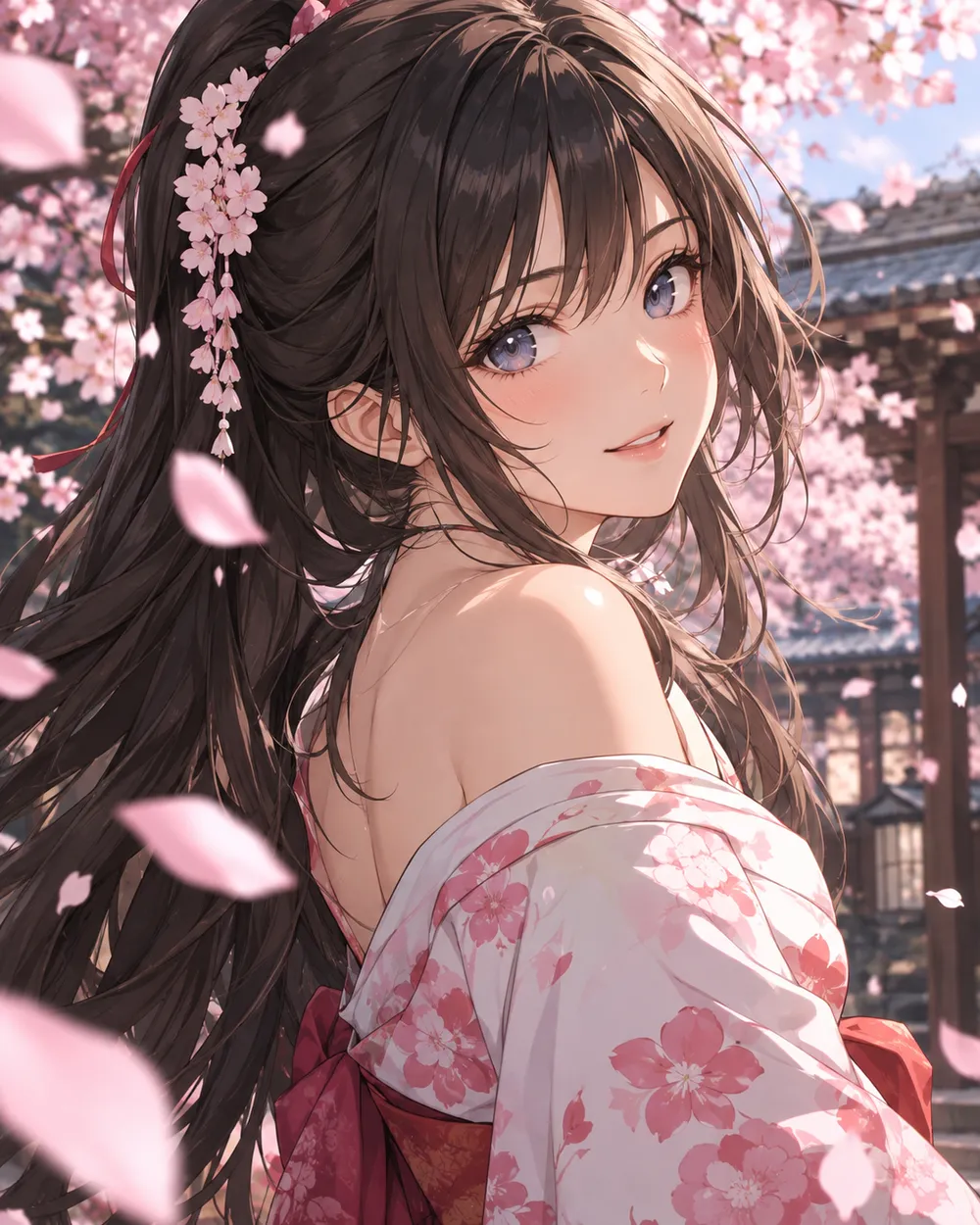
  • Cherry blossom anime AI video preset

    Cherry Blossom Turn

    A slow turn with falling petals.

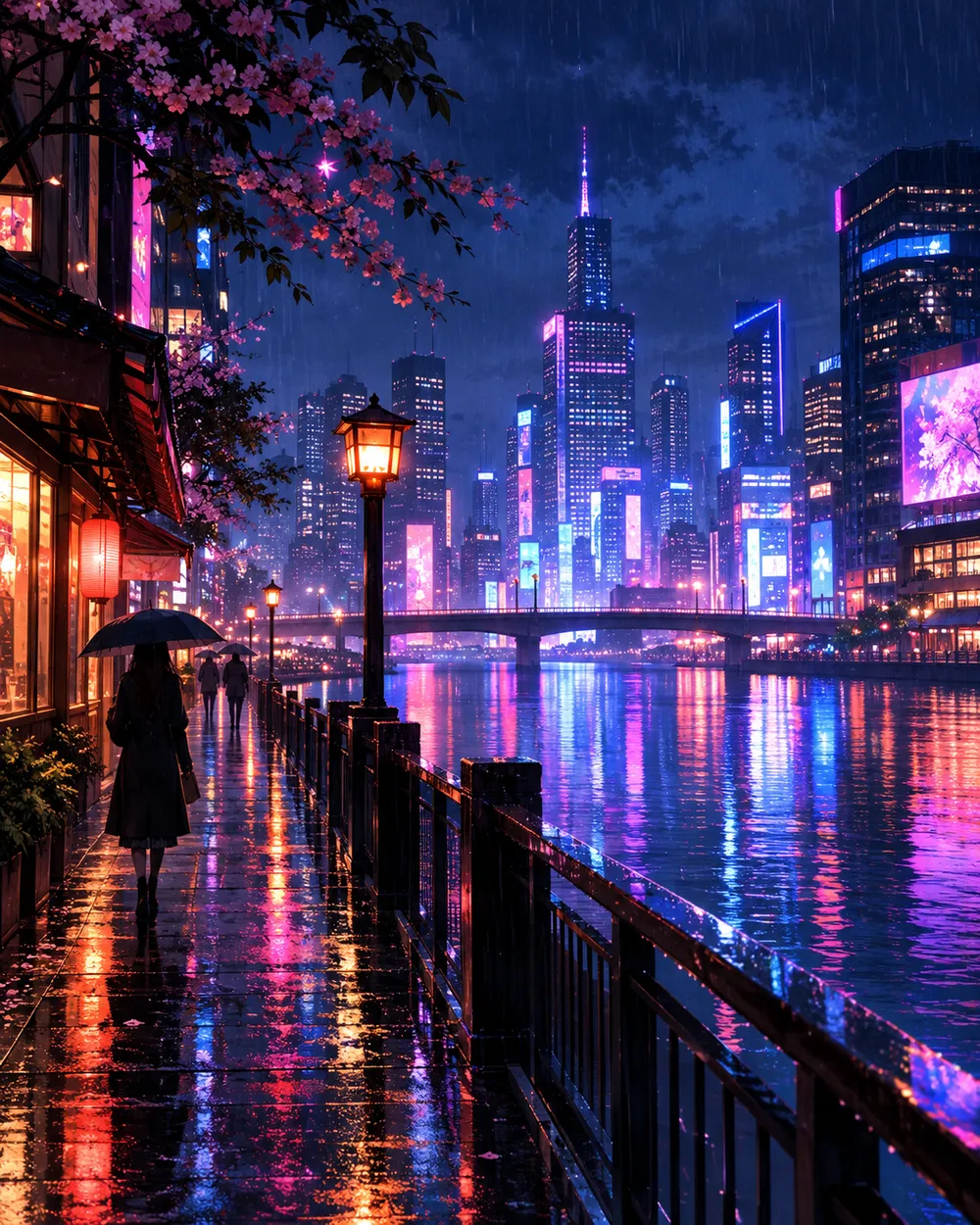
  • Neon city anime AI video preset

    Neon City Pan

    A lateral pan across a rainy skyline.

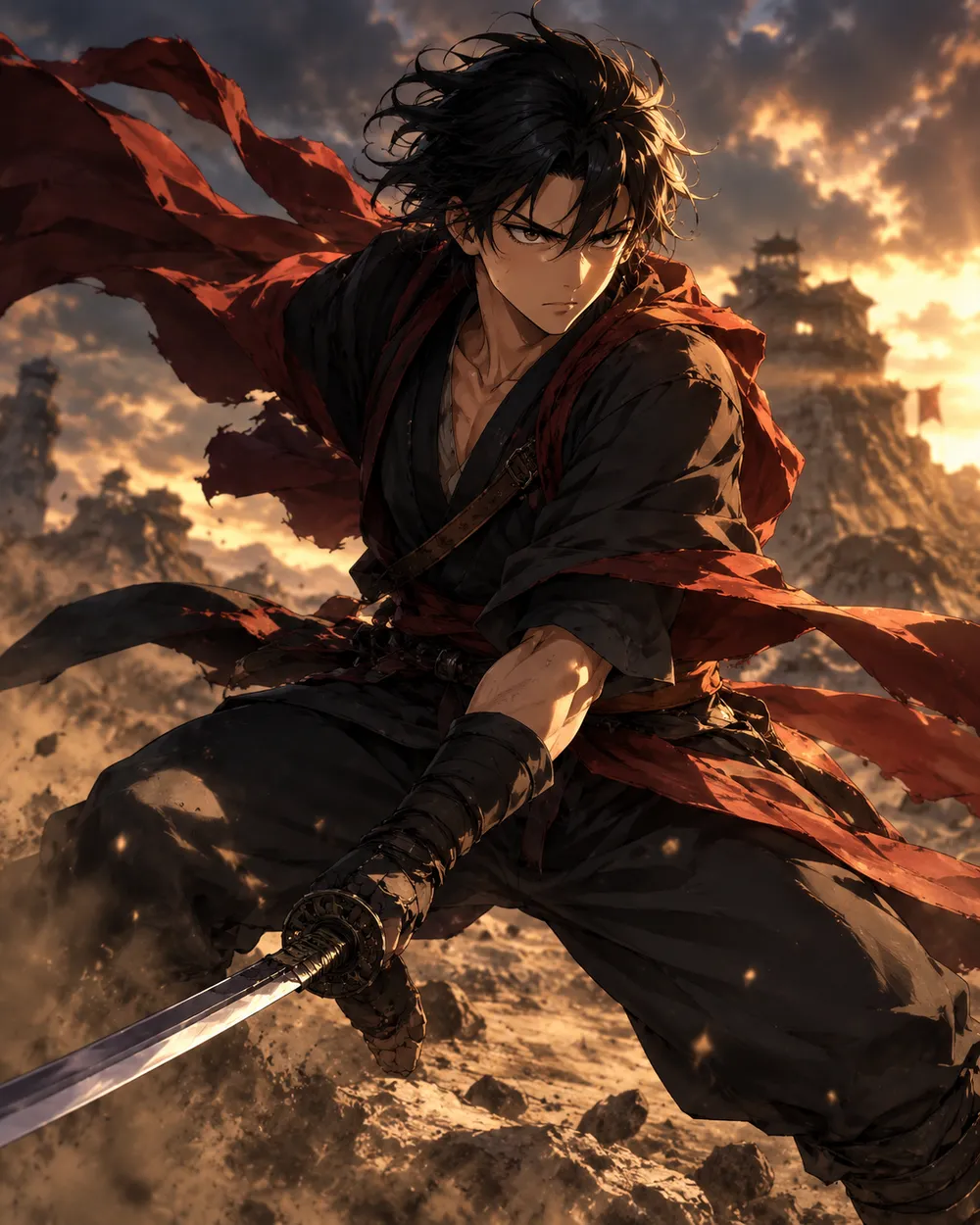
  • Battle stance anime AI video preset

    Battle Stance

    Hair and fabric move; the pose holds.

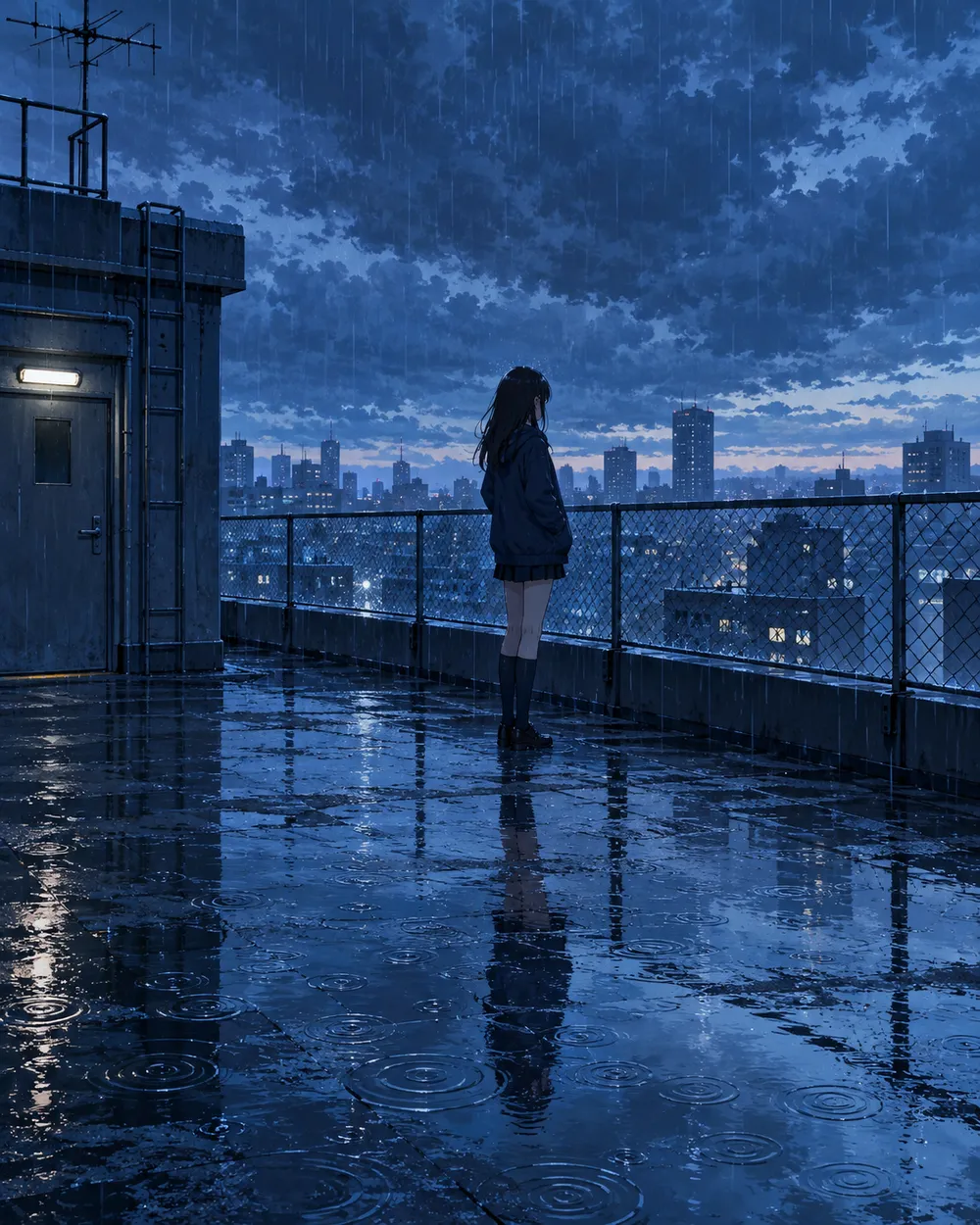
  • Rainy rooftop anime AI video preset

    Rainy Rooftop

    Rain, reflections and a still character.

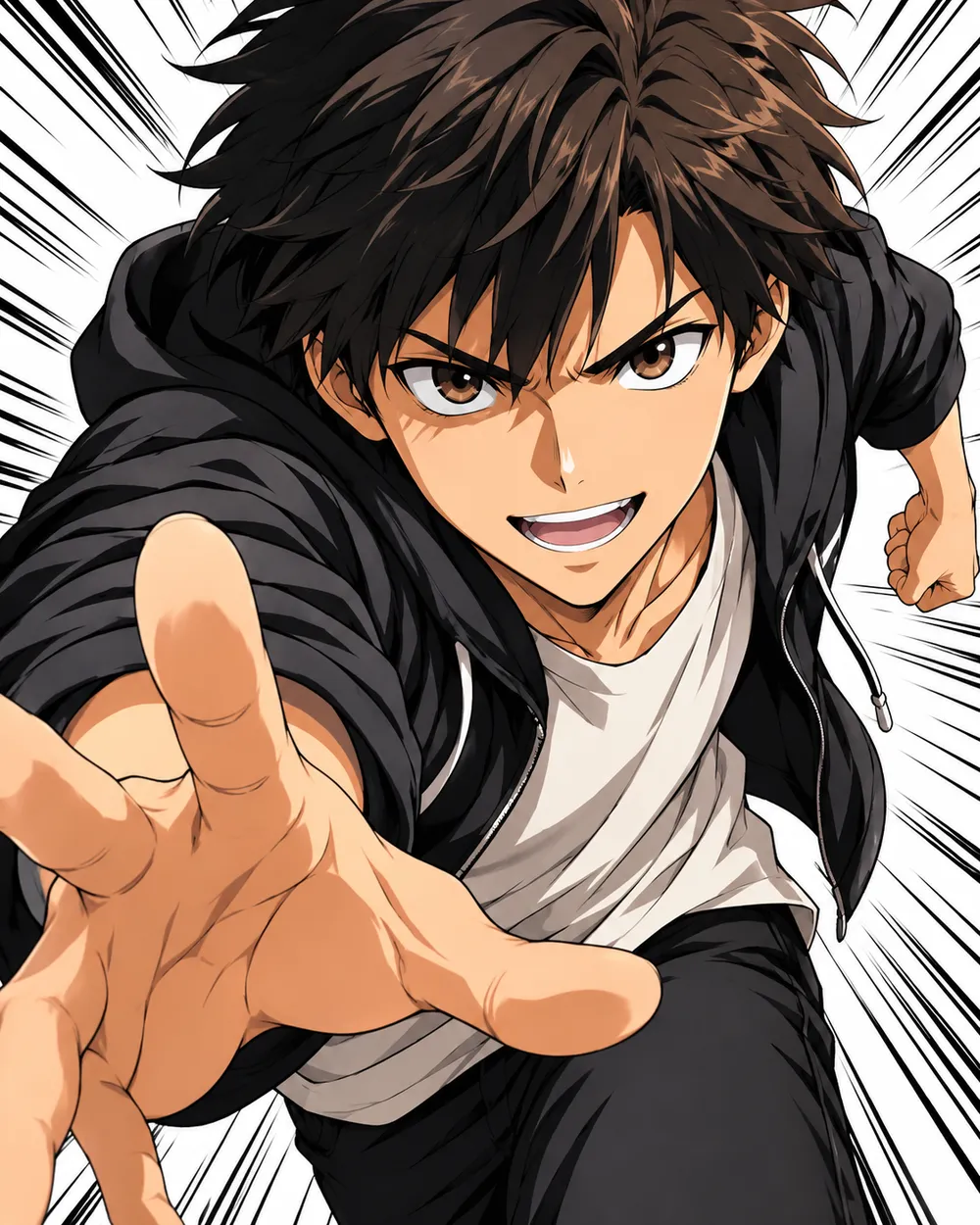
  • Manga speed lines anime AI video preset

    Manga Speed Lines

    A dramatic push-in with speed lines.

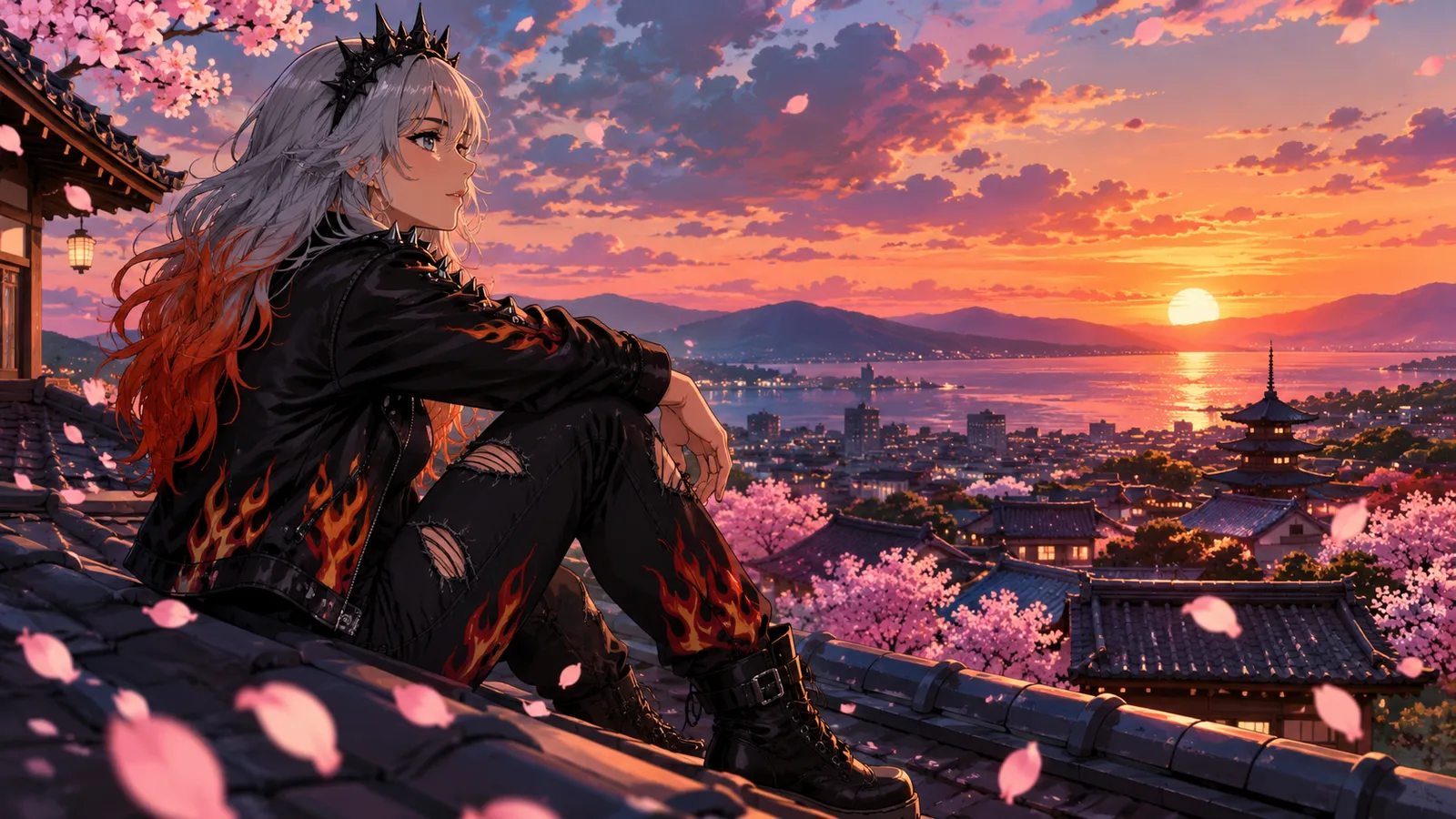
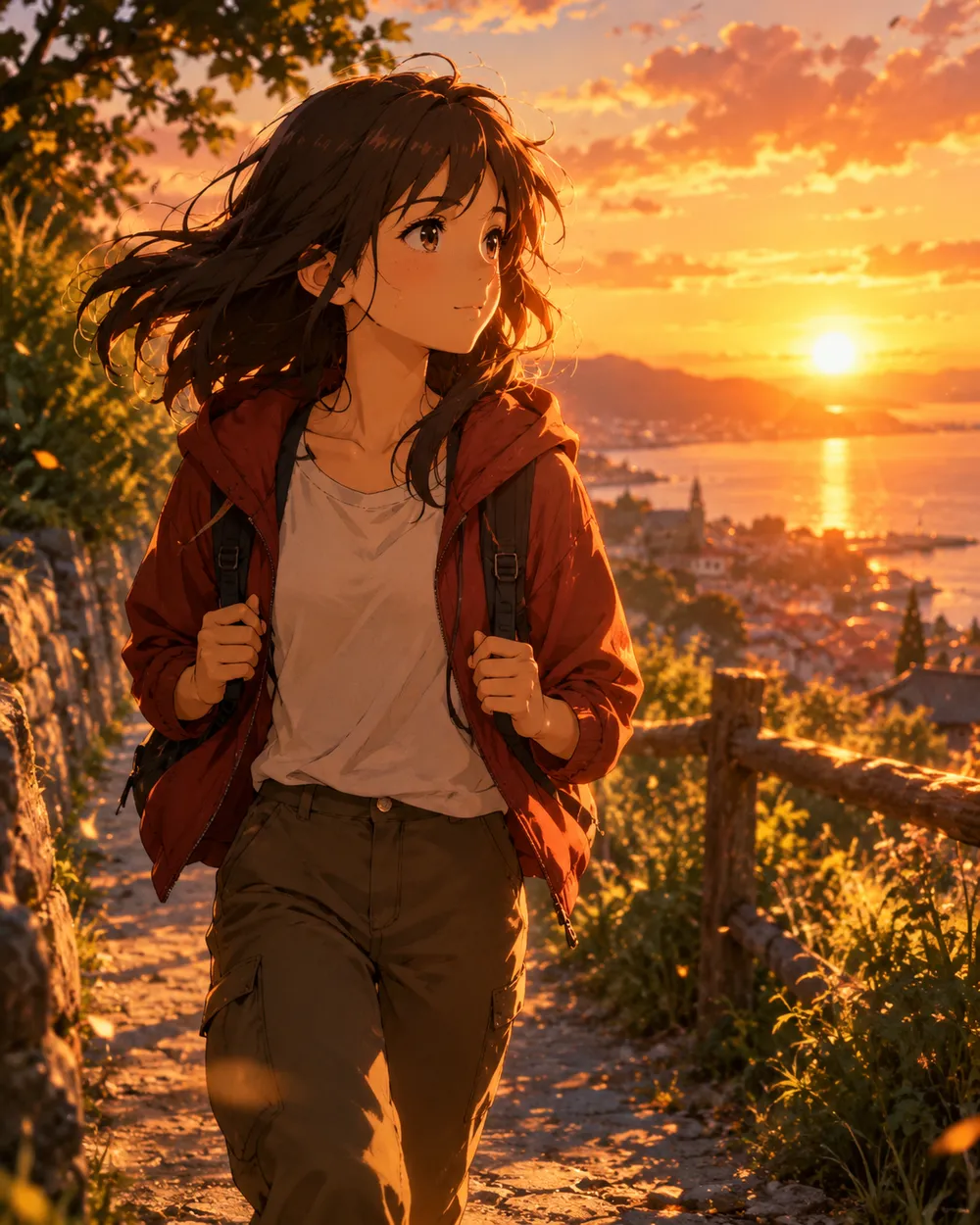
  • Sunset walk anime AI video preset

    Sunset Walk

    A slow tracking shot at golden hour.

Generador de video

Sube un primer fotograma o pega una URL pública de imagen. Enlaces privados o de páginas de compartición fallarán.

(Opcional)

Sube un fotograma final o pega una URL pública de imagen si quieres que el movimiento termine en una toma objetivo.

Coste 1 créditos

0 / 2000

Preajustes de cámara

Añade una dirección de cámara al prompt. Son fragmentos de prompt, no un modo de modelo 3D independiente.

15s
4s15s

Controles de generación

Estos son los controles compartidos entre las tres vías de trabajo.

2 opciones
Fast

Utiliza la ruta Fast cuando esté disponible.

Generar audio

Incluir audio sincronizado cuando el proveedor lo soporte.

Coste 150 créditosRestan 0 créditos
Vista previa

Aún no se ha generado nada

La generación de video usa créditos comprados. El espacio de trabajo muestra la estimación antes de enviar.

Cómo funciona

  1. 1

    Elige un look

    Empieza con un preset o escribe tu propia dirección.

  2. 2

    Sube una foto

    Usa una foto frontal clara que tengas permiso de editar.

  3. 3

    Genera y refina

    Ejecuta la tarea, revisa el resultado y cambia una sola variable por intento.

Start with a still that already works

A good anime still has a clear character silhouette, a readable face and a simple background. If the still is crowded or the character is small, the video model has less information to work with. Crop to the character before animating.

Keep the still at the highest resolution you have. The video model will resize it, but a clean source preserves line quality. Avoid images with heavy compression artifacts or text.

Motion that respects line art

Anime line art is less forgiving than photographic texture. Large motion can warp the face and hands. Start with a head turn, a blink, moving hair or a camera move. Avoid full-body running or fighting unless you are prepared to retry.

If the line art shimmers, reduce the motion and add a stability rule. A slow push-in with moving hair is usually cleaner than a fast action shot. Keep the camera move in one direction.

Style consistency across clips

If you need several clips of the same character, use the same still as the reference and keep the prompt structure identical. Change only the motion sentence. That gives you a consistent set without retraining a character model.

For a longer sequence, generate each shot separately and edit them together. A five-second clip per shot is easier to control than a single long generation.

Preguntas frecuentes

  1. 1

    Does this generate anime from text?

    You can use text-to-video, but image-to-video from an existing anime still is more consistent. The still carries the character design and line style.

  2. 2

    Can I keep the same character across clips?

    Yes. Use the same still as the reference and keep the prompt structure identical. Change only the motion sentence. That gives you the best chance of a consistent set.

  3. 3

    Why does the face warp?

    Large or fast motion gives the model more chances to drift. Reduce the motion, shorten the duration and add a stability rule. A slow head turn is easier than a run cycle.

  4. 4

    Can I use a copyrighted character?

    Only if you have the rights. The acceptable use policy applies. For original characters, you control the design and the usage rights.

  5. 5

    What duration should I use?

    Start with five seconds. Short clips are cheaper to iterate and easier to keep stable. Extend only after the motion works.

  6. 6

    Can I add sound later?

    Yes. Most social clips are edited with sound in a separate editor. Generating a silent clip first gives you more control over the final mix.

Guías y análisis de prompts

Flujos relacionados

Empieza con un preset probado

Abre el espacio de trabajo, aplica un preset y consulta la estimación de créditos antes de generar.