Zum Hauptinhalt springen
Saison-Preset-Paket

Paar-Halloween-Kostüm-Generator

Lade pro Person ein klares Foto hoch, wähle eine abgestimmte Richtung und generiere ein Halloween-Porträt zu zweit.

Erstelle ein abgestimmtes Halloween-Porträt zu zweit aus zwei klaren Fotos. Beide Gesichter bleiben erhalten, ohne zusätzliche Personen.

  • Im Browser, keine Installation
  • Sichere Zahlung
  • Kein Wasserzeichen bei bezahlten Exporten

Die Generierung verbraucht gekaufte Credits

Two-person Halloween costume portrait in a moonlit garden with coordinated outfits
6 presets

Preset wählen

Richtung wählen, Prompt im Workspace anwenden und dann jeweils nur ein Detail ändern.

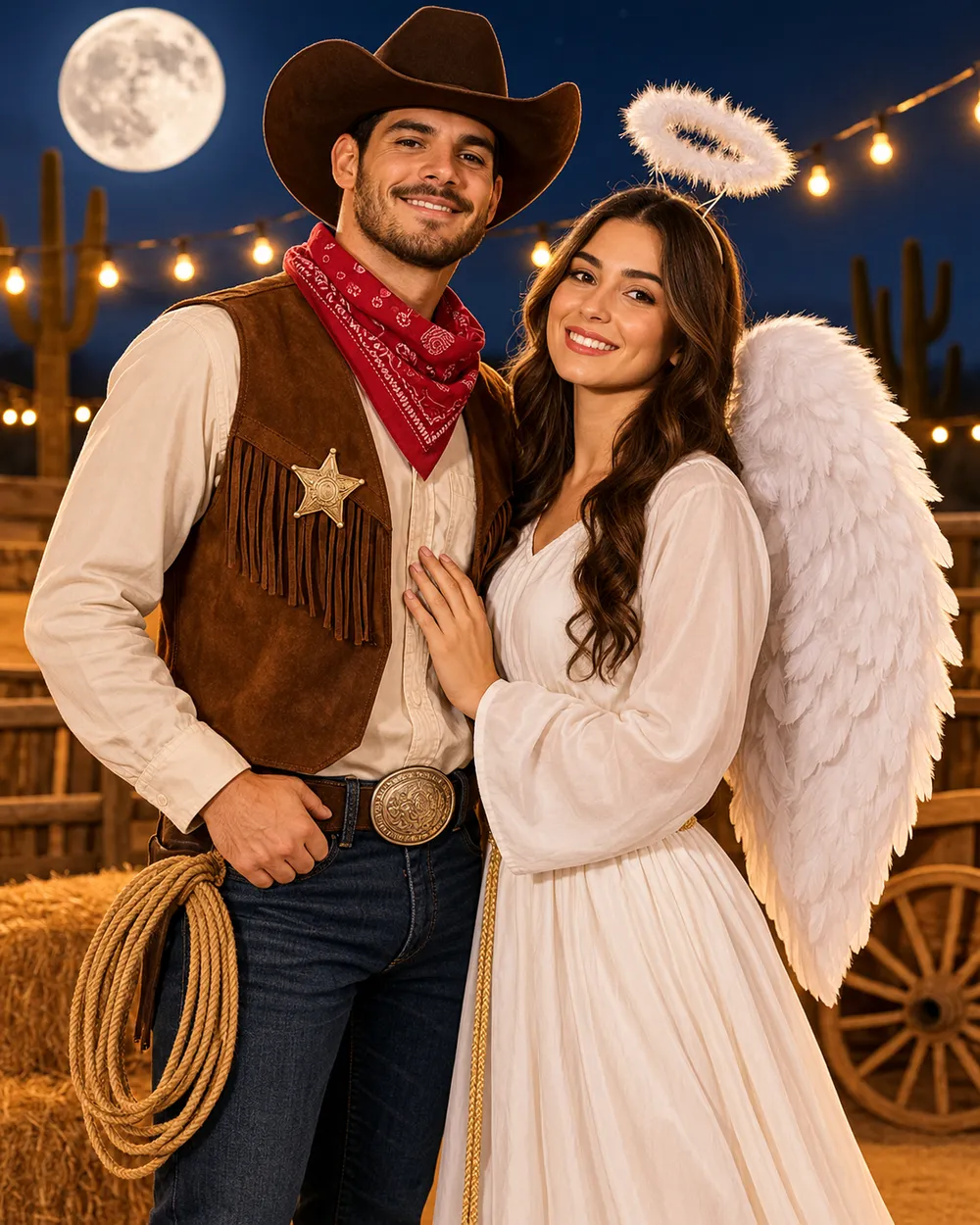
  • Cowboy and angel couple Halloween costume portrait

    Cowboy & Angel

    One warm western look, one soft celestial look.

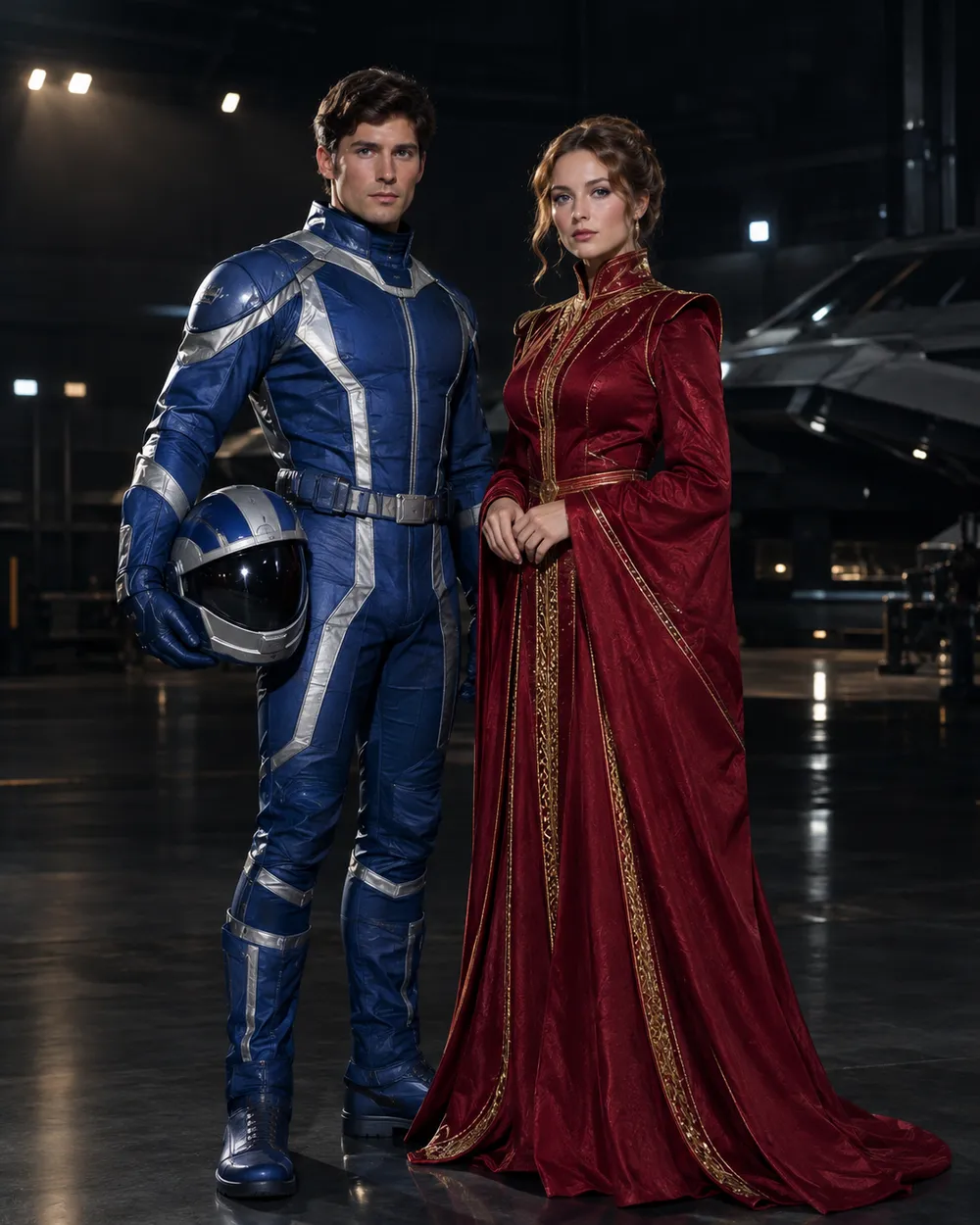
  • Original sci-fi couple Halloween costume portrait

    Star Visor

    An original exploration suit and a crimson-gold gown.

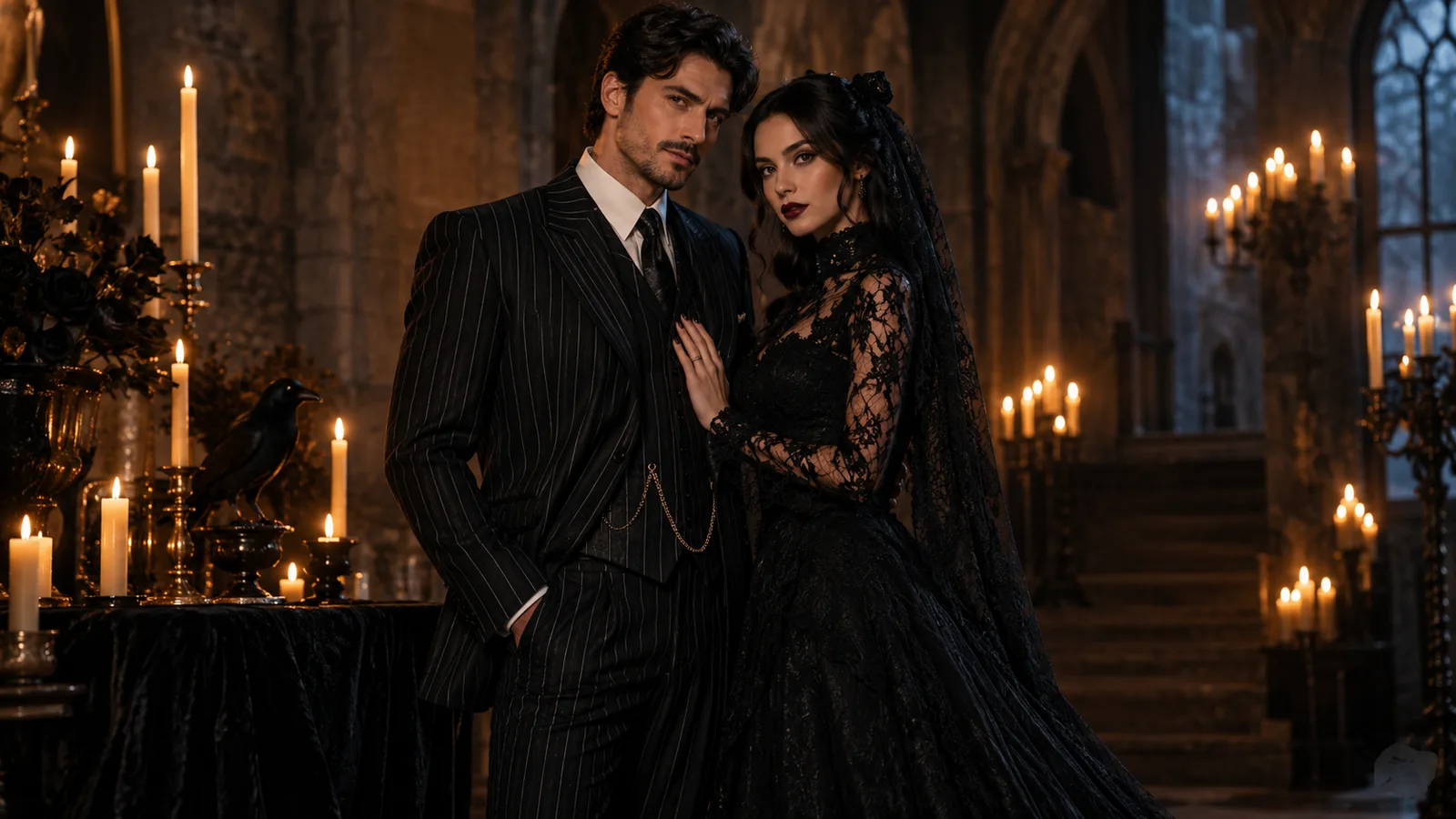
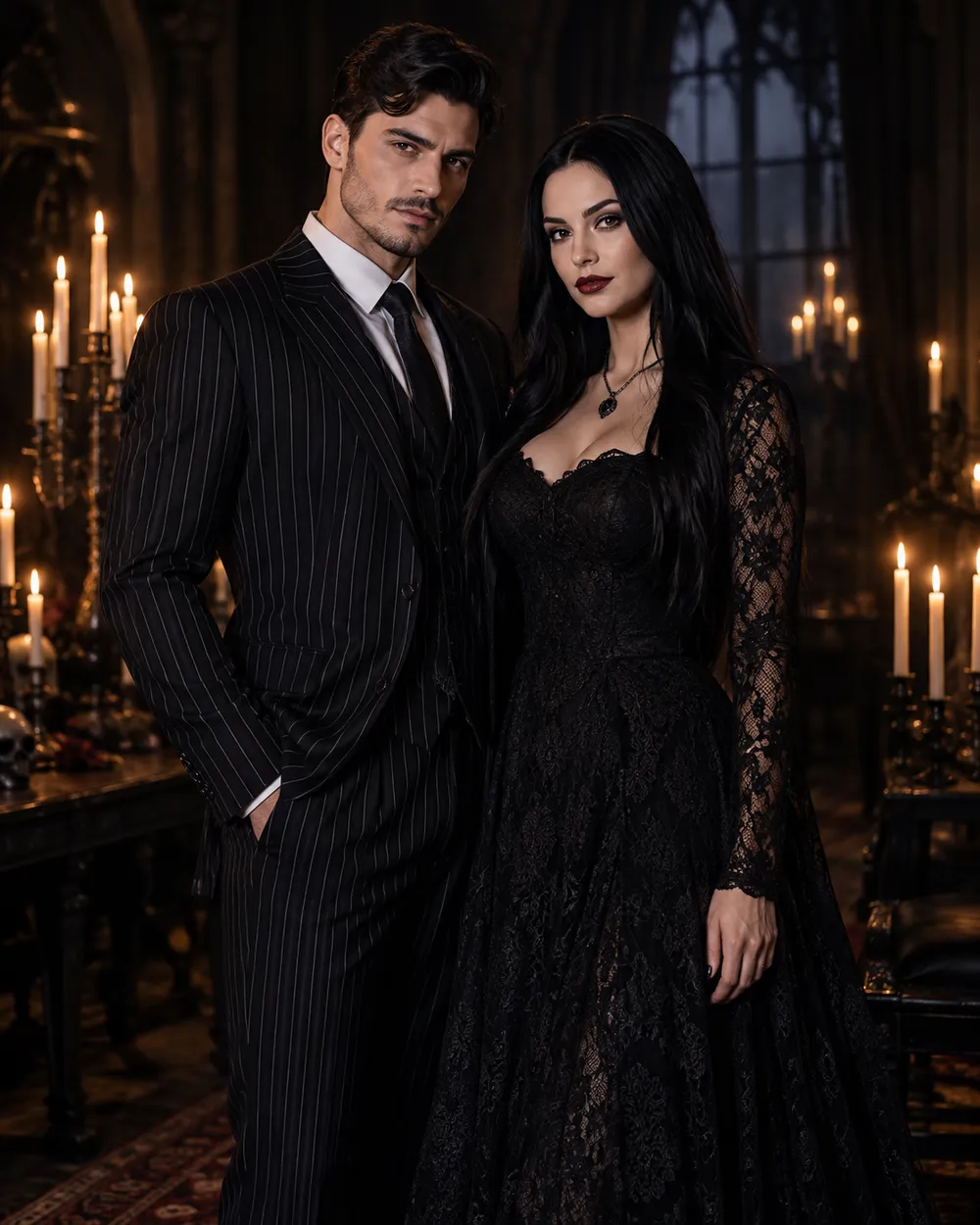
  • Gothic couple Halloween costume portrait

    Gothic Duo

    Black tailoring, lace and candlelight.

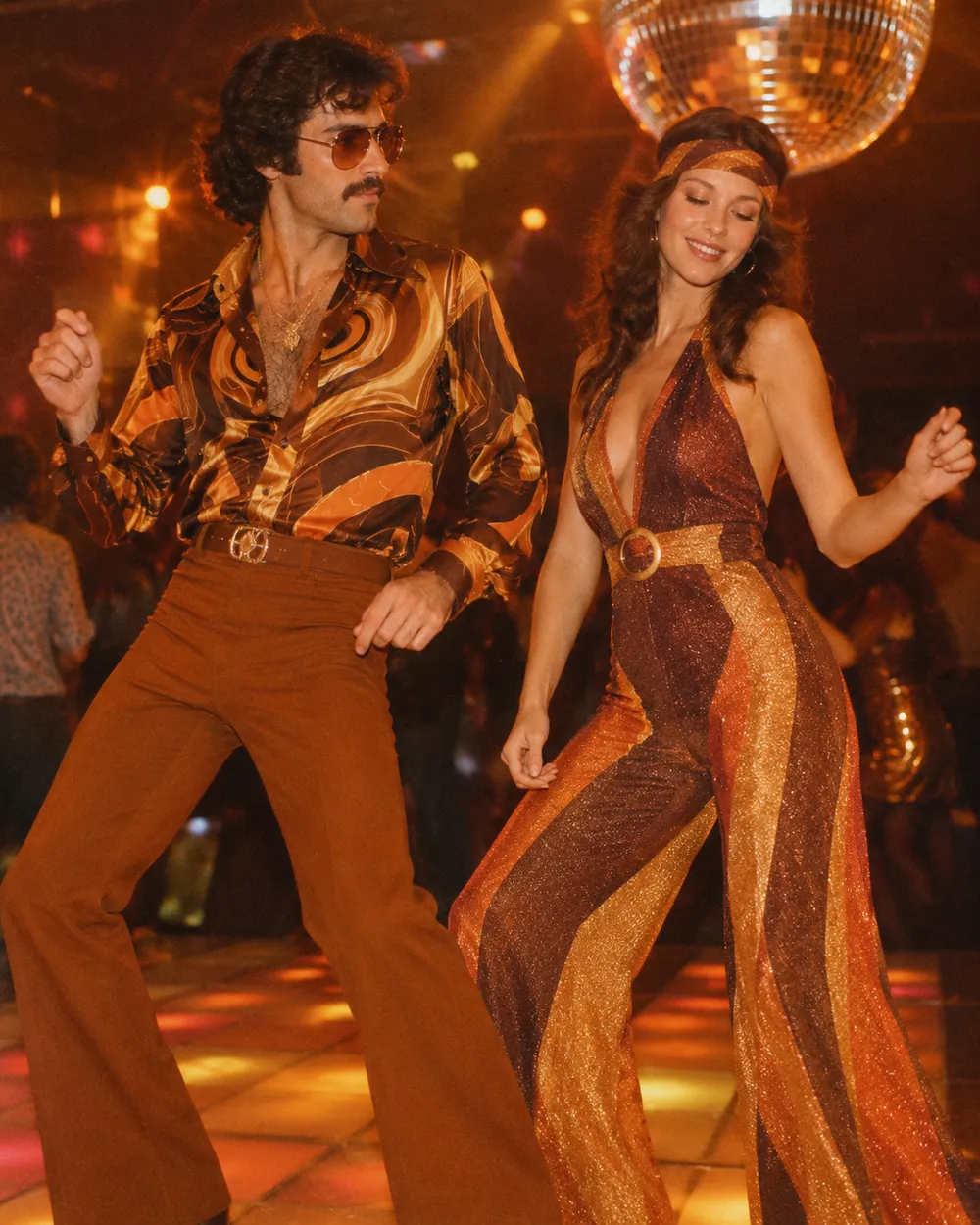
  • Disco couple Halloween costume portrait

    Disco Duo

    Brown and orange retro looks with a warm grade.

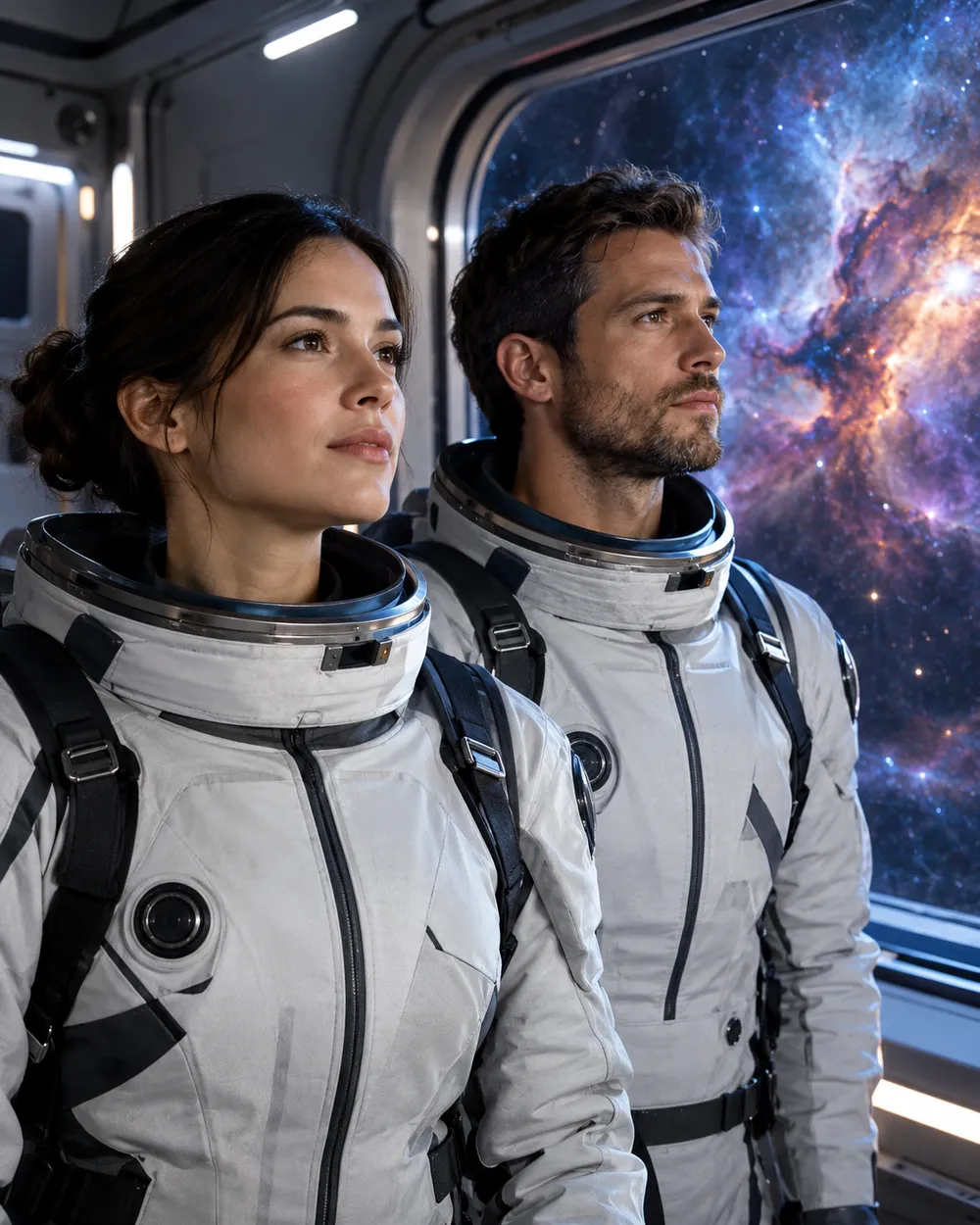
  • Space couple Halloween costume portrait

    Space Duo

    Coordinated flight suits and a nebula backdrop.

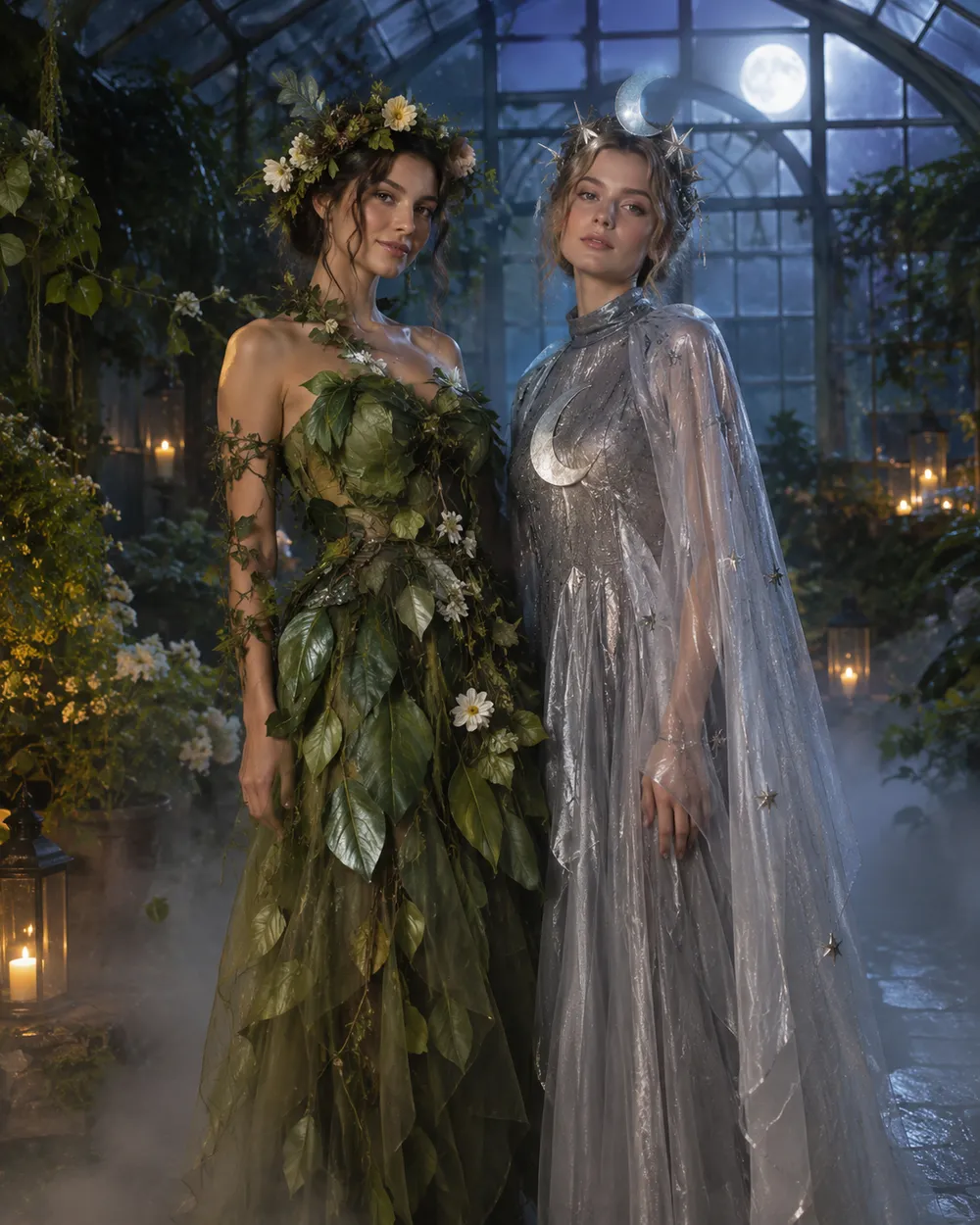
  • Flower and moon couple Halloween costume portrait

    Flower & Moon

    Soft botanical looks for a romantic card.

Generierungsmodus

Modell

Schnellauswahl

Source Image URL

UploadWir akzeptieren JPEG-, PNG- oder WEBP-Formate bis zu 10 MB.
or
(Optional)

Cost 1 credits

0 / 4000

Resolution

Aspect Ratio

Output Format

Web Search

Allow the provider to call web search for current information when supported.

Cost 5 creditsRemaining 0 credits
Preview
SampleSample Animate AI still

A sample image stays here until you run your first generation.

So funktioniert es

  1. 1

    Look wählen

    Mit einem Preset starten oder eine eigene Richtung schreiben.

  2. 2

    Foto hochladen

    Ein klares Frontalfoto verwenden, das du bearbeiten darfst.

  3. 3

    Generieren und verfeinern

    Job starten, Ergebnis prüfen und pro Versuch nur eine Variable ändern.

The two-photo workflow

Use one photo per person, both front-facing, both evenly lit, both with the full head and shoulders visible. Do not use a group photo and ask the model to isolate two people; that adds ambiguity. If you only have a couple photo, crop each person into a separate reference if the resolution allows it.

In the prompt, name both people in the same sentence and repeat the two-person rule. Ask for coordinated costumes, not identical costumes. Coordinated looks read better because each person keeps a distinct silhouette.

Avoiding face swaps and extra people

Face swapping is the most common failure. It happens when the model has two references but no clear mapping between reference and person. Describe the left and right person explicitly, or describe each costume separately, then state “exactly two people.”

Extra people appear when the scene description implies a crowd. Remove words like party, guests, group or audience. Use an empty garden, hallway or studio instead. Check hands, arms and shoulders at full resolution.

Coordinated, not matching

The best couple costumes share a palette or a story, not the same garment. One person can carry the warm color and the other the cool color. One can wear the armor and the other the cape. That contrast makes the photo readable and gives each person a clear silhouette.

If you want a matching look, match the fabric or the era instead of the exact outfit. It looks more intentional and gives the model less to blend.

Häufige Fragen

  1. 1

    How many photos do I need?

    Use one clear photo per person. Two front-facing photos with even light produce the most stable result. A single group photo is harder to control.

  2. 2

    Why do the faces sometimes swap?

    The model can blend two identity references. Describe each person and costume explicitly, repeat “exactly two people,” and avoid crowd words in the scene description.

  3. 3

    Can I use a photo with two people already in it?

    Yes, but the result is less predictable. If possible, crop each person into a separate reference photo before uploading.

  4. 4

    Can I make a matching costume instead of a coordinated one?

    Yes. Match the fabric or era rather than the exact garment. Matching the exact outfit increases the chance of face blending.

  5. 5

    Can I generate a group of three or four?

    It is possible but harder. Generate the couple first, then add more people in a separate edit or composite the images in an editor.

  6. 6

    Which preset is easiest for a first try?

    Start with Gothic Duo or Disco Duo. Both have clear silhouettes and a simple two-person composition.

Anleitungen und Prompt-Analysen

Verwandte Workflows

Mit einem getesteten Preset starten

Workspace öffnen, Preset anwenden und die Credit-Schätzung vor der Generierung sehen.