본문으로 건너뛰기
시즌 프리셋 팩

커플 할로윈 의상 생성기

각자 선명한 사진 한 장을 업로드하고 조화로운 방향을 선택해 2인 할로윈 초상화를 생성하세요.

선명한 사진 두 장으로 조화로운 2인 할로윈 초상화를 만드세요. 두 얼굴을 유지하고 추가 인물이나 얼굴 바꾸기를 피합니다.

  • 브라우저 기반, 설치 불필요
  • 안전한 결제
  • 유료 내보내기 워터마크 없음

생성에는 구매한 크레딧이 사용됩니다

Two-person Halloween costume portrait in a moonlit garden with coordinated outfits
6 presets

프리셋 선택

방향을 고르고 프롬프트를 작업 공간에 적용한 뒤 한 번에 하나의 세부 사항만 수정하세요.

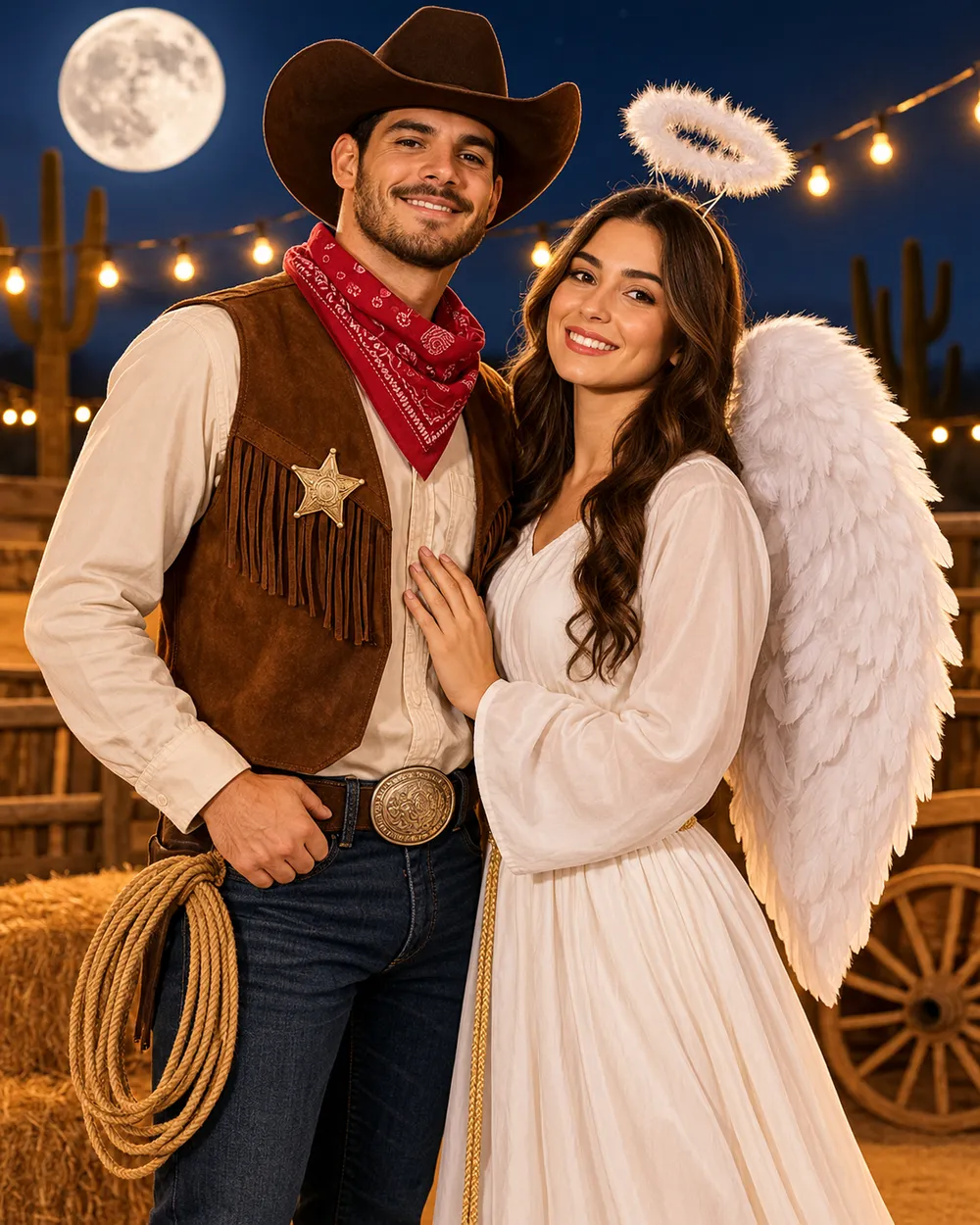
  • Cowboy and angel couple Halloween costume portrait

    Cowboy & Angel

    One warm western look, one soft celestial look.

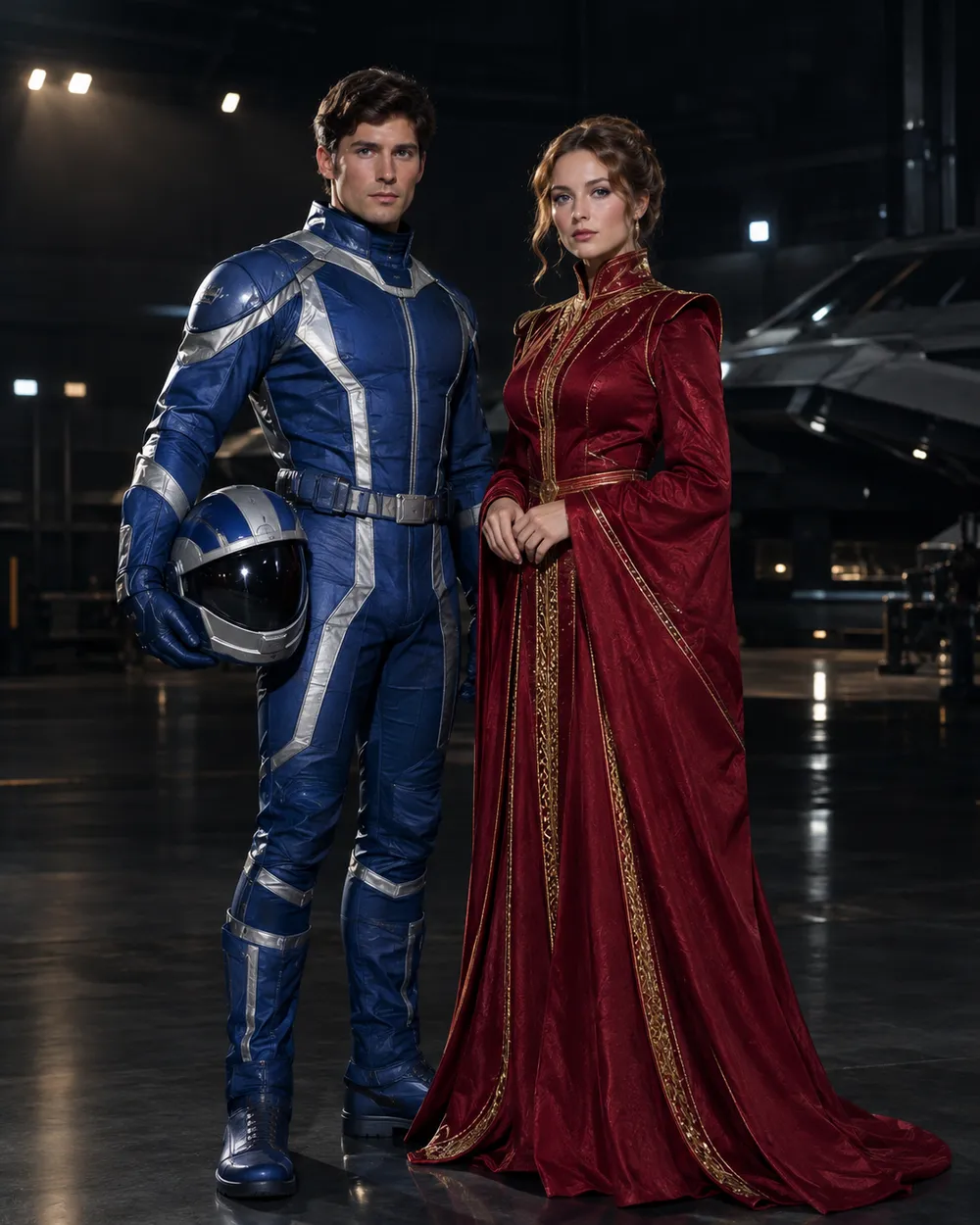
  • Original sci-fi couple Halloween costume portrait

    Star Visor

    An original exploration suit and a crimson-gold gown.

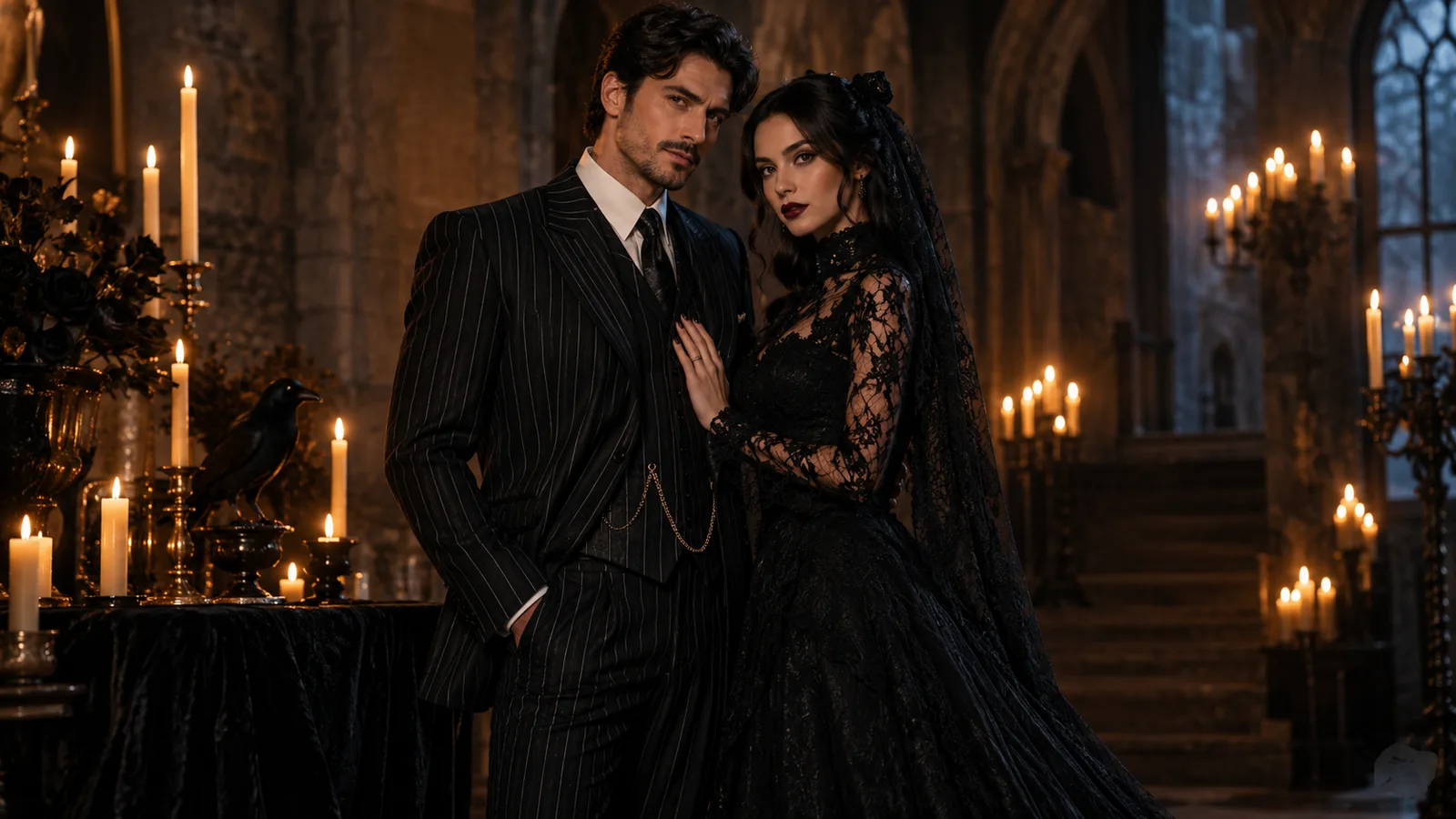
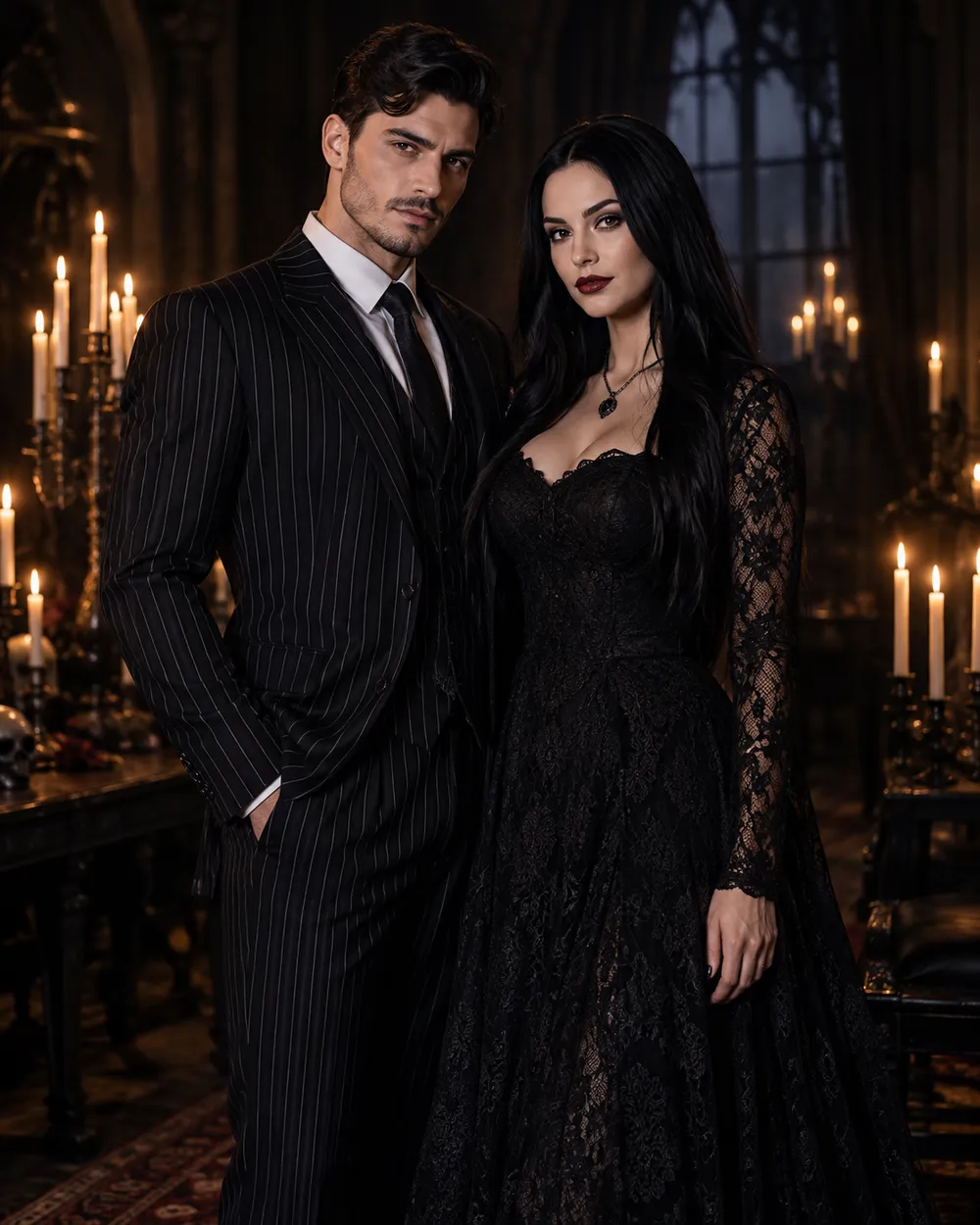
  • Gothic couple Halloween costume portrait

    Gothic Duo

    Black tailoring, lace and candlelight.

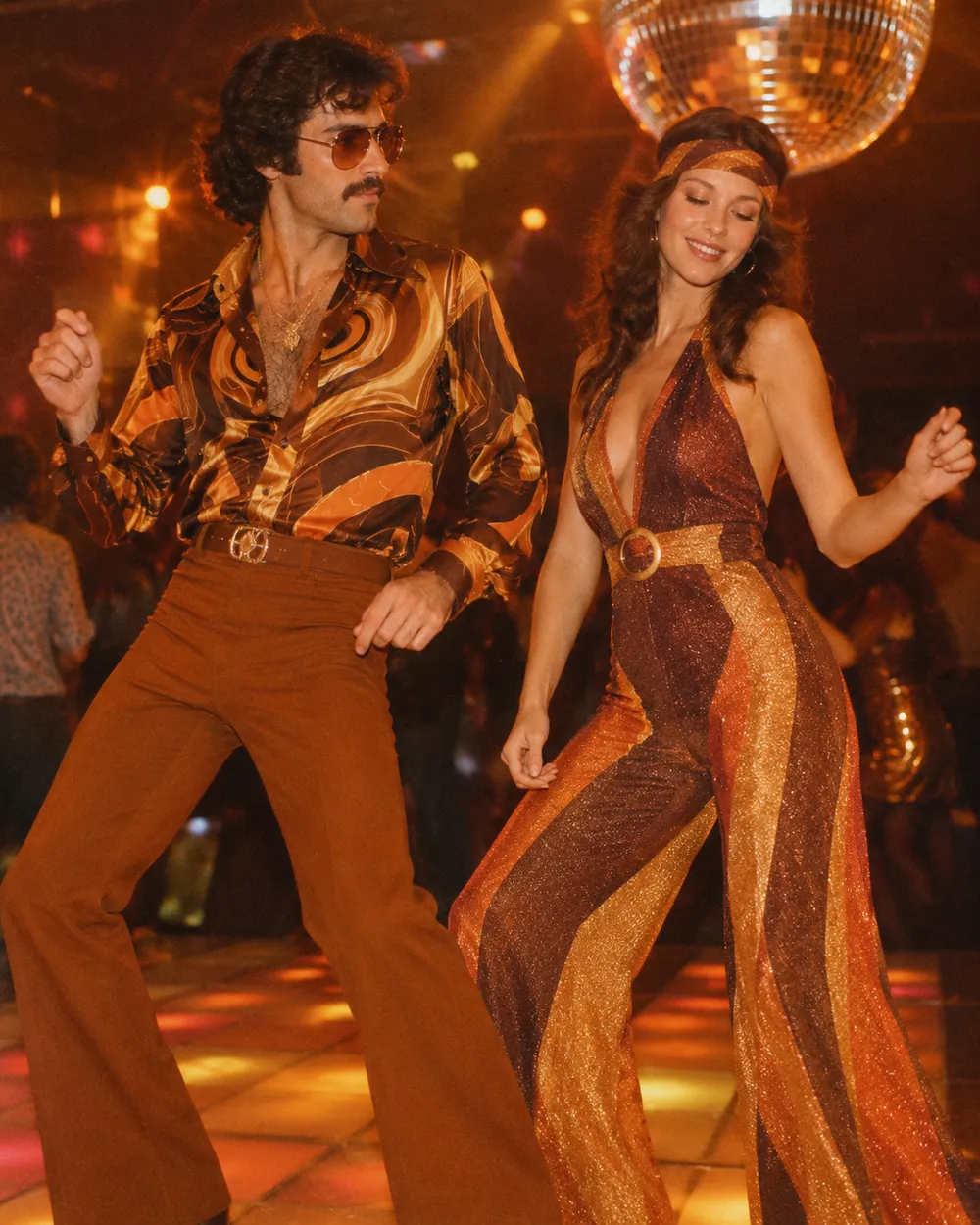
  • Disco couple Halloween costume portrait

    Disco Duo

    Brown and orange retro looks with a warm grade.

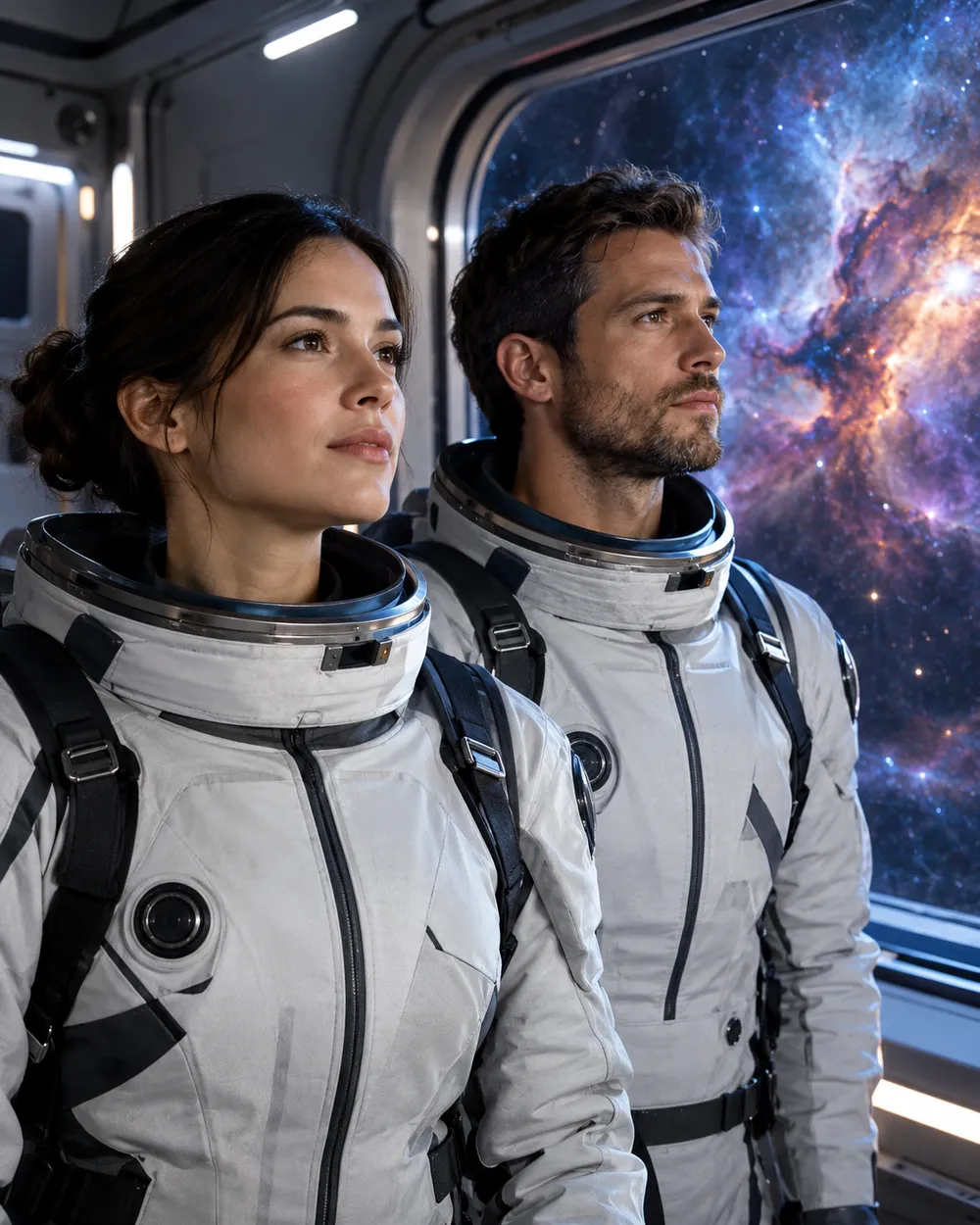
  • Space couple Halloween costume portrait

    Space Duo

    Coordinated flight suits and a nebula backdrop.

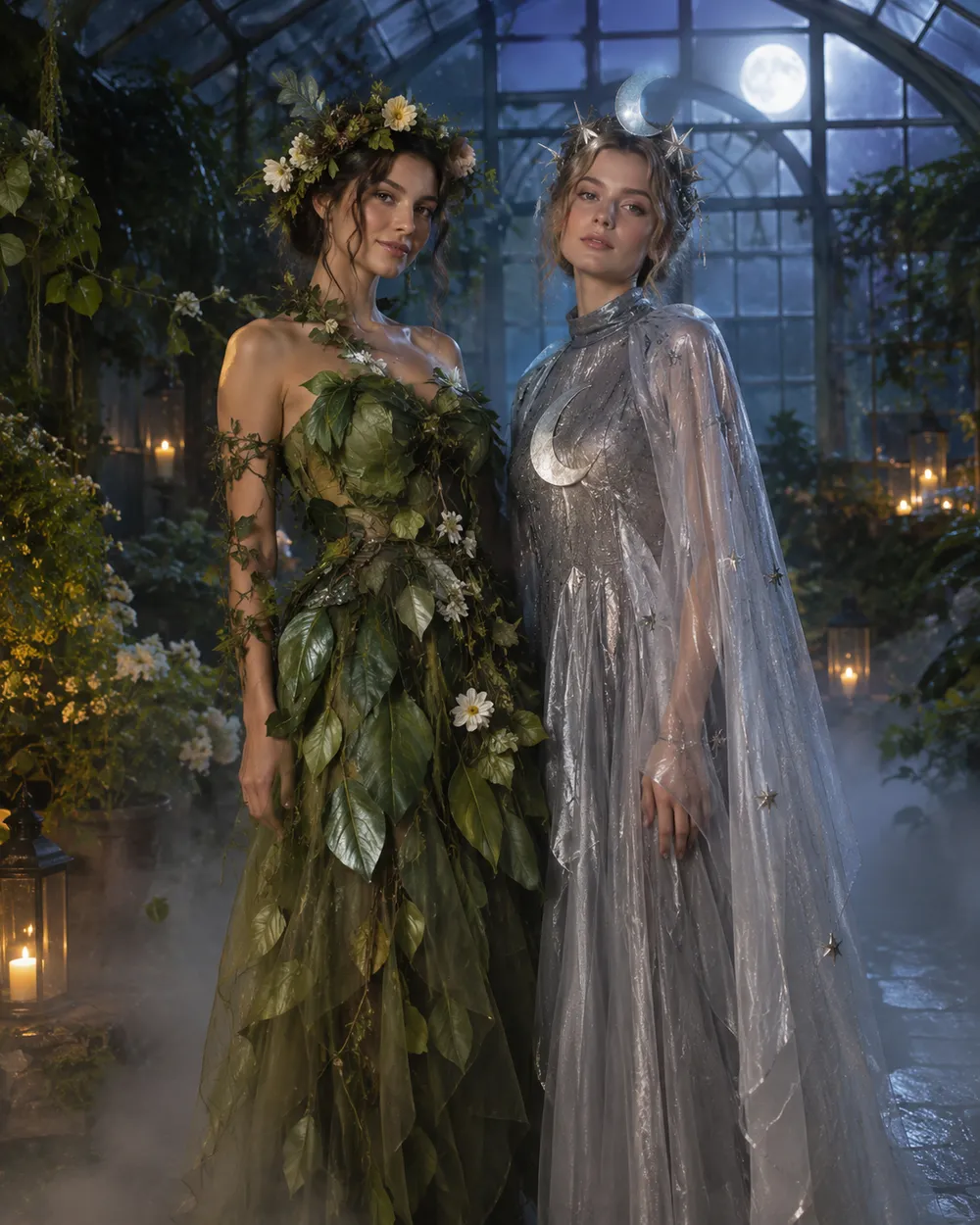
  • Flower and moon couple Halloween costume portrait

    Flower & Moon

    Soft botanical looks for a romantic card.

생성 모드

모델

빠른 선택

Source Image URL

UploadJPEG, PNG 또는 WEBP 형식, 최대 10MB까지 지원합니다.
or
(Optional)

Cost 1 credits

0 / 4000

Resolution

Aspect Ratio

Output Format

Web Search

Allow the provider to call web search for current information when supported.

Cost 5 creditsRemaining 0 credits
Preview
SampleSample Animate AI still

A sample image stays here until you run your first generation.

사용 방법

  1. 1

    룩 선택

    프리셋으로 시작하거나 직접 방향을 작성하세요.

  2. 2

    사진 업로드

    편집 권한이 있는 선명한 정면 사진을 사용하세요.

  3. 3

    생성 및 다듬기

    작업을 실행하고 결과를 확인한 뒤 재시도마다 변수 하나만 바꾸세요.

The two-photo workflow

Use one photo per person, both front-facing, both evenly lit, both with the full head and shoulders visible. Do not use a group photo and ask the model to isolate two people; that adds ambiguity. If you only have a couple photo, crop each person into a separate reference if the resolution allows it.

In the prompt, name both people in the same sentence and repeat the two-person rule. Ask for coordinated costumes, not identical costumes. Coordinated looks read better because each person keeps a distinct silhouette.

Avoiding face swaps and extra people

Face swapping is the most common failure. It happens when the model has two references but no clear mapping between reference and person. Describe the left and right person explicitly, or describe each costume separately, then state “exactly two people.”

Extra people appear when the scene description implies a crowd. Remove words like party, guests, group or audience. Use an empty garden, hallway or studio instead. Check hands, arms and shoulders at full resolution.

Coordinated, not matching

The best couple costumes share a palette or a story, not the same garment. One person can carry the warm color and the other the cool color. One can wear the armor and the other the cape. That contrast makes the photo readable and gives each person a clear silhouette.

If you want a matching look, match the fabric or the era instead of the exact outfit. It looks more intentional and gives the model less to blend.

자주 묻는 질문

  1. 1

    How many photos do I need?

    Use one clear photo per person. Two front-facing photos with even light produce the most stable result. A single group photo is harder to control.

  2. 2

    Why do the faces sometimes swap?

    The model can blend two identity references. Describe each person and costume explicitly, repeat “exactly two people,” and avoid crowd words in the scene description.

  3. 3

    Can I use a photo with two people already in it?

    Yes, but the result is less predictable. If possible, crop each person into a separate reference photo before uploading.

  4. 4

    Can I make a matching costume instead of a coordinated one?

    Yes. Match the fabric or era rather than the exact garment. Matching the exact outfit increases the chance of face blending.

  5. 5

    Can I generate a group of three or four?

    It is possible but harder. Generate the couple first, then add more people in a separate edit or composite the images in an editor.

  6. 6

    Which preset is easiest for a first try?

    Start with Gothic Duo or Disco Duo. Both have clear silhouettes and a simple two-person composition.

가이드와 프롬프트 분석

관련 워크플로

검증된 프리셋으로 시작하세요

작업 공간을 열고 프리셋을 적용한 뒤 생성 전에 크레딧 예상치를 확인하세요.