Vai al contenuto principale
Pacchetto preset stagionali

Costumi di Halloween con IA

Esplora direzioni di costume originali, apri un preset e genera un ritratto di Halloween senza copiare un personaggio con licenza.

Esplora idee originali di costumi di Halloween con IA, apri un preset e genera un ritratto senza copiare un personaggio con licenza.

  • Nel browser, senza installazione
  • Pagamento sicuro
  • Nessuna filigrana sugli export a pagamento

La generazione usa crediti acquistati

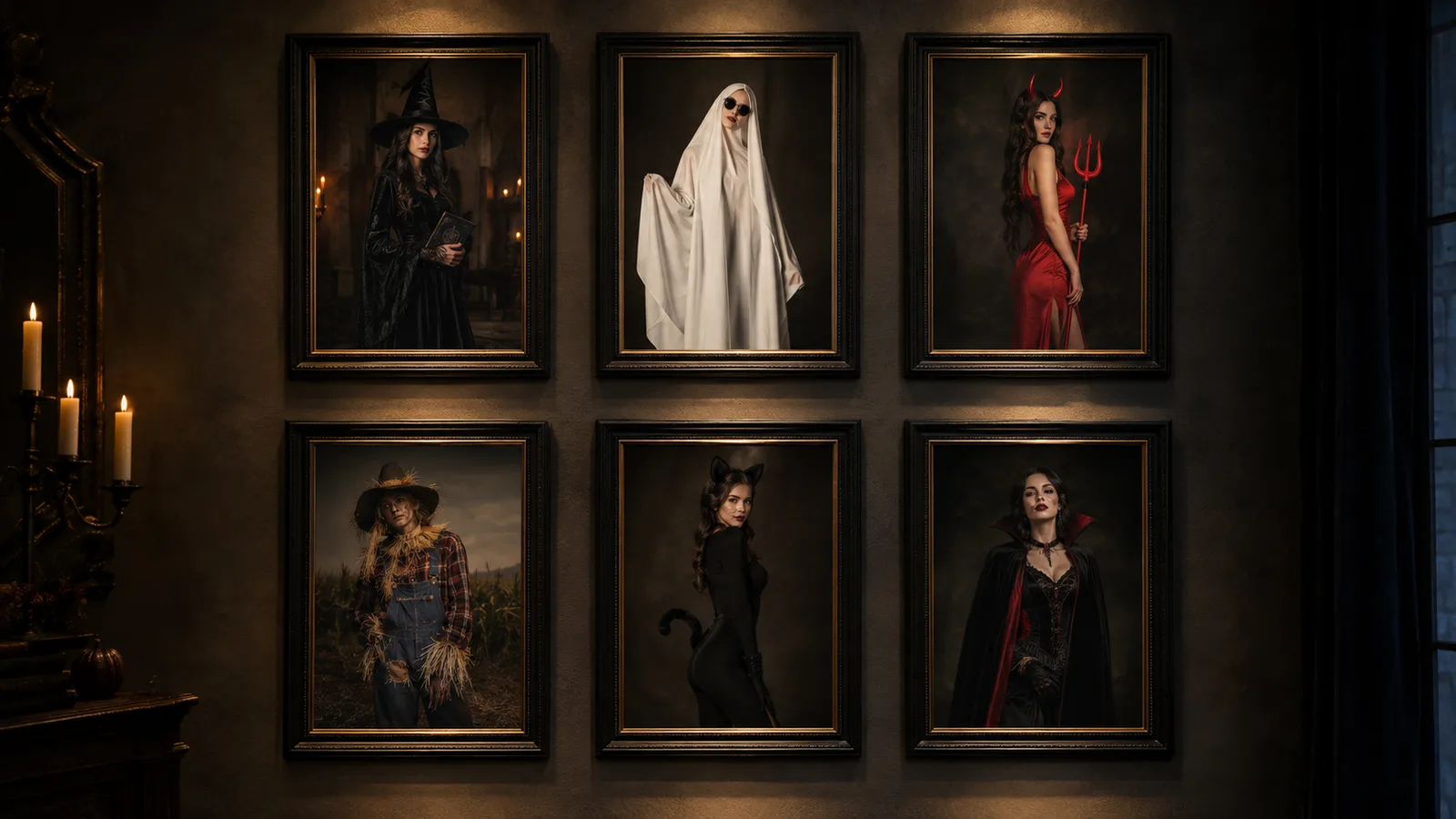
Gallery of original AI Halloween costume ideas in a dark editorial style
6 presets

Scegli un preset

Scegli una direzione, applica il prompt allo spazio di lavoro e modifica un dettaglio alla volta.

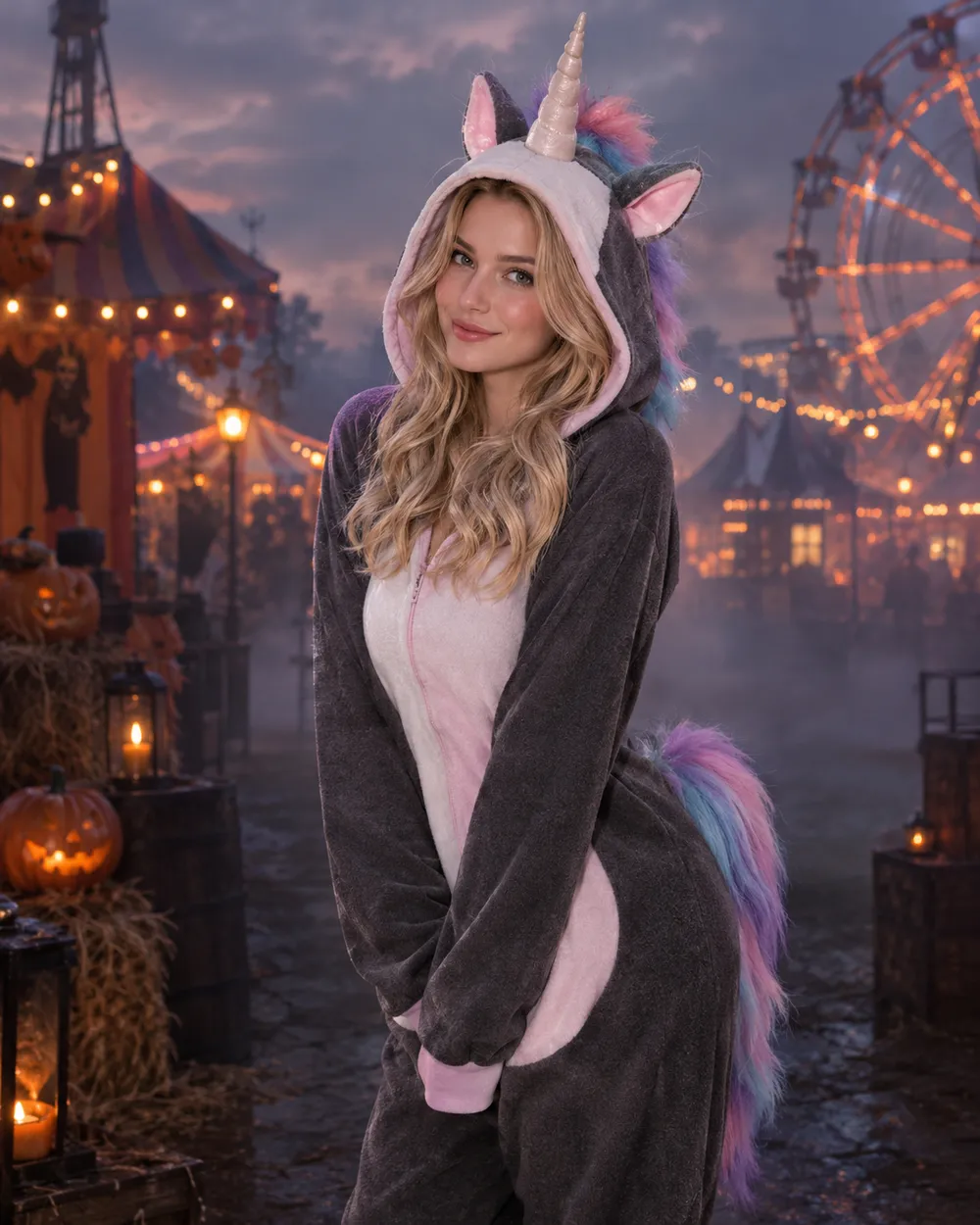
  • Haunted Unicorn AI Halloween costume idea

    Haunted Unicorn

    Mascot-inspired horn, pastel horror palette.

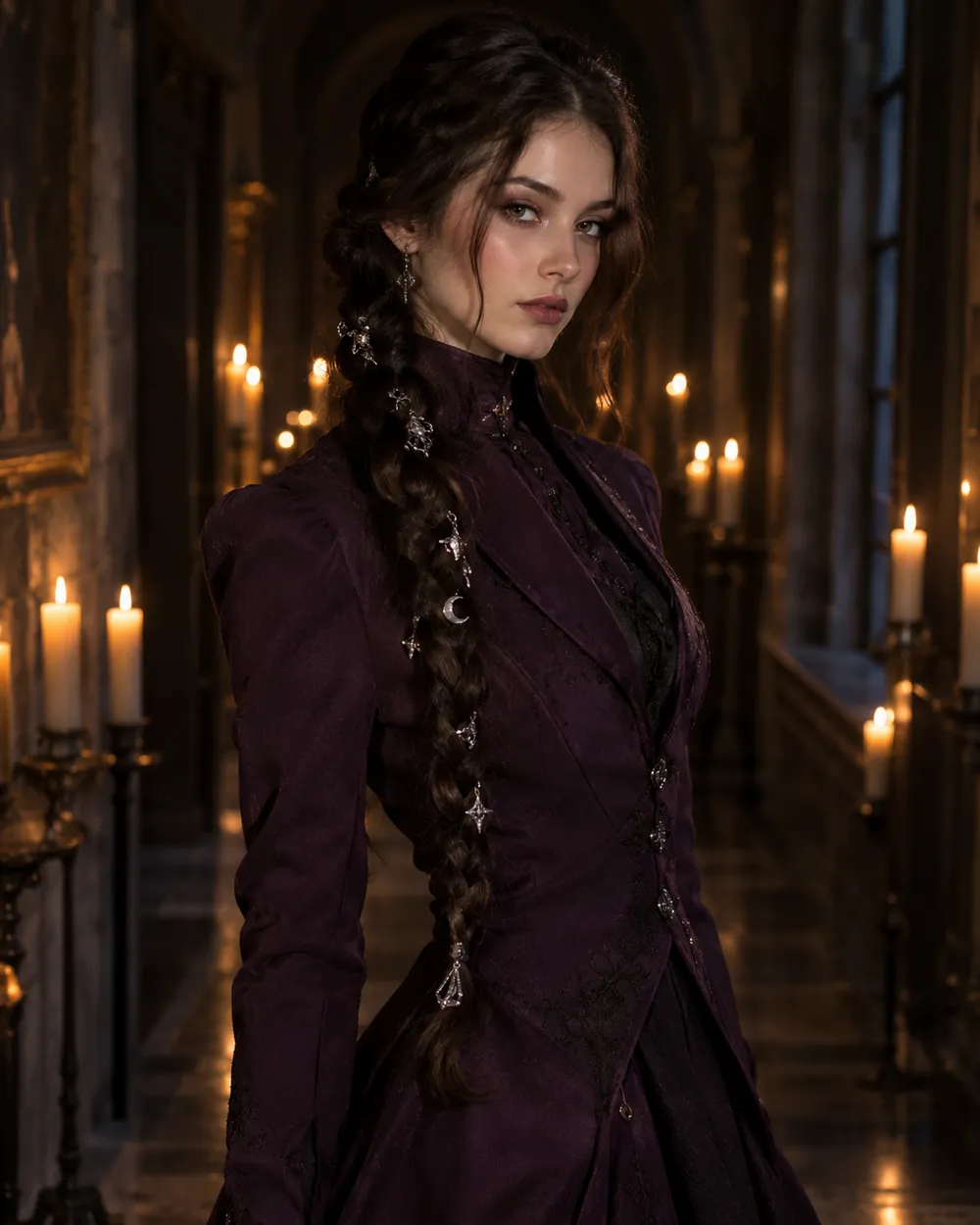
  • Dark Braids AI Halloween costume idea

    Dark Braids

    Long braids, silver charms, gothic tailoring.

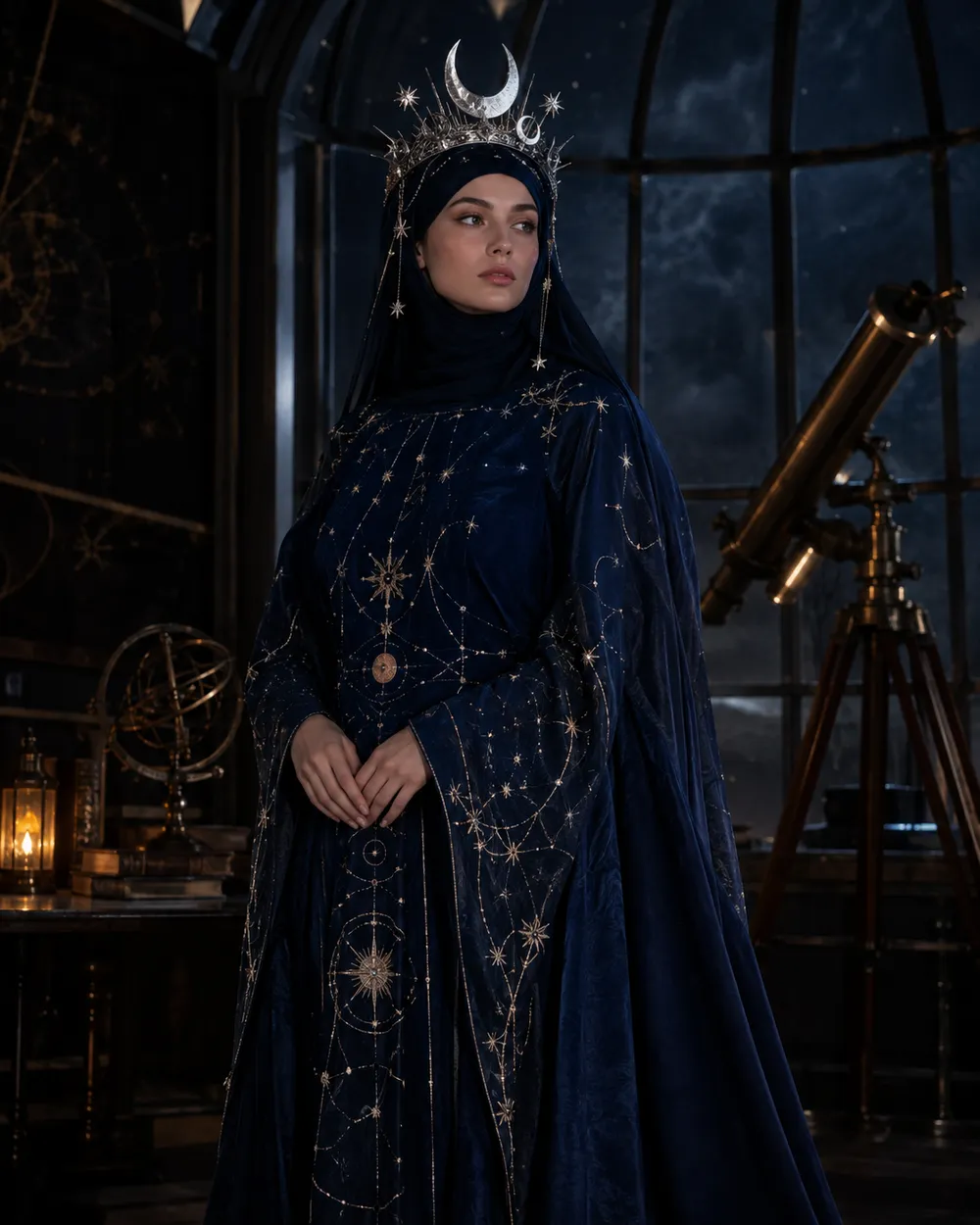
  • Cosmic Royalty AI Halloween costume idea

    Cosmic Royalty

    Star-map fabric and a silver moon crown.

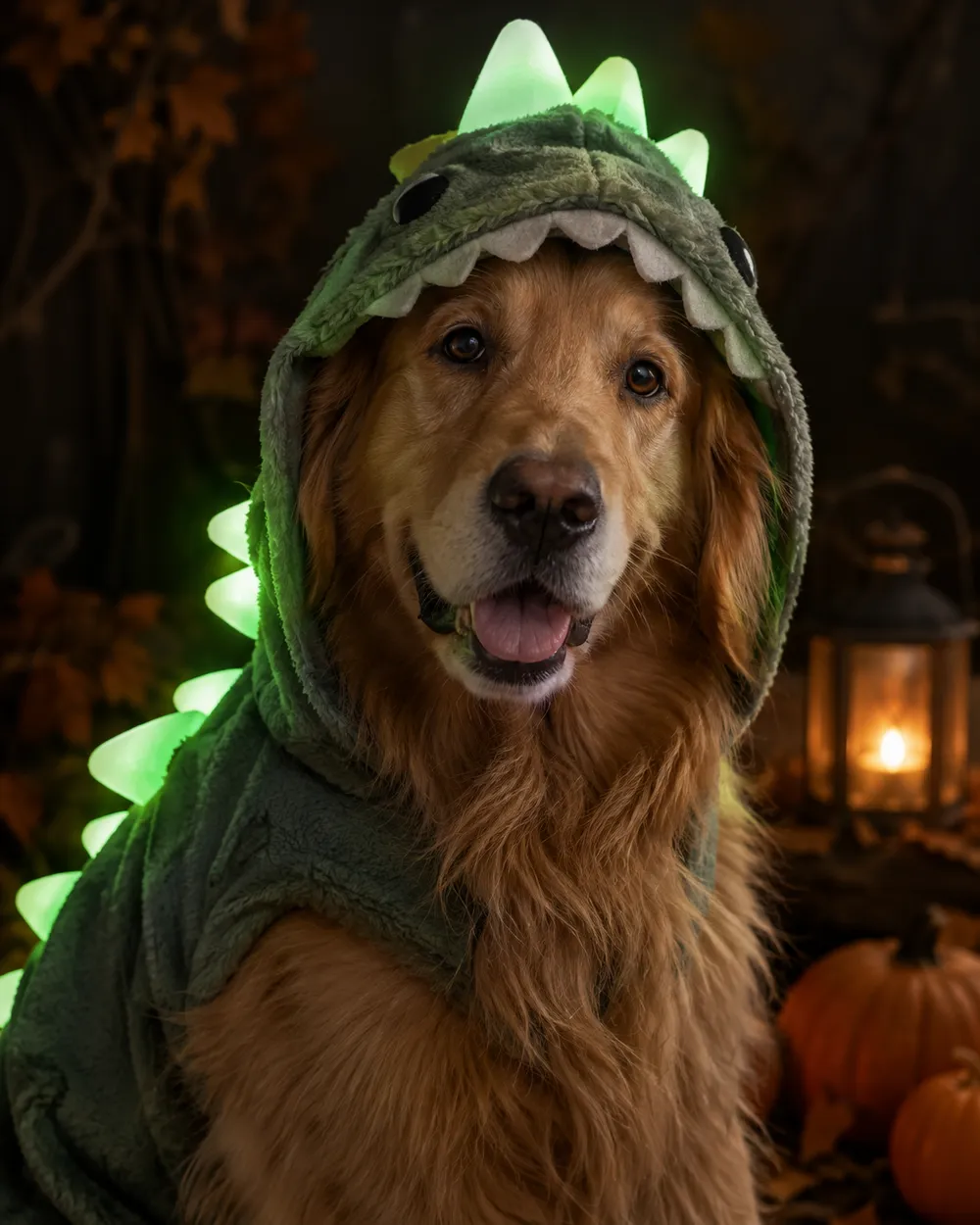
  • Glow in the dark dinosaur pet costume idea

    Glow Dinosaur

    A pet-friendly glow-in-the-dark idea.

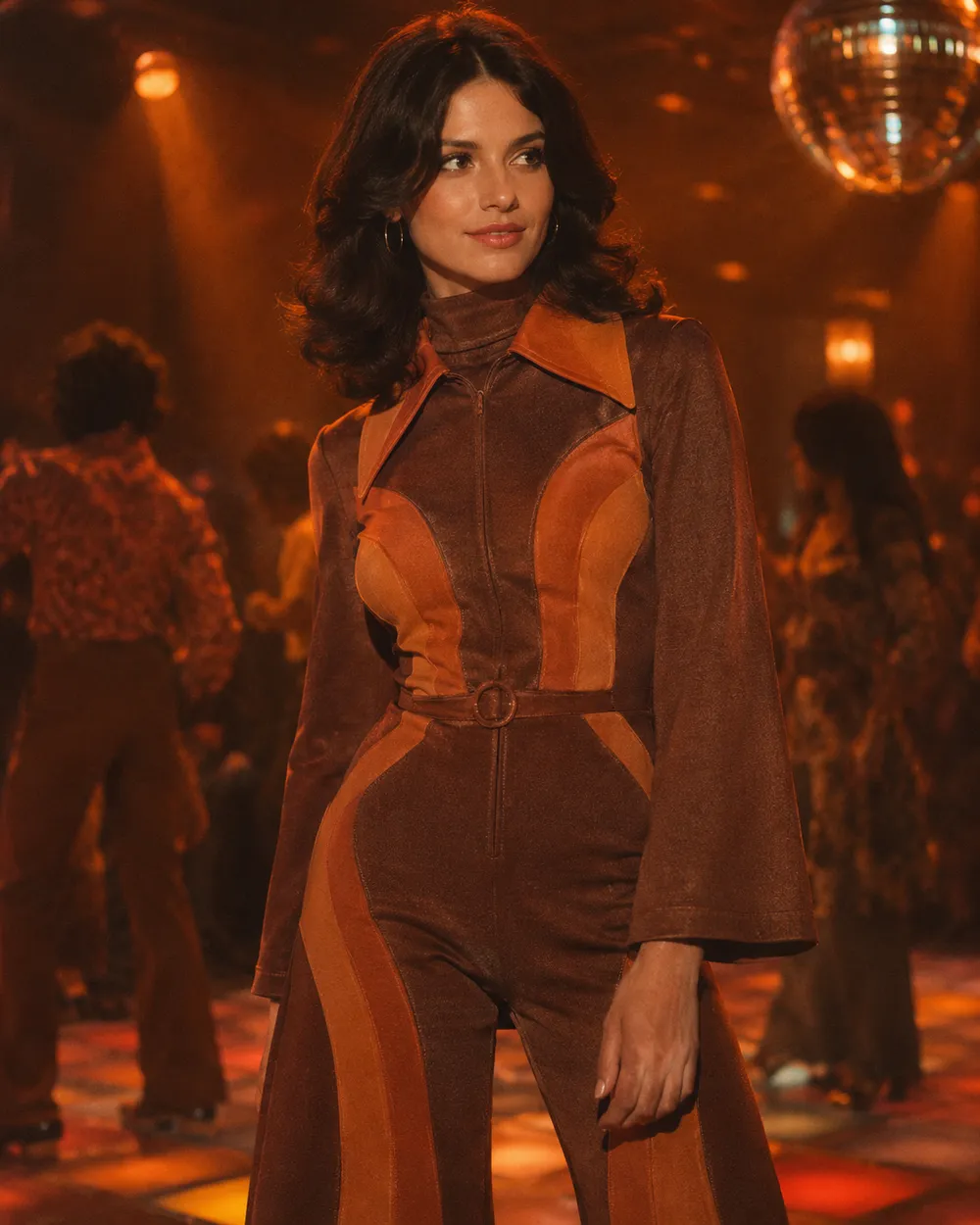
  • Disco inspired AI Halloween costume idea

    Disco Groove

    Retro disco outfit with a warm 1970s grade.

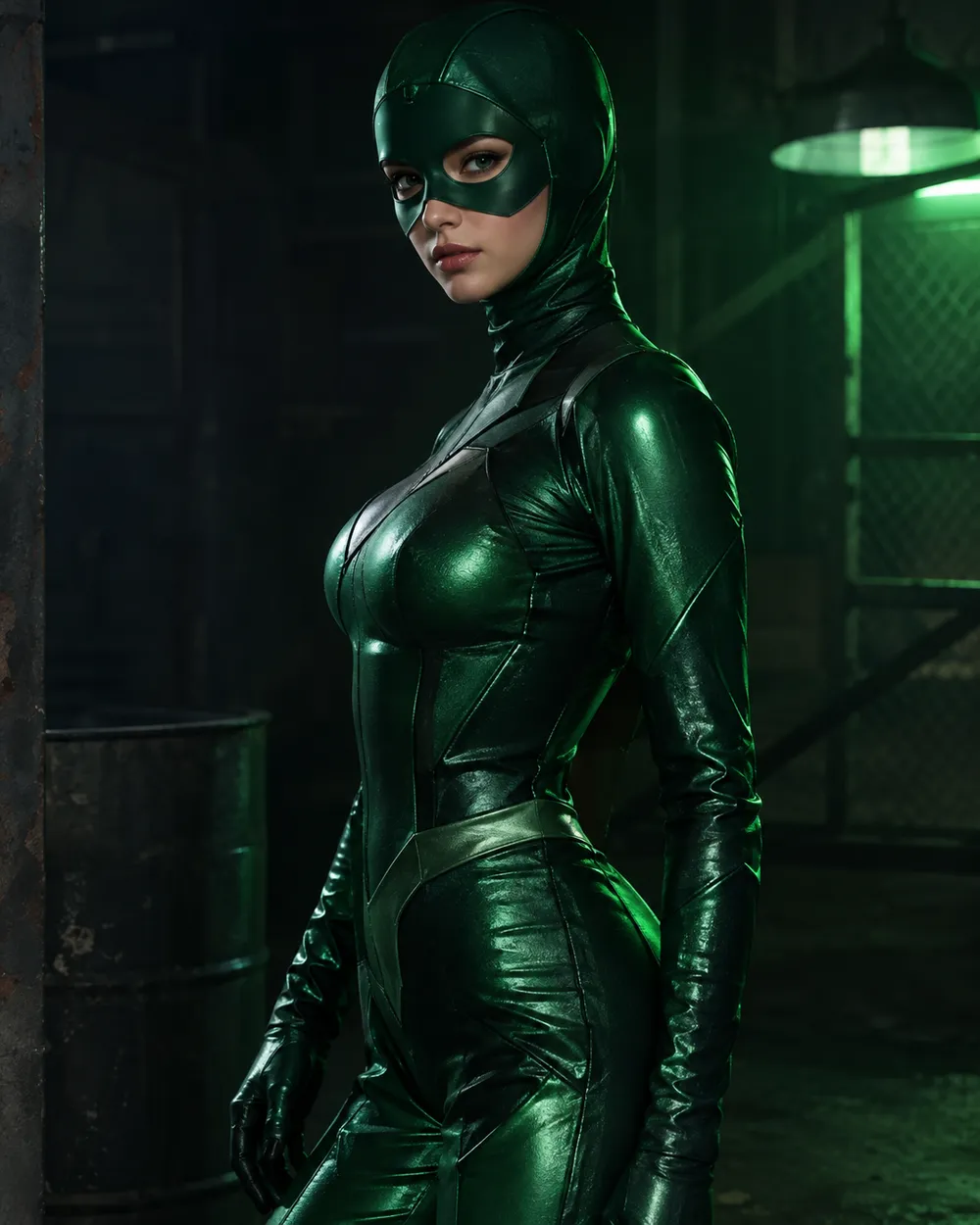
  • Green Hero AI Halloween costume idea

    Green Hero

    Original emerald armor, no logos.

Modalita di generazione

Modello

Selezione rapida

Source Image URL

UploadAccettiamo formati JPEG, PNG o WEBP fino a 10 MB.
or
(Optional)

Cost 1 credits

0 / 4000

Resolution

Aspect Ratio

Output Format

Web Search

Allow the provider to call web search for current information when supported.

Cost 5 creditsRemaining 0 credits
Preview
SampleSample Animate AI still

A sample image stays here until you run your first generation.

Come funziona

  1. 1

    Scegli un look

    Parti da un preset o scrivi la tua direzione.

  2. 2

    Carica una foto

    Usa una foto frontale nitida che hai il permesso di modificare.

  3. 3

    Genera e perfeziona

    Avvia il job, controlla il risultato e cambia una sola variabile per tentativo.

How to choose a costume idea

Start with the silhouette. A costume reads at thumbnail size when the outline is clear: a horn, a crown, a cape, a wide collar, a glowing hood. Next choose a palette with two dominant colors. Finally choose a setting that explains the light. A costume portrait with no light story usually looks like a cutout.

If you are making several images for one post, keep the same setting and change only the costume. That creates a coherent set instead of six unrelated pictures. If you are making one hero image, choose the preset with the strongest silhouette and the simplest background.

Trend-inspired, not trademark-copied

Trend lists are useful for direction, not for copying. When a trend is built around a specific film or game character, translate it into traits: color, hair, prop, fabric and mood. This keeps the output original and avoids implying an official license.

The presets on this page are written that way. “Haunted Unicorn” uses the mascot-horror idea without naming a film. “Green Hero” uses emerald armor without a logo. You can still add your own references in the prompt, but review the result before publishing.

Make a set, not a single image

A Halloween post often needs more than one image: a profile picture, a story crop, a thumbnail and a group shot. Generate the main portrait first, then create a vertical crop and a close-up from the same preset. Keep the identity sentence identical so the face stays consistent across the set.

For video, animate the best still instead of generating a new clip from scratch. A five-second head turn or a slow push-in is usually enough for a story or a TikTok cover.

Domande frequenti

  1. 1

    Are these costumes official movie or game costumes?

    No. The presets are original costume directions inspired by broader trends. They do not reproduce licensed characters, logos or official costumes.

  2. 2

    Can I change the costume colors?

    Yes. Edit the palette sentence in the prompt. Keep the identity and composition sentences unchanged so you can compare results cleanly.

  3. 3

    Can I generate a couple or a group?

    Yes, but use a source photo where every face is clearly visible. The couple workflow is the better starting point because it is written for two-person reference photos.

  4. 4

    Do I need a costume photo to start?

    No. You can start from a normal selfie and let the preset rebuild the outfit. A plain background and even lighting make the edit easier.

  5. 5

    Can I use these ideas for a client project?

    Review the Terms of Service and the model provider’s usage rules first. Client work may require additional rights or disclosures depending on how the image is used.

  6. 6

    Which idea is easiest for a first attempt?

    Start with Cosmic Royalty or Dark Braids. Both have a clear silhouette and a simple lighting story, which makes the first generation easier to judge.

Guide e analisi dei prompt

Workflow correlati

Inizia con un preset testato

Apri lo spazio di lavoro, applica un preset e controlla la stima dei crediti prima di generare.