Saltar al contenido principal
Pack de presets de temporada

Prompts de Halloween con IA

Copia un prompt probado para selfies, disfraces, mascotas, parejas, fondos o videos cortos y cambia una variable a la vez.

Copia prompts de Halloween con IA para selfies, disfraces, mascotas, parejas, fondos y videos de cinco segundos. Cambia una variable a la vez.

  • En el navegador, sin instalar
  • Pago seguro
  • Sin marca de agua en exportaciones de pago

La generación usa créditos comprados

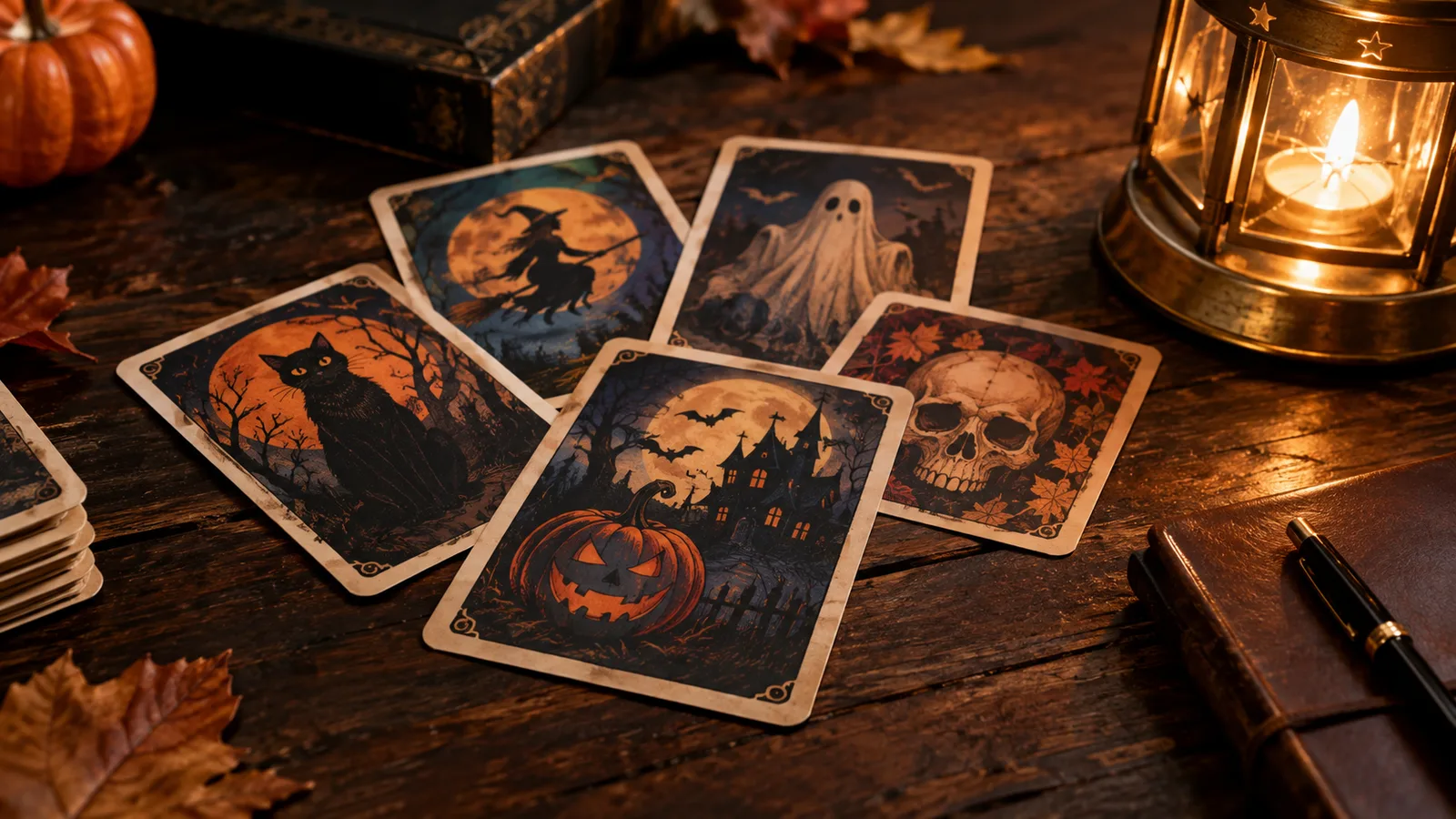
Halloween AI prompt library with costume, pet and couple prompt cards
6 presets

Elige un preset

Elige una dirección, aplica el prompt al espacio de trabajo y cambia un detalle a la vez.

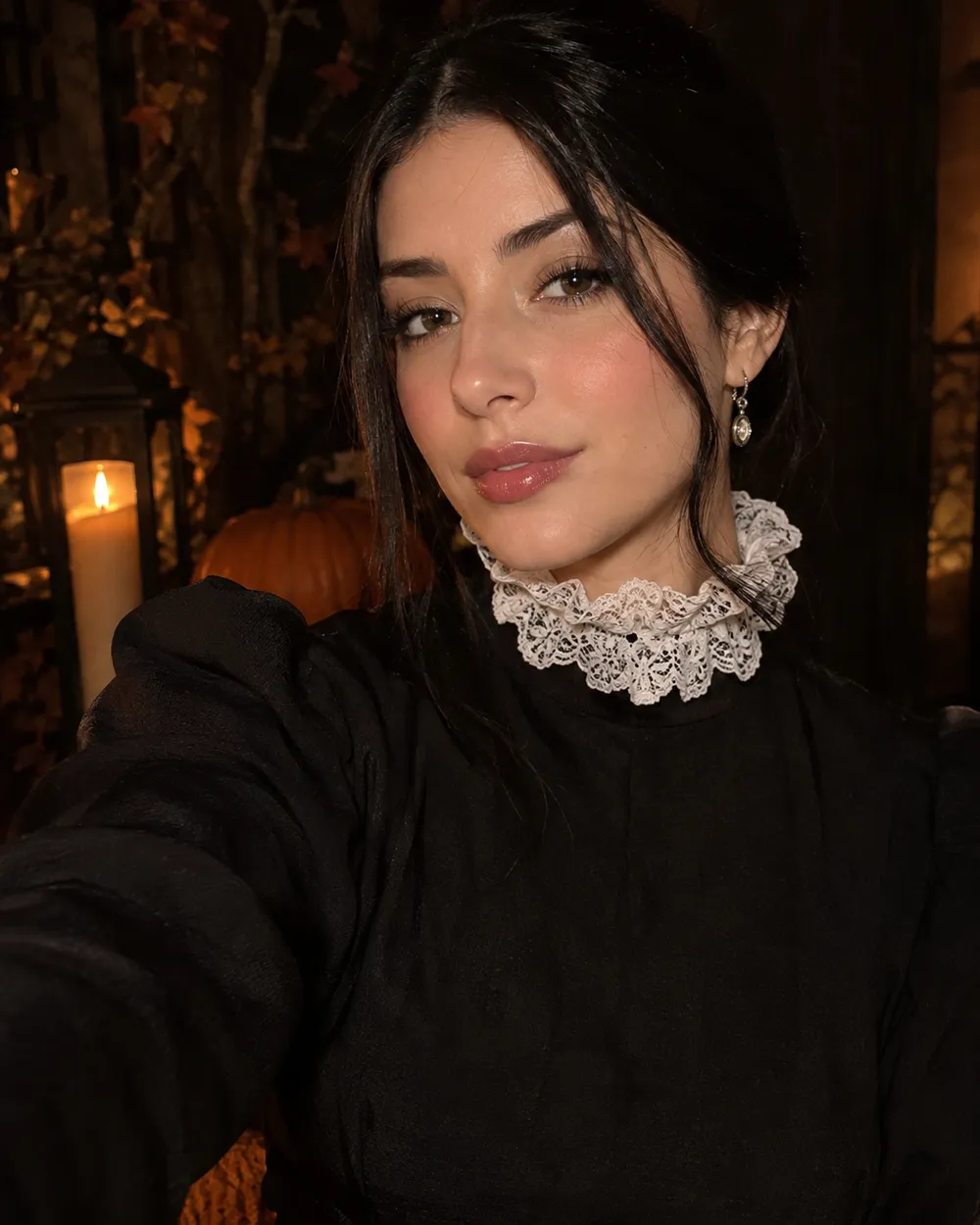
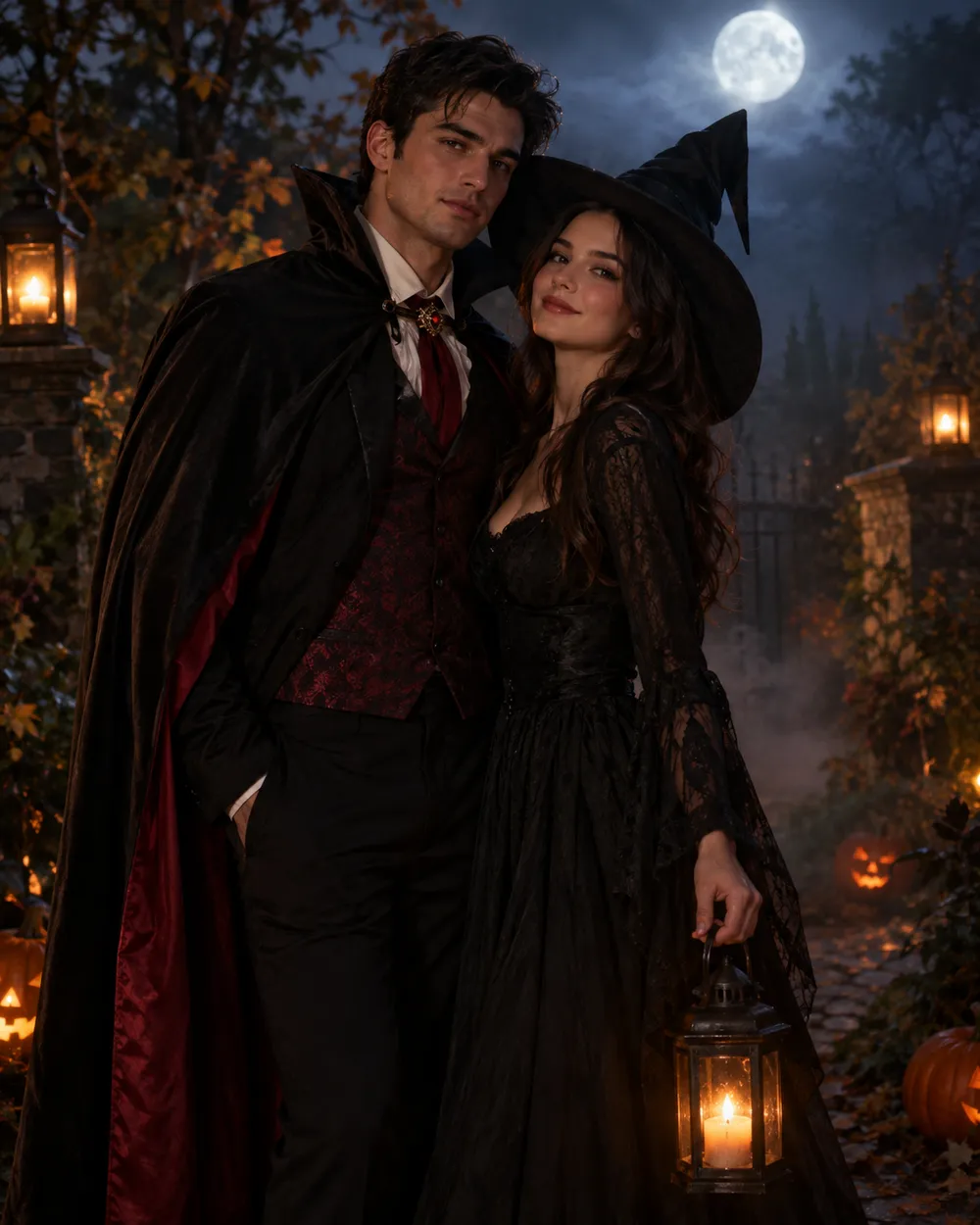
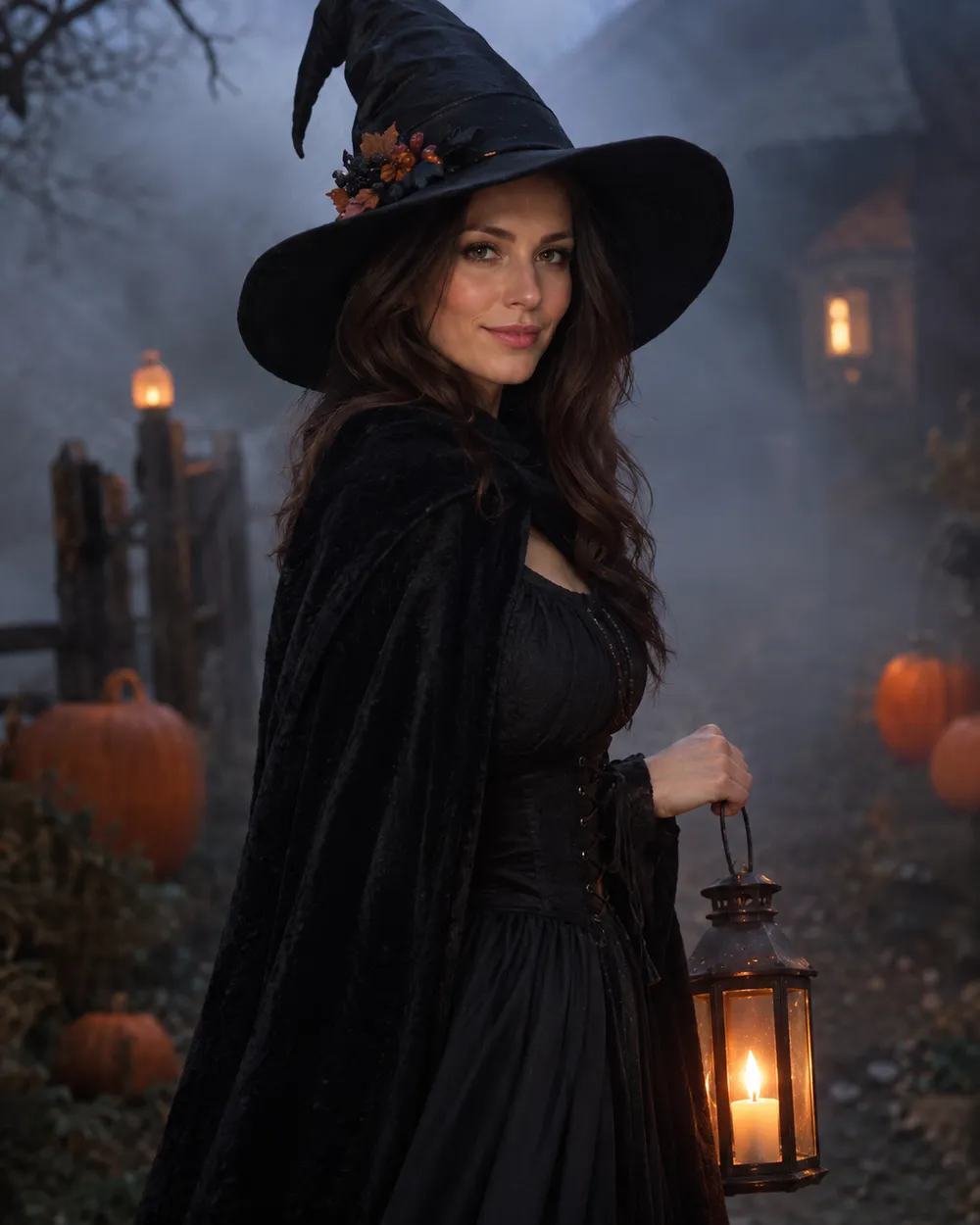
  • Halloween selfie AI prompt example

    Halloween Selfie

    A clean portrait prompt with identity rules.

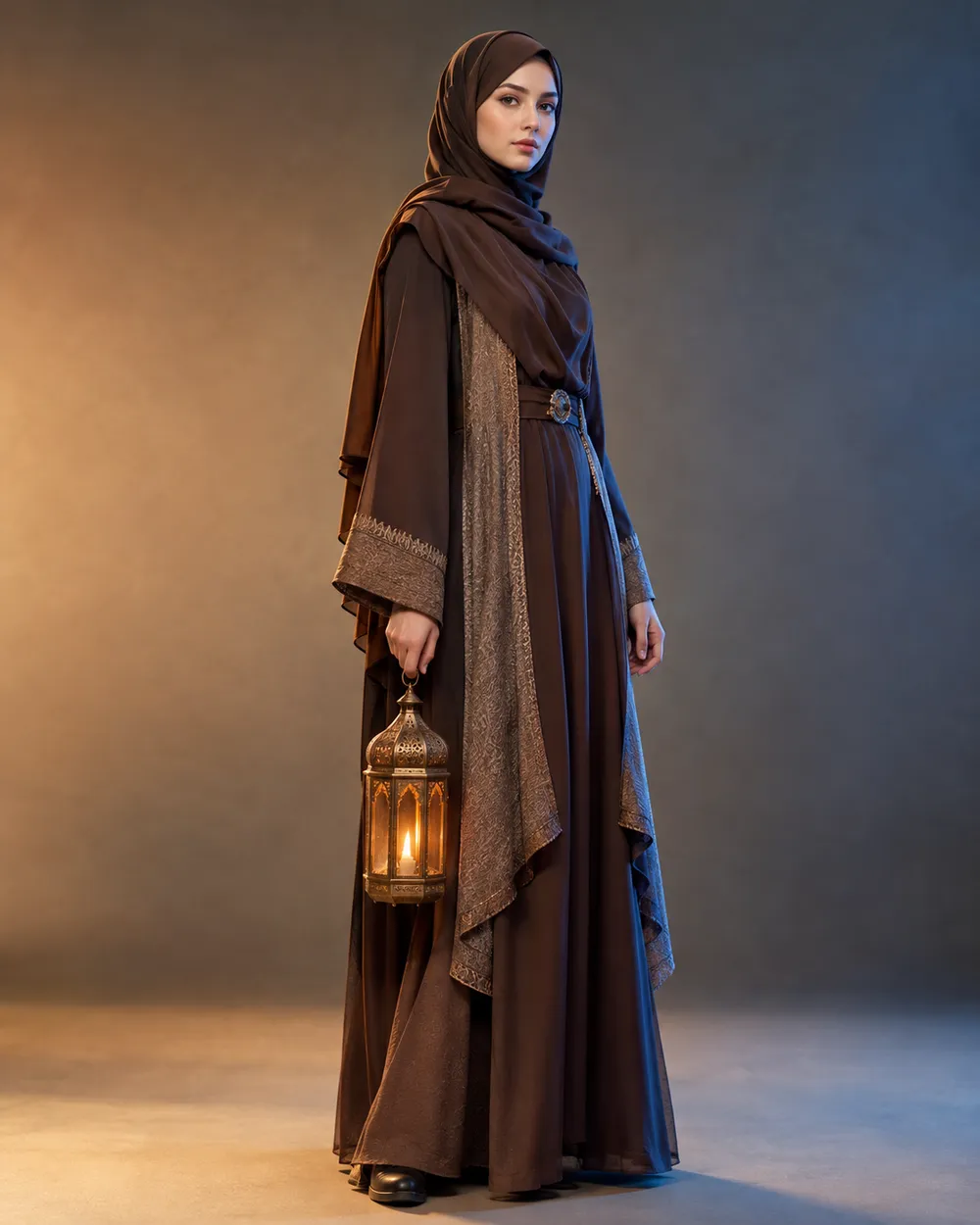
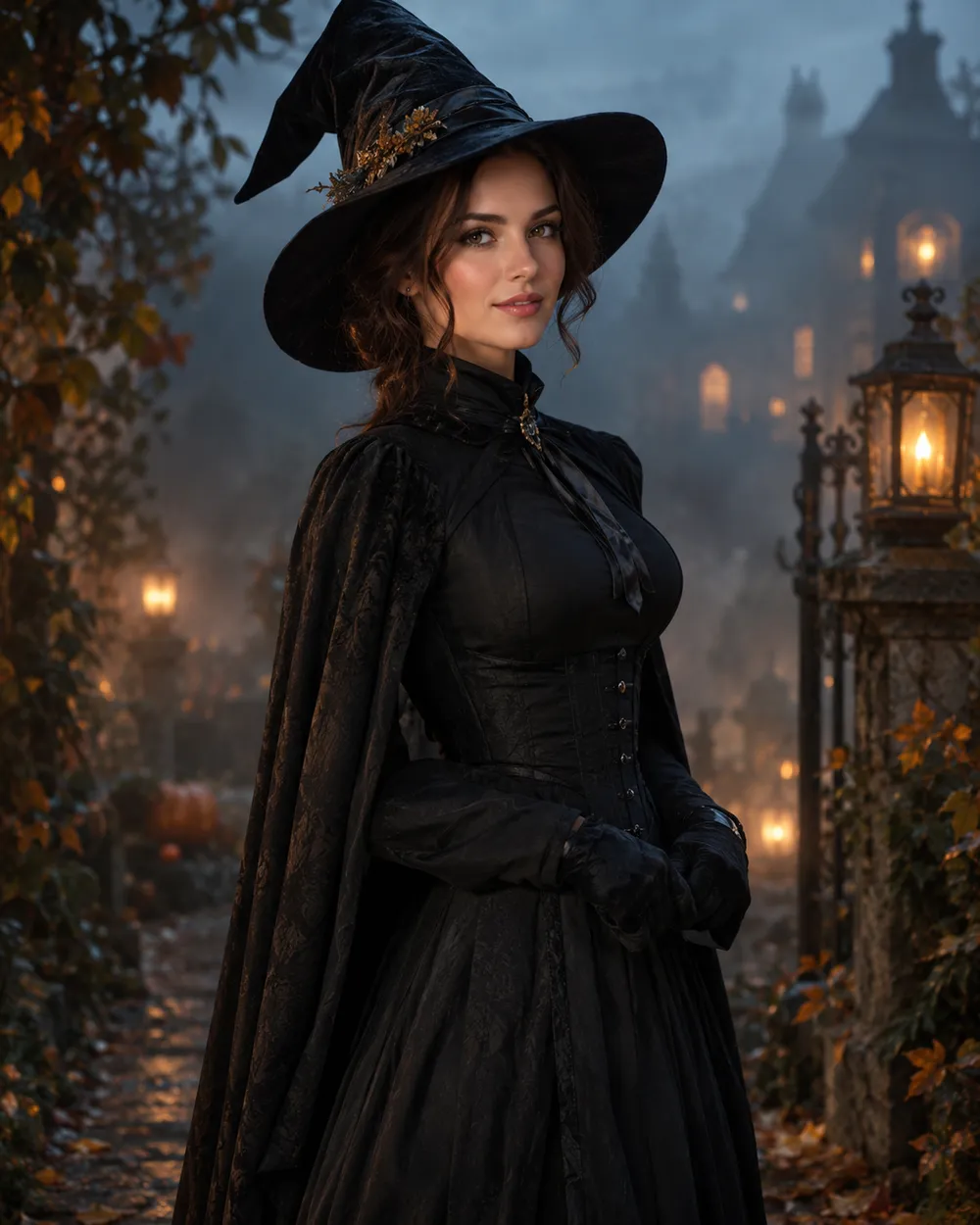
  • Halloween costume AI prompt example

    Costume Portrait

    Full costume, one clear silhouette.

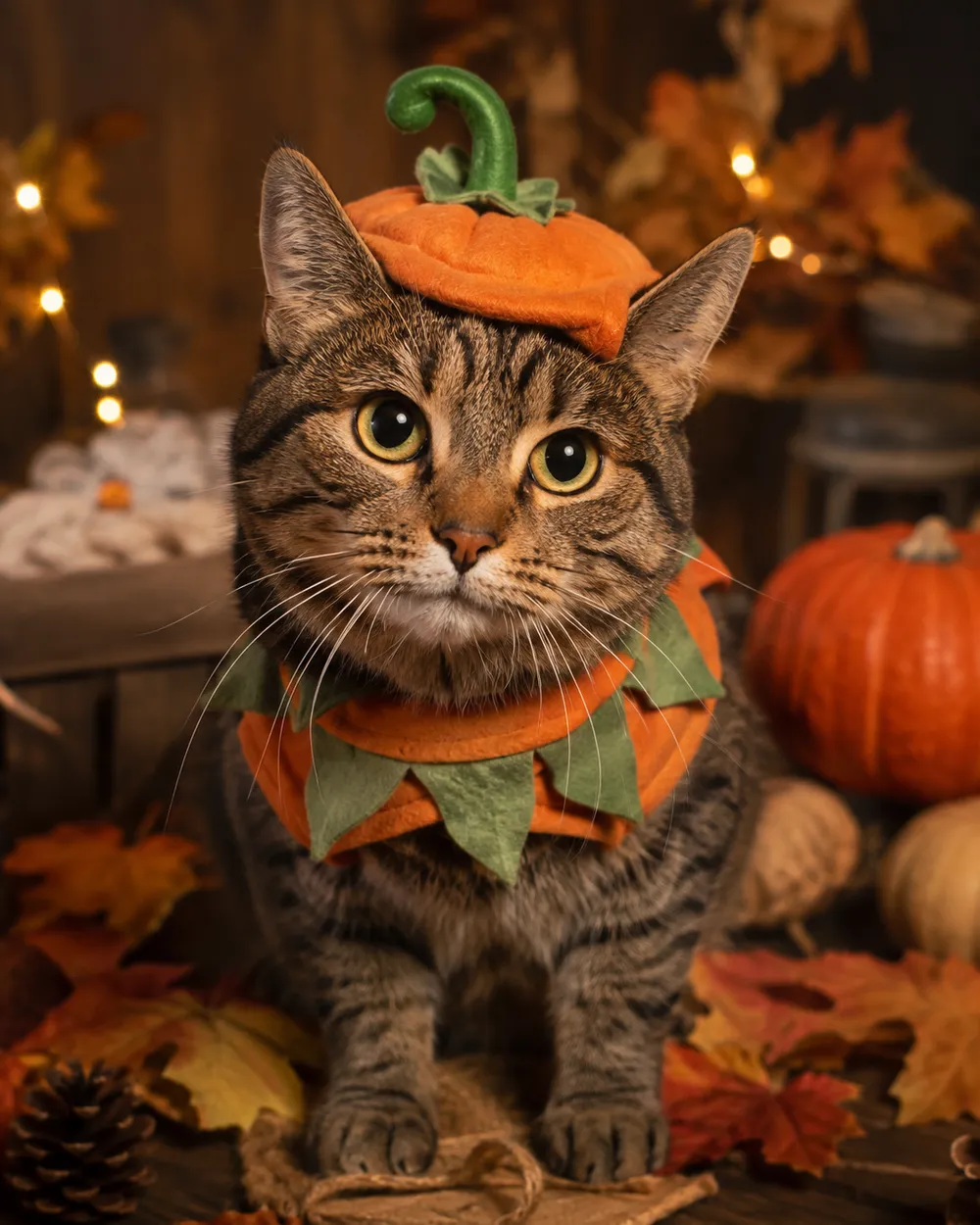
  • Halloween pet costume AI prompt example

    Pet Costume

    Preserve breed, fur and markings.

  • Halloween couple AI prompt example

    Couple Portrait

    Two people, two identities, one scene.

  • Halloween image to video AI prompt example

    5-Second Motion

    A subtle head turn and drifting fog.

  • Halloween background AI prompt example

    Haunted Background

    Replace only the scene, keep the subject.

Modelo

Seleccion rapida

Cost 1 credits

0 / 4000

Resolution

Aspect Ratio

Output Format

Web Search

Allow the provider to call web search for current information when supported.

Introduce un prompt antes de generar.

Cost 5 creditsRemaining 0 credits
Preview
SampleSample Animate AI still

A sample image stays here until you run your first generation.

Cómo funciona

  1. 1

    Elige un look

    Empieza con un preset o escribe tu propia dirección.

  2. 2

    Sube una foto

    Usa una foto frontal clara que tengas permiso de editar.

  3. 3

    Genera y refina

    Ejecuta la tarea, revisa el resultado y cambia una sola variable por intento.

The four-part Halloween prompt

Part one is the identity lock: who is in the photo and what must not change. Part two is the costume: garment, hair, accessories and silhouette. Part three is the scene: location, time of day, practical lights and weather. Part four is the camera and negative rules: lens, grade, anatomy, text and watermark exclusions.

If you are prompting a model without image input, replace the identity lock with a character description. Keep the rest of the structure. The model still needs a subject, an outfit, a place and a camera.

Prompts for Gemini and ChatGPT

Gemini and ChatGPT can rewrite a prompt, but they do not always know which details matter for an image model. Give them the four-part structure and ask them to preserve the identity sentence. Do not ask for a “viral” prompt; ask for a specific scene with a clear light source.

When you paste a prompt into a chat model, ask it to return only the final prompt. That makes it easier to copy into the image workspace without commentary. If the model adds extra characters or props, remove them before generating.

How to iterate without starting over

Change one variable per run. If the face is wrong, fix the identity sentence. If the costume is wrong, change the garment sentence. If the mood is wrong, change the light or grade. Keeping a short prompt log helps you see which change actually helped.

Save the prompt that worked. Seasonal pages are reused every year, and a tested prompt is more valuable than a long list of untested ones.

Preguntas frecuentes

  1. 1

    Can I use these prompts in Gemini or ChatGPT?

    Yes. Paste the prompt into the chat and ask for the final prompt only. If you are using an image model, paste the same text into the image workspace. Results differ by model.

  2. 2

    Do I need to upload a photo?

    Only for the image-edit prompts. The text-to-image prompts work from a written description. For identity preservation, upload a clear photo.

  3. 3

    Why do the prompts repeat the identity rule?

    Image models can drift toward a generic face. Repeating the identity rule at the start and end of the prompt reduces that drift. It is not a guarantee, but it helps.

  4. 4

    Can I translate a prompt into another language?

    Yes, but test the translated prompt. Some models are more reliable in English. If the result changes, keep the scene description in English and translate only the UI.

  5. 5

    Are these prompts free to copy?

    Yes. Copy and adapt them for your own projects. Review the model provider’s terms before commercial use.

  6. 6

    Which prompt should I start with?

    Start with the Halloween Selfie prompt. It has the fewest variables and gives you a clean baseline for judging identity retention.

Guías y análisis de prompts

Flujos relacionados

Empieza con un preset probado

Abre el espacio de trabajo, aplica un preset y consulta la estimación de créditos antes de generar.